HTML to PDF Converter
Create a PDF copy of a web page, a saved HTML file, or your own HTML code. Use WPS’s online HTML to PDF converter to adjust print settings and review the page layout before downloading a document.
or drag and drop files here
HTML
No source selected
Choose input source
Switch between a public web page, an uploaded .html file, or pasted HTML code.
Print settings
Control page size, orientation, margins, scale, render wait time, and optional headers or footers.
Print background graphics
Include background colors and images from the original page.
PDF preview
Review the generated document, then download the PDF file.
How to Convert HTML to PDF in 3 Steps
Step 1: Choose your HTML source
Step 2: Adjust the print settings
Step 3: Convert and inspect the pages
Convert a URL, HTML File, or Code to PDF
Web content can arrive as a link, a local file, or a code snippet. WPS’s HTML to PDF converter accepts all three input types, so you can start from the form you have. URL conversion requires the source page to be accessible.
Try It Now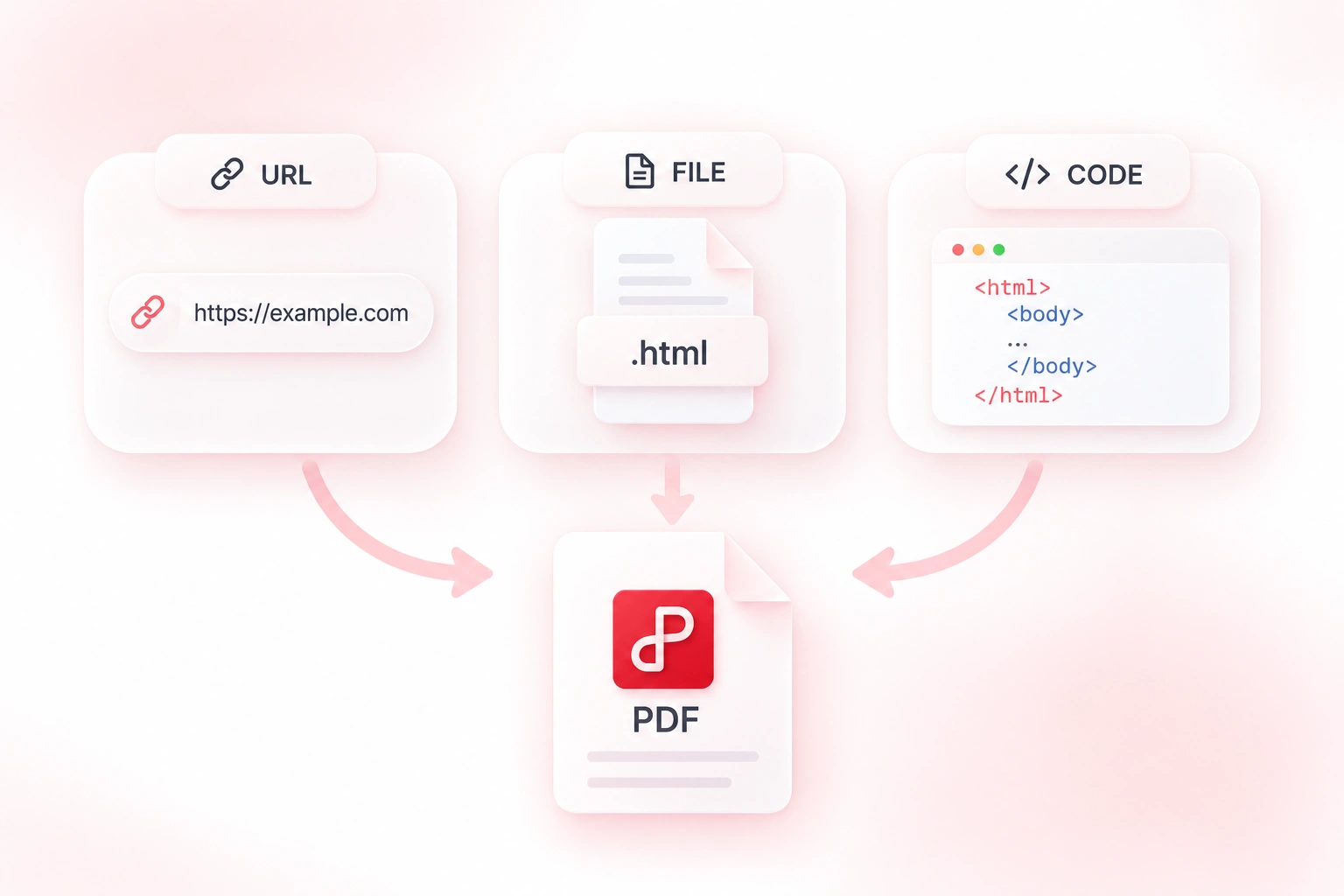
Fit Web Page Content to a PDF Layout
A web layout does not always fit a printed sheet. Paper size, margins, orientation, and scale controls let you adjust the PDF layout, so you can make deliberate choices about whitespace and page width. Review page breaks after changing the settings.
Try It Now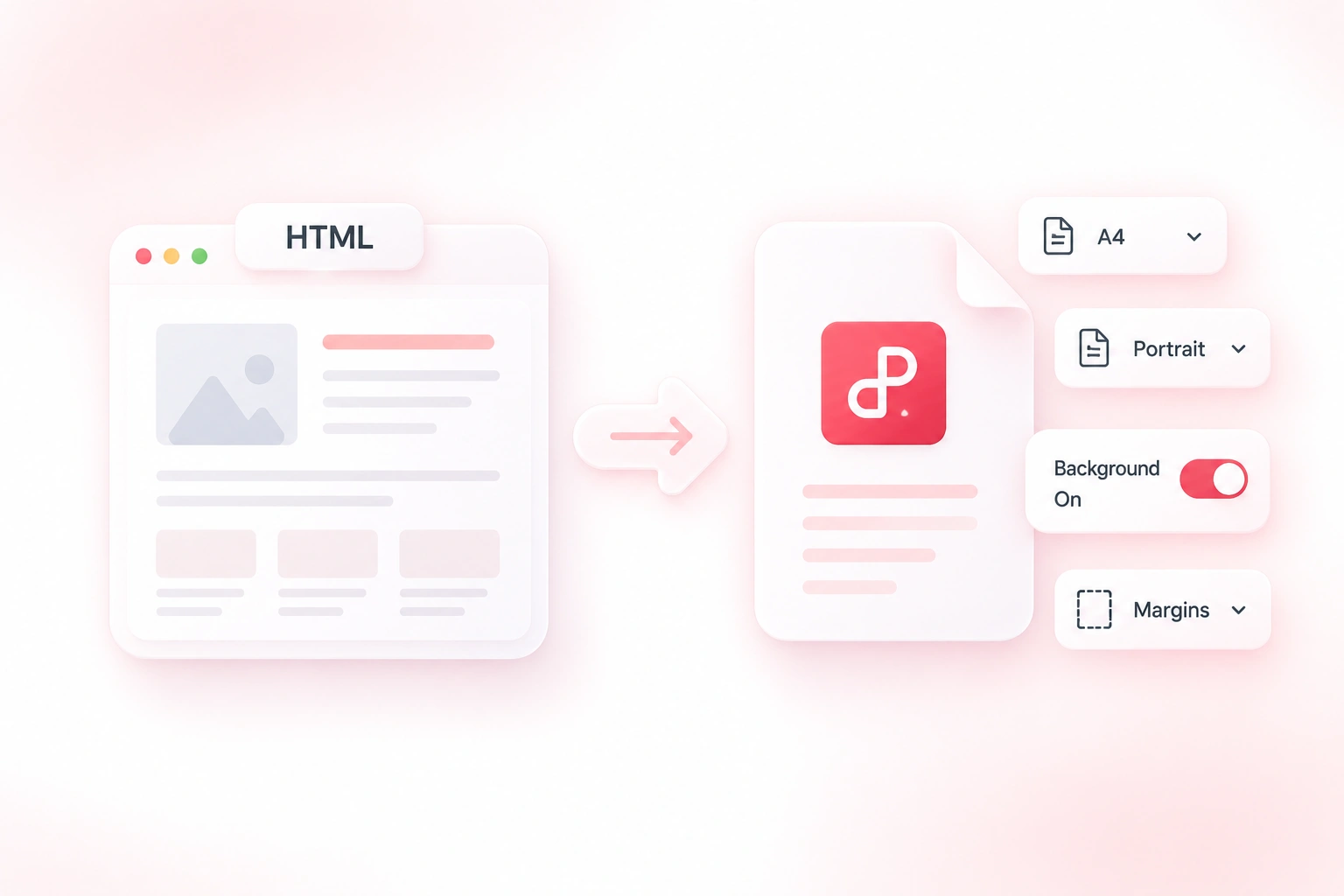
Add PDF Headers, Footers, and Page Numbers
A multi-page web export can lose context away from the browser. Optional headers, footers, and page numbers let you add document cues, so readers can keep track of the pages. Check that these additions do not crowd the source content.
Try It Now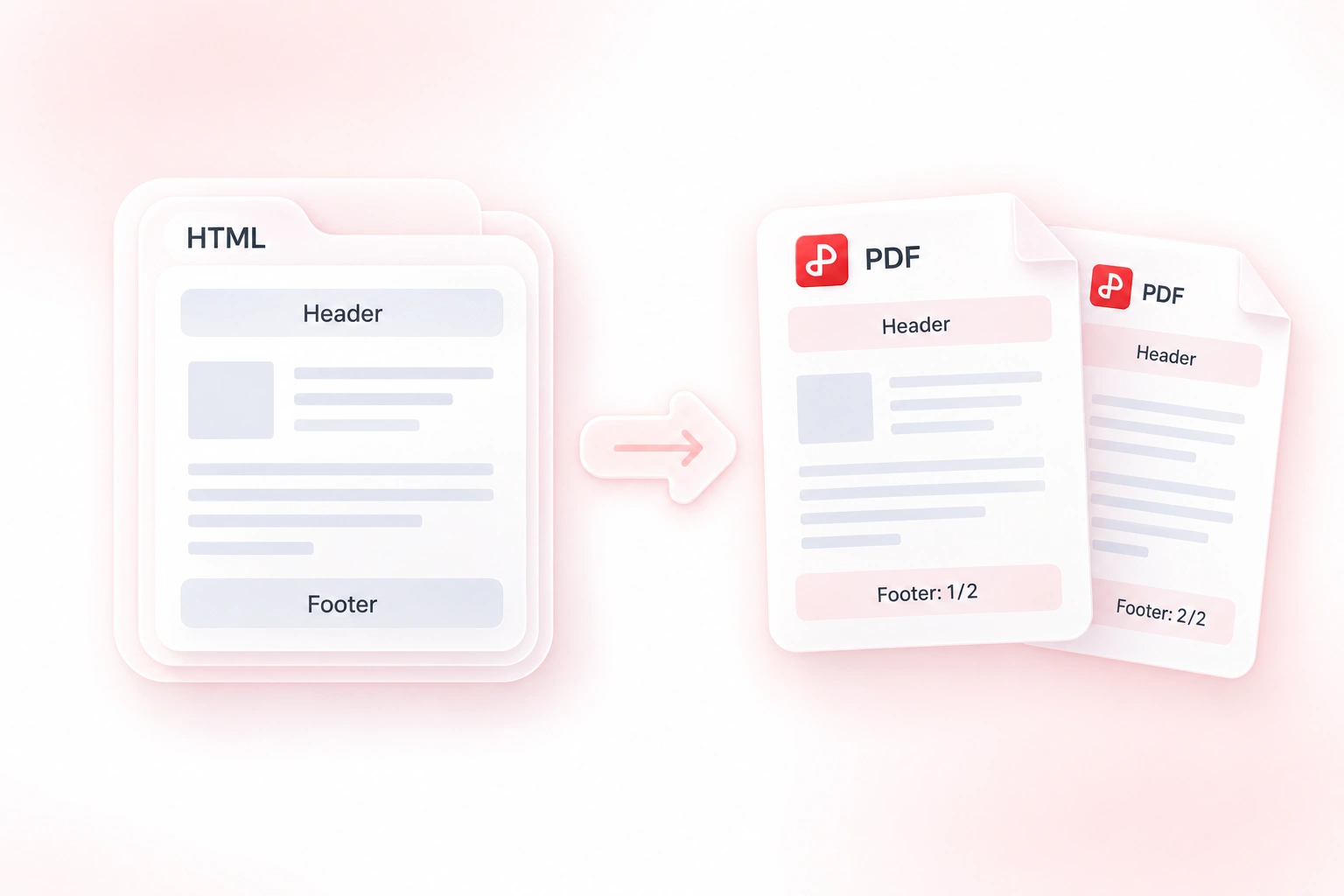
Preview HTML to PDF Page Breaks and Images
Missing images or awkward breaks can be easy to miss in a web view. The paginated PDF preview shows the converted result, so you can inspect the actual document before sharing it. Login restrictions and unavailable external assets still need to be resolved at the source.
Try It Now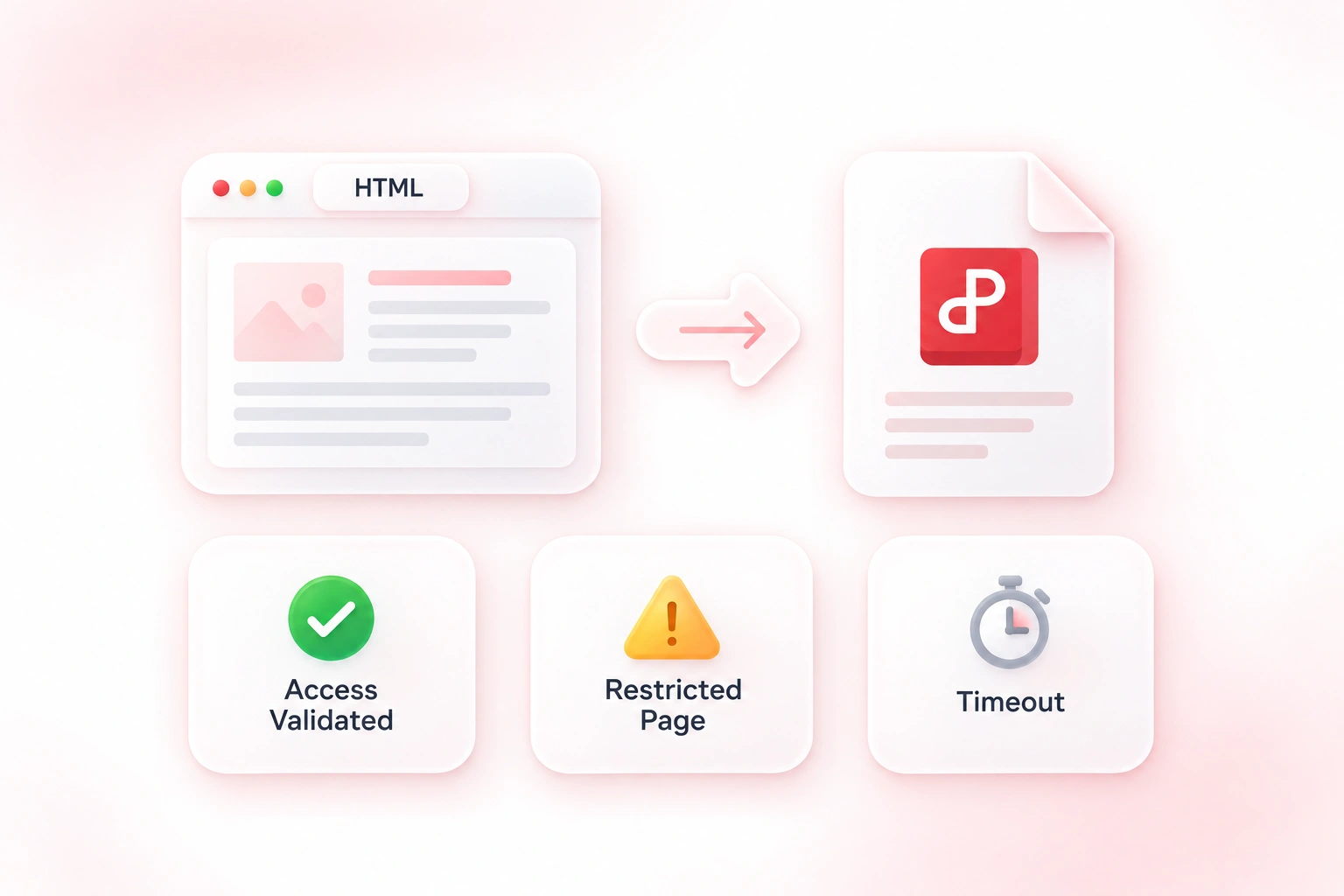
Why Users Choose Our HTML to PDF Converter
Flexible URL, file, or code input, practical page settings, and previews for document workflows.
Use a web page to PDF workflow to keep a readable reference copy. Record the source URL separately when the page may change later.
Convert an HTML file to PDF for a handout. Check local image paths and fonts before exporting, then inspect each page.
Convert HTML code to PDF to review a draft as paginated content. Review headers, backgrounds, and page breaks before sharing the file.
Explore More Tools with WPS
View All Tools →
HTML to PDF
FAQ
Answers about input files, conversion settings, and the results to review.
