PDF to PNG Converter
Turn PDF pages into PNG images for slides, guides, and visual reviews. Use WPS’s online PDF to PNG converter to select the pages you need, choose a DPI setting, and check the thumbnails before downloading.
or drag and drop files here
PDF, up to 100 MB
How to Convert PDF to PNG in 3 Steps
Step 1: Upload a PDF
Step 2: Choose pages and resolution
Step 3: Convert and save the images
Convert PDF to PNG from Selected Pages
A long report can contain only one page you need for a slide. WPS’s PDF to PNG converter supports selected page ranges, so you can prepare the relevant images without exporting the entire document. Confirm page numbers against the original.
Try It Now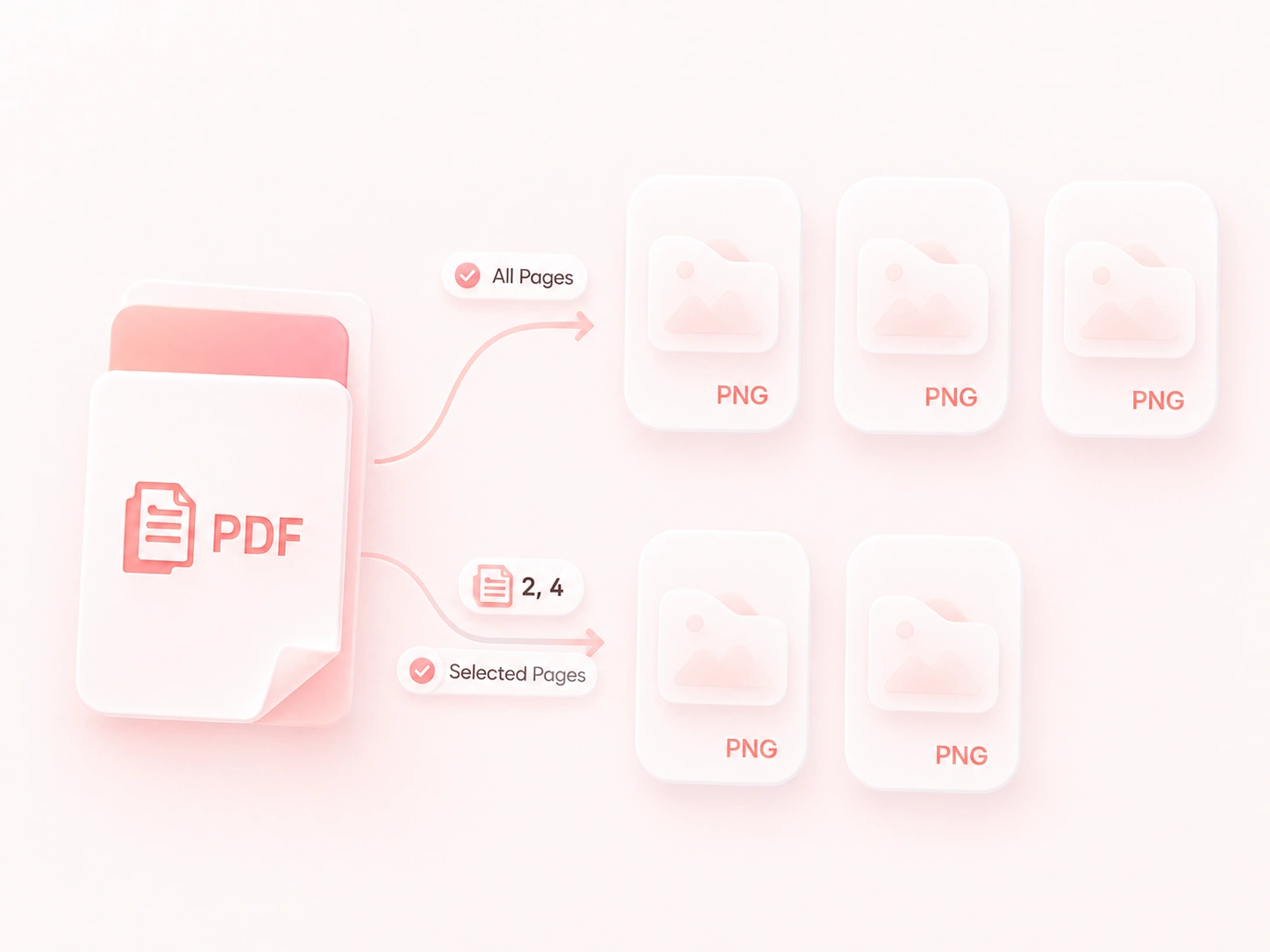
Set PNG Resolution for Your Destination
Small text needs a different image size from a thumbnail. DPI choices let you control the rendering resolution, so you can compare detail and file size for your destination. For PDF to PNG high resolution output, review the image at its final display size.
Try It Now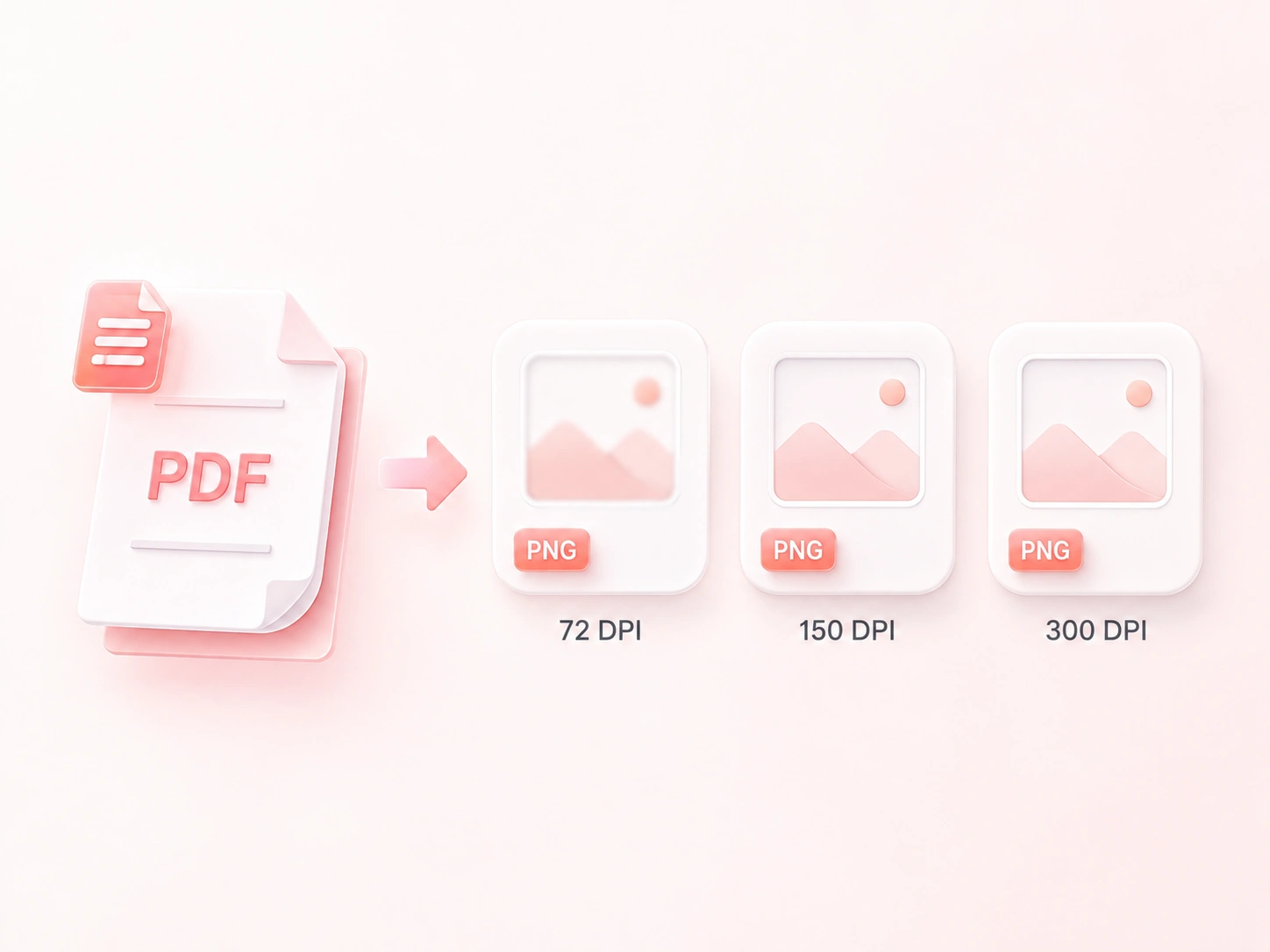
Download Multiple PDF Pages as PNGs in a ZIP
Saving many page images individually adds repetitive work. Multi-page ZIP output puts the PNG files in one download, so the set stays together until you extract it. Single-page downloads remain useful for quick visual handoffs.
Try It Now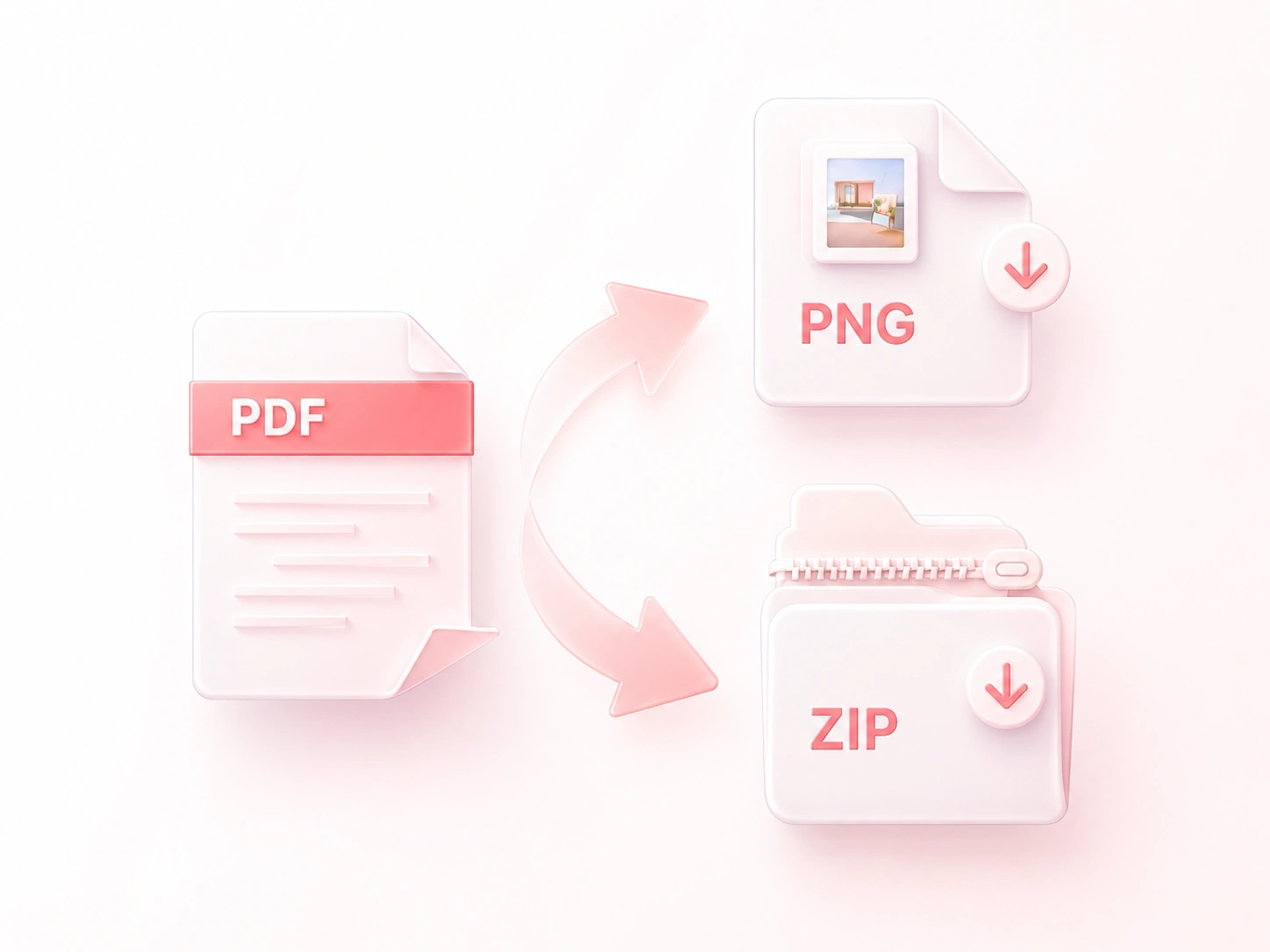
Preview PNG Page Images Before Sharing
Similar-looking pages are easy to confuse. The thumbnail grid and page count let you inspect the selected output, so you can catch a wrong page before putting it into a guide or presentation. Review cropped screenshots separately if you need only part of a page.
Try It Now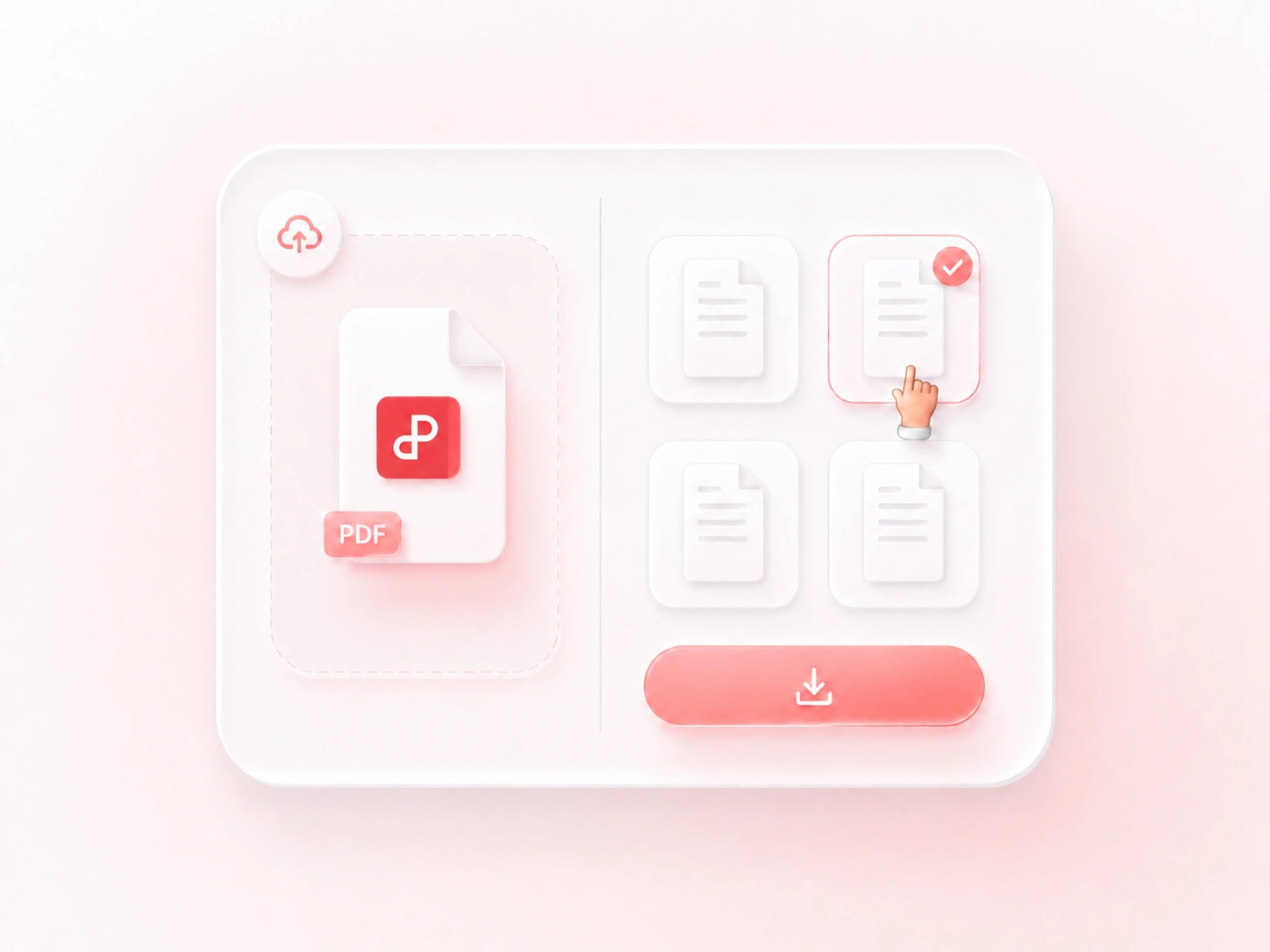
Why Users Choose Our PDF to PNG Converter
Page selection, flexible resolution, and convenient ZIP downloads for image workflows.
Export a selected diagram page for a slide. Keep labels readable at the displayed size and retain the PDF as the source reference.
Try PDF to PNG 300 DPI output for a page with small labels. Review the image before printing; higher DPI cannot repair a blurry scan.
Download a group of page images in a ZIP for a visual review. Match each image to the corresponding original page when recording feedback.
Explore More Tools with WPS
View All Tools →
PDF to PNG
FAQ
Answers about input files, conversion settings, and the results to review.
