PDF to JPG Converter
Create JPEG page images for presentations, handouts, and quick visual sharing. WPS’s online PDF to JPG converter lets you select pages, adjust resolution and JPEG quality, and review the output before saving.
or drag and drop files here
PDF, up to 100 MB
document.pdf
Converting PDF pages to JPEG
Your pages are being rendered as bitmap images and encoded as JPEG files.
JPEG pages ready
Select one or more pages to download.
How to Convert PDF to JPG in 3 Steps
Step 1: Upload the source PDF
Step 2: Select pages and image settings
Step 3: Review and download
Convert PDF to JPG from Selected Pages
A full report is unnecessary when you only need one chart page. WPS’s PDF to JPG converter lets you select pages, so you can prepare focused visual material for your next document. Check the selected range before starting.
Try It Now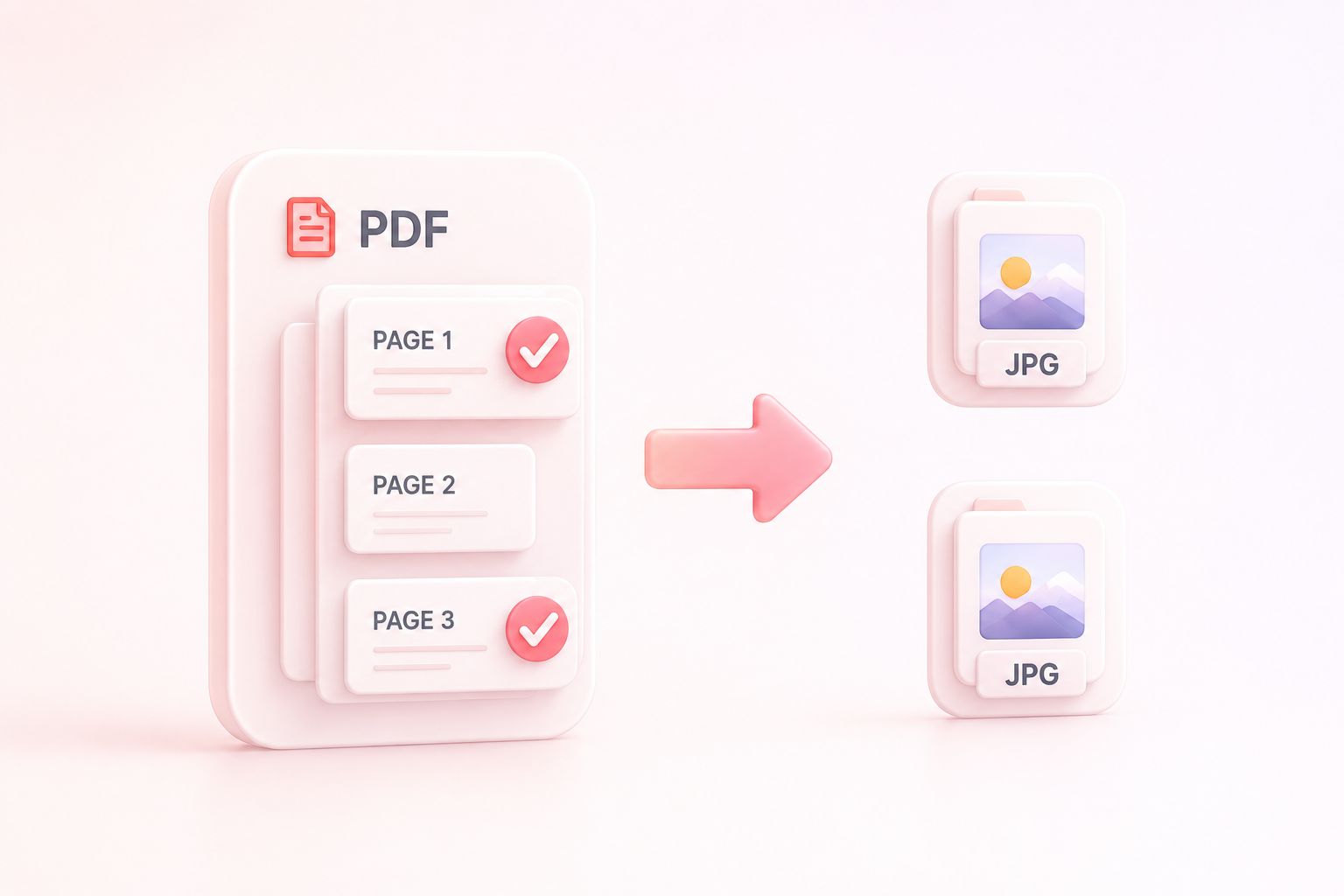
Adjust JPEG Resolution and Image Quality
A thumbnail and a full-slide image have different requirements. DPI and JPEG quality settings let you adjust the export, so you can compare readable detail with the size of the resulting file. PDF to JPG high resolution output still depends on the original content.
Try It Now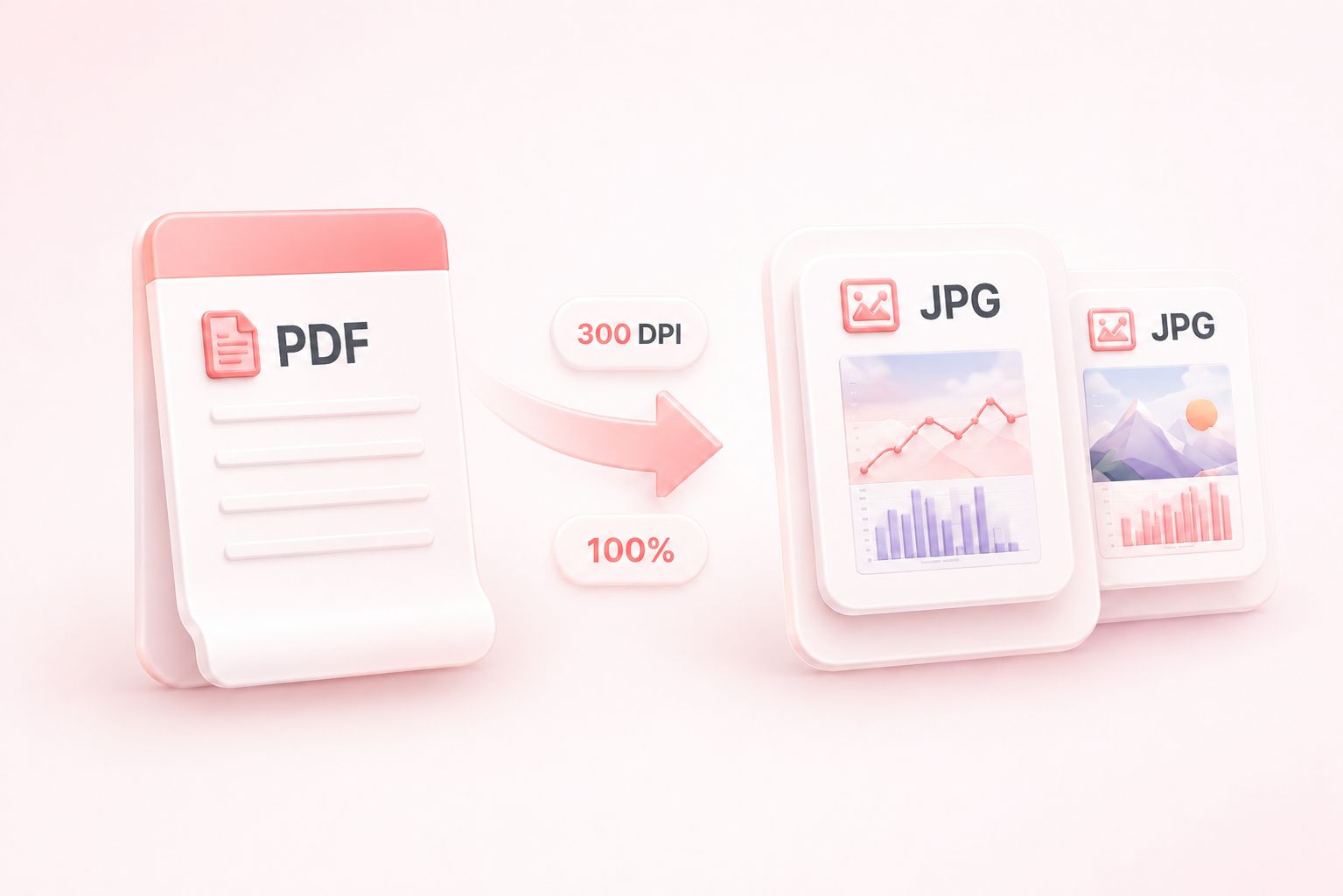
Preview PDF to JPEG Page Images
Repeated layouts can make the wrong page look familiar. PDF to JPEG conversion includes thumbnails and page details, so you can check which image you are about to share. Inspect fine text in the downloaded image when it matters.
Try It Now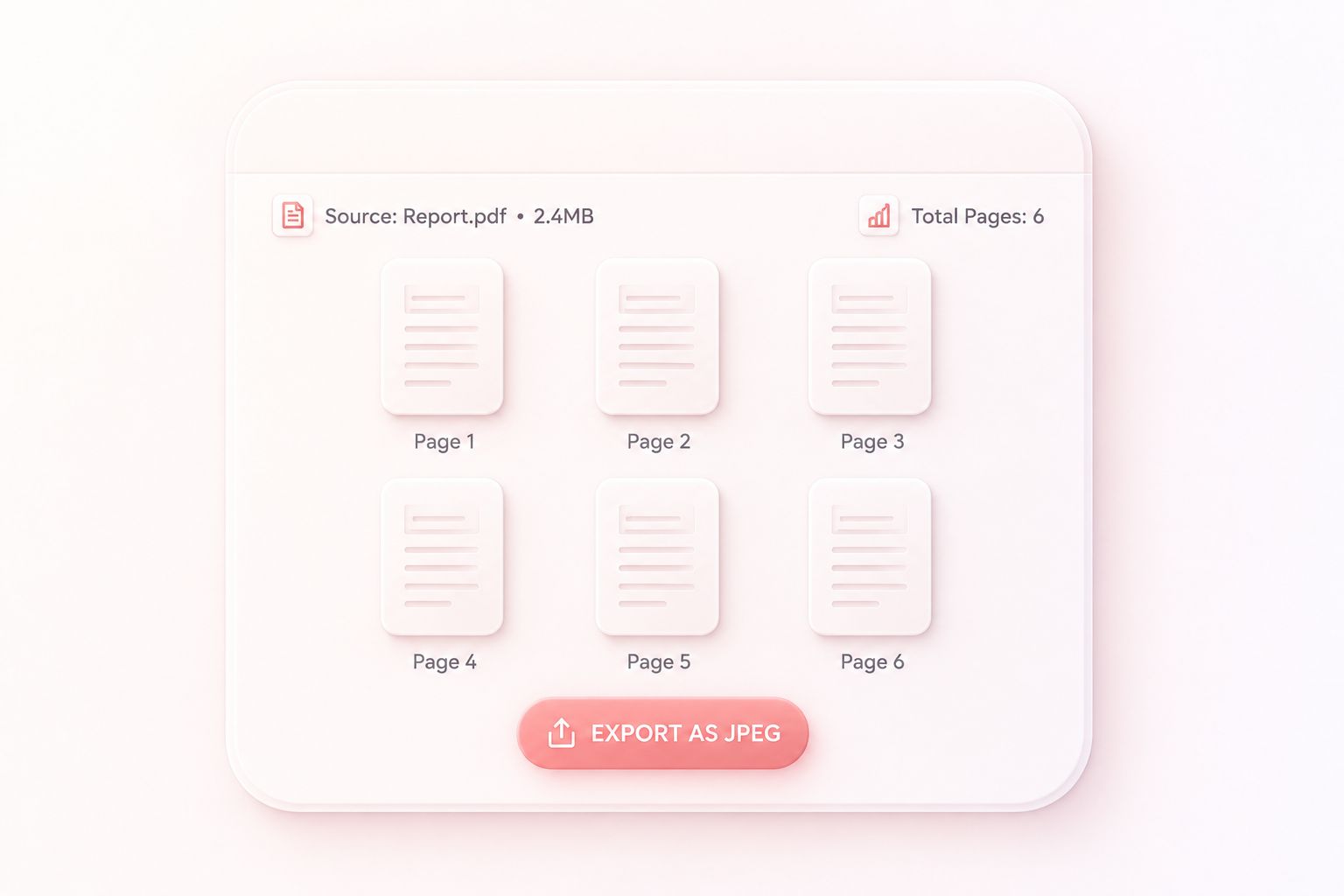
Download JPG Pages Individually or as a ZIP
Collecting page images one by one is inconvenient for longer documents. ZIP output packages multiple JPG files together, so you can move a complete export as one download. For a single-page reference, save the individual image directly.
Try It Now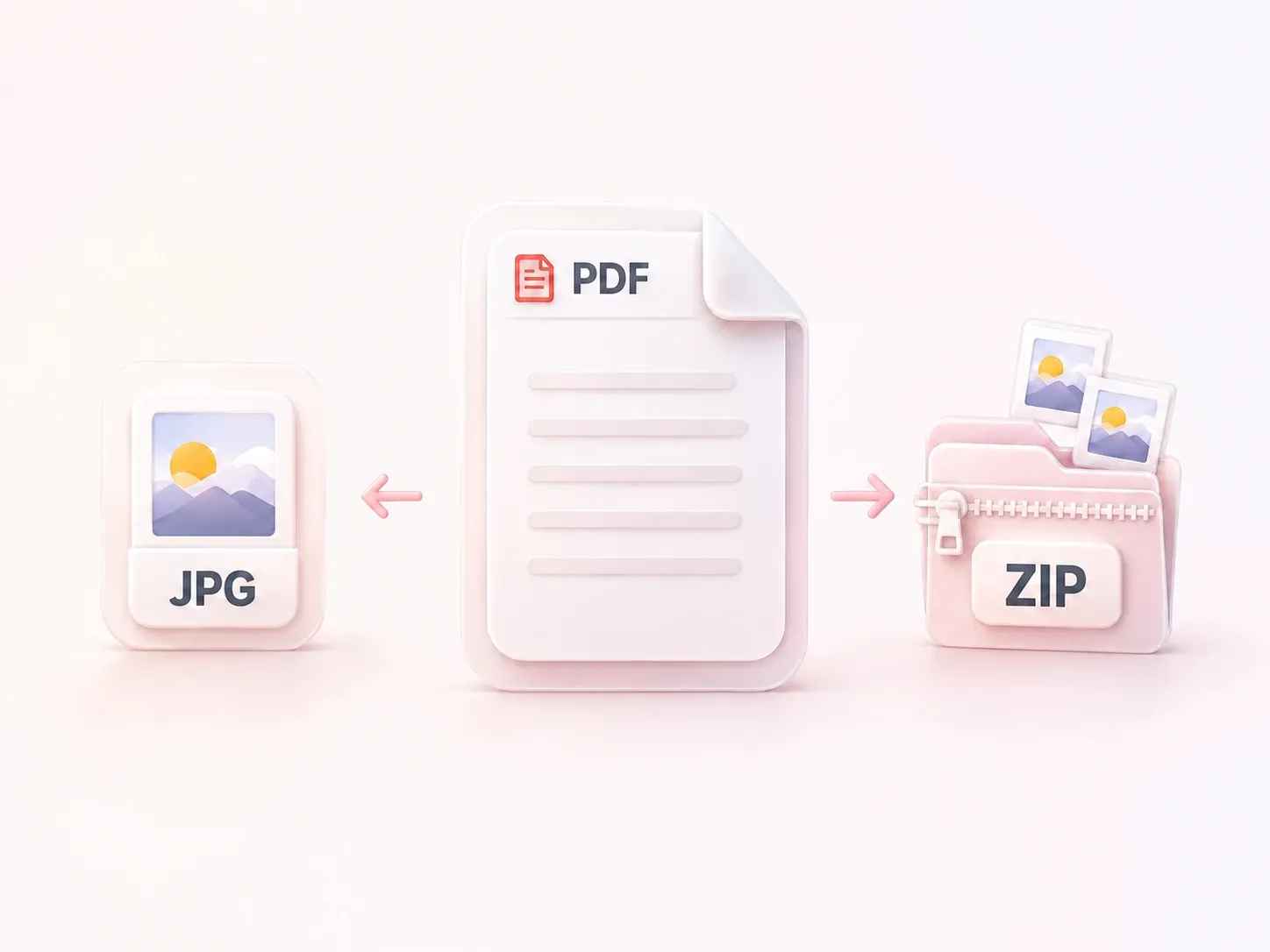
Why Users Choose Our PDF to JPG Converter
Page selection, flexible image quality, and convenient ZIP downloads for visual workflows.
Convert PDF to JPEG to place a report page in a slide. Keep the source available so readers can consult the full document.
Compare PDF to JPG 300 DPI output with a lower setting for dense diagrams. Keep the setting that makes labels readable at the intended size.
Export selected scanned pages as JPEG images for visual reference. Rendering the scan does not recognize its text or make fields editable.
Explore More Tools with WPS
View All Tools →
PDF to JPEG
FAQ
Answers about input files, conversion settings, and the results to review.
