JPG to PDF Converter

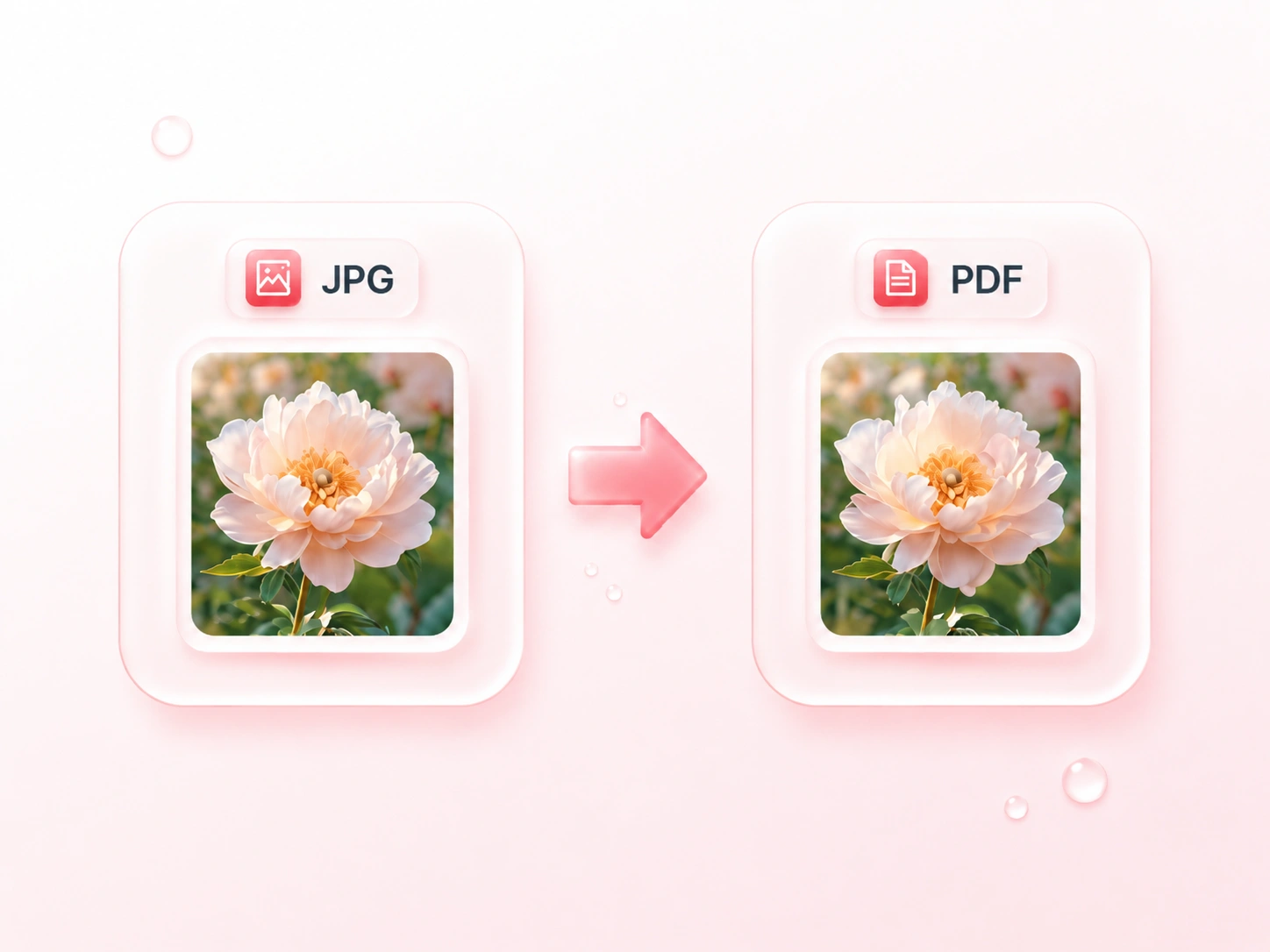
Make a document from JPEG photos, scanned pages, or image-based notes. WPS’s online JPG to PDF converter lets you arrange the images, choose page settings, and export one combined PDF or separate documents.

or drag and drop files here

JPEG, up to 100 MB

Image order
Drag to reorder pages before conversion
PDF settings
Choose how each JPEG fits onto the PDF page.
Apply one page orientation to the whole output.
px
Set page padding around each image.
0 JPEGs ready · Estimated input size 0 B
Preparing files…0%
0 images
PDF ready to download
0 pages · PDF generated successfully
First page preview
Preview shows the generated PDF cover placeholder and file details.
Download
Merged from 0 JPEG images in your selected order.
If separate PDF files are available for this batch, you can download them as a package.
Free to Use
No Sign-Up
No Ads
Any Browser
Free to Use
No Sign-Up
No Ads
Any Browser

How to Convert JPG to PDF in 3 Steps

  1. Step 1: Add JPG or JPEG files

    Upload the photos or scans you want to include. Review the image list and remove any file that does not belong in the document.

  2. Step 2: Set order and page layout

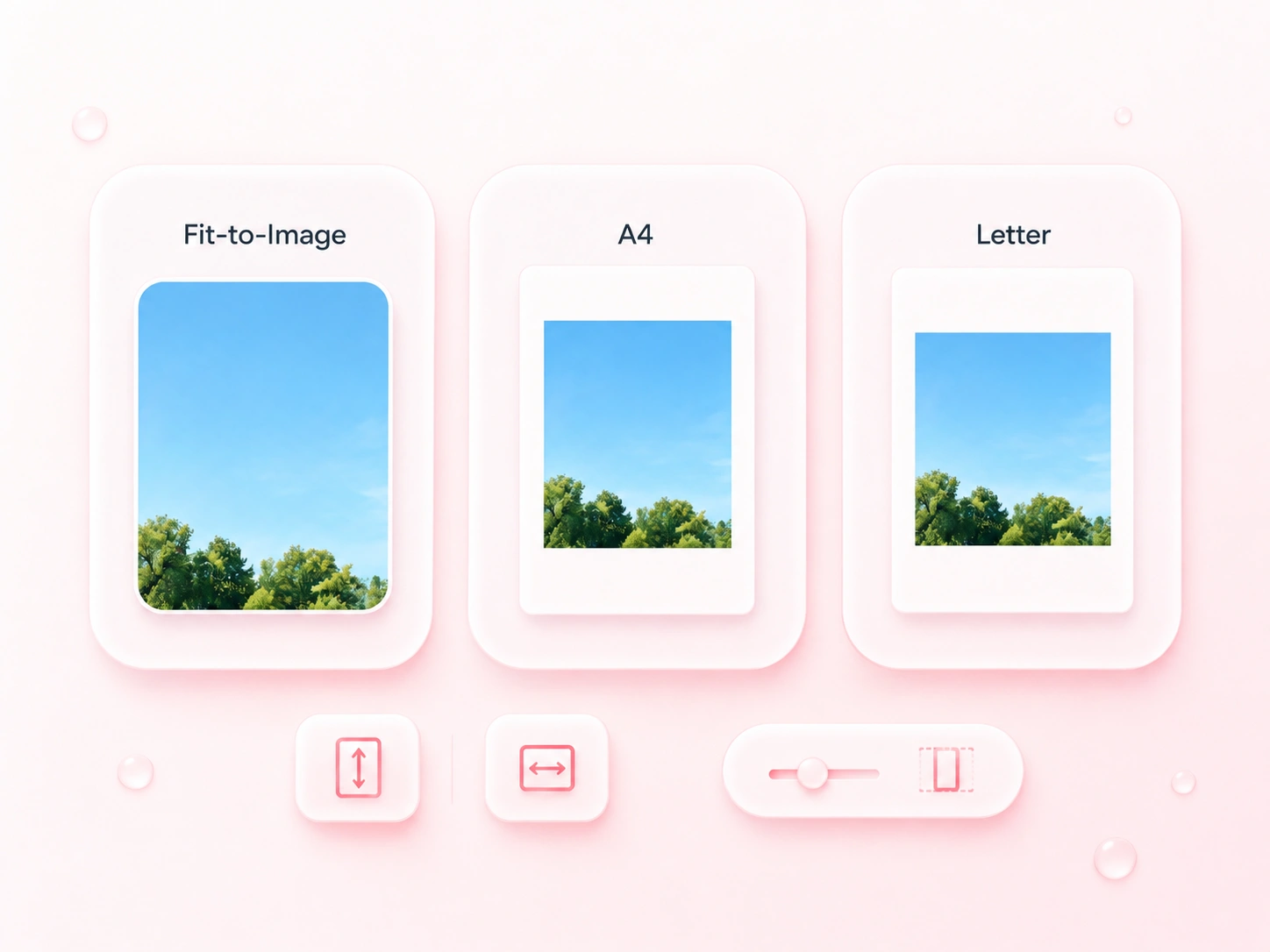
    Drag images into sequence. Choose fit-to-image, A4, or Letter, then adjust orientation and margins for the intended reading format.

  3. Step 3: Export the document

    Convert JPG to PDF and review the pages. Download a merged document, or choose separate PDFs when each image needs its own file.

Combine Multiple JPG Images into One PDF

Combine Multiple JPG Images into One PDF

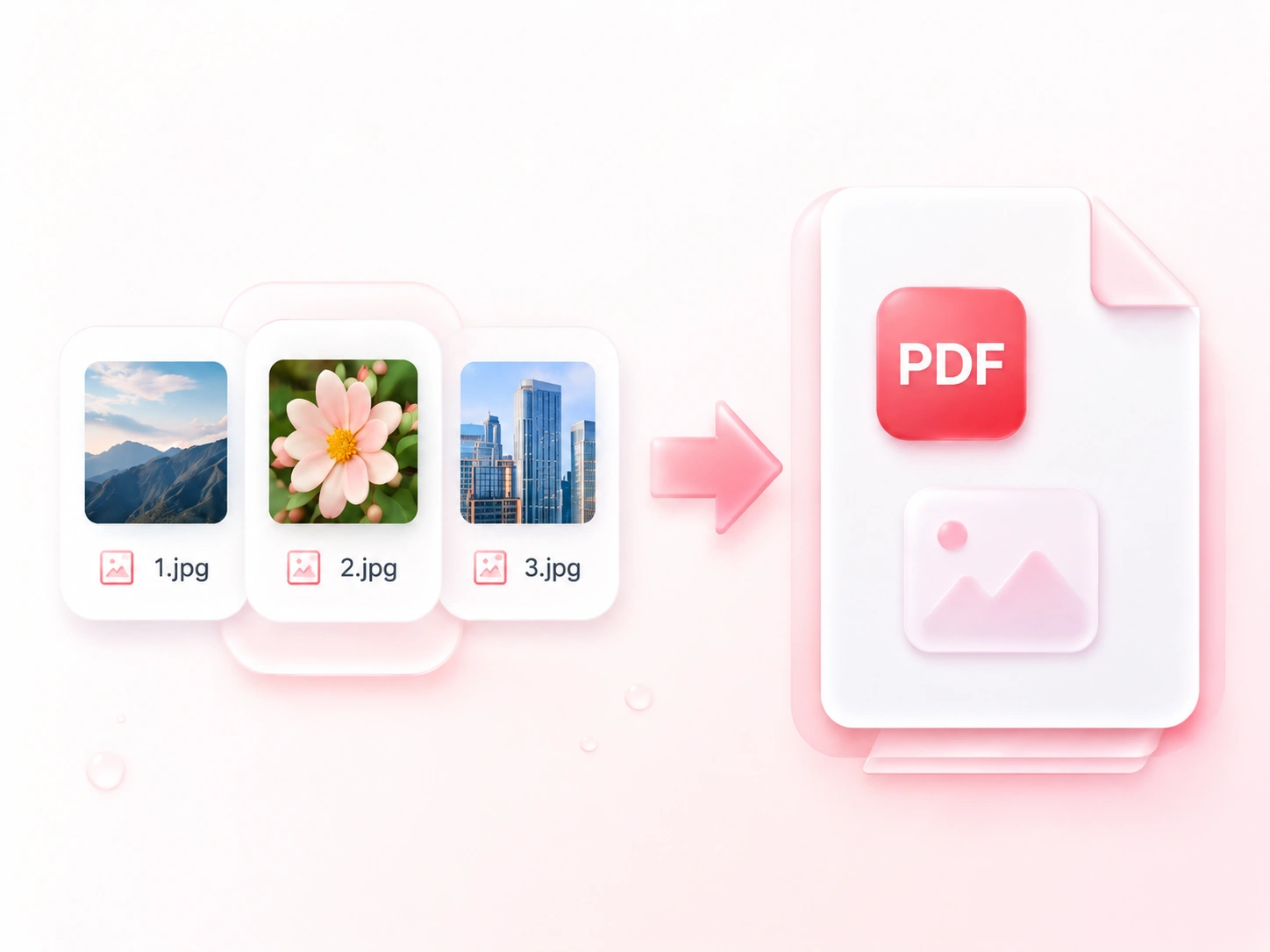
Sending a collection of photos separately can scatter the context. WPS’s JPG to PDF converter combines the images into one document, so related pages arrive together. Choose separate output when the files need to be handled individually.
Try It Now
Arrange Photo Pages in Reading Order

Arrange Photo Pages in Reading Order

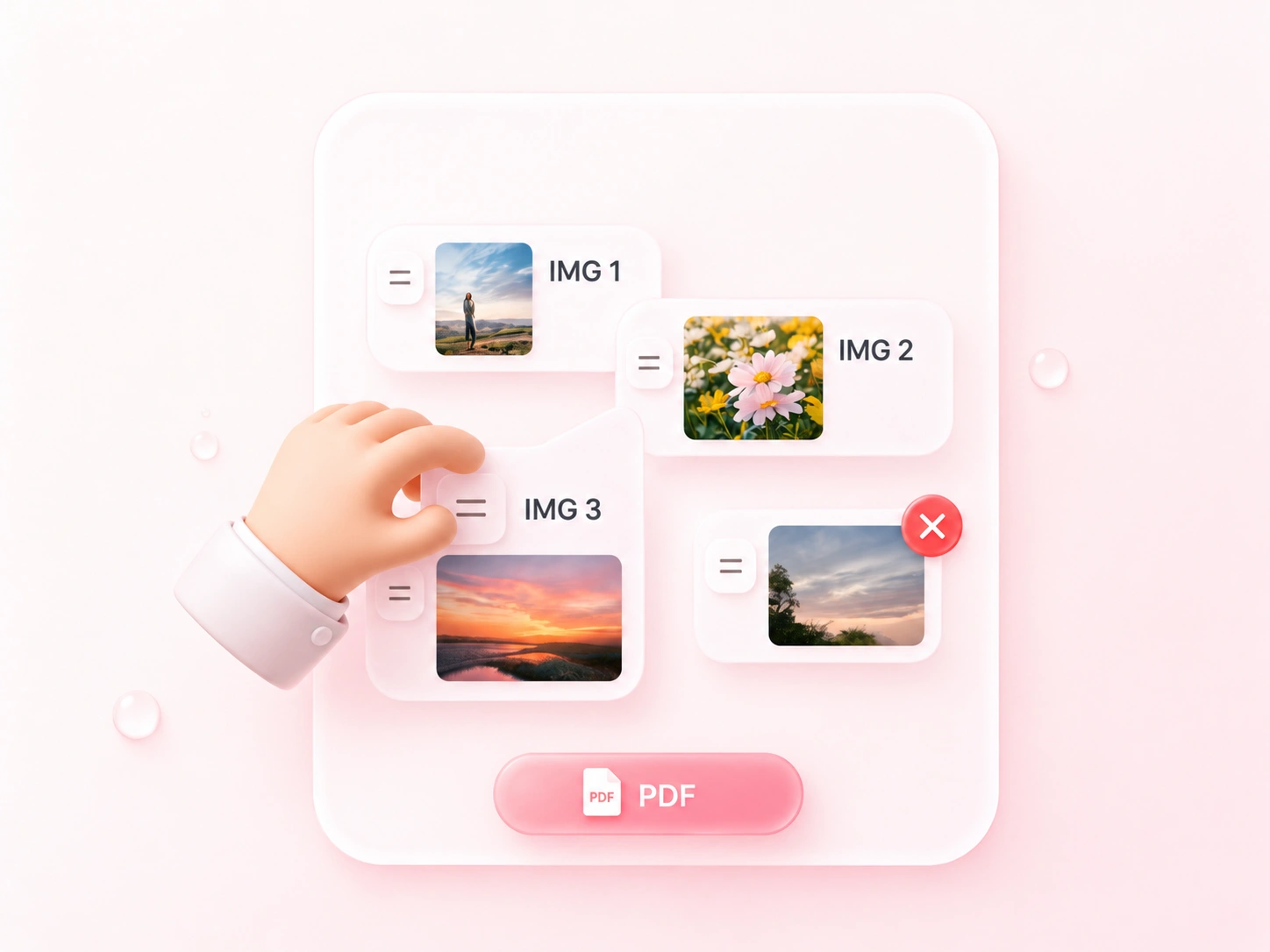
Photographed notes can upload out of order. Drag sorting lets you merge JPG to PDF in the sequence you choose, so a report or worksheet reads from beginning to end. Remove retakes and duplicate images before export.

Try It Now
Set Page Layout for JPEG to PDF Conversion

Set Page Layout for JPEG to PDF Conversion

A landscape photo does not fit every portrait page. JPEG to PDF page settings let you choose paper size, orientation, and margins, so you can prepare a consistent handout or retain image-shaped pages. Review whitespace and small text in the result.

Try It Now
Use JPG and JPEG Files without Renaming

Use JPG and JPEG Files without Renaming

A separate image-format conversion adds an unnecessary step when your source is already JPEG. The tool accepts both .jpg and .jpeg files, so you can build the document from the originals. Converting to PDF does not restore detail lost in an earlier JPEG compression.

Try It Now

Photographed worksheets

Convert multiple JPG to PDF to submit photographed worksheets as one document. Check orientation, focus, and the order of the pages.

Photographed worksheets

Learning and teaching

Site visit photos

Convert JPEG to PDF for an ordered visual record. Keep your source photos alongside the PDF if later editing or close inspection is needed.

Site visit photos

Project documentation

Image handout

Arrange related JPEG images on A4 or Letter pages for a meeting handout. Preview the margins and make sure captions inside images remain readable.

Image handout

Meeting preparation

JPEG to PDF FAQ

01

How do I convert JPG to PDF?

Upload JPG or JPEG images, arrange their order, and choose the page settings. Convert the files, review the result, and download the PDF.

02

Are JPG and JPEG inputs both accepted?

Yes. This tool accepts .jpg and .jpeg images. The two filename extensions refer to the same JPEG image format.

03

Can I merge several photos into one PDF?

Yes. Add the images together, arrange them in reading order, and choose the combined PDF output. Separate PDF downloads are also available.

04

Can I create a PDF on A4 or Letter pages?

Yes. Choose A4 or Letter and set orientation and margins before conversion. Use fit-to-image when you want pages based on the image proportions.

05

Does JPG to PDF make photographed text editable?

Not by format conversion alone. The text remains part of the photo. Turning it into editable text requires a separate recognition workflow.

06

Will conversion improve a blurry photo?

No. A PDF container cannot recreate missing focus or detail. Use the clearest available photo and check its readability in the finished document.