Translate PDF

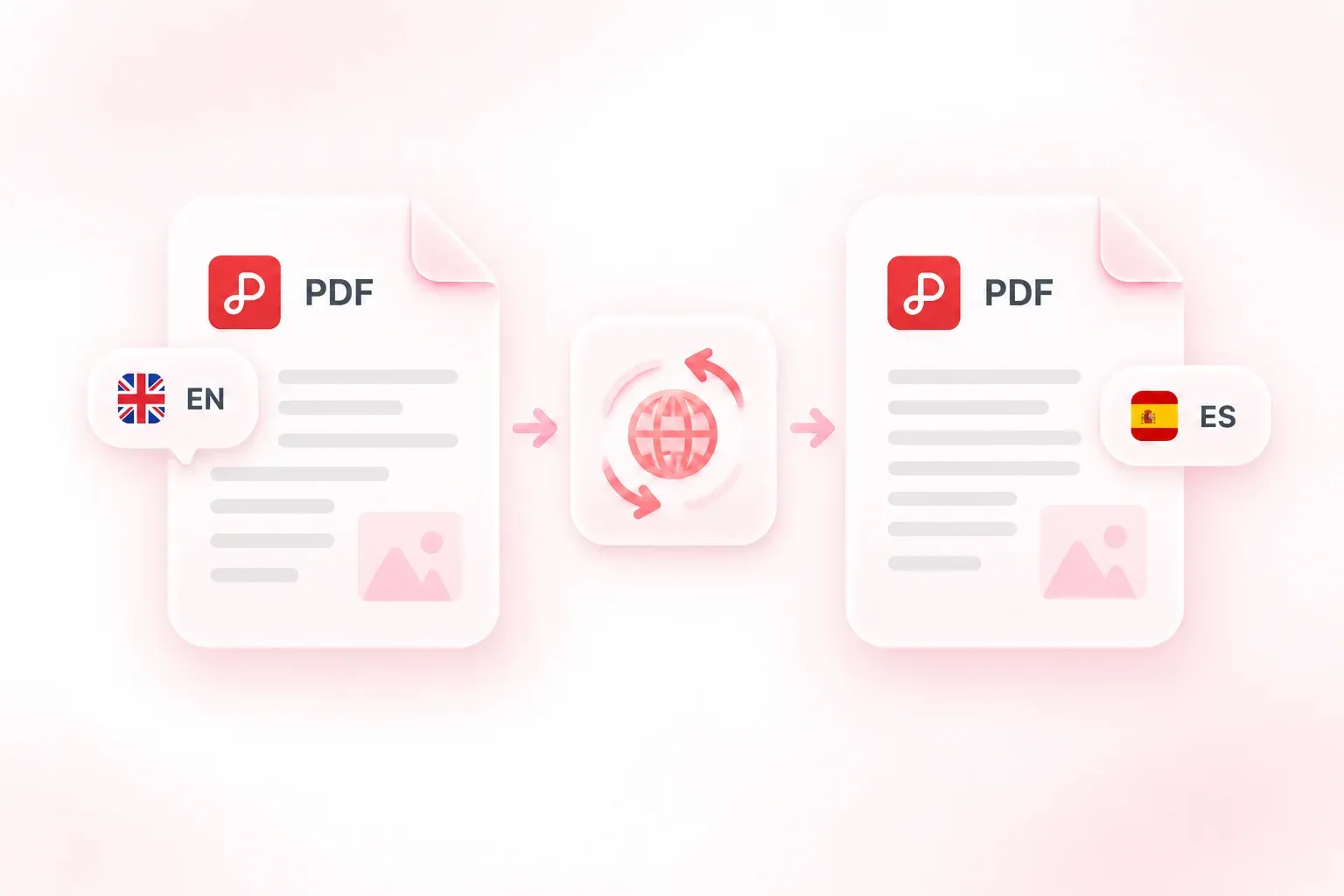
Upload a PDF, select the translation languages, and download a translated copy to review. Use the PDF translator to read an article, training handout, or report in another language. Keep the original nearby so you can check numbers, labels, and other details that depend on the source layout.

or drag and drop a PDF file

Free and Unlimited
No Signup Required
Fast Conversion
No Ads
Free to Use
No Sign-Up
No Ads
Any Browser

How to Translate a PDF

  1. Step 1: Upload Your PDF

    Upload the PDF you need to translate. Open the PDF once to confirm it contains the pages you need. If only one section matters, prepare that section as a separate file first.

  2. Step 2: Choose the Translation Languages

    Select the source and target languages shown in the tool. Check the source and target languages shown in the tool, especially if the document combines a main language with quotations in another.

  3. Step 3: Download and Review the Translation

    Run the translation, then download and read the result alongside the original. Check the most important pages first. Match headings and tables to the source, then verify terms before sharing the translated copy.

Translate PDF Documents from Their Original Files

Translate PDF Documents from Their Original Files

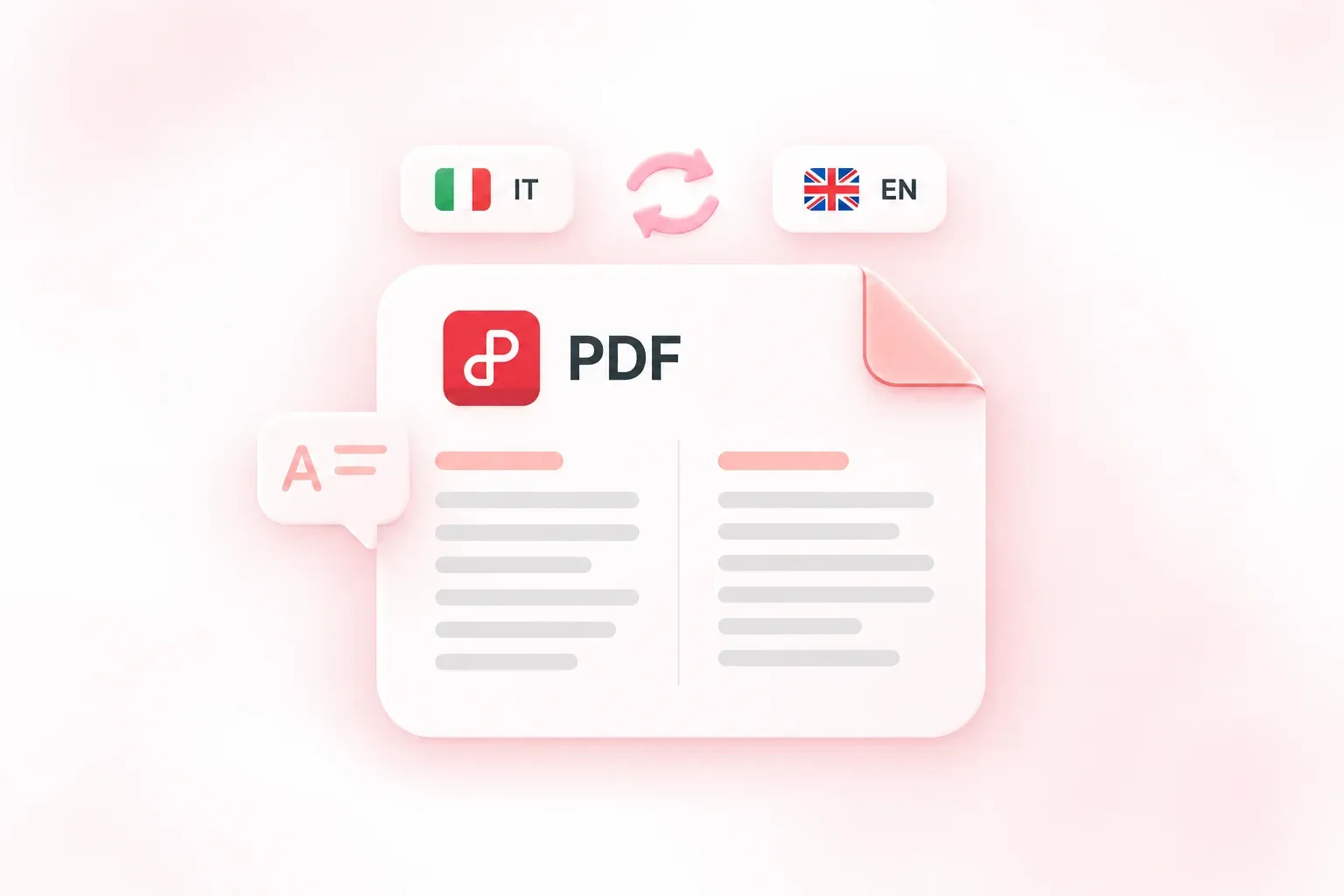
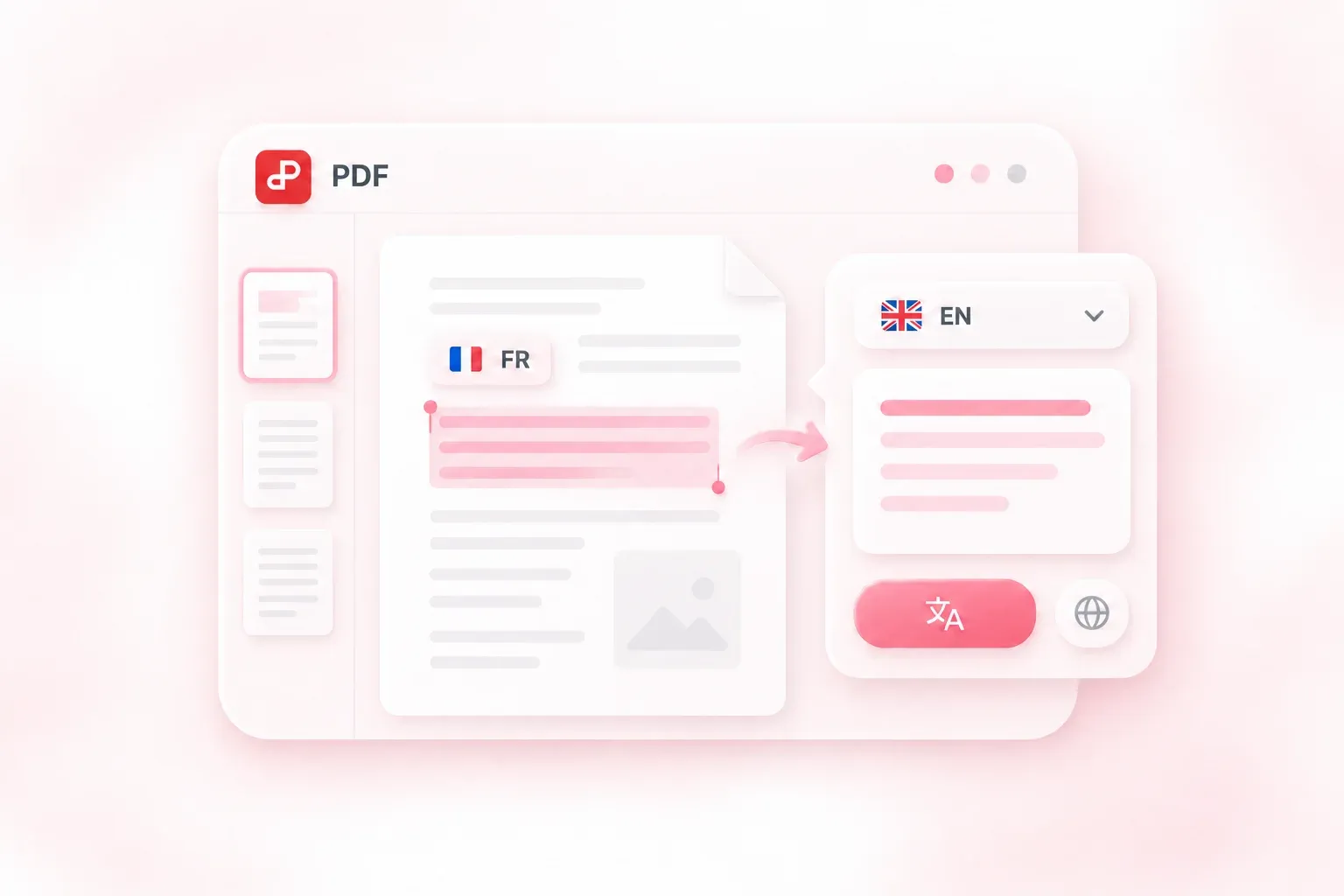
Upload the source PDF when you need to understand a document in another language. The PDF translator starts with the file itself, which is useful when relevant context appears across several pages. Keep the original available to check references that are difficult to understand on their own.
Try It Now
Choose the Target Language for a PDF Translation

Choose the Target Language for a PDF Translation

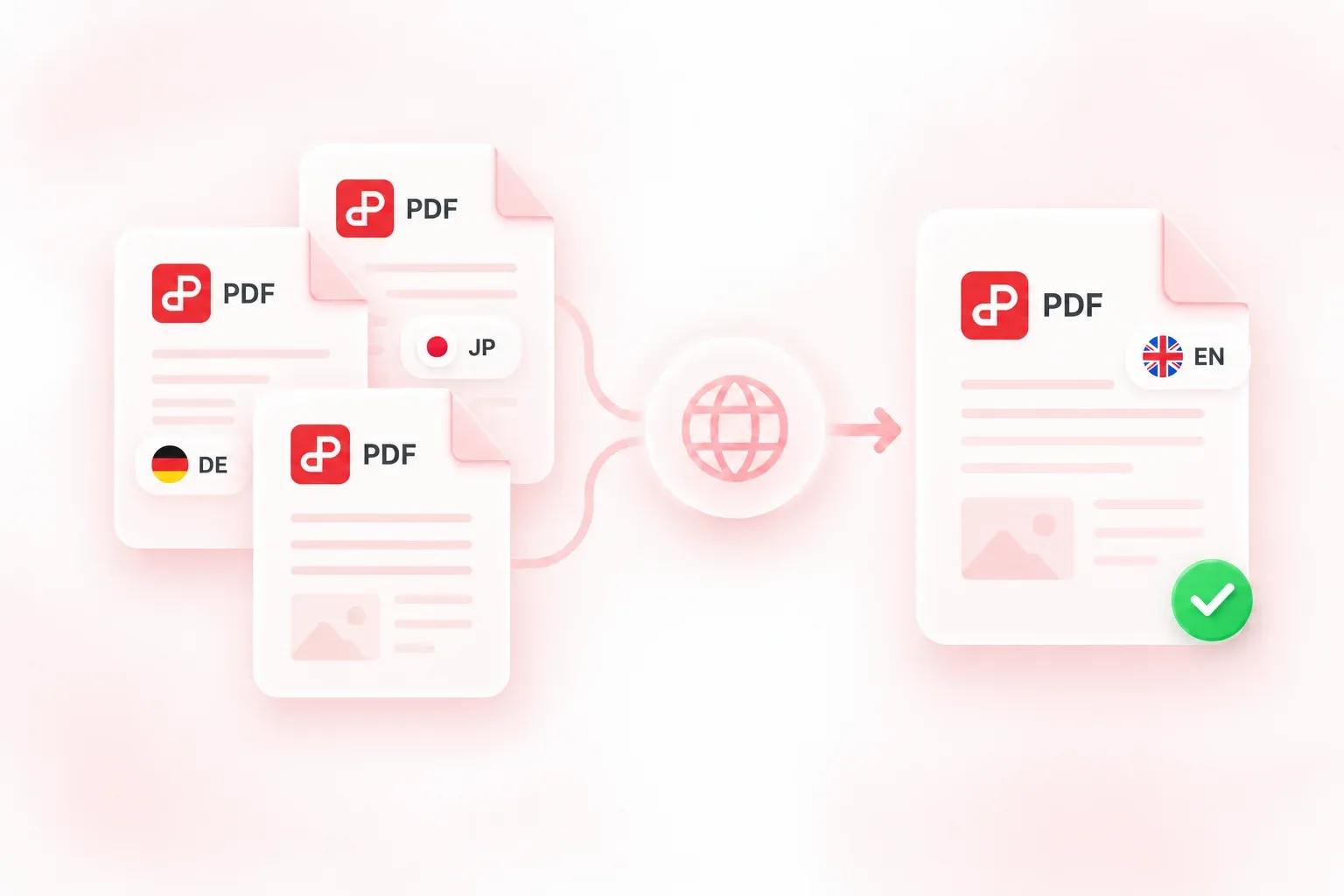
Set the target language before working through a multilingual brief or report. Choose the language for the person who will read the result. A source document with product names or technical terms still needs a review so those labels stay consistent.

Try It Now
Review Translated Tables and Page Layout

Review Translated Tables and Page Layout

Read the translated copy beside the original so that headings and cells are easier to match. Start with tables, figure captions, and headings that readers use to navigate. Then check whether line wrapping or translated labels change how a page is understood.

Try It Now
Keep Original and Translated PDF Copies

Keep Original and Translated PDF Copies

Keep both versions available when a colleague needs to check terms or source wording. Give the translated document a different filename or a clear language label. A reviewer can then match a question about a specific date or clause to the same place in the original.

Try It Now

Customer Stories

How Global Professionals Use Our PDF Translator to Translate PDF.

James Whitmore

I had a contract that I needed to work through in another language. I used the PDF translator to make a separate copy, so I had the translated document available for reading alongside the source rather than having to work from a loose passage of text.

James Whitmore

Legal Assistant

Sarah Jenkins

I used the translator when I needed to read a PDF that was written in a different language. What I wanted was a complete document to read through, with the original available whenever I needed to refer back to the corresponding part.

Sarah Jenkins

Marketing Coordinator

Emily Foster

I was reading material for research and used the tool to prepare a translated PDF. I needed a version I could read as part of my review, with the source document still available for any passage where the original wording mattered.

Emily Foster

Project Manager

Your Questions, Answered

01

How do I translate a PDF online?

Upload it, choose the target language, and download the translated document. Review the corresponding pages in the original to catch any missing context around the translated text.

02

What should I check in the translation?

Verify names, technical terms, numbers, page breaks, and any text inside graphics. Put extra attention on units, totals, and terms that need the same meaning on every page.

03

Will a scan translate the same way?

Scan quality can affect text recognition. Check whether the original has selectable text and use OCR if needed. Test a page with small text or multiple columns first, since those layouts can complicate review.

04

Can I translate only part of a long PDF?

If you need a few pages, prepare a separate PDF containing just those pages and translate that copy. If the extracted section depends on a figure or appendix, include those pages or keep the original open beside the translation.

05

How can I compare a translated table with the original?

Match the table by its heading and check row labels, decimals, units, and footnotes in both files. Follow the row labels as well as the numbers so you can spot values that appear under a different heading.

06

What if the document contains more than one source language?

Check the source language choice and review mixed-language passages individually, especially captions and quotations. Check quoted text and captions separately when the source uses more than one language.