

'%3e%3cpath%20d='M8%200C12.4183%200%2016%203.58172%2016%208C16%2012.4183%2012.4183%2016%208%2016C3.58172%2016%200%2012.4183%200%208C0%203.58172%203.58172%200%208%200ZM11.6162%204.38379C11.2257%203.99337%2010.5927%203.99338%2010.2021%204.38379L8%206.58594L5.79785%204.38379C5.40732%203.99334%204.77429%203.99329%204.38379%204.38379C3.99331%204.77429%203.99335%205.40733%204.38379%205.79785L6.58594%208L4.38379%2010.2021C3.99348%2010.5927%203.99341%2011.2257%204.38379%2011.6162C4.77426%2012.0066%205.40734%2012.0065%205.79785%2011.6162L8%209.41406L10.2021%2011.6162C10.5927%2012.0066%2011.2257%2012.0067%2011.6162%2011.6162C12.0067%2011.2257%2012.0066%2010.5927%2011.6162%2010.2021L9.41406%208L11.6162%205.79785C12.0066%205.40735%2012.0066%204.77429%2011.6162%204.38379Z'%20fill='%23080E17'%20fill-opacity='0.46'/%3e%3c/g%3e%3cdefs%3e%3cclipPath%20id='clip0_3761_713'%3e%3crect%20width='16'%20height='16'%20fill='white'/%3e%3c/clipPath%3e%3c/defs%3e%3c/svg%3e)




'%3e%3cpath%20fill-rule='evenodd'%20clip-rule='evenodd'%20d='M21.4999%2010.9993C21.4999%205.20009%2016.7986%200.498901%2010.9993%200.498901C5.19994%200.498901%200.498657%205.20009%200.498657%2010.9993C0.498657%2016.2404%204.33858%2020.5844%209.35855%2021.3722V14.0346H6.69238V10.9993H9.35855V8.68594C9.35855%206.05427%2010.9262%204.60062%2013.3248%204.60062C14.4736%204.60062%2015.6753%204.80571%2015.6753%204.80571V7.38979H14.3512C13.0468%207.38979%2012.64%208.19921%2012.64%209.0296V10.9993H15.5523L15.0867%2014.0346H12.64V21.3722C17.66%2020.5844%2021.4999%2016.2404%2021.4999%2010.9993Z'%20fill='%231568EA'/%3e%3c/g%3e%3c/svg%3e)


'%3e%3cpath%20d='M2.42045%2022.1876H6.31818V12.7217L0.75%208.54553V20.5171C0.75%2021.4414%201.49892%2022.1876%202.42045%2022.1876Z'%20fill='%234285F4'/%3e%3cpath%20d='M19.682%2022.1876H23.5797C24.5041%2022.1876%2025.2502%2021.4387%2025.2502%2020.5171V8.54553L19.682%2012.7217'%20fill='%2334A853'/%3e%3cpath%20d='M19.682%205.48293V12.7216L25.2502%208.54543V6.31816C25.2502%204.25236%2022.8921%203.07469%2021.2411%204.31361'%20fill='%23FBBC04'/%3e%3cpath%20d='M6.31824%2012.7217V5.48303L13.0001%2010.4944L19.6819%205.48303V12.7217L13.0001%2017.733'%20fill='%23EA4335'/%3e%3cpath%20d='M0.75%206.31816V8.54543L6.31818%2012.7216V5.48293L4.75909%204.31361C3.10534%203.07469%200.75%204.25236%200.75%206.31816Z'%20fill='%23C5221F'/%3e%3c/g%3e%3cdefs%3e%3cclipPath%20id='clip0_2954_7305'%3e%3crect%20width='24.5'%20height='18.375'%20fill='white'%20transform='translate(0.75%203.8125)'/%3e%3c/clipPath%3e%3c/defs%3e%3c/svg%3e)


The Preview app is the PDF and image viewer that ships with macOS: double-click a PDF, a JPEG, or a scanned page and it opens instantly, ready for annotation, a signature, or a format export. That covers reading and light markup, so this guide shows what Preview does well, the five limits that send people looking for another tool, and how to finish those jobs in WPS PDF instead.
What Is the Preview App? What It Does and Its Limits
What the Preview app opens on a Mac
Preview lives in the Applications folder and launches whenever you open a PDF, a TIFF, a PNG, a JPEG, or most image formats on a Mac. It is not an editor in the Word sense: it renders pages, keeps a thumbnail sidebar, and gives you a markup layer on top of the content. The toolbar changes with the file type, which is why a photo opens with crop and colour controls while a PDF opens with selection and annotation tools.
View and navigate. Command-plus and Command-minus zoom, and the thumbnail sidebar in View > Thumbnails jumps between pages of a long report.
Annotate. The markup toolbar adds highlights, underlines, strikethrough, shapes, arrows, and text boxes without changing the underlying text.
Sign. Tools > Annotate > Signature stores a signature captured with the trackpad, the camera, or an iPhone, then drops it on any page.
Manage pages. Select thumbnails to rotate, delete, reorder, or drag a second PDF into the sidebar to combine the two files.
Convert on export. File > Export writes the same document out as JPEG, PNG, TIFF, or PDF, with a quality slider for images.
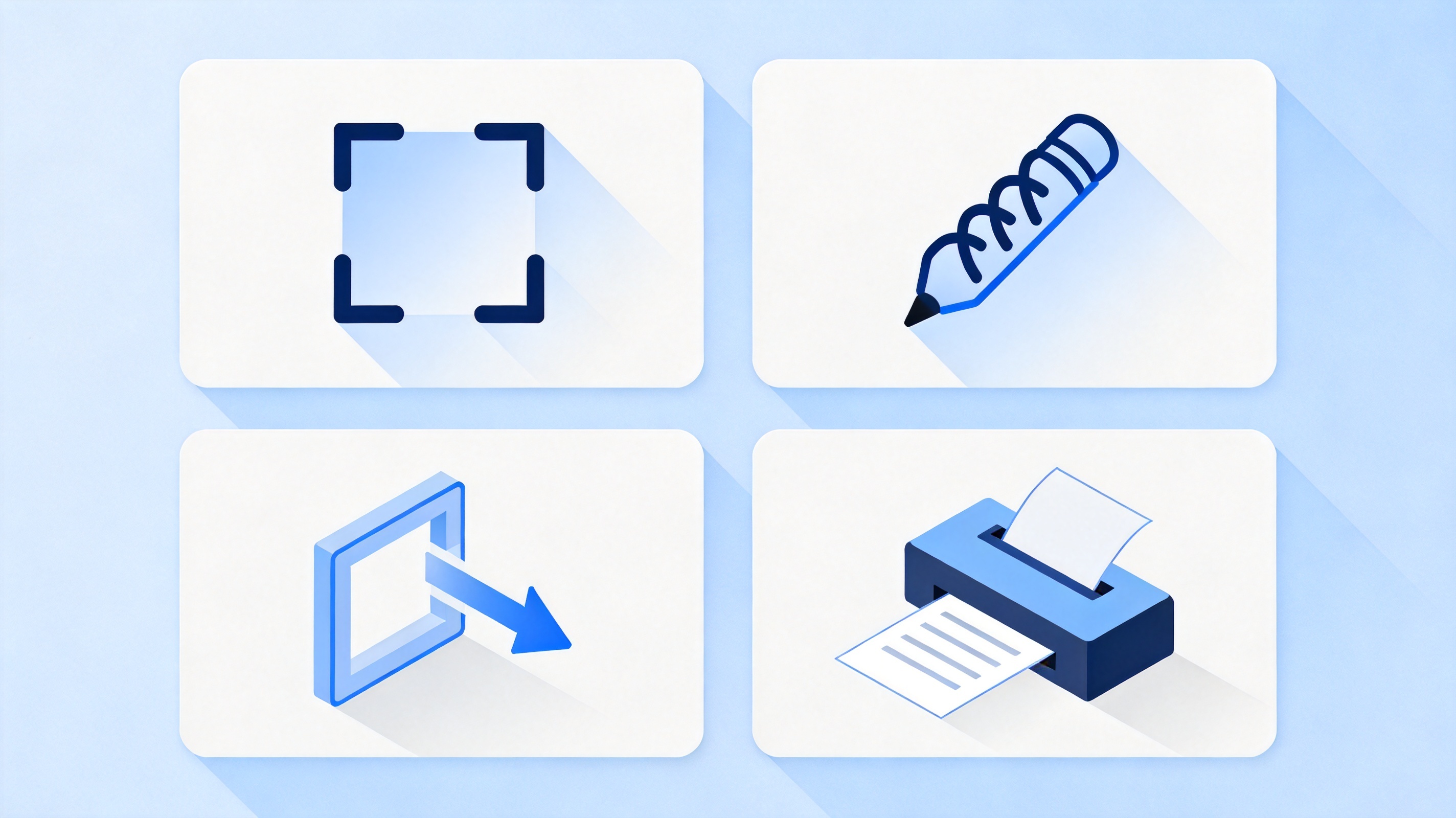
Four everyday Preview app tasks


Five Preview app jobs you can finish in under a minute
If your task is one of the five below, Preview is genuinely the fastest option on a Mac, because nothing needs installing and the file never leaves your disk:
Sign a one-page form. Open the PDF, choose the signature tool, place it on the line, then save with Command-S. The signature is stored for the next document.
Combine two PDFs. Open the first file, show thumbnails, and drag the second file into the sidebar where you want it to start.
Pull a chart out as an image. Choose the rectangular selection tool, drag around the chart, then press Command-C and paste it into a slide or a document.
Rotate a crooked scan. Select the pages in the sidebar, then use Tools > Rotate Left or Rotate Right and save.
Shrink a photo for email. Use File > Export, pick JPEG, and lower the quality slider until the file fits the attachment limit.
These are also the tasks people describe when they search for a Preview alternative later, because each one stops working the moment the file needs editing, the recipient is on Windows, or the document runs to eighty pages.
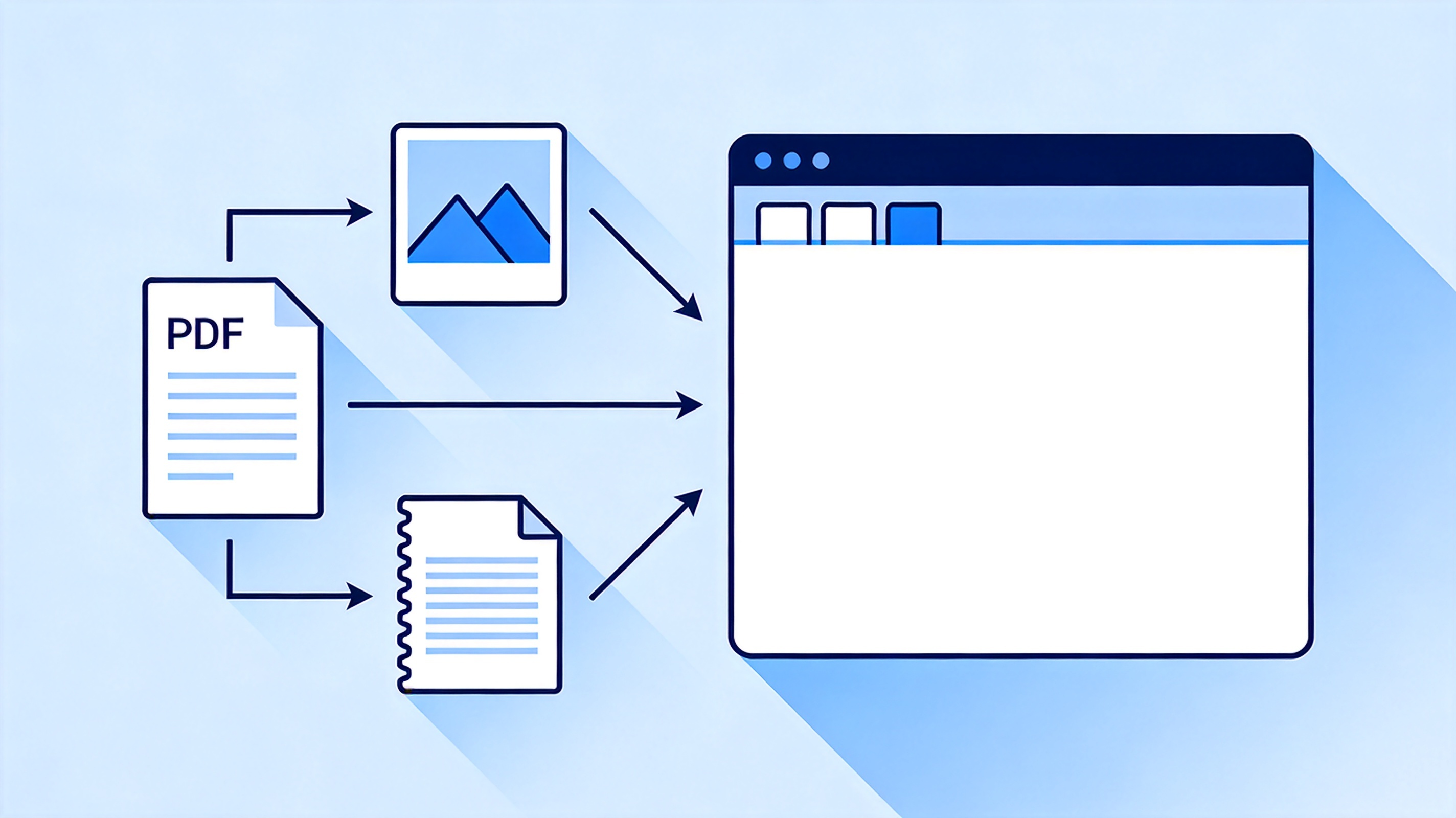
Preview app handles PDFs images and scans
Where the Preview app stops: five limits that cost you time
| Task | What Preview does | What it costs you |
| Editing existing text | Text boxes are overlays | You retype the paragraph or rebuild the page |
| OCR on a scan | No text recognition | The PDF stays a picture, so search and copy fail |
| True redaction | A black shape covers the words | The text underneath is still selectable and copyable |
| Windows or mobile | macOS only | A colleague on Windows cannot repeat your steps |
| Batch work | One file at a time | Fifty invoices become fifty manual passes |
The redaction limit is the one that causes real damage. Drawing a black rectangle over a name looks like redaction, but anyone can select the text behind it, copy it, and read it. If a document has to be genuinely redacted, use a tool that removes the text layer, not one that draws over it.
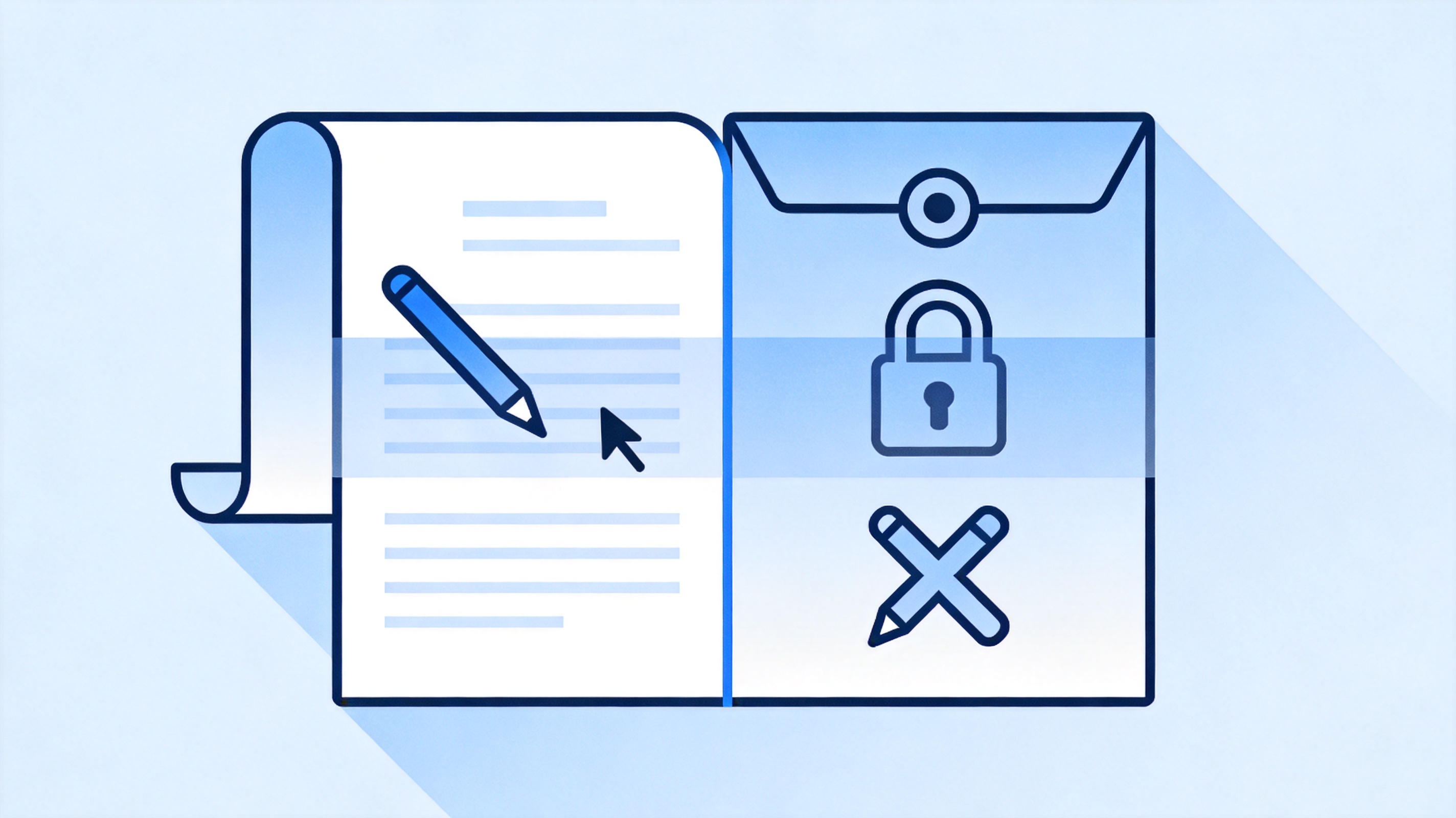
Preview app limits for PDF editing
The 2026 shift: PDFs became shared work, not local files
Ten years ago a PDF was a print-out you sent. Today it is a shared object: a hiring manager comments in the margin, a client signs on a phone, a reviewer asks for a summary of forty pages, and the file syncs back to everyone. Preview was designed for the first job and remains single-user by design, which is why the gap shows up in collaboration rather than in reading.
Reviewers expect threaded comments and a visible reply history, not a flattened markup layer.
Signatures now travel through a request-and-track flow, because the sender needs proof of who signed and when.
Long documents get triaged with AI summaries before anyone reads page one.
Files move between Windows, macOS, Android, and iOS in the same afternoon.
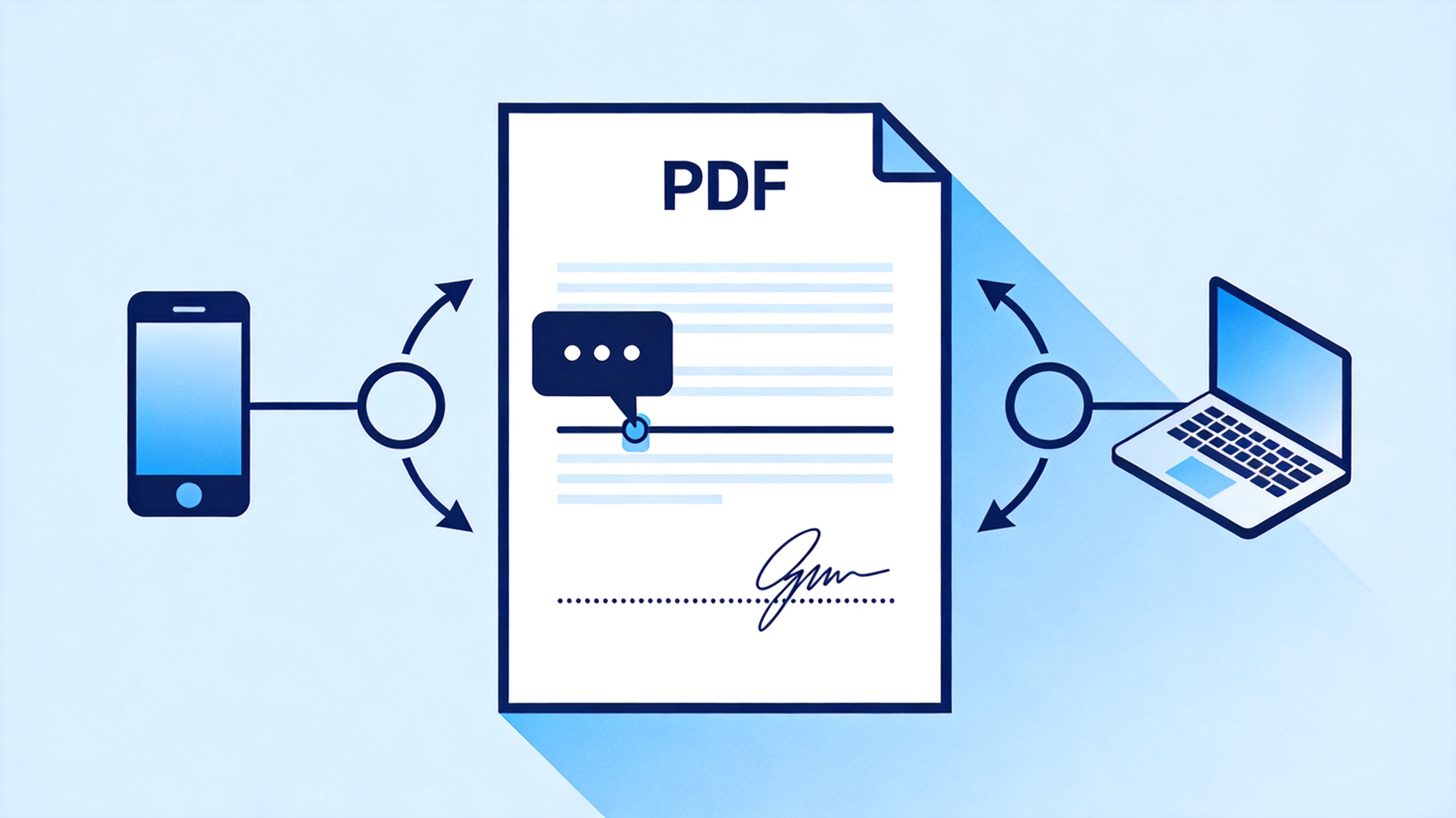
PDF comments signature and sync workflow
The Best Free Alternative When Preview Runs Out: WPS PDF
WPS PDF keeps the speed of a viewer and adds the parts Preview leaves out: it edits text inside a PDF, runs OCR so scans become searchable, compresses a file to a size limit, fills and signs forms, and opens the same document on Windows, macOS, Android, and iOS. It also reads PDFs aloud and summarizes long documents with AI, which is the difference between a file you store and a file you can use.
| What you need | Preview app | WPS PDF |
| Edit text inside a PDF | Overlay boxes only | Edit paragraphs, fonts, and alignment |
| Search a scanned page | Not possible | OCR converts the scan into selectable text |
| Keep a file small | Export quality slider | Compress to a target size for upload limits |
| Sign and track | Local annotation | Fill and sign, then share the signed copy |
| Work across devices | macOS only | Windows, macOS, Android, iOS, and web |
One app, four formats. Writer, Spreadsheet, Presentation, and PDF sit together, so a report does not need a second install.
No format round-trip. Microsoft files open and save without conversion, and exported PDFs keep their layout.
Free to start. The viewer and the everyday PDF tools are available without a subscription, which matters when the task is a single form.
For the compression step in particular, our guide to compressing a PDF without losing quality shows the size targets that most upload forms actually enforce.
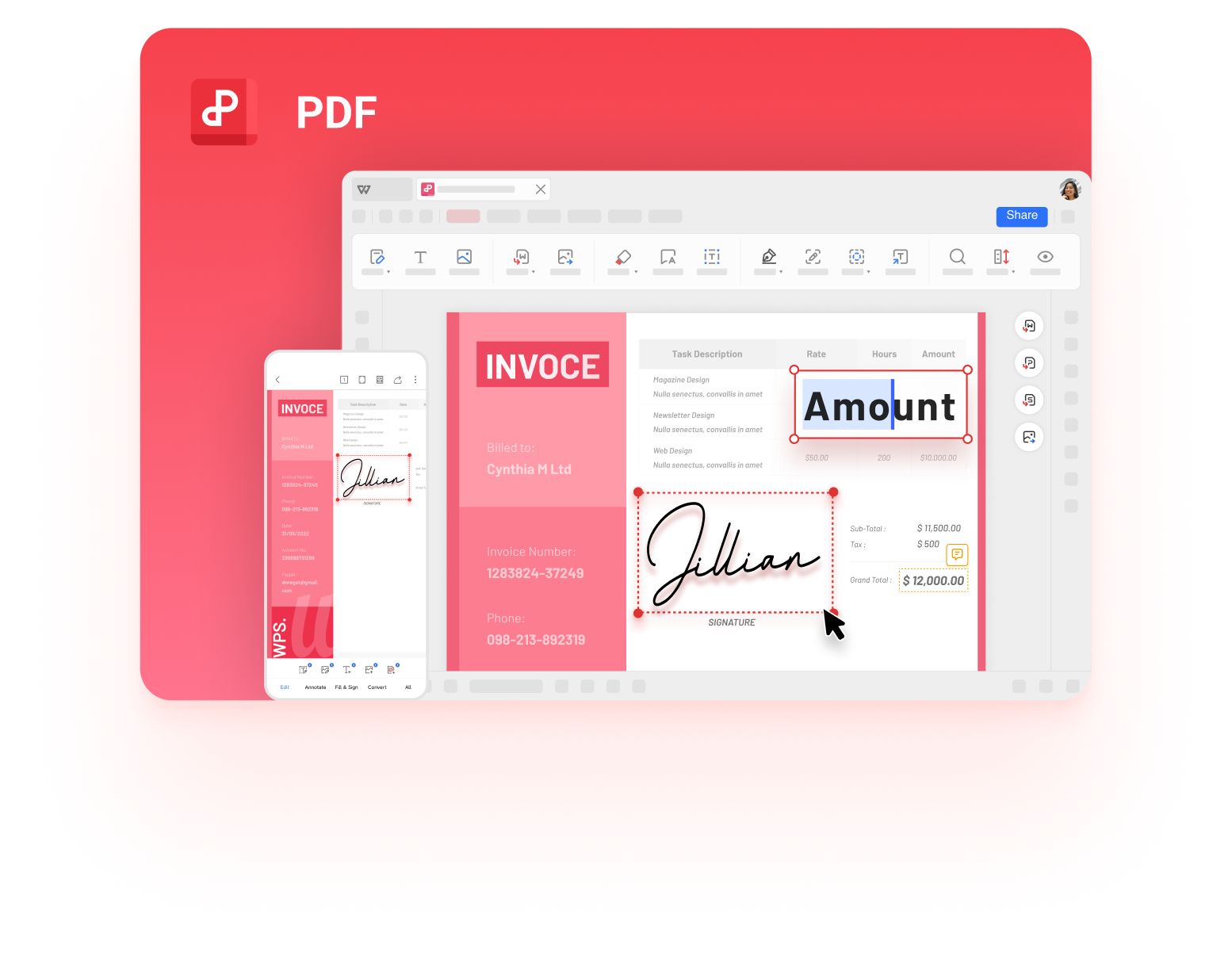
WPS PDF editor for Mac and Windows
FAQs
Is the Preview app free on a Mac?
Yes. Preview is built into macOS, so it is already installed and needs no account, subscription, or download.
Can the Preview app edit text in a PDF?
No. Preview adds text boxes and markup on top of the page, but it cannot change the existing text, fonts, or paragraph flow inside a PDF.
Why does my redacted PDF still show the hidden text?
Because a black shape only covers the page. The text layer stays intact, so anyone can select and copy it. Real redaction removes the characters, and WPS PDF or a dedicated editor is the safer route.
Is there a Preview app for Windows?
No. Preview is macOS-only. On Windows, WPS PDF, Adobe Acrobat Reader, or a browser PDF viewer covers the same viewing and annotation ground.
What is the fastest way to sign a PDF on a Mac?
For a quick local signature, use Preview's signature tool. If the signature has to be requested, tracked, or returned by someone else, use a PDF app that supports fill-and-sign requests.


'%3e%3cpath%20d='M19.9911%204.11386V6.471H18.5894C18.0775%206.471%2017.7322%206.57814%2017.5536%206.79243C17.3751%207.00671%2017.2858%207.32814%2017.2858%207.75671V9.44421H19.9019L19.5536%2012.0871H17.2858V18.8639H14.5536V12.0871H12.2769V9.44421H14.5536V7.49779C14.5536%206.39064%2014.8632%205.53201%2015.4822%204.92189C16.1013%204.31177%2016.9257%204.00671%2017.9554%204.00671C18.8304%204.00671%2019.509%204.04243%2019.9911%204.11386Z'%20fill='%23333333'/%3e%3c/g%3e%3cdefs%3e%3cclipPath%20id='clip0_2938_8199'%3e%3crect%20width='16'%20height='16'%20fill='white'%20transform='translate(8%204.00671)'/%3e%3c/clipPath%3e%3c/defs%3e%3c/svg%3e)
'%3e%3cpath%20d='M17.5237%2010.7813L23.4811%204H22.0699L16.8949%209.88693L12.7648%204H8L14.2469%2012.9029L8%2020.0133H9.4112L14.8725%2013.7952L19.2352%2020.0133H24M9.92053%205.04213H12.0885L22.0688%2019.0224H19.9003'%20fill='%23333333'/%3e%3c/g%3e%3cdefs%3e%3cclipPath%20id='clip0_2938_8200'%3e%3crect%20width='16'%20height='16.0134'%20fill='white'%20transform='translate(8%204)'/%3e%3c/clipPath%3e%3c/defs%3e%3c/svg%3e)


