

'%3e%3cpath%20d='M8%200C12.4183%200%2016%203.58172%2016%208C16%2012.4183%2012.4183%2016%208%2016C3.58172%2016%200%2012.4183%200%208C0%203.58172%203.58172%200%208%200ZM11.6162%204.38379C11.2257%203.99337%2010.5927%203.99338%2010.2021%204.38379L8%206.58594L5.79785%204.38379C5.40732%203.99334%204.77429%203.99329%204.38379%204.38379C3.99331%204.77429%203.99335%205.40733%204.38379%205.79785L6.58594%208L4.38379%2010.2021C3.99348%2010.5927%203.99341%2011.2257%204.38379%2011.6162C4.77426%2012.0066%205.40734%2012.0065%205.79785%2011.6162L8%209.41406L10.2021%2011.6162C10.5927%2012.0066%2011.2257%2012.0067%2011.6162%2011.6162C12.0067%2011.2257%2012.0066%2010.5927%2011.6162%2010.2021L9.41406%208L11.6162%205.79785C12.0066%205.40735%2012.0066%204.77429%2011.6162%204.38379Z'%20fill='%23080E17'%20fill-opacity='0.46'/%3e%3c/g%3e%3cdefs%3e%3cclipPath%20id='clip0_3761_713'%3e%3crect%20width='16'%20height='16'%20fill='white'/%3e%3c/clipPath%3e%3c/defs%3e%3c/svg%3e)




'%3e%3cpath%20fill-rule='evenodd'%20clip-rule='evenodd'%20d='M21.4999%2010.9993C21.4999%205.20009%2016.7986%200.498901%2010.9993%200.498901C5.19994%200.498901%200.498657%205.20009%200.498657%2010.9993C0.498657%2016.2404%204.33858%2020.5844%209.35855%2021.3722V14.0346H6.69238V10.9993H9.35855V8.68594C9.35855%206.05427%2010.9262%204.60062%2013.3248%204.60062C14.4736%204.60062%2015.6753%204.80571%2015.6753%204.80571V7.38979H14.3512C13.0468%207.38979%2012.64%208.19921%2012.64%209.0296V10.9993H15.5523L15.0867%2014.0346H12.64V21.3722C17.66%2020.5844%2021.4999%2016.2404%2021.4999%2010.9993Z'%20fill='%231568EA'/%3e%3c/g%3e%3c/svg%3e)


'%3e%3cpath%20d='M2.42045%2022.1876H6.31818V12.7217L0.75%208.54553V20.5171C0.75%2021.4414%201.49892%2022.1876%202.42045%2022.1876Z'%20fill='%234285F4'/%3e%3cpath%20d='M19.682%2022.1876H23.5797C24.5041%2022.1876%2025.2502%2021.4387%2025.2502%2020.5171V8.54553L19.682%2012.7217'%20fill='%2334A853'/%3e%3cpath%20d='M19.682%205.48293V12.7216L25.2502%208.54543V6.31816C25.2502%204.25236%2022.8921%203.07469%2021.2411%204.31361'%20fill='%23FBBC04'/%3e%3cpath%20d='M6.31824%2012.7217V5.48303L13.0001%2010.4944L19.6819%205.48303V12.7217L13.0001%2017.733'%20fill='%23EA4335'/%3e%3cpath%20d='M0.75%206.31816V8.54543L6.31818%2012.7216V5.48293L4.75909%204.31361C3.10534%203.07469%200.75%204.25236%200.75%206.31816Z'%20fill='%23C5221F'/%3e%3c/g%3e%3cdefs%3e%3cclipPath%20id='clip0_2954_7305'%3e%3crect%20width='24.5'%20height='18.375'%20fill='white'%20transform='translate(0.75%203.8125)'/%3e%3c/clipPath%3e%3c/defs%3e%3c/svg%3e)


An EML file is a single email saved as a file, and the quickest way to turn it into a PDF is to open it in a mail client and print it to the Save as PDF printer, which keeps the sender, date, subject, and body in a fixed layout. Printing is the reliable route for one message; this guide adds the batch method, the cleanup steps that make the result usable as a record, and a checklist for the details an email-to-PDF conversion silently drops.
How to Convert EML to PDF: 3 Reliable Methods
What an EML file contains and what a PDF can lose
An EML file stores one message in the MIME format: the header block with sender, recipients, date, subject, and message ID; the body as plain text, HTML, or both; and any attachments encoded inside the same file. That is why an .eml opens in almost any mail client, and why a printed PDF can look clean while quietly dropping the parts you needed.
Headers survive only if you show them. Message ID, reply chain, and routing lines are hidden by default in most clients.
Attachments do not print. A PDF of the email body excludes the invoice or contract attached to it unless you add those files yourself.
Time zones change meaning. A printed date without an offset can misrepresent when a message was actually sent.
Images may not load. Remote images blocked in the client stay blocked in the print job.
Treat the printed PDF as a readable record, not a complete forensic copy. If the file has to hold up in a dispute, export the original .eml as well.
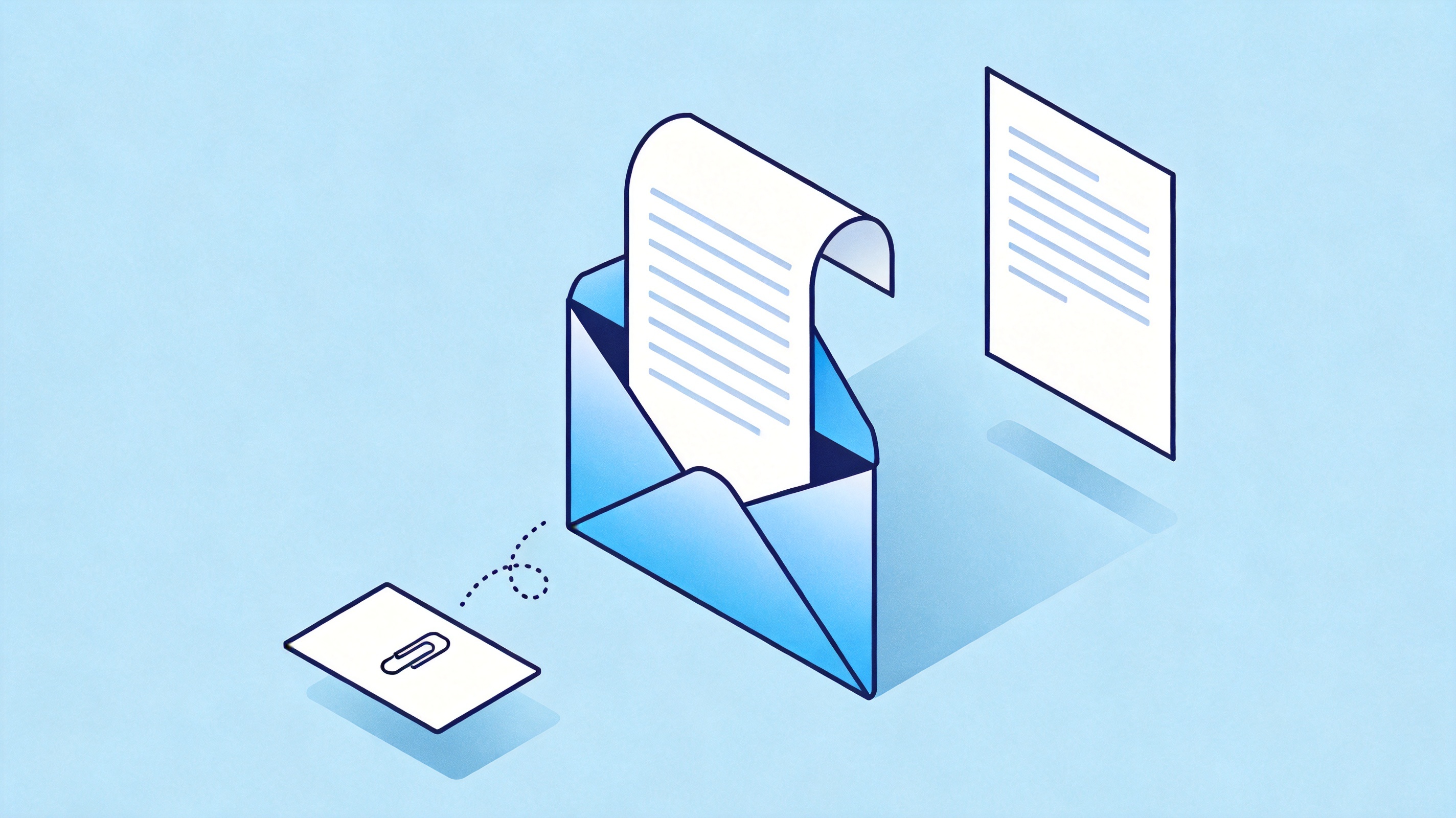
Email body printed to PDF, attachment dropped


Print one EML file to PDF from your mail app
This is the method that works on every desktop, and it needs no converter:
Double-click the .eml so it opens in your mail app: Windows Mail or Outlook on Windows, Mail on macOS, Thunderbird on either. If nothing opens, right-click and choose Open with.
Turn on the header view so the sender, recipient, and date appear on the page, usually under View > Message > All Headers or a details toggle.
Choose File > Print, or press Ctrl-P / Command-P, and select Microsoft Print to PDF on Windows or Save as PDF on macOS.
Set the paper size to A4 or Letter, choose portrait orientation, and enable background graphics if the email uses coloured tables.
Save with a filename that identifies the message, such as 2026-03-14_invoice-dispute_thread-01.pdf.
Long threads sometimes print as a single narrow column with repeated quoted text. Print the newest message on its own, then print the earlier ones separately, so each PDF stays readable and citable.
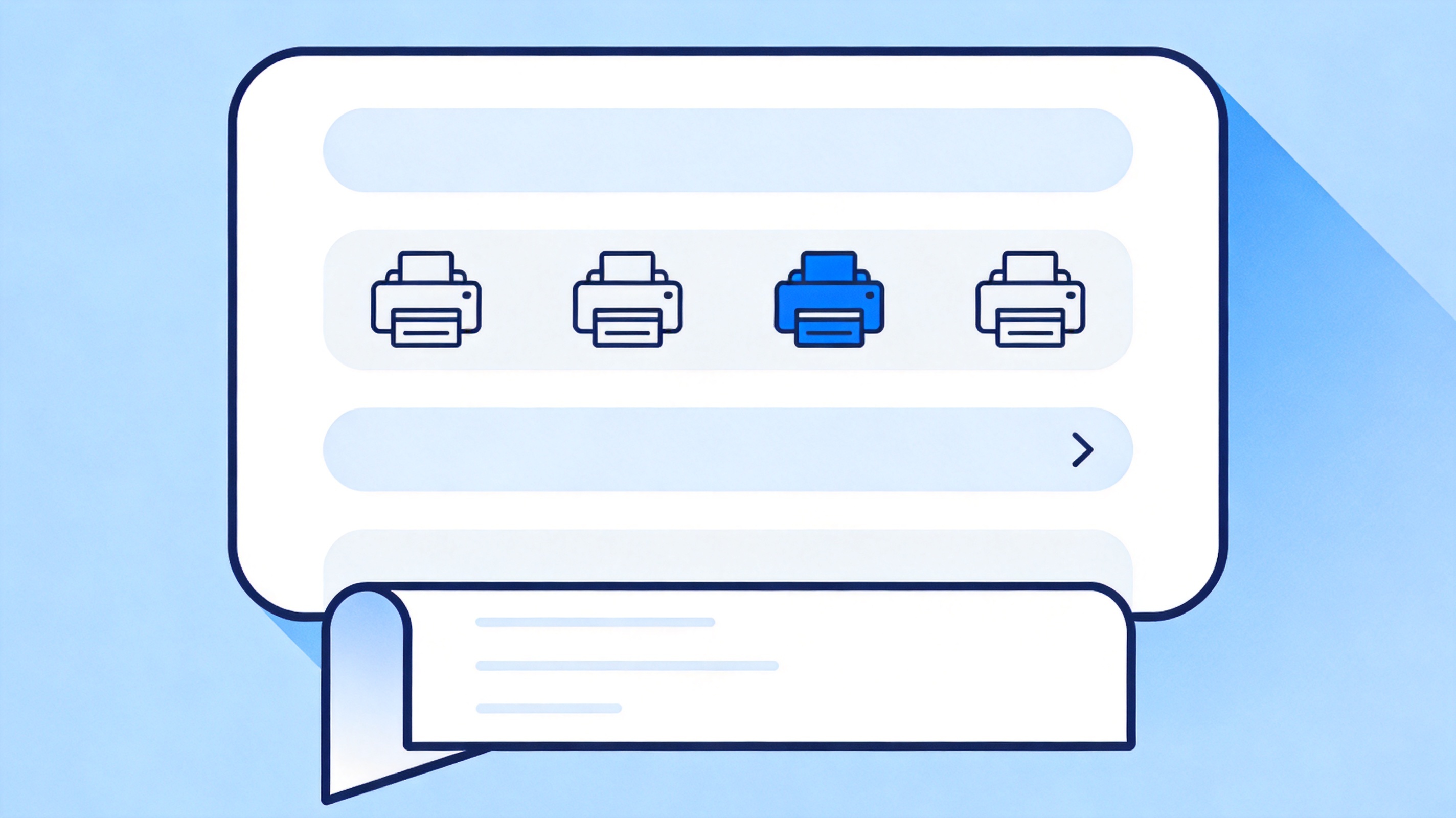
Print dialog saving email as PDF
Convert a folder of EML files into PDF
When a case or a project involves thirty messages, printing them one at a time is the wrong tool. Batch conversion works in three steps:
Collect the originals. Export the messages from the mail client as .eml into one folder and keep that folder untouched as your source of truth.
Convert with a batch tool. Desktop utilities and online converters accept a folder or a zip and return one PDF per message; check the page size and whether attachments are included before you run the whole set.
Merge in the right order. Combine the individual PDFs chronologically, oldest first, and add page numbers so a citation can point to a page.
Beware of tools that return one PDF per page or reflow the email into a two-column layout. Both destroy the reading order, and neither is worth the saved minutes.
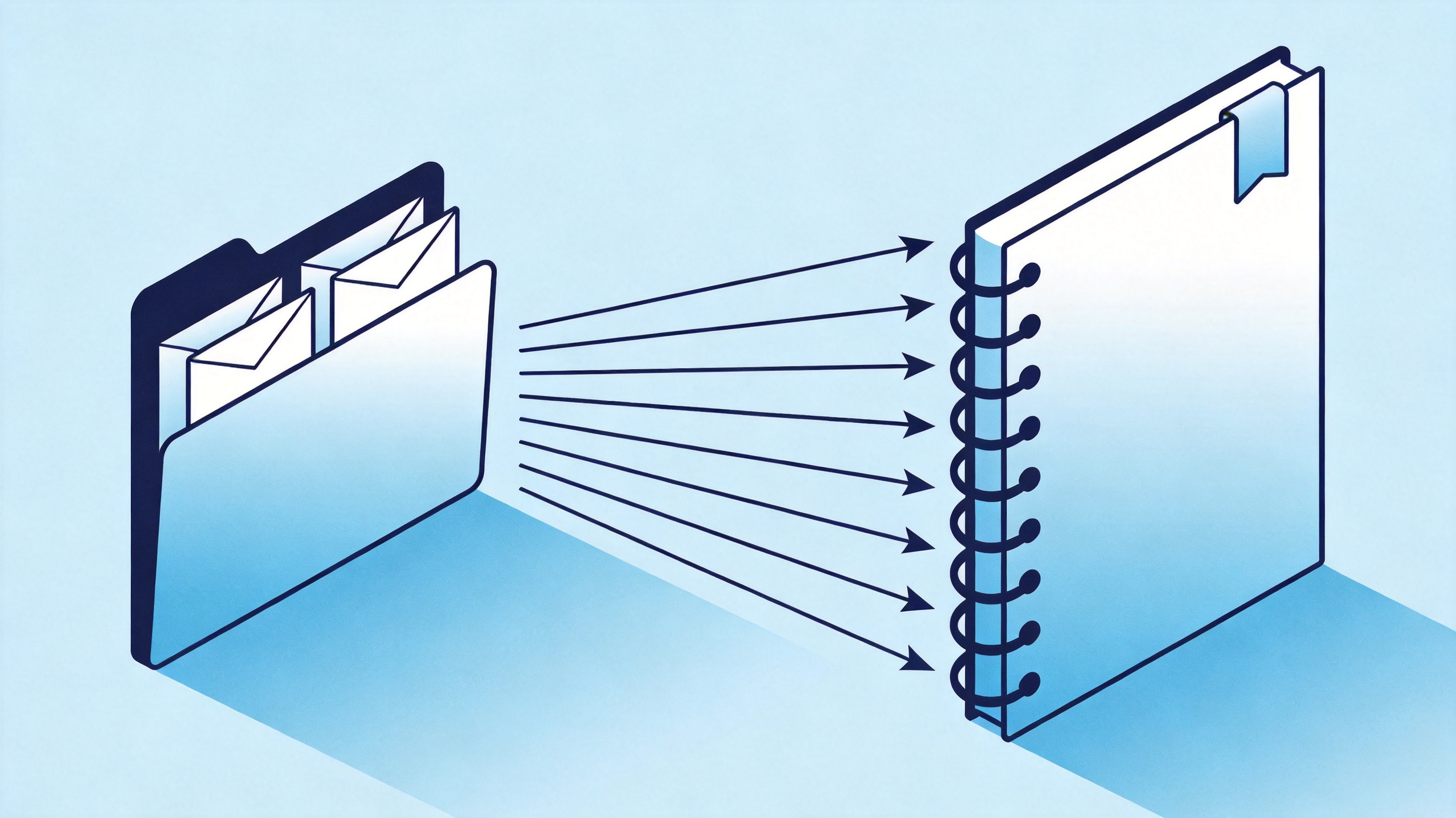
Folder of EML files merged into PDF
Finish and verify the EML to PDF record in WPS
Whatever produced the PDF, the last pass decides whether it is usable as a record. Open the file in WPS PDF and do four things:
Merge and order. Combine the printed messages and their attachments into one file, then check that page one is the oldest message.
Add page numbers and a header. Use the page tools so every page carries an identifier; an unnumbered exhibit is hard to cite.
Make it searchable. If the email printed as an image, run OCR so the text can be selected and found later.
Compress before sending. A thread with screenshots easily passes 20 MB; compress to the limit the portal accepts and keep the original separately.
Check the result the way a reader will: search for the sender name, open the attachment pages, and confirm the timestamp on page one matches the header you printed.
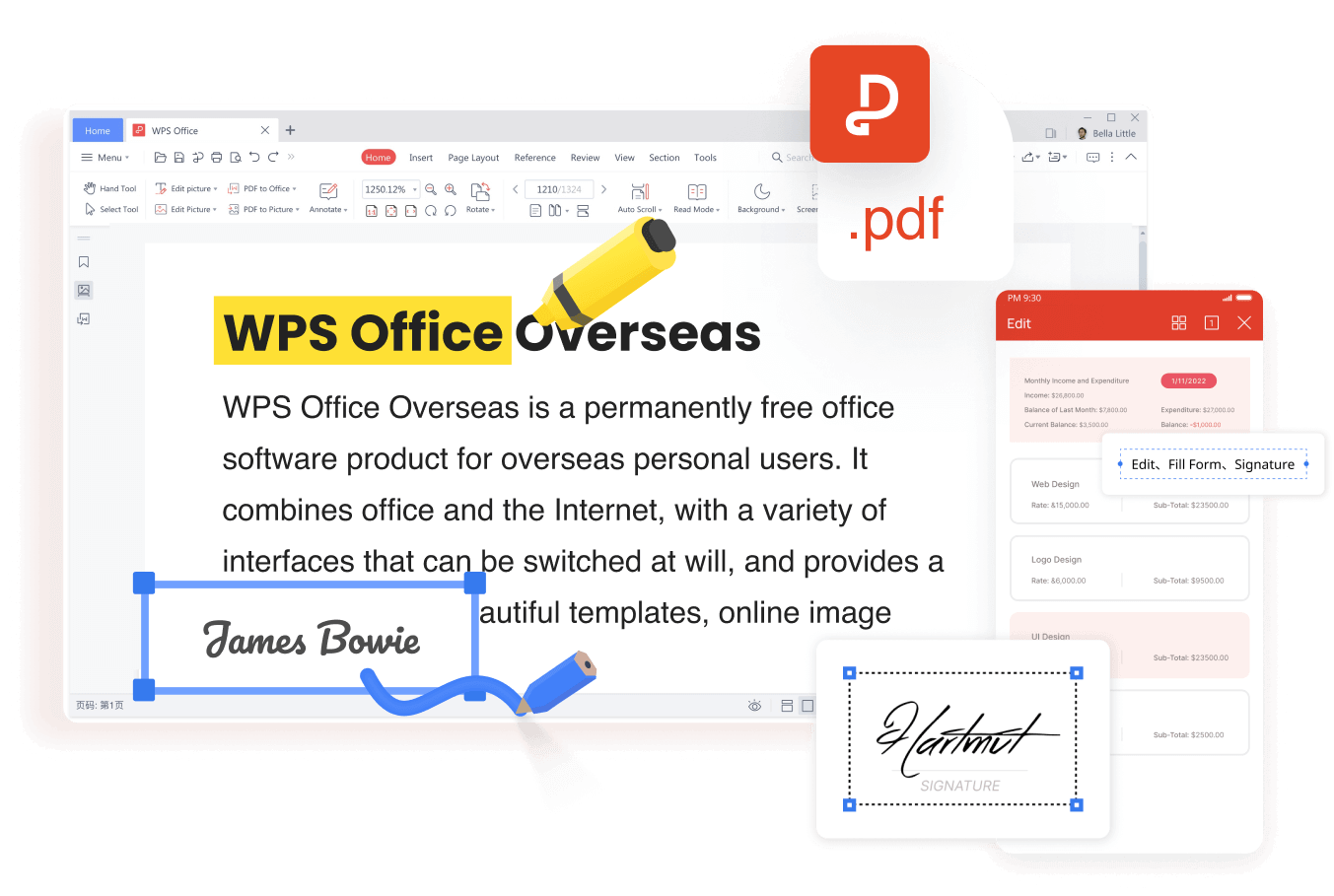
WPS PDF tools for merging and signing
What EML to PDF workflows look like in 2026
Email is now evidence more often than it is correspondence. Teams archive threads for contract disputes, HR complaints, and audit trails, which pushes the format question from convenience to compliance: a fixed, searchable, numbered record that anyone can open without the original mailbox.
Regulated teams keep a PDF/A copy for long-term archiving, because it embeds fonts and locks the layout.
AI summarizers triage long threads, but the summary is not the record; the PDF stays the source of truth.
Reviewers expect a page-numbered file with bookmarks per message instead of a folder of separate downloads.
Mobile approval means the same file has to open on a phone, not only on the desktop that created it.
That is also the argument for keeping the workflow in one place: convert, merge, number, compress, and sign inside the same app instead of moving a record through four of them.
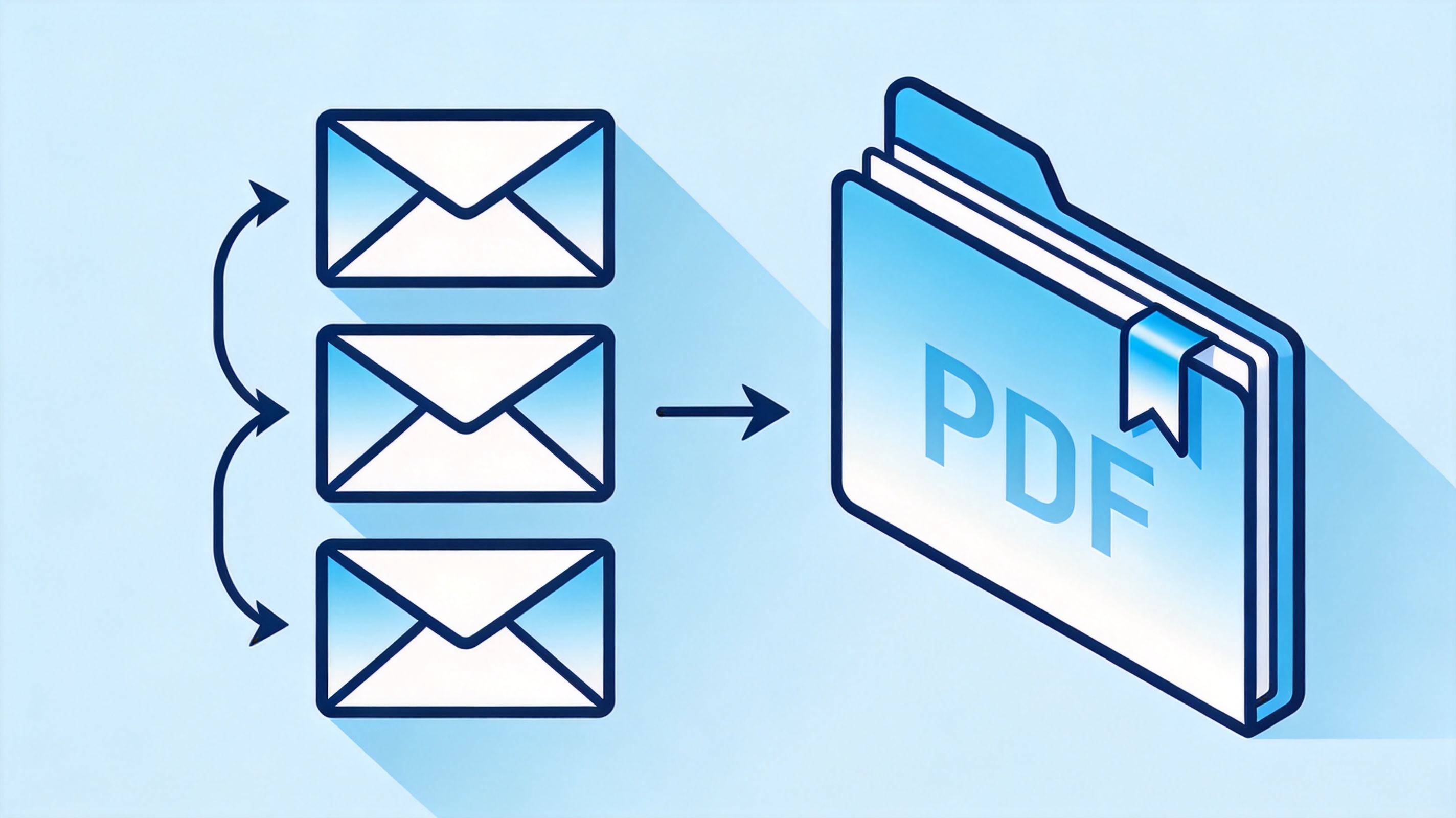
Email thread turned into PDF record
The Best Free PDF Workspace for EML Records: WPS Office
WPS Office handles the half of this job that a mail client cannot: WPS PDF merges the printed messages, adds page numbers, runs OCR on scanned printouts, fills and signs forms, and compresses the final file to a size that email portals accept. The same suite opens the original Word or Excel attachments when you need to edit them, and it runs on Windows, macOS, Android, and iOS.
For the size step, our guide to compressing a PDF under 1MB shows which settings keep text sharp when a portal enforces a hard limit.
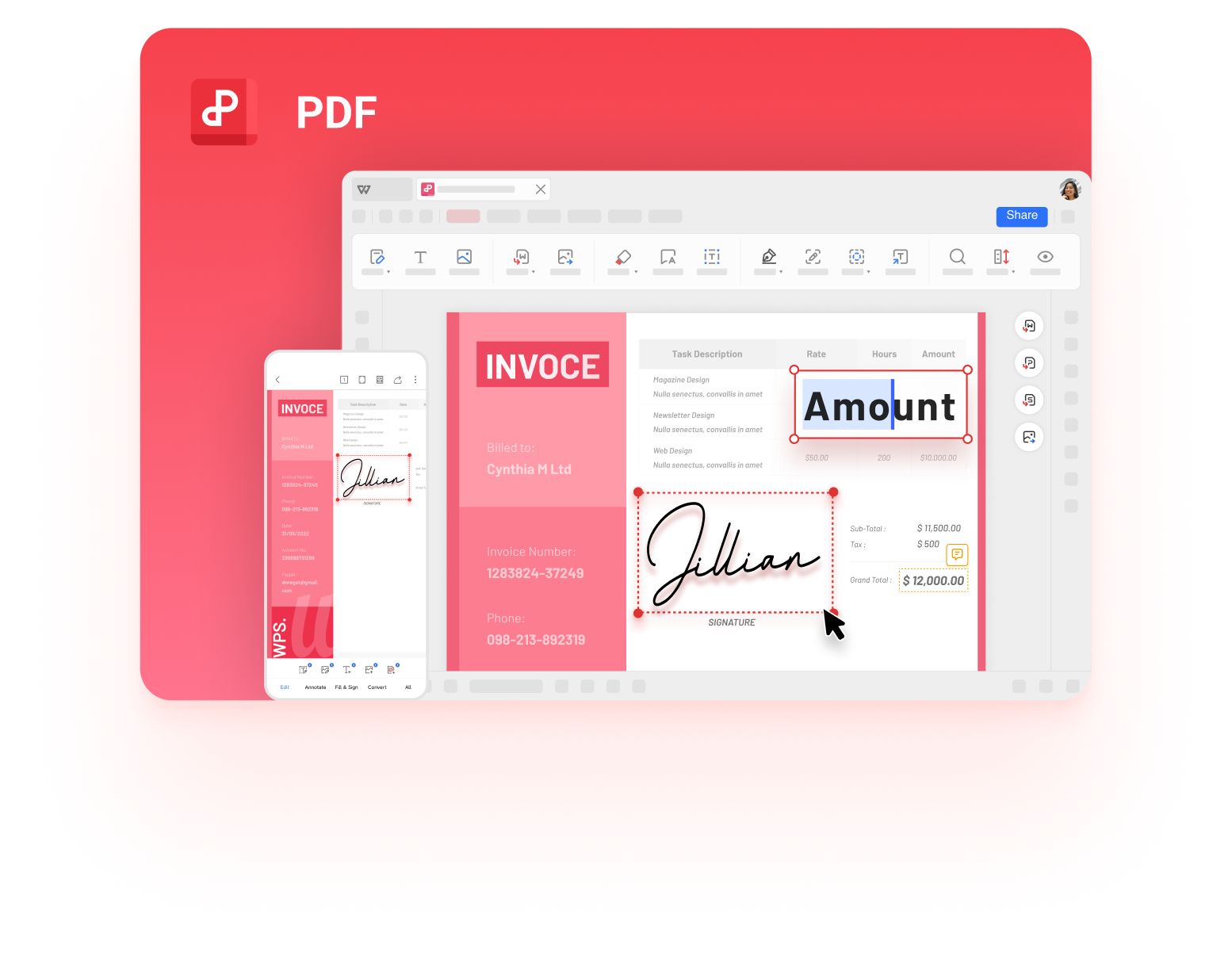
WPS PDF document view for records
FAQs
Can I convert an EML file to PDF for free?
Yes. Open the message in your mail app and print it to the Save as PDF printer, which costs nothing and needs no converter. WPS PDF handles the follow-up steps such as merging pages, adding numbers, and compressing the file.
Why are the attachments missing from my converted PDF?
Because attachments live outside the message body. Printing captures only what appears on the page, so save the attached files separately and merge them into the PDF after the email pages.
Does converting EML to PDF keep the sender and date?
It keeps whatever the client displays at print time. Turn on the full header view before printing if you need the message ID, routing lines, and time zone information.
What is the difference between EML and MSG?
EML is the open MIME format used across mail clients, while MSG is Microsoft Outlook's proprietary format. Both can be printed to PDF with the same method.
How do I convert many EML files at once?
Export all messages to one folder, run a batch converter that returns one PDF per message, then merge the results in date order and add page numbers.


'%3e%3cpath%20d='M19.9911%204.11386V6.471H18.5894C18.0775%206.471%2017.7322%206.57814%2017.5536%206.79243C17.3751%207.00671%2017.2858%207.32814%2017.2858%207.75671V9.44421H19.9019L19.5536%2012.0871H17.2858V18.8639H14.5536V12.0871H12.2769V9.44421H14.5536V7.49779C14.5536%206.39064%2014.8632%205.53201%2015.4822%204.92189C16.1013%204.31177%2016.9257%204.00671%2017.9554%204.00671C18.8304%204.00671%2019.509%204.04243%2019.9911%204.11386Z'%20fill='%23333333'/%3e%3c/g%3e%3cdefs%3e%3cclipPath%20id='clip0_2938_8199'%3e%3crect%20width='16'%20height='16'%20fill='white'%20transform='translate(8%204.00671)'/%3e%3c/clipPath%3e%3c/defs%3e%3c/svg%3e)
'%3e%3cpath%20d='M17.5237%2010.7813L23.4811%204H22.0699L16.8949%209.88693L12.7648%204H8L14.2469%2012.9029L8%2020.0133H9.4112L14.8725%2013.7952L19.2352%2020.0133H24M9.92053%205.04213H12.0885L22.0688%2019.0224H19.9003'%20fill='%23333333'/%3e%3c/g%3e%3cdefs%3e%3cclipPath%20id='clip0_2938_8200'%3e%3crect%20width='16'%20height='16.0134'%20fill='white'%20transform='translate(8%204)'/%3e%3c/clipPath%3e%3c/defs%3e%3c/svg%3e)


