

'%3e%3cpath%20d='M8%200C12.4183%200%2016%203.58172%2016%208C16%2012.4183%2012.4183%2016%208%2016C3.58172%2016%200%2012.4183%200%208C0%203.58172%203.58172%200%208%200ZM11.6162%204.38379C11.2257%203.99337%2010.5927%203.99338%2010.2021%204.38379L8%206.58594L5.79785%204.38379C5.40732%203.99334%204.77429%203.99329%204.38379%204.38379C3.99331%204.77429%203.99335%205.40733%204.38379%205.79785L6.58594%208L4.38379%2010.2021C3.99348%2010.5927%203.99341%2011.2257%204.38379%2011.6162C4.77426%2012.0066%205.40734%2012.0065%205.79785%2011.6162L8%209.41406L10.2021%2011.6162C10.5927%2012.0066%2011.2257%2012.0067%2011.6162%2011.6162C12.0067%2011.2257%2012.0066%2010.5927%2011.6162%2010.2021L9.41406%208L11.6162%205.79785C12.0066%205.40735%2012.0066%204.77429%2011.6162%204.38379Z'%20fill='%23080E17'%20fill-opacity='0.46'/%3e%3c/g%3e%3cdefs%3e%3cclipPath%20id='clip0_3761_713'%3e%3crect%20width='16'%20height='16'%20fill='white'/%3e%3c/clipPath%3e%3c/defs%3e%3c/svg%3e)




'%3e%3cpath%20fill-rule='evenodd'%20clip-rule='evenodd'%20d='M21.4999%2010.9993C21.4999%205.20009%2016.7986%200.498901%2010.9993%200.498901C5.19994%200.498901%200.498657%205.20009%200.498657%2010.9993C0.498657%2016.2404%204.33858%2020.5844%209.35855%2021.3722V14.0346H6.69238V10.9993H9.35855V8.68594C9.35855%206.05427%2010.9262%204.60062%2013.3248%204.60062C14.4736%204.60062%2015.6753%204.80571%2015.6753%204.80571V7.38979H14.3512C13.0468%207.38979%2012.64%208.19921%2012.64%209.0296V10.9993H15.5523L15.0867%2014.0346H12.64V21.3722C17.66%2020.5844%2021.4999%2016.2404%2021.4999%2010.9993Z'%20fill='%231568EA'/%3e%3c/g%3e%3c/svg%3e)


'%3e%3cpath%20d='M2.42045%2022.1876H6.31818V12.7217L0.75%208.54553V20.5171C0.75%2021.4414%201.49892%2022.1876%202.42045%2022.1876Z'%20fill='%234285F4'/%3e%3cpath%20d='M19.682%2022.1876H23.5797C24.5041%2022.1876%2025.2502%2021.4387%2025.2502%2020.5171V8.54553L19.682%2012.7217'%20fill='%2334A853'/%3e%3cpath%20d='M19.682%205.48293V12.7216L25.2502%208.54543V6.31816C25.2502%204.25236%2022.8921%203.07469%2021.2411%204.31361'%20fill='%23FBBC04'/%3e%3cpath%20d='M6.31824%2012.7217V5.48303L13.0001%2010.4944L19.6819%205.48303V12.7217L13.0001%2017.733'%20fill='%23EA4335'/%3e%3cpath%20d='M0.75%206.31816V8.54543L6.31818%2012.7216V5.48293L4.75909%204.31361C3.10534%203.07469%200.75%204.25236%200.75%206.31816Z'%20fill='%23C5221F'/%3e%3c/g%3e%3cdefs%3e%3cclipPath%20id='clip0_2954_7305'%3e%3crect%20width='24.5'%20height='18.375'%20fill='white'%20transform='translate(0.75%203.8125)'/%3e%3c/clipPath%3e%3c/defs%3e%3c/svg%3e)


Many people search for a Microsoft Office 2019 product key free because they need Word, Excel, or PowerPoint quickly and do not want another subscription. However, most “free product key” pages are risky. They often share blocked keys, unofficial activation scripts, or files that can expose your computer to malware.
The safer path is to understand what a real Office 2019 product key can and cannot do, check whether you already own a valid license, and consider a free office suite like WPS Office if you mainly need to open, edit, and save common Office files.
Microsoft Office 2019 Product Key Free: Safe Options and Better Alternatives
What “Microsoft Office 2019 product key free” really means
A Microsoft Office 2019 product key is a license code used to activate a specific Office 2019 edition. In normal retail cases, the key is purchased from Microsoft or an authorized seller and then linked to a Microsoft account during setup.
When search results promise a Microsoft Office 2019 product key free, they usually fall into one of these groups:
Shared public keys that have already been blocked.
KMS or CMD activation scripts meant for volume licensing environments.
Fake download pages that ask users to install unknown files.
Articles that list random codes without confirming whether they work.
Safer guides that explain how to reinstall or recover a product you already own.
The important point is simple: a working Office 2019 license is not normally free. If a site claims to provide unlimited free keys, treat it carefully.

Office 2019 product key explained


Why free Microsoft Office 2019 product key lists are risky
Free product key lists look convenient, but they create several problems.
First, many keys are invalid or already used. Office activation checks whether the key is eligible, and a copied key from a public website is often blocked.
Second, some activation pages ask users to run commands or download tools. These may change system settings, connect to unknown servers, or install unwanted software. A “quick fix” can become a security issue.
Third, Office 2019 has already reached end of support. Microsoft states that support for Office 2016 and Office 2019 ended on October 14, 2025. The apps may still open, but users no longer receive normal security updates for those versions.
For daily document work, it is usually better to use a legitimate license, upgrade to a supported Microsoft plan, or choose a free alternative that still receives updates.

Free Office key risks explained
How to safely activate Microsoft Office 2019 product key
If you already bought Office 2019, use the official activation route instead of random key pages.
Go to Microsoft’s official setup page.
Sign in with the Microsoft account connected to your Office purchase.
Enter your valid product key if prompted.
Download Office from your account page.
Open Word, Excel, or PowerPoint.
Sign in and complete activation.
If Office is already installed, open any Office app and check File > Account > Product Information. There you can see whether Office is activated, whether the account is connected, and whether you need to change the license.
If you bought Office from a retailer, keep your receipt and packaging. If you bought it digitally, check your email and Microsoft account order history.

Check Office activation status safely
What to use instead of Microsoft Office 2019 product key free
If your main goal is to work with documents without paying for a risky key, WPS Office is a practical alternative.
WPS Office can open and edit common Microsoft Office file formats, including DOCX, XLSX, and PPTX. It also provides Writer, Spreadsheet, Presentation, and PDF tools in one lightweight office suite. For students, freelancers, and everyday users, this may be enough to replace the need for an old Office 2019 license.
You can use WPS Office to:
Edit Word-style documents.
Work with Excel-style spreadsheets.
Create and present slides.
Read and annotate PDFs.
Save files in widely used Office-compatible formats.
This does not mean WPS Office is a Microsoft Office 2019 product key. It is a separate office suite. But if you searched for a free key because you only need reliable document editing, WPS Office may solve the actual problem more safely.
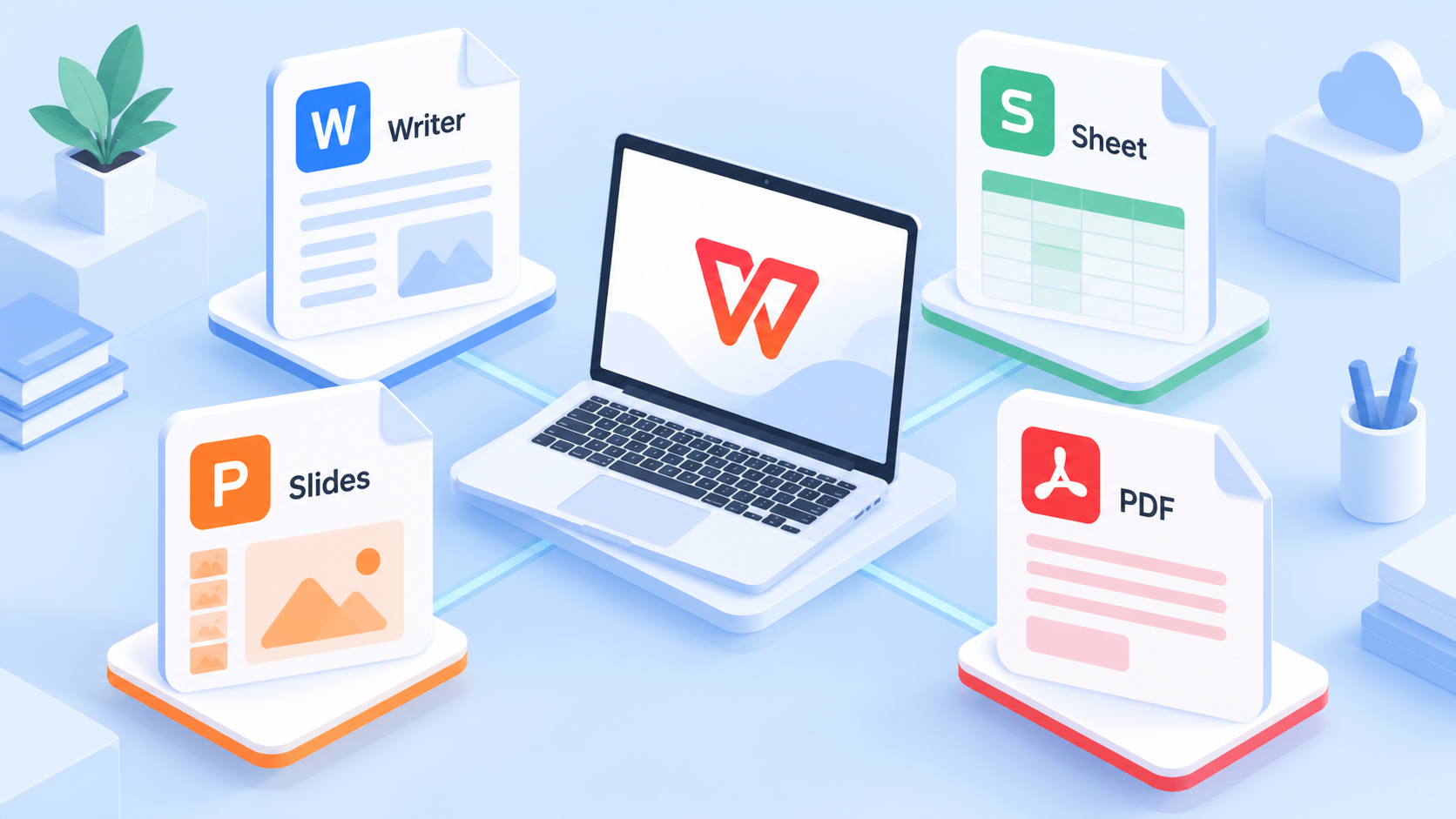
WPS Office document editing tools
How to open Office files without Microsoft Office 2019 product key free
You do not always need Office 2019 activated just to work with Office-format files. With WPS Office, you can open many common files directly.
Here is a simple workflow:
Download and install WPS Office from the official WPS website.
Open WPS Writer, Spreadsheet, or Presentation.
Click Open and select your DOCX, XLSX, or PPTX file.
Edit the content as needed.
Save the file in the original format or export it as PDF.
This is especially helpful when you receive a file from school, work, or a client and only need to review or make normal edits. For advanced macros, special enterprise templates, or organization-controlled files, you should test compatibility before replacing Microsoft Office completely.
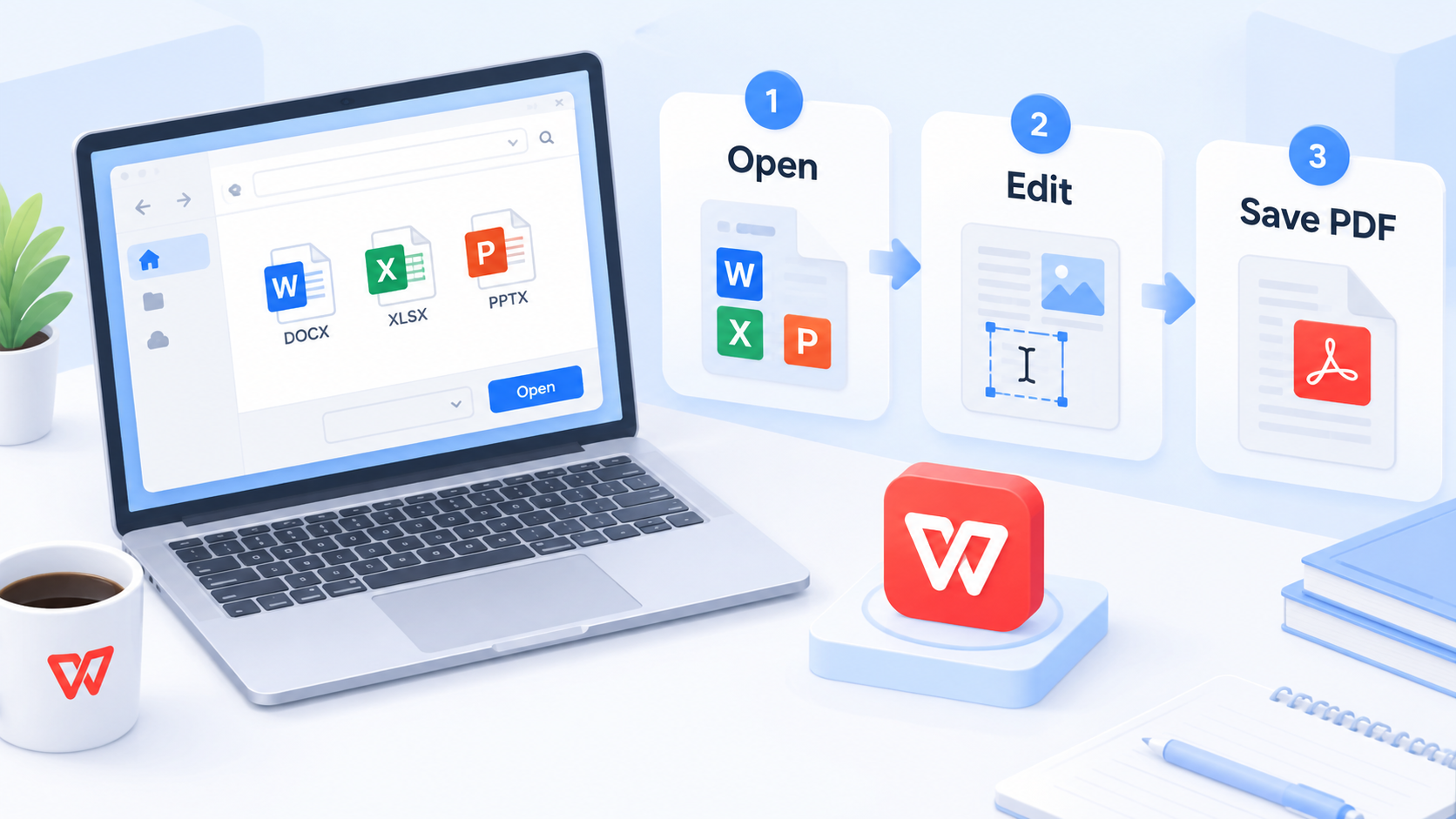
Open Office files in WPS
FAQs
Can I get a Microsoft Office 2019 product key free?
A legitimate Office 2019 product key is usually not free. Public key lists are often invalid, blocked, or unsafe. If you already bought Office 2019, check your Microsoft account or purchase records.
Are free Office 2019 activation scripts safe?
They can be risky. Some scripts change system settings or connect to unknown activation servers. It is safer to use Microsoft’s official activation process or a trusted office alternative.
Does Office 2019 still work after support ended?
Office 2019 apps may still run, but Microsoft support for Office 2019 ended on October 14, 2025. That means normal security updates and support are no longer available.
Can WPS Office replace Office 2019?
For many daily tasks, yes. WPS Office can open, edit, and save common Word, Excel, PowerPoint, and PDF files. However, you should test advanced macros, special templates, and business workflows first.
What is the safest free alternative to Office 2019?
For everyday document editing, WPS Office is a strong option because it supports common Office file formats and includes Writer, Spreadsheet, Presentation, and PDF tools.


'%3e%3cpath%20d='M19.9911%204.11386V6.471H18.5894C18.0775%206.471%2017.7322%206.57814%2017.5536%206.79243C17.3751%207.00671%2017.2858%207.32814%2017.2858%207.75671V9.44421H19.9019L19.5536%2012.0871H17.2858V18.8639H14.5536V12.0871H12.2769V9.44421H14.5536V7.49779C14.5536%206.39064%2014.8632%205.53201%2015.4822%204.92189C16.1013%204.31177%2016.9257%204.00671%2017.9554%204.00671C18.8304%204.00671%2019.509%204.04243%2019.9911%204.11386Z'%20fill='%23333333'/%3e%3c/g%3e%3cdefs%3e%3cclipPath%20id='clip0_2938_8199'%3e%3crect%20width='16'%20height='16'%20fill='white'%20transform='translate(8%204.00671)'/%3e%3c/clipPath%3e%3c/defs%3e%3c/svg%3e)
'%3e%3cpath%20d='M17.5237%2010.7813L23.4811%204H22.0699L16.8949%209.88693L12.7648%204H8L14.2469%2012.9029L8%2020.0133H9.4112L14.8725%2013.7952L19.2352%2020.0133H24M9.92053%205.04213H12.0885L22.0688%2019.0224H19.9003'%20fill='%23333333'/%3e%3c/g%3e%3cdefs%3e%3cclipPath%20id='clip0_2938_8200'%3e%3crect%20width='16'%20height='16.0134'%20fill='white'%20transform='translate(8%204)'/%3e%3c/clipPath%3e%3c/defs%3e%3c/svg%3e)


