



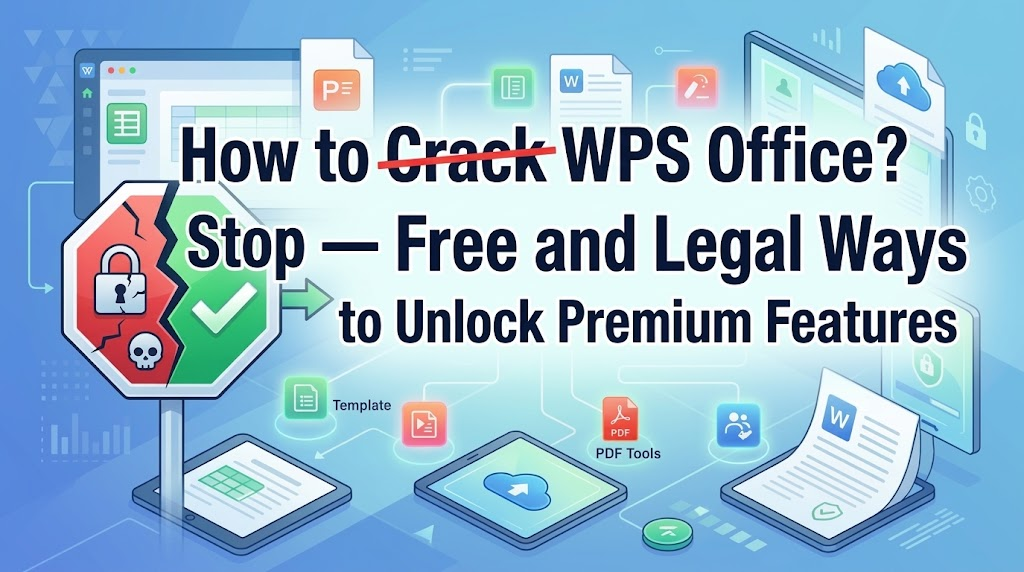
If you ended up here, there is a decent chance you searched for a crack WPS Office download, looked at the results, and got a little suspicious. Good instinct. Most of those pages are mirrors of the same handful of repackaged installers, and none of them can tell you what actually happens after you click run.
Here is the short version: you probably do not need a cracked build, and the free version of WPS Office is not a stripped-down trial that dies after 30 days. It edits documents, spreadsheets and slides for real. What follows is an honest breakdown, what the cracked installers actually contain, what the free tier covers, where WPS genuinely beats Microsoft Office, where it does not, and what Premium is actually worth.
What you are really installing with a crack WPS Office package
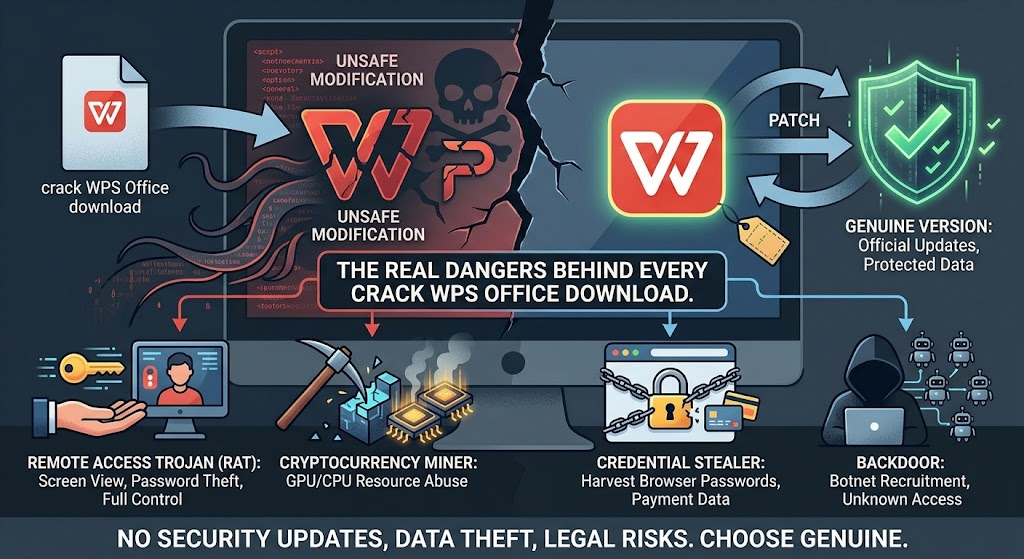
A cracked build is not the official app with a lock taken off. Someone has to unpack the installer, patch the activation check, and repackage it. That repackaging step is the opening. Once you are already modifying binaries, adding a second payload costs nothing, and the code-signing chain that would normally flag it is gone.
The usual passengers on a wps office full crack download:
Remote access trojans that let someone watch your screen, read what you type, and drive your machine.
Cryptominers that quietly eat CPU and GPU cycles in the background.
Credential stealers aimed at browser password stores and saved card details.
Loaders that pull a second stage later, which is why the first scan comes back clean.
Two quieter problems matter just as much. Cracked builds never get security updates, so every vulnerability patched in the official version stays open on yours. And activation patches are fragile by design. When one gets detected, or simply breaks after an update, the app can refuse to open the files you made with it. Files you were counting on for work. That part never makes it into the tutorial video.
What the free version actually does, no license key involved
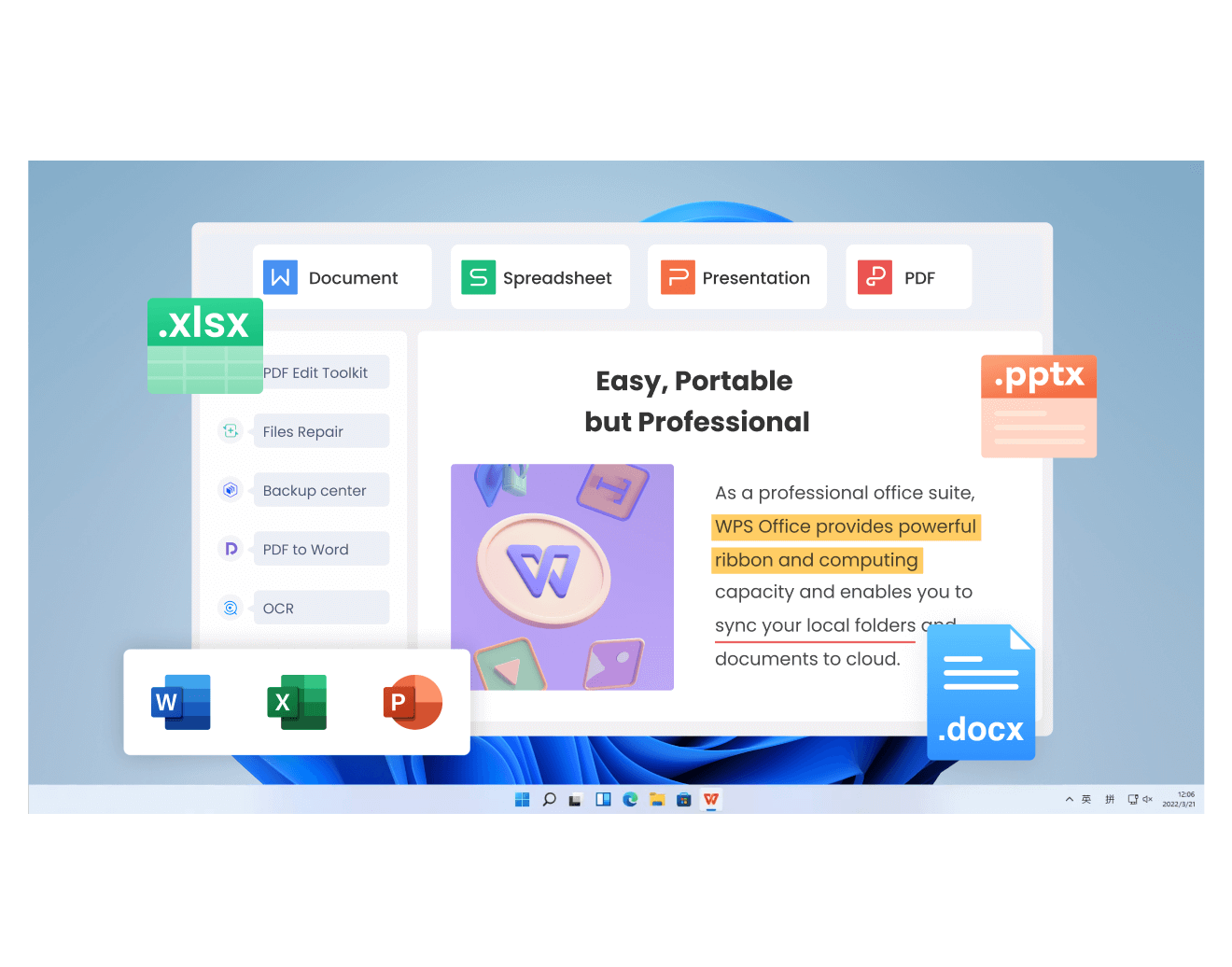
People assume free means viewer. It does not. WPS Office free ships the full Writer, Spreadsheet and Presentation editors. You can create, edit and save .docx, .xlsx and .pptx natively, without an activation code, a keygen, or a watermark stamped across your documents.
Where the free tier is genuinely limited, and I would rather say it plainly than pretend otherwise:
You will see ads in the interface.
Advanced PDF editing and conversion are capped per day.
Cloud storage is basic.
The full template catalog sits behind Premium.
That is the real trade. Not crippled, but not unlimited either. For writing a report, building a budget sheet, throwing together a deck, or reading and annotating a PDF, free covers it.
Where WPS actually pulls ahead, and where it does not
Compatibility is the big one. LibreOffice is the obvious free alternative, and it is fine right up until someone sends you a .pptx. In side-by-side testing, PowerPoint files opened in LibreOffice Impress come back with different font weights and spacing even when the font is installed locally. WPS renders them much closer to the original, and the same holds for .doc, .docx, .xls and .xlsx. If your week involves opening files made by people on Microsoft Office, this matters more than any feature comparison table.
It replaces more than one app. The PDF toolkit is built in. Open, annotate, edit text, convert, batch rename files, and pin a screenshot on top of other windows with Snip and Pin. Acrobat charges $179.88 a year for the tier that does most of that. If you are currently paying for Office and Acrobat as two separate subscriptions, WPS collapses them into one.
Small things that add up. Tabbed windows, so Word, Excel, PowerPoint and PDF files live in one window instead of five. A 1.3 GB install on macOS against roughly 3.7 GB for the three Microsoft apps. Native Linux packages, no VM required. An Insert LaTeX entry that is actually reachable from the ribbon, which is more than Word manages without digging through settings.
Where it does not win. If your work lives inside gnarly VBA macros, or an Excel model wired to an external database, Microsoft still has the edge, and anyone telling you otherwise is selling something. Same story if you are in a large org where IT procurement is out of your hands, or where a privacy review is a hard blocker. Those are real reasons to stay put. Naming them is more useful than pretending the gap does not exist.


The money part, if you were going to pay anyway
This is where the just crack it logic falls apart. Everyone hunting a crack is trying to solve an expensive subscription problem, and there is a legal version of that solution that costs less than you would guess.
| Plan | Per year | What you get |
|---|---|---|
| WPS Office Standard (free) | $0 | Writer, Spreadsheet, Presentation, PDF viewing and basic tools, 1 GB cloud, free templates |
| WPS Pro+ | $69.99 | Full Office suite, PDF editing and conversion, OCR, e-signature, unlimited templates, 20 GB cloud, no ads, AI quota |
| Microsoft 365 Personal | $99.99 | Word, Excel, PowerPoint, Outlook, OneNote, Copilot, 1 TB OneDrive, one person |
| Adobe Acrobat Standard | $179.88 | PDF creation, editing, conversion, page management, e-signature, password protection |
| 365 Personal + Acrobat Standard | $279.87 | Office suite plus basic professional PDF editing. WPS Pro+ saves $209.88, about 75% |
| 365 Personal + Acrobat Pro | $339.87 | Adds OCR and redaction. WPS Pro+ saves $269.88, about 79% |
Read that table again. WPS Pro+ is $69.99 a year. Microsoft 365 Personal is $99.99 and does not edit PDFs, so Acrobat Standard at $179.88 is on top of it. Stack the two and you are at $279.87 for coverage WPS handles in one install. That is the argument, and it does not require much marketing. The free tier is the download, the $69.99 tier is the upgrade you take when the daily PDF cap and the ads start to annoy you.
If you would rather not pay anything
Fair enough. In rough order of how much they are worth your time:
Just use the free tier. It covers most of what people are trying to unlock with a crack.
Take the official Premium trial. Full feature set for the trial window. Set a reminder and cancel before it renews if you are not keeping it, because that is exactly how the auto-charge complaints happen.
Check the education program if you are a student or teacher. Verified school accounts get free or discounted WPS 365.
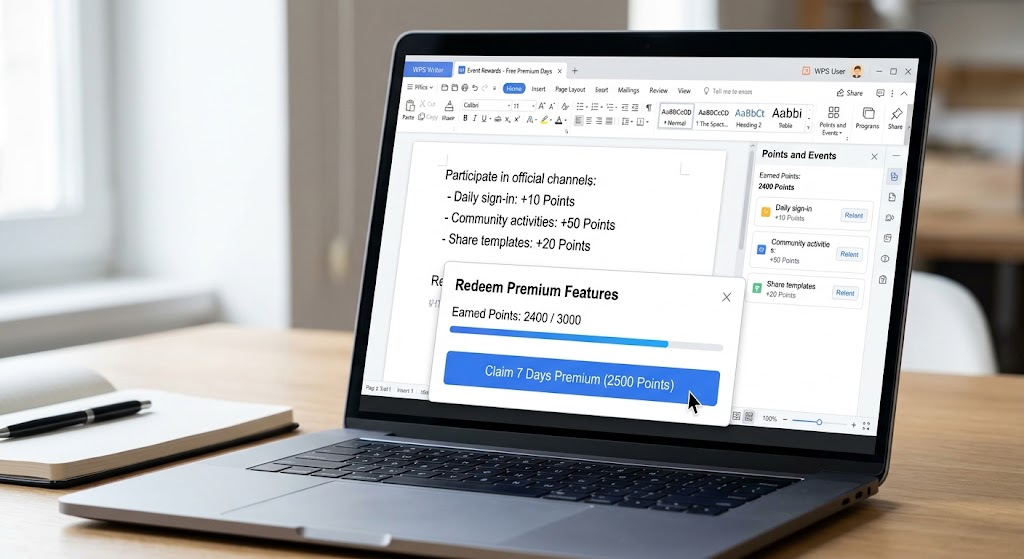
Watch for official events and sign-in rewards, which hand out Premium days.
Getting the real installer
Download from wps.com and nothing else. Not a mirror, not a portable full version, not a filehost link in a forum thread with twelve replies. The official installer is genuinely free, so there is no reason to route through a third party, and every reason not to. If a page asks you to disable your antivirus before installing, close the tab.
FAQ
Is a cracked WPS Office actually dangerous, or is that exaggerated?
Not exaggerated, but the risk is uneven. Plenty of people run cracked builds for months and notice nothing. The problem is you have no way to know which build you got. You are handing full file and network access to an anonymous repackager, for software you can download free from the publisher. That is a bad bet in both directions.
Do I need a license key to use WPS Office?
No. Install it, open it, start editing. No activation code, no keygen step. Premium is an optional upgrade, not a gate in front of the editor.
Will WPS mess up my .docx or .xlsx files?
In testing, .doc, .docx, .xls, .xlsx and .pptx all opened with layout intact, and .pptx held up noticeably better than LibreOffice. If a file has heavy macros or unusual embedded objects, open a copy and eyeball it before sending it to a client. That is sensible practice no matter which suite you use.
Is WPS Premium worth $69.99 a year?
If you are already paying for Microsoft 365 plus Acrobat, yes. You save around $210 a year for overlapping coverage, and you stop juggling two subscriptions. If you write the occasional document and nothing else, the free tier is probably enough and you can skip it.
Does WPS work offline, and does it run on Linux?
Yes to both. The desktop app works offline on local files, and there are native Linux packages for the full suite, no VM or compatibility layer. LibreOffice is the more common choice on Linux, but it loads large spreadsheets slower and is less reliable with PowerPoint files.




