

'%3e%3cpath%20d='M8%200C12.4183%200%2016%203.58172%2016%208C16%2012.4183%2012.4183%2016%208%2016C3.58172%2016%200%2012.4183%200%208C0%203.58172%203.58172%200%208%200ZM11.6162%204.38379C11.2257%203.99337%2010.5927%203.99338%2010.2021%204.38379L8%206.58594L5.79785%204.38379C5.40732%203.99334%204.77429%203.99329%204.38379%204.38379C3.99331%204.77429%203.99335%205.40733%204.38379%205.79785L6.58594%208L4.38379%2010.2021C3.99348%2010.5927%203.99341%2011.2257%204.38379%2011.6162C4.77426%2012.0066%205.40734%2012.0065%205.79785%2011.6162L8%209.41406L10.2021%2011.6162C10.5927%2012.0066%2011.2257%2012.0067%2011.6162%2011.6162C12.0067%2011.2257%2012.0066%2010.5927%2011.6162%2010.2021L9.41406%208L11.6162%205.79785C12.0066%205.40735%2012.0066%204.77429%2011.6162%204.38379Z'%20fill='%23080E17'%20fill-opacity='0.46'/%3e%3c/g%3e%3cdefs%3e%3cclipPath%20id='clip0_3761_713'%3e%3crect%20width='16'%20height='16'%20fill='white'/%3e%3c/clipPath%3e%3c/defs%3e%3c/svg%3e)




'%3e%3cpath%20fill-rule='evenodd'%20clip-rule='evenodd'%20d='M21.4999%2010.9993C21.4999%205.20009%2016.7986%200.498901%2010.9993%200.498901C5.19994%200.498901%200.498657%205.20009%200.498657%2010.9993C0.498657%2016.2404%204.33858%2020.5844%209.35855%2021.3722V14.0346H6.69238V10.9993H9.35855V8.68594C9.35855%206.05427%2010.9262%204.60062%2013.3248%204.60062C14.4736%204.60062%2015.6753%204.80571%2015.6753%204.80571V7.38979H14.3512C13.0468%207.38979%2012.64%208.19921%2012.64%209.0296V10.9993H15.5523L15.0867%2014.0346H12.64V21.3722C17.66%2020.5844%2021.4999%2016.2404%2021.4999%2010.9993Z'%20fill='%231568EA'/%3e%3c/g%3e%3c/svg%3e)


'%3e%3cpath%20d='M2.42045%2022.1876H6.31818V12.7217L0.75%208.54553V20.5171C0.75%2021.4414%201.49892%2022.1876%202.42045%2022.1876Z'%20fill='%234285F4'/%3e%3cpath%20d='M19.682%2022.1876H23.5797C24.5041%2022.1876%2025.2502%2021.4387%2025.2502%2020.5171V8.54553L19.682%2012.7217'%20fill='%2334A853'/%3e%3cpath%20d='M19.682%205.48293V12.7216L25.2502%208.54543V6.31816C25.2502%204.25236%2022.8921%203.07469%2021.2411%204.31361'%20fill='%23FBBC04'/%3e%3cpath%20d='M6.31824%2012.7217V5.48303L13.0001%2010.4944L19.6819%205.48303V12.7217L13.0001%2017.733'%20fill='%23EA4335'/%3e%3cpath%20d='M0.75%206.31816V8.54543L6.31818%2012.7216V5.48293L4.75909%204.31361C3.10534%203.07469%200.75%204.25236%200.75%206.31816Z'%20fill='%23C5221F'/%3e%3c/g%3e%3cdefs%3e%3cclipPath%20id='clip0_2954_7305'%3e%3crect%20width='24.5'%20height='18.375'%20fill='white'%20transform='translate(0.75%203.8125)'/%3e%3c/clipPath%3e%3c/defs%3e%3c/svg%3e)


An effective parent-teacher conference form fits on one page and has five parts: student strengths, areas for growth, work samples, agreed action steps, and a signature line. Teachers who use a structured form run meetings that end with commitments instead of vague impressions — below is the field-by-field structure, a copyable template outline, and how to make a digital version families can sign on any device.
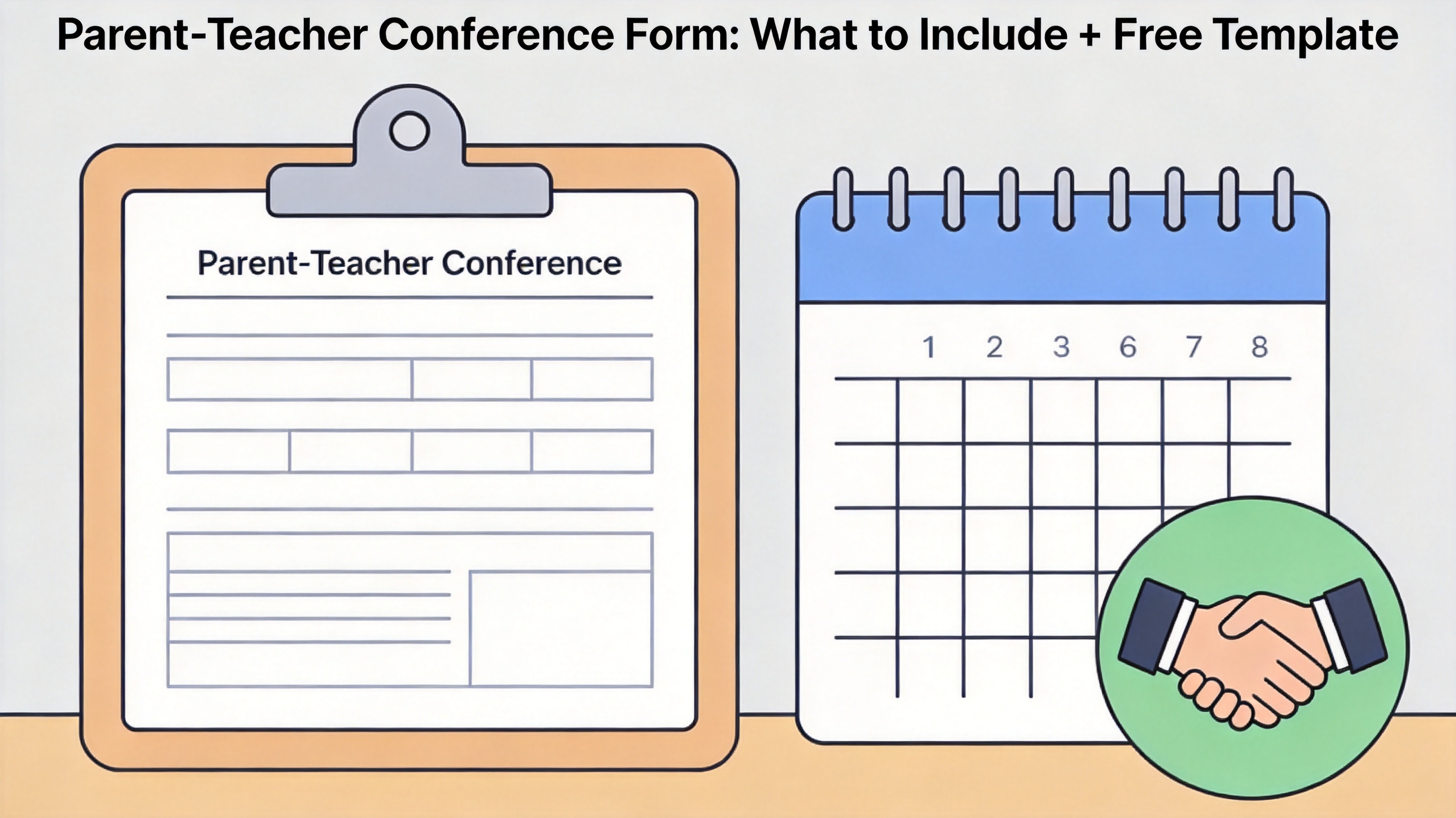
Parent-Teacher Conference Form: What to Include + Free Template
What to Put in a Parent-Teacher Conference Form
- Header — student name, date, grade, teacher, and meeting type (fall conference, progress check, requested meeting).
- Strengths first — three specific observations with evidence, not adjectives. "Reads 40 words per minute above benchmark" beats "good reader."
- Growth areas — two, maximum three. More than that turns the meeting into a list of grievances.
- Work samples — one recent writing piece and one math task, attached or referenced.
- Action steps — one thing the teacher will do, one the family will do, one the student will do, each with a check-in date.
- Signatures — teacher and parent sign and date; the form becomes your record of the conversation.
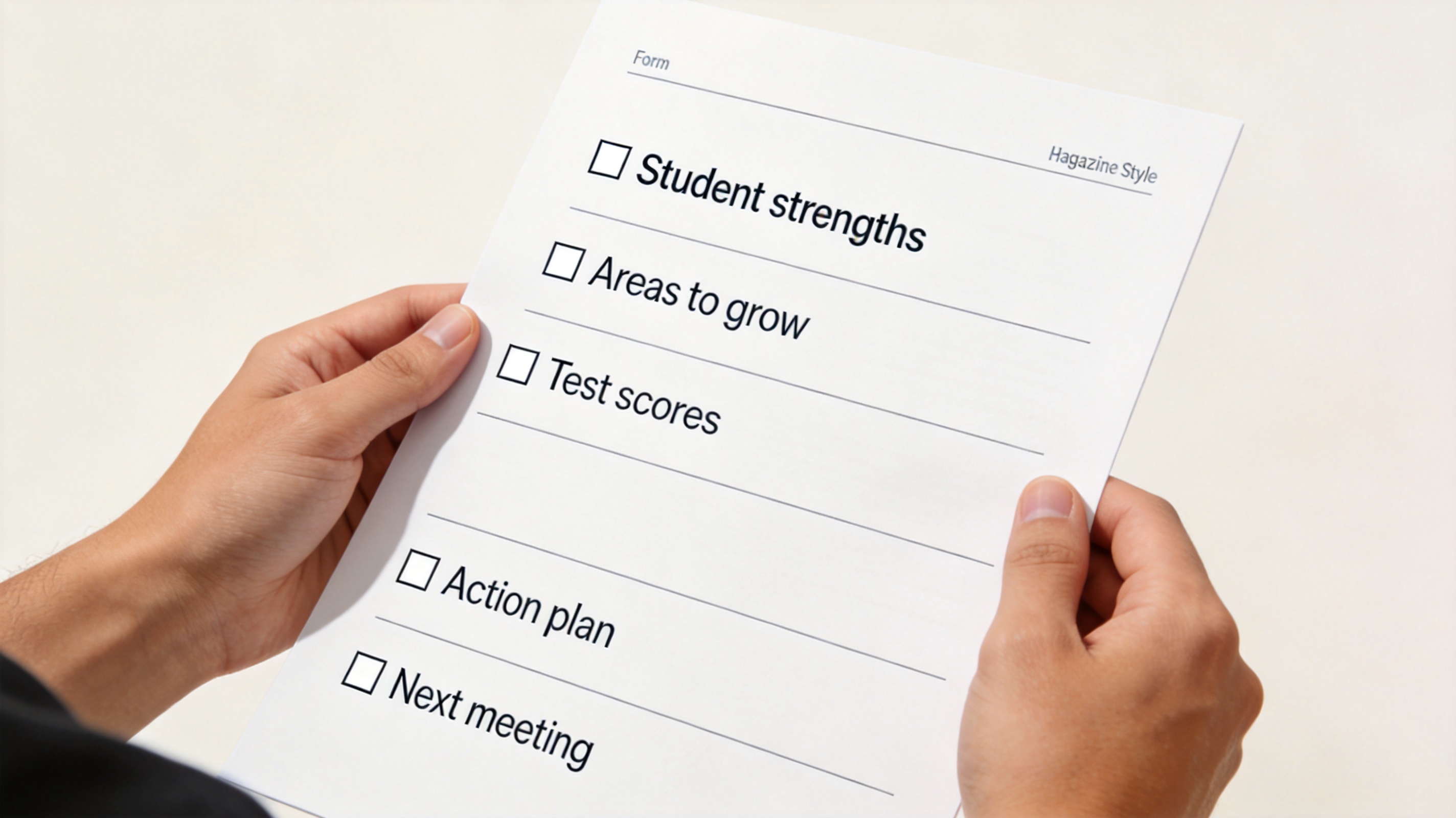
What to include in conference form
A Copyable Template Outline
Build the form as a one-page table: header row across the top, then two columns — left for "What we see," right for "What we'll do" — aligned to the strengths, growth, and action sections above. Keep the language family-friendly and leave check-in dates as blank lines. Schools that standardize on one template report shorter, calmer conferences because parents know the structure in advance.
If your school already uses a document suite, start from a template instead of a blank page — the layout ideas in WPS smart templates are a good starting point.
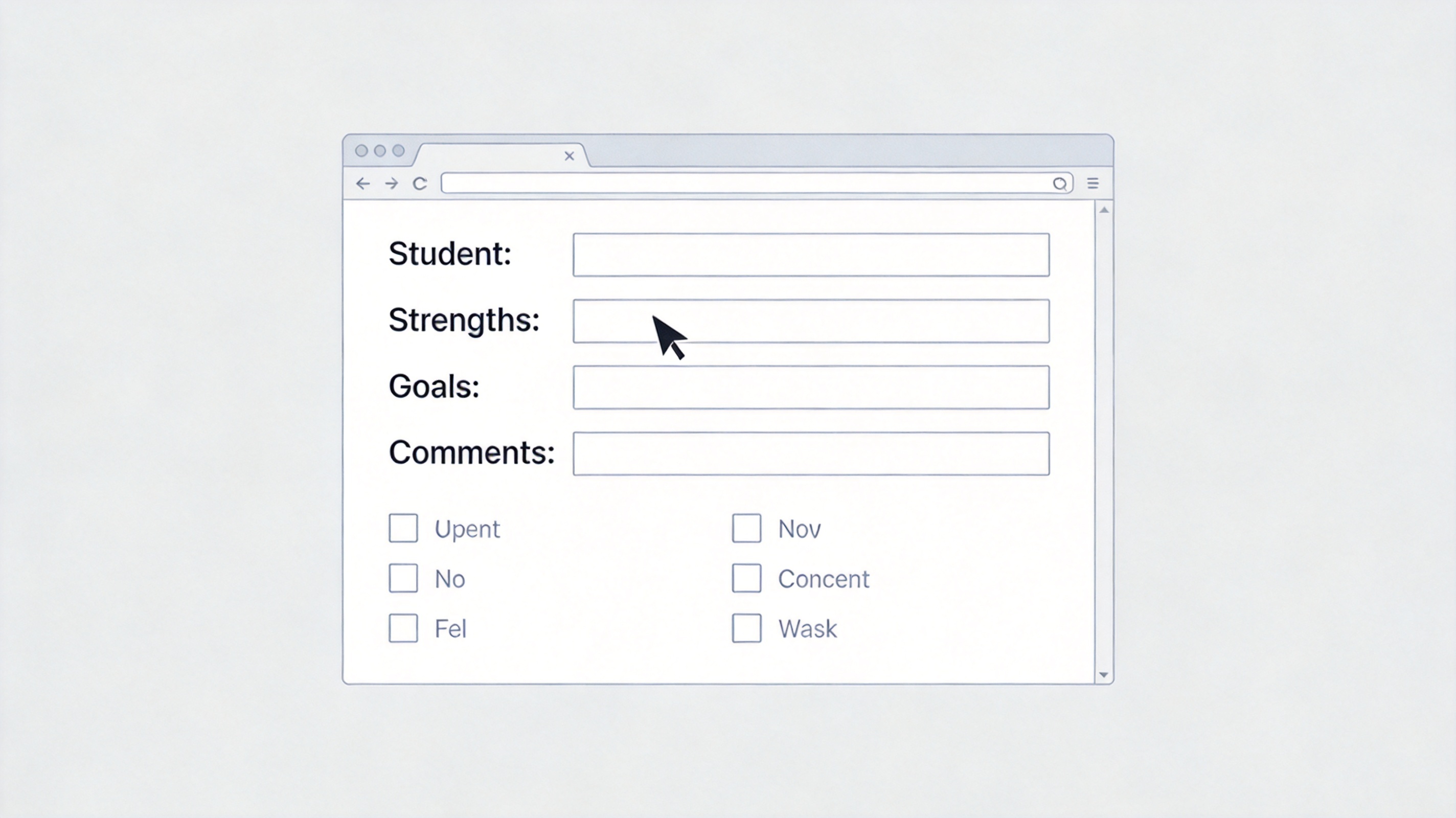
Conference form template outline
Making the Form Digital and Signable
- Build it once — create the one-page form in WPS Writer or Word and save as a template.
- Export to PDF — print to PDF so formatting holds on any device.
- Enable fillable fields — add form fields or simply leave editable text boxes; WPS PDF lets parents type directly and sign electronically.
- Distribute and archive — email the PDF before the meeting, collect the signed copy, and file it in a folder per student for the year.
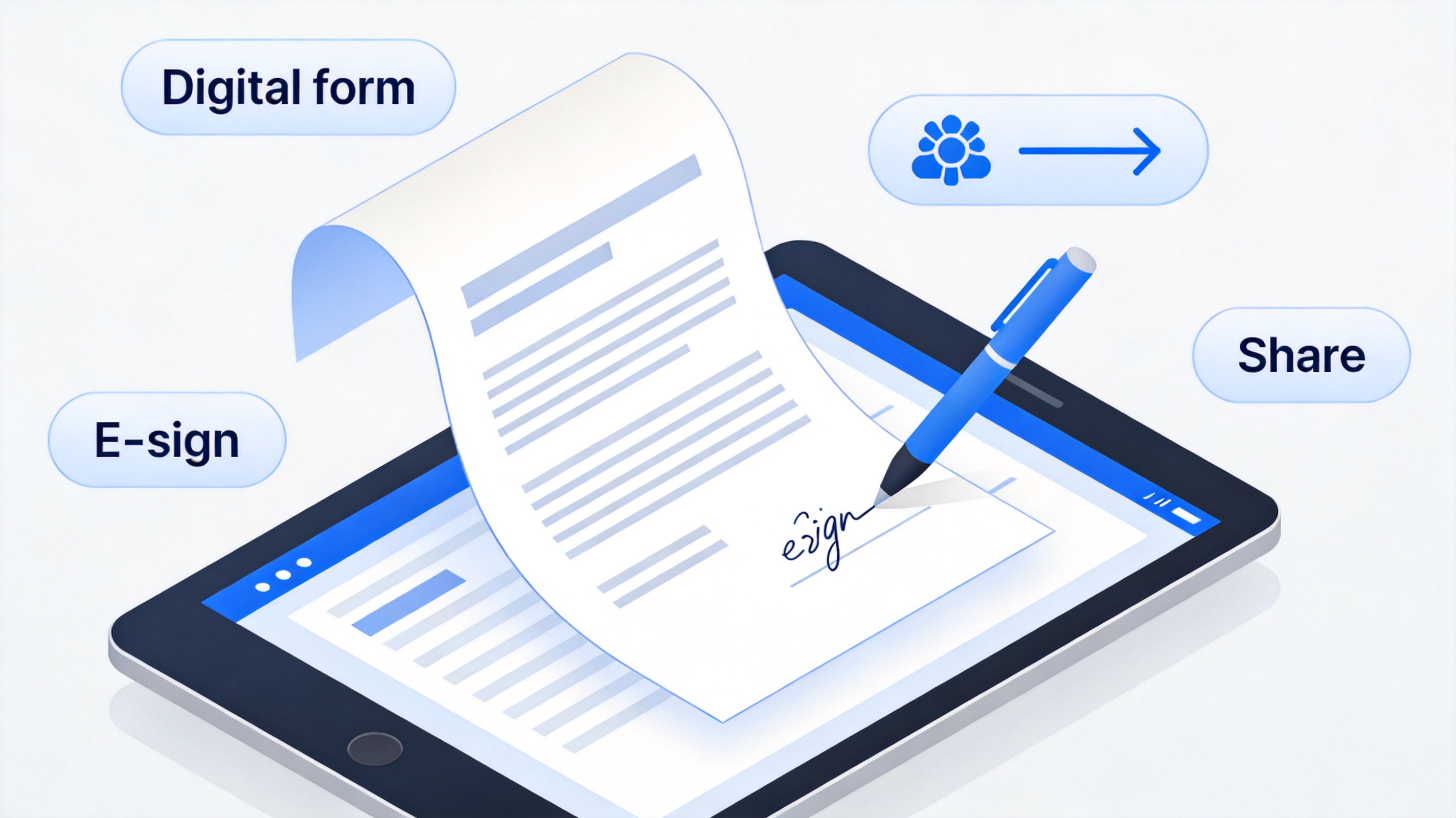
Make the form digital and signable
The Best Free Form Builder: WPS Office
You don't need a subscription to run professional conferences. WPS Office builds the template in Writer, turns it into a fillable, signable PDF in the built-in PDF toolkit, and archives every signed copy — free, on school laptops and home computers alike. Teachers juggling three conferences a night can prepare, sign, and file each form in the same window. Download WPS Office and set up your template before the next conference night.
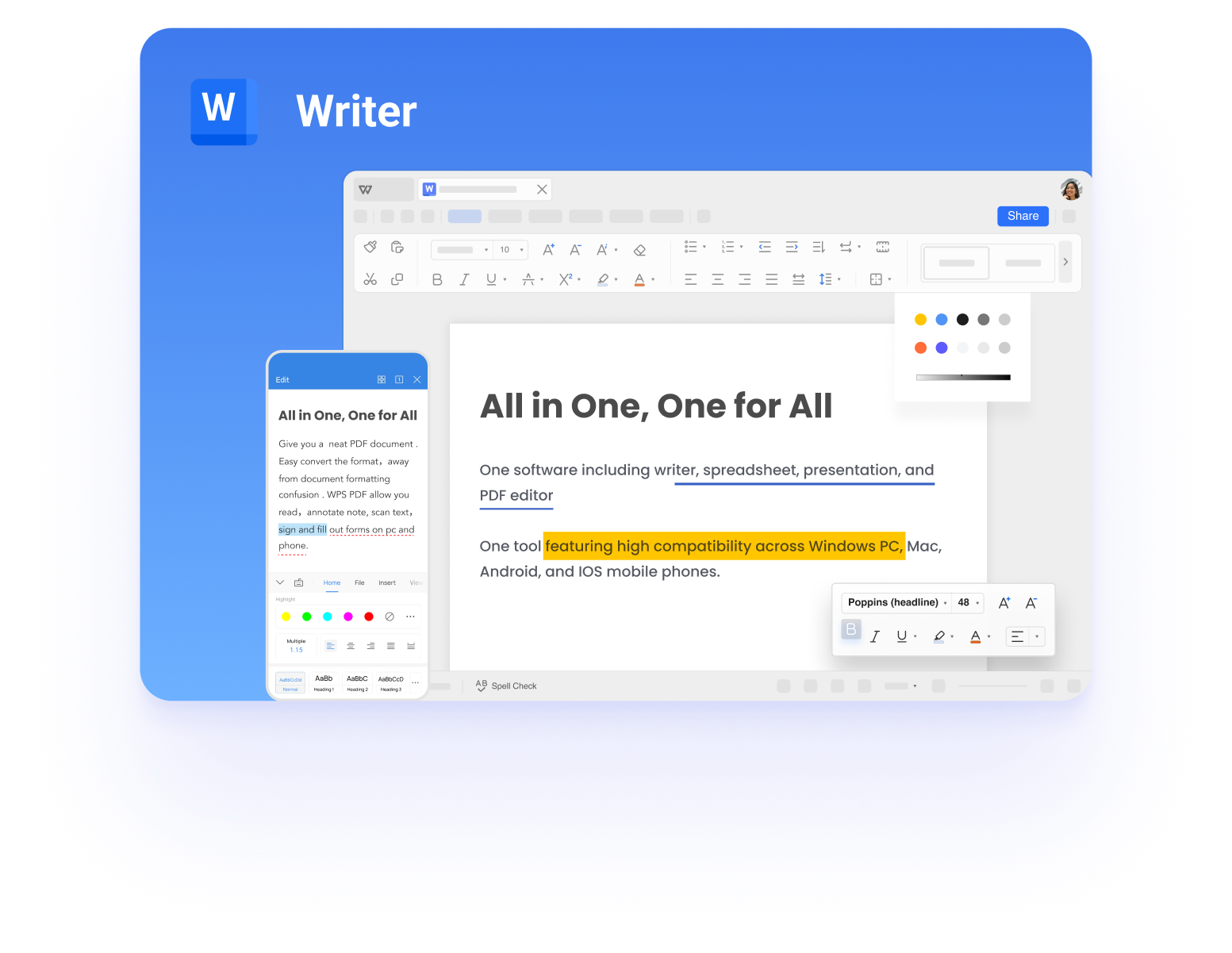
WPS Writer main interface
FAQs
What should a parent-teacher conference form include?
Five sections: header, strengths with evidence, two or three growth areas, action steps for teacher-family-student, and signatures with dates.
Should the form be a Word doc or PDF?
Build in Word (or WPS Writer) for easy editing, distribute as a PDF so the layout holds on parents' phones, and archive the signed PDF.
How long should the form be?
One page. A two-page form turns a 20-minute conference into paperwork.
Can parents fill the form before the meeting?
Yes — send a fillable PDF with a "questions for the teacher" box; it makes limited meeting time far more productive.
How do I sign a conference form digitally?
Open the PDF in WPS PDF, insert your signature, and save — both teacher and parent can sign electronically.



'%3e%3cpath%20d='M19.9911%204.11386V6.471H18.5894C18.0775%206.471%2017.7322%206.57814%2017.5536%206.79243C17.3751%207.00671%2017.2858%207.32814%2017.2858%207.75671V9.44421H19.9019L19.5536%2012.0871H17.2858V18.8639H14.5536V12.0871H12.2769V9.44421H14.5536V7.49779C14.5536%206.39064%2014.8632%205.53201%2015.4822%204.92189C16.1013%204.31177%2016.9257%204.00671%2017.9554%204.00671C18.8304%204.00671%2019.509%204.04243%2019.9911%204.11386Z'%20fill='%23333333'/%3e%3c/g%3e%3cdefs%3e%3cclipPath%20id='clip0_2938_8199'%3e%3crect%20width='16'%20height='16'%20fill='white'%20transform='translate(8%204.00671)'/%3e%3c/clipPath%3e%3c/defs%3e%3c/svg%3e)
'%3e%3cpath%20d='M17.5237%2010.7813L23.4811%204H22.0699L16.8949%209.88693L12.7648%204H8L14.2469%2012.9029L8%2020.0133H9.4112L14.8725%2013.7952L19.2352%2020.0133H24M9.92053%205.04213H12.0885L22.0688%2019.0224H19.9003'%20fill='%23333333'/%3e%3c/g%3e%3cdefs%3e%3cclipPath%20id='clip0_2938_8200'%3e%3crect%20width='16'%20height='16.0134'%20fill='white'%20transform='translate(8%204)'/%3e%3c/clipPath%3e%3c/defs%3e%3c/svg%3e)


