

'%3e%3cpath%20d='M8%200C12.4183%200%2016%203.58172%2016%208C16%2012.4183%2012.4183%2016%208%2016C3.58172%2016%200%2012.4183%200%208C0%203.58172%203.58172%200%208%200ZM11.6162%204.38379C11.2257%203.99337%2010.5927%203.99338%2010.2021%204.38379L8%206.58594L5.79785%204.38379C5.40732%203.99334%204.77429%203.99329%204.38379%204.38379C3.99331%204.77429%203.99335%205.40733%204.38379%205.79785L6.58594%208L4.38379%2010.2021C3.99348%2010.5927%203.99341%2011.2257%204.38379%2011.6162C4.77426%2012.0066%205.40734%2012.0065%205.79785%2011.6162L8%209.41406L10.2021%2011.6162C10.5927%2012.0066%2011.2257%2012.0067%2011.6162%2011.6162C12.0067%2011.2257%2012.0066%2010.5927%2011.6162%2010.2021L9.41406%208L11.6162%205.79785C12.0066%205.40735%2012.0066%204.77429%2011.6162%204.38379Z'%20fill='%23080E17'%20fill-opacity='0.46'/%3e%3c/g%3e%3cdefs%3e%3cclipPath%20id='clip0_3761_713'%3e%3crect%20width='16'%20height='16'%20fill='white'/%3e%3c/clipPath%3e%3c/defs%3e%3c/svg%3e)




'%3e%3cpath%20fill-rule='evenodd'%20clip-rule='evenodd'%20d='M21.4999%2010.9993C21.4999%205.20009%2016.7986%200.498901%2010.9993%200.498901C5.19994%200.498901%200.498657%205.20009%200.498657%2010.9993C0.498657%2016.2404%204.33858%2020.5844%209.35855%2021.3722V14.0346H6.69238V10.9993H9.35855V8.68594C9.35855%206.05427%2010.9262%204.60062%2013.3248%204.60062C14.4736%204.60062%2015.6753%204.80571%2015.6753%204.80571V7.38979H14.3512C13.0468%207.38979%2012.64%208.19921%2012.64%209.0296V10.9993H15.5523L15.0867%2014.0346H12.64V21.3722C17.66%2020.5844%2021.4999%2016.2404%2021.4999%2010.9993Z'%20fill='%231568EA'/%3e%3c/g%3e%3c/svg%3e)


'%3e%3cpath%20d='M2.42045%2022.1876H6.31818V12.7217L0.75%208.54553V20.5171C0.75%2021.4414%201.49892%2022.1876%202.42045%2022.1876Z'%20fill='%234285F4'/%3e%3cpath%20d='M19.682%2022.1876H23.5797C24.5041%2022.1876%2025.2502%2021.4387%2025.2502%2020.5171V8.54553L19.682%2012.7217'%20fill='%2334A853'/%3e%3cpath%20d='M19.682%205.48293V12.7216L25.2502%208.54543V6.31816C25.2502%204.25236%2022.8921%203.07469%2021.2411%204.31361'%20fill='%23FBBC04'/%3e%3cpath%20d='M6.31824%2012.7217V5.48303L13.0001%2010.4944L19.6819%205.48303V12.7217L13.0001%2017.733'%20fill='%23EA4335'/%3e%3cpath%20d='M0.75%206.31816V8.54543L6.31818%2012.7216V5.48293L4.75909%204.31361C3.10534%203.07469%200.75%204.25236%200.75%206.31816Z'%20fill='%23C5221F'/%3e%3c/g%3e%3cdefs%3e%3cclipPath%20id='clip0_2954_7305'%3e%3crect%20width='24.5'%20height='18.375'%20fill='white'%20transform='translate(0.75%203.8125)'/%3e%3c/clipPath%3e%3c/defs%3e%3c/svg%3e)


Open the Google Translate app, tap Camera, and point your phone at any sign, menu, or printed page — the translation overlays the original text live. For photos already in your gallery, tap Import and drag the highlight over the text you need. That is the whole trick; below are the exact steps, the camera feature's real limits, and three alternatives that handle documents better.
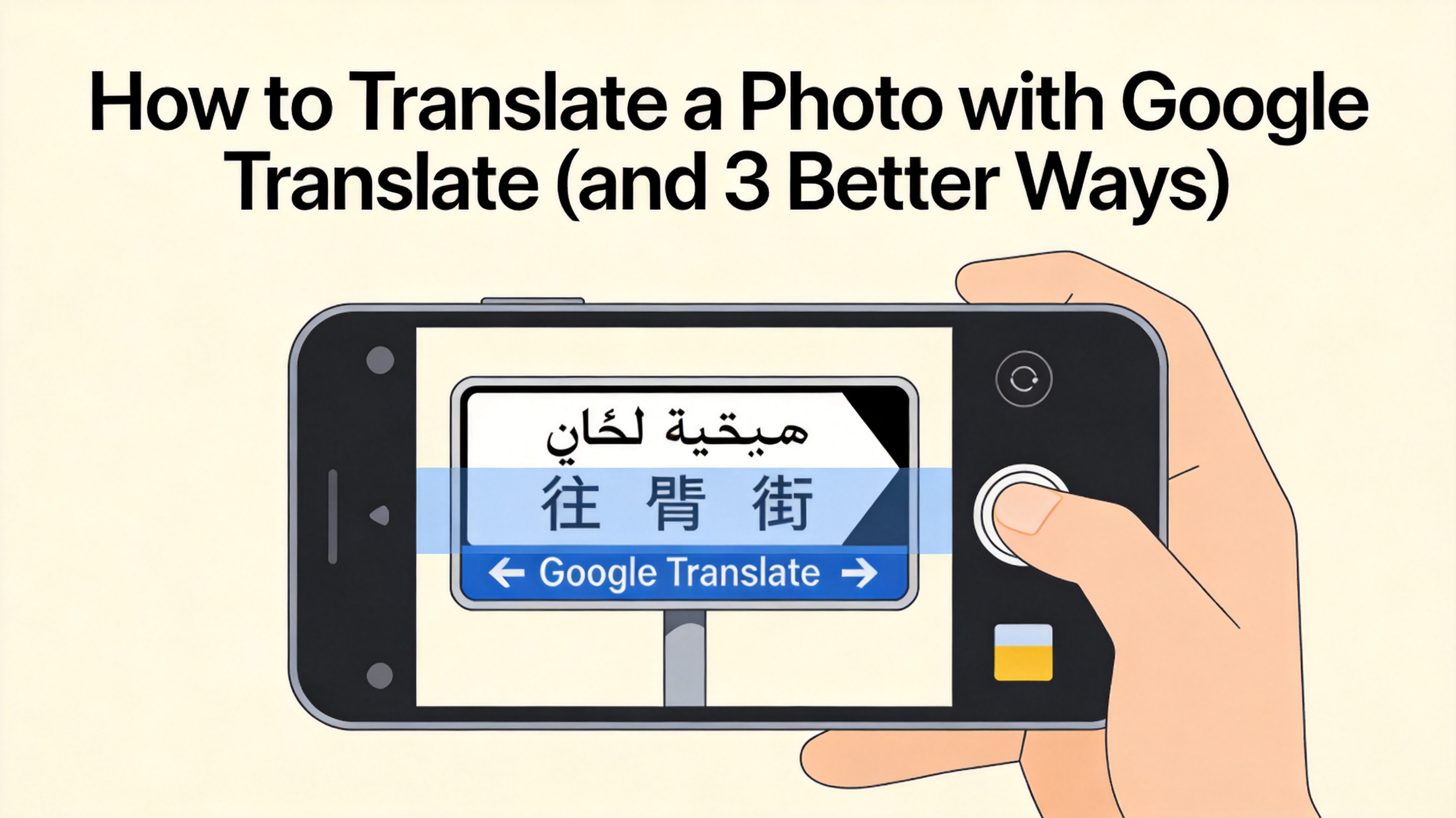
How to Translate a Photo with Google Translate (and 3 Better Ways)
Translate a Photo with Google Translate, Step by Step
- Install and set languages — open the Google Translate app (Android/iOS), set the source language to Detect language and the target to your language.
- Tap Camera — for instant translation, aim at the text; for an existing photo, tap Import and choose the image from your gallery.
- Refine the selection — drag the handles over the text block you want; Lens re-renders the translation over the original layout.
- Copy or share the result — tap the output to copy the translated text, or share the annotated image.
On desktop, Google Translate's Images tab at translate.google.com accepts uploaded photos and returns the translated text — handy when the picture is already on your computer.
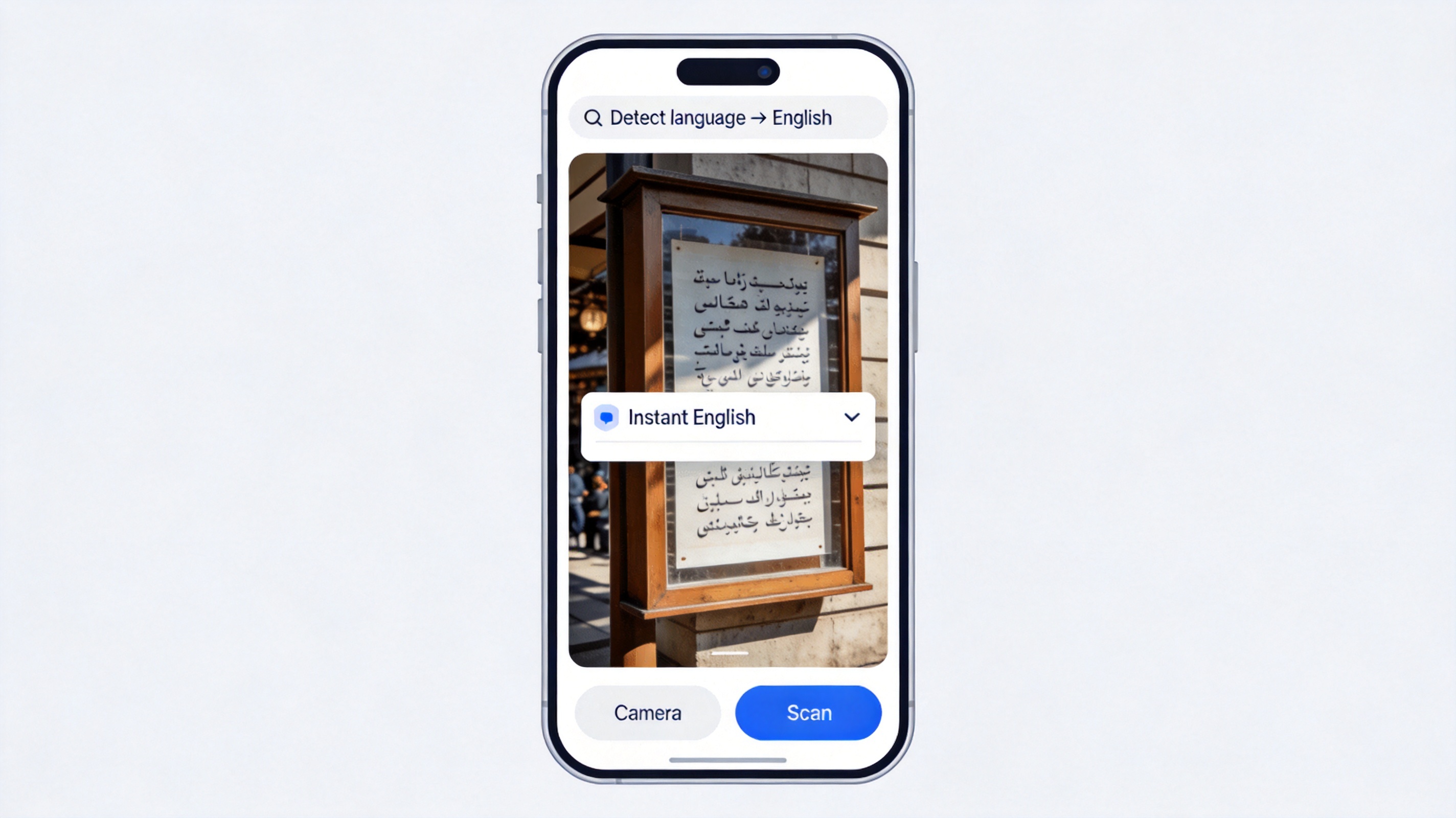
Translate photo with Google Translate app
Where Google's Photo Translation Falls Short
- Dense documents — Lens is tuned for signs and menus; multi-page contracts and forms lose layout.
- Handwriting and low light — accuracy drops sharply on cursive and blurry shots.
- No file output — you get an overlay or plain text, not a translated document you can edit or email.
- Format support — PDFs need converting to images first.
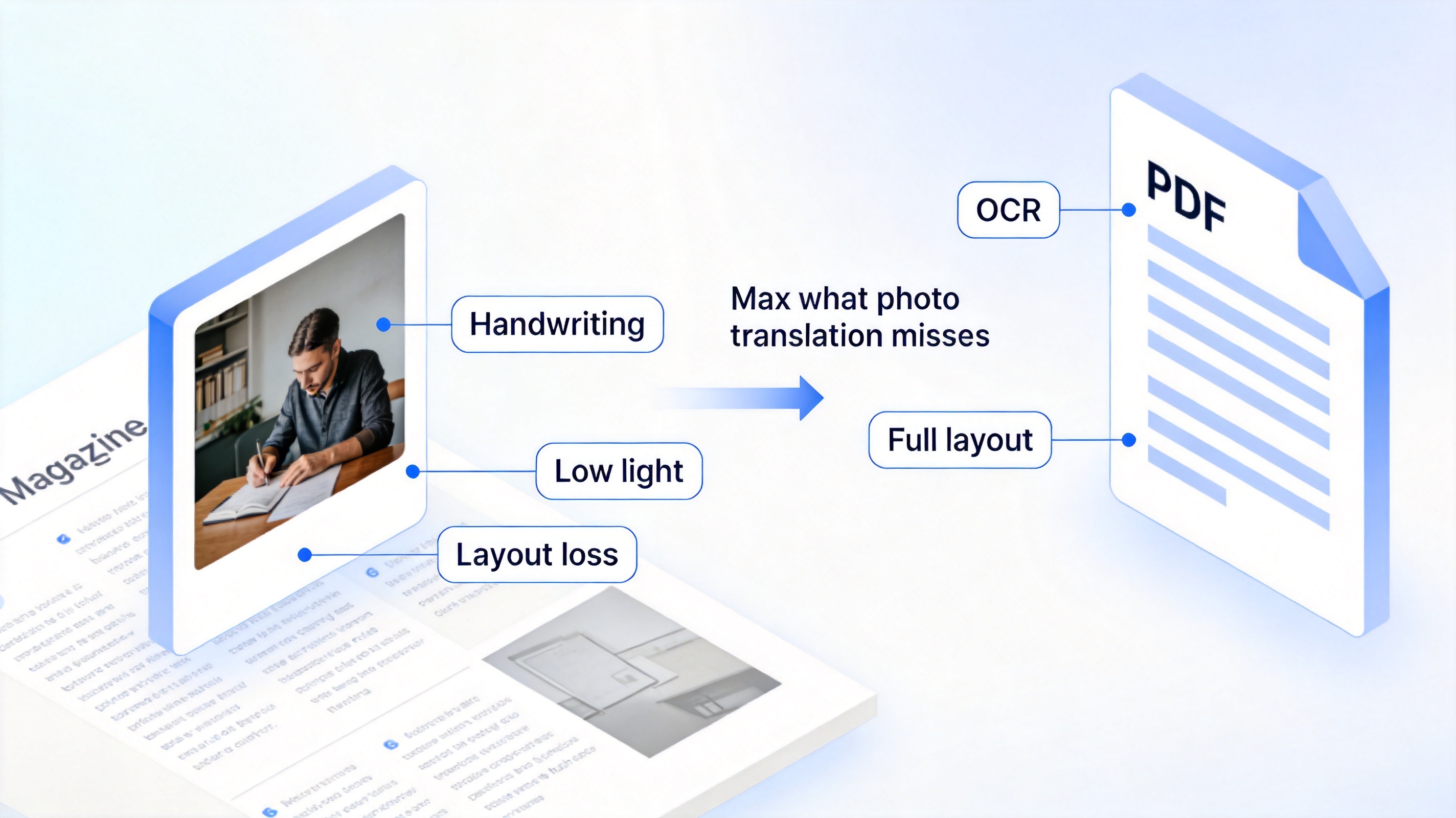
Google photo translation limits
Three Better Ways for Documents and PDFs
- Google Lens in Drive/Photos — same engine, cleaner copy-out for longer text blocks.
- WPS Office for PDFs — run OCR on a scanned PDF, then translate the extracted text; WPS's built-in AI translation keeps the document layout, which Lens cannot do.
- Specialized photo translators — apps like Yandex Translate and Microsoft Lens handle menus and handwriting better in some language pairs.
If your photo is actually a page from a PDF, the cleanest route is exporting the page as an image and feeding it to a dedicated translator — our guide to translating photos for free walks through that pipeline, and the Korean-PDF method in translating Korean PDFs to English covers the document-sized version.
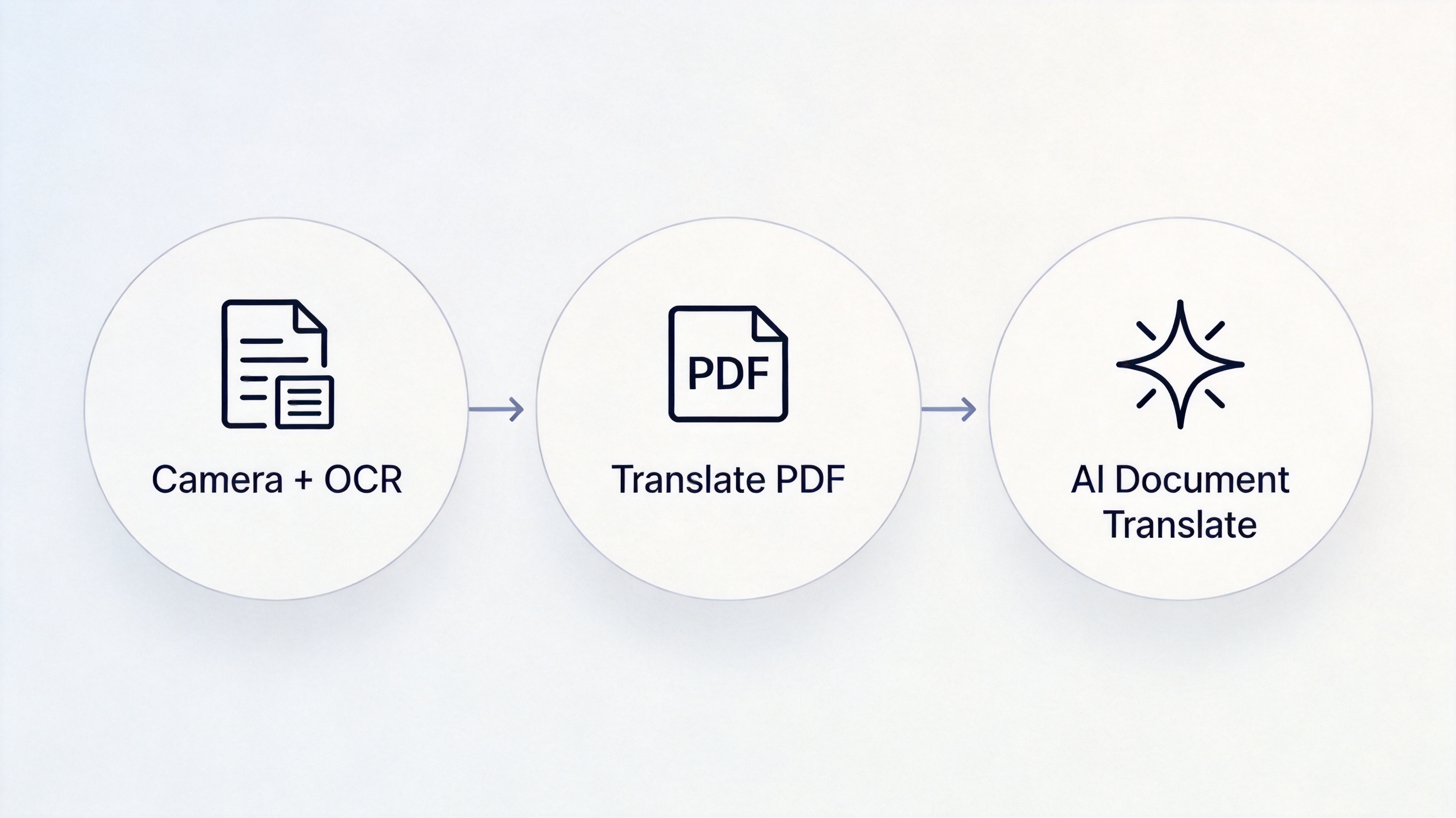
Three better ways to translate documents
The Best Free Translation Companion: WPS Office
Use Google Translate for a menu on the street; use WPS Office when the photo is a page of a real document. WPS converts the PDF to editable text with OCR, translates with layout preserved, and exports a clean document — free, on Windows, macOS, and mobile. Download WPS Office and translate documents, not just signs.
WPS PDF document interface
FAQs
How do I translate a photo already on my phone?
In Google Translate, tap Camera > Import, choose the photo, and drag the highlight over the text.
Can Google Translate read handwriting from photos?
Partly — neat block handwriting works, cursive and smudged notes usually fail. Specialized OCR apps do better.
Can I translate a photo on my computer without installing anything?
Yes — translate.google.com's Images tab accepts uploaded photos directly in the browser.
Does Google's photo translation keep the document layout?
No, it overlays text on the image. For a translated document with layout intact, use WPS Office's OCR plus AI translation.
Which languages work with camera translation?
Over 100 languages live, including Japanese, Korean, and Thai without download; some pairs need an offline language pack.



'%3e%3cpath%20d='M19.9911%204.11386V6.471H18.5894C18.0775%206.471%2017.7322%206.57814%2017.5536%206.79243C17.3751%207.00671%2017.2858%207.32814%2017.2858%207.75671V9.44421H19.9019L19.5536%2012.0871H17.2858V18.8639H14.5536V12.0871H12.2769V9.44421H14.5536V7.49779C14.5536%206.39064%2014.8632%205.53201%2015.4822%204.92189C16.1013%204.31177%2016.9257%204.00671%2017.9554%204.00671C18.8304%204.00671%2019.509%204.04243%2019.9911%204.11386Z'%20fill='%23333333'/%3e%3c/g%3e%3cdefs%3e%3cclipPath%20id='clip0_2938_8199'%3e%3crect%20width='16'%20height='16'%20fill='white'%20transform='translate(8%204.00671)'/%3e%3c/clipPath%3e%3c/defs%3e%3c/svg%3e)
'%3e%3cpath%20d='M17.5237%2010.7813L23.4811%204H22.0699L16.8949%209.88693L12.7648%204H8L14.2469%2012.9029L8%2020.0133H9.4112L14.8725%2013.7952L19.2352%2020.0133H24M9.92053%205.04213H12.0885L22.0688%2019.0224H19.9003'%20fill='%23333333'/%3e%3c/g%3e%3cdefs%3e%3cclipPath%20id='clip0_2938_8200'%3e%3crect%20width='16'%20height='16.0134'%20fill='white'%20transform='translate(8%204)'/%3e%3c/clipPath%3e%3c/defs%3e%3c/svg%3e)


