

'%3e%3cpath%20d='M8%200C12.4183%200%2016%203.58172%2016%208C16%2012.4183%2012.4183%2016%208%2016C3.58172%2016%200%2012.4183%200%208C0%203.58172%203.58172%200%208%200ZM11.6162%204.38379C11.2257%203.99337%2010.5927%203.99338%2010.2021%204.38379L8%206.58594L5.79785%204.38379C5.40732%203.99334%204.77429%203.99329%204.38379%204.38379C3.99331%204.77429%203.99335%205.40733%204.38379%205.79785L6.58594%208L4.38379%2010.2021C3.99348%2010.5927%203.99341%2011.2257%204.38379%2011.6162C4.77426%2012.0066%205.40734%2012.0065%205.79785%2011.6162L8%209.41406L10.2021%2011.6162C10.5927%2012.0066%2011.2257%2012.0067%2011.6162%2011.6162C12.0067%2011.2257%2012.0066%2010.5927%2011.6162%2010.2021L9.41406%208L11.6162%205.79785C12.0066%205.40735%2012.0066%204.77429%2011.6162%204.38379Z'%20fill='%23080E17'%20fill-opacity='0.46'/%3e%3c/g%3e%3cdefs%3e%3cclipPath%20id='clip0_3761_713'%3e%3crect%20width='16'%20height='16'%20fill='white'/%3e%3c/clipPath%3e%3c/defs%3e%3c/svg%3e)




'%3e%3cpath%20fill-rule='evenodd'%20clip-rule='evenodd'%20d='M21.4999%2010.9993C21.4999%205.20009%2016.7986%200.498901%2010.9993%200.498901C5.19994%200.498901%200.498657%205.20009%200.498657%2010.9993C0.498657%2016.2404%204.33858%2020.5844%209.35855%2021.3722V14.0346H6.69238V10.9993H9.35855V8.68594C9.35855%206.05427%2010.9262%204.60062%2013.3248%204.60062C14.4736%204.60062%2015.6753%204.80571%2015.6753%204.80571V7.38979H14.3512C13.0468%207.38979%2012.64%208.19921%2012.64%209.0296V10.9993H15.5523L15.0867%2014.0346H12.64V21.3722C17.66%2020.5844%2021.4999%2016.2404%2021.4999%2010.9993Z'%20fill='%231568EA'/%3e%3c/g%3e%3c/svg%3e)


'%3e%3cpath%20d='M2.42045%2022.1876H6.31818V12.7217L0.75%208.54553V20.5171C0.75%2021.4414%201.49892%2022.1876%202.42045%2022.1876Z'%20fill='%234285F4'/%3e%3cpath%20d='M19.682%2022.1876H23.5797C24.5041%2022.1876%2025.2502%2021.4387%2025.2502%2020.5171V8.54553L19.682%2012.7217'%20fill='%2334A853'/%3e%3cpath%20d='M19.682%205.48293V12.7216L25.2502%208.54543V6.31816C25.2502%204.25236%2022.8921%203.07469%2021.2411%204.31361'%20fill='%23FBBC04'/%3e%3cpath%20d='M6.31824%2012.7217V5.48303L13.0001%2010.4944L19.6819%205.48303V12.7217L13.0001%2017.733'%20fill='%23EA4335'/%3e%3cpath%20d='M0.75%206.31816V8.54543L6.31818%2012.7216V5.48293L4.75909%204.31361C3.10534%203.07469%200.75%204.25236%200.75%206.31816Z'%20fill='%23C5221F'/%3e%3c/g%3e%3cdefs%3e%3cclipPath%20id='clip0_2954_7305'%3e%3crect%20width='24.5'%20height='18.375'%20fill='white'%20transform='translate(0.75%203.8125)'/%3e%3c/clipPath%3e%3c/defs%3e%3c/svg%3e)


PDFelement (by Wondershare) is a competent mid-priced PDF editor: strong form handling, decent OCR, and a familiar ribbon UI. The catch for most users is cost — the full OCR and batch features sit behind annual subscriptions, and the free tier watermarks output. If that trade doesn't suit you, WPS Office covers everyday PDF editing, conversion, and OCR for free.
PDFelement: Pricing, Limits, and Free Alternatives Worth Trying
What PDFelement Does Well
- Direct text editing — click and retype paragraphs with layout mostly intact.
- Form creation and filling — one of the better form builders in its price class.
- Batch processing — convert or watermark many files in one job (Pro).
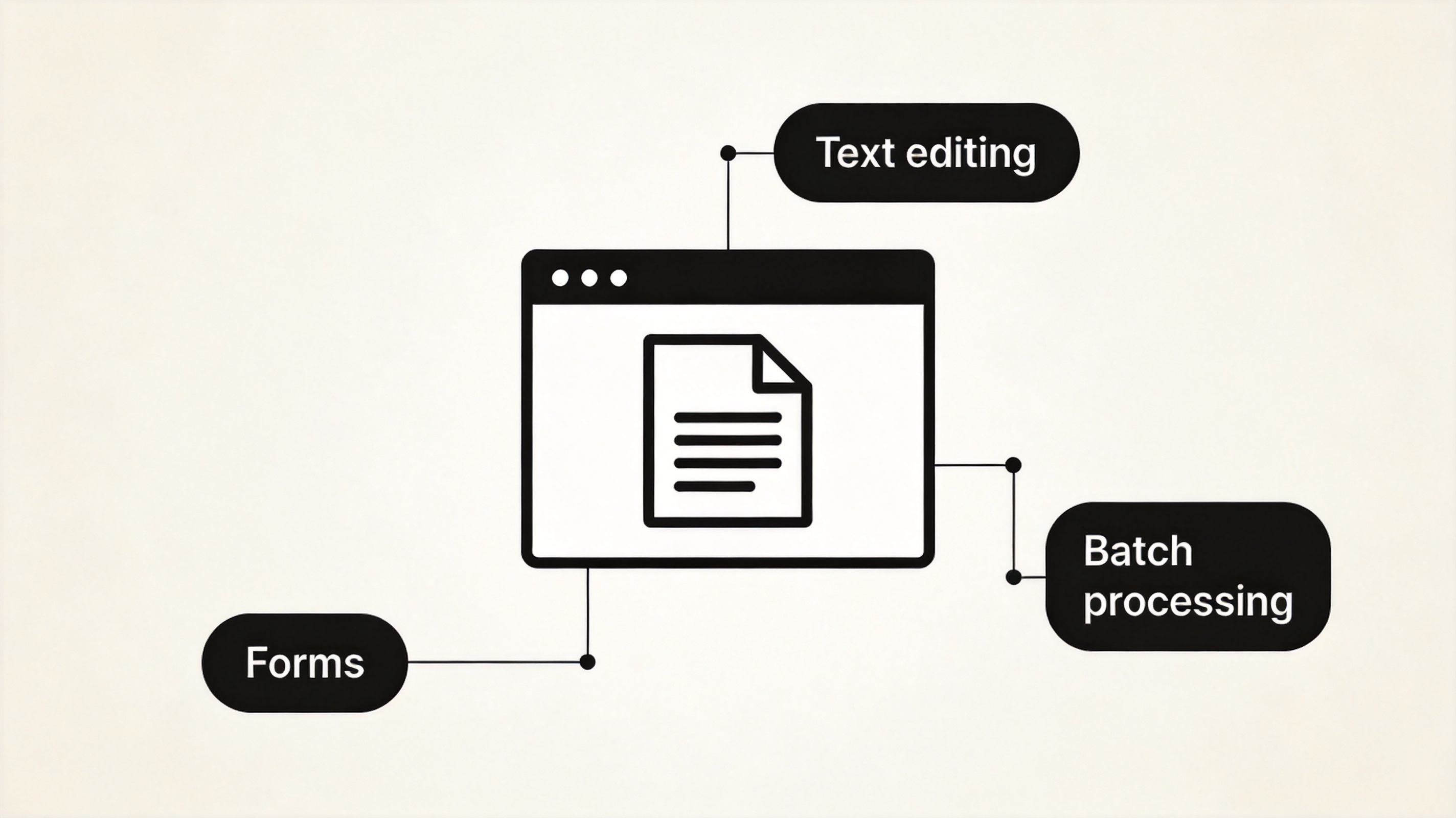
What PDFelement does well
Where It Falls Short
- Pricing model — yearly subscription for full features; the perpetual license excludes major updates.
- Free tier limits — watermarks on converted files and page-count caps on OCR.
- Bundle-upsell fatigue — the installer and UI push the broader Wondershare suite.
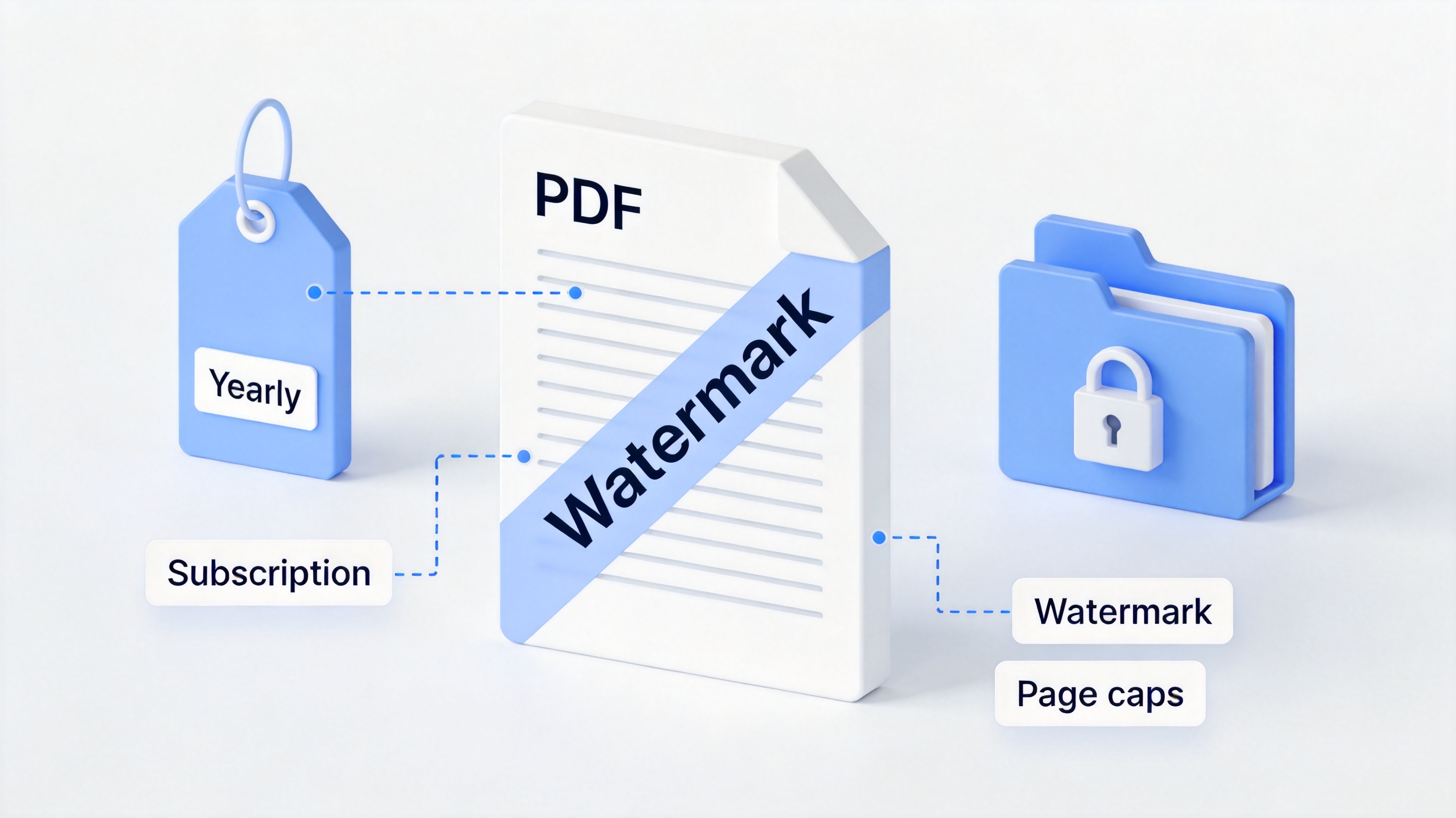
PDFelement pricing and watermark limits
PDFelement Alternatives Compared
| Tool | Best for | Cost | Standout |
|---|---|---|---|
| WPS Office | Free daily editing + Office suite | Free core | PDF + Word/Excel/PPT in one app |
| PDFgear | Truly free desktop editing | Free | No watermark |
| Sejda | Quick web edits | Free limits / Pro | 3 tasks/day free |
| PDF-XChange Editor | Windows power users | Free tier / Pro | Deep annotation |
| Adobe Acrobat | Enterprise workflows | Subscription | Industry standard |
For a deep dive on one of these, our hands-on Sejda PDF Editor review covers its free limits in detail, and the best PDF editor for Mac guide compares desktop options.
PDFelement alternatives compared
The Best Free PDFelement Alternative: WPS Office
For the everyday PDF work — editing text, merging, converting to Word, filling forms, light OCR — WPS Office does it free, inside the same app you use for documents and spreadsheets. You lose PDFelement's advanced form designer; you gain no watermarks and no subscription. The comparison with other readers like Sumatra shows how wide the free tier now runs. Download WPS Office and test it against your current editor.
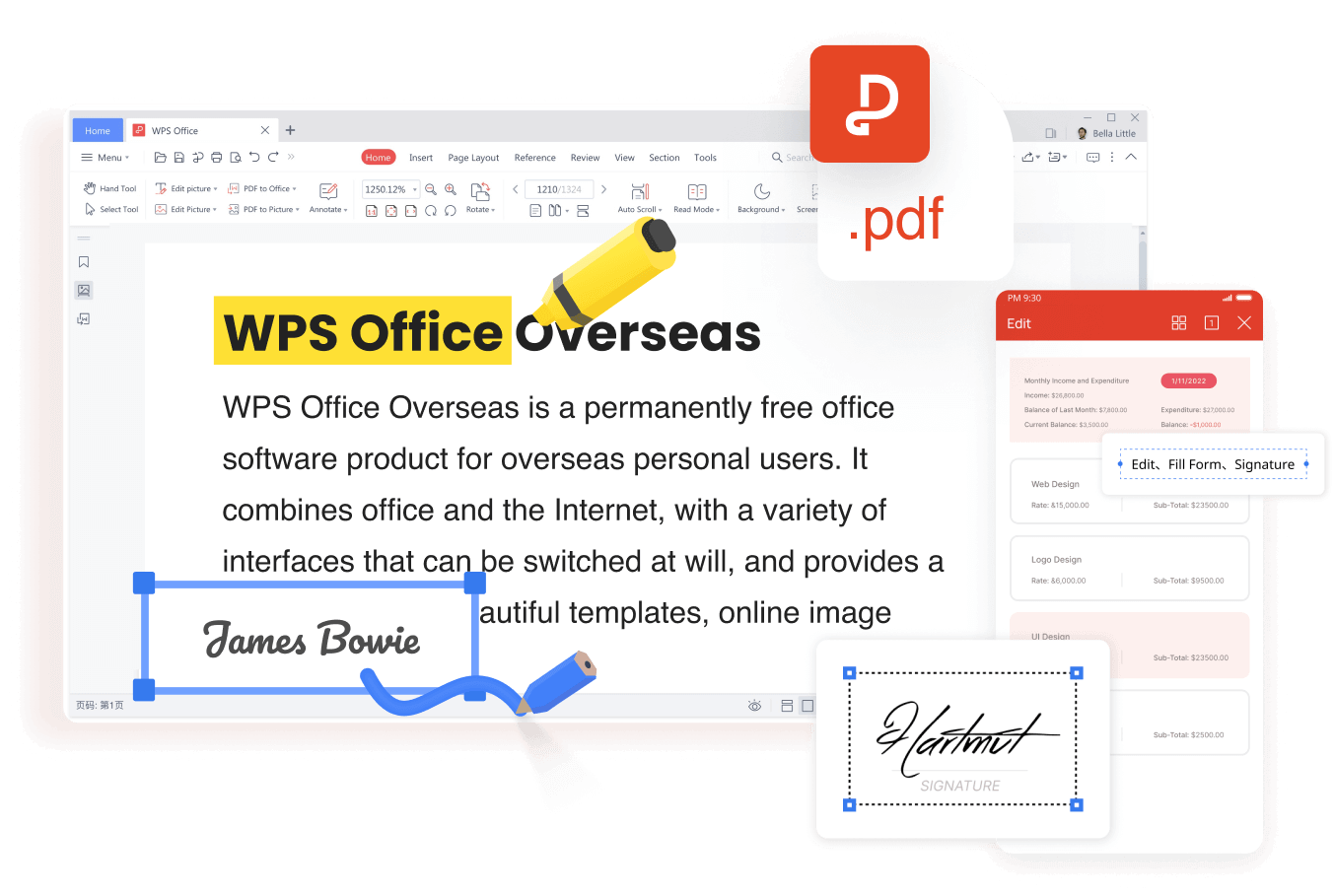
WPS PDF editing interface
FAQs
Is PDFelement free?
The free version edits but watermarks converted files and caps OCR. Full features need a yearly subscription or a limited perpetual license.
What is the best free PDFelement alternative?
WPS Office for an all-in-one free suite, PDFgear for a dedicated free desktop editor.
Does PDFelement work offline?
Yes, the desktop version is offline; some features like cloud sync need an account.
Can WPS Office replace PDFelement for OCR?
For typical scanned documents, yes — WPS PDF converts scans to editable Word or searchable PDFs free.
Which is cheaper, PDFelement or WPS Office?
WPS Office — its core PDF and Office tools are free, with an optional Pro tier well below PDFelement's subscription.



'%3e%3cpath%20d='M19.9911%204.11386V6.471H18.5894C18.0775%206.471%2017.7322%206.57814%2017.5536%206.79243C17.3751%207.00671%2017.2858%207.32814%2017.2858%207.75671V9.44421H19.9019L19.5536%2012.0871H17.2858V18.8639H14.5536V12.0871H12.2769V9.44421H14.5536V7.49779C14.5536%206.39064%2014.8632%205.53201%2015.4822%204.92189C16.1013%204.31177%2016.9257%204.00671%2017.9554%204.00671C18.8304%204.00671%2019.509%204.04243%2019.9911%204.11386Z'%20fill='%23333333'/%3e%3c/g%3e%3cdefs%3e%3cclipPath%20id='clip0_2938_8199'%3e%3crect%20width='16'%20height='16'%20fill='white'%20transform='translate(8%204.00671)'/%3e%3c/clipPath%3e%3c/defs%3e%3c/svg%3e)
'%3e%3cpath%20d='M17.5237%2010.7813L23.4811%204H22.0699L16.8949%209.88693L12.7648%204H8L14.2469%2012.9029L8%2020.0133H9.4112L14.8725%2013.7952L19.2352%2020.0133H24M9.92053%205.04213H12.0885L22.0688%2019.0224H19.9003'%20fill='%23333333'/%3e%3c/g%3e%3cdefs%3e%3cclipPath%20id='clip0_2938_8200'%3e%3crect%20width='16'%20height='16.0134'%20fill='white'%20transform='translate(8%204)'/%3e%3c/clipPath%3e%3c/defs%3e%3c/svg%3e)


