

'%3e%3cpath%20d='M8%200C12.4183%200%2016%203.58172%2016%208C16%2012.4183%2012.4183%2016%208%2016C3.58172%2016%200%2012.4183%200%208C0%203.58172%203.58172%200%208%200ZM11.6162%204.38379C11.2257%203.99337%2010.5927%203.99338%2010.2021%204.38379L8%206.58594L5.79785%204.38379C5.40732%203.99334%204.77429%203.99329%204.38379%204.38379C3.99331%204.77429%203.99335%205.40733%204.38379%205.79785L6.58594%208L4.38379%2010.2021C3.99348%2010.5927%203.99341%2011.2257%204.38379%2011.6162C4.77426%2012.0066%205.40734%2012.0065%205.79785%2011.6162L8%209.41406L10.2021%2011.6162C10.5927%2012.0066%2011.2257%2012.0067%2011.6162%2011.6162C12.0067%2011.2257%2012.0066%2010.5927%2011.6162%2010.2021L9.41406%208L11.6162%205.79785C12.0066%205.40735%2012.0066%204.77429%2011.6162%204.38379Z'%20fill='%23080E17'%20fill-opacity='0.46'/%3e%3c/g%3e%3cdefs%3e%3cclipPath%20id='clip0_3761_713'%3e%3crect%20width='16'%20height='16'%20fill='white'/%3e%3c/clipPath%3e%3c/defs%3e%3c/svg%3e)




'%3e%3cpath%20fill-rule='evenodd'%20clip-rule='evenodd'%20d='M21.4999%2010.9993C21.4999%205.20009%2016.7986%200.498901%2010.9993%200.498901C5.19994%200.498901%200.498657%205.20009%200.498657%2010.9993C0.498657%2016.2404%204.33858%2020.5844%209.35855%2021.3722V14.0346H6.69238V10.9993H9.35855V8.68594C9.35855%206.05427%2010.9262%204.60062%2013.3248%204.60062C14.4736%204.60062%2015.6753%204.80571%2015.6753%204.80571V7.38979H14.3512C13.0468%207.38979%2012.64%208.19921%2012.64%209.0296V10.9993H15.5523L15.0867%2014.0346H12.64V21.3722C17.66%2020.5844%2021.4999%2016.2404%2021.4999%2010.9993Z'%20fill='%231568EA'/%3e%3c/g%3e%3c/svg%3e)


'%3e%3cpath%20d='M2.42045%2022.1876H6.31818V12.7217L0.75%208.54553V20.5171C0.75%2021.4414%201.49892%2022.1876%202.42045%2022.1876Z'%20fill='%234285F4'/%3e%3cpath%20d='M19.682%2022.1876H23.5797C24.5041%2022.1876%2025.2502%2021.4387%2025.2502%2020.5171V8.54553L19.682%2012.7217'%20fill='%2334A853'/%3e%3cpath%20d='M19.682%205.48293V12.7216L25.2502%208.54543V6.31816C25.2502%204.25236%2022.8921%203.07469%2021.2411%204.31361'%20fill='%23FBBC04'/%3e%3cpath%20d='M6.31824%2012.7217V5.48303L13.0001%2010.4944L19.6819%205.48303V12.7217L13.0001%2017.733'%20fill='%23EA4335'/%3e%3cpath%20d='M0.75%206.31816V8.54543L6.31818%2012.7216V5.48293L4.75909%204.31361C3.10534%203.07469%200.75%204.25236%200.75%206.31816Z'%20fill='%23C5221F'/%3e%3c/g%3e%3cdefs%3e%3cclipPath%20id='clip0_2954_7305'%3e%3crect%20width='24.5'%20height='18.375'%20fill='white'%20transform='translate(0.75%203.8125)'/%3e%3c/clipPath%3e%3c/defs%3e%3c/svg%3e)


A valid partnership agreement is crucial for anyone looking to start with one or many partners, outlining the necessary ownership details. However, professionals face many confusions when trying to make one, especially with all the legal jargon being used in it. So, are there free partnership agreement templates you can use? In this guide, I’ll share 10 partnership agreement templates I found, along with showing you how to edit them using WPS Office.


How to Write a Partnership Agreement
If you’re starting a business with a partner, you need to have a legally valid, polished partnership contract. Without a proper agreement in place, you’ll have to face a lot of issues and confusion down the road, especially if there are multiple partners involved. I’ve found that a good contract clearly outlines the responsibilities, profit sharing, and explicit details about conflict resolution within it. In this section, I’ll be mentioning some of the fundamentals that every partnership contract template should have.
Elements of Agreement
10 Best Free Partnership Agreement Templates
A partnership agreement contract can help simplify the business dynamics between partners a lot, and help eliminate many confusions and problems that might arise in the future. However, writing one by yourself can be extremely stressful, especially if you have no prior experience with it. In this section, I’ll be highlighting 10 of the most reliable templates I found that helped eliminate the stress and hassle of manual formatting and drafting.
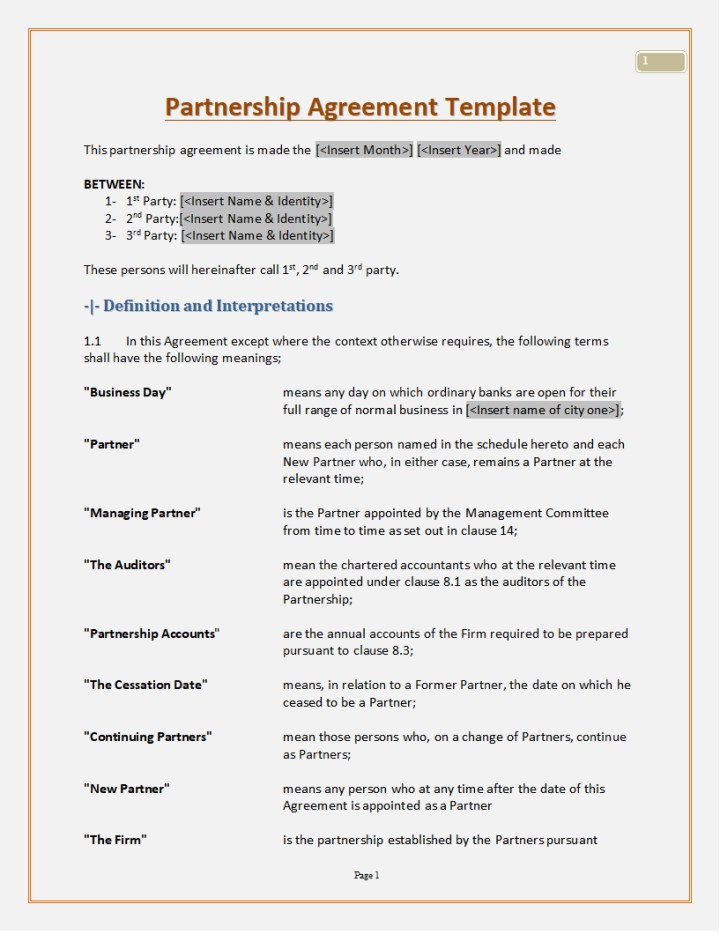
1. [Word] Simple Partnership Agreement
If you’re a beginner just starting a business for the first time with a partner, and need a basic template for your contract, then the Simple Partnership Agreement is a great choice. It only includes the required components of the partnership contract clearly, without overwhelming you with too much information.
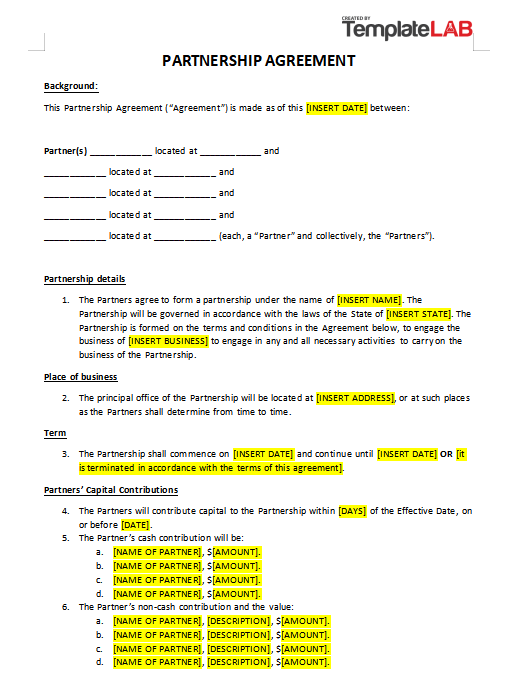
2. [Word] Partnership Agreement
For trained professionals who don’t need fancy designs or layouts and just want something straightforward to formulate and draft a valid, properly formatted contract, then the Partnership Agreement template is an ideal choice. It features a very minimalistic layout, which lacks colors or designs, just including the required information for the agreement clauses.
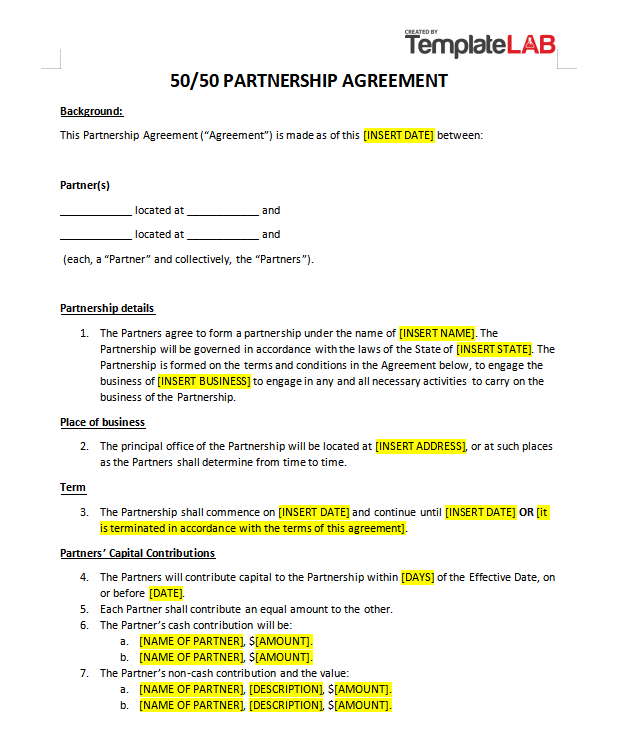
3. [Word] 50-50 Partnership Agreement
For those entrepreneurs who are looking to draft a contract for their equally divided business relationship, then the 50-50 Partnership Agreement would be my personal recommendation. This one is also very basic in terms of the design and layout, but it features in-depth details about the dynamics of the partnership in the business.
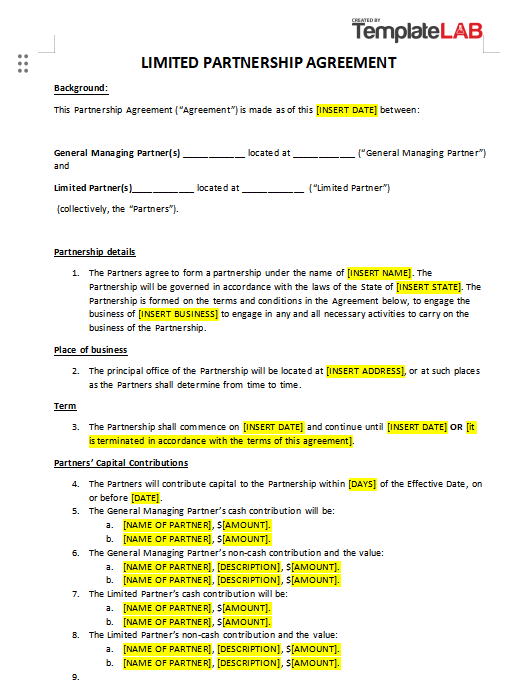
4. [Word] Limited Partnership Agreement
If your partnership is partial or limited with respect to your business, then you can outline the details and objectives of it with the Limited Partnership Agreement. It clearly defines and includes the fundamental details of the partnership, such as the place of business, the terms, and even the financial contributions of each partner.
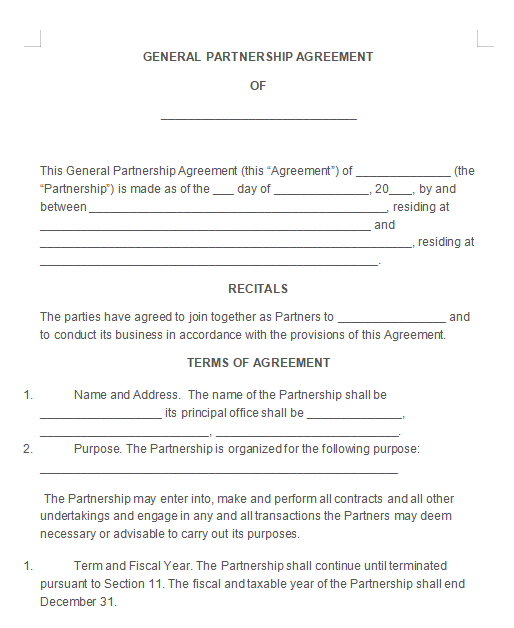
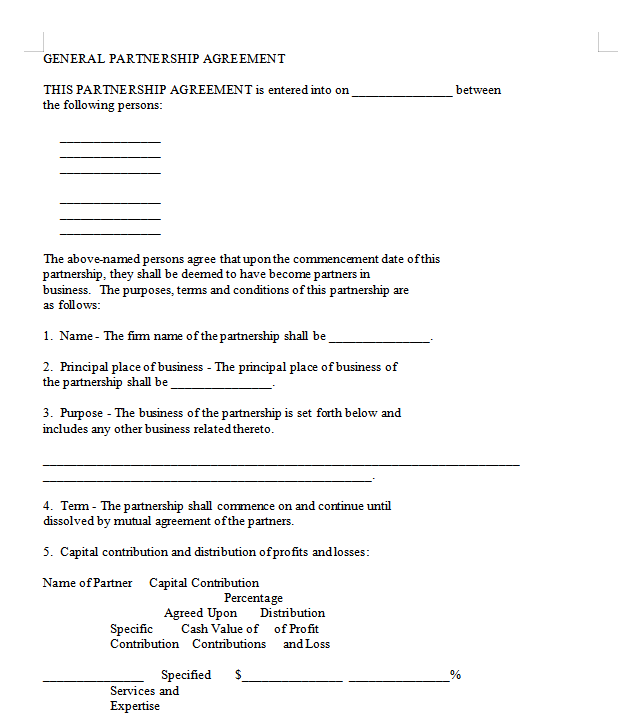
5. [Word] General Partnership Agreement
If you’re looking for a universal business partnership agreement example that can work for any business or partnership dynamic, then you can go for the General Partnership Agreement, which is available in Word format. You can edit it completely to change the details to match the clauses and partner information of your own very easily.
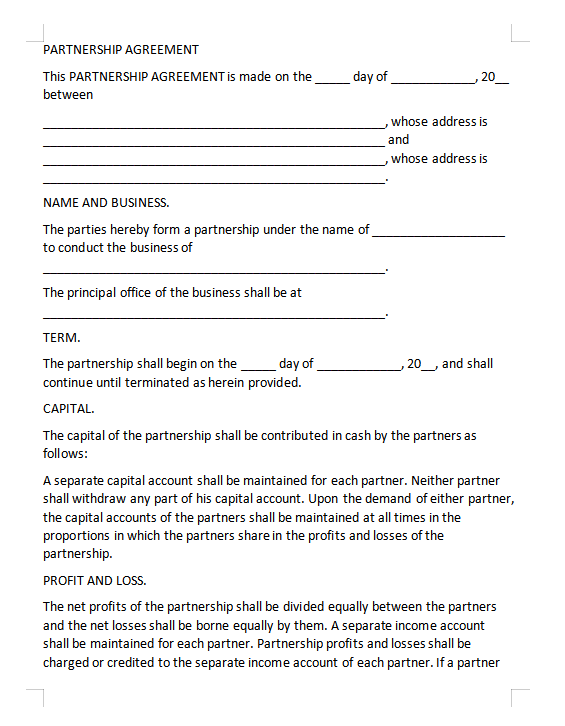
6. [Word] Partnership Agreement 1
If you want a simple and straightforward partnership agreement template for your business and professional needs, you can utilize the Partnership Agreement 1 template for yourself. It outlines the basic details and objectives of the partnership, along with all the clauses that make sure that everything is defined clearly without any ambiguity.
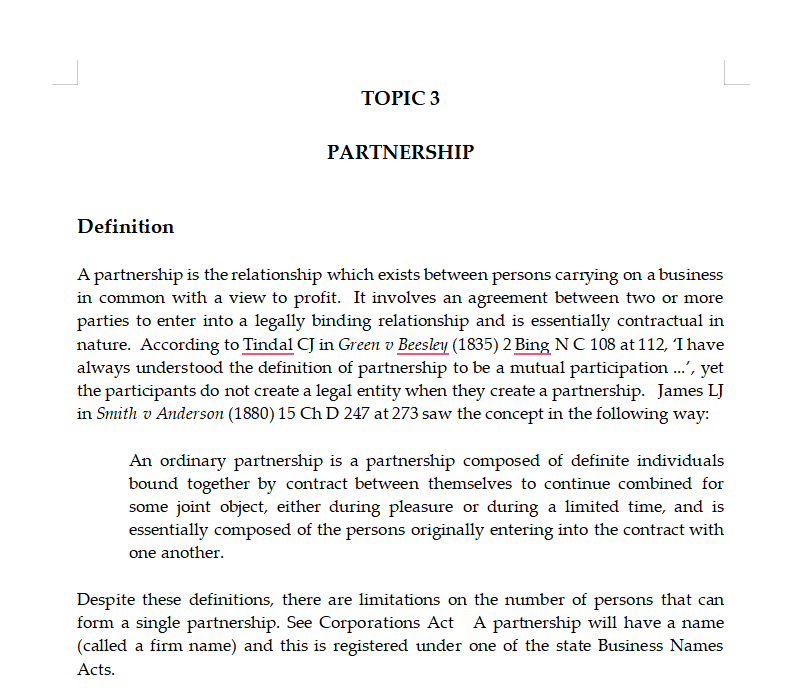
7. [Word] Partnership Agreement 2
The Partnership Agreement 2 is a detailed LLC partnership agreement form that outlines and defines each clause and objective of your agreement with great precision. It is a great choice if you’re someone engaging in business that has high stakes, and don’t want to leave any confusion or ambiguity in the partnership.
8. [Word] Partnership Agreement 3
For a plain and simple approach to your partnership agreement contract, the Partnership Agreement 3 is another good choice for you. It doesn’t contain too much clutter or useless information to overwhelm you, only including the absolutely necessary clauses and points that define the business relationship dynamic with your partner.
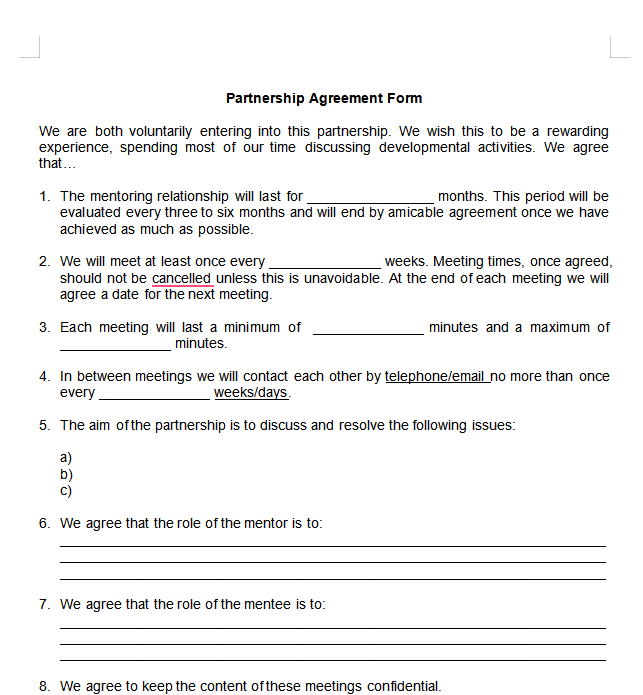
9. [Word] Partnership Agreement Form
If you like having more control over your business matters and want something very bare-bones that you can customize and edit yourself, the Partnership Agreement Form Word template is a very solid choice. It is a one-page template that features only the very basic points, leaving out empty spaces for you to customize according to your own preferences.
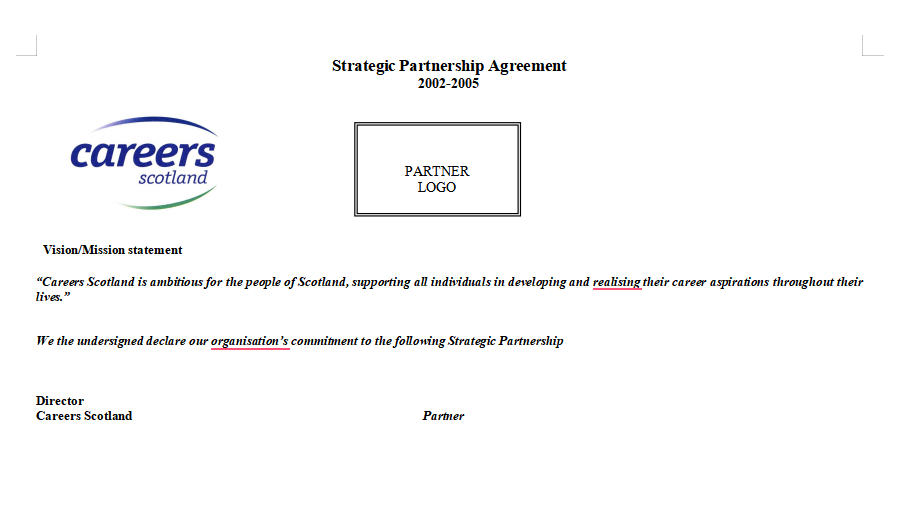
10. [Word] Strategic Partnership Agreement
If basic templates aren’t your thing and you’re looking for something professional and sophisticated for your company, you can go for the Strategic Partnership Agreement. It features a premium-looking design, including in-depth details of the business partnership, along with small touches like your company logo and partner information.
All of these templates have been really helpful in simplifying agreement-drafting for me, making sure I don’t need to do any manual formatting myself. However, if none of them suit your preferences or needs, you can always find more by visiting WPS’s official template site.
How to Further Edit a Partnership Agreement Template in Word
Once you’ve chosen the template you’re going to be using for your partnership agreement, the next step is formatting it and customizing it to match your own working needs. I use WPS Office for this step as it makes sure that the entire process goes smoothly, without any hassle or unnecessary delays to slow me down. In this section, I’ll be walking you through how to edit your partnership agreement templates in Word format using WPS Office.
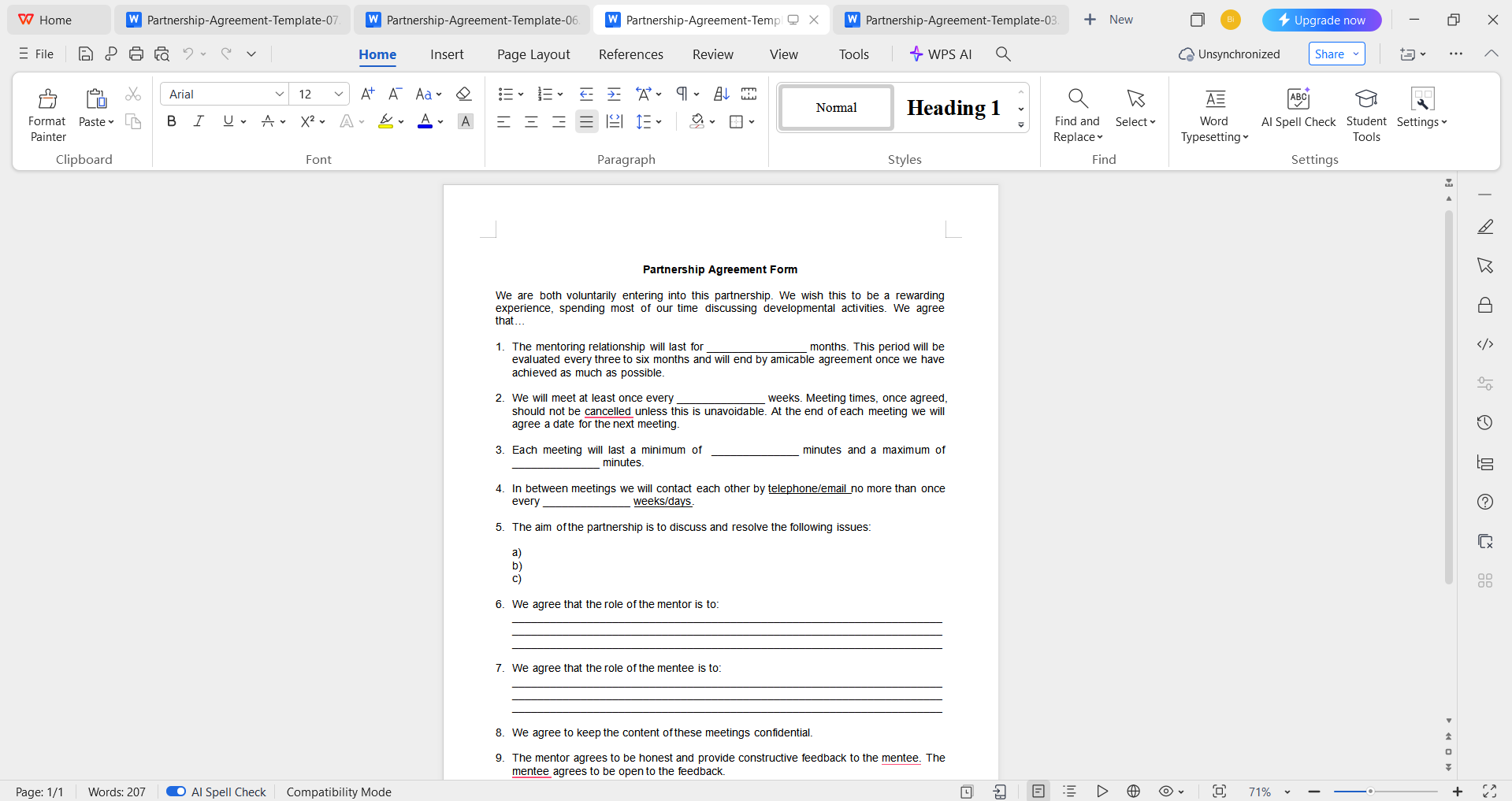
Step 1: Open your pre-made template in WPS Office to get started on the editing process.
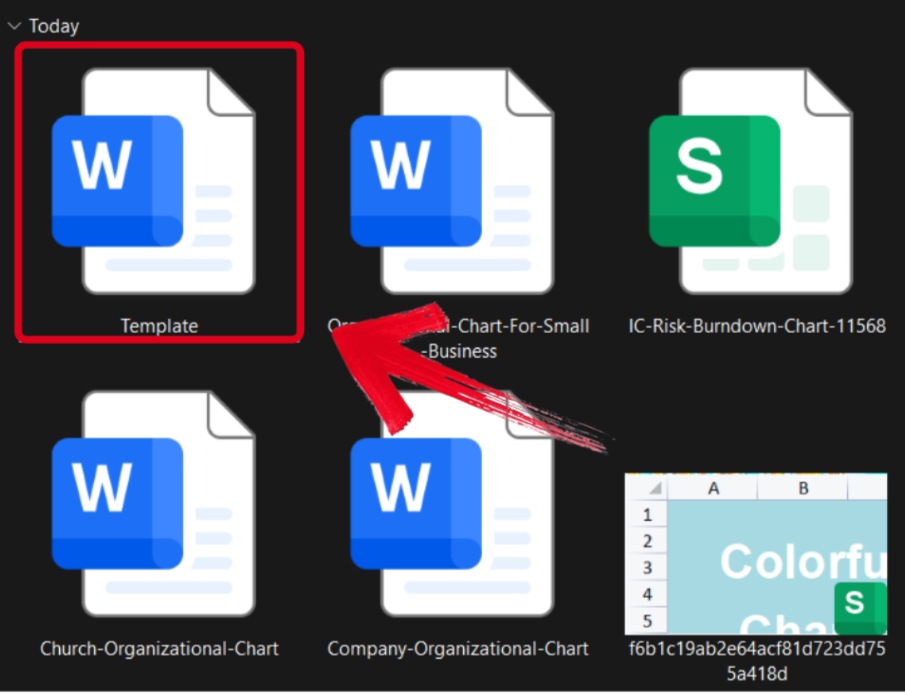
Step 2: Add in your details and make sure to verify each field of the template thoroughly before saving.
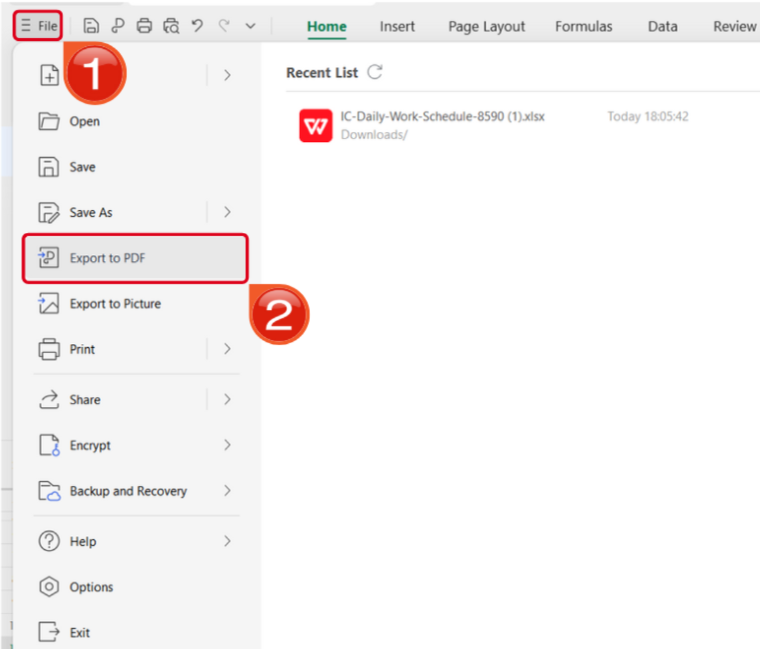
Step 3: Navigate to the Files menu and select Export to PDF to convert your template to a PDF document.
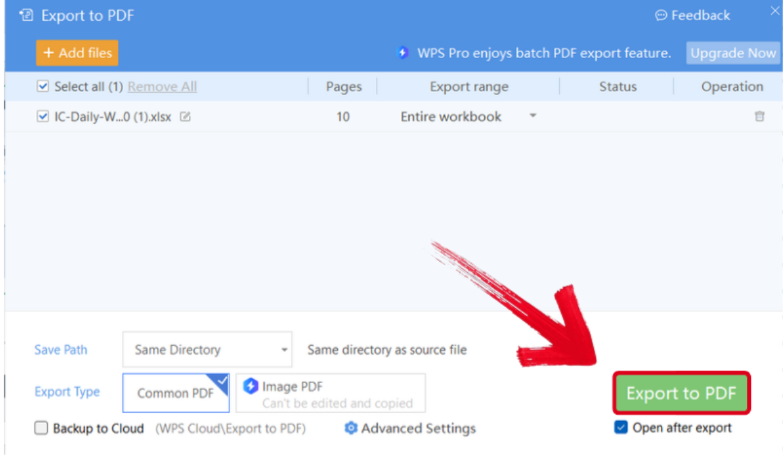
Step 4: Your Word file will now start conversion into a PDF file. Press Export to PDF to download it to your device.
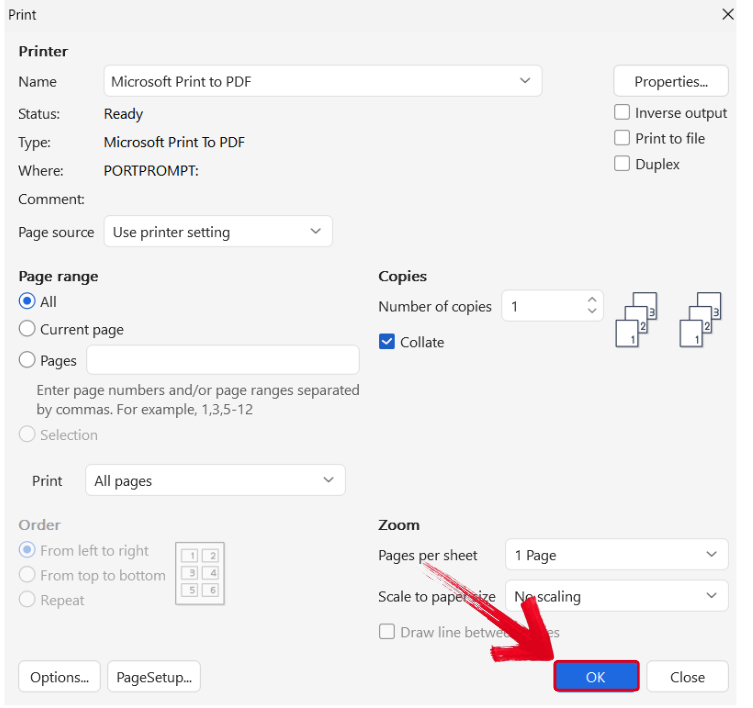
Step 5: Press Ctrl + P to open the printing window. Then, select your printing device and press OK to start printing.
Free Office Suite with Editable Templates
When I’m starting a new business or forming a new partnership with someone, every minute is very important to me, and I can not waste any time on unreliable tools or software. That’s where WPS Office comes in and saves the day for me, making sure I don’t have to waste any time on manual formatting and can get to work immediately. It’s filled with countless templates, while also providing all the tools required to polish them easily.
Features
FAQs
Q1. Are WPS templates free?
Yes, WPS Office offers a wide range of free templates. However, WPS Pro users get access to additional premium designs and exclusive layouts.
Q2. Can I use a WPS partnership agreement template for legal purposes?
Yes, you can. WPS templates are professionally designed, but it’s best to have a lawyer review the document before finalizing any legal agreement.
Q3. Can I edit templates on mobile?
Absolutely. WPS Office is fully compatible with both Android and iOS, allowing you to edit templates anytime and anywhere.
Q4. Can I collaborate with my partner online?
Yes, WPS Office supports real-time online collaboration, so you and your partner can edit, comment, and finalize documents together seamlessly.

'%3e%3cpath%20d='M19.9911%204.11386V6.471H18.5894C18.0775%206.471%2017.7322%206.57814%2017.5536%206.79243C17.3751%207.00671%2017.2858%207.32814%2017.2858%207.75671V9.44421H19.9019L19.5536%2012.0871H17.2858V18.8639H14.5536V12.0871H12.2769V9.44421H14.5536V7.49779C14.5536%206.39064%2014.8632%205.53201%2015.4822%204.92189C16.1013%204.31177%2016.9257%204.00671%2017.9554%204.00671C18.8304%204.00671%2019.509%204.04243%2019.9911%204.11386Z'%20fill='%23333333'/%3e%3c/g%3e%3cdefs%3e%3cclipPath%20id='clip0_2938_8199'%3e%3crect%20width='16'%20height='16'%20fill='white'%20transform='translate(8%204.00671)'/%3e%3c/clipPath%3e%3c/defs%3e%3c/svg%3e)
'%3e%3cpath%20d='M17.5237%2010.7813L23.4811%204H22.0699L16.8949%209.88693L12.7648%204H8L14.2469%2012.9029L8%2020.0133H9.4112L14.8725%2013.7952L19.2352%2020.0133H24M9.92053%205.04213H12.0885L22.0688%2019.0224H19.9003'%20fill='%23333333'/%3e%3c/g%3e%3cdefs%3e%3cclipPath%20id='clip0_2938_8200'%3e%3crect%20width='16'%20height='16.0134'%20fill='white'%20transform='translate(8%204)'/%3e%3c/clipPath%3e%3c/defs%3e%3c/svg%3e)


