

'%3e%3cpath%20d='M8%200C12.4183%200%2016%203.58172%2016%208C16%2012.4183%2012.4183%2016%208%2016C3.58172%2016%200%2012.4183%200%208C0%203.58172%203.58172%200%208%200ZM11.6162%204.38379C11.2257%203.99337%2010.5927%203.99338%2010.2021%204.38379L8%206.58594L5.79785%204.38379C5.40732%203.99334%204.77429%203.99329%204.38379%204.38379C3.99331%204.77429%203.99335%205.40733%204.38379%205.79785L6.58594%208L4.38379%2010.2021C3.99348%2010.5927%203.99341%2011.2257%204.38379%2011.6162C4.77426%2012.0066%205.40734%2012.0065%205.79785%2011.6162L8%209.41406L10.2021%2011.6162C10.5927%2012.0066%2011.2257%2012.0067%2011.6162%2011.6162C12.0067%2011.2257%2012.0066%2010.5927%2011.6162%2010.2021L9.41406%208L11.6162%205.79785C12.0066%205.40735%2012.0066%204.77429%2011.6162%204.38379Z'%20fill='%23080E17'%20fill-opacity='0.46'/%3e%3c/g%3e%3cdefs%3e%3cclipPath%20id='clip0_3761_713'%3e%3crect%20width='16'%20height='16'%20fill='white'/%3e%3c/clipPath%3e%3c/defs%3e%3c/svg%3e)




'%3e%3cpath%20fill-rule='evenodd'%20clip-rule='evenodd'%20d='M21.4999%2010.9993C21.4999%205.20009%2016.7986%200.498901%2010.9993%200.498901C5.19994%200.498901%200.498657%205.20009%200.498657%2010.9993C0.498657%2016.2404%204.33858%2020.5844%209.35855%2021.3722V14.0346H6.69238V10.9993H9.35855V8.68594C9.35855%206.05427%2010.9262%204.60062%2013.3248%204.60062C14.4736%204.60062%2015.6753%204.80571%2015.6753%204.80571V7.38979H14.3512C13.0468%207.38979%2012.64%208.19921%2012.64%209.0296V10.9993H15.5523L15.0867%2014.0346H12.64V21.3722C17.66%2020.5844%2021.4999%2016.2404%2021.4999%2010.9993Z'%20fill='%231568EA'/%3e%3c/g%3e%3c/svg%3e)


'%3e%3cpath%20d='M2.42045%2022.1876H6.31818V12.7217L0.75%208.54553V20.5171C0.75%2021.4414%201.49892%2022.1876%202.42045%2022.1876Z'%20fill='%234285F4'/%3e%3cpath%20d='M19.682%2022.1876H23.5797C24.5041%2022.1876%2025.2502%2021.4387%2025.2502%2020.5171V8.54553L19.682%2012.7217'%20fill='%2334A853'/%3e%3cpath%20d='M19.682%205.48293V12.7216L25.2502%208.54543V6.31816C25.2502%204.25236%2022.8921%203.07469%2021.2411%204.31361'%20fill='%23FBBC04'/%3e%3cpath%20d='M6.31824%2012.7217V5.48303L13.0001%2010.4944L19.6819%205.48303V12.7217L13.0001%2017.733'%20fill='%23EA4335'/%3e%3cpath%20d='M0.75%206.31816V8.54543L6.31818%2012.7216V5.48293L4.75909%204.31361C3.10534%203.07469%200.75%204.25236%200.75%206.31816Z'%20fill='%23C5221F'/%3e%3c/g%3e%3cdefs%3e%3cclipPath%20id='clip0_2954_7305'%3e%3crect%20width='24.5'%20height='18.375'%20fill='white'%20transform='translate(0.75%203.8125)'/%3e%3c/clipPath%3e%3c/defs%3e%3c/svg%3e)


A supplier emails you a PDF of a floor plan, and your CAD team needs to redraw it from scratch in AutoCAD—hours of tracing work for one file.
A PDF to DWG converter is the tool that undoes that problem: it reads a PDF and rebuilds it as a DWG file, the native drawing format of AutoCAD, so what arrives as a flat document opens again as real CAD objects—separate lines, arcs, text, and layers your team can edit instead of trace.
One expectation to set before picking a tool: DWG quality depends on what the PDF actually contains. Vector PDFs convert into clean, editable geometry; scanned PDFs arrive as one flat image and produce unreliable results. With that expectation set, here are the three best free options, how they differ, and how to run a conversion.
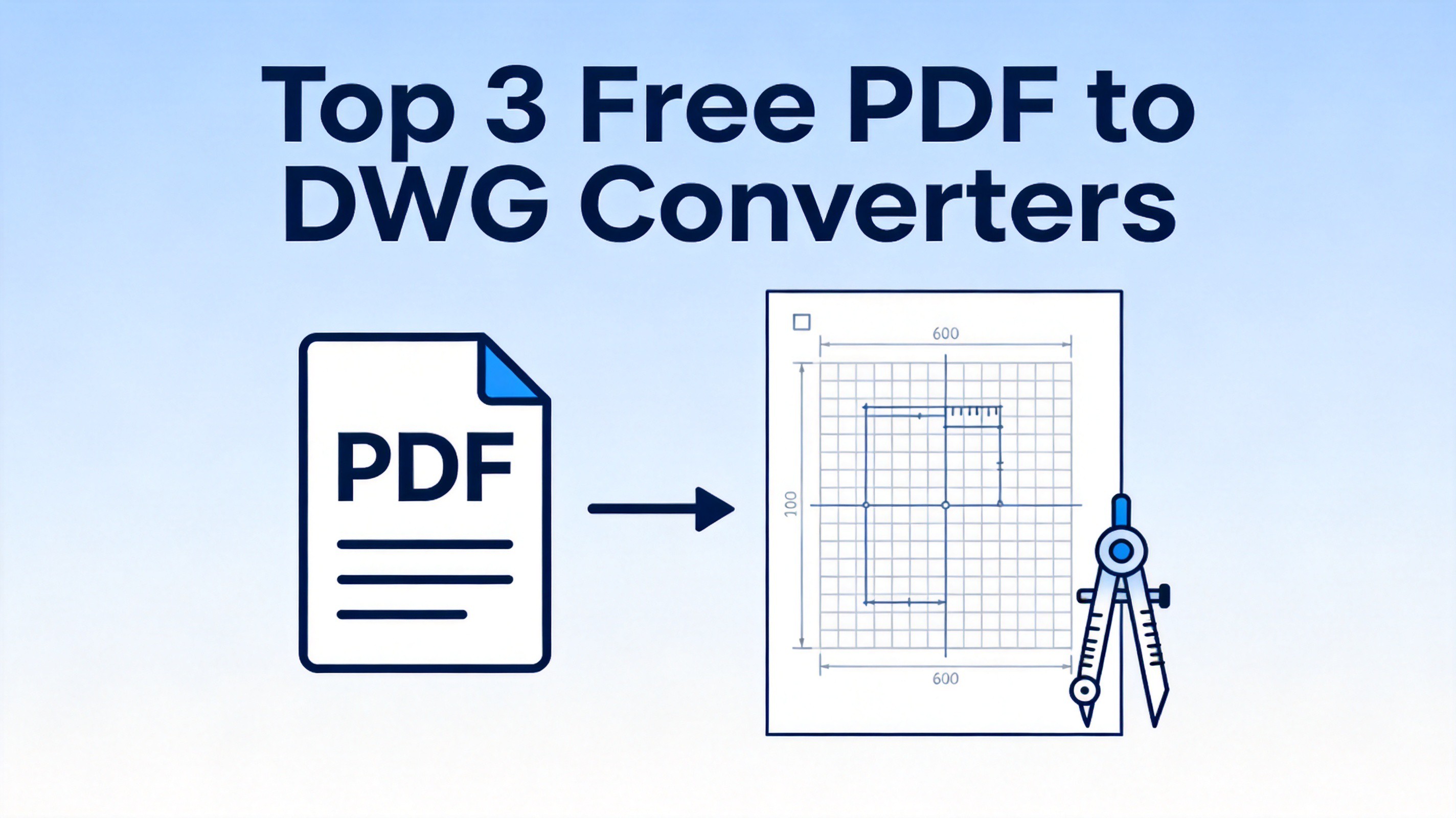
What Is a PDF to DWG Converter and Why You May Need One
The conversion flow is the reverse of what most people do: normally you export a CAD drawing to PDF for sharing, and a converter undoes that step. The catch is direction-specific—PDF exports flatten the drawing, so the converter reconstructs lines, arcs, and layers from scratch.
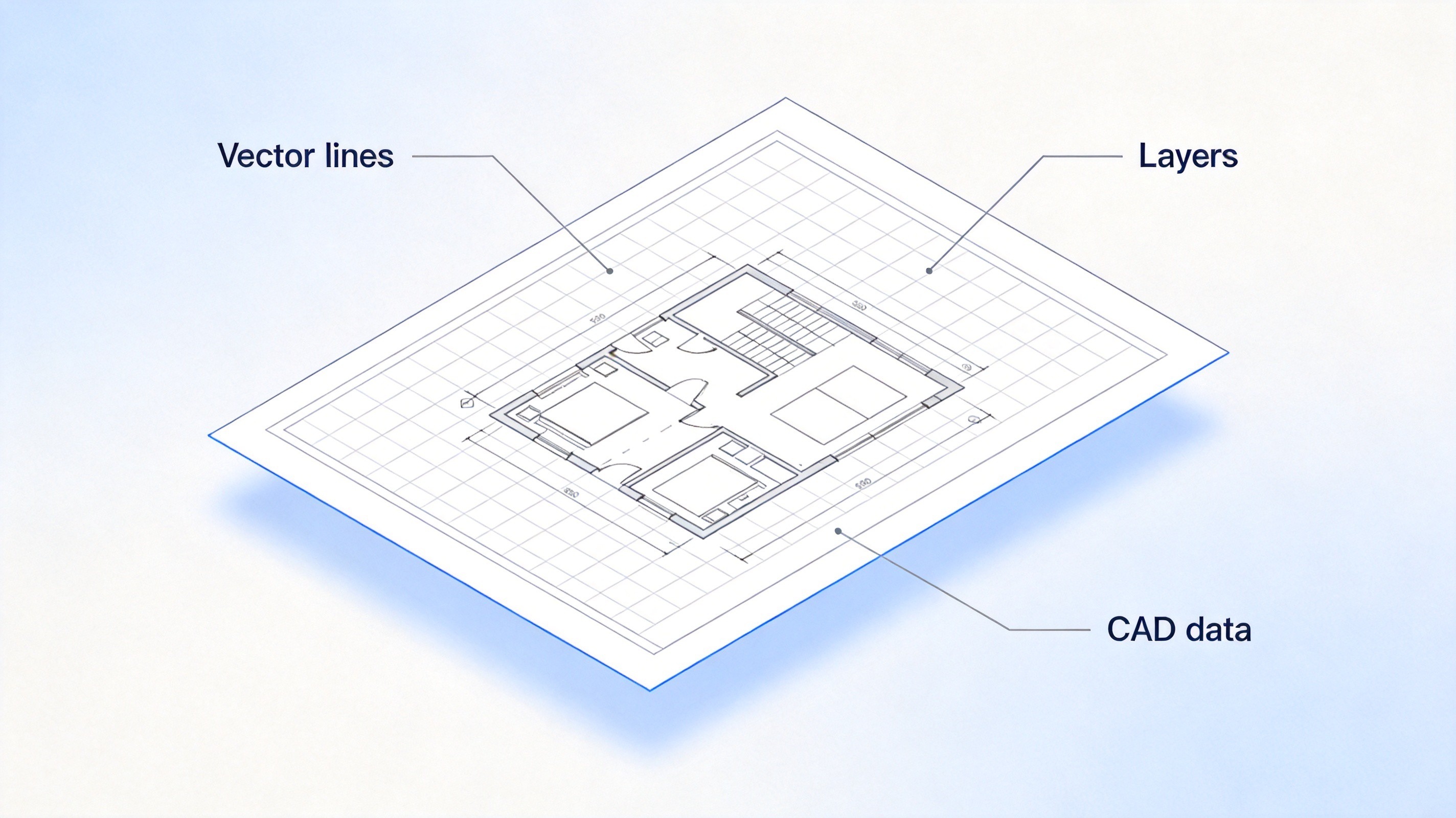
Set your expectations by PDF type: a vector PDF (text and lines stay sharp when zoomed) converts into usable, editable DWG entities; a scanned PDF (one flattened picture) converts into a traced image layer that needs manual cleanup in CAD. Check with a quick zoom before you convert anything.


Top 3 Free PDF to DWG Converters Compared
The three tools below were compared on the same points: conversion quality on vector PDFs, what the free tier actually allows, and how much cleanup they leave for your CAD team. All three produce usable DWG from vector sources—they differ in where they run, how much output control you get, and what each free tier lets you do before asking for money.
AnyDWG PDF to DWG Converter. The desktop route, and the one built for exactly this job. Features worth knowing:
Put together, these features explain why AnyDWG behaves less like a utility and more like part of a CAD pipeline: batches keep a steady flow of drawings moving, layer mapping keeps the output consistent with your standards, and the local workflow removes the confidentiality question entirely. The cost is the license—the free trial converts with limits, and sustained or volume use requires paying. If drawings cross your desk every week and clients trust you with sensitive plans, that trade is easy to justify.
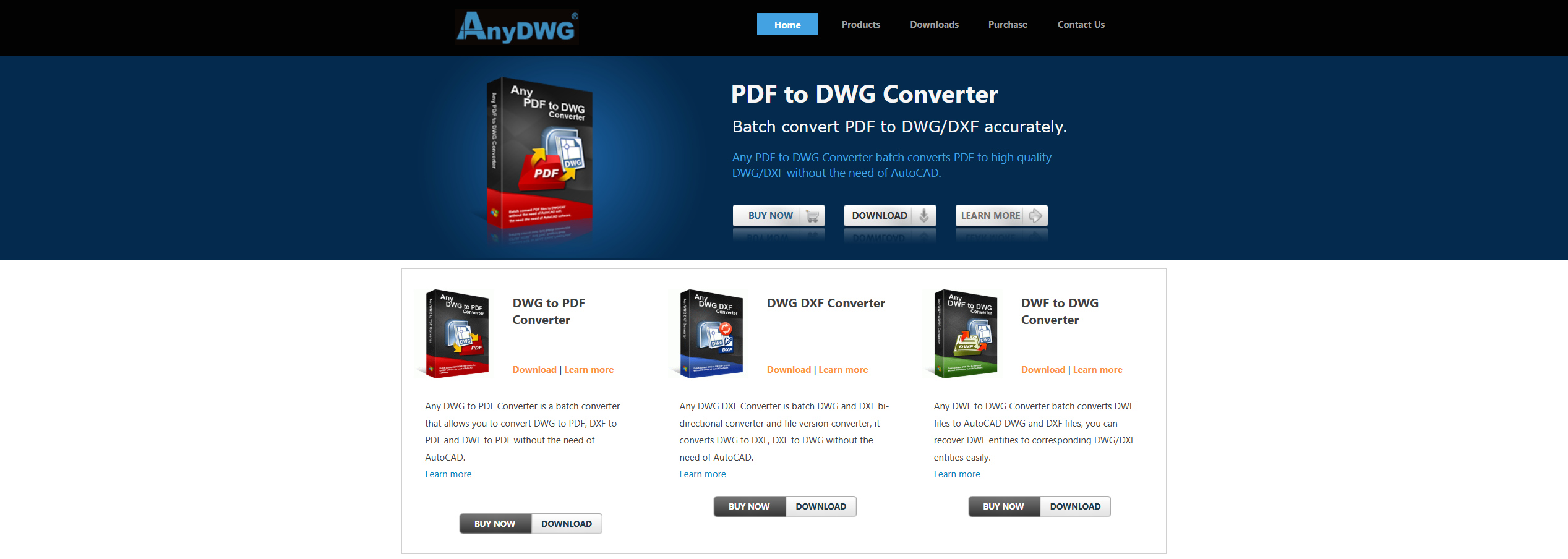
AnyDWG PDF to DWG Converter product page Batch conversion — queue a whole folder of PDFs and let it run.
Adjustable layer mapping — the output follows your layer standards instead of generic defaults.
Fully local workflow — no upload step, so confidential drawings never leave your machine.
Zamzar. The fastest zero-install path, and the simplest feature set of the three:
The logic of Zamzar is that most people converting a PDF to DWG do it rarely—a plan arrives, they convert it, done—and for that pattern, paying nothing and installing nothing beats owning a tool. The two limits follow from the same design: large drawings may exceed the free size cap, and the upload step means the file does leave your computer. Fine for public plans; a real concern for confidential ones.
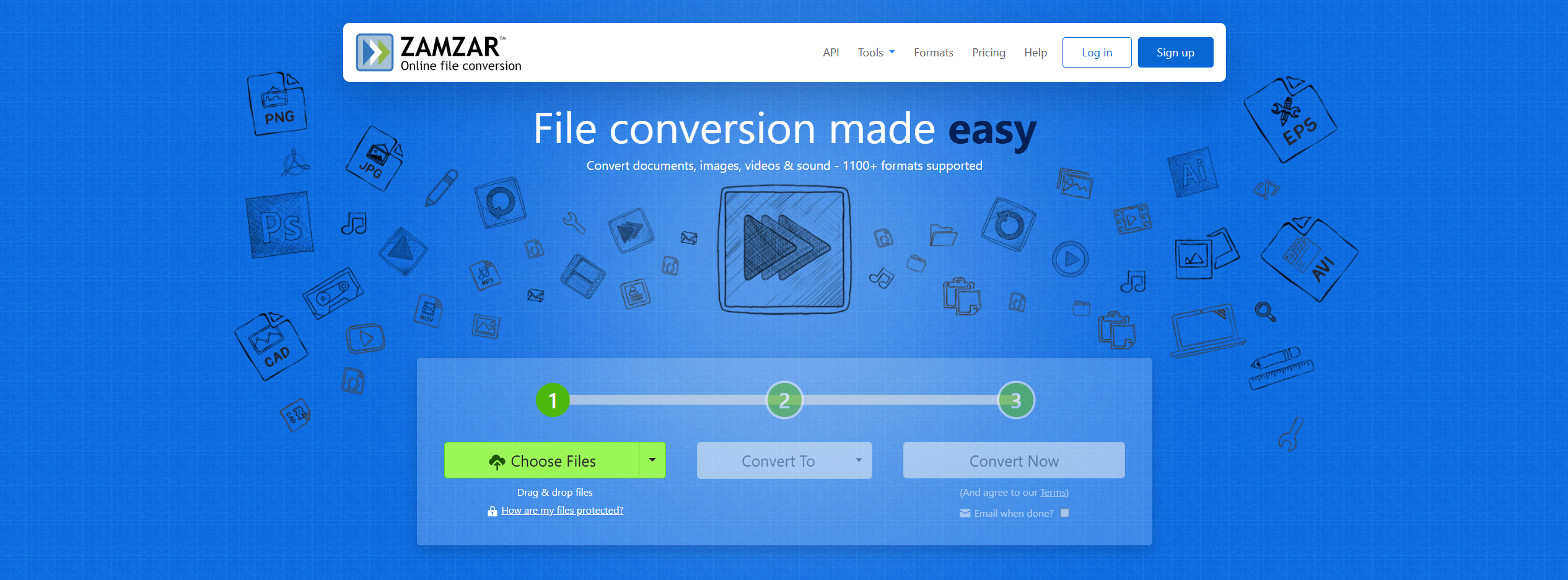
Zamzar online file converter homepage Three-step flow — upload the PDF, choose DWG, receive the file through a download link.
Nothing to install — works the same on any computer with a browser.
Free tier — caps file size and daily conversions, which is exactly why it suits occasional, single-file jobs.
CloudConvert. The middle ground: browser-based like Zamzar, but with more say over the result:
Where the other two force a choice—install something powerful or accept whatever the web tool gives you—CloudConvert splits the difference: no installation, but the conversion is still configurable instead of take-it-or-leave-it. The credit system keeps light, regular use free while making heavy use a paid question. Best situation: you convert more than once in a while, want to tune the output, and your drawings are not sensitive enough to rule out the cloud.
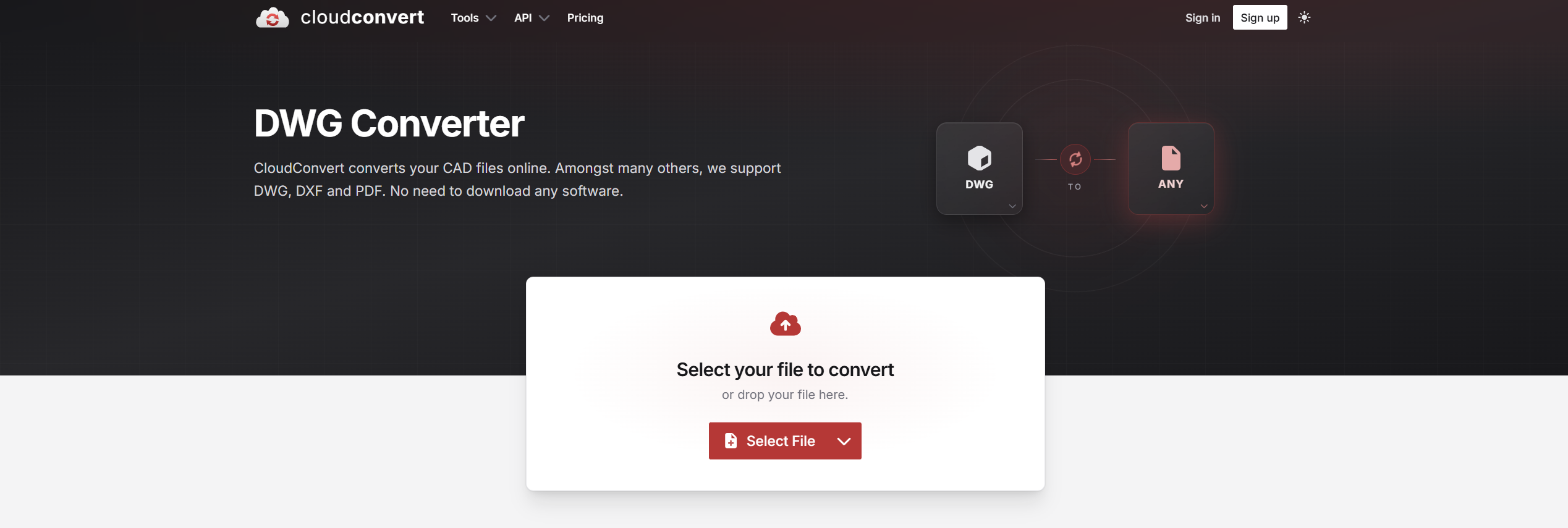
CloudConvert online DWG converter page Output control — resolution and format options you can set before converting.
Dedicated DWG converter page — handles PDF as the source format directly.
Credit-based free quota — a generous allowance, enough for regular light use before it needs topping up.
One thing none of the three can fix: a messy source file. Whatever converter you pick, the output is only as clean as the PDF you feed it—which is exactly why the preparation step below matters.
How to Convert a PDF to DWG File Step by Step
The flow is the same in every tool, online or desktop:
Check the PDF type. Zoom to 400%—sharp lines mean vector, blur means scan. Convert vector PDFs only.
Upload and choose DWG. Drop the file in the converter, pick DWG as output, and set the AutoCAD version if the tool offers it.
Run the conversion and inspect layers. Open the DWG in AutoCAD (or a free viewer first), check that lines are separate entities and text is text, not curves.
Clean up in CAD. Fix stray geometry, re-assign line weights, and save a working copy before edits.
Going the other way—sharing a DWG with non-CAD colleagues? A free DWG-to-PDF workflow handles that direction without AutoCAD too.
The Best Free Way to Prepare PDFs Before Conversion: WPS Office
Notice that every converter above judges you by your input—and none of them fixes a messy source file. That preparation step is free with WPS Office, and it takes about a minute before any conversion:
Extract only the pages you need — converters waste accuracy on irrelevant pages; a focused file converts cleaner.
Fix rotation and page order — a sideways plan converts into a sideways drawing your team has to rotate back in CAD.
Export a clean single-page PDF — one drawing per file keeps the converter's geometry reconstruction honest.
WPS PDF runs locally on your computer and handles all of this for free, so the converter only sees exactly what your CAD team needs.
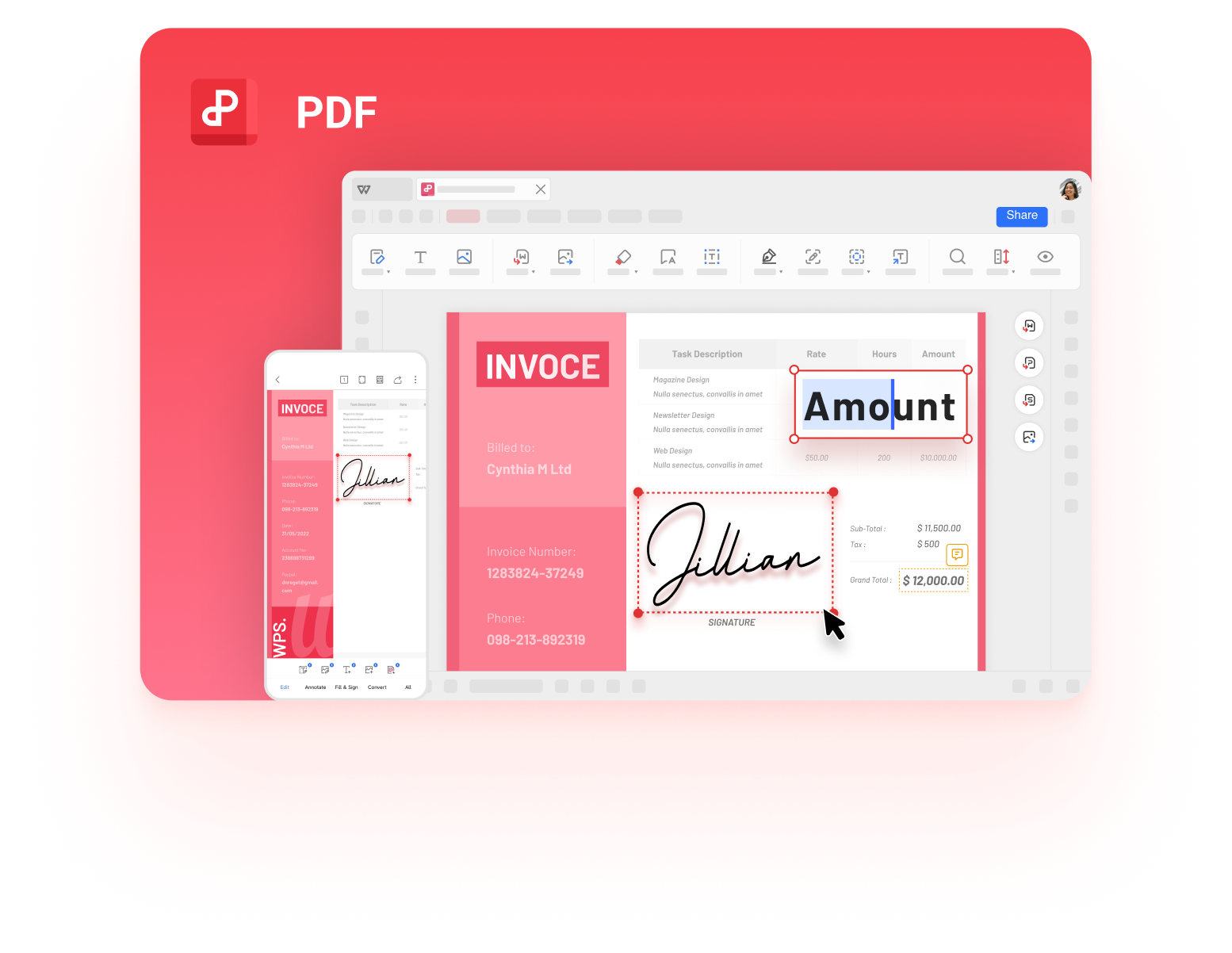
To be clear about the division of labor: WPS does not output DWG—that stays with the converters above. What it owns is the reverse direction and the preparation step: a free DWG-to-PDF workflow for sharing drawings with non-CAD colleagues, and clean, deliberate input that raises the quality of whatever converter you choose. Source hygiene is the cheapest conversion upgrade there is.
FAQs
Can I convert a PDF to DWG for free?
Yes, within limits. Online tools like Zamzar and CloudConvert convert single files free with size or daily caps, and AnyDWG offers a trial version of its desktop converter. Regular heavy use usually needs a paid license.
Why is my converted DWG file full of broken lines?
The source PDF was most likely a scan. Converters can only reconstruct geometry the PDF actually contains—scanned pages are flattened images, so the output is a traced approximation. Convert vector PDFs, or redraw the scan manually.
Is it safe to upload drawings to an online converter?
For public or non-sensitive plans it is acceptable, but the file does leave your computer. Confidential designs should go through a desktop converter like AnyDWG, which keeps files local.
Which AutoCAD version should I choose when converting?
Match the oldest version your team actually opens: exporting to a newer format than the recipient's AutoCAD causes import errors. When unsure, pick a broadly compatible older release like AutoCAD 2013.
Does WPS Office convert PDF to DWG?
No—DWG output requires a dedicated CAD converter. WPS Office is the free preparation step: split, rotate, and clean the PDF before conversion, and it also converts DWG to PDF for sharing when you go the other direction.

'%3e%3cpath%20d='M19.9911%204.11386V6.471H18.5894C18.0775%206.471%2017.7322%206.57814%2017.5536%206.79243C17.3751%207.00671%2017.2858%207.32814%2017.2858%207.75671V9.44421H19.9019L19.5536%2012.0871H17.2858V18.8639H14.5536V12.0871H12.2769V9.44421H14.5536V7.49779C14.5536%206.39064%2014.8632%205.53201%2015.4822%204.92189C16.1013%204.31177%2016.9257%204.00671%2017.9554%204.00671C18.8304%204.00671%2019.509%204.04243%2019.9911%204.11386Z'%20fill='%23333333'/%3e%3c/g%3e%3cdefs%3e%3cclipPath%20id='clip0_2938_8199'%3e%3crect%20width='16'%20height='16'%20fill='white'%20transform='translate(8%204.00671)'/%3e%3c/clipPath%3e%3c/defs%3e%3c/svg%3e)
'%3e%3cpath%20d='M17.5237%2010.7813L23.4811%204H22.0699L16.8949%209.88693L12.7648%204H8L14.2469%2012.9029L8%2020.0133H9.4112L14.8725%2013.7952L19.2352%2020.0133H24M9.92053%205.04213H12.0885L22.0688%2019.0224H19.9003'%20fill='%23333333'/%3e%3c/g%3e%3cdefs%3e%3cclipPath%20id='clip0_2938_8200'%3e%3crect%20width='16'%20height='16.0134'%20fill='white'%20transform='translate(8%204)'/%3e%3c/clipPath%3e%3c/defs%3e%3c/svg%3e)


