

'%3e%3cpath%20d='M8%200C12.4183%200%2016%203.58172%2016%208C16%2012.4183%2012.4183%2016%208%2016C3.58172%2016%200%2012.4183%200%208C0%203.58172%203.58172%200%208%200ZM11.6162%204.38379C11.2257%203.99337%2010.5927%203.99338%2010.2021%204.38379L8%206.58594L5.79785%204.38379C5.40732%203.99334%204.77429%203.99329%204.38379%204.38379C3.99331%204.77429%203.99335%205.40733%204.38379%205.79785L6.58594%208L4.38379%2010.2021C3.99348%2010.5927%203.99341%2011.2257%204.38379%2011.6162C4.77426%2012.0066%205.40734%2012.0065%205.79785%2011.6162L8%209.41406L10.2021%2011.6162C10.5927%2012.0066%2011.2257%2012.0067%2011.6162%2011.6162C12.0067%2011.2257%2012.0066%2010.5927%2011.6162%2010.2021L9.41406%208L11.6162%205.79785C12.0066%205.40735%2012.0066%204.77429%2011.6162%204.38379Z'%20fill='%23080E17'%20fill-opacity='0.46'/%3e%3c/g%3e%3cdefs%3e%3cclipPath%20id='clip0_3761_713'%3e%3crect%20width='16'%20height='16'%20fill='white'/%3e%3c/clipPath%3e%3c/defs%3e%3c/svg%3e)




'%3e%3cpath%20fill-rule='evenodd'%20clip-rule='evenodd'%20d='M21.4999%2010.9993C21.4999%205.20009%2016.7986%200.498901%2010.9993%200.498901C5.19994%200.498901%200.498657%205.20009%200.498657%2010.9993C0.498657%2016.2404%204.33858%2020.5844%209.35855%2021.3722V14.0346H6.69238V10.9993H9.35855V8.68594C9.35855%206.05427%2010.9262%204.60062%2013.3248%204.60062C14.4736%204.60062%2015.6753%204.80571%2015.6753%204.80571V7.38979H14.3512C13.0468%207.38979%2012.64%208.19921%2012.64%209.0296V10.9993H15.5523L15.0867%2014.0346H12.64V21.3722C17.66%2020.5844%2021.4999%2016.2404%2021.4999%2010.9993Z'%20fill='%231568EA'/%3e%3c/g%3e%3c/svg%3e)


'%3e%3cpath%20d='M2.42045%2022.1876H6.31818V12.7217L0.75%208.54553V20.5171C0.75%2021.4414%201.49892%2022.1876%202.42045%2022.1876Z'%20fill='%234285F4'/%3e%3cpath%20d='M19.682%2022.1876H23.5797C24.5041%2022.1876%2025.2502%2021.4387%2025.2502%2020.5171V8.54553L19.682%2012.7217'%20fill='%2334A853'/%3e%3cpath%20d='M19.682%205.48293V12.7216L25.2502%208.54543V6.31816C25.2502%204.25236%2022.8921%203.07469%2021.2411%204.31361'%20fill='%23FBBC04'/%3e%3cpath%20d='M6.31824%2012.7217V5.48303L13.0001%2010.4944L19.6819%205.48303V12.7217L13.0001%2017.733'%20fill='%23EA4335'/%3e%3cpath%20d='M0.75%206.31816V8.54543L6.31818%2012.7216V5.48293L4.75909%204.31361C3.10534%203.07469%200.75%204.25236%200.75%206.31816Z'%20fill='%23C5221F'/%3e%3c/g%3e%3cdefs%3e%3cclipPath%20id='clip0_2954_7305'%3e%3crect%20width='24.5'%20height='18.375'%20fill='white'%20transform='translate(0.75%203.8125)'/%3e%3c/clipPath%3e%3c/defs%3e%3c/svg%3e)


A supplier sends a 40-page English manual as a PDF and your Khmer-speaking team needs it tomorrow. Uploading the file somewhere is the easy part. Getting the Khmer text to look right afterwards is where most attempts fall apart.
Khmer does not put spaces between words, and its vowel and consonant marks stack into clusters. Tools built around space-separated languages can drop those marks, break a word across two lines, or fall back to a font that cannot draw Khmer at all. Knowing that in advance tells you what to check before you pass the file on.
Below are two free ways to translate English to Khmer PDF files, what each one does well, and how to clean up the result in WPS Office.
How to Translate English to Khmer PDF Files: Free Methods That Work
Translate English to Khmer PDF Files: What Breaks First
Two things decide whether the output is usable: how the file was built, and how the translation engine handles Khmer text.
Real text or a scan. If the PDF was printed and scanned, the pages are images and the translator has no characters to work with.
Clusters split at line breaks. Khmer stacks marks above and below the base character, so a careless break can separate a mark from its letter.
Khmer fonts go missing. A translated file needs a Khmer-capable Unicode font. Without one, viewers show empty boxes instead of words.
Numbers and names drift. Phone numbers, part codes and proper nouns are often better left as they were, so list them before you translate.
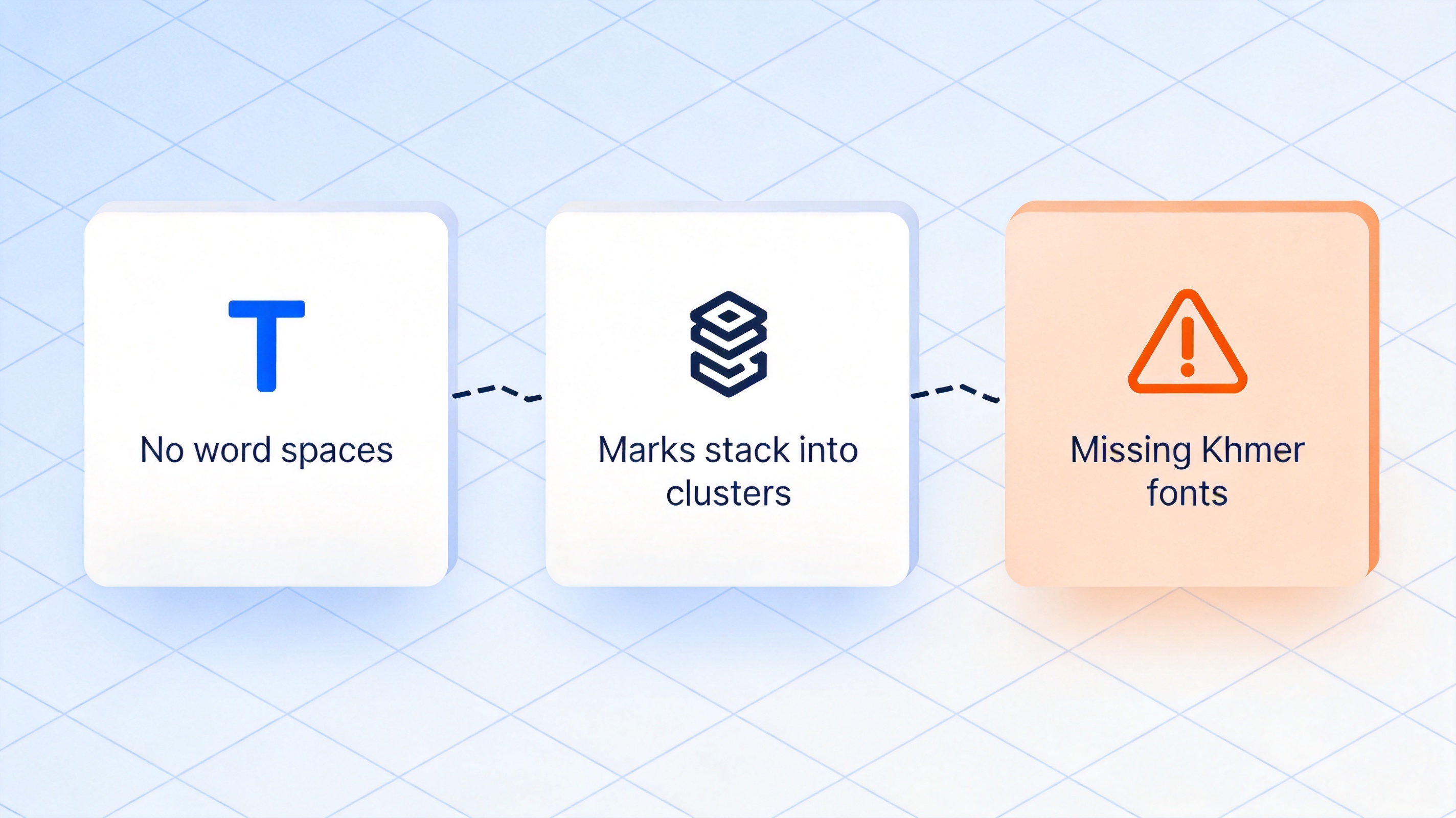
Khmer text layout problems in PDFs


Method 1: Translate English to Khmer PDF in Google Docs
This is the fastest free route when your PDF already contains real text rather than scanned images.
Upload the PDF to Google Drive. Use New > File upload and wait for the upload to finish.
Open it with Google Docs. Right-click the file and choose Open with > Google Docs.
Translate the document. Open Tools > Translate document, set the target language to Khmer and confirm. Google Docs creates a translated copy and leaves the original alone.
Check the copy. Read the Khmer pages for broken clusters, missing marks and awkward line breaks.
Export a new PDF. Use File > Download > PDF Document (.pdf) to save the Khmer version.
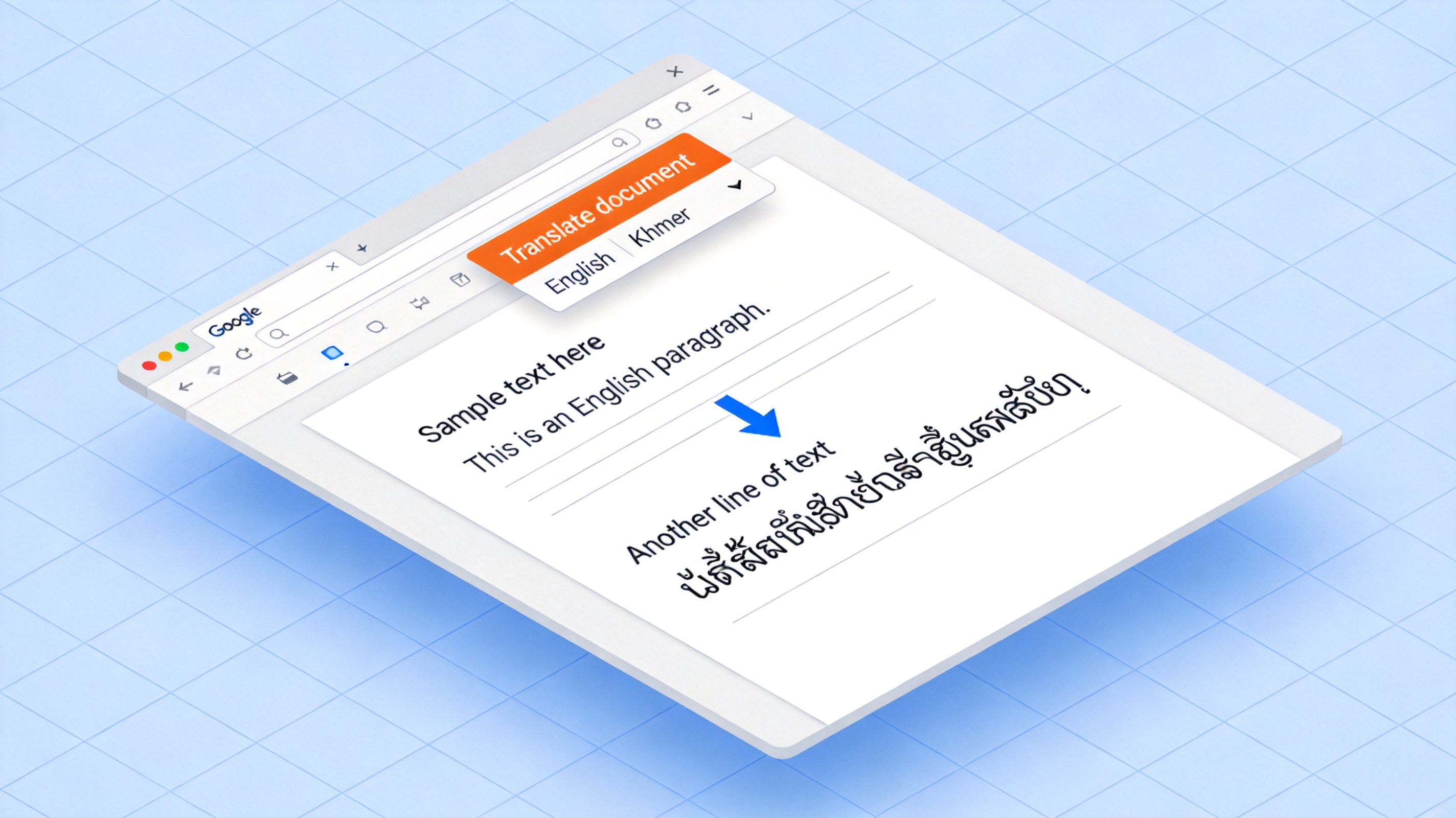
Translate document command in Google Docs
The trade-off is layout. Google Docs rebuilds the page from a text flow, so a translated document will not always match the original page breaks.
Method 2: Translate English to Khmer PDF with Google Translate
Google Translate works on the document itself, which removes the conversion step. Open Google Translate, switch to the Documents tab, set the languages from English to Khmer, upload the file, and download the translation when it finishes.
The current limits are worth knowing before you plan the work:
Files must be .docx, .pdf, .pptx or .xlsx and no larger than 10 MB.
PDF files must be 300 pages or fewer.
Document translation is a desktop feature and is not available on smaller screens or on mobile.
Text inside images, and text on scanned pages, appears in the output but is not translated.
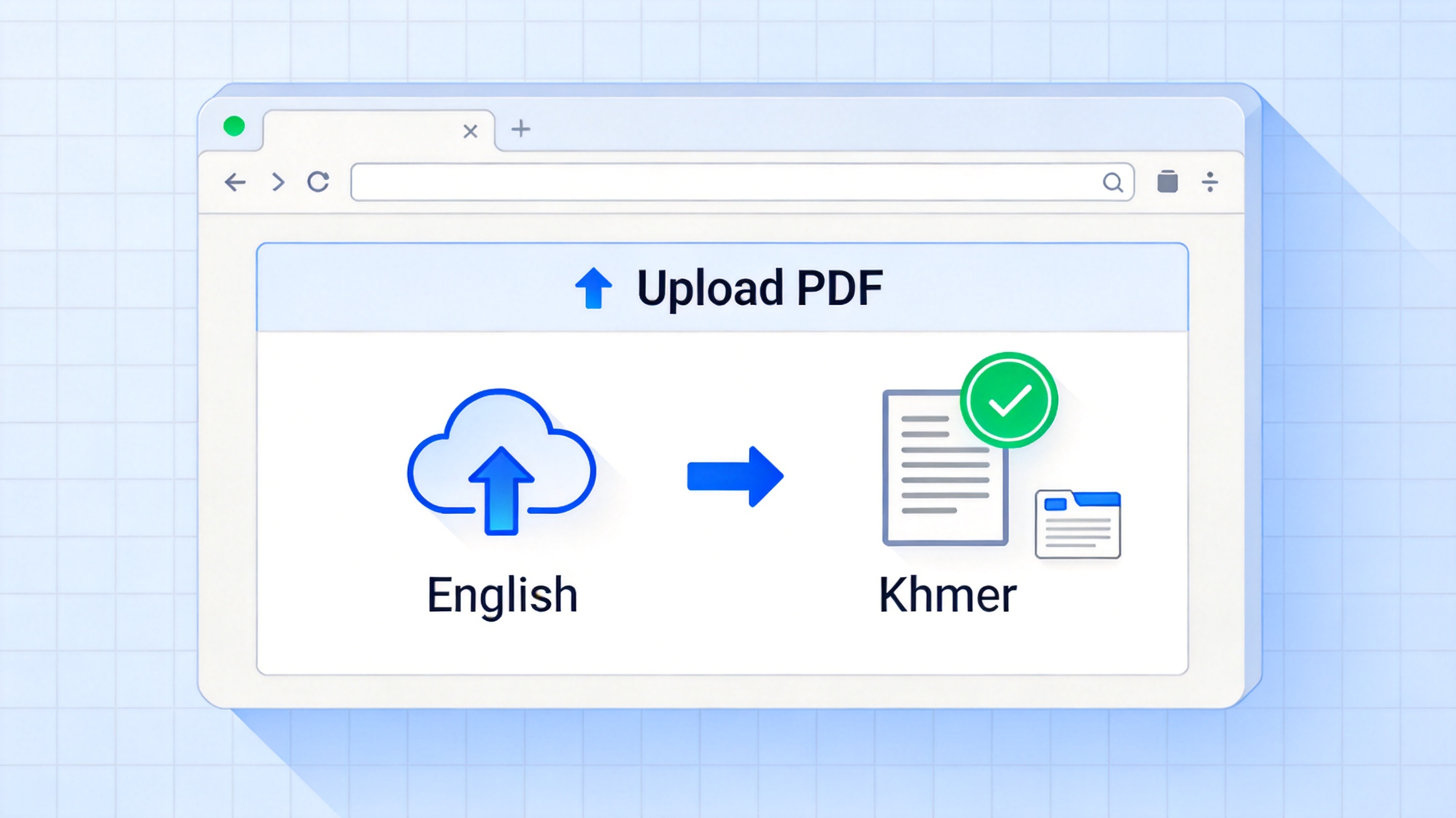
Upload a PDF to Google Translate
That last point decides the method for you. If the PDF is a scan, run OCR first so the words become real text, then translate the recognised file.
Method 3: Translate English to Khmer PDF with WPS Office
If you already use WPS Office, the built-in Document Translation tool is the fastest option because it works on the PDF itself and keeps the layout intact.
Open the PDF in WPS Office. Launch WPS and open the English PDF you need to translate.
Open Document Translation. Click Tools and select Document Translation in the Edit panel.
Set the languages. Choose English as the source and Khmer as the target language.
Click Translate now. WPS translates the whole document while keeping the page layout and formatting.
Review and export. Check the Khmer script for broken clusters, then save or export the translated PDF.
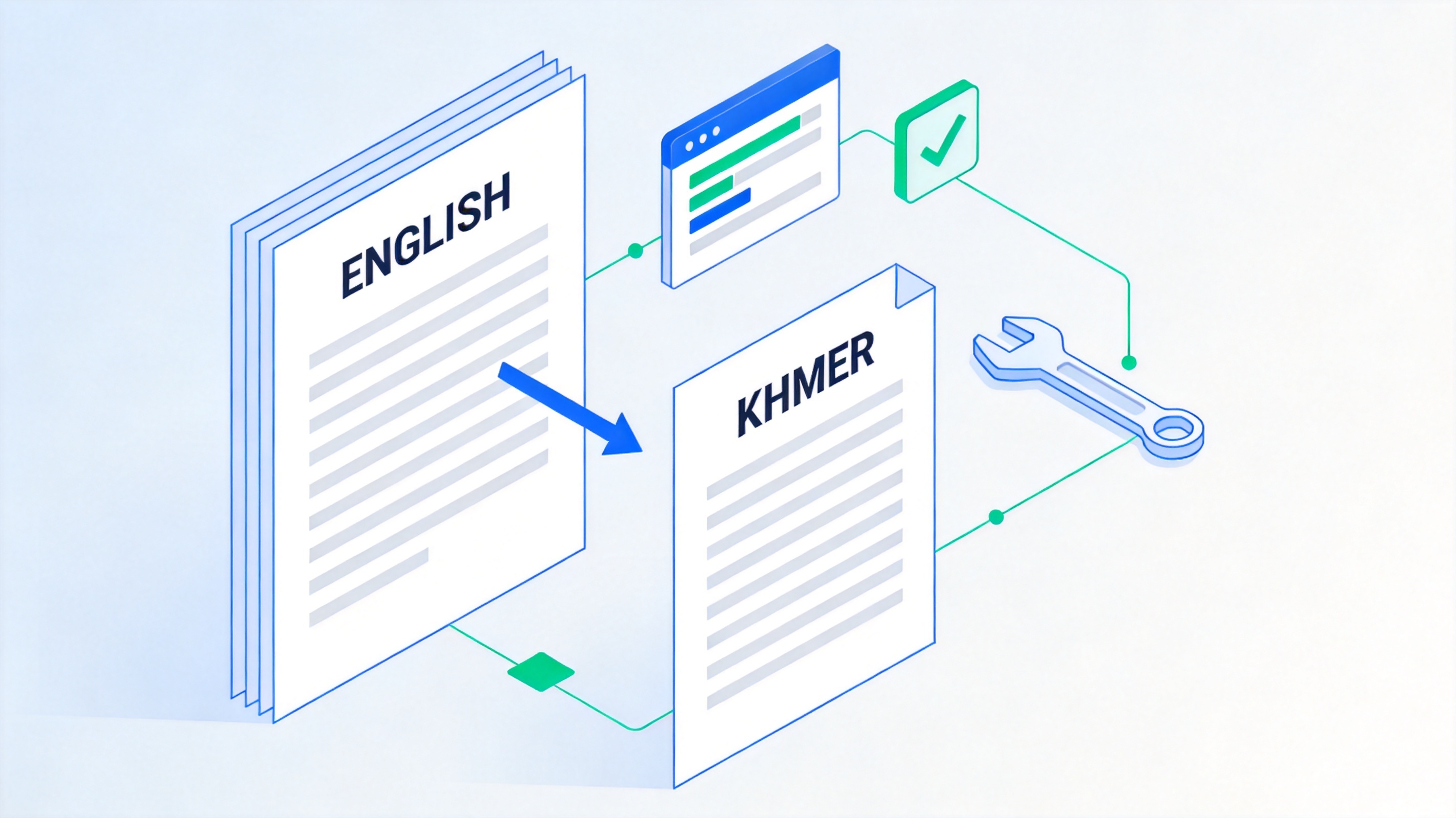
Translate English PDF to Khmer in WPS Office
Check Khmer Fonts and Line Breaks Before You Send the PDF
Translated files usually fail on details rather than vocabulary. Ten minutes of proofreading prevents an embarrassing resend.
Font. Open the file in a PDF reader and confirm every Khmer character renders as script, not as empty boxes or missing-glyph squares.
Clusters. Look for vowel marks sitting on the wrong line or detached from their base character.
Line breaks. Khmer wraps differently from English, so watch for single stray characters at the top of a page.
Numbers. Keep currency, dates, phone numbers, part codes and addresses in the form your reader expects.
Page count. Khmer text often takes more vertical space, so the translated file may be a few pages longer than the original.
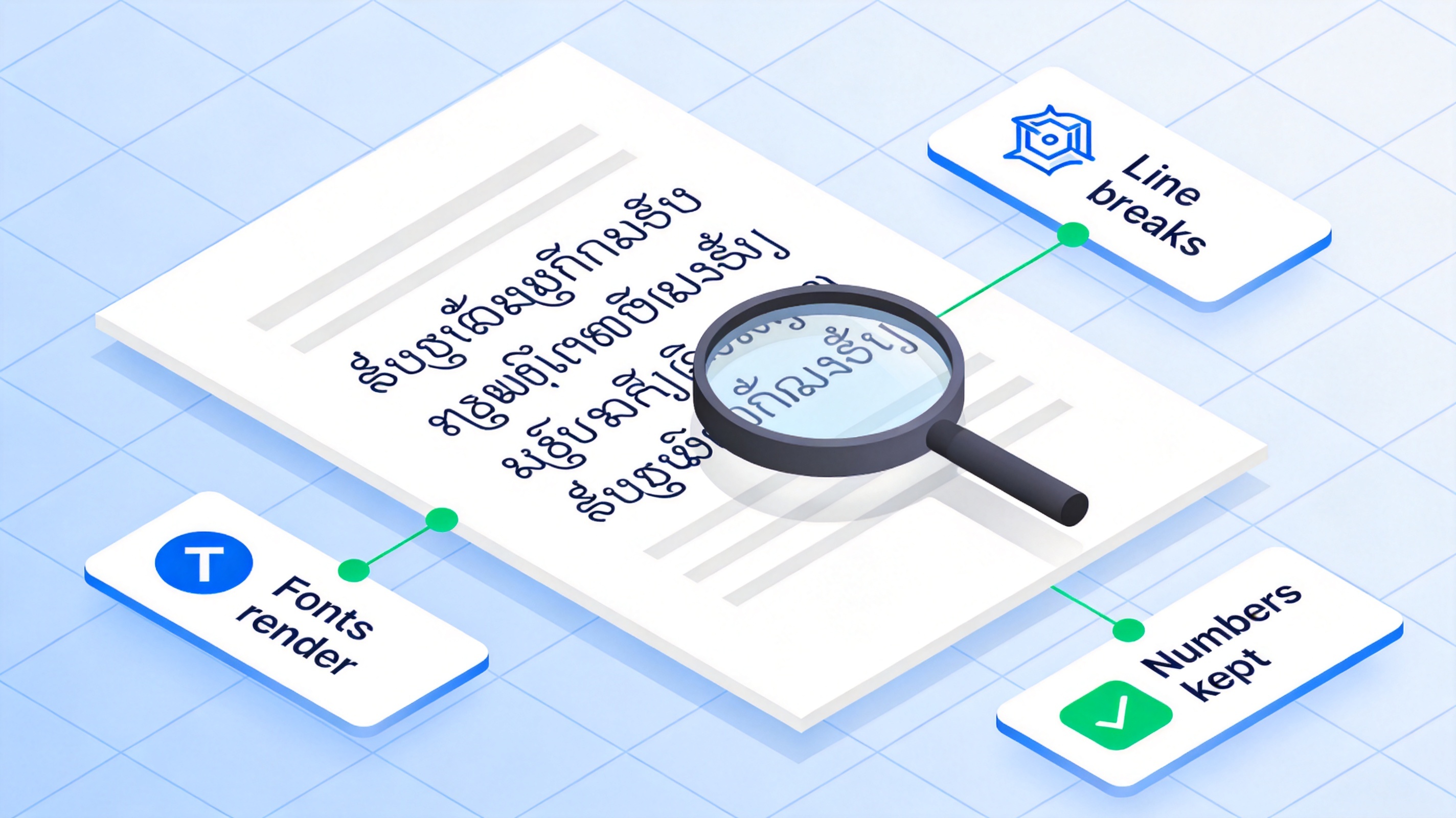
Check Khmer fonts before exporting
The Best Free Way to Polish a Khmer PDF: WPS Office
Once the translation exists, the remaining work is editing: fixing a term, re-wrapping a paragraph and exporting a clean final PDF. WPS Office covers both halves, with Writer for the text and the PDF tools for the export.
How to edit and export the Khmer text in WPS Writer
Open the translated file. If you translated in Google Docs, download the .docx and open it in WPS Writer so the text stays editable.
Apply a Khmer-capable font. Set the font for the whole document so every cluster is drawn by the same typeface.
Fix the problem paragraphs. Re-wrap lines, correct a term, and compare against the source page by page.
Leave a review trail. Use comments for anything a colleague still has to confirm, such as product names.
Export the final PDF. Use File > Export to PDF and keep the original English PDF for reference.
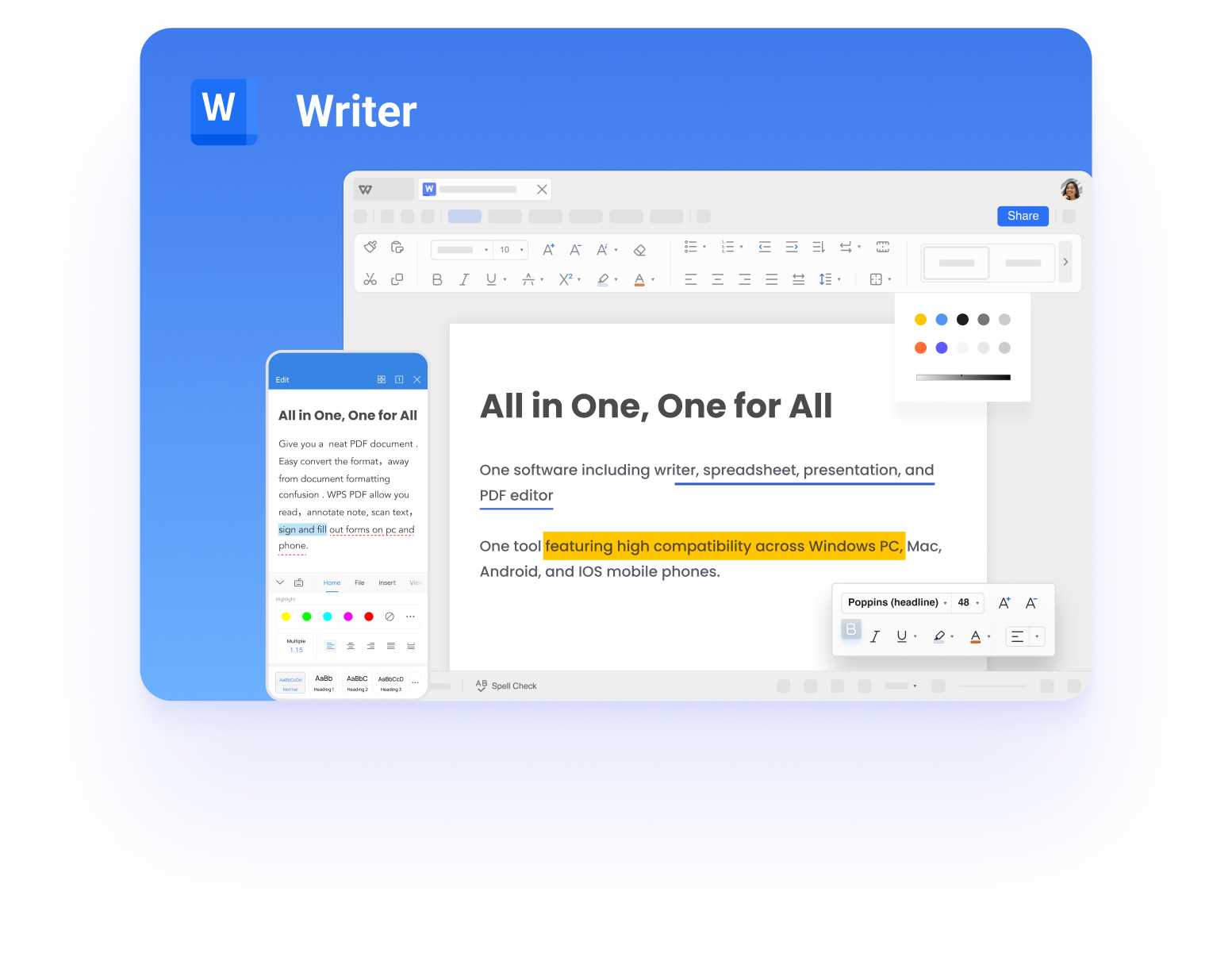
Edit Khmer text in WPS Writer
FAQs
What is the best free way to translate English to Khmer PDF files?
For a PDF that already contains real text, the Documents tab in Google Translate is the quickest free option because it translates the file directly. For scanned files, run OCR first and then translate. WPS Office is then useful for editing the Khmer text and exporting the final PDF.
Can Google Translate keep the PDF layout?
It does its best, but layout is not guaranteed. The order of text is usually preserved, while page breaks, tables and positioned images can move. Always compare the translated file with the original before sending it.
Why does Khmer text show as boxes in my PDF?
The file is being drawn with a font that has no Khmer glyphs. Re-apply a Khmer-capable Unicode font in your editor and export the PDF again, and the boxes should be replaced by the correct script.
Is there a file size limit for translating a PDF to Khmer?
Google Translate currently accepts files up to 10 MB in .docx, .pdf, .pptx or .xlsx format, and PDFs must be 300 pages or fewer. Larger documents need to be split or translated through the Cloud Translation API.
Does translating a PDF work on a phone?
Google Translate's document translation is not available on mobile or on smaller screens. Translate on a computer, then send the finished Khmer PDF to your phone or share it as a link.


'%3e%3cpath%20d='M19.9911%204.11386V6.471H18.5894C18.0775%206.471%2017.7322%206.57814%2017.5536%206.79243C17.3751%207.00671%2017.2858%207.32814%2017.2858%207.75671V9.44421H19.9019L19.5536%2012.0871H17.2858V18.8639H14.5536V12.0871H12.2769V9.44421H14.5536V7.49779C14.5536%206.39064%2014.8632%205.53201%2015.4822%204.92189C16.1013%204.31177%2016.9257%204.00671%2017.9554%204.00671C18.8304%204.00671%2019.509%204.04243%2019.9911%204.11386Z'%20fill='%23333333'/%3e%3c/g%3e%3cdefs%3e%3cclipPath%20id='clip0_2938_8199'%3e%3crect%20width='16'%20height='16'%20fill='white'%20transform='translate(8%204.00671)'/%3e%3c/clipPath%3e%3c/defs%3e%3c/svg%3e)
'%3e%3cpath%20d='M17.5237%2010.7813L23.4811%204H22.0699L16.8949%209.88693L12.7648%204H8L14.2469%2012.9029L8%2020.0133H9.4112L14.8725%2013.7952L19.2352%2020.0133H24M9.92053%205.04213H12.0885L22.0688%2019.0224H19.9003'%20fill='%23333333'/%3e%3c/g%3e%3cdefs%3e%3cclipPath%20id='clip0_2938_8200'%3e%3crect%20width='16'%20height='16.0134'%20fill='white'%20transform='translate(8%204)'/%3e%3c/clipPath%3e%3c/defs%3e%3c/svg%3e)


