

'%3e%3cpath%20d='M8%200C12.4183%200%2016%203.58172%2016%208C16%2012.4183%2012.4183%2016%208%2016C3.58172%2016%200%2012.4183%200%208C0%203.58172%203.58172%200%208%200ZM11.6162%204.38379C11.2257%203.99337%2010.5927%203.99338%2010.2021%204.38379L8%206.58594L5.79785%204.38379C5.40732%203.99334%204.77429%203.99329%204.38379%204.38379C3.99331%204.77429%203.99335%205.40733%204.38379%205.79785L6.58594%208L4.38379%2010.2021C3.99348%2010.5927%203.99341%2011.2257%204.38379%2011.6162C4.77426%2012.0066%205.40734%2012.0065%205.79785%2011.6162L8%209.41406L10.2021%2011.6162C10.5927%2012.0066%2011.2257%2012.0067%2011.6162%2011.6162C12.0067%2011.2257%2012.0066%2010.5927%2011.6162%2010.2021L9.41406%208L11.6162%205.79785C12.0066%205.40735%2012.0066%204.77429%2011.6162%204.38379Z'%20fill='%23080E17'%20fill-opacity='0.46'/%3e%3c/g%3e%3cdefs%3e%3cclipPath%20id='clip0_3761_713'%3e%3crect%20width='16'%20height='16'%20fill='white'/%3e%3c/clipPath%3e%3c/defs%3e%3c/svg%3e)




'%3e%3cpath%20fill-rule='evenodd'%20clip-rule='evenodd'%20d='M21.4999%2010.9993C21.4999%205.20009%2016.7986%200.498901%2010.9993%200.498901C5.19994%200.498901%200.498657%205.20009%200.498657%2010.9993C0.498657%2016.2404%204.33858%2020.5844%209.35855%2021.3722V14.0346H6.69238V10.9993H9.35855V8.68594C9.35855%206.05427%2010.9262%204.60062%2013.3248%204.60062C14.4736%204.60062%2015.6753%204.80571%2015.6753%204.80571V7.38979H14.3512C13.0468%207.38979%2012.64%208.19921%2012.64%209.0296V10.9993H15.5523L15.0867%2014.0346H12.64V21.3722C17.66%2020.5844%2021.4999%2016.2404%2021.4999%2010.9993Z'%20fill='%231568EA'/%3e%3c/g%3e%3c/svg%3e)


'%3e%3cpath%20d='M2.42045%2022.1876H6.31818V12.7217L0.75%208.54553V20.5171C0.75%2021.4414%201.49892%2022.1876%202.42045%2022.1876Z'%20fill='%234285F4'/%3e%3cpath%20d='M19.682%2022.1876H23.5797C24.5041%2022.1876%2025.2502%2021.4387%2025.2502%2020.5171V8.54553L19.682%2012.7217'%20fill='%2334A853'/%3e%3cpath%20d='M19.682%205.48293V12.7216L25.2502%208.54543V6.31816C25.2502%204.25236%2022.8921%203.07469%2021.2411%204.31361'%20fill='%23FBBC04'/%3e%3cpath%20d='M6.31824%2012.7217V5.48303L13.0001%2010.4944L19.6819%205.48303V12.7217L13.0001%2017.733'%20fill='%23EA4335'/%3e%3cpath%20d='M0.75%206.31816V8.54543L6.31818%2012.7216V5.48293L4.75909%204.31361C3.10534%203.07469%200.75%204.25236%200.75%206.31816Z'%20fill='%23C5221F'/%3e%3c/g%3e%3cdefs%3e%3cclipPath%20id='clip0_2954_7305'%3e%3crect%20width='24.5'%20height='18.375'%20fill='white'%20transform='translate(0.75%203.8125)'/%3e%3c/clipPath%3e%3c/defs%3e%3c/svg%3e)


An upload form rejects your PDF at 2 MB, or a mail server bounces the attachment without explanation. You do not need the file to be a little smaller; you need it to fit.
To hyper compress a PDF you push it toward a target size by changing image quality, resolution, and colour, and by removing content the reader never sees. This guide shows the sequence in WPS Office and how to check that nothing important was lost along the way.
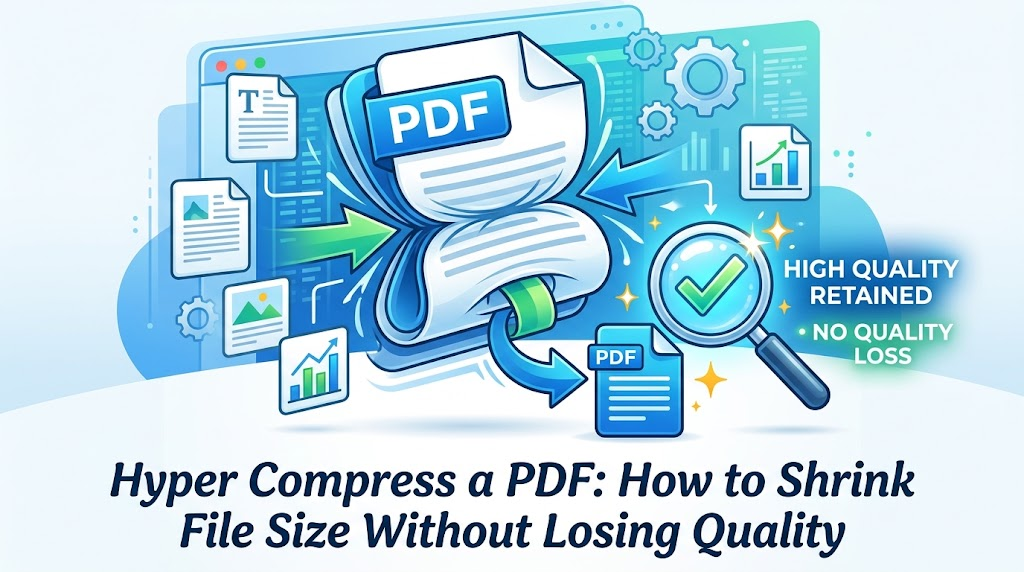
How to Hyper Compress a PDF in WPS Office
WPS PDF exposes the settings that actually move the file size instead of hiding them behind a single slider. Work top to bottom, and check the estimated result before you commit.
Open WPS PDF and choose Compress PDF from the PDF tools.
Add the file. WPS reads the document and shows how much of the size comes from images.
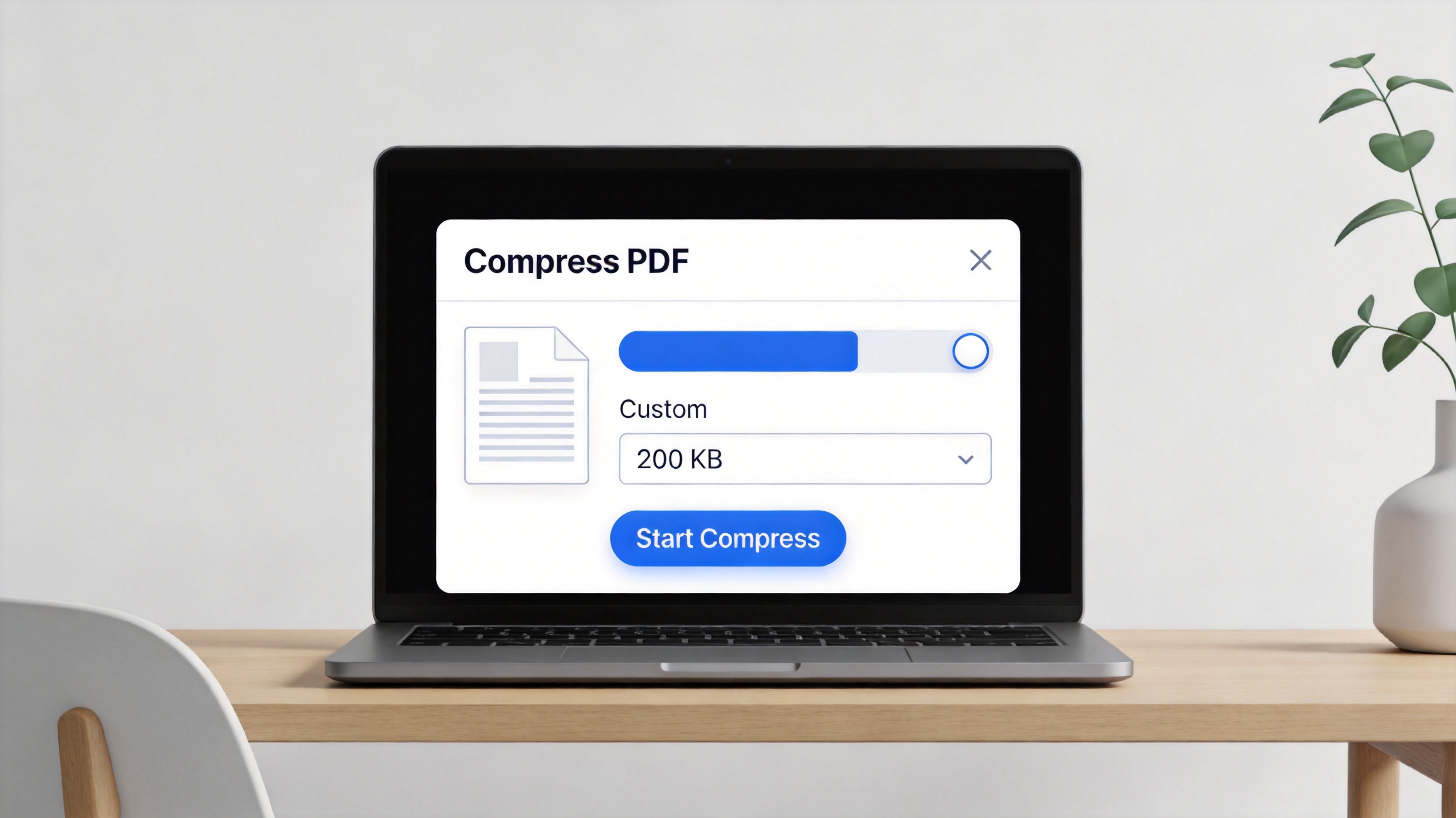
WPS Compress PDF upload screen
Set Image Quality and Resolution (PPI). The dialog offers presets such as Low, Medium, and High image quality alongside 150, 200, and 300 PPI; the lower the number, the smaller the output.
Turn on Grayscale when the document does not depend on colour. Dropping colour data is one of the largest single savings available on scanned files.
Read the before-and-after estimate. A typical scan moves from roughly 25 MB to under 6 MB at the middle settings, which tells you whether you are close to your target before you run anything.
Run the compression and save the result as a new file. Keep the original untouched.
If the first pass is not small enough, change one setting and run it again on the original file rather than compressing the compressed copy, which stacks quality loss without earning much size back.


Which Hyper Compression Settings Should You Choose?
There is no single best setting, because "small enough" depends on what happens to the file next. Match the preset to the destination. If the document does not need extreme reduction, the gentler methods in this guide to compressing a PDF are easier to reverse.
Text-only documents. Compress as hard as you like. There are no photographs to lose, and the text stays crisp.
Email and upload forms. 150 PPI with medium quality is usually enough, because most recipients read on screen.
Scanned contracts and reports. Stay at 300 PPI and use grayscale. Below that, small print and signatures start to break up.
Print-ready files. Do not hyper compress these. Keep 300 PPI and high quality, and accept the larger file.
Signed or encrypted PDFs. Changing the content of a digitally signed PDF can invalidate the signature. Keep the signed original and send the compressed copy only when the recipient does not need the signature.
Everything else. Remove pages, duplicate scans, and unused attachments first; deleting content the reader does not need is free compression.
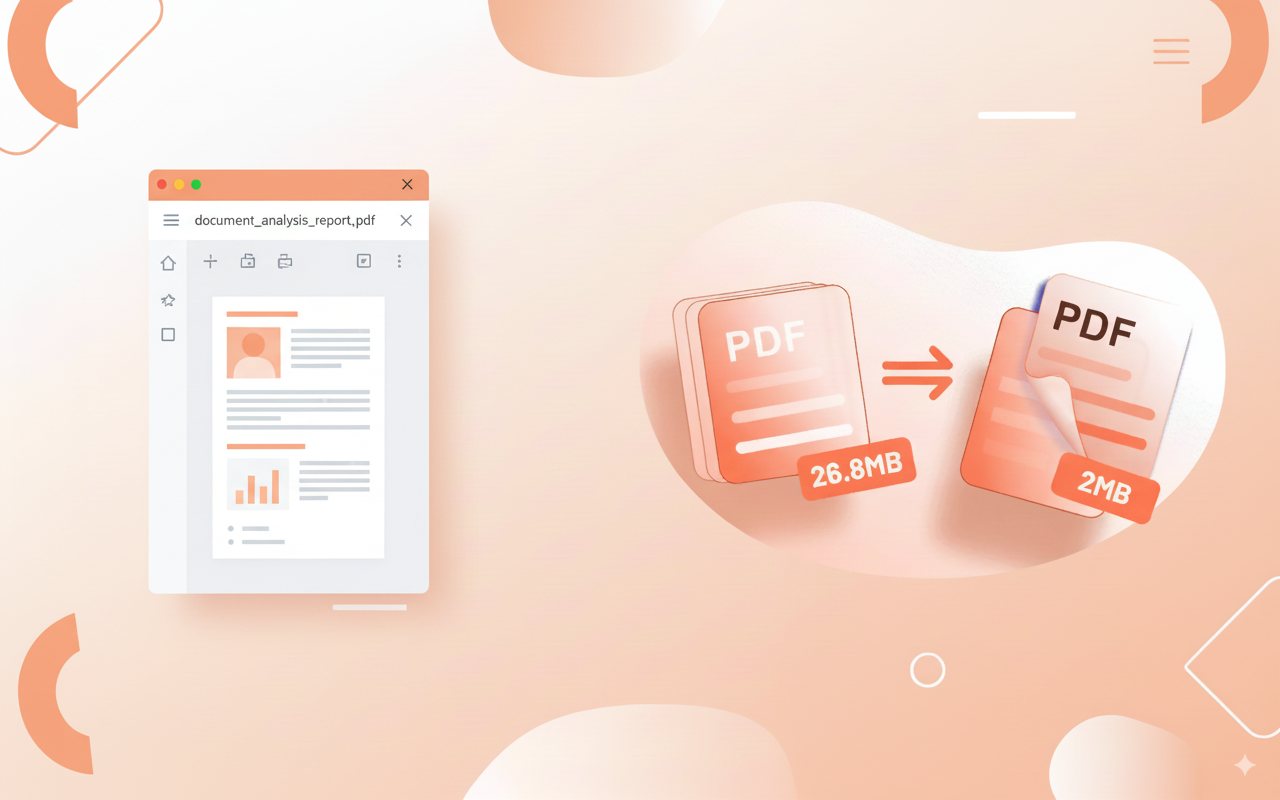
Compress PDF file size reduction
The Best Free PDF Compressor: WPS Office
Free compressors online usually give you one button and no information about what it did. WPS PDF shows the controls and the trade-off, then keeps the result in a file you control.
Compression with visible image quality, resolution, and grayscale settings.
Read, edit, sign, convert, and organise pages without leaving the same workspace.
OCR for scanned documents, so a compressed scan is still searchable.
Desktop, web, and mobile apps, with a Microsoft-like interface for anyone moving from another office suite.
Free for personal use.
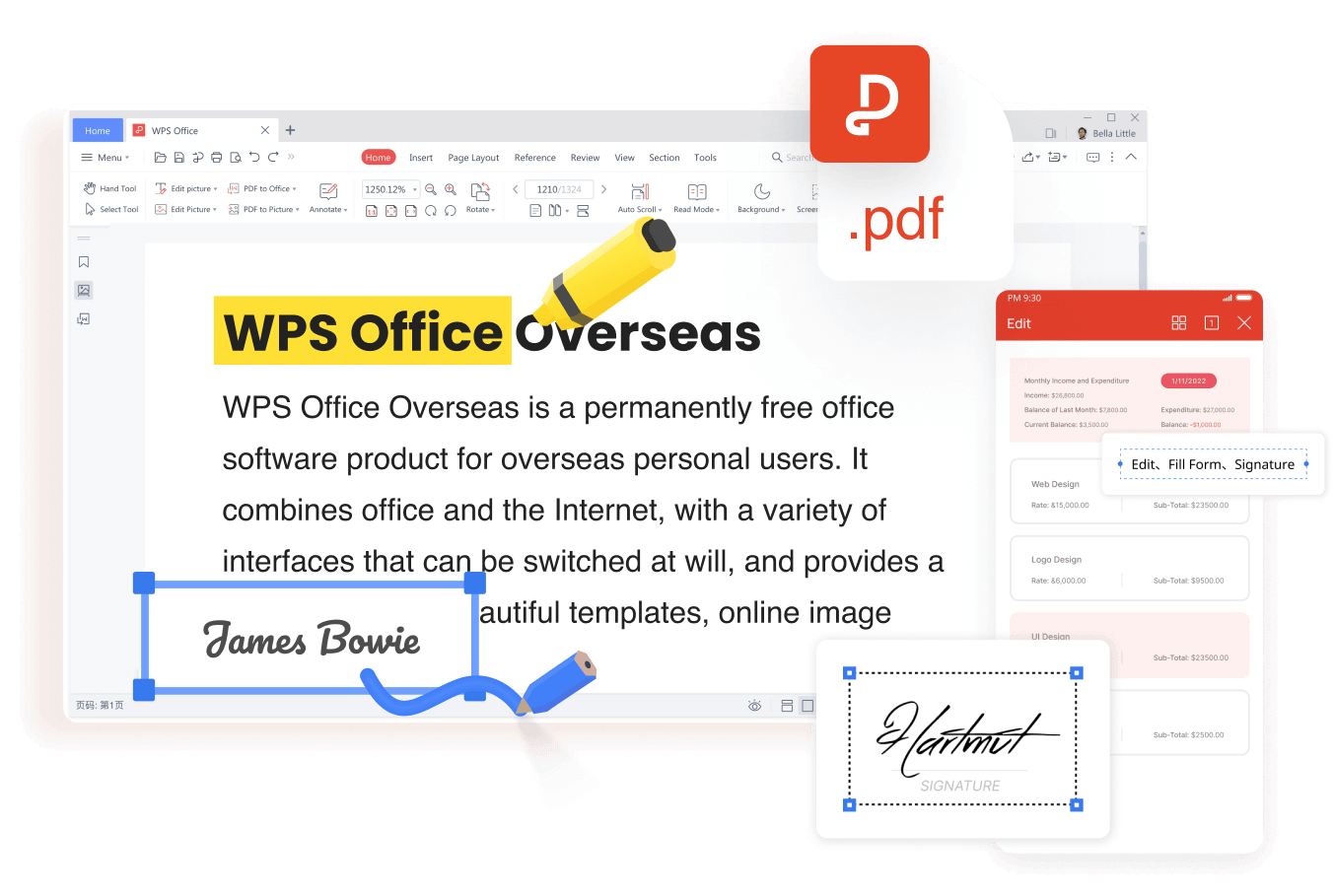
WPS PDF editor toolbar and tools
A good hyper compression run ends with two files: a small copy that fits the limit, and an untouched original you can return to.
FAQs
How small can a PDF really get?
It depends on what is inside. A text-only document can drop by more than 80 percent, while a scan made of high-resolution photographs has a floor set by the resolution you are willing to keep.
Does hyper compression ruin quality?
It can, if you push resolution and image quality below what the document needs. Compress a copy, check small print at 200% zoom, and keep the original for anything that must stay sharp.
What is the difference between image quality and PPI?
Image quality controls how much compression is applied to each image, while PPI controls how many pixels survive per inch of the page. Lowering PPI removes detail; lowering quality makes the remaining detail look blocky.
Should I compress a signed PDF?
Be careful. Changing a digitally signed document can invalidate the signature, so keep the signed original and only send a compressed copy when the recipient does not need to verify it.
Why is my compressed PDF still too large?
Usually because the images inside are still high resolution, or because the file contains embedded resources that compression does not touch. Remove unused pages and attachments, then compress the remaining document again.


'%3e%3cpath%20d='M19.9911%204.11386V6.471H18.5894C18.0775%206.471%2017.7322%206.57814%2017.5536%206.79243C17.3751%207.00671%2017.2858%207.32814%2017.2858%207.75671V9.44421H19.9019L19.5536%2012.0871H17.2858V18.8639H14.5536V12.0871H12.2769V9.44421H14.5536V7.49779C14.5536%206.39064%2014.8632%205.53201%2015.4822%204.92189C16.1013%204.31177%2016.9257%204.00671%2017.9554%204.00671C18.8304%204.00671%2019.509%204.04243%2019.9911%204.11386Z'%20fill='%23333333'/%3e%3c/g%3e%3cdefs%3e%3cclipPath%20id='clip0_2938_8199'%3e%3crect%20width='16'%20height='16'%20fill='white'%20transform='translate(8%204.00671)'/%3e%3c/clipPath%3e%3c/defs%3e%3c/svg%3e)
'%3e%3cpath%20d='M17.5237%2010.7813L23.4811%204H22.0699L16.8949%209.88693L12.7648%204H8L14.2469%2012.9029L8%2020.0133H9.4112L14.8725%2013.7952L19.2352%2020.0133H24M9.92053%205.04213H12.0885L22.0688%2019.0224H19.9003'%20fill='%23333333'/%3e%3c/g%3e%3cdefs%3e%3cclipPath%20id='clip0_2938_8200'%3e%3crect%20width='16'%20height='16.0134'%20fill='white'%20transform='translate(8%204)'/%3e%3c/clipPath%3e%3c/defs%3e%3c/svg%3e)


