

'%3e%3cpath%20d='M8%200C12.4183%200%2016%203.58172%2016%208C16%2012.4183%2012.4183%2016%208%2016C3.58172%2016%200%2012.4183%200%208C0%203.58172%203.58172%200%208%200ZM11.6162%204.38379C11.2257%203.99337%2010.5927%203.99338%2010.2021%204.38379L8%206.58594L5.79785%204.38379C5.40732%203.99334%204.77429%203.99329%204.38379%204.38379C3.99331%204.77429%203.99335%205.40733%204.38379%205.79785L6.58594%208L4.38379%2010.2021C3.99348%2010.5927%203.99341%2011.2257%204.38379%2011.6162C4.77426%2012.0066%205.40734%2012.0065%205.79785%2011.6162L8%209.41406L10.2021%2011.6162C10.5927%2012.0066%2011.2257%2012.0067%2011.6162%2011.6162C12.0067%2011.2257%2012.0066%2010.5927%2011.6162%2010.2021L9.41406%208L11.6162%205.79785C12.0066%205.40735%2012.0066%204.77429%2011.6162%204.38379Z'%20fill='%23080E17'%20fill-opacity='0.46'/%3e%3c/g%3e%3cdefs%3e%3cclipPath%20id='clip0_3761_713'%3e%3crect%20width='16'%20height='16'%20fill='white'/%3e%3c/clipPath%3e%3c/defs%3e%3c/svg%3e)




'%3e%3cpath%20fill-rule='evenodd'%20clip-rule='evenodd'%20d='M21.4999%2010.9993C21.4999%205.20009%2016.7986%200.498901%2010.9993%200.498901C5.19994%200.498901%200.498657%205.20009%200.498657%2010.9993C0.498657%2016.2404%204.33858%2020.5844%209.35855%2021.3722V14.0346H6.69238V10.9993H9.35855V8.68594C9.35855%206.05427%2010.9262%204.60062%2013.3248%204.60062C14.4736%204.60062%2015.6753%204.80571%2015.6753%204.80571V7.38979H14.3512C13.0468%207.38979%2012.64%208.19921%2012.64%209.0296V10.9993H15.5523L15.0867%2014.0346H12.64V21.3722C17.66%2020.5844%2021.4999%2016.2404%2021.4999%2010.9993Z'%20fill='%231568EA'/%3e%3c/g%3e%3c/svg%3e)


'%3e%3cpath%20d='M2.42045%2022.1876H6.31818V12.7217L0.75%208.54553V20.5171C0.75%2021.4414%201.49892%2022.1876%202.42045%2022.1876Z'%20fill='%234285F4'/%3e%3cpath%20d='M19.682%2022.1876H23.5797C24.5041%2022.1876%2025.2502%2021.4387%2025.2502%2020.5171V8.54553L19.682%2012.7217'%20fill='%2334A853'/%3e%3cpath%20d='M19.682%205.48293V12.7216L25.2502%208.54543V6.31816C25.2502%204.25236%2022.8921%203.07469%2021.2411%204.31361'%20fill='%23FBBC04'/%3e%3cpath%20d='M6.31824%2012.7217V5.48303L13.0001%2010.4944L19.6819%205.48303V12.7217L13.0001%2017.733'%20fill='%23EA4335'/%3e%3cpath%20d='M0.75%206.31816V8.54543L6.31818%2012.7216V5.48293L4.75909%204.31361C3.10534%203.07469%200.75%204.25236%200.75%206.31816Z'%20fill='%23C5221F'/%3e%3c/g%3e%3cdefs%3e%3cclipPath%20id='clip0_2954_7305'%3e%3crect%20width='24.5'%20height='18.375'%20fill='white'%20transform='translate(0.75%203.8125)'/%3e%3c/clipPath%3e%3c/defs%3e%3c/svg%3e)


A PDF that looks acceptable on screen can look soft the moment it is printed or projected. Blur usually comes from one of two places: the pages were scanned at a low resolution, or the images inside the file were compressed hard to keep the download small.
This guide treats WPS Office as a PDF quality enhancer: raise the resolution the file actually carries, run OCR so scanned pages behave like text, and choose export settings that keep detail where the document needs it.
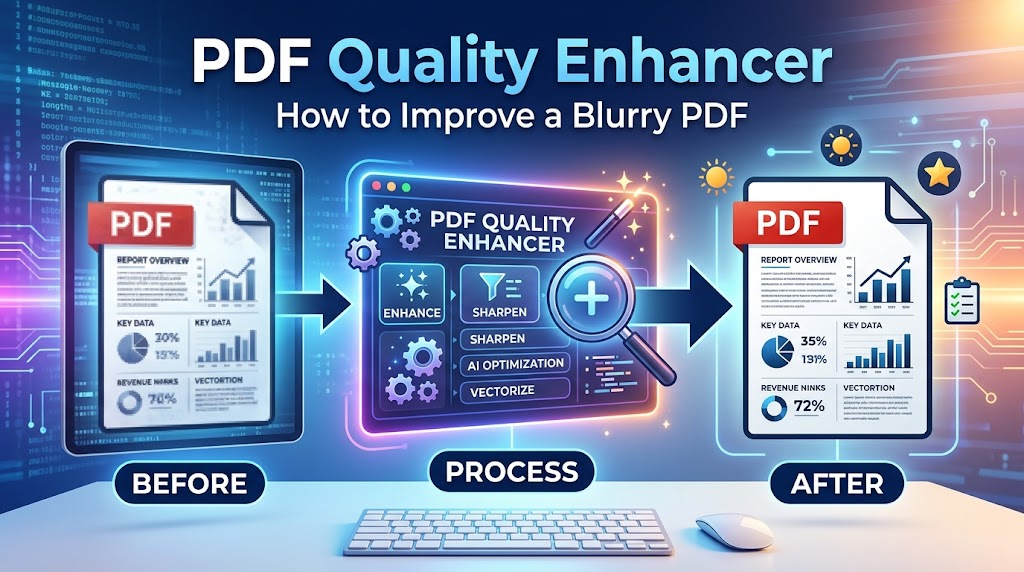
How to Improve PDF Quality in WPS Office
Start by finding out what you are working with. A PDF built from a text document and a PDF made from photographs of paper need different fixes, and the wrong one wastes time.
Open the file in the WPS PDF editor on desktop or in the browser.
Try to select a sentence with the cursor. If nothing highlights, the page is an image and needs OCR before anything else.
Run OCR on scanned pages. It rebuilds a text layer over the image, which is what lets you search, copy, and edit the page instead of staring at a flat picture.
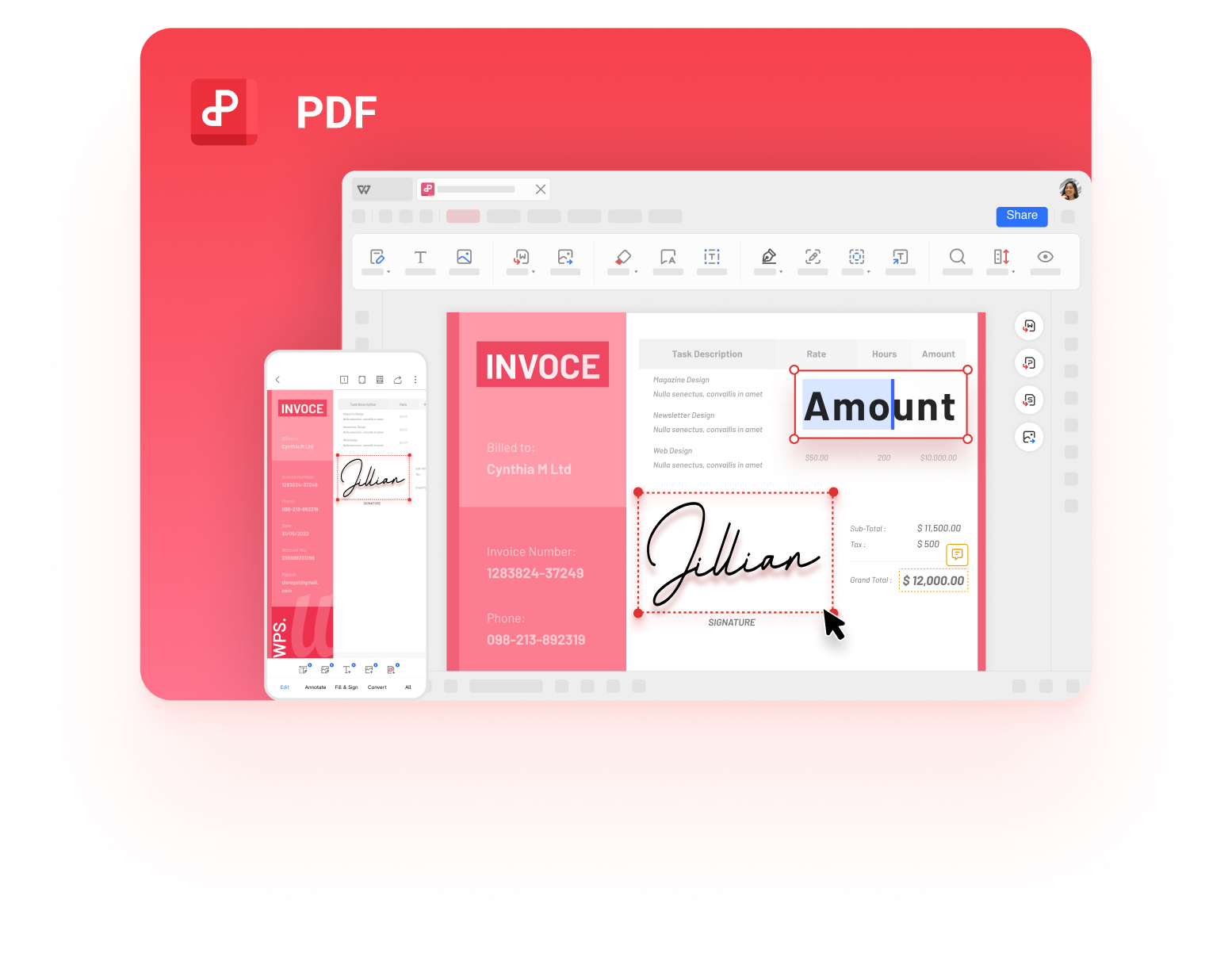
WPS PDF editor document view
Chase the source of the blur. If the PDF was exported from a Word document, replace the low-resolution images in that document and export again; post-processing a PDF cannot restore pixels that were never saved.
When you save or export a copy, move the image quality and resolution controls up rather than down. A 300 PPI setting keeps text and thin lines sharp for print; a 150 PPI setting is only safe for on-screen reading.
Check the result at 200% zoom and print a single test page before you send the file anywhere.
If the document came from a scanner rather than a word processor, the fix belongs at the scanner: 300 DPI for text and 600 DPI for pages with small print or line art. Everything after that is preservation, not repair.


Why PDF Quality Drops and Pages Look Blurry
Two numbers decide how sharp a PDF looks: the resolution of the images inside it, and the resolution the pages were captured at. A page scanned at 150 DPI simply does not contain the detail a 300 DPI page contains, and no export setting can put it back. The same trade-off shows up whenever a file is squeezed for size, as in these ways to compress a PDF.
Scan resolution. Text stays clean around 300 DPI. Below 150 DPI the strokes start to break up, and the problem shows first in small print.
Downsampling on export. Options that reduce images to 150 DPI or lower make a small file by discarding pixel data permanently.
Aggressive compression. Strong compression adds blocky patches around letters and hard edges, which reads as blur even when the resolution is high.
Embedded images that were small to begin with. A screenshot pasted into a report and then exported will look exactly as small as it was.
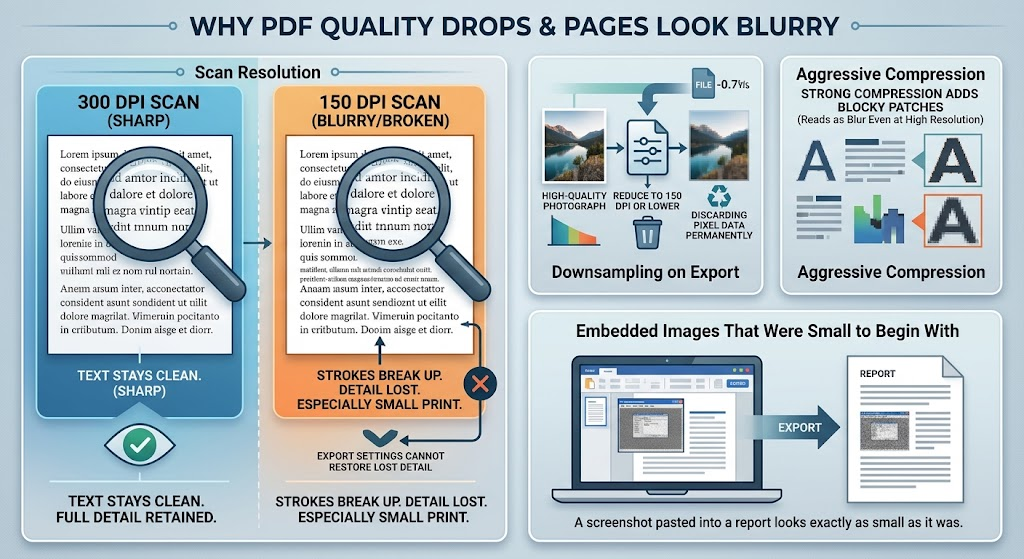
Causes of blurry PDF pages diagram
The Best Free PDF Quality Enhancer: WPS Office
WPS PDF brings the reading, editing, converting, and cleanup tools into one workspace, which matters when the quality problem starts in one place and ends in another.
Read, edit, sign, and organise pages without converting the document first.
OCR for scanned pages so the text becomes searchable and editable.
Compress and export controls with visible resolution and image quality presets.
Conversion between PDF, Word, Excel, and PowerPoint when the content has to be rebuilt properly.
Free for personal use on desktop, web, and mobile.
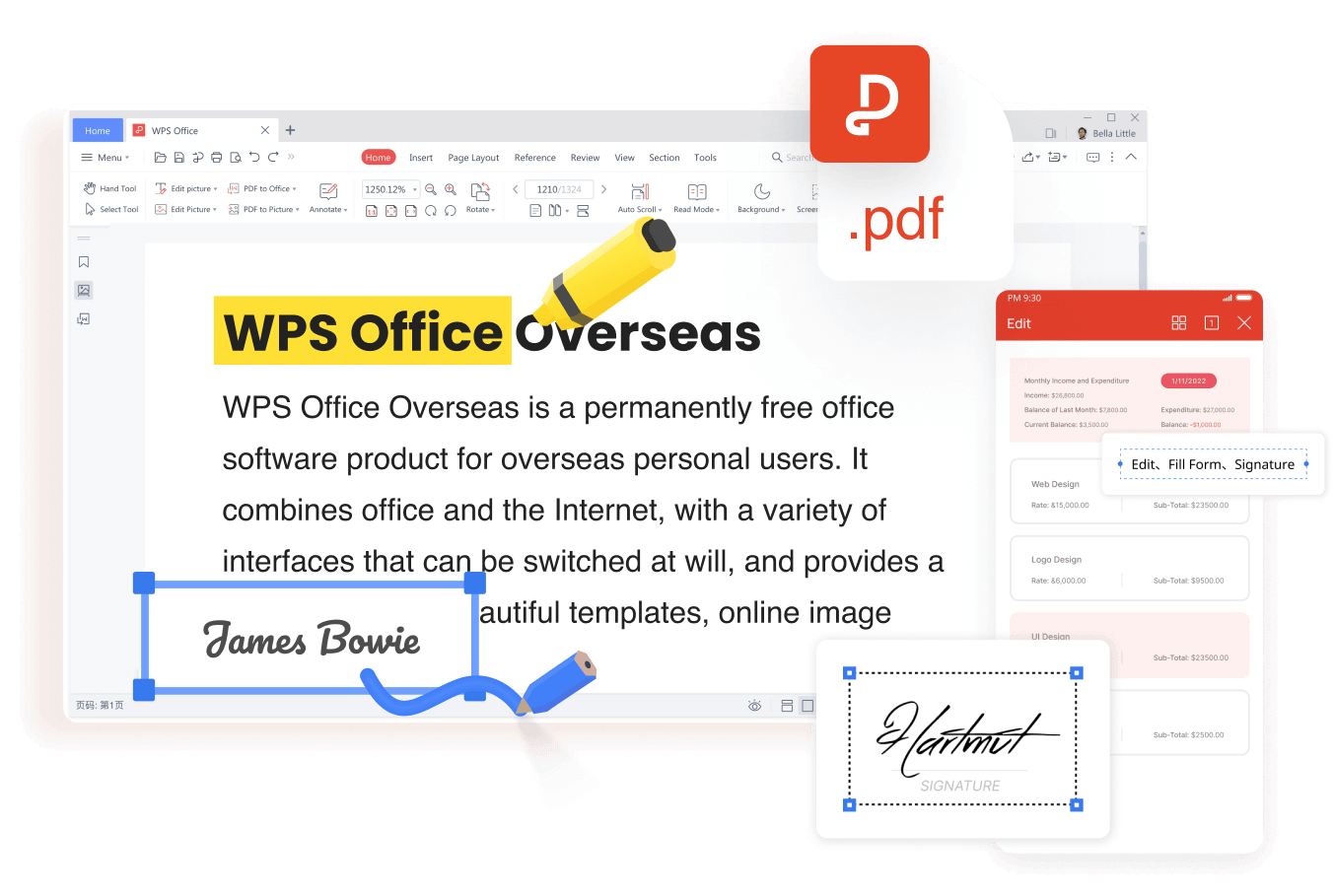
WPS PDF edit fill and sign tools
Keep one untouched copy of the original PDF. Every quality improvement writes a new file, and the original is the only version you can go back to if a setting makes things worse.
FAQs
Can I really improve the quality of an already blurry PDF?
Partly. You can raise the resolution the file carries, re-run OCR on scans, and stop further quality loss during export. Detail that was never captured at scan time cannot be recreated.
What DPI should a PDF use?
300 DPI is the usual target for documents that will be printed, and 600 DPI for pages with small print or fine line art. For screen-only reading, 150 DPI is often enough.
Why did my PDF get blurry after compression?
The compressor lowered image resolution or used strong compression. Keep the original file and re-export with a higher resolution setting instead of compressing the compressed copy again.
Does WPS PDF have OCR for scanned documents?
Yes. Running OCR on a scanned PDF adds a text layer so you can select, search, and edit the text inside the document.
Does improving PDF quality make the file much larger?
Usually, yes. Higher resolution and lighter compression mean more data, so choose the lowest setting that still looks right for how the document will be used.


'%3e%3cpath%20d='M19.9911%204.11386V6.471H18.5894C18.0775%206.471%2017.7322%206.57814%2017.5536%206.79243C17.3751%207.00671%2017.2858%207.32814%2017.2858%207.75671V9.44421H19.9019L19.5536%2012.0871H17.2858V18.8639H14.5536V12.0871H12.2769V9.44421H14.5536V7.49779C14.5536%206.39064%2014.8632%205.53201%2015.4822%204.92189C16.1013%204.31177%2016.9257%204.00671%2017.9554%204.00671C18.8304%204.00671%2019.509%204.04243%2019.9911%204.11386Z'%20fill='%23333333'/%3e%3c/g%3e%3cdefs%3e%3cclipPath%20id='clip0_2938_8199'%3e%3crect%20width='16'%20height='16'%20fill='white'%20transform='translate(8%204.00671)'/%3e%3c/clipPath%3e%3c/defs%3e%3c/svg%3e)
'%3e%3cpath%20d='M17.5237%2010.7813L23.4811%204H22.0699L16.8949%209.88693L12.7648%204H8L14.2469%2012.9029L8%2020.0133H9.4112L14.8725%2013.7952L19.2352%2020.0133H24M9.92053%205.04213H12.0885L22.0688%2019.0224H19.9003'%20fill='%23333333'/%3e%3c/g%3e%3cdefs%3e%3cclipPath%20id='clip0_2938_8200'%3e%3crect%20width='16'%20height='16.0134'%20fill='white'%20transform='translate(8%204)'/%3e%3c/clipPath%3e%3c/defs%3e%3c/svg%3e)


