
Portals Reject Oversized PDFs
Pain
A 12 MB report can stall an application or force you to start the upload form again.
WPS Solution
Set a 300KB target and preview the estimated output before you submit.
PDF · Exact 300KB target · Local compression
Shrink an oversized PDF for upload forms, invoice portals, and email—without sending your file to a random website.
Windows · macOS · Linux · iOS · Android
0 monthly active users
Local WPS PDF compression preview
Upload forms, invoice portals, and email gateways often cap attachments. WPS PDF helps you hit the target without turning your document into an unreadable thumbnail.
Pain
A 12 MB report can stall an application or force you to start the upload form again.
WPS Solution
Set a 300KB target and preview the estimated output before you submit.
Pain
One aggressive quality slider can blur scans, smear photos, and make small text unreadable.
WPS Solution
Smart image compression keeps text selectable and balances clarity with the 300KB target.
Pain
Contracts, invoices, and HR files should not be sent to an unknown compressor server.
WPS Solution
Local PDF compression processes the document on your computer with WPS PDF.
Pain
Invoice packs and application bundles can contain several oversized PDFs that all need the same limit.
WPS Solution
Batch workflow applies one 300KB target to every selected PDF in the queue.
Built Into WPS PDF
Open the PDF in WPS PDF, set a 300KB target, smartly recompress images, and export a smaller file for forms, email, or archive storage—all on your device.
One installer · Writer + Spreadsheet + Presentation + PDF
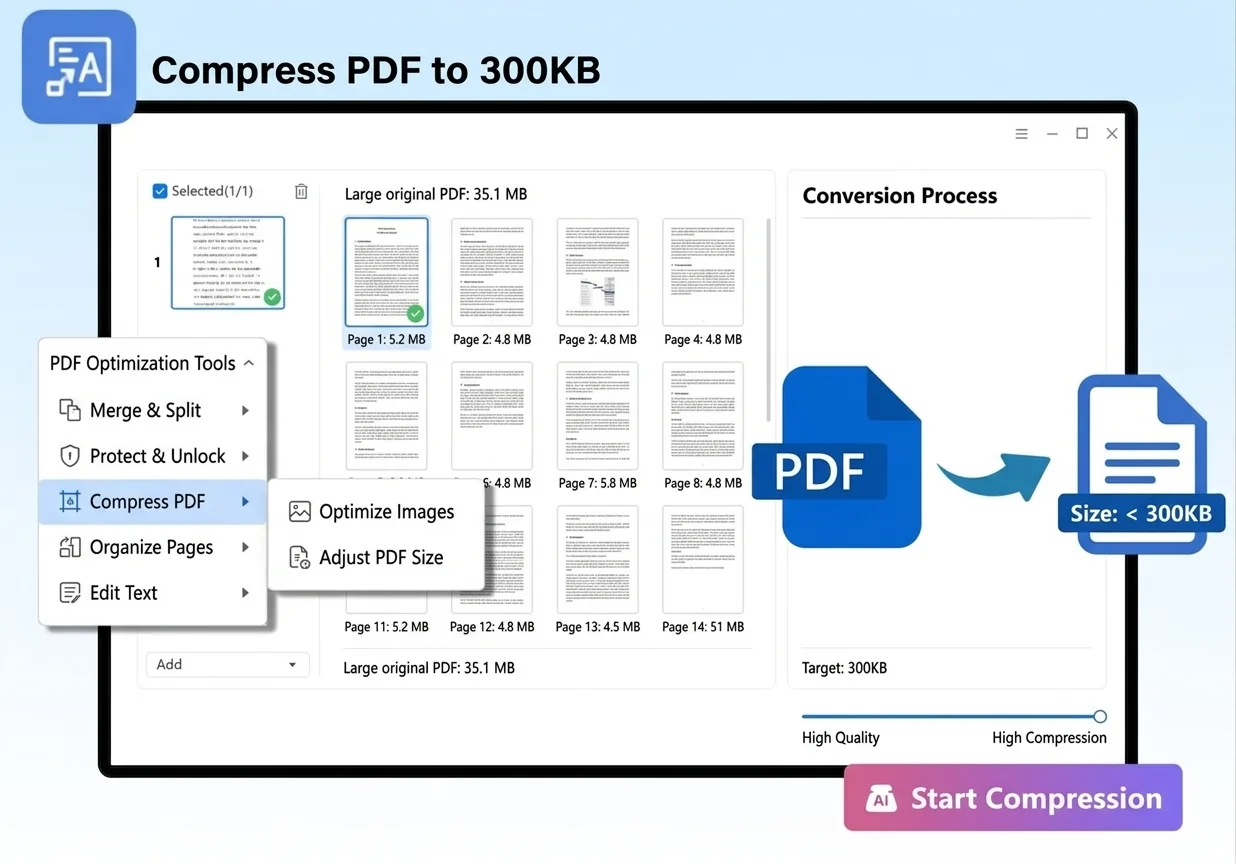
Everything you need to compress PDF to 300KB inside WPS PDF—exact targets, batch workflows, smart image compression, and private local export.
Set the upload limit once and let WPS PDF estimate the compressed output before you save.
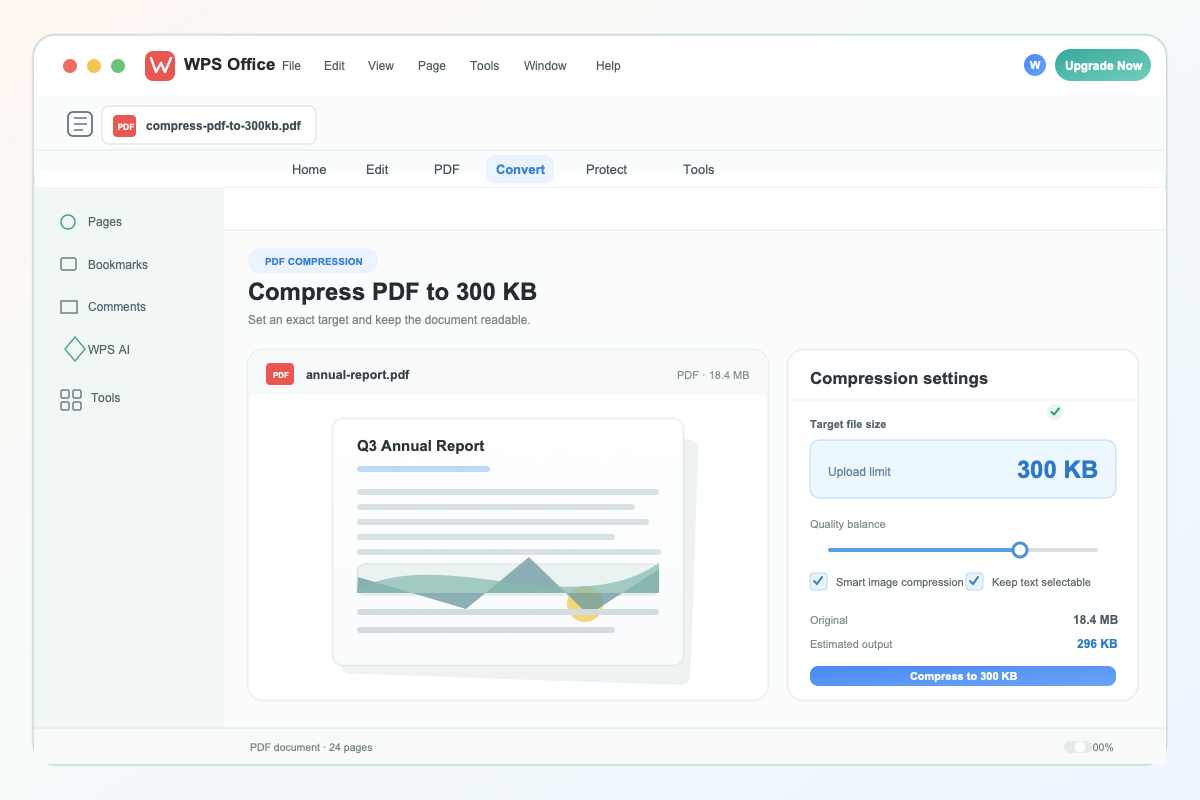
Set exact 300 KB target
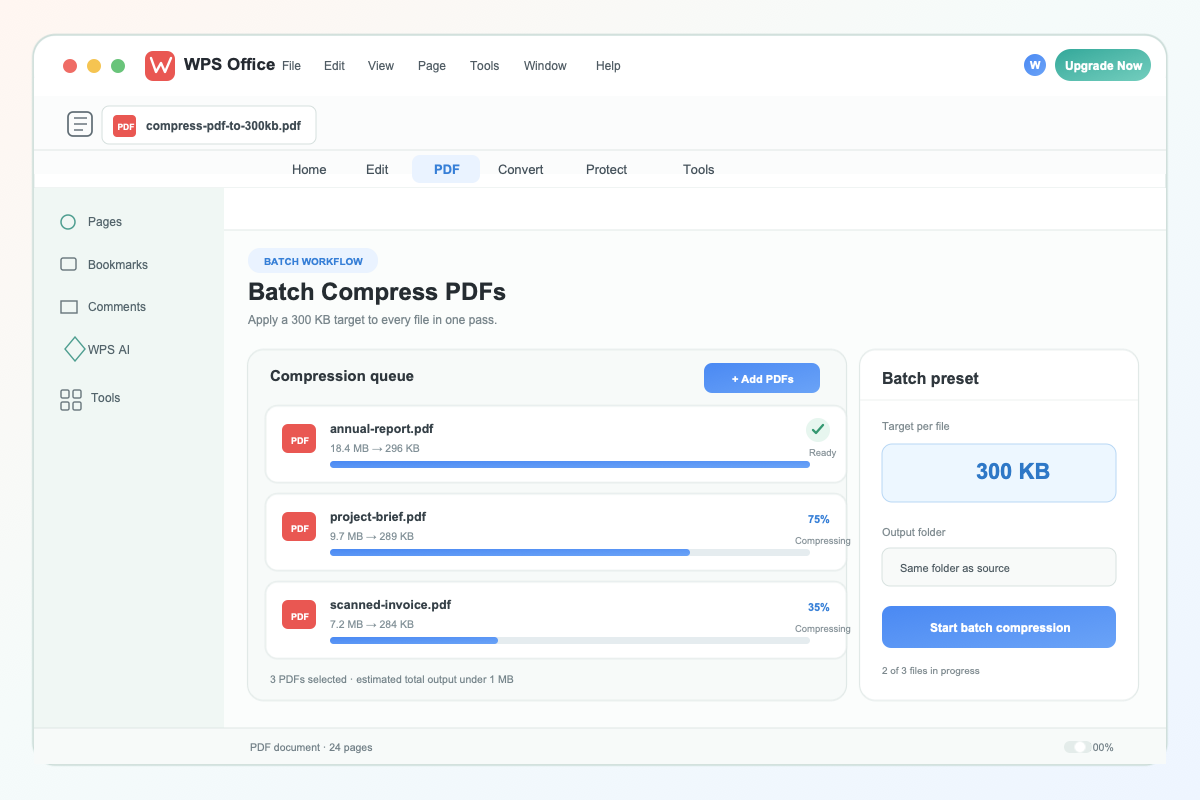
Batch compress multiple PDF files
Apply the same 300KB target to multiple invoice, application, or report PDFs and keep the workflow moving.
WPS focuses compression on the heaviest images while preserving the structure and legibility of the PDF.
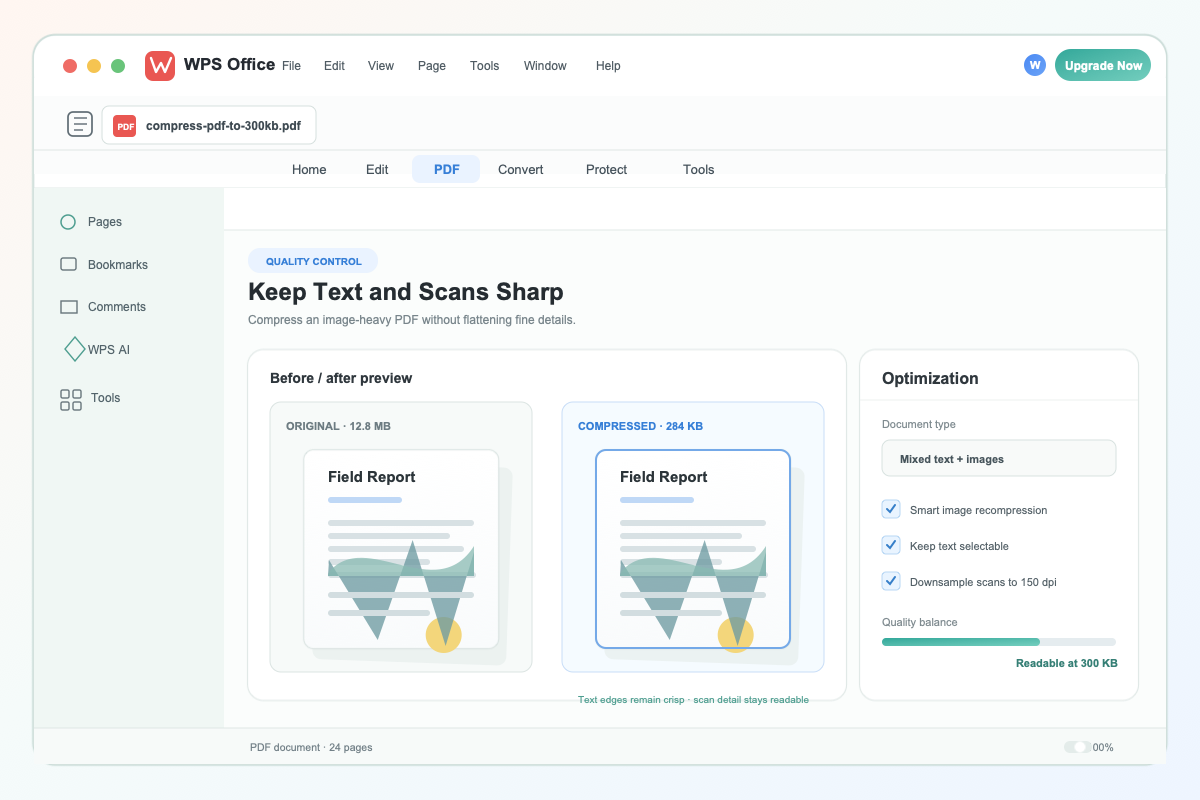
Keep text and scans readable
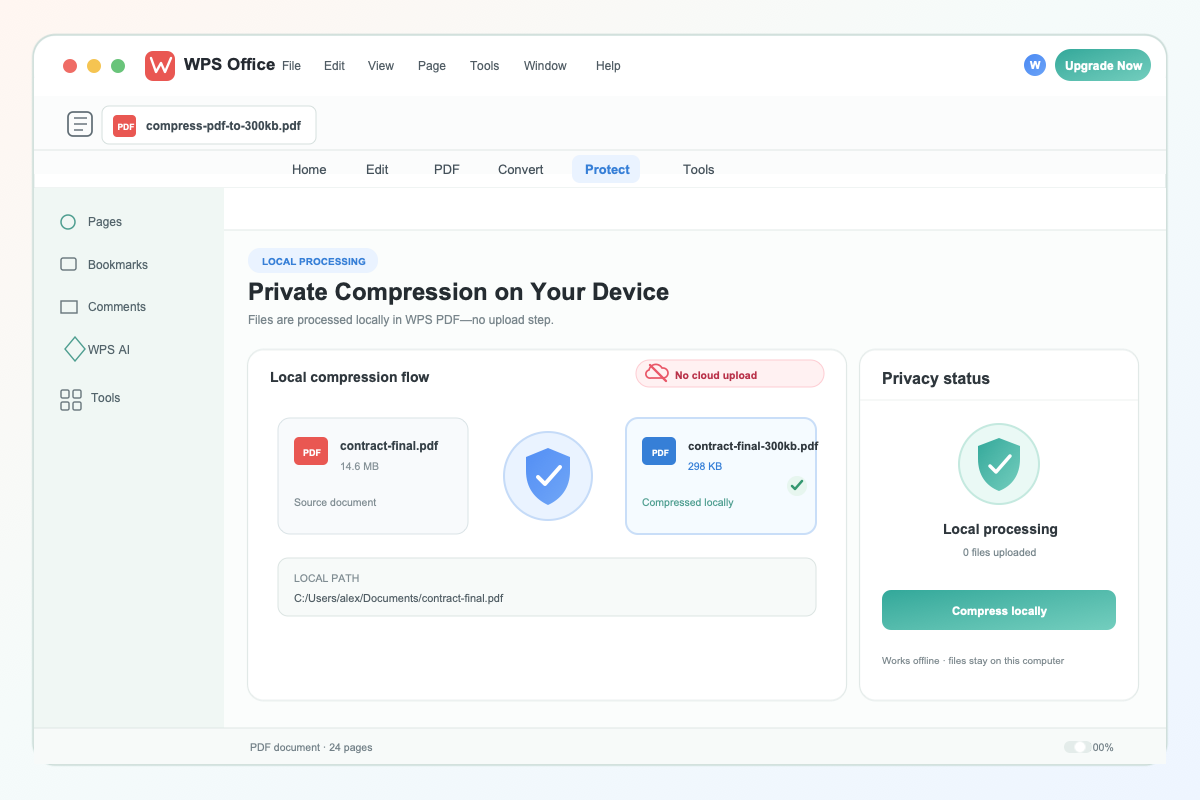
Private local PDF compression workflow
Desktop compression in WPS PDF keeps contracts, invoices, and HR documents on your computer.
REAL USERS · WPS OFFICE
Applicants, admins, and small teams shrink PDFs in WPS—then export a lighter file for the portal on the first try.
0
Users
5
Platforms
→300KB
Local
Windows · Mac · Linux · Android · iOS
"I needed to compress PDF to 300KB for a grant portal. WPS showed the estimated size before export, and the approved contract stayed on my laptop."
Jordan M.
Nonprofit Program Lead
Install the free suite on Windows, Mac, Linux, iOS, or Android. The PDF tools are included, so you can compress PDF to 300KB without a separate compressor.
Open your PDF in WPS PDF, choose Compress, and set the target file size to 300KB. Review image, text, and scan quality settings before export.
Check the estimated output size and page clarity, then save the lighter PDF. Upload it to the portal or share it by email.
Download WPS Office free and compress PDF to 300KB locally—set a target, keep documents readable, and avoid a third-party upload.
One installer · Writer + Spreadsheet + Presentation + PDF
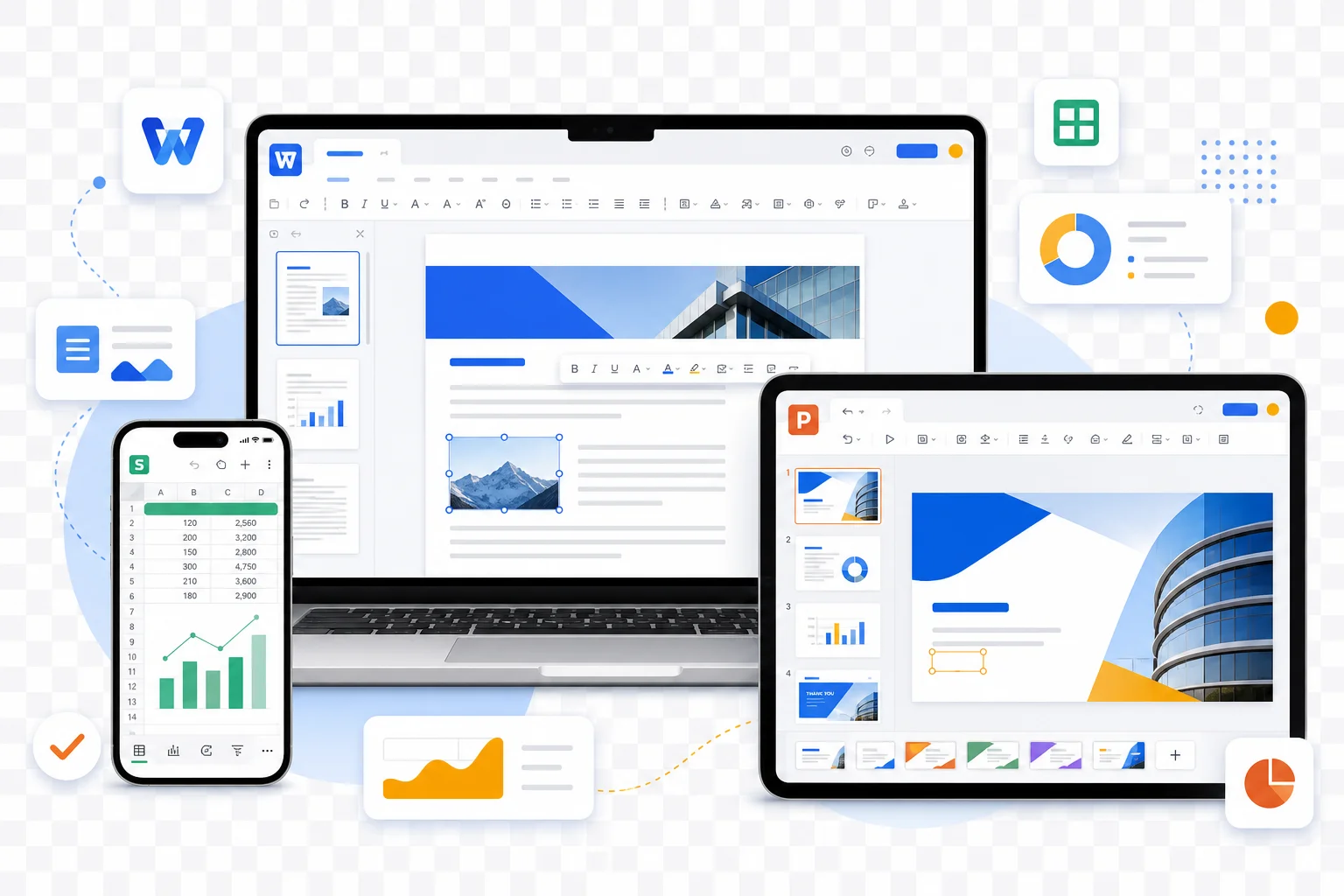
WPS PDF compression across devices