Free Tools Add Watermarks
Pain
The page is removed, but the download comes back with a stamp, a reduced quality setting, or a daily limit.
WPS Solution
Edit in the PDF itself — remove pages, review the result, and save it without a tool watermark.
PDF Page Manager · WPS Office
Turn a cluttered PDF into a clean, share-ready file in a few clicks.
Windows · macOS · Linux · iOS · Android
0 monthly active users
Automated demo: select two pages, remove them, and save the cleaner PDF
A quick page deletion should not mean an upload, a watermark, or a risky re-export. WPS turns it into a visual, local editing task.
Pain
The page is removed, but the download comes back with a stamp, a reduced quality setting, or a daily limit.
WPS Solution
Edit in the PDF itself — remove pages, review the result, and save it without a tool watermark.
Pain
Typing page ranges is risky when the document has cover pages, inserts, or scanned spreads.
WPS Solution
Visual thumbnails — select the exact pages you see, then confirm before saving.
Pain
Contracts, bank statements, and medical records should not be uploaded to an unknown PDF site just to remove two pages.
WPS Solution
Local page removal — the file stays in WPS Office on your computer or device.
Pain
Blank scans, duplicate forms, and outdated appendix pages make the document longer and harder to share.
WPS Solution
Multi-select cleanup — remove several unwanted pages in one pass and save a tighter final PDF.
Built Into WPS PDF
Open the file, switch to Page Management, select what should go, and export the cleaned PDF—all from one WPS window.
One installer · Writer + Spreadsheet + Presentation + PDF
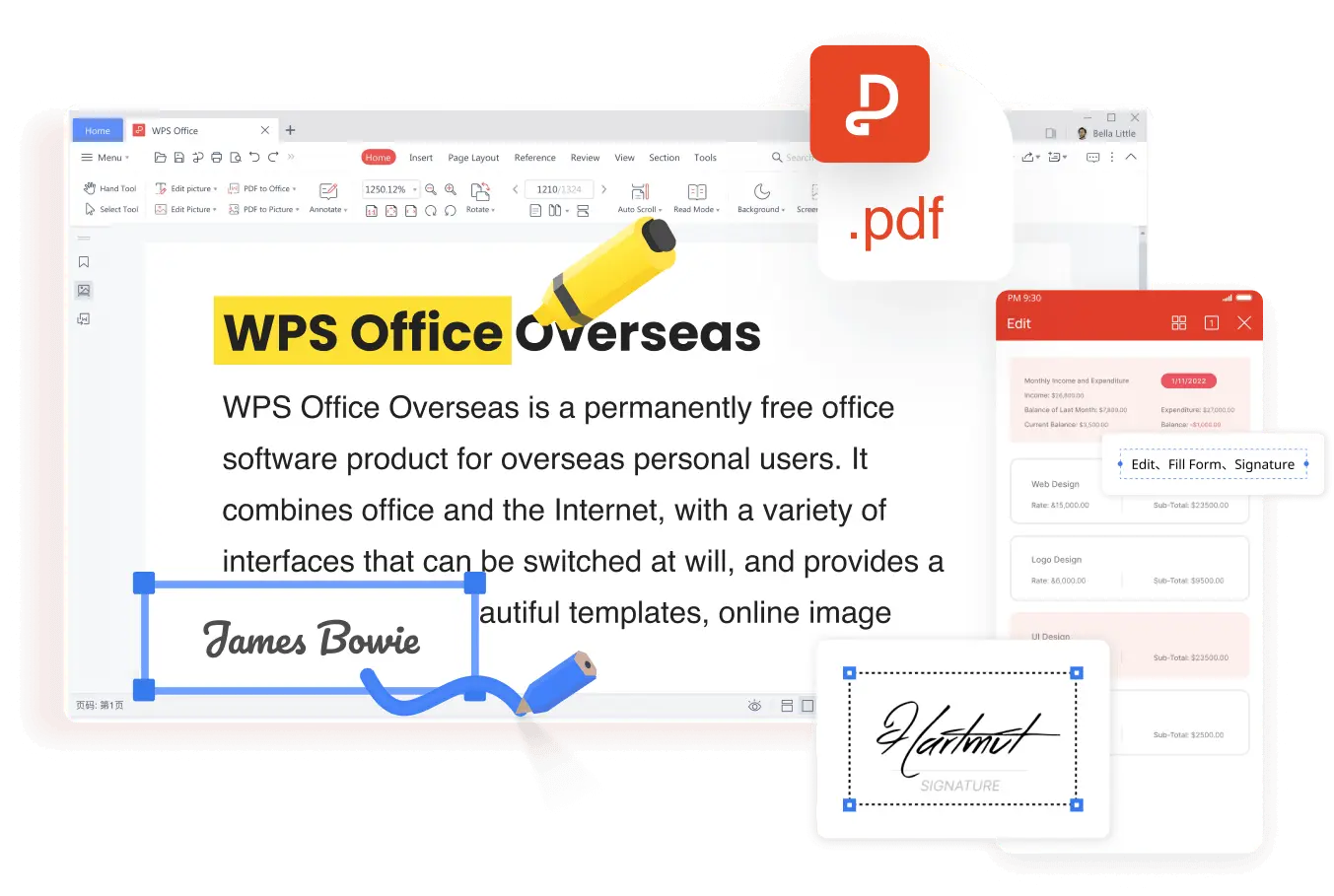
Everything you need to remove pages from PDF inside WPS Office—visual control, fast multi-select, and a local save that keeps the rest of the document intact.
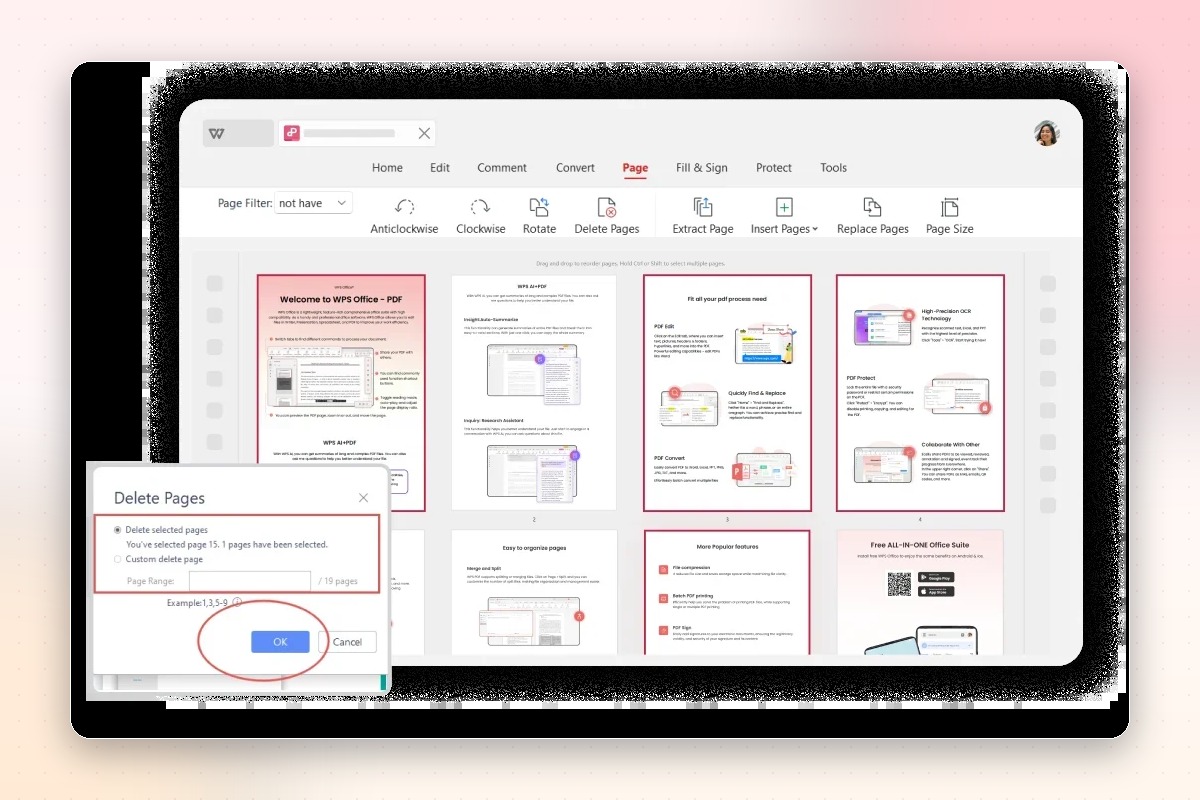
Page thumbnails make the decision visual. No range syntax, no page-number guessing, and no surprises after export.
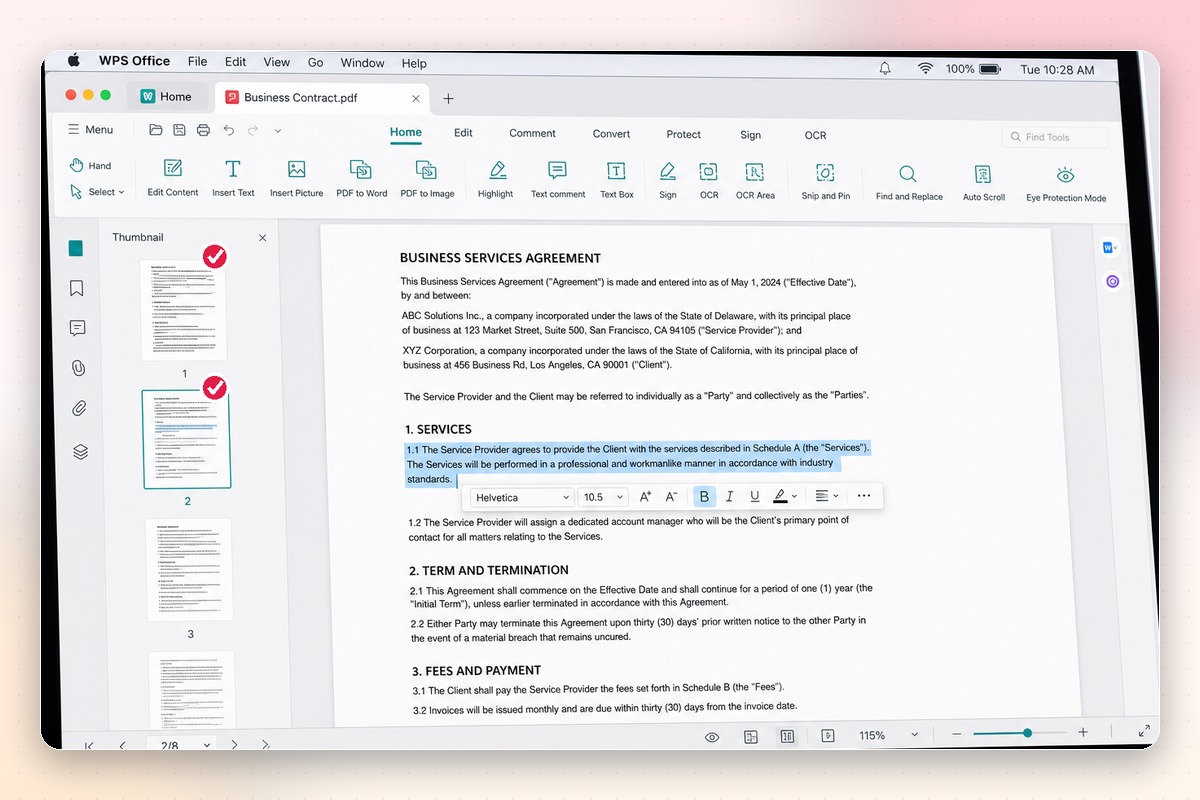
Use one workflow for the most common PDF clutter—without rebuilding the document or exporting every page separately.
Removing pages should not flatten your document. WPS keeps the remaining page content, order, and visual quality intact.
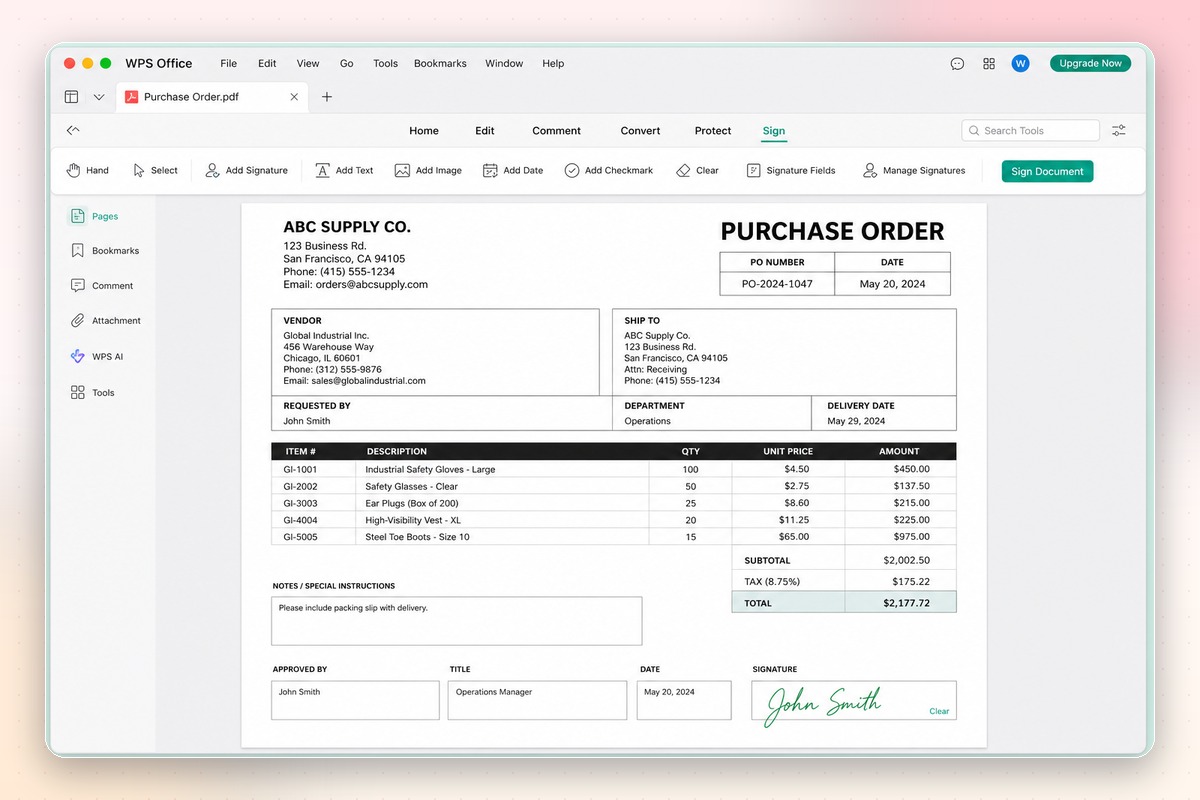
WPS keeps the editing workflow on your device, which matters when the PDF contains private or regulated information.
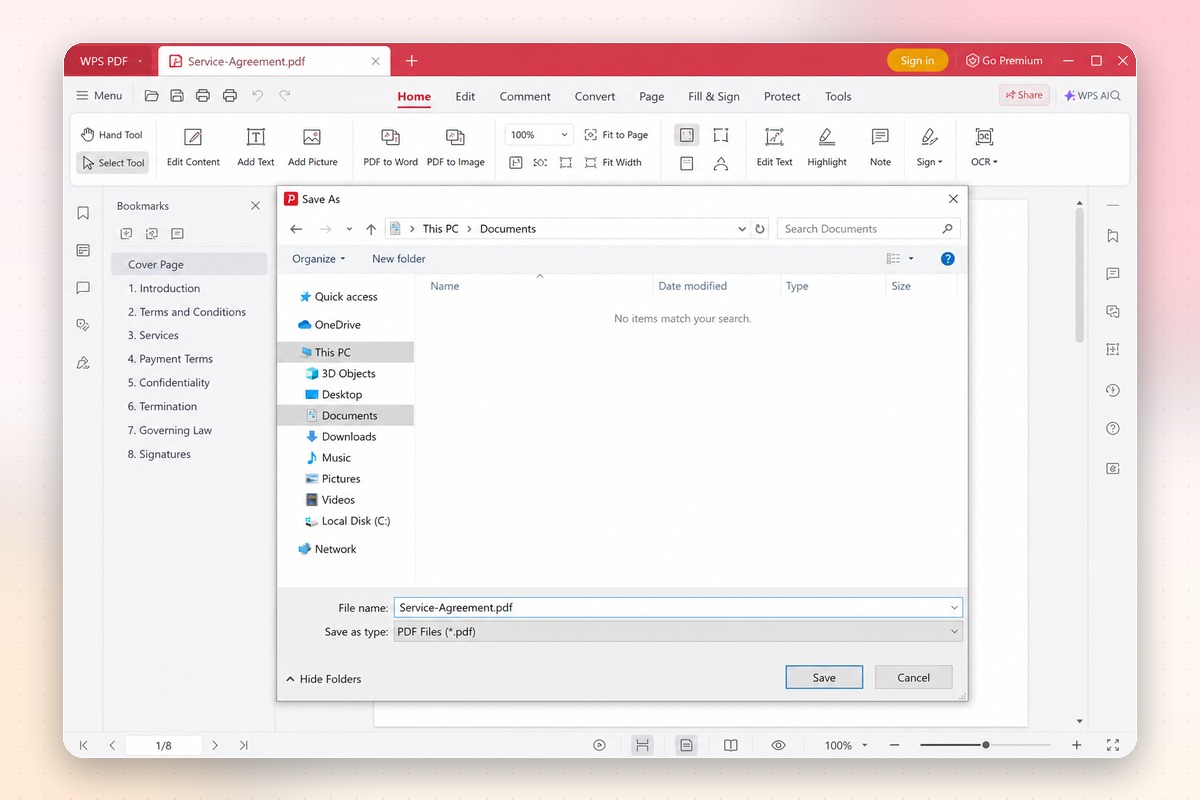
Real users · WPS Office
Remove pages from PDF without a separate online tool, then keep the finished file in the same workspace as your Word, Excel, and PowerPoint documents.
0
Monthly users
1
Installer
5
Platforms
Windows · macOS · Linux · Android · iOS
"I remove blank scans before sending proposals to clients. Selecting thumbnails is much safer than typing page ranges, and the PDF never leaves my laptop."
Amelia L.
Proposal Manager
No complicated setup. Open the PDF, select the pages to remove, and save the cleaner version.
Install WPS Office on Windows, macOS, Linux, Android, or iOS. Open the PDF from your device or use File → Open. The file stays in your local WPS workspace while you edit.
Switch to Page Management and review the visual thumbnails. Click the pages you want to remove. You can select cover pages, blank scans, duplicate forms, or sensitive inserts in one pass.
Choose Delete, confirm the remaining page count, then save or export the PDF. The pages you kept retain their original order and visual quality.
Quick answers about PDF page removal, privacy, file size, and WPS Office compatibility.
Delete unwanted pages visually, keep the rest of the document intact, and work with PDFs alongside Word, Excel, and PowerPoint files in one suite.
One installer · Writer + Spreadsheet + Presentation + PDF