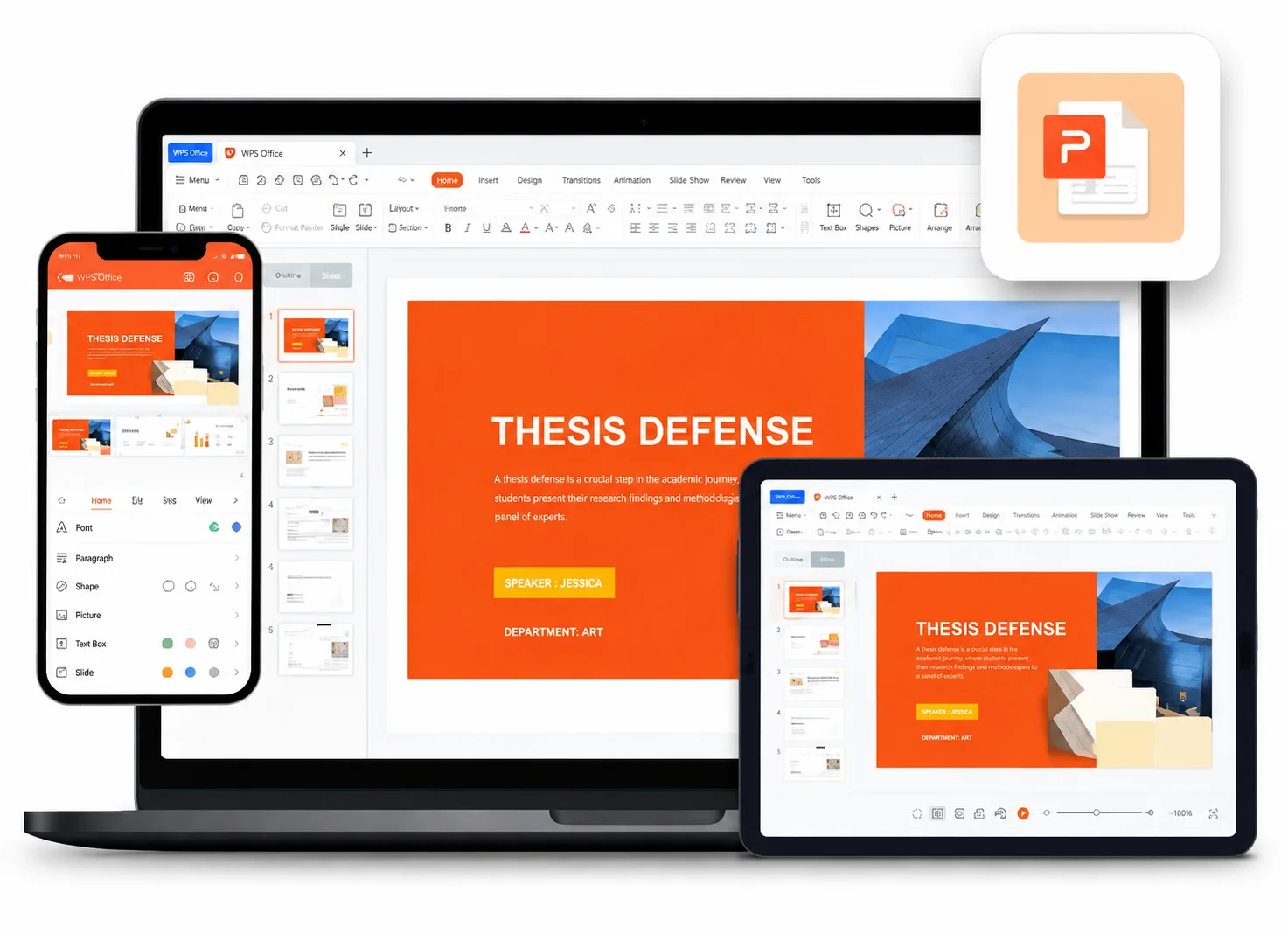
Email Size Limits
Pain
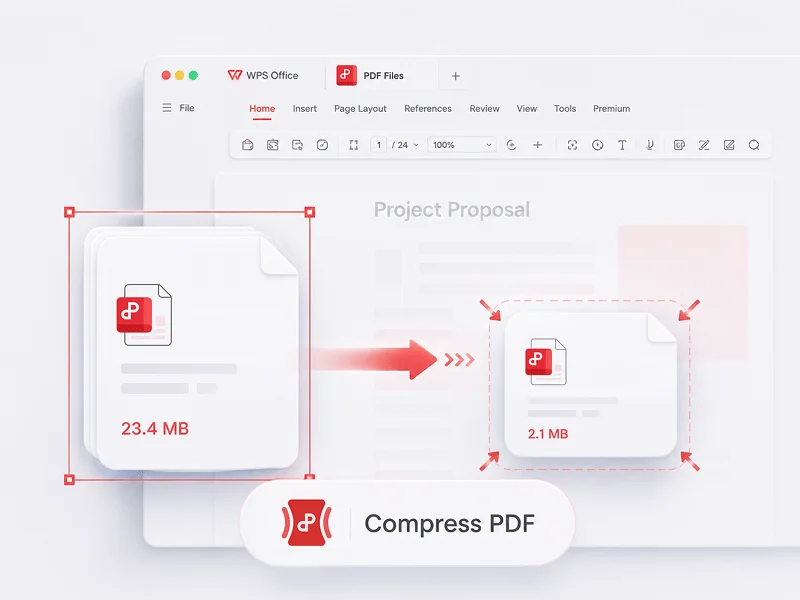
Gmail and many inboxes reject PDFs over ~25 MB, so reports bounce or become Drive links.
WPS Solution
File compression software — shrink PDFs to email-friendly sizes before you send.
Shrink oversized PDFs and office files with WPS Office file compression software—compress locally, pick HD / Normal / Common quality, and send email-ready attachments without uploading to a random website.
Annual-Report.pdf
Stop bouncing attachments and risky online uploads—see how WPS shrinks the files you actually send.
Pain
Gmail and many inboxes reject PDFs over ~25 MB, so reports bounce or become Drive links.
WPS Solution
File compression software — shrink PDFs to email-friendly sizes before you send.
Pain
Websites ask you to upload contracts and invoices to unknown servers just to reduce size.
WPS Solution
Local PDF compress — Tools → Compress runs on your device, not a random upload box.
Pain
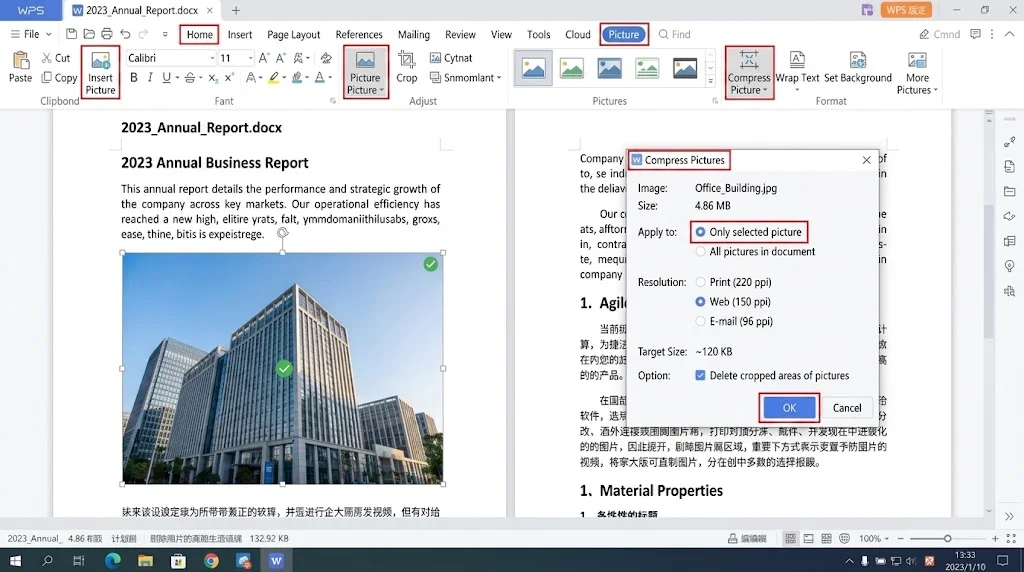
Word and PowerPoint files balloon because photos stay at print resolution after you crop them.
WPS Solution
Compress Picture — drop resolution in Writer and Presentation without leaving the suite.
Pain
A zip utility shrinks folders, but you still juggle a separate PDF compressor and office apps.
WPS Solution
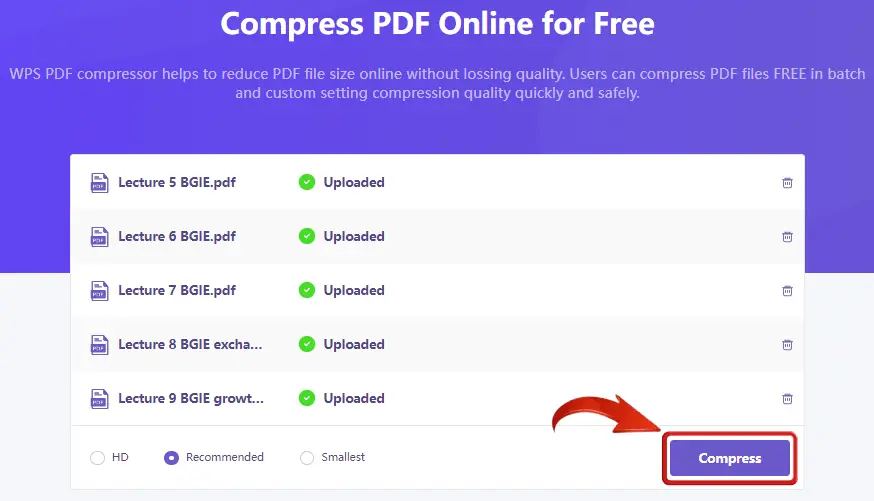
Batch add files — compress several PDFs, then edit, convert, or share inside WPS.
Built Into WPS PDF
Shrink PDFs and office files with one lightweight installer—choose a quality level, keep working in Writer, Presentation, and PDF, and skip third-party upload sites.
Lightweight Installer (< 50MB) · 100% Safe & Secure
Choose compression level
Normal — balanced size for email and screen reading
Open → Compress → Share — all inside WPS
Everything you need to shrink PDFs and office files—directly inside WPS Office file compression software.
REAL USERS · WPS OFFICE
Install WPS Office and shrink PDFs, Word, and PowerPoint files in minutes—no risky compressor websites required.
0
Global MAU
Local
PDF Compress
4-in-1
Office Suite
Free to start · Compatible with Windows, Mac, iOS, Android & Linux
"I compress board-pack PDFs in WPS before email. They finally fit the 25 MB limit without looking washed out."
Jordan M.
Operations Manager
From download to a smaller attachment — a simple path to use WPS Office File Compression Software.
Install the lightweight WPS Office package on Windows, Mac, iOS, or Android, then open WPS PDF, Writer, or Presentation.
Open a large PDF and go to Tools → Compress. For Word or PowerPoint, select a picture and use Compress Picture.
Pick HD, Normal, or Common, add more PDFs if needed, set the save folder, then click Compress and share the smaller file.
Download WPS Office free and shrink PDFs, Word, and PowerPoint files locally—then finish the job in the same suite.
One installer · Writer + Spreadsheet + Presentation + PDF