
Upload Forms Reject Large Photos
Pain
Phone cameras shoot multi-MB JPEGs. Job portals and exam sites bounce any photo bigger than 200KB.
WPS Solution
Target 200KB — compress image to 200KB so the form finally accepts your photo.
JPG / PNG · Exact 200KB target
Shrink photos to a 200KB JPEG for forms, email, and portals—without a random upload site
Windows · macOS · Linux · iOS · Android
0 monthly active users
Compress JPEG preview to 200KB
Portals, exams, and HR forms reject oversized photos. WPS lets you compress image to 200KB locally—so uploads succeed without sending IDs to a random compressor site.
Pain
Phone cameras shoot multi-MB JPEGs. Job portals and exam sites bounce any photo bigger than 200KB.
WPS Solution
Target 200KB — compress image to 200KB so the form finally accepts your photo.
Pain
A single high-res JPEG eats the whole attachment budget and stalls the send button.
WPS Solution
Light JPEG — compress JPEG to 200KB for proofs, thumbnails, and quick shares.
Pain
Government, visa, and HR portals often cap a profile JPEG at 200KB—and reject the upload outright.
WPS Solution
Exact-size export — compress image to 200KB while keeping a usable face crop.
Pain
Browser tools ask you to upload passport and HR photos to unknown servers just to hit 200KB.
WPS Solution
Local compress — shrink on your PC or Mac. No website upload.
Built Into WPS Office
Stop juggling a random compressor tab and a rejected upload. Open the photo in WPS, target 200KB, export a light JPEG, then drop it into Writer, Presentation, or PDF—on your device.
One installer · Writer + Spreadsheet + Presentation + PDF
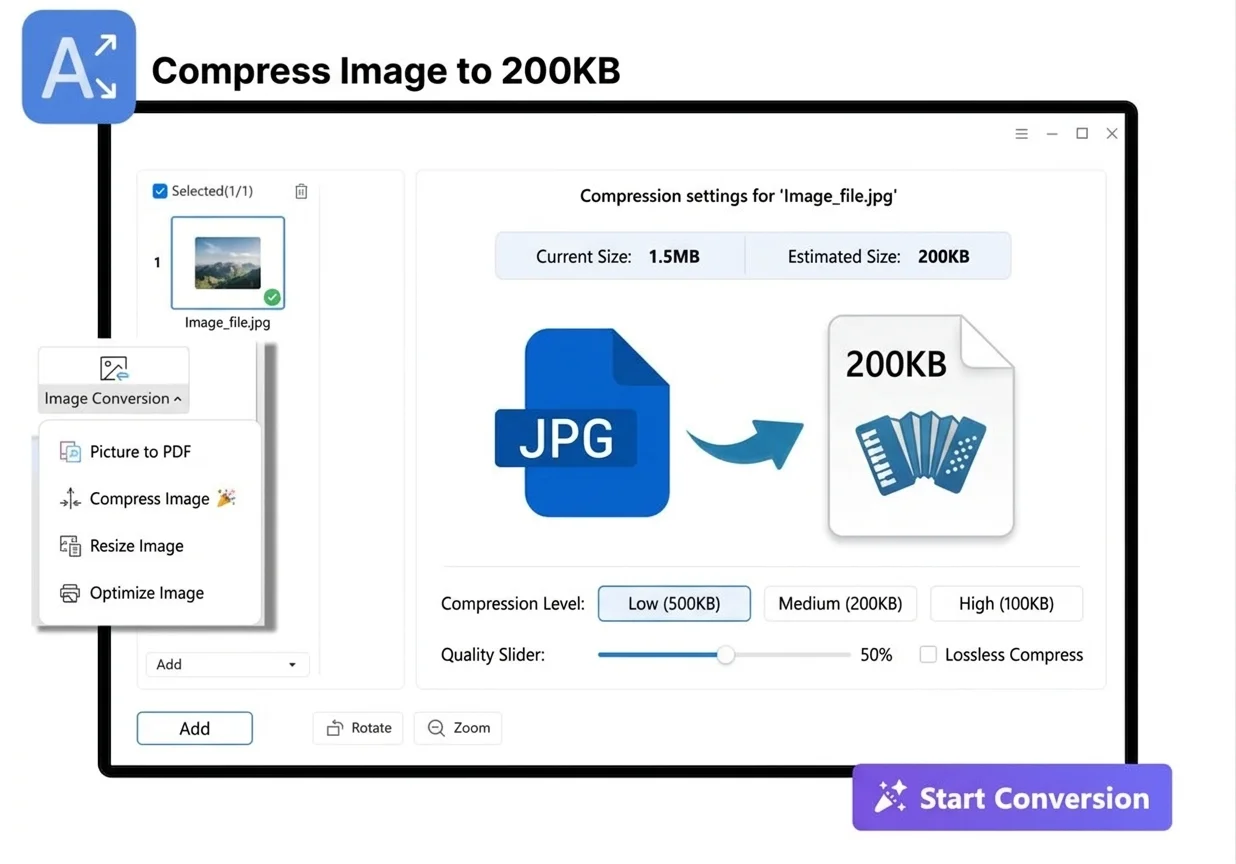
Everything you need to compress image to 200KB inside WPS Office—exact size targets, multi-format support, document insert, and private local export.
Dial compression to the cap portals publish—compress image to 200KB without guessing at a quality slider.
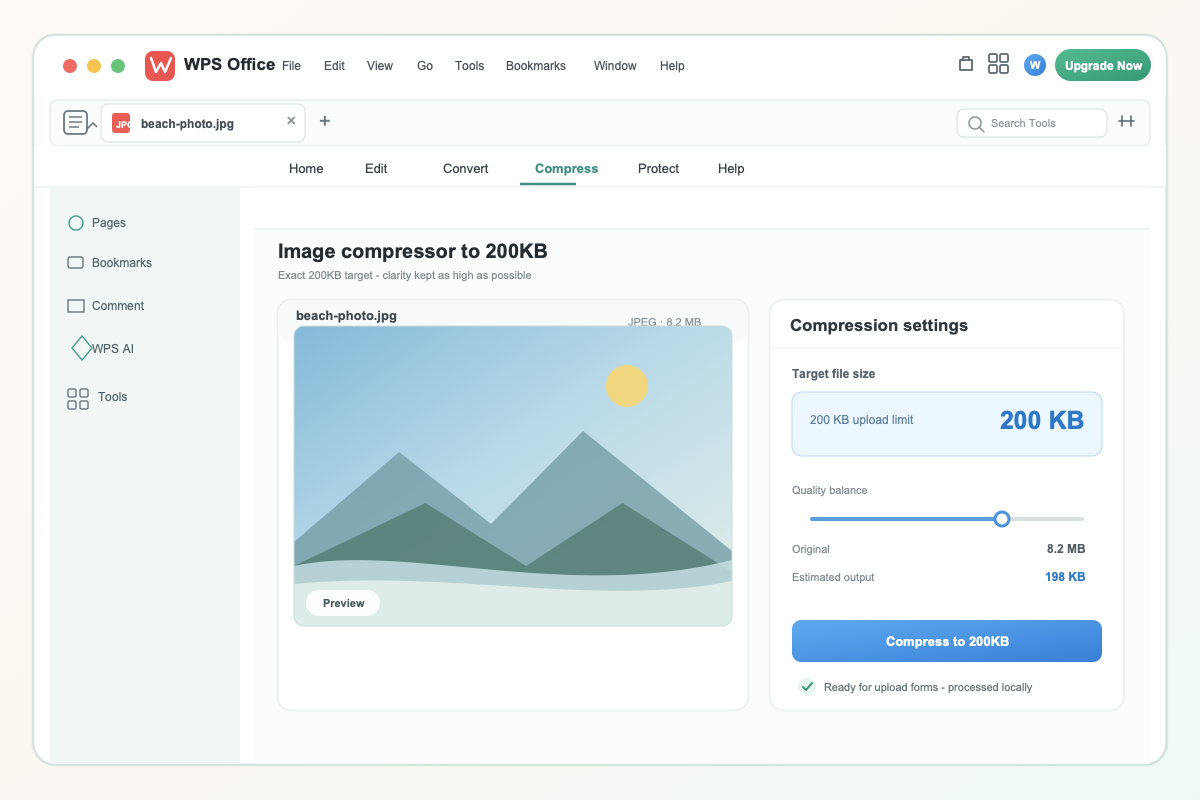
Target compress image to 200KB
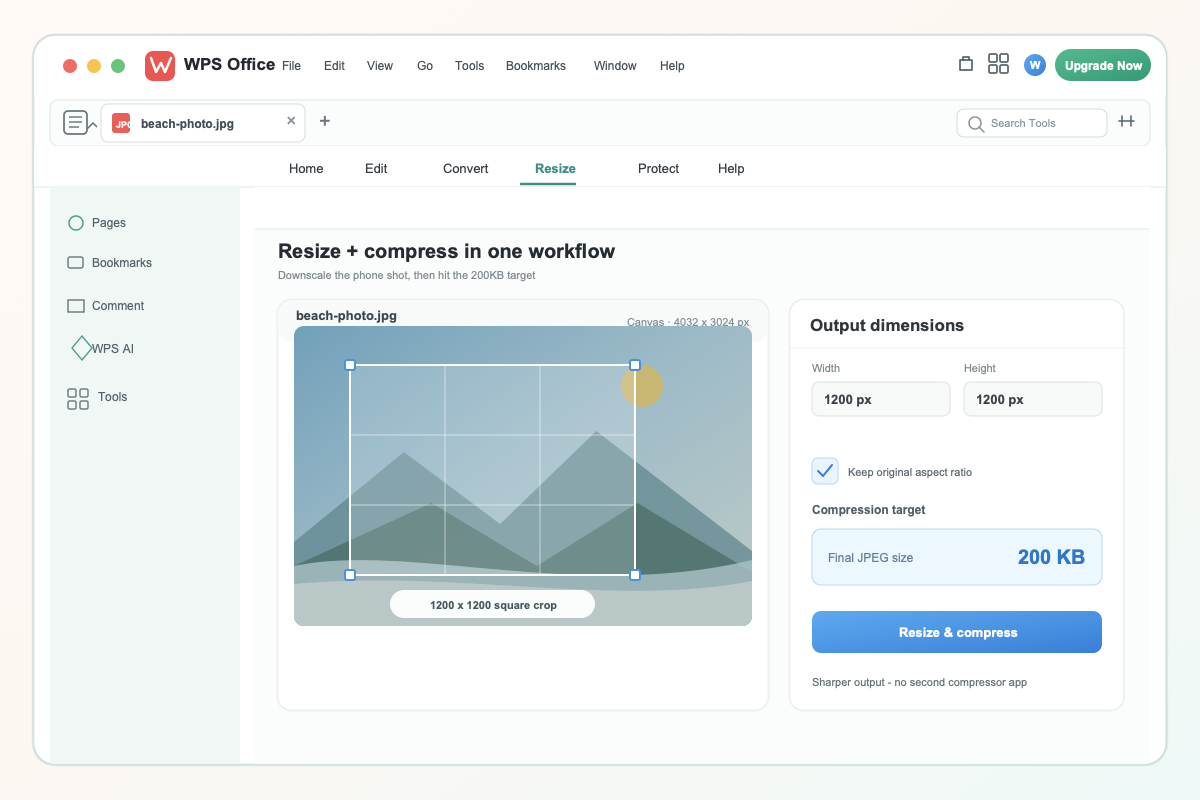
WPS image resizer compression
Combine dimensions and file size so you compress image to 200KB without muddy, over-squeezed pixels.
One compress image to 200KB workflow covers camera rolls, screenshots, and scans you still need to upload.
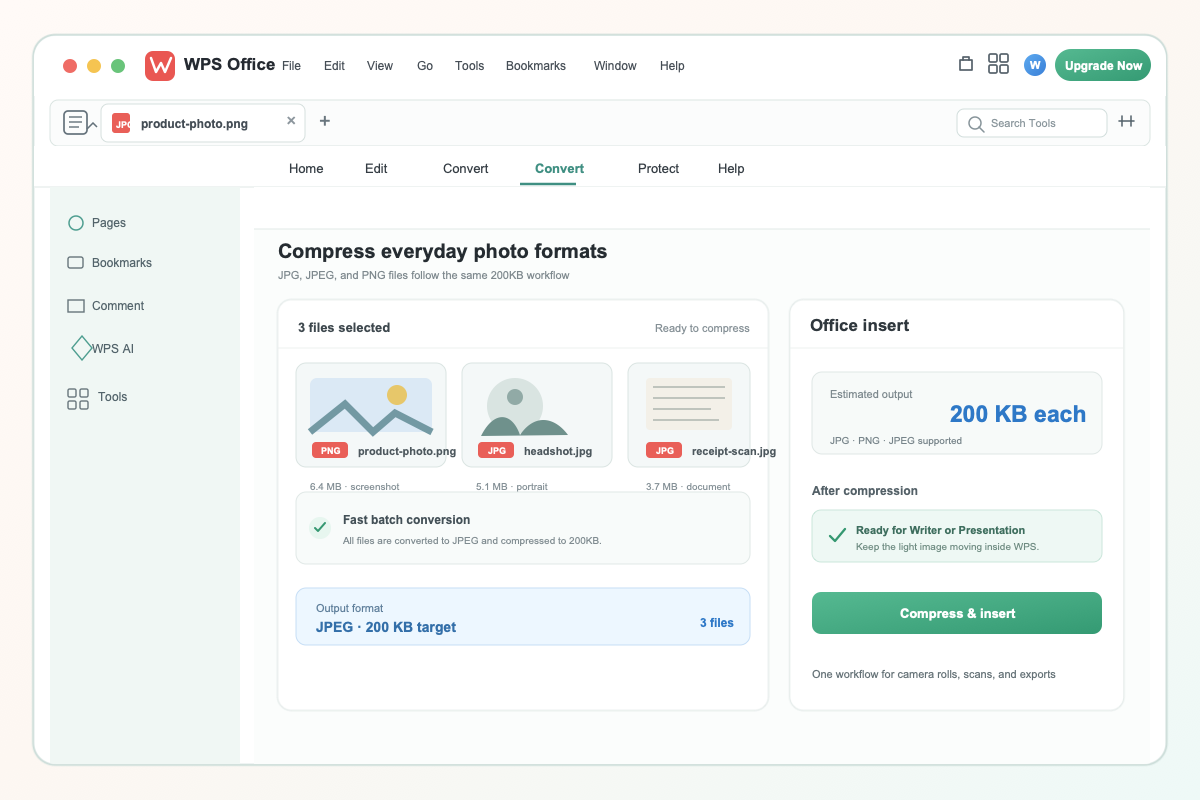
Multi format compress to 200KB
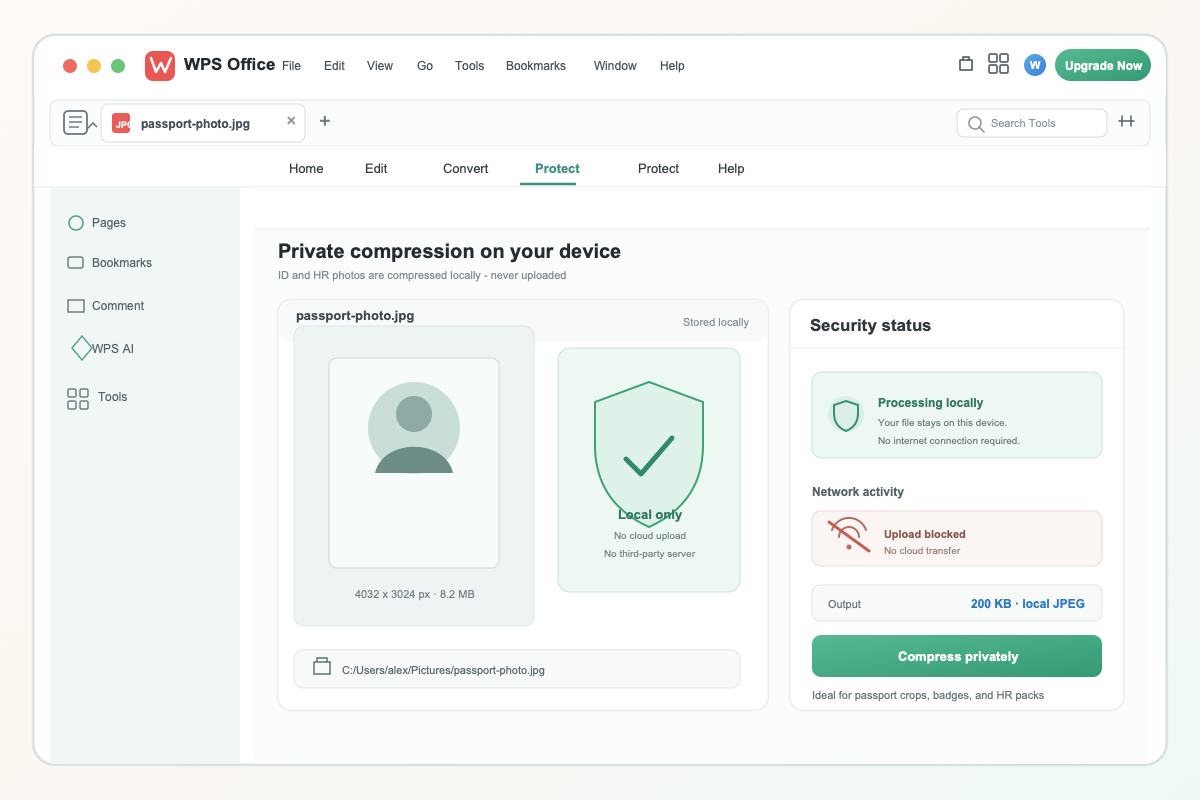
Private local image compress
Online tools upload your photo. WPS lets you compress image to 200KB locally so confidential IDs never leave this computer.
REAL USERS · WPS OFFICE
Students, HR, and applicants shrink photos to 200KB in WPS—compress locally, then clear the form on the first try.
0
Users
5
Platforms
→200KB
Local
Windows · Mac · Linux · Android · iOS
"I needed to compress image to 200KB for an exam portal. WPS hit the size on the first export—and my ID photo never left this laptop."
Aisha L.
Graduate Applicant
Install the free suite on Windows, Mac, Linux, iOS, or Android. Compress image to 200KB with built-in photo tools—no extra compressor.
Open your JPG or PNG in WPS Photos or the Image Resizer. Choose compress / reduce file size and target 200KB.
Preview clarity, then save the light file. Upload it to the portal or insert it into Writer, Presentation, or PDF.
Download WPS Office free and compress image to 200KB locally—hit portal limits without uploading confidential photos.
One installer · Writer + Spreadsheet + Presentation + PDF

WPS compress image devices