
Text Is Locked Inside Photos
Pain
You cannot select, search, or rewrite clauses because the picture is pixels—not real characters.
WPS Solution
OCR first — recognize the page, then convert image to Word as editable paragraphs.
JPG / PNG · Photo → Word
Turn photos and scans into editable Word documents with built-in OCR
Windows · macOS · Linux · iOS · Android
0 monthly active users
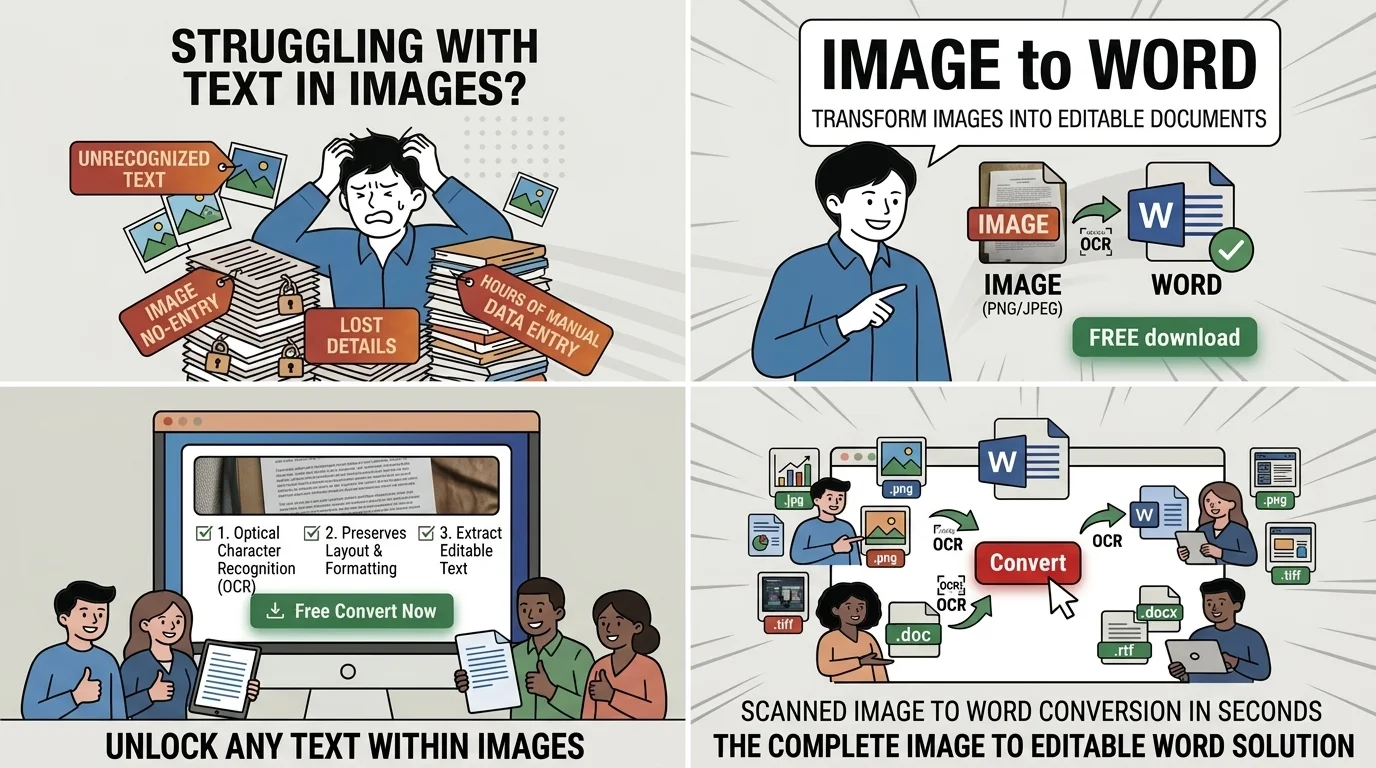
Image to Word OCR preview
A photo of a contract or textbook page looks finished on screen but is only pixels. WPS runs OCR, then exports .docx locally—so you can edit image to Word results without risky uploads.
Pain
You cannot select, search, or rewrite clauses because the picture is pixels—not real characters.
WPS Solution
OCR first — recognize the page, then convert image to Word as editable paragraphs.
Pain
Students and teams retype receipts, notes, and forms by hand—slow and full of typos.
WPS Solution
One-pass export — convert image to Word, then proofread only the tough lines.
Pain
Web converters dump text as a single column and break tables you still need in Word.
WPS Solution
Layout-aware OCR — keep structure closer to the original when you convert image to Word.
Pain
Browser OCR sites ask you to upload contracts, IDs, and HR photos to unknown servers.
WPS Solution
Local convert — image to Word on your PC or Mac. No website upload.
Built Into WPS Office
Stop juggling a separate OCR site and a Word license. Open the photo in WPS, extract text, export .docx, and keep editing in Writer—on your device.
One installer · Writer + Spreadsheet + Presentation + PDF
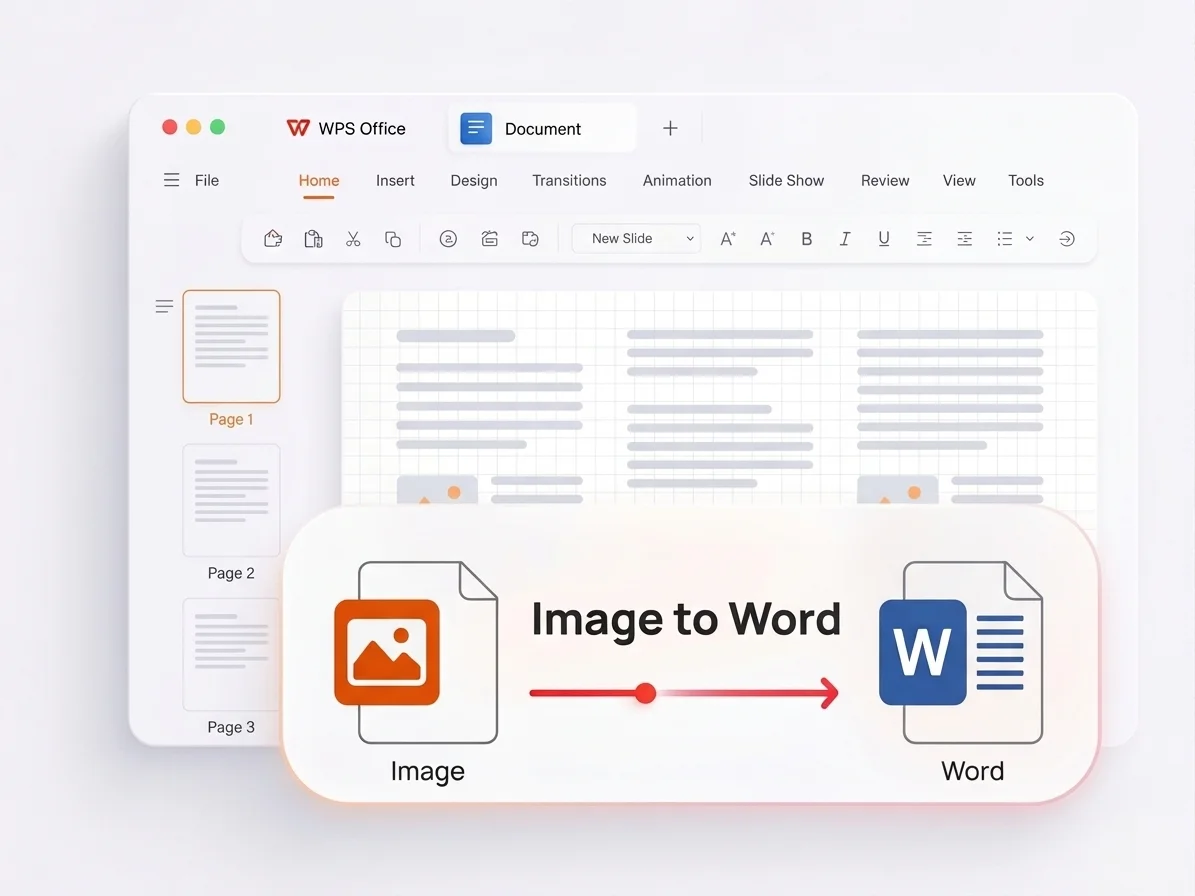
Export image text to Word
Everything you need for image to Word inside WPS Office—OCR, layout retention, multi-format support, and private local export.
Detect printed text in images, then unlock characters you can edit after image to Word.
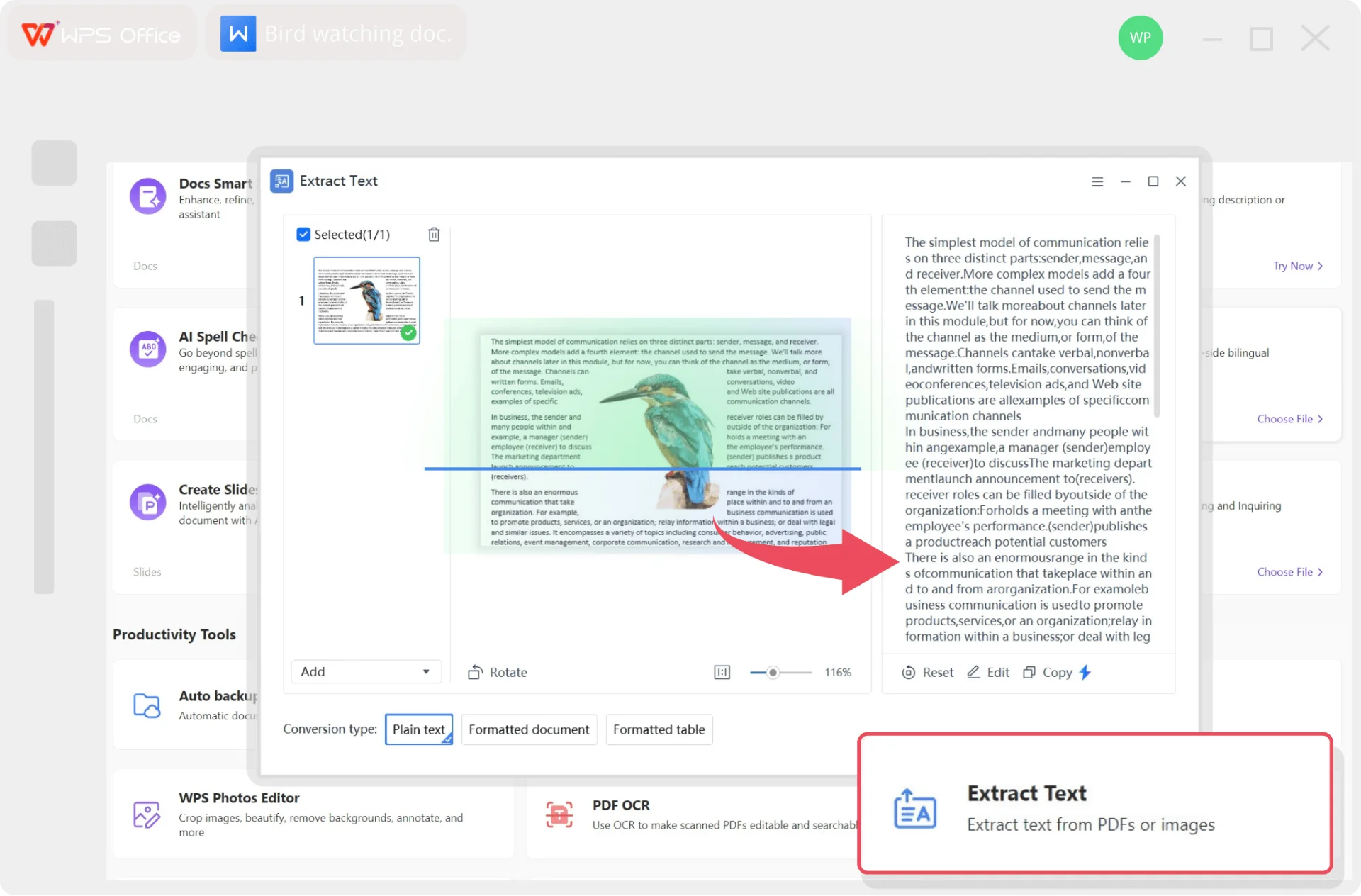
WPS OCR text from image
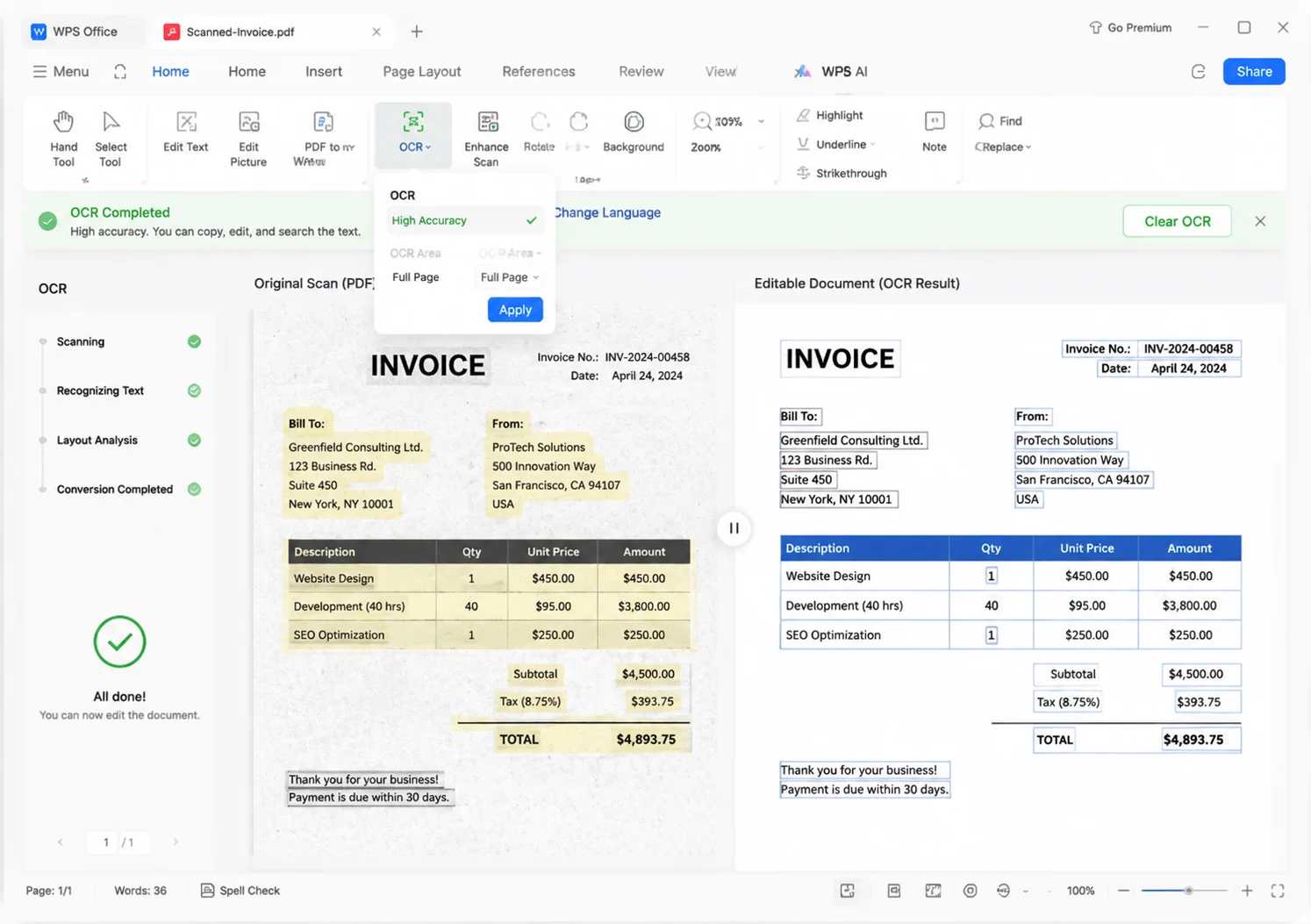
Image to Word layout retained
When you convert image to Word, WPS aims to preserve structure so you spend less time reformatting.
One image to Word workflow covers everyday photos and high-resolution archival scans.
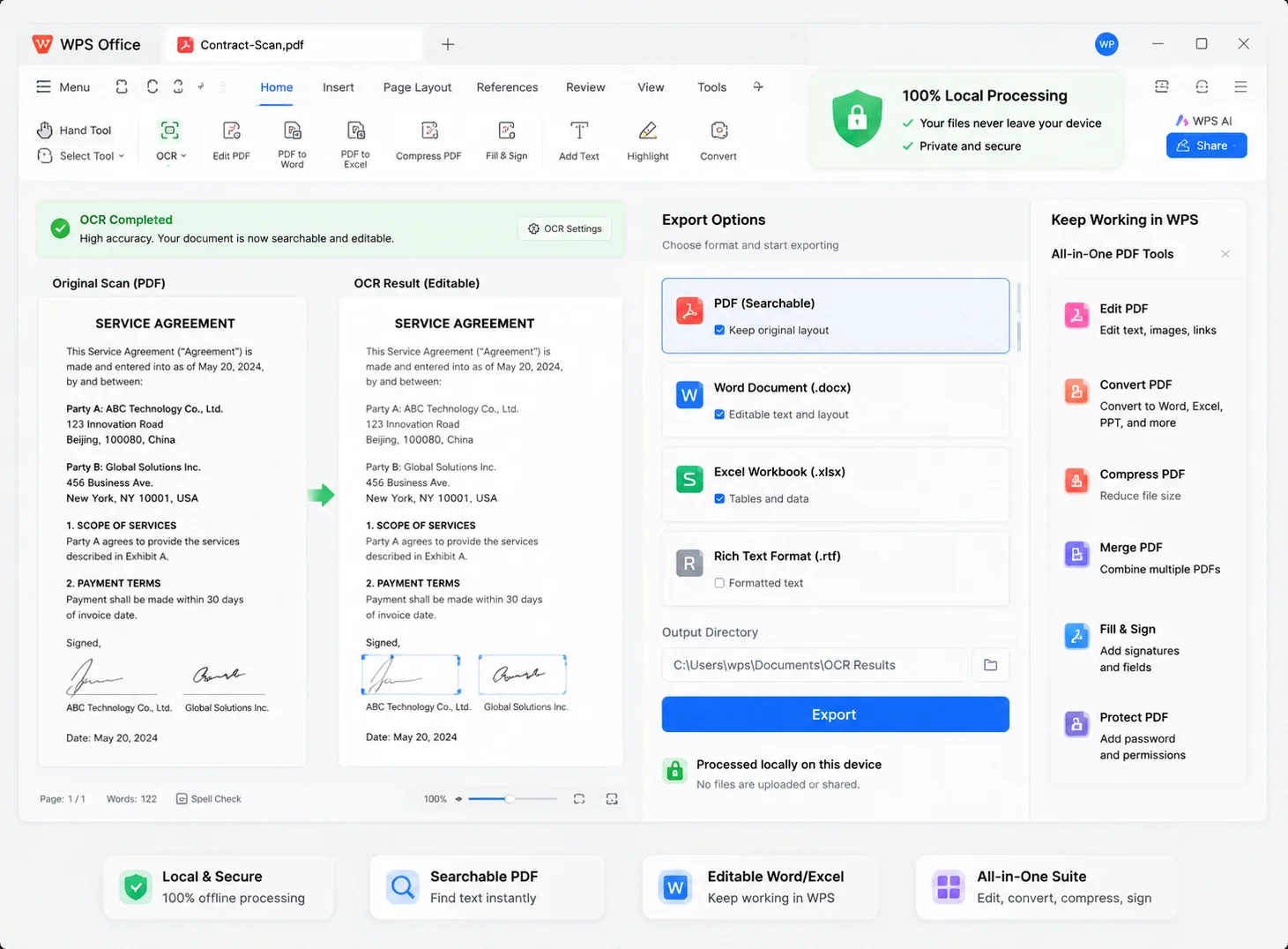
Multi format image to Word
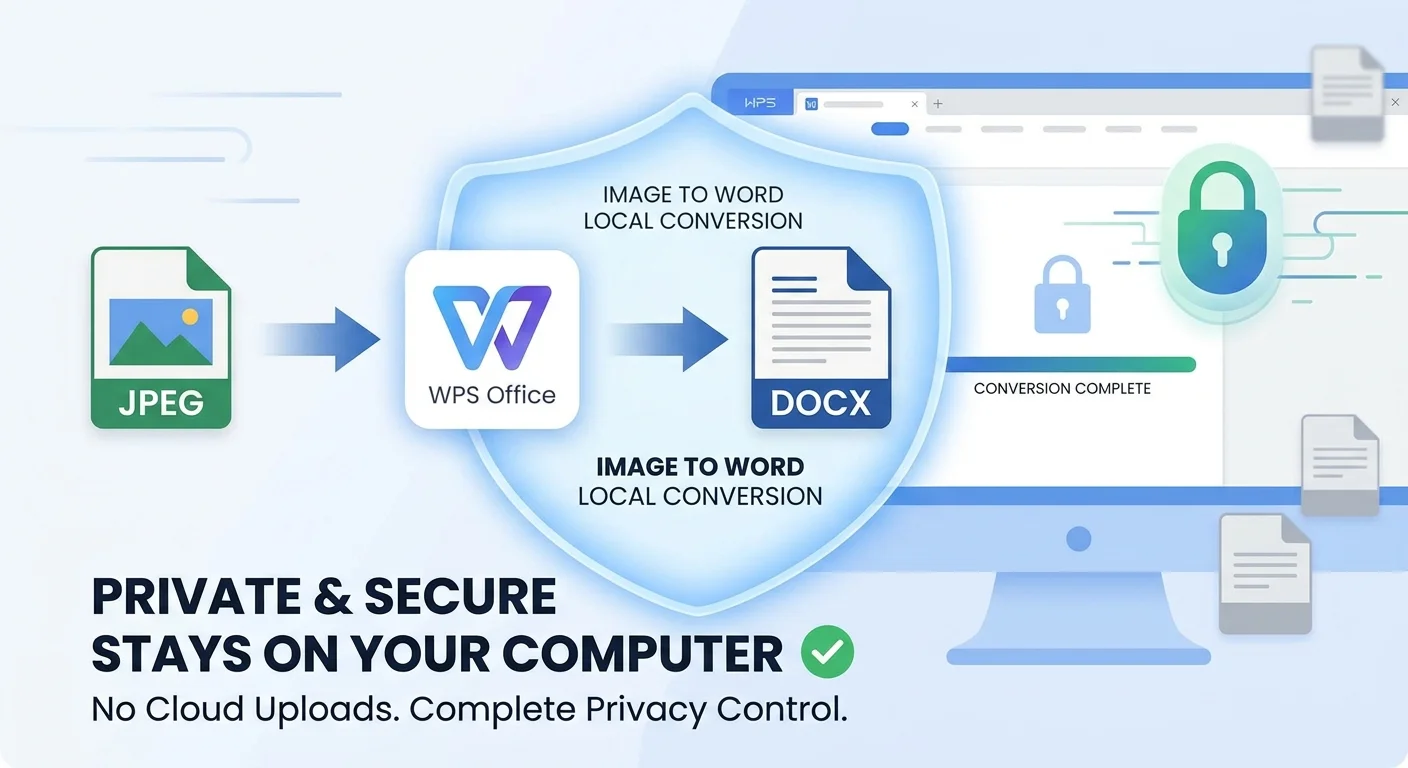
Private local image to Word
Online converters upload your photo. WPS lets you convert image to Word locally so confidential pages never leave this computer.
REAL USERS · WPS OFFICE
Students, legal, and ops turn photos and scans into editable Word docs in WPS—OCR locally, then finish edits in Writer.
0
Users
5
Platforms
IMG→DOCX
Local
Windows · Mac · Linux · Android · iOS
"This image to Word converter is a lifesaver for research. I photograph book pages and get editable notes in seconds—without uploading files."
Sarah J.
University Student
Install the free suite on Windows, Mac, Linux, iOS, or Android. Image to Word lives with built-in OCR—no extra converter.
Open your JPG, PNG, or photo in WPS Photo. Tap Convert, choose Extract Text, then select Formatted Document.
Start conversion, choose where to save the .docx, then open it in WPS Writer to proofread and finish edits.
Download WPS Office free and convert image to Word locally—OCR plus .docx export without uploading confidential photos.
One installer · Writer + Spreadsheet + Presentation + PDF

WPS image to Word devices