
Mobile
On Android
Check document length from your phone in the Word app, then use the Microsoft Word-only guide when you need a more specific path.
View Android steps Need Microsoft Word-only steps?Paste text for a quick count, or use WPS Writer to track word count as you edit.
Paste or type text to see live counts.
0 words
Words
0
Characters
0
No spaces
0
Sentences
0
Paragraphs
0
Reading time
0 min
Need to track word count while editing a document?
Download WPS OfficeYour text stays in this browser and is not uploaded by this counter.
Use the online counter for a quick result, then use WPS Writer to track document length as you write and revise.
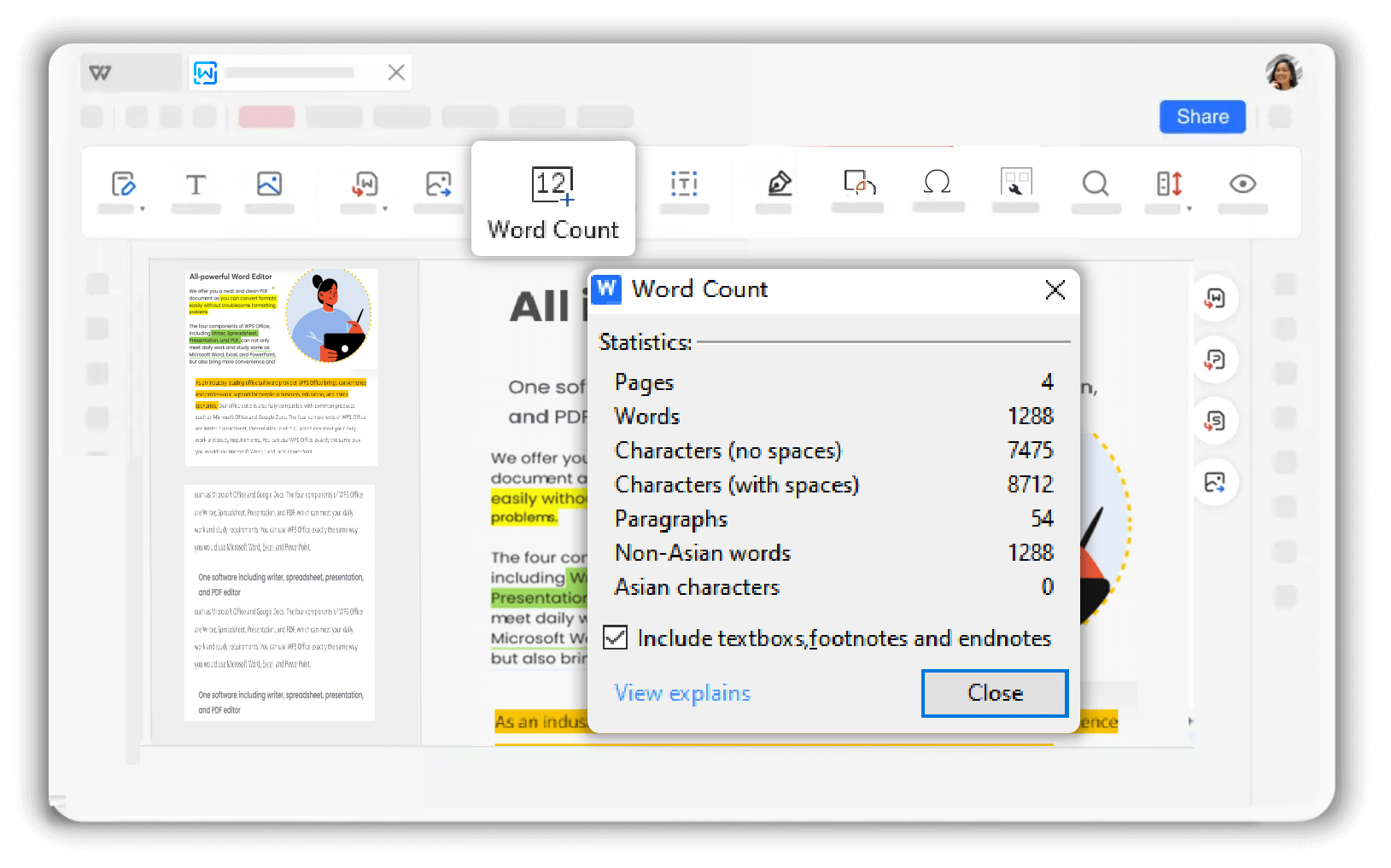
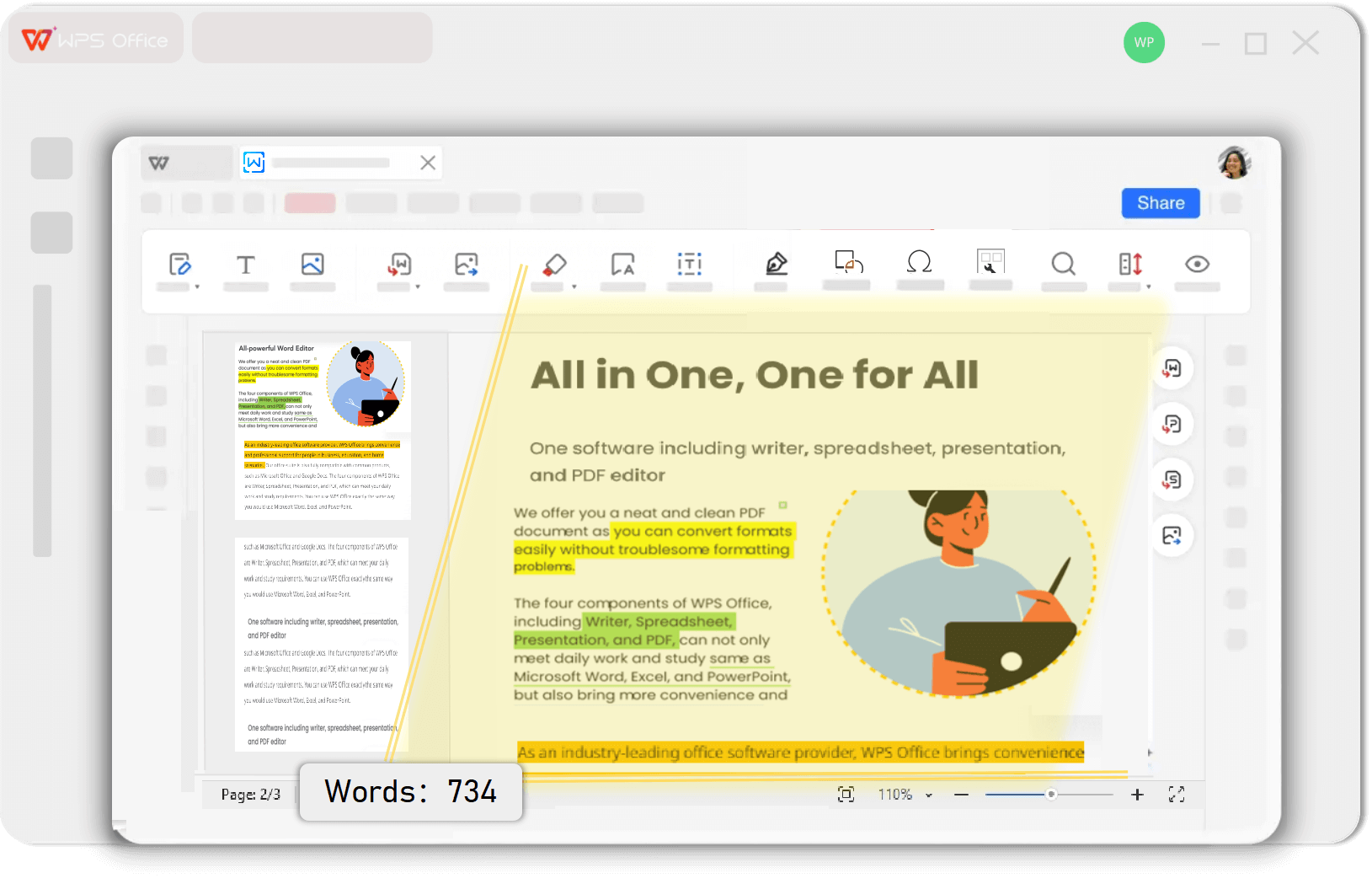
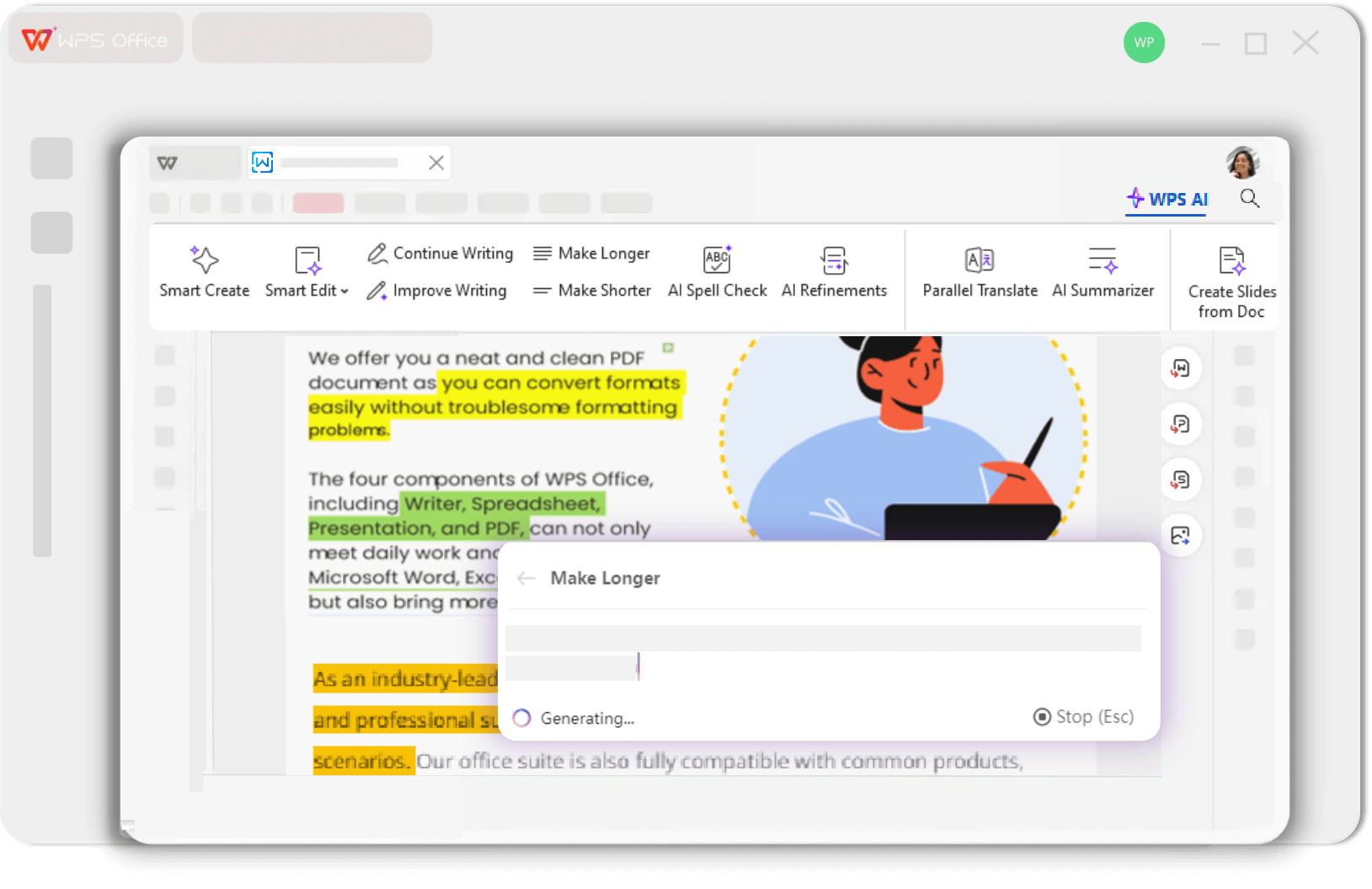
Use the online counter for a quick check, then use WPS Office across major platforms to track documents as you write.
Your text is never uploaded. All counting happens locally on your device for complete privacy.
Use text statistics to improve conciseness, structure, and readability for better impact.
Choose the platform you use and follow the right workflow for checking words, characters, and document length.
Check document length from your phone in the Word app, then use the Microsoft Word-only guide when you need a more specific path.
View Android steps Need Microsoft Word-only steps?Find the Word Count command in Google Docs and choose whether to keep a live count visible while you write.
Check word count in Google DocsFind the word count control in Apple Pages on Mac, iPhone, or iPad, and understand what the app includes in its totals.
Count words in Apple PagesLearn how to check word count in Microsoft Word using the status bar, Review tab, and detailed document statistics.
Check word count in Microsoft WordUse the status bar for a quick count or open Word Count for a detailed view of your document.
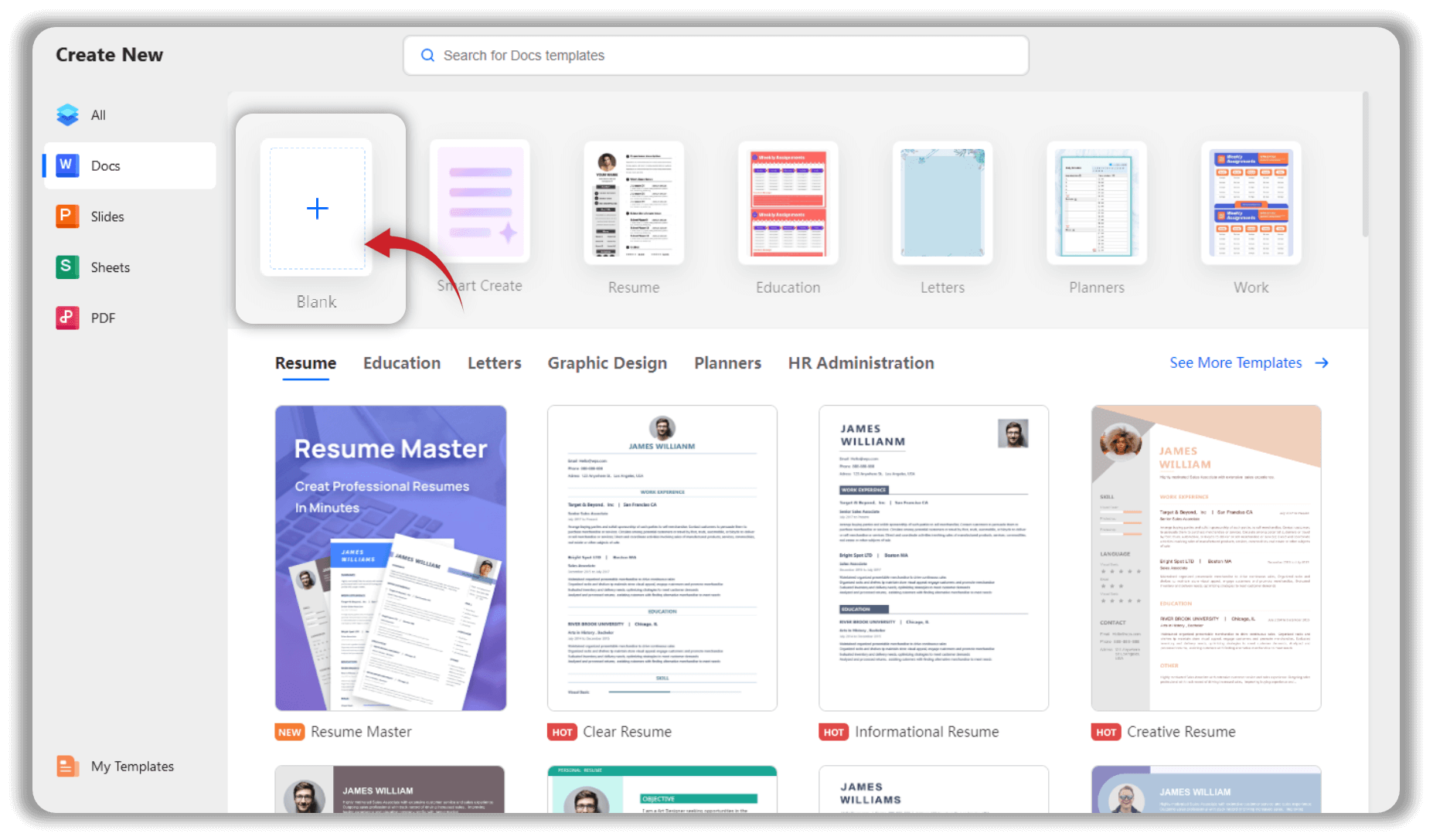
Choose your target length for a practical starting point. Page totals still vary with font, font size, spacing, margins, images, headings, and citation style.

Start with an exact total
Use the online counter first, then compare your word count with the page estimate that matches your assignment or report.
Back to the Word CounterPick the word-count range that matches your task, then open the matching guide to see the typical page length.
See why double spacing, margins, font choice, and paragraph spacing can make the same word count fill different numbers of pages.
Use a broader words-per-page reference before you choose a target document length or set a page-based requirement.
Move from a sentence-level check to paragraph, page, and chapter planning without jumping between unrelated tools.
After checking length, use these WPS tools to polish, draft, summarize, or organize your content.
Ensure grammatical accuracy and improve sentence structure for clear, professional writing.
Check grammarInstantly create high-quality content, from paragraphs to full articles, for any purpose.
Generate textCondense long documents into key points and concise summaries in seconds.
Summarize a documentDetect and correct spelling mistakes with AI-powered precision for error-free documents.
Check spellingYour smart assistant for drafting, editing, and refining text to perfection.
Write with AIEasily divide large Word documents into multiple smaller, more manageable files.
Split a Word documentFind answers about the online counter and Word Count in WPS Writer.
Use the online counter for a quick check, then download WPS Office to view word and character counts while you edit your documents.
Counts update instantly as you type.
Words, characters, sentences, and more.
Get professional tools at zero cost.

