
Pipelines Expect CSV, Not Binary
Pain
SQL loaders, Python pandas defaults, Shopify, and most CRMs import CSV—not a compressed Excel binary package.
WPS Solution
XLSB to CSV — Save As a comma-delimited file those tools already know how to ingest.
Excel binary workbook · .xlsb → CSV
Convert Excel binary workbooks into import-ready CSV files
Windows · macOS · Linux · iOS · Android
0 monthly active users
=SUM(C2:C5)
| A | B | C | D | |
|---|---|---|---|---|
| 1 | Region | Rep | Orders | Revenue |
| 2 | East | Jordan | 128 | $19,633 |
| 3 | West | Miller | 95 | $14,339 |
| 4 | Central | Patel | 112 | $16,880 |
| 5 | South | Reed | 87 | $12,410 |
q3-ledger.csv
Region,Rep,Orders,Revenue
East,Jordan,128,19633
West,Miller,95,14339
Central,Patel,112,16880
South,Reed,87,12410
WPS Spreadsheet XLSB to CSV preview
A .xlsb file is an Excel Binary Workbook—compact, but awkward for databases and scripts. WPS Spreadsheet converts XLSB to CSV locally so you get a plain-text table without uploading the file or wiring up Python libraries.
Pain
SQL loaders, Python pandas defaults, Shopify, and most CRMs import CSV—not a compressed Excel binary package.
WPS Solution
XLSB to CSV — Save As a comma-delimited file those tools already know how to ingest.
Pain
Opening .xlsb in code often means installing pyxlsb or LibreOffice headless—overkill for a one-off export.
WPS Solution
Open and Save As — convert XLSB to CSV in Spreadsheet with no scripts and no Excel license.
Pain
People expect every tab in one CSV, then wonder why lookups and extra sheets vanished.
WPS Solution
Export the active sheet, then repeat Save As for other tabs—each CSV stays a single clean table.
Pain
Web upload tools ask you to send payroll or finance models to a third-party site before you get a .csv back.
WPS Solution
Local Save As — convert XLSB to CSV on your PC or Mac. No upload, no Excel license.
Built Into WPS Spreadsheet
Stop hunting for a one-off converter or a Python recipe. Open the .xlsb workbook, pick the sheet you need, and Save As CSV—files stay on your device.
One installer · Writer + Spreadsheet + Presentation + PDF
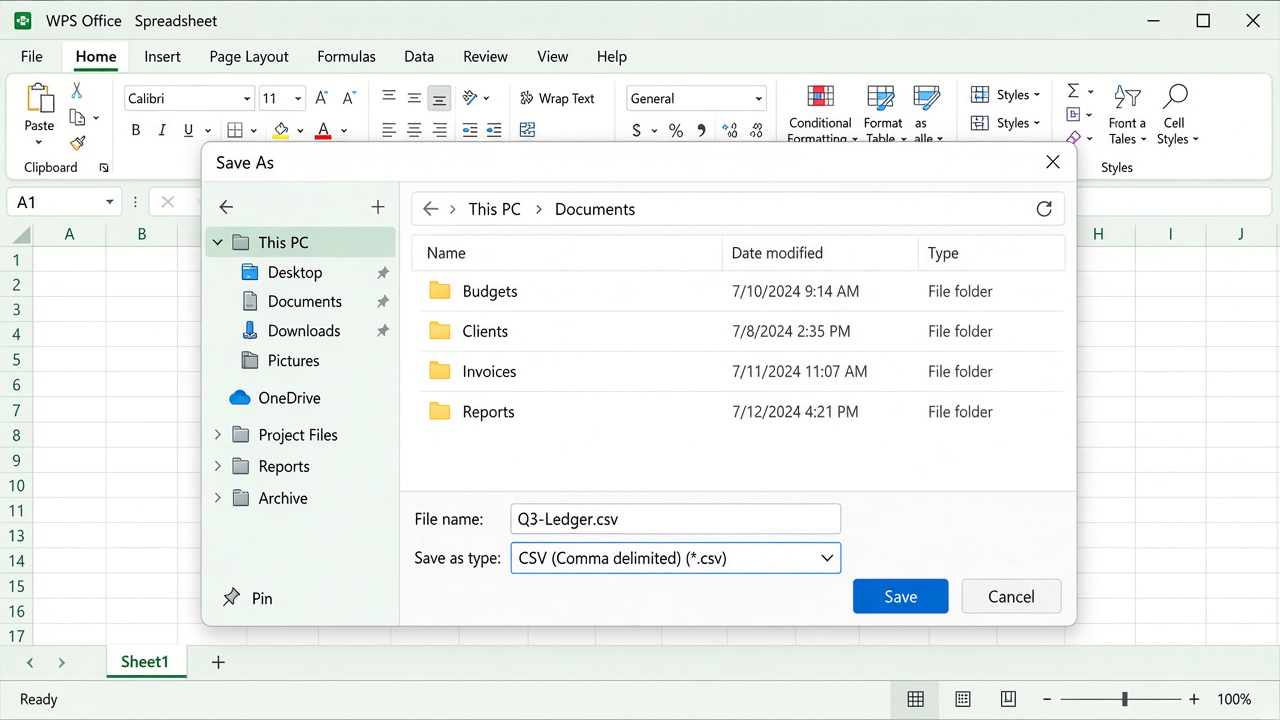
WPS Save As CSV dialog
Everything you need to convert XLSB to CSV inside WPS Spreadsheet—open the binary workbook, Save As a plain-text table, and keep the file local.
No extra converter. Open the .xlsb workbook, confirm the active sheet, then Save As CSV—don’t rename the extension in Explorer.
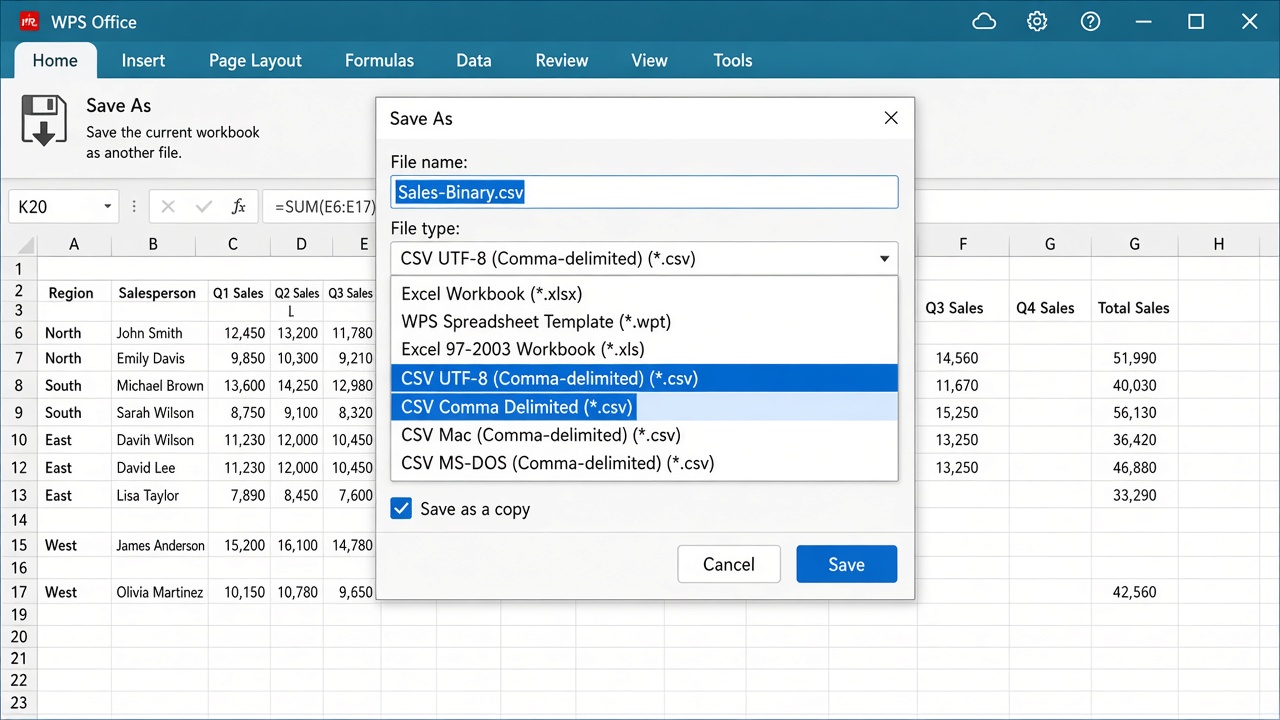
WPS Spreadsheet Save As CSV
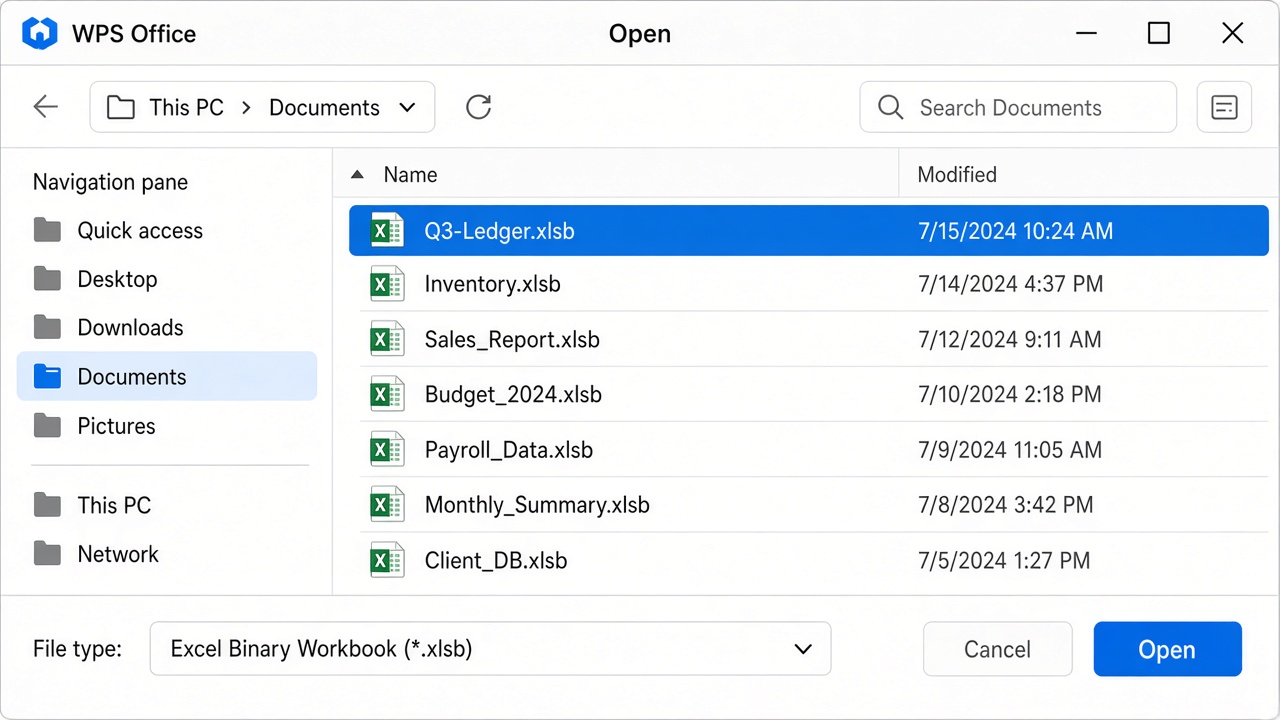
Open xlsb file in WPS
XLSB is compact on disk. XLSB to CSV creates the plain-text table SQL, Python, and CRMs already expect.
Binary workbooks often fail in import flows. A CSV from WPS Spreadsheet is much easier for databases, scripts, and business tools to accept.
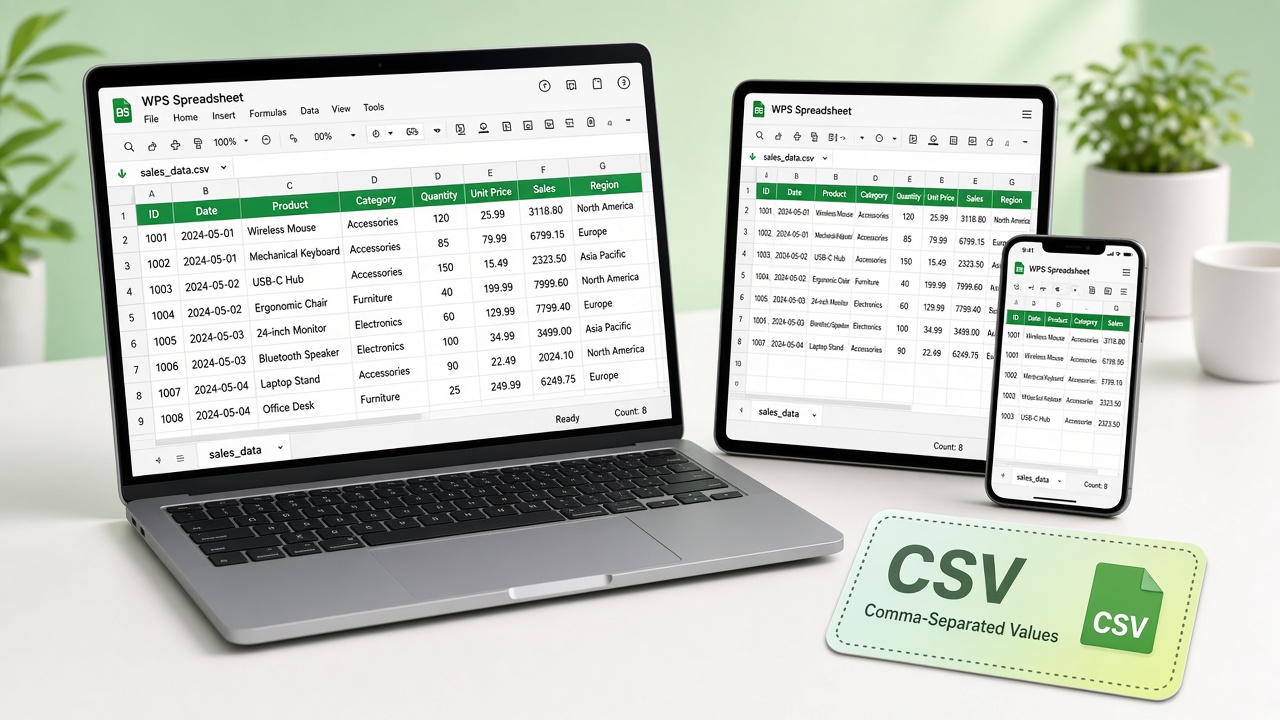
WPS CSV export across platforms
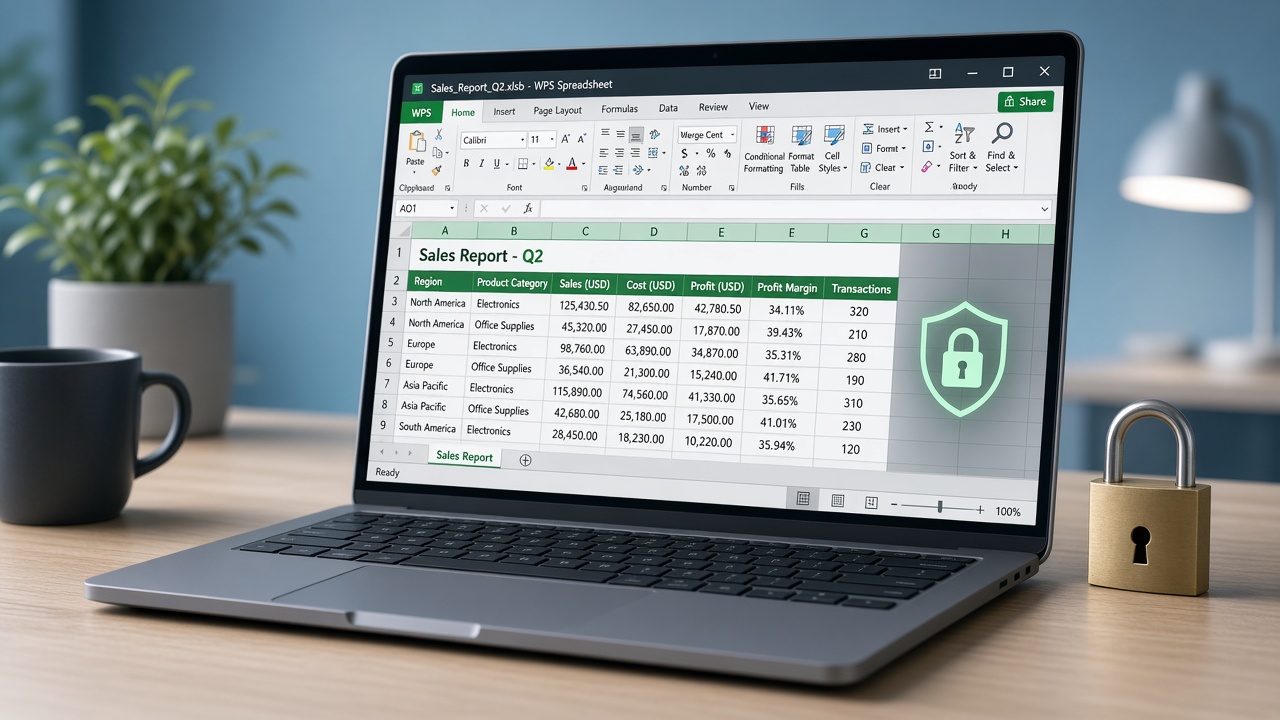
Secure local spreadsheet file conversion
Online converters upload your spreadsheet. WPS converts locally, so payroll and finance models never leave this computer.
REAL USERS · WPS OFFICE
Ops and finance turn Excel binary workbooks into .csv files in WPS Spreadsheet—locally, so databases and scripts can ingest them.
0
Users
5
Platforms
XLSB→CSV
Save As
Windows · Mac · Linux · Android · iOS
"Our warehouse system only takes CSV. WPS XLSB to CSV Save As gave us clean rows without uploading the binary ledger."
Jordan K.
Operations Analyst
Install the free suite on Windows, Mac, Linux, iOS, or Android. XLSB to CSV conversion lives in WPS Spreadsheet—no extra converter.
Choose File → Open and select the Excel Binary Workbook. If it does not appear, set the type filter to Excel Binary Workbook (*.xlsb). Click the worksheet tab you want to export—CSV stores one sheet at a time.
Choose File → Save As, pick CSV (Comma delimited) or CSV UTF-8, and save under a new name. Formulas export as values; macros and charts are dropped because CSV is plain text.
Download WPS Office free and convert XLSB to CSV locally—Save As a plain-text table without a Microsoft Excel license.
One installer · Writer + Spreadsheet + Presentation + PDF
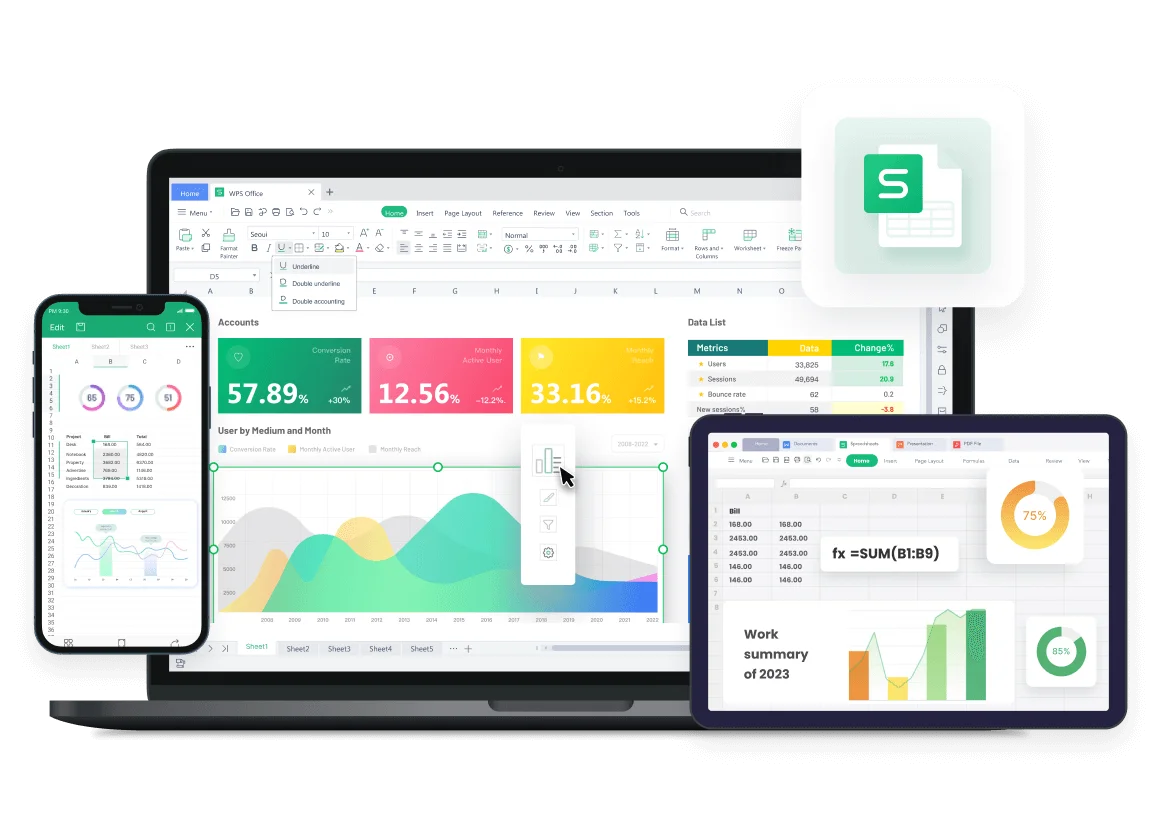
WPS spreadsheet with xlsb file