Excel binary workbook · .xlsb → .xlsx

XLSB to XLSX

Convert Excel binary workbooks to a standard, universally compatible XLSX workbook—open, edit, and Save As locally, without Microsoft Excel.

  • Open .xlsb binary workbooks without Microsoft Excel
  • Keep tables, formulas, charts, and formatting when you convert XLSB to XLSX
  • Save locally—no upload to a random converter site

Windows · macOS · Linux · iOS · Android

0 monthly active users

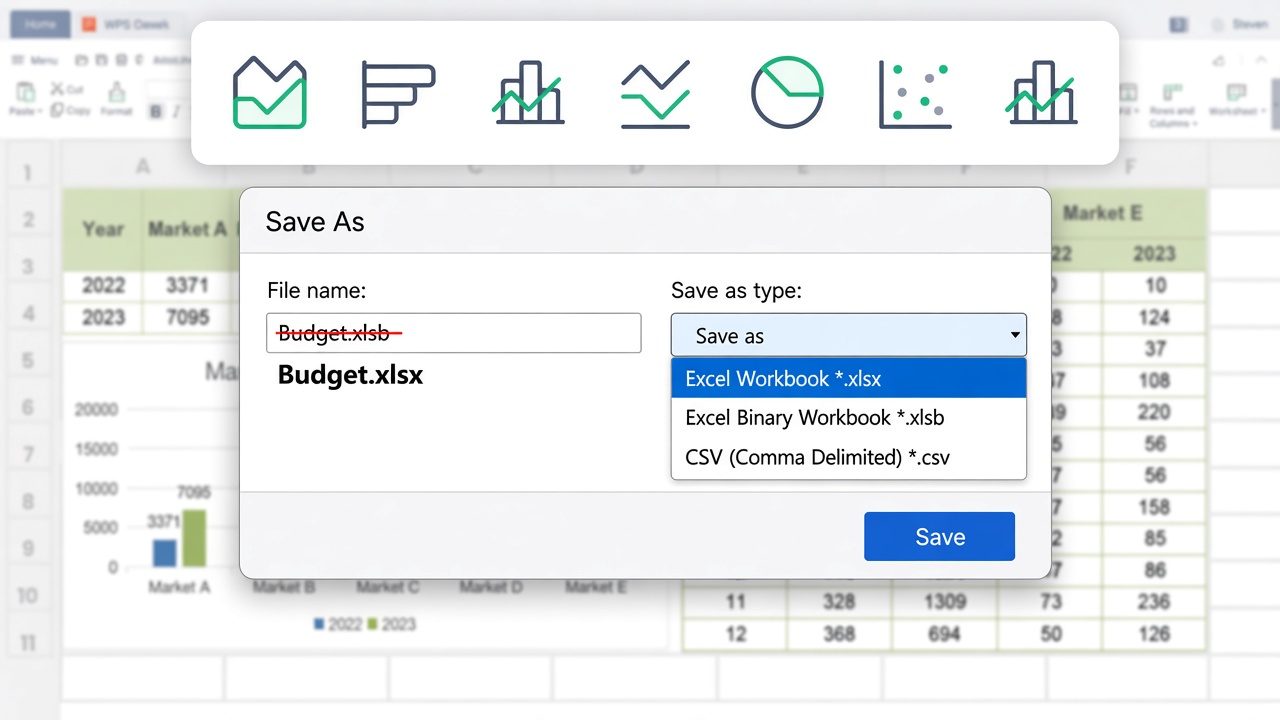
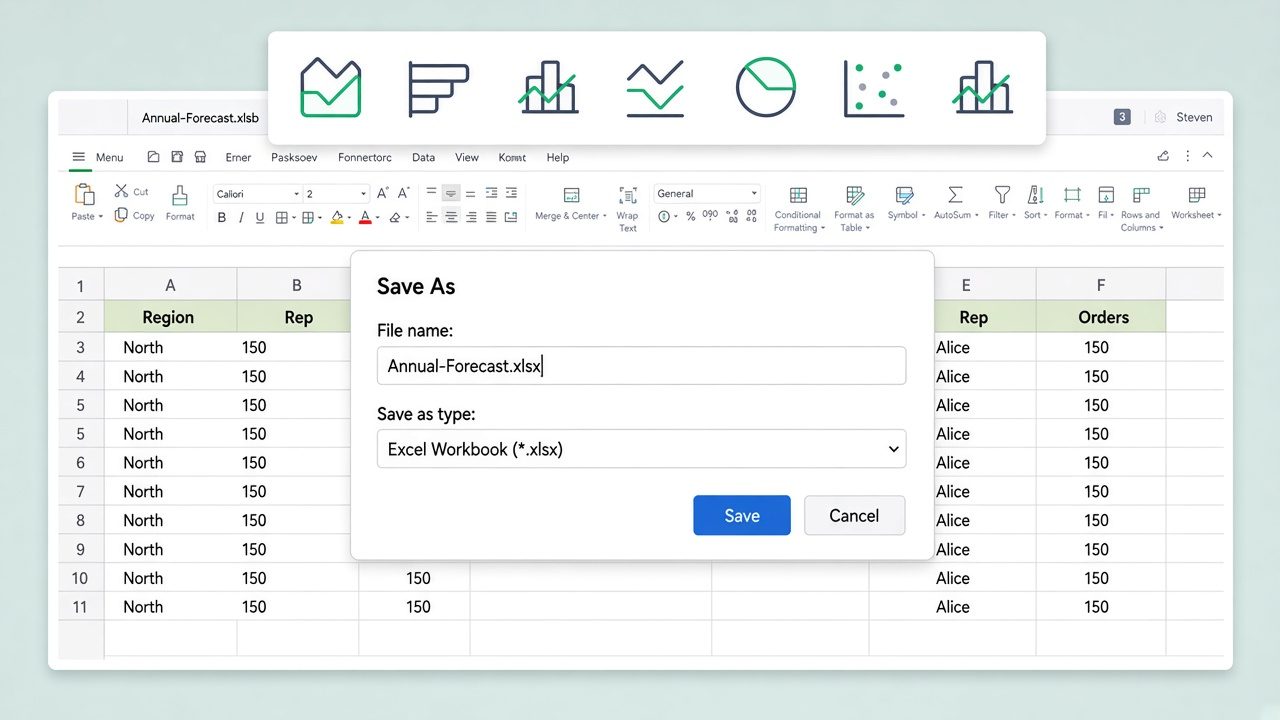
Spreadsheet Save As XLSX dialog
Pain → Solution

Why XLSB to XLSX Beats Leaving the Binary File

An .xlsb binary workbook is compact and fast, but .xlsx is the open standard that other people and tools actually expect. WPS Spreadsheet converts XLSB to XLSX locally—without uploading the file or buying Excel.

Binary Files Confuse Collaborators

Pain

Some partners, dashboards, and data tools choke on .xlsb or read it as raw binary, so sharing the original causes open errors.

WPS Solution

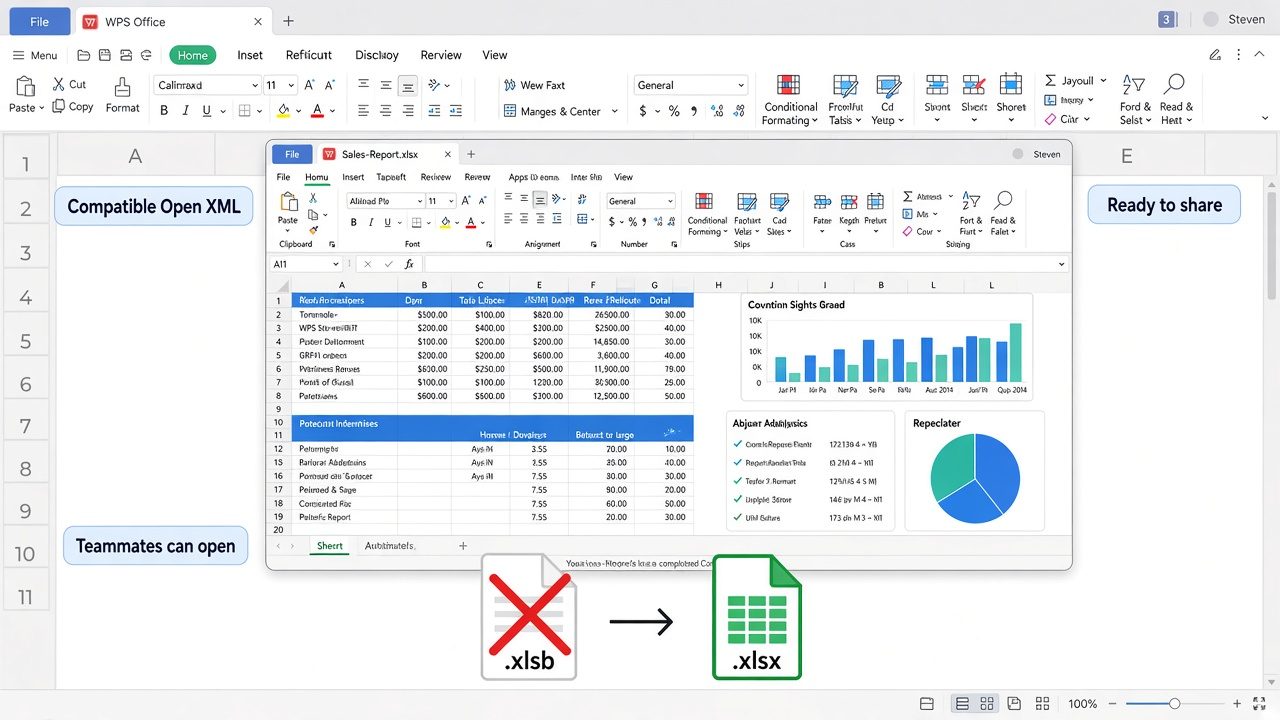
XLSB to XLSX — convert so teammates, portals, and analytics tools open a normal workbook.
Open XML

Rename Advice Breaks Files

Pain

Changing .xlsb to .xlsx in Explorer only relabels the file. The content is still binary, so apps hit open errors.

WPS Solution

Use Save As — XLSB to XLSX inside Spreadsheet writes a true Open XML structure, not a fake extension.

Real Save As

BI and Data Tools Want XLSX

Pain

Power Query, reporting platforms, and many business systems expect the open .xlsx format rather than binary .xlsb.

WPS Solution

Pick *.xlsx — convert XLSB to XLSX when a tool or partner requires the standard workbook format.

Excel Workbook

Online Converters See Your Data

Pain

Web upload tools ask you to send finance or payroll workbooks to a third-party site—risky for sensitive spreadsheets.

WPS Solution

Local Save As — convert XLSB to XLSX on your PC or Mac. No upload, no Excel license.

No upload

BUILT INTO WPS SPREADSHEET

Convert XLSB to XLSX Free — WPS Office

Stop hunting for a one-off converter. Open the .xlsb workbook, choose Save As Excel Workbook, and keep the file on your device.

  • Open any Excel binary workbook
  • Save As standard Open XML .xlsx
  • Keep it 100% local and private
Download WPS App Free

One installer · Writer + Spreadsheet + Presentation + PDF

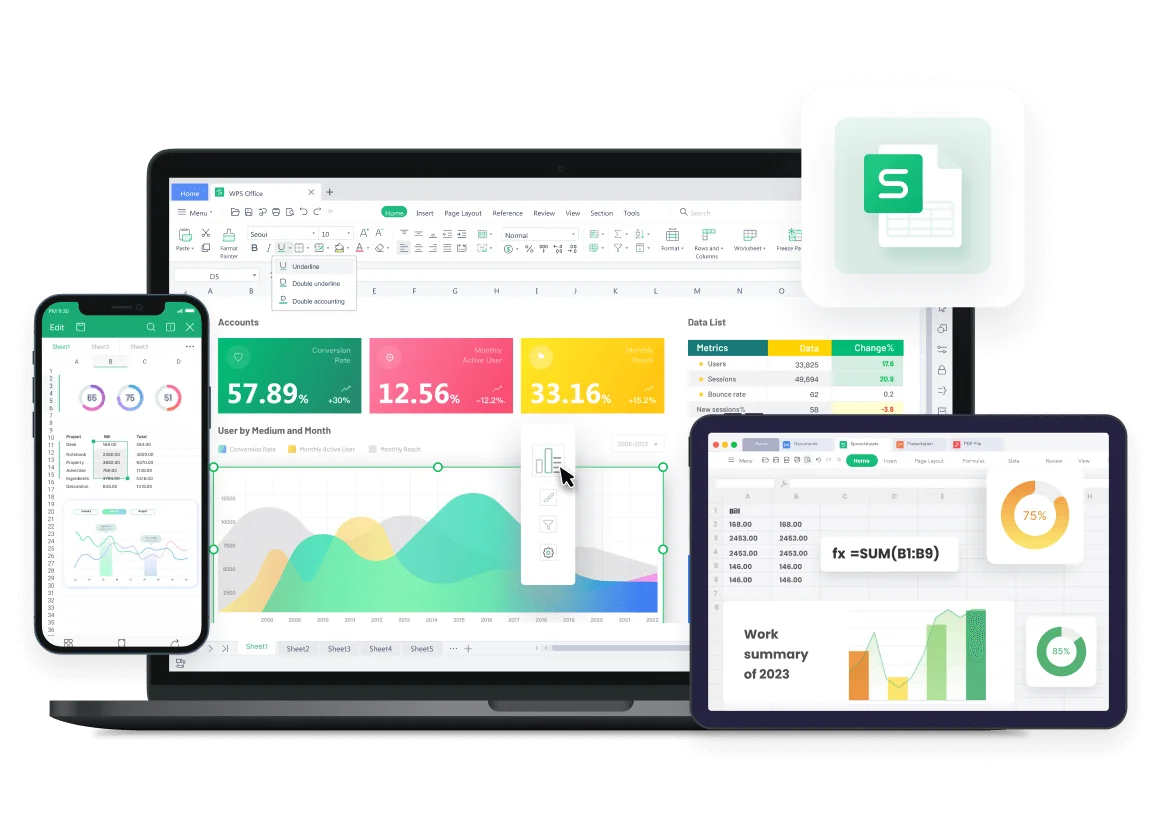
WPS Spreadsheet multi device preview

Why Choose WPS to Convert XLSB to XLSX

Everything you need to convert XLSB to XLSX inside WPS Spreadsheet—open the binary workbook, Save As a real .xlsx file, and keep it local.

Convert XLSB to XLSX in a Few Clicks

No extra converter. Open the .xlsb binary workbook and Save As .xlsx—don't just rename the extension.

  • Open the .xlsb file, then choose Excel Workbook (*.xlsx) from the type list.
  • Keep starter layout, formulas, charts, and formatting in the new .xlsx copy.
  • Re-open the new .xlsx and confirm it behaves as a workbook before you archive the binary original.
Save As *.xlsx Workbook copy
Save As dialog selects XLSX

Turn Binary Workbooks into Files You Can Share

An .xlsb is compact but closed. XLSB to XLSX creates the open-standard workbook teammates and tools expect.

  • Keep the original .xlsb as your fast local master while you share the .xlsx copy.
  • Export to PDF from the .xlsx when the finished sheet needs a fixed, non-editable version.
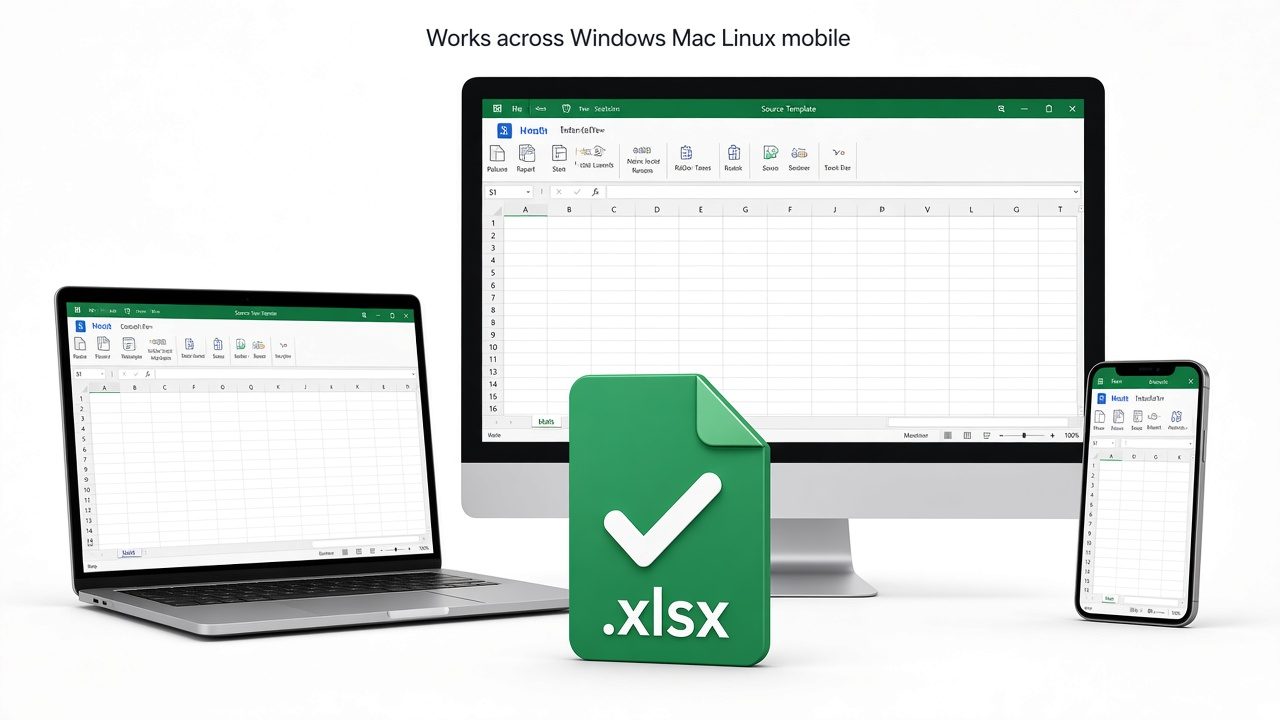
  • Open the same converted file on Windows, Mac, Linux, or mobile inside WPS Spreadsheet.
Keep .xlsb Share .xlsx Or PDF
Share ready XLSX workbook file

Fast, Compatible, and Cross-Platform

You get the speed of binary while you work, and the open .xlsx standard when you hand the file to others.

  • Convert XLSB to XLSX when a portal, analytics tool, or partner rejects binary .xlsb uploads.
  • Work on very large sheets without slowdown—binary is fast, and XLSX keeps full fidelity.
  • Keep working in the same installer: Writer, Presentation, and PDF ship with Spreadsheet.
Speed Compatibility Cross-platform
XLSX opens across all devices

Safer, Private Conversion—Files Stay on Your Device

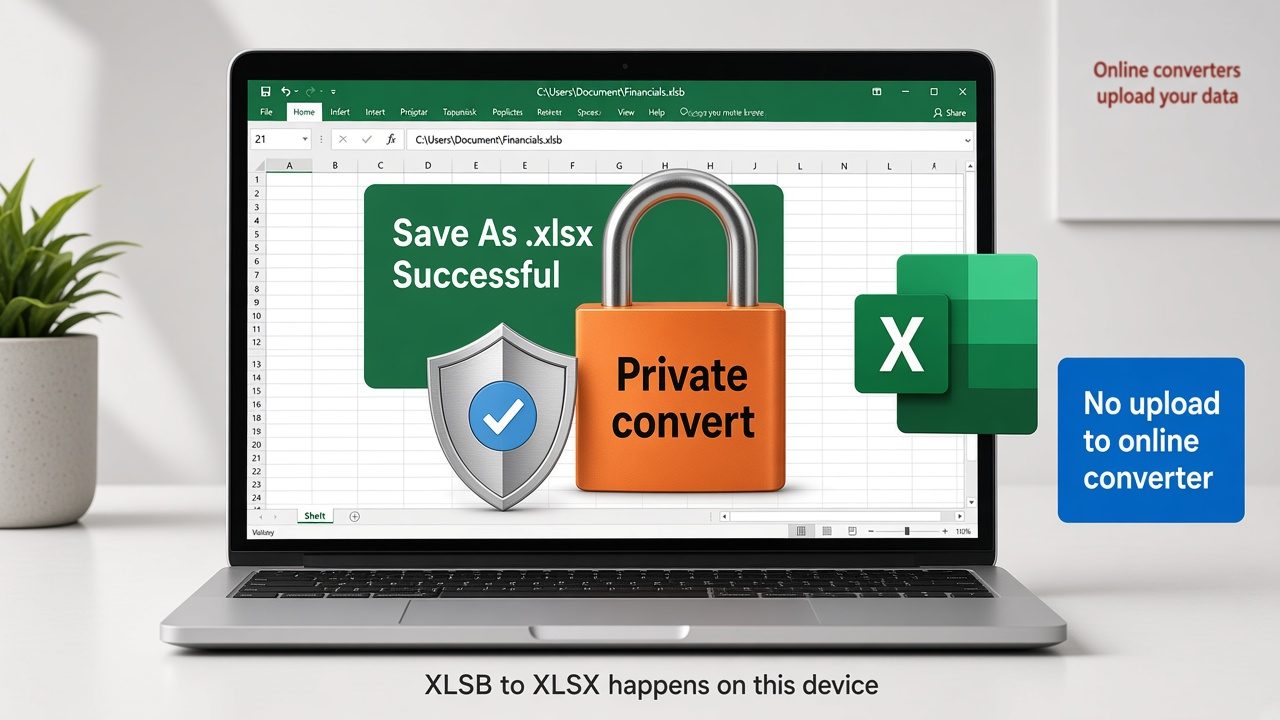
Online converters upload your spreadsheet. WPS converts locally, so sensitive workbooks never leave this computer.

  • Convert 100% on your device—payroll and finance workbooks never need a website upload.
  • Inspect the binary sheet first, then save the .xlsx copy only after the layout looks right.
  • Keep working in the same free suite with no Microsoft license required.
Private convert No upload Files stay local
Local private XLSB file conversion

REAL USERS · WPS OFFICE

Teams Convert XLSB to XLSX Without Buying Excel

Ops and finance turn Excel binary workbooks into open .xlsx files in WPS Spreadsheet—locally, for dashboards and partners that reject .xlsb.

0

USERS

5

PLATFORMS

XLSB→XLSX

SAVE AS

Free Download

Windows · Mac · Linux · Android · iOS

★★★★★

"Our dashboard still wants .xlsx. Renaming the binary file broke it. WPS XLSB to XLSX Save As gave us a real workbook without buying Excel."

JK

Jordan K.

Operations Analyst

3 STEPS

How to Use WPS Office to Convert XLSB to XLSX in 3 Steps

1

Download and install WPS Office

Install the free suite on Windows, Mac, Linux, iOS, or Android. XLSB to XLSX conversion lives in WPS Spreadsheet—no extra converter needed.

2

Open your .xlsb binary workbook

Choose File → Open and select the Excel binary workbook. Review sheets, formulas, and formatting before you convert.

3

Save As Excel Workbook (*.xlsx)

Choose File → Save As, pick Excel Workbook (*.xlsx), and save under a new name. Do not only rename the extension—Save As writes a true Open XML file.

FAQ about XLSB to XLSX

Open the .xlsb binary workbook in WPS Spreadsheet, go to File → Save As, choose Excel Workbook (*.xlsx) as the type, and save under a new name. WPS converts the binary workbook to a standard Open XML .xlsx file locally, with no Microsoft Excel and no upload to a converter site.

XLSB is the Excel binary workbook format—it stores data as compact binary and loads or saves large files faster with a smaller size. XLSX is the standard Open XML compressed workbook format with broad compatibility across Excel, WPS, Google Sheets, LibreOffice, and most data tools. XLSB to XLSX conversion trades a little speed for much better compatibility.

No. Renaming the extension only relabels the file and does not change the binary content. WPS may fail to open the renamed file or read it incorrectly. Always use Save As in WPS Spreadsheet so the XLSB to XLSX conversion writes a true Open XML structure.

Yes. WPS Spreadsheet opens .xlsb binary workbooks and lets you Save As .xlsx without a Microsoft Excel license. WPS Office is free to download and works on Windows, macOS, Linux, Android, and iOS.

Yes, when you convert locally in WPS Spreadsheet. XLSB to XLSX happens on your own device with File → Save As, so payroll, finance, or sensitive workbooks never have to be uploaded to a third-party online converter.

XLSB has a smaller size and faster load time, but XLSX is the open standard that most tools, dashboards, Power Query, and partners expect. Converting XLSB to XLSX improves compatibility and makes the file easy to share and edit in any modern spreadsheet app.

FREE DOWNLOAD · ALL PLATFORMS

Unlock Open Workbooks with WPS Office

Download WPS Office free and convert XLSB to XLSX locally—Save As Excel Workbook without a Microsoft Excel license.

  • XLSB to XLSX on Windows, Mac, Linux, and mobile
  • Local Save As—real .xlsx copy, no website upload
  • Trusted by 0 users worldwide
Free Download WPS Office

One installer · Writer + Spreadsheet + Presentation + PDF