Image to Prompt

Upload an image and generate an English AI prompt plus a negative prompt for Midjourney, Stable Diffusion, DALL·E, and other image generation models.

Upload an image

Click to choose or drag and drop a JPG, PNG, or WebP image to generate an English prompt.

Supported: JPG / PNG / WebP · Max 10 MB

Uploaded preview
————
Generating prompt from your image…

Prompt

Negative Prompt

Free and Unlimited
No Signup Required
Save Time
No Ads
Free to Use
No Sign-Up
No Ads
Any Browser

How to Use Image to Prompt in 3 Steps

  1. Step 1: Upload an Image

    Upload a JPG, PNG, or WebP reference image. A clear image with a visible subject, setting, and style gives the image prompt generator more useful visual context.

  2. Step 2: Choose a Prompt Style

    Choose General, Realistic, Artistic, Detailed, Concise, or Creative, then select how you want the negative prompt handled.

  3. Step 3: Generate and Copy the Prompt

    Generate a prompt from the image, review the main prompt and optional negative prompt, and edit any details that do not match your intent before copying the text.

Generate an AI Prompt from an Image

Generate an AI Prompt from an Image

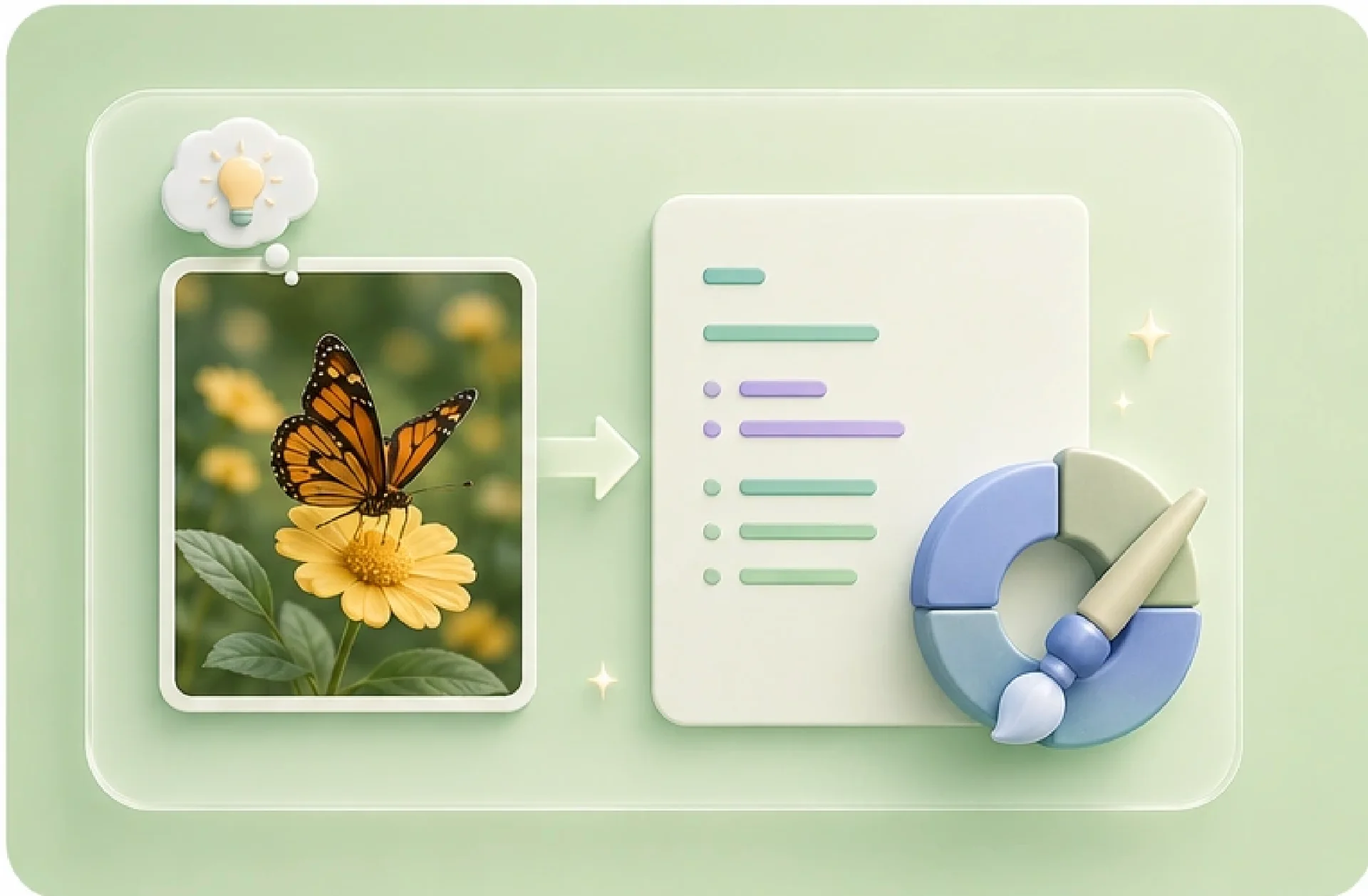
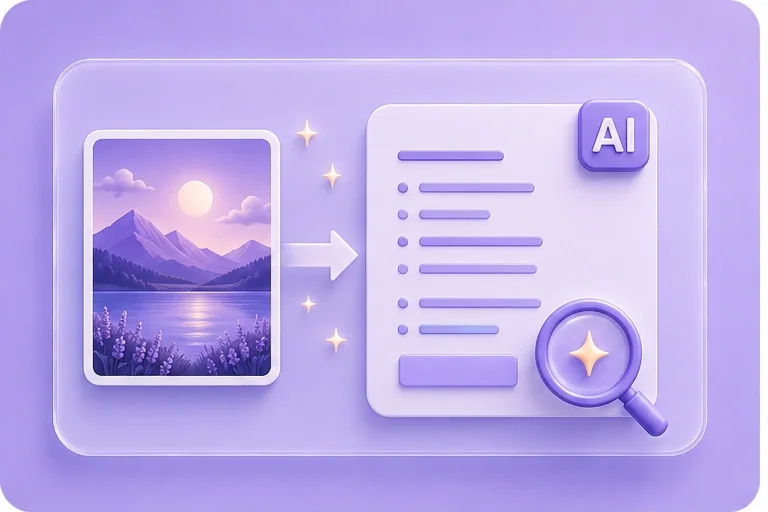
The Image to Prompt generator describes visible elements such as the subject, setting, style, lighting, composition, materials, and camera perspective. Use the English output as a draft: review it against the reference and change details that matter to your next image.
Get Started
Describe Visual References in Prompt Language

Describe Visual References in Prompt Language

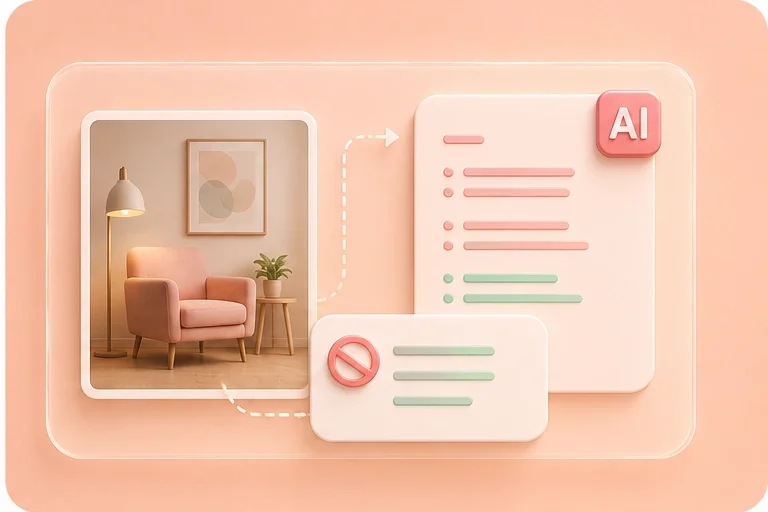
Use an image prompt generator when a reference has the right look but is difficult to describe. The generated text organizes visible details into prompt language, while the optional negative prompt gives you a separate place to specify elements you do not want.

Get Started
Adapt AI Image Prompts to Your Model

Adapt AI Image Prompts to Your Model

Use the AI image prompt generator to draft English text, then adapt its wording and parameters to your chosen model's syntax. General, Realistic, Artistic, Detailed, Concise, and Creative styles let you choose how the initial prompt is framed.

Get Started
Refine Concepts with Image-to-Text Prompts

Refine Concepts with Image-to-Text Prompts

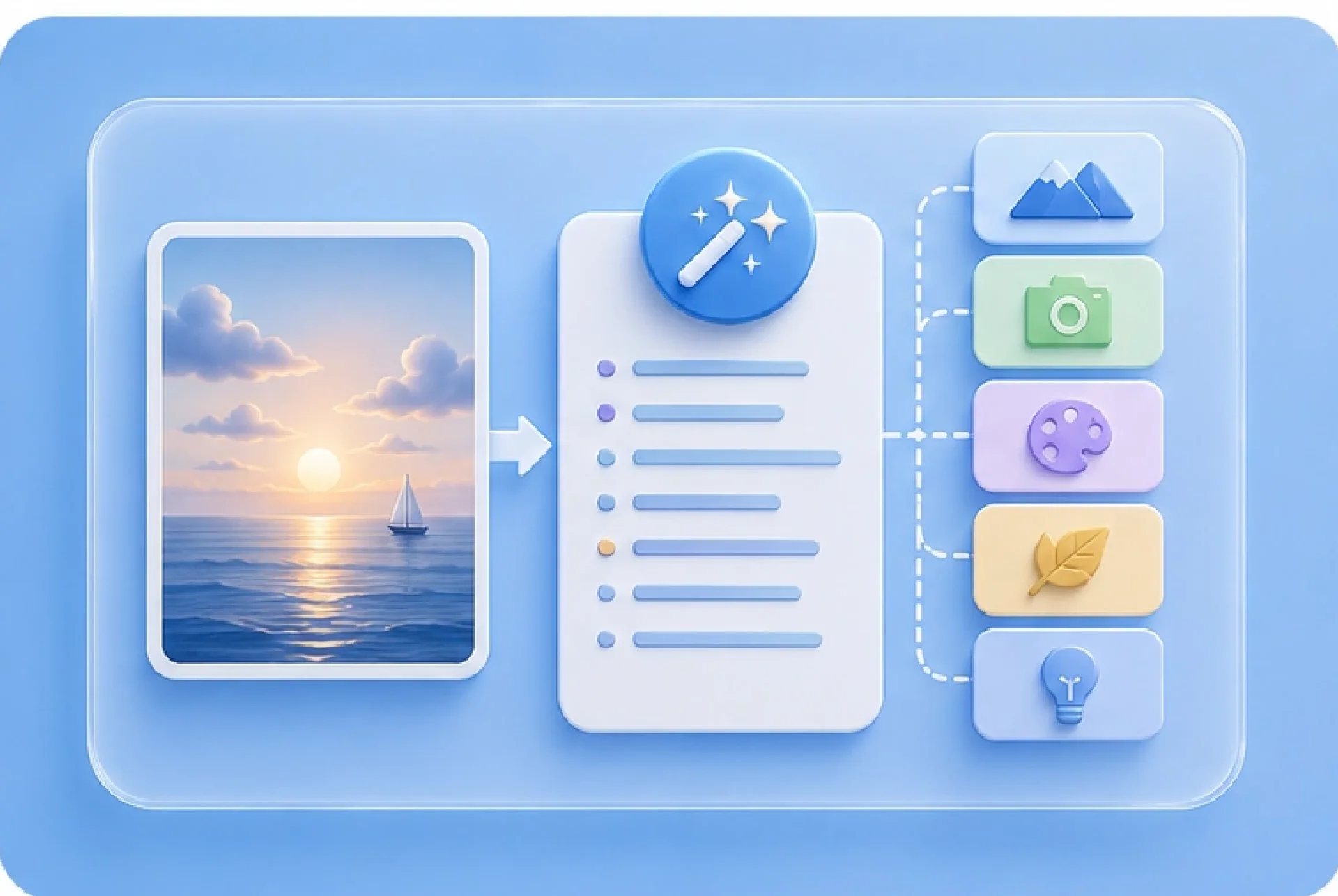
An image to text prompt can surface visual cues to consider, including lighting direction, perspective, color palette, materials, and composition. Treat the output as a creative starting point rather than an exact reconstruction of the source image.

Get Started

Image to Prompt Use Cases

Practical starting points for visual research, concept development, presentations, and AI image workflows.

Visual Research

Turn a painting, photograph, or design reference into descriptive prompt language for a presentation or visual study. Verify style labels and historical details independently.

Visual Research

Study workflow

Concept Development

Use a reference image to draft prompts for presentation concepts. Edit the subject, composition, and negative prompt before testing the text in your chosen image model.

Concept Development

Presentation workflow

Creative Iteration

Extract mood, lighting, palette, and composition cues from a photo, then rewrite the draft prompt for a new concept rather than trying to duplicate the source exactly.

Creative Iteration

Image workflow

Image to Prompt Generator FAQ

01

What is Image to Prompt?

Image to Prompt creates an English prompt that describes visible elements in an uploaded picture, such as the subject, setting, style, lighting, composition, materials, and camera perspective. You can also request a negative prompt.

02

How do I generate a prompt from an image?

Upload a supported image, choose the prompt style and negative-prompt preference, then generate the result. Review and copy the main prompt and negative prompt into your preferred AI image tool.

03

Which image formats does Image to Prompt support?

The upload control accepts JPG, JPEG, PNG, and WebP images. If a file is rejected, confirm its format and follow any size or dimension guidance shown in the interface.

04

Does the image prompt generator create a negative prompt?

The interface offers negative-prompt controls alongside the main prompt style. Review the generated negative prompt and remove anything that conflicts with your intended subject or composition.

05

Can I choose different AI image prompt styles?

Yes. Available options include General, Realistic, Artistic, Detailed, Concise, and Creative. Choose the style that best matches the result you want to create.

06

Is Image to Prompt free to use?

Yes. Image to Prompt is free to use online, with no registration required. Simply upload an image and generate a detailed AI prompt for free.