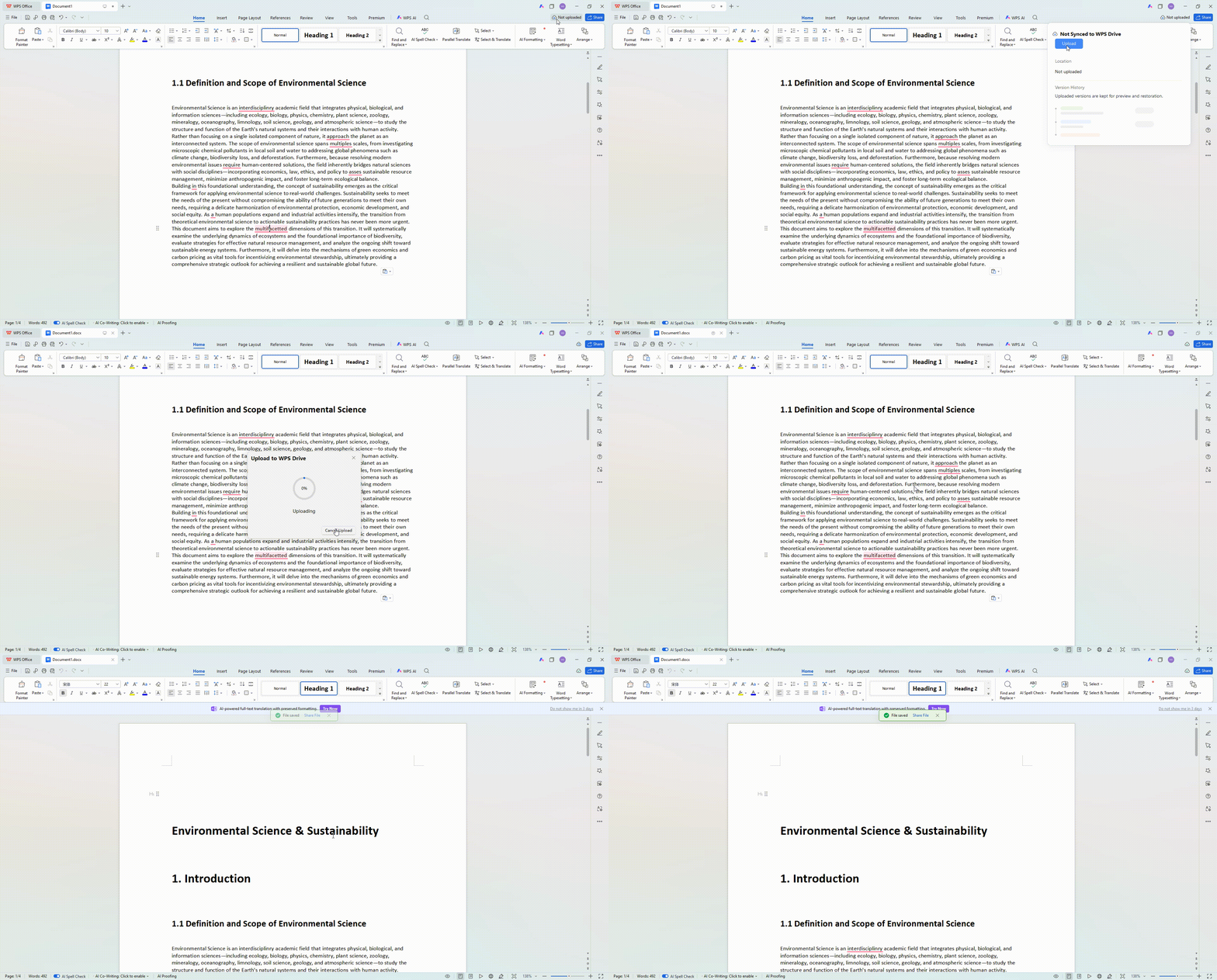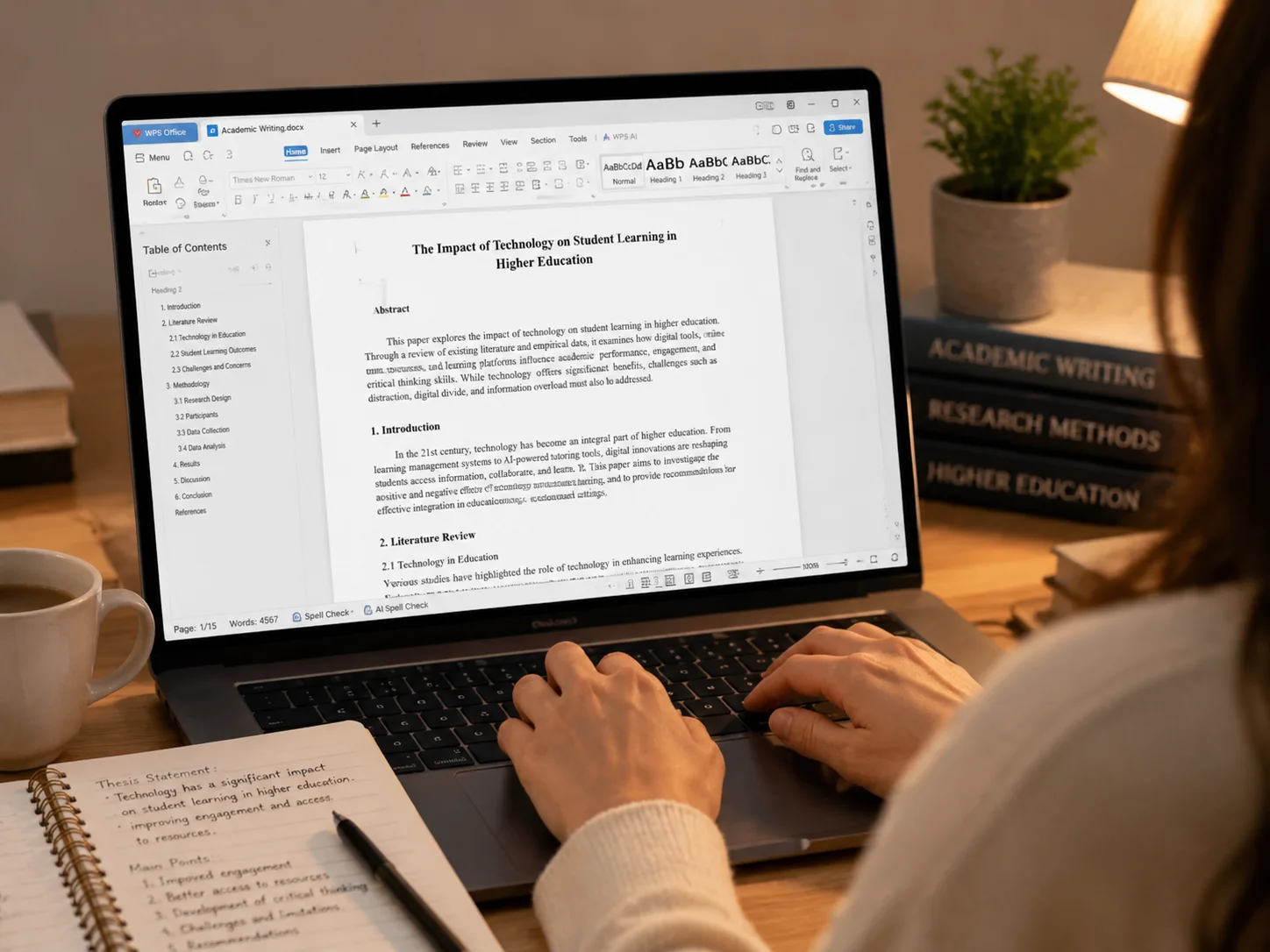
From outline to PDF

How to Write an Academic Paper: From Outline to Final PDF

An academic paper is a document other people can check. It needs one question, a clear structure, and a source for every borrowed idea. It also needs a PDF that still looks correct after you upload it.

Free Download Academic Writing Tools
How to Write an Academic Paper: From Outline to Final PDF

Read the assignment before you outline

Do not start writing until you can fill this list. If something is missing, ask your instructor.

Task word

Argue, evaluate, report, or review. This word chooses your structure.

Word or page limit

Write this down first. It stops the paper running long.

Citation style

APA, MLA, Chicago, or IEEE. Use one style for the whole file. See the APA format guide if you need APA.

Source rules

Peer-reviewed only, year range, or a set number. Open those PDFs in Chat PDF.

AI rules

Not allowed, allowed with a note, or not mentioned. Follow the course.

Upload format and file name

Word or PDF, plus the name the portal wants. Export to PDF if they ask for PDF.

Question formula

who or what you study + what happens + what you measure or claim + where and when

If you still have words like “people,” “impact,” or “nowadays,” the question is not ready.

Too wide Ready to write
Social media and anxiety How did daily Instagram use relate to anxiety scores among first-year nursing students at one university in autumn 2025?
Campus sustainability Did a no-tray dining rule change food waste (grams per student) in two dining halls over eight weeks in 2024?
The 1947 Partition How did three English-language newspaper editorials in Lahore in August 1947 explain who caused the refugee movement?
Better image models Does a small custom model reduce false night-time alerts compared with the department’s current method, using 8,000 campus camera frames?

Do this

Keep these habits

Evidence in the sentence

Put the number, quote, or source next to the claim, not in a later pile of notes.

One question controls the paper

Every heading should help answer that one question. Delete the rest.

Real headings

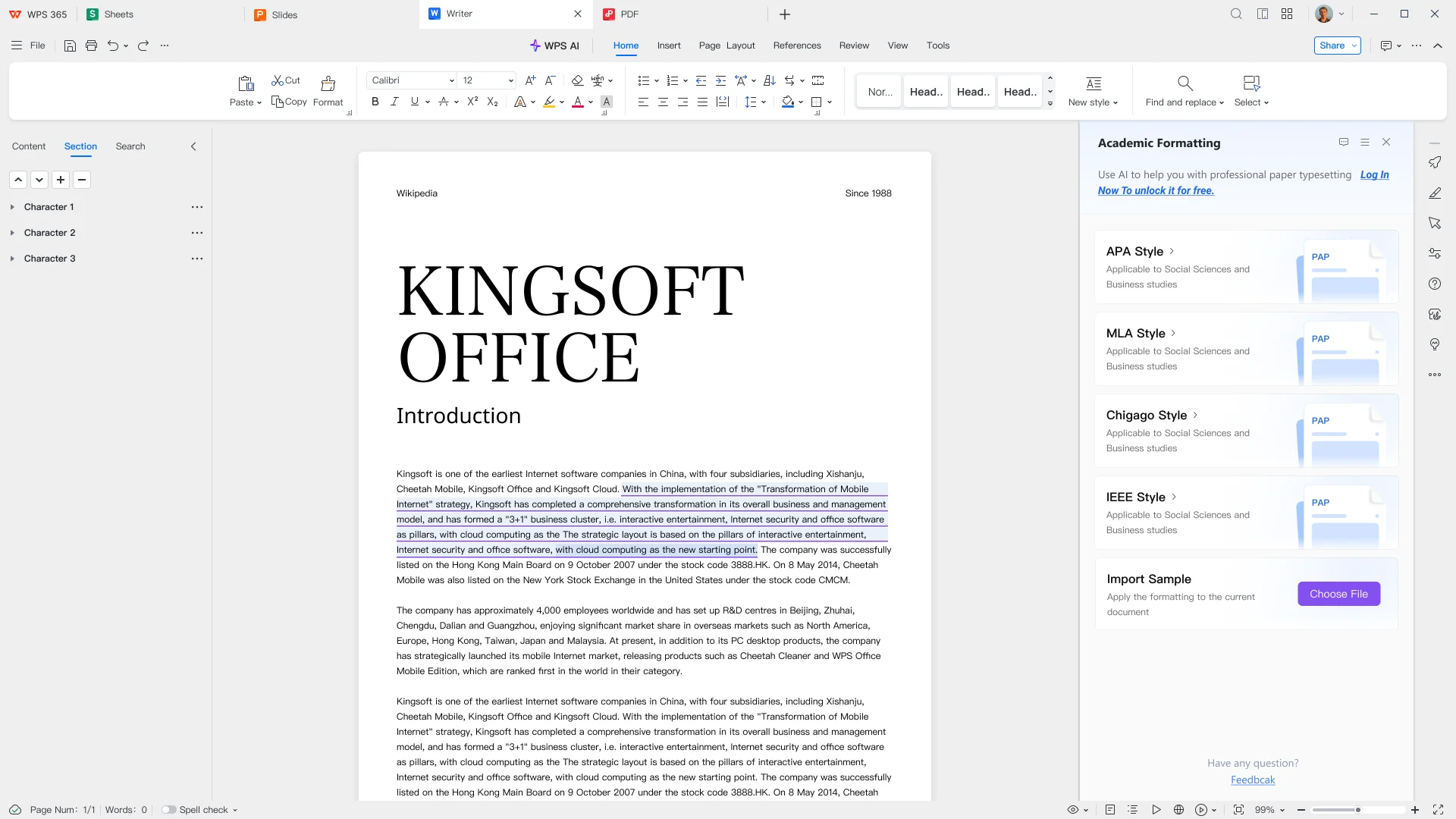
Use Heading 1 and Heading 2 so PDF bookmarks still work after export.

One citation style

APA, MLA, Chicago, or IEEE for the whole file. Do not mix them.

Check the PDF

Open the exported file. Check the title page, first heading, one table, last reference, and bookmarks.

Avoid this

Change these lines

Feelings instead of numbers

“Unfair” and “hurts students” are not results. Grams, scores, and counts are.

Hype words

Skip amazing, devastating, proves, and destroys. State what the data showed.

Talking to the reader as you

Do not write “you can clearly see.” Report the finding without addressing the reader.

Vague time and people

Replace “a lot of researchers lately” with a year range, a count, and what they measured.

I think as a result

I is fine in methods. I think is not a result. Name the evidence instead.

Quick tone check

Change this

“I feel the dining policy is unfair and really hurts students.”

Write this

“Food waste fell from 94 g to 61 g per student in the hall that removed trays first.”

Change this

“This amazing study proves social media destroys mental health.”

Write this

“In this group, students who reported 3+ hours of Instagram a day had higher anxiety scores than students who reported under one hour.”

Keep the claim as small as the evidence. A gram count or an anxiety score is stronger than a feeling or a hype word.

Choose a structure: Argue, Report, or Map

Most assignments fit one of three structures. Pick one and stay with it. Then download a sample that matches your assignment.

Argue

Use this when the assignment says discuss, evaluate, or “to what extent.”

PDF order: title → introduction with your main answer → sections that each prove one point → a counter-view if required → conclusion → references.

Intro job: answer the question in one or two sentences, then say how the next sections will support that answer.

Report

Use this when you collected or analysed data (lab, survey, experiment, course study). Follow IMRaD.

PDF order: title → abstract if required → Introduction → Methods → Results → Discussion → references.

Rule: Methods = what you did. Results = what you found. Discussion = what it means. Do not mix methods, results, and discussion.

Map

Use this for a literature review. Group sources by theme, not one heading per article.

PDF order: title → introduction that names the gap → groups by theme → short synthesis → references.

Rule: listing paper A, then B, then C is a source list, not a review.

Assignment Use this structure Sample download
Essay Argue. Answer one question with supporting points. Download .docx
Research paper Report if it has data, otherwise Argue. Download .docx
Thesis / dissertation Match the chapter: methods = Report; discussion = Argue. Download .docx
Research proposal Map the field, then plan methods. Download .docx
Literature review Map. Group sources by theme, not by article. Download .docx
Lab report Report. Keep methods, results, and discussion apart. Download .docx
Annotated bibliography Source table before the paper. One row per source. Download .docx

Science and humanities still share two rules

  • Science papers spend more words on methods and results.
  • Humanities papers spend more on argument and sources.
  • Both still need one question and one citation style.

Draft every academic genre in one workspace.

Download free

Four stages: research, structure, draft, format

Move from the assignment to a PDF you have already opened and checked.

1

Stage 1

Lock one question, then log sources

A topic is too wide. A question is small enough for one paper. Then keep sources in a table, not in a pile of PDFs.

Question formula

Use this: who or what you study + what happens + what you measure or claim + where and when. If the question still says “people” or “impact,” it is not ready.

Source table columns

Add one row per paper: source (author, year), their question, method, main finding, limit they mention, and how you will use it. If you cannot fill the last column, stop taking notes on that source.

Verify the page

Use ChatPDF to fill the middle columns faster. Then open the page it points to and check. If you cannot see the page, do not cite the claim.
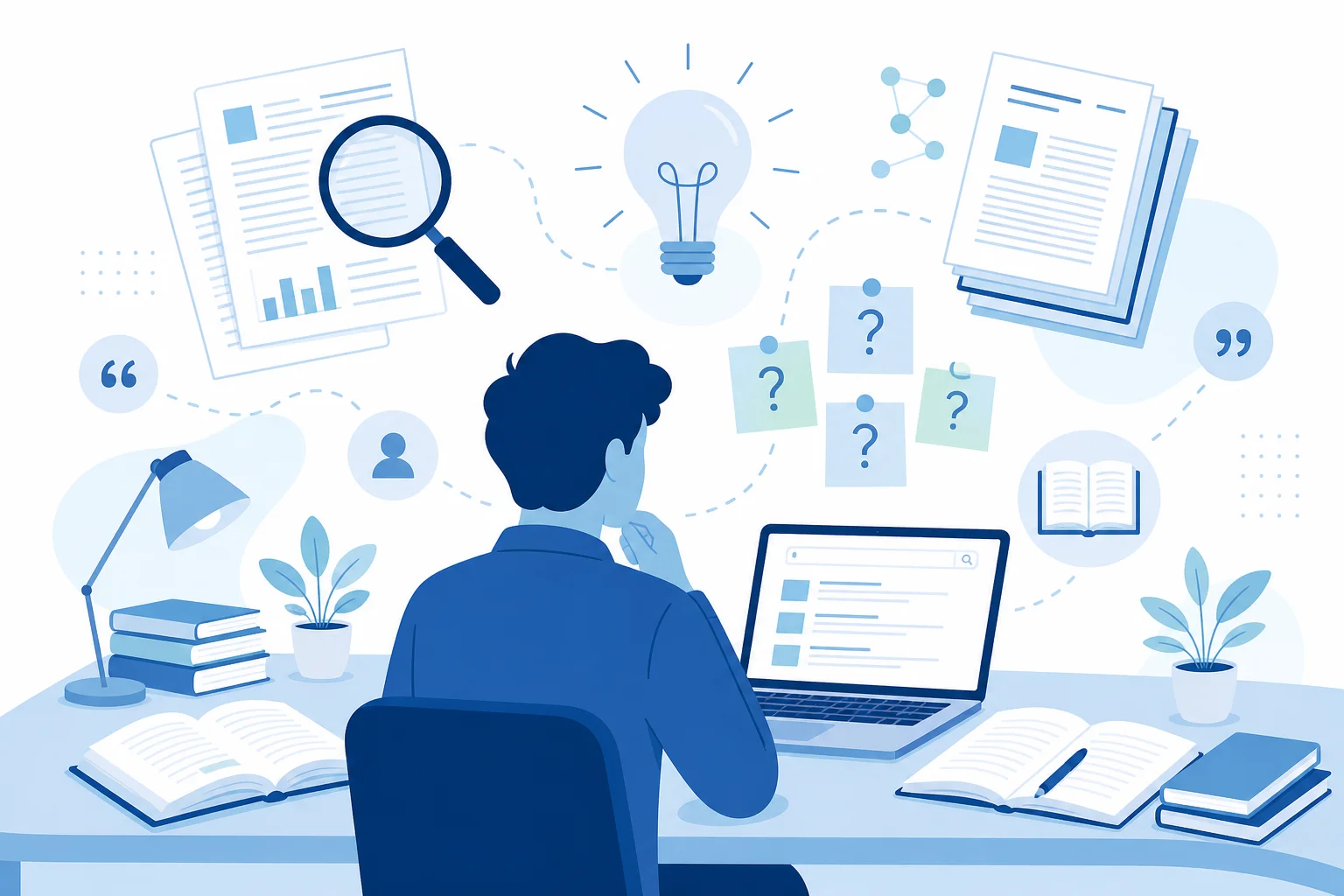
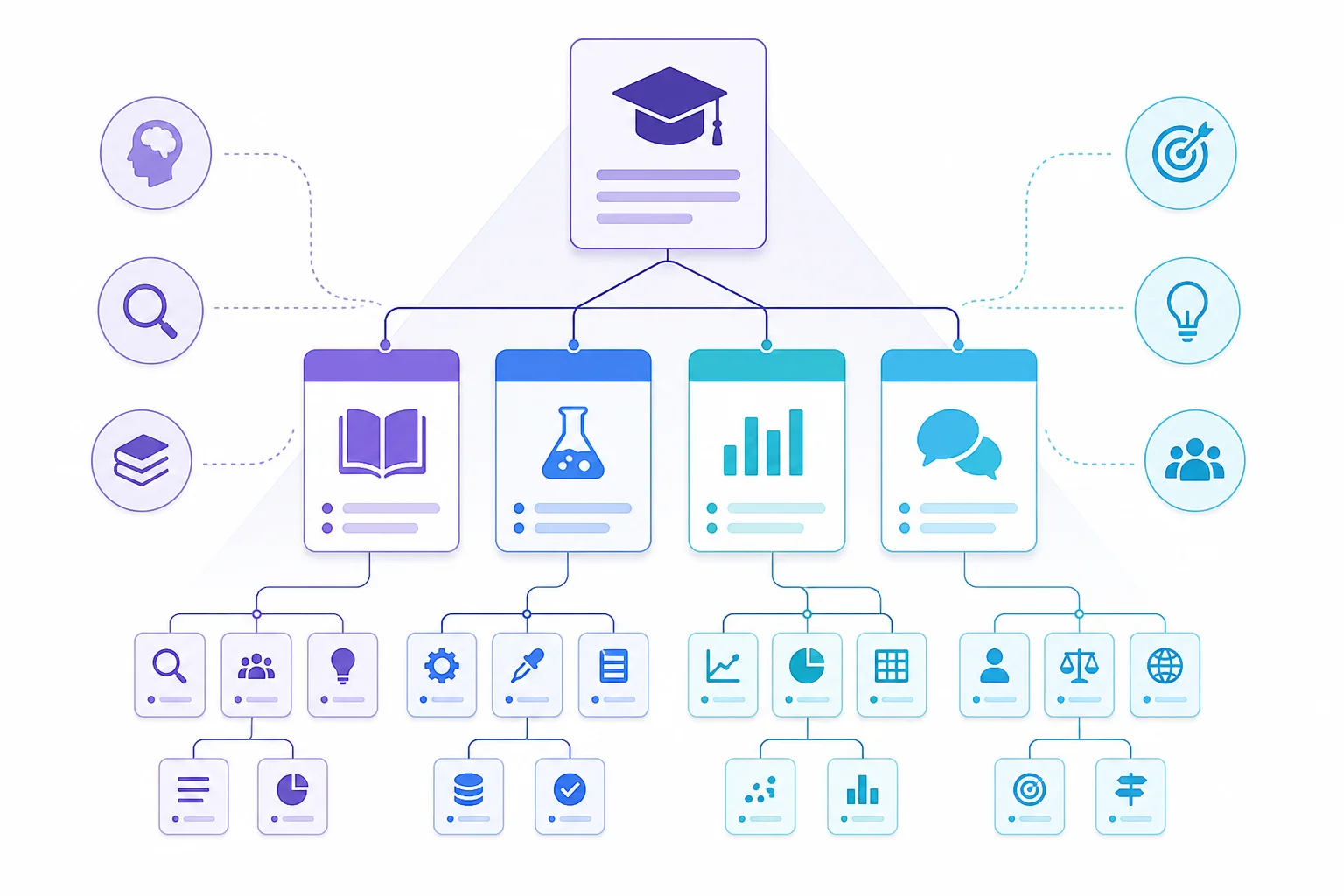
Concept: topic selection and literature research

Write the draft, then export a PDF you have already checked

Research, outline, cite, format, and export in one workspace.

Free Download

How to write a polished paper with WPS Office

Follow this end-to-end journey from topic research to cloud backup. AI helps you research and revise. You own the argument and the sources. Do not produce a full draft as the submitted paper.

1 Research→ 2 Outline→ 3 Draft→ 4 Polish→ 5 Translate→ 6 Paper format→ 7 PDF→ 8 Cloud submit
1 Topic research

Start by clarifying your research question and scanning related literature. Use ChatPDF to upload papers, extract key claims, and ask follow-up questions without reading every page line by line. Pair that with WPS Copilot web search to discover recent sources, definitions, and competing viewpoints before you lock the topic.

ChatPDF WPS Copilot web search
Topic research with ChatPDF and Copilot
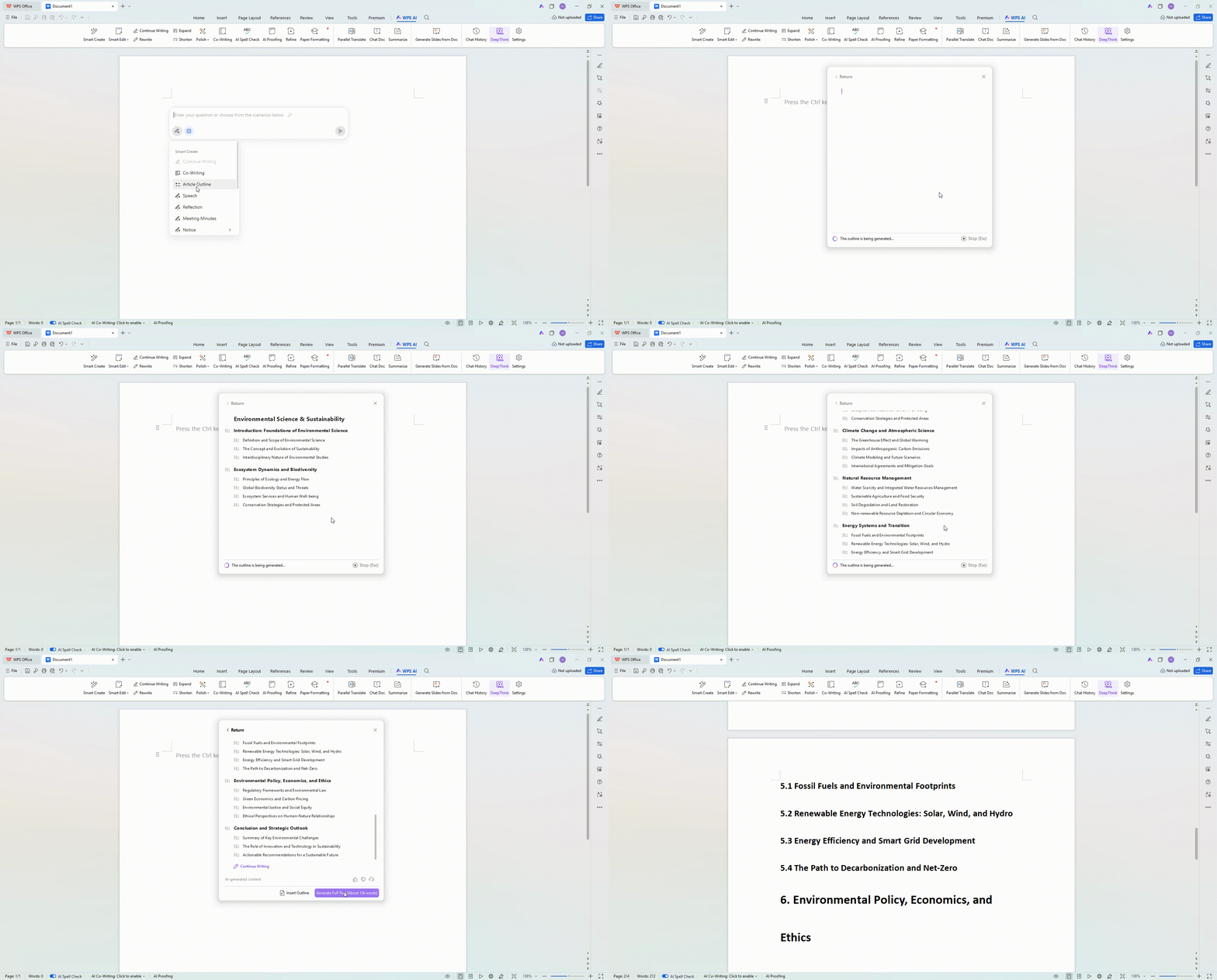
AI outline generation in WPS
2 AI-generated outline

Turn your topic into a structured plan with AI Writer. Ask it to generate a chapter outline, section headings, and argument flow for the thesis or essay. Review and rearrange the outline so each section supports one clear claim before drafting.

AI Writer Outline generation
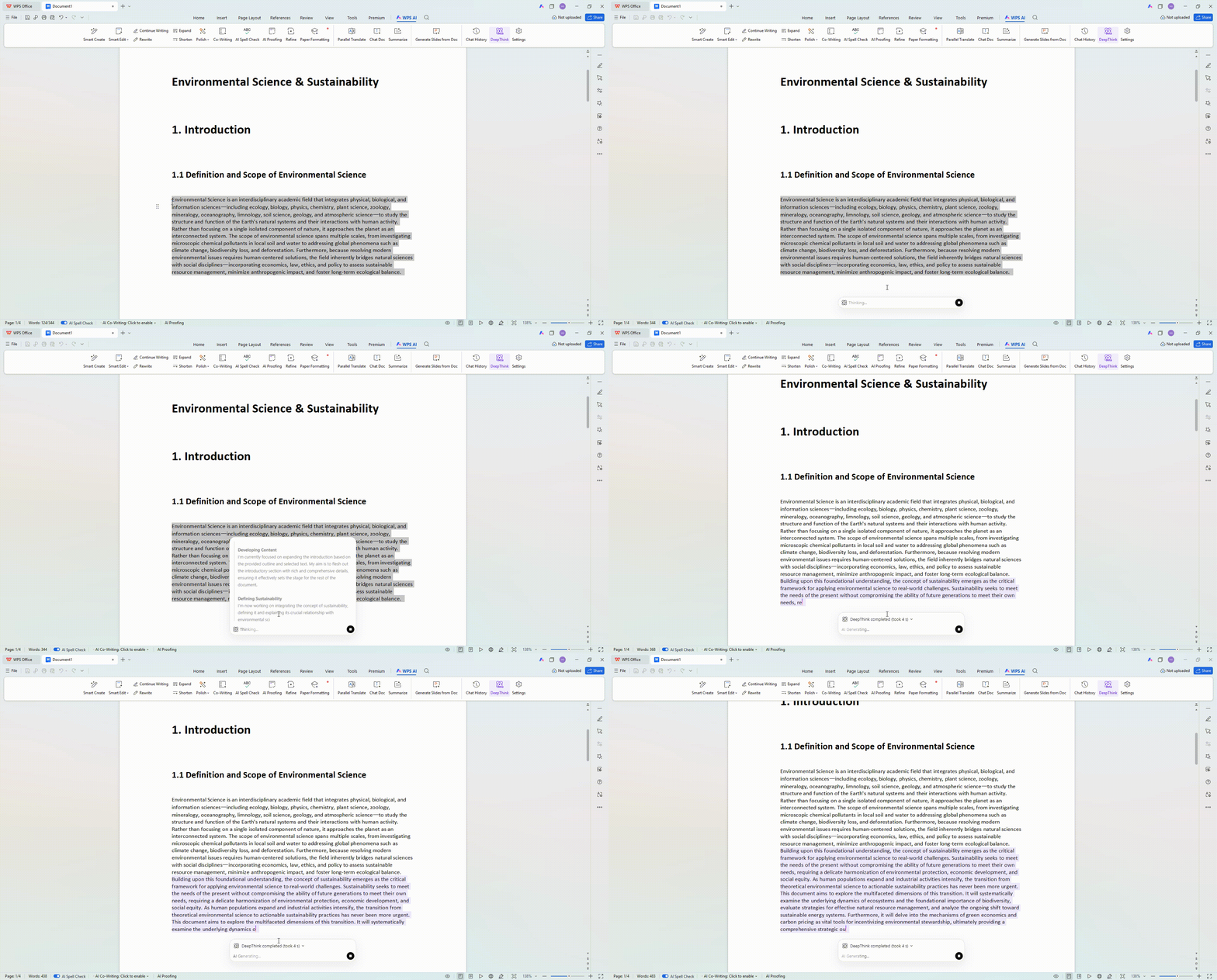
3 AI writing & continue writing

Draft section by section with AI Writer. Keep evidence and citations as the backbone of every claim. Delete invented papers, numbers, or quotes. Use AI expand when a point needs more explanation, but do not submit a full generated draft as the paper.

AI Writer Continue writing AI expand
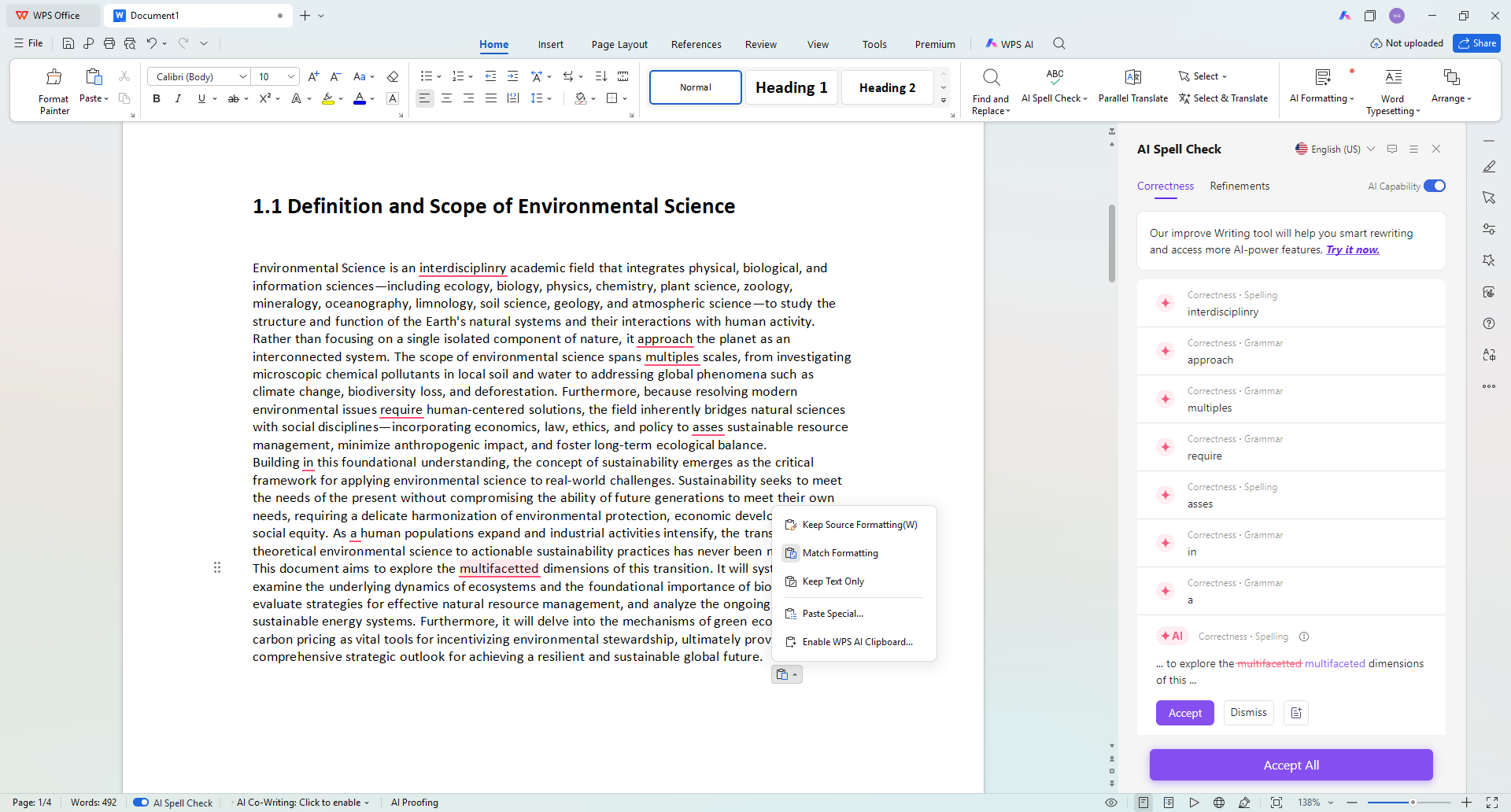
AI drafting and continue writing in WPS
AI polish and spelling check in WPS
4 AI polish & spelling check

Refine tone with AI polish set toward a formal academic voice: clearer sentences, fewer informal phrases, stronger consistency. Use AI shorten for wordy paragraphs, then run grammar checker to catch typos, tense slips, and punctuation issues before peer review.

AI polish AI shorten Grammar checker

Continue the workflow in WPS Writer

Outline, draft, polish, and export without leaving the app.

Free Download
5 AI translation

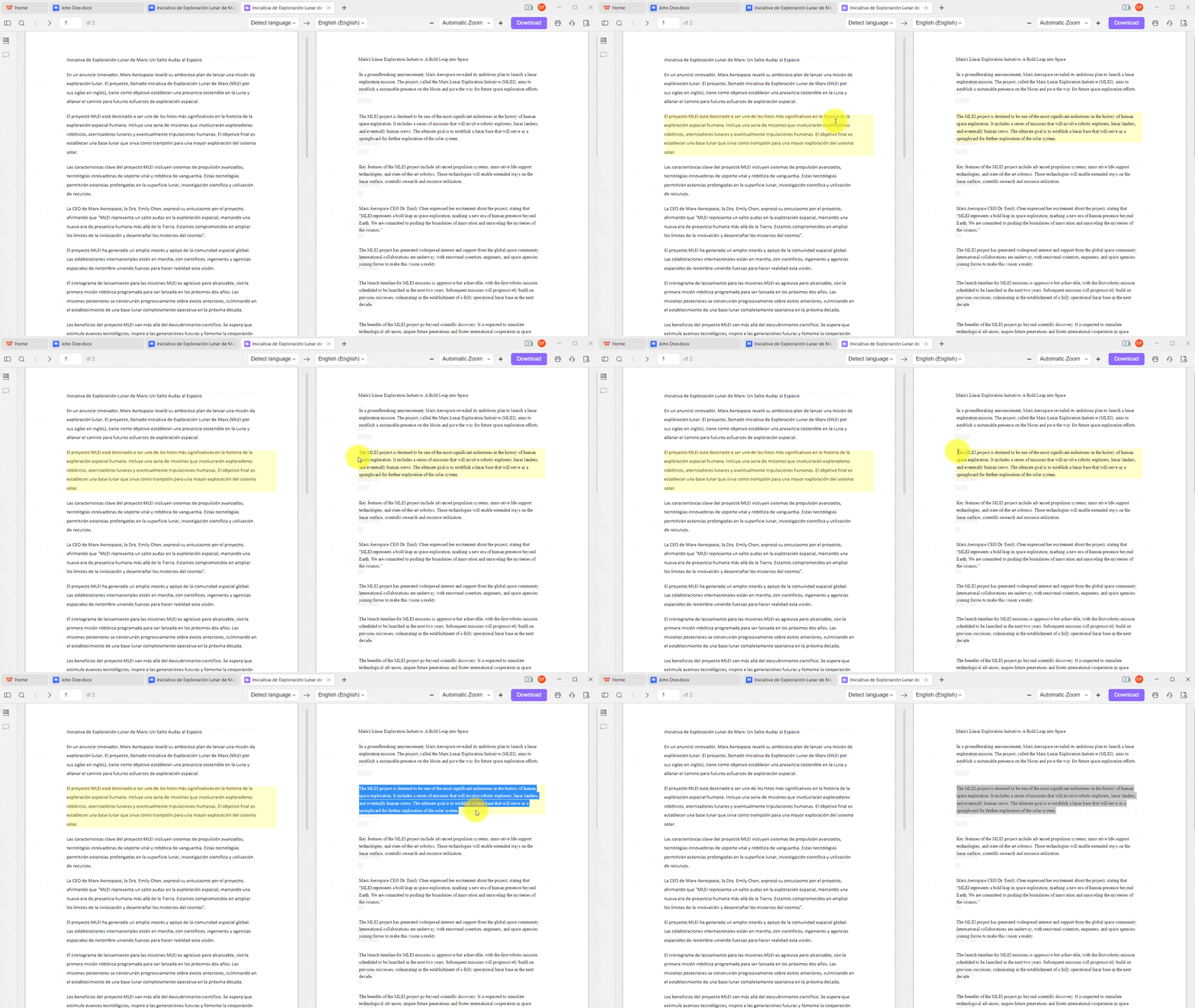
When you work across languages (reading non-English sources or preparing a bilingual abstract), use document translation for longer passages and selection translation for precise terms, quotes, and definitions. Always re-check terminology against your field’s preferred wording.

AI translation tools in WPS
7 Word to PDF & PDF editing

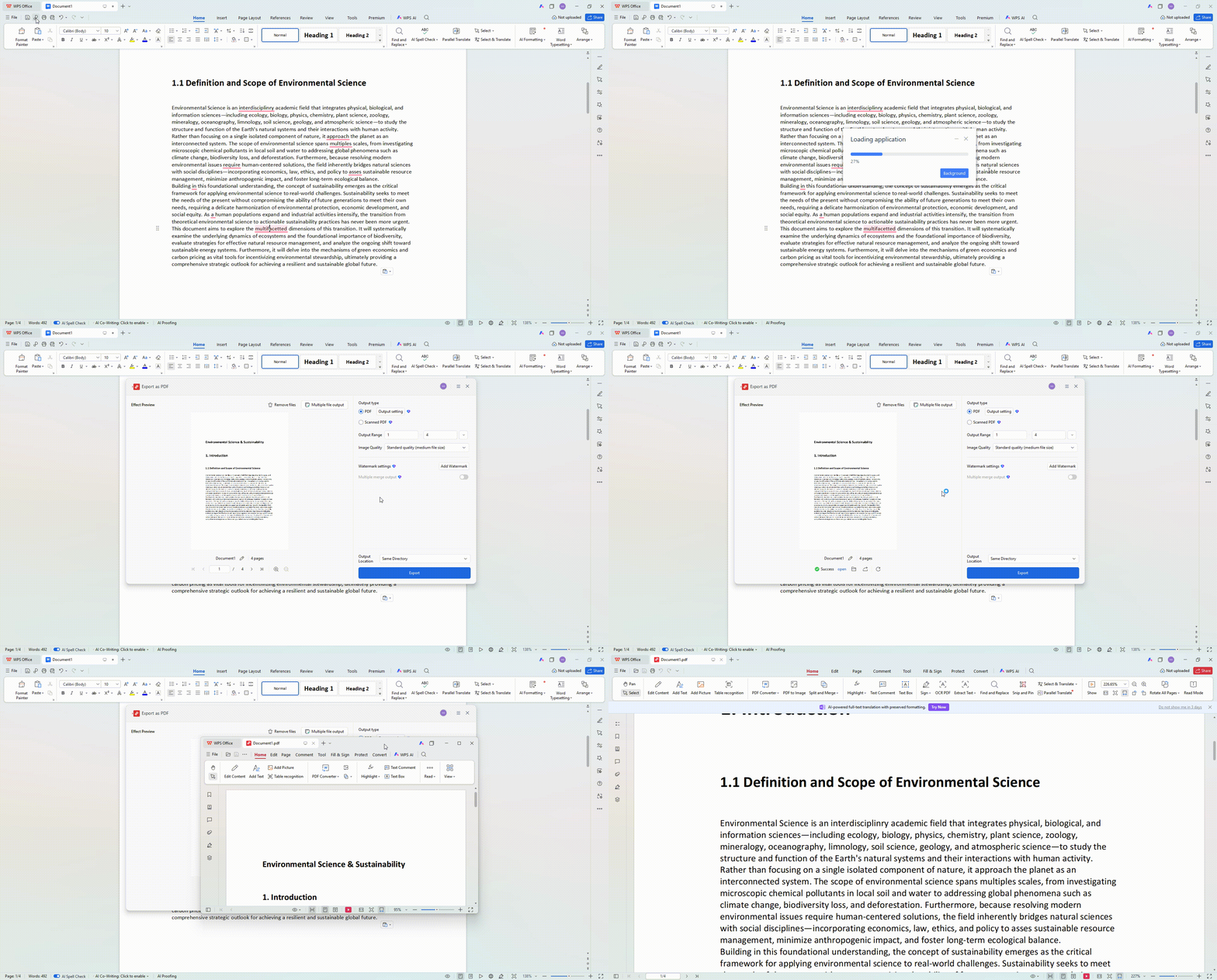
Export the finished manuscript with Word to PDF. Open the PDF and check the bookmarks, title page, first heading, one table, and last reference. If reviewers request small fixes, use PDF editing for targeted updates without rebuilding the entire document.

Word to PDF conversion in WPS
Cloud backup and version history in WPS
8 Cloud backup & submit

Save the working file as a cloud document so drafts stay synced across devices. Use version history to recover earlier outlines or advisor-approved sections, then download the final PDF for submission with confidence that nothing critical was lost in last-minute edits.

Cloud docs Version history

Check this list before you upload

Tap each item to check it off before submission. Your progress is saved in this browser.

Progress 0 / 12

Paper job

Evidence

File

Finish your checklist, then write and submit with WPS Office.

Free Download
FAQ

Common questions

Assignment, structure, PDF export, AI rules, and citation style.

Finish the file you will be graded on

Write in WPS Writer, apply the required format, and upload a PDF you have already opened and checked.

detail_banner_pc