
0
Apps in One Suite
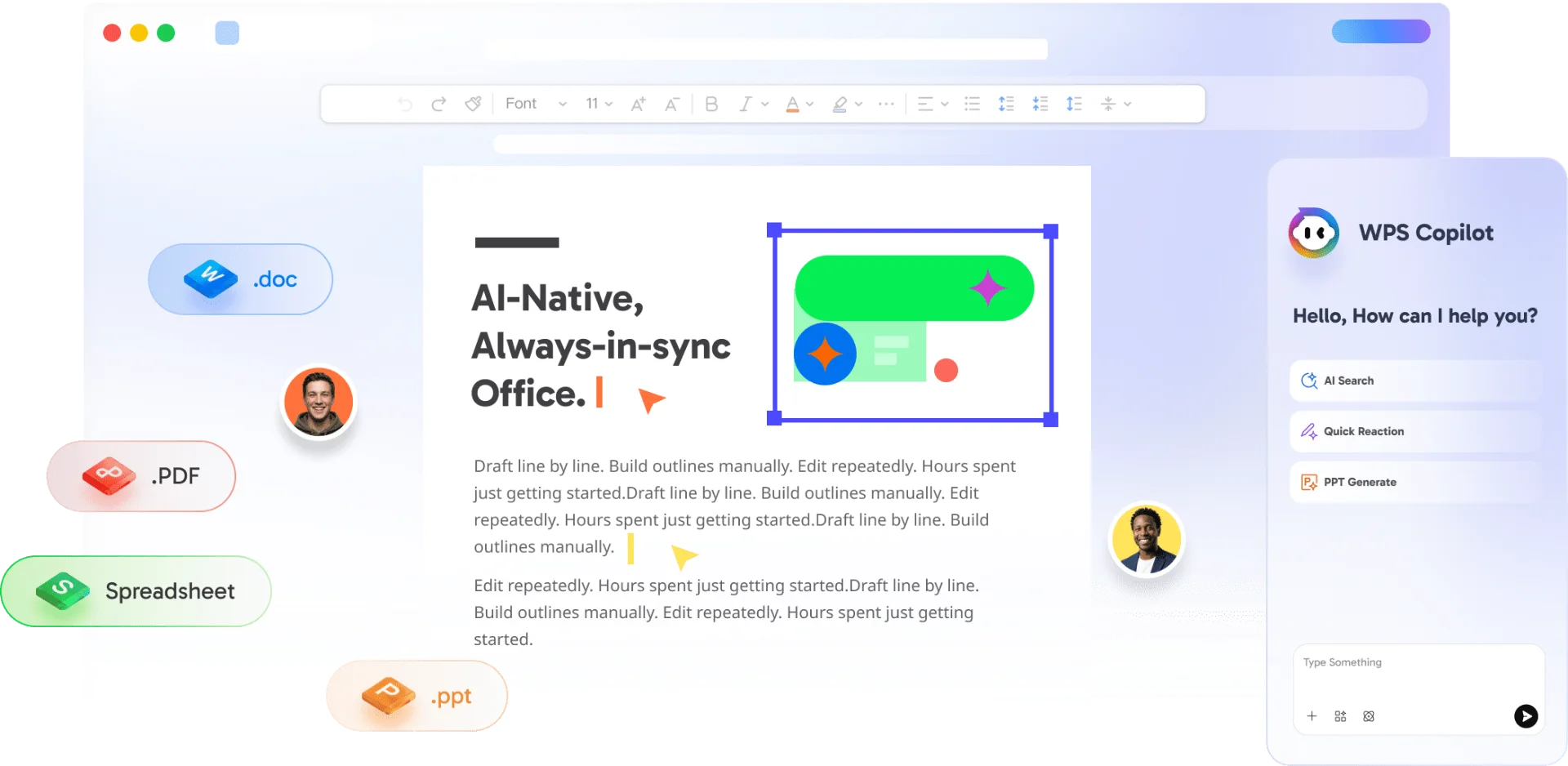
Writer, Spreadsheet, Presentation, and PDF—this OpenOffice alternative covers everyday office work without jumping between separate tools.
#1 OpenOffice Alternative
Looking for a modern OpenOffice alternative? WPS Office delivers Writer, Spreadsheet, Presentation, and PDF in one free suite—with stronger Microsoft Office compatibility than Apache OpenOffice. See OpenOffice vs WPS Office below.
Free office suite · Also on Linux, Android, and iOS · Installer matches this device
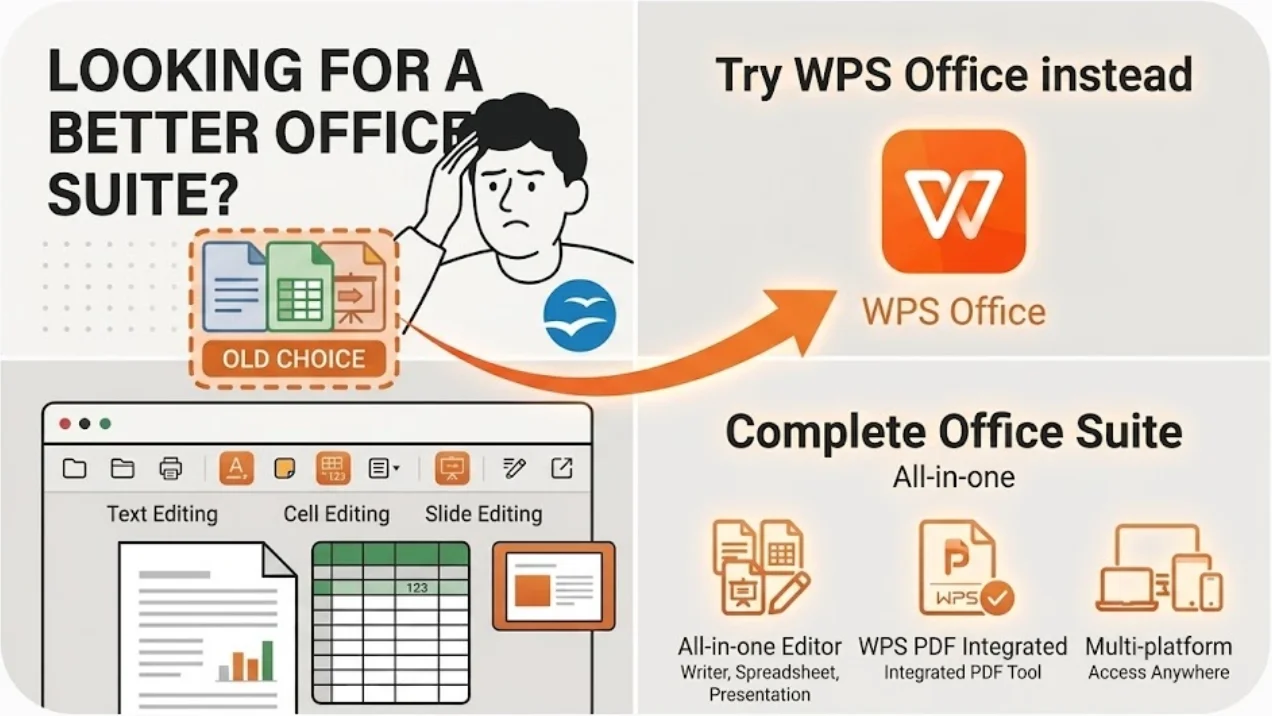
Every metric that matters—from Microsoft Office compatibility to total cost—proves WPS Office is the OpenOffice alternative users trust most.
0
Writer, Spreadsheet, Presentation, and PDF—this OpenOffice alternative covers everyday office work without jumping between separate tools.
100%
Open and save .docx, .xlsx, and .pptx by default—stronger layout fidelity than OpenOffice when you collaborate with Word and Excel users.
$0
Download a free OpenOffice alternative with modern UI, PDF tools, and optional AI—no Microsoft 365 subscription required for everyday tasks.
See how WPS Office stacks up as an OpenOffice alternative against Apache OpenOffice, LibreOffice, and Microsoft 365—feature by feature.
| Feature | WPS Office | OpenOffice | LibreOffice | Microsoft 365 |
|---|---|---|---|---|
| Core Price | Free | Free (open source) | Free (open source) | $6.99+/mo |
| Modern Ribbon UI | ⭐⭐⭐⭐⭐ | ⭐⭐ | ⭐⭐⭐ | ⭐⭐⭐⭐⭐ |
| MS Office Compatibility | High-fidelity | Good; complex layouts may shift | Good; complex layouts may shift | Native |
| OpenDocument Support | .odt / .ods / .odp | Native | Native | Limited |
| Built-in PDF Editor | Edit · Convert · Sign | Export only | Basic / via Draw | Limited (extra apps) |
| AI Productivity Tools | WPS AI | No | Plugins only | Copilot (paid) |
| Mobile Apps | Android & iOS | Limited | Limited | Yes |
| License Model | Free core; optional Premium | Fully open source | Fully open source | Subscription |
Ready to switch? Download the best OpenOffice alternative and open your existing files in seconds—no formatting marathon, no learning cliff.
Free Forever · OpenOffice vs WPS Office Winner for Everyday Work · Windows, Mac & Linux
Download WPS Office FreeWPS Office packs modern productivity into the best OpenOffice alternative—Microsoft-friendly files, PDF power, and AI without a second subscription.
Open complex .docx reports without the reflow OpenOffice users often hit—headers, tables, and fonts stay aligned for real collaboration.
Work in .xlsx by default with formulas, charts, and pivots your Excel teammates expect—an OpenOffice alternative built for shared workbooks.
Edit, convert, OCR, and e-sign PDFs in the same client—PDF tools OpenOffice cannot match with export-only workflows.
Draft, rewrite, summarize, and chat with documents—intelligence no other free OpenOffice alternative ships natively at this scale.
Replace dated OpenOffice toolbars with a Microsoft-style ribbon and browser-like tabs—open a report, workbook, deck, and PDF together.
Windows, Mac, Linux, Android, and iOS—keep the same OpenOffice alternative file moving from desktop to phone without a viewer-only dead end.
Four reasons teams pick this OpenOffice alternative—Microsoft-ready files, PDF in the same suite, built-in AI, and true cross-platform coverage.
When OpenOffice vs WPS Office comes down to .docx fidelity, WPS wins for teams that live in Word and Excel. Save Microsoft formats by default so fonts, tables, and slides stay closer to the original.
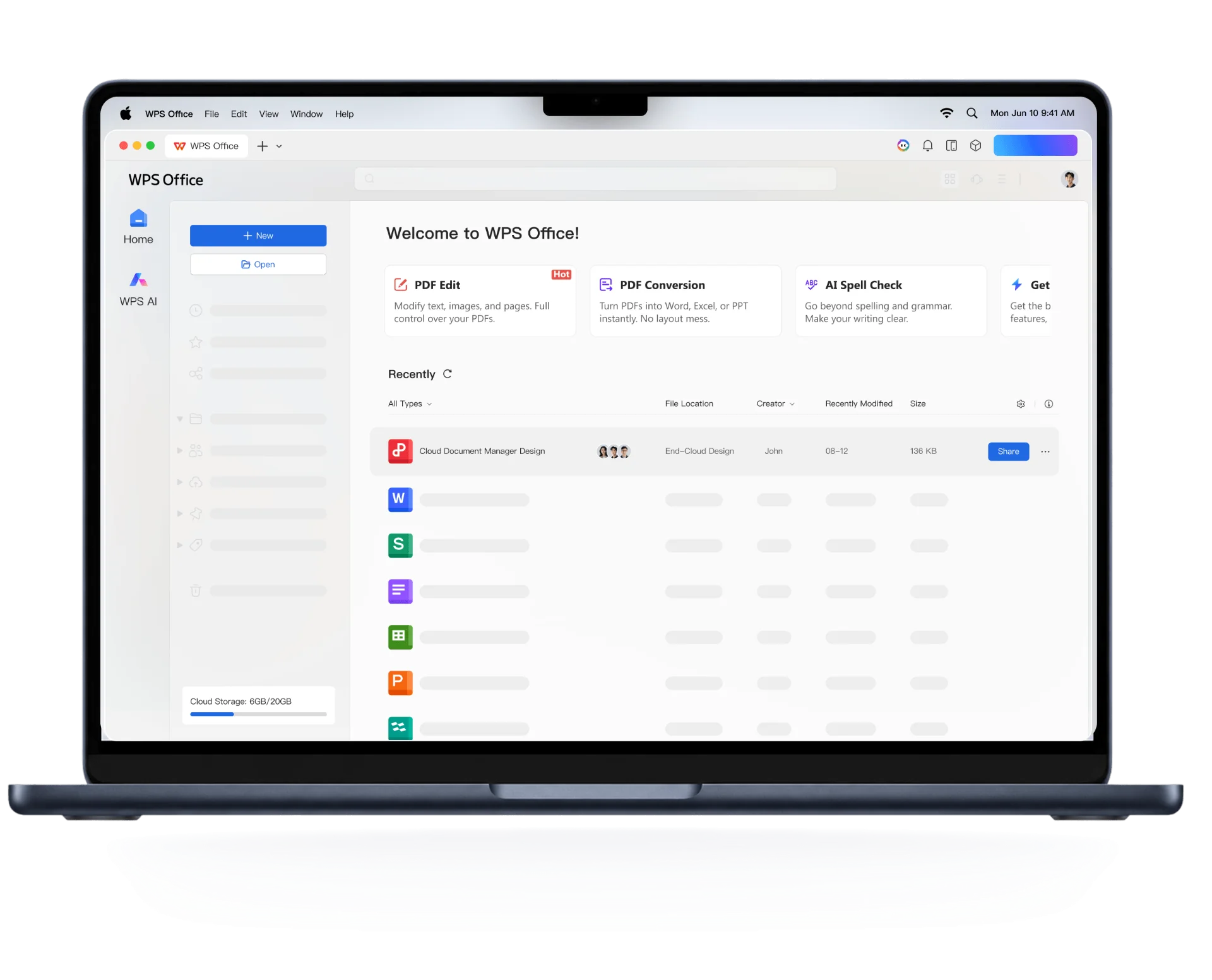
WPS Writer document editing screen
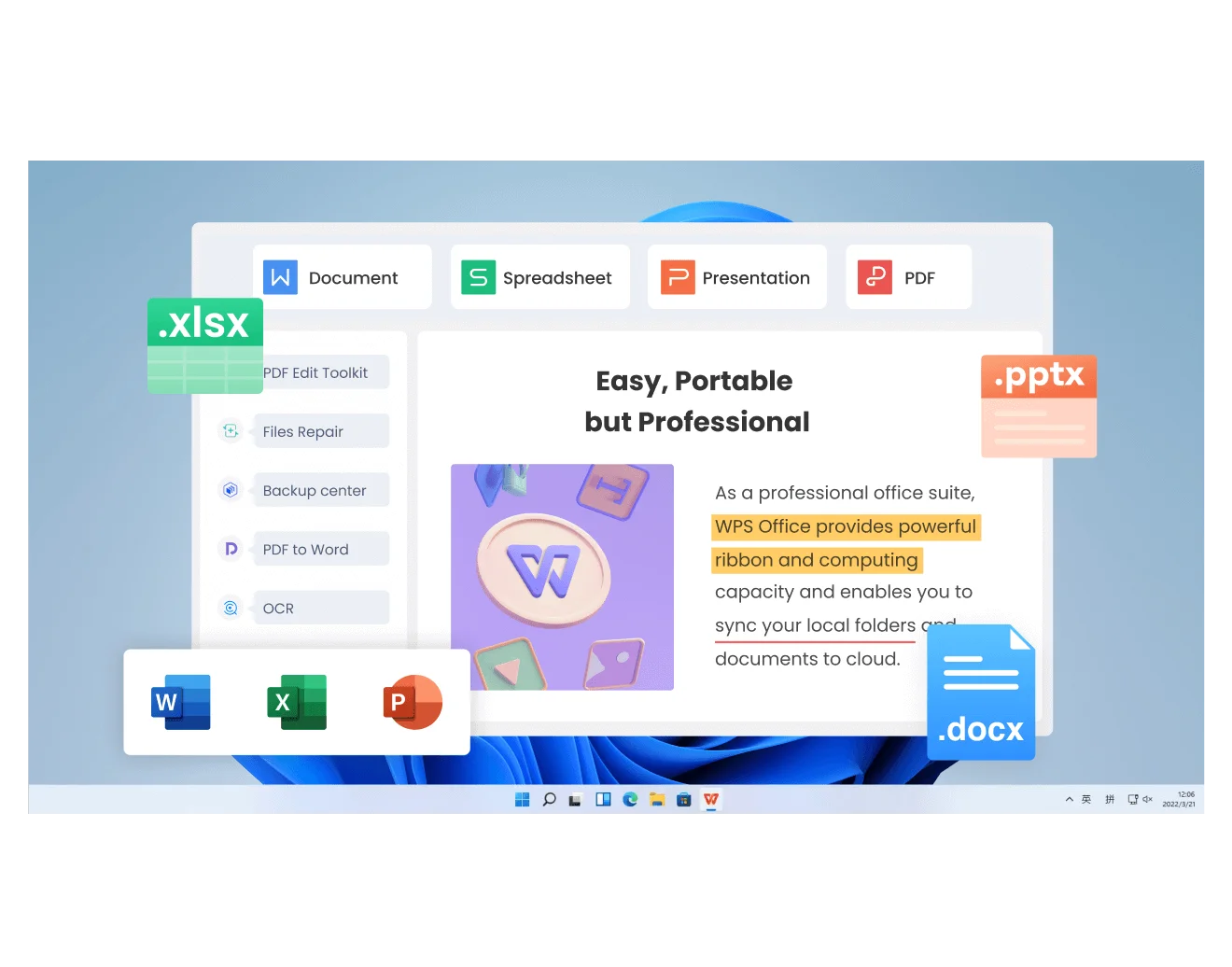
WPS Spreadsheet Excel tools Windows
Why juggle Writer and a separate PDF tool? This OpenOffice alternative includes a real PDF editor—edit, convert, and sign without leaving WPS Office.
Skip the blank-page stall. WPS AI drafts, rewrites, and summarizes inside the document—intelligence Apache OpenOffice does not ship natively.
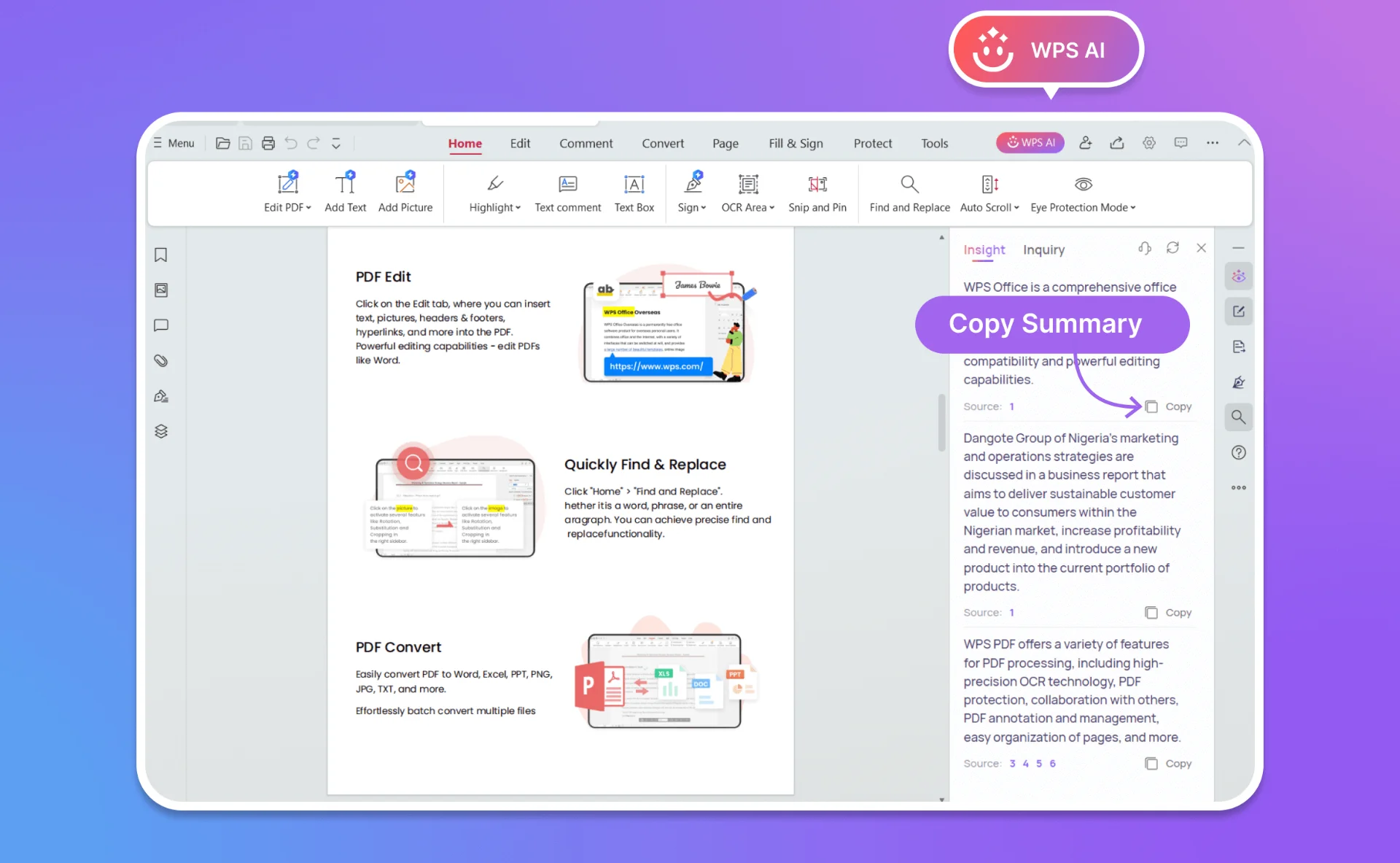
WPS AI writing assistant panel
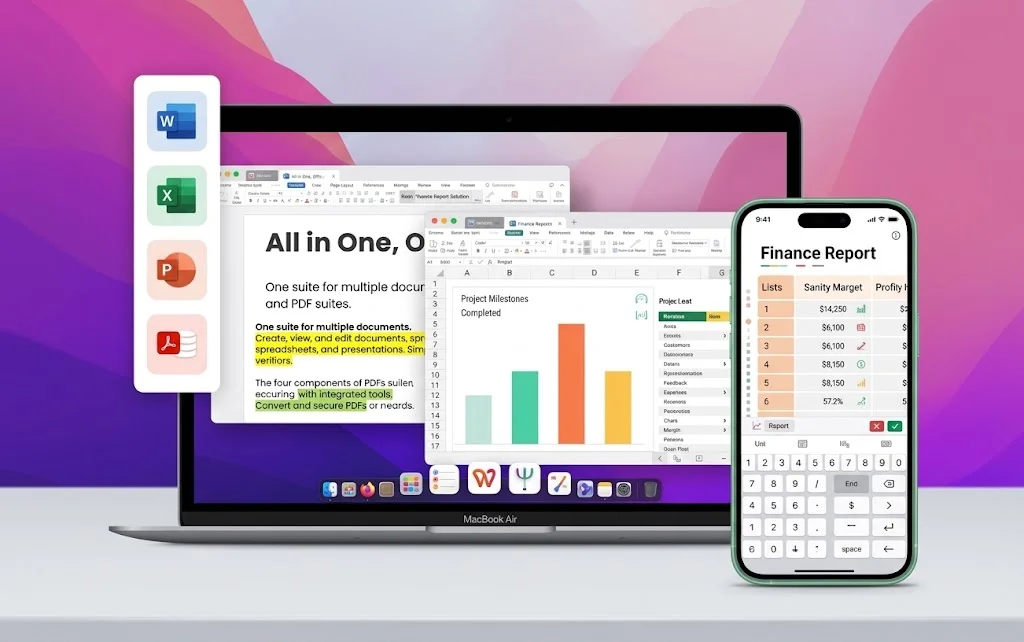
WPS Office desktop and mobile apps
Work on Windows, Mac, Linux, Android, and iOS. Full desktop editing offline, cloud sync when you need it—a cross-platform OpenOffice alternative Apache itself cannot match at this price.
Migrating from Apache OpenOffice to WPS Office—the best OpenOffice alternative—takes less than a minute. No archive conversion project required.
Download the lightweight WPS Office package—your OpenOffice alternative installer. Setup takes less than 60 seconds on Windows, Mac, or Linux.
Drag and drop .odt, .ods, .odp, or Microsoft Office files into WPS. As a compatible OpenOffice alternative, your documents open in the same window.
Keep OpenDocument when sharing with OpenOffice users, or save .docx / .xlsx / .pptx for Microsoft teammates—every pro tool you'd expect from the best OpenOffice alternative.
Free Forever · No Credit Card · Windows, Mac & Linux
Real feedback from people who compared OpenOffice vs WPS Office and made the switch.
I left OpenOffice because .docx files kept breaking. WPS opens the same Word docs my clients send—it's the best OpenOffice alternative I've tried, and the free suite is enough for daily work.

OpenOffice vs WPS Office was an easy call once I needed PDF edits. Having Word, Excel, and PDF in one OpenOffice alternative beats juggling separate free tools.

As a student, I needed an OpenOffice alternative that still looked like Microsoft Office. WPS opened my professors' .docx files cleanly and worked great on my phone.

Everything you need to know before switching from Apache OpenOffice to WPS Office.
WPS Office is the best OpenOffice alternative for most users who work with Microsoft Office files. It offers Writer, Spreadsheet, Presentation, and built-in PDF tools in a modern free desktop suite—with higher .docx/.xlsx/.pptx fidelity than Apache OpenOffice.
Choose WPS Office if you need modern UI, stronger Microsoft Office compatibility, built-in PDF editing, cloud sync, and AI tools. Stay with Apache OpenOffice if you require a fully open-source stack and modules like Draw, Base, or Math as first-class apps.
Yes. WPS Office includes a free desktop suite for Writer, Spreadsheet, Presentation, and PDF on Windows, Mac, and Linux. Some advanced cloud and AI features sit in optional paid plans, and the free client may show ads.
Yes. As an OpenOffice alternative, WPS Office opens OpenDocument files including .odt, .ods, and .odp, as well as Microsoft Office .docx, .xlsx, and .pptx files.
Yes. WPS Office is a full desktop OpenOffice alternative that works offline. Sync to WPS 365 cloud when you need cross-device access.
For everyday Microsoft Office workflows, yes. WPS saves .docx, .xlsx, and .pptx by default with high layout fidelity, while OpenOffice users often report formatting shifts on complex Word and Excel files.
WPS Office runs on Windows, macOS, Linux, Android, and iOS—broader mobile coverage than Apache OpenOffice's desktop-first focus.
Yes. Save OpenDocument formats when sharing with OpenOffice users, or save Microsoft Office formats for Word, Excel, and PowerPoint teammates—both workflows are supported in this OpenOffice alternative.
Join 600 million users who chose WPS Office as their OpenOffice alternative. No subscription required for core tools—just Word, Excel, PowerPoint, and PDF in one modern free suite.
Download OpenOffice Alternative NowFree Forever · Best OpenOffice Alternative · Windows, Mac & Linux