

'%3e%3cpath%20d='M8%200C12.4183%200%2016%203.58172%2016%208C16%2012.4183%2012.4183%2016%208%2016C3.58172%2016%200%2012.4183%200%208C0%203.58172%203.58172%200%208%200ZM11.6162%204.38379C11.2257%203.99337%2010.5927%203.99338%2010.2021%204.38379L8%206.58594L5.79785%204.38379C5.40732%203.99334%204.77429%203.99329%204.38379%204.38379C3.99331%204.77429%203.99335%205.40733%204.38379%205.79785L6.58594%208L4.38379%2010.2021C3.99348%2010.5927%203.99341%2011.2257%204.38379%2011.6162C4.77426%2012.0066%205.40734%2012.0065%205.79785%2011.6162L8%209.41406L10.2021%2011.6162C10.5927%2012.0066%2011.2257%2012.0067%2011.6162%2011.6162C12.0067%2011.2257%2012.0066%2010.5927%2011.6162%2010.2021L9.41406%208L11.6162%205.79785C12.0066%205.40735%2012.0066%204.77429%2011.6162%204.38379Z'%20fill='%23080E17'%20fill-opacity='0.46'/%3e%3c/g%3e%3cdefs%3e%3cclipPath%20id='clip0_3761_713'%3e%3crect%20width='16'%20height='16'%20fill='white'/%3e%3c/clipPath%3e%3c/defs%3e%3c/svg%3e)




'%3e%3cpath%20fill-rule='evenodd'%20clip-rule='evenodd'%20d='M21.4999%2010.9993C21.4999%205.20009%2016.7986%200.498901%2010.9993%200.498901C5.19994%200.498901%200.498657%205.20009%200.498657%2010.9993C0.498657%2016.2404%204.33858%2020.5844%209.35855%2021.3722V14.0346H6.69238V10.9993H9.35855V8.68594C9.35855%206.05427%2010.9262%204.60062%2013.3248%204.60062C14.4736%204.60062%2015.6753%204.80571%2015.6753%204.80571V7.38979H14.3512C13.0468%207.38979%2012.64%208.19921%2012.64%209.0296V10.9993H15.5523L15.0867%2014.0346H12.64V21.3722C17.66%2020.5844%2021.4999%2016.2404%2021.4999%2010.9993Z'%20fill='%231568EA'/%3e%3c/g%3e%3c/svg%3e)


'%3e%3cpath%20d='M2.42045%2022.1876H6.31818V12.7217L0.75%208.54553V20.5171C0.75%2021.4414%201.49892%2022.1876%202.42045%2022.1876Z'%20fill='%234285F4'/%3e%3cpath%20d='M19.682%2022.1876H23.5797C24.5041%2022.1876%2025.2502%2021.4387%2025.2502%2020.5171V8.54553L19.682%2012.7217'%20fill='%2334A853'/%3e%3cpath%20d='M19.682%205.48293V12.7216L25.2502%208.54543V6.31816C25.2502%204.25236%2022.8921%203.07469%2021.2411%204.31361'%20fill='%23FBBC04'/%3e%3cpath%20d='M6.31824%2012.7217V5.48303L13.0001%2010.4944L19.6819%205.48303V12.7217L13.0001%2017.733'%20fill='%23EA4335'/%3e%3cpath%20d='M0.75%206.31816V8.54543L6.31818%2012.7216V5.48293L4.75909%204.31361C3.10534%203.07469%200.75%204.25236%200.75%206.31816Z'%20fill='%23C5221F'/%3e%3c/g%3e%3cdefs%3e%3cclipPath%20id='clip0_2954_7305'%3e%3crect%20width='24.5'%20height='18.375'%20fill='white'%20transform='translate(0.75%203.8125)'/%3e%3c/clipPath%3e%3c/defs%3e%3c/svg%3e)


In Excel, the delta symbol (Δ) usually marks a change between two numbers, and it is not on the keyboard. You can insert it four ways — a shortcut, a formula, the symbol dialog, or a custom number format — and all four work in WPS Spreadsheet too.
Delta Symbol in Excel: How to Insert Δ in 4 Easy Ways
Delta Symbol in Excel: Where It Belongs and What It Means
The uppercase delta (Δ) in a spreadsheet signals a difference or change, such as the gap between this quarter and the last. Because it is a symbol rather than a letter, Excel treats it as text unless you wrap it in a formula or format.
Decide where the delta belongs: a label, a formula result, or a cell.
Choose an insert method that fits how you use the symbol.
Keep the format consistent so every change reads the same way.

Delta symbol placed in spreadsheet cell


Insert the Delta Symbol in Excel with a Shortcut or Formula
The fastest way is the ALT code: hold ALT and type 30 on the numeric keypad to enter Δ. If you want the symbol to update automatically, use a formula instead, such as joining text with the delta character to mark a change.
Click the cell and hold ALT, then type 30 on the numeric keypad.
Or use a formula to build a label, like ="Change " & CHAR(127) for Δ.
Copy the cell down so every row keeps the same symbol and format.
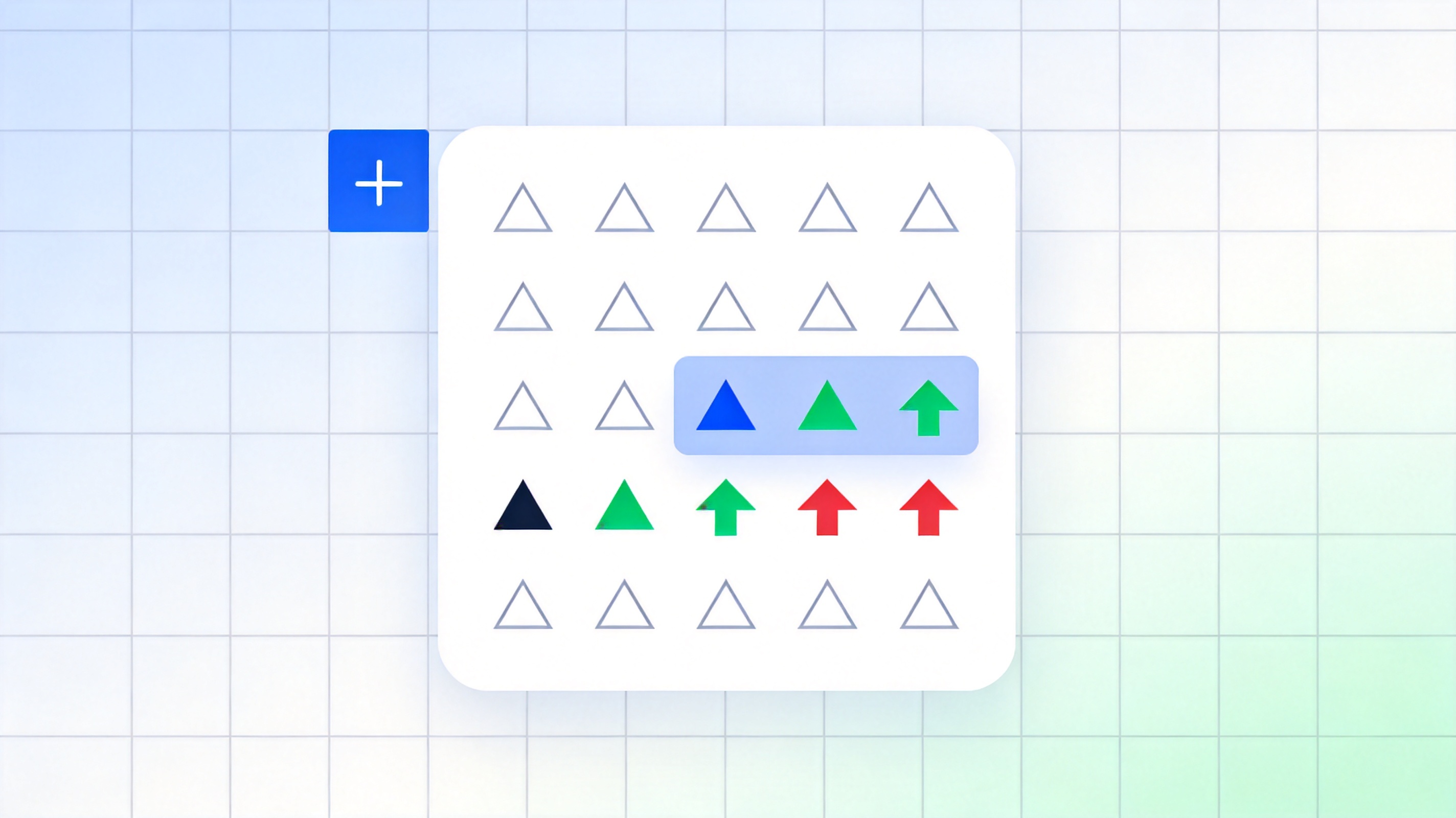
Insert delta symbol with Excel keyboard shortcut
Add a Delta Arrow with a Custom Number Format
When you want every number to show its change, use a custom number format so the delta appears in front of the value without typing it into each cell. This keeps the cell a true number you can still sum.
Select the range and open Format Cells, then Custom.
Enter a format that prefixes the delta, such as "Δ "#,##0.00.
Apply the format so each value displays its delta prefix automatically.
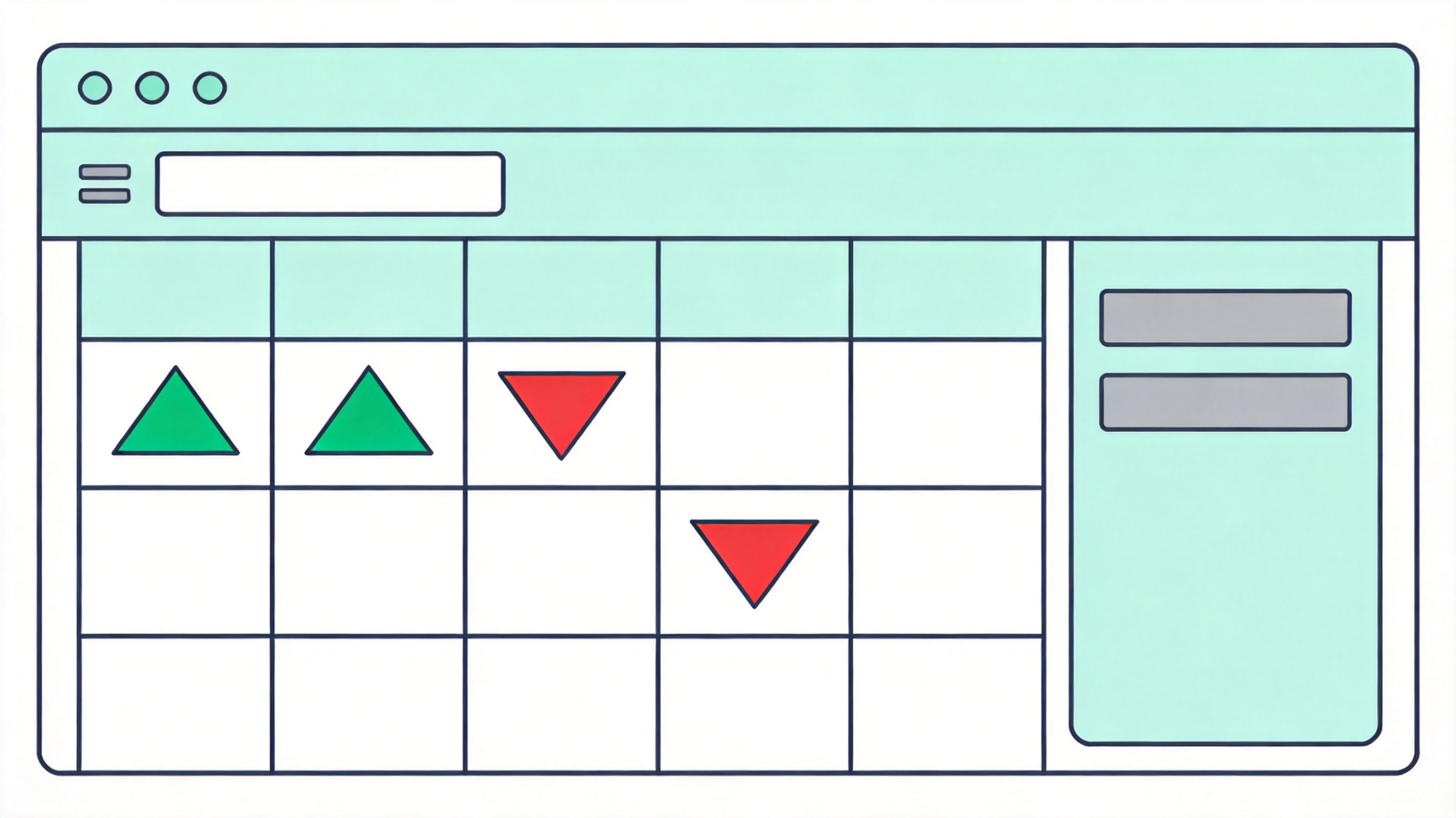
Custom number format adds delta arrow to values
Insert the Delta Symbol in WPS Spreadsheet the Same Way for Free
WPS Spreadsheet supports the same ALT shortcut, formulas, symbol dialog, and custom number formats, so your delta workflow carries over for free on desktop and mobile. No paid add-on is needed for a symbol you use in every report.
| What you need | WPS Spreadsheet | Paid symbol add-ins |
|---|---|---|
| ALT shortcut for Δ | Supported | Extra fee |
| Symbol dialog | Built in | Often paid |
| Custom number format | Supported | Not needed |
| Work on phone | Mobile app included | Desktop only |
Same shortcuts: ALT code and formulas behave the same as Excel, so nothing changes in your workflow.
Formats carry over: open and edit the same sheet with its custom delta formats intact.
Free everywhere: insert and format Δ on desktop and mobile. See more ways to work with symbols in inserting symbols in WPS Spreadsheet.
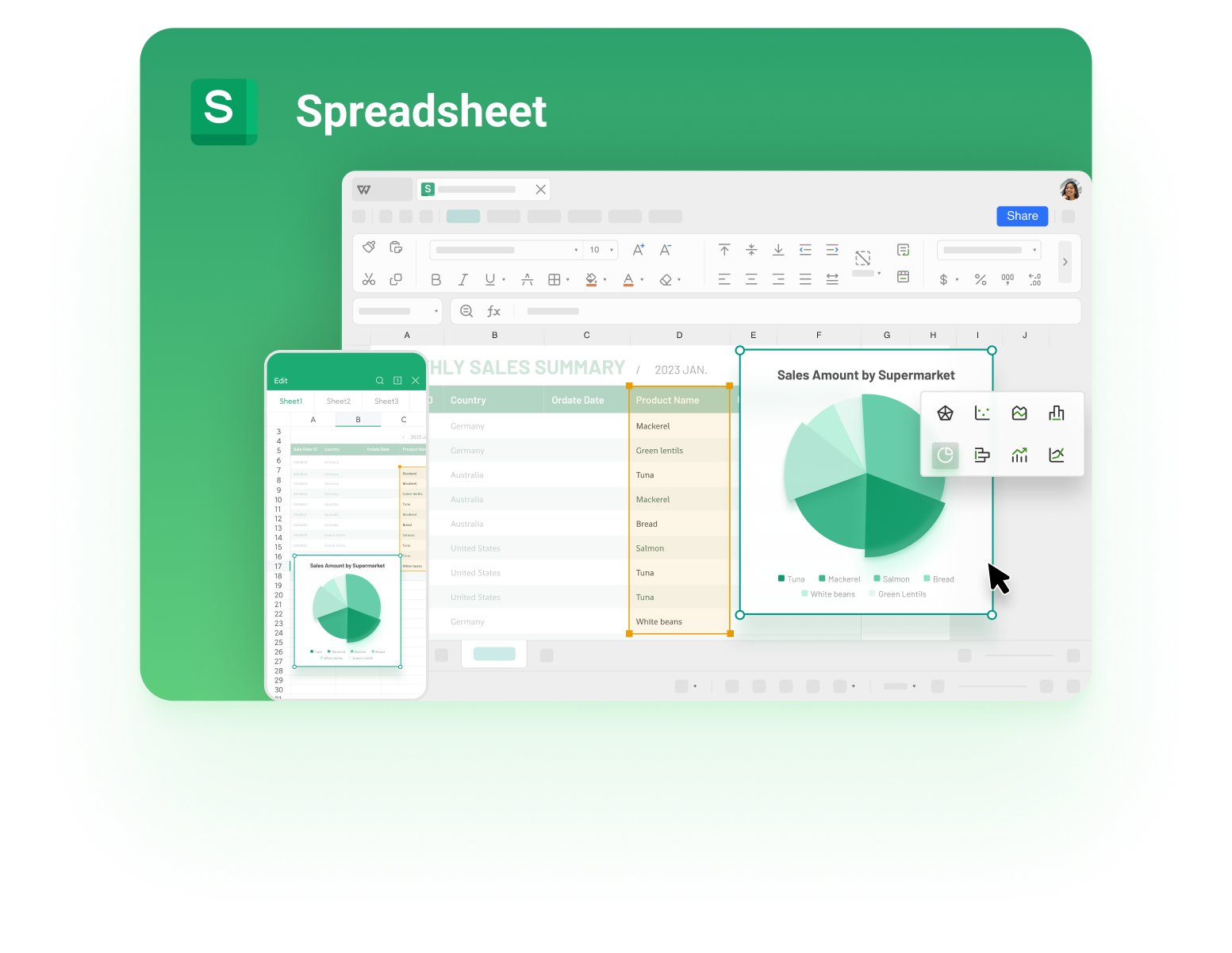
Inserting delta symbol in WPS Spreadsheet
FAQs
What is the delta symbol in Excel?
Uppercase delta (Δ) is the Greek letter used in spreadsheets to show a difference or change between two values, such as this period against the previous one.
How do I insert a delta symbol in Excel?
Hold ALT and type 30 on the numeric keypad, use the Symbol dialog, build it with a formula like ="Change " & CHAR(127), or add it with a custom number format.
What is the delta symbol shortcut in Excel?
Hold ALT and type 30 on the numeric keypad to insert Δ directly into a cell without opening any dialog.
What does Δ mean in a spreadsheet?
It marks a change or difference between two values, commonly a rise or fall from one period to the next in a report.
How do I insert a delta symbol in WPS Spreadsheet?
Use the same ALT 30 shortcut, the symbol dialog, a formula, or a custom number format — all four work exactly as in Excel, for free.


'%3e%3cpath%20d='M19.9911%204.11386V6.471H18.5894C18.0775%206.471%2017.7322%206.57814%2017.5536%206.79243C17.3751%207.00671%2017.2858%207.32814%2017.2858%207.75671V9.44421H19.9019L19.5536%2012.0871H17.2858V18.8639H14.5536V12.0871H12.2769V9.44421H14.5536V7.49779C14.5536%206.39064%2014.8632%205.53201%2015.4822%204.92189C16.1013%204.31177%2016.9257%204.00671%2017.9554%204.00671C18.8304%204.00671%2019.509%204.04243%2019.9911%204.11386Z'%20fill='%23333333'/%3e%3c/g%3e%3cdefs%3e%3cclipPath%20id='clip0_2938_8199'%3e%3crect%20width='16'%20height='16'%20fill='white'%20transform='translate(8%204.00671)'/%3e%3c/clipPath%3e%3c/defs%3e%3c/svg%3e)
'%3e%3cpath%20d='M17.5237%2010.7813L23.4811%204H22.0699L16.8949%209.88693L12.7648%204H8L14.2469%2012.9029L8%2020.0133H9.4112L14.8725%2013.7952L19.2352%2020.0133H24M9.92053%205.04213H12.0885L22.0688%2019.0224H19.9003'%20fill='%23333333'/%3e%3c/g%3e%3cdefs%3e%3cclipPath%20id='clip0_2938_8200'%3e%3crect%20width='16'%20height='16.0134'%20fill='white'%20transform='translate(8%204)'/%3e%3c/clipPath%3e%3c/defs%3e%3c/svg%3e)


