

'%3e%3cpath%20d='M8%200C12.4183%200%2016%203.58172%2016%208C16%2012.4183%2012.4183%2016%208%2016C3.58172%2016%200%2012.4183%200%208C0%203.58172%203.58172%200%208%200ZM11.6162%204.38379C11.2257%203.99337%2010.5927%203.99338%2010.2021%204.38379L8%206.58594L5.79785%204.38379C5.40732%203.99334%204.77429%203.99329%204.38379%204.38379C3.99331%204.77429%203.99335%205.40733%204.38379%205.79785L6.58594%208L4.38379%2010.2021C3.99348%2010.5927%203.99341%2011.2257%204.38379%2011.6162C4.77426%2012.0066%205.40734%2012.0065%205.79785%2011.6162L8%209.41406L10.2021%2011.6162C10.5927%2012.0066%2011.2257%2012.0067%2011.6162%2011.6162C12.0067%2011.2257%2012.0066%2010.5927%2011.6162%2010.2021L9.41406%208L11.6162%205.79785C12.0066%205.40735%2012.0066%204.77429%2011.6162%204.38379Z'%20fill='%23080E17'%20fill-opacity='0.46'/%3e%3c/g%3e%3cdefs%3e%3cclipPath%20id='clip0_3761_713'%3e%3crect%20width='16'%20height='16'%20fill='white'/%3e%3c/clipPath%3e%3c/defs%3e%3c/svg%3e)




'%3e%3cpath%20fill-rule='evenodd'%20clip-rule='evenodd'%20d='M21.4999%2010.9993C21.4999%205.20009%2016.7986%200.498901%2010.9993%200.498901C5.19994%200.498901%200.498657%205.20009%200.498657%2010.9993C0.498657%2016.2404%204.33858%2020.5844%209.35855%2021.3722V14.0346H6.69238V10.9993H9.35855V8.68594C9.35855%206.05427%2010.9262%204.60062%2013.3248%204.60062C14.4736%204.60062%2015.6753%204.80571%2015.6753%204.80571V7.38979H14.3512C13.0468%207.38979%2012.64%208.19921%2012.64%209.0296V10.9993H15.5523L15.0867%2014.0346H12.64V21.3722C17.66%2020.5844%2021.4999%2016.2404%2021.4999%2010.9993Z'%20fill='%231568EA'/%3e%3c/g%3e%3c/svg%3e)


'%3e%3cpath%20d='M2.42045%2022.1876H6.31818V12.7217L0.75%208.54553V20.5171C0.75%2021.4414%201.49892%2022.1876%202.42045%2022.1876Z'%20fill='%234285F4'/%3e%3cpath%20d='M19.682%2022.1876H23.5797C24.5041%2022.1876%2025.2502%2021.4387%2025.2502%2020.5171V8.54553L19.682%2012.7217'%20fill='%2334A853'/%3e%3cpath%20d='M19.682%205.48293V12.7216L25.2502%208.54543V6.31816C25.2502%204.25236%2022.8921%203.07469%2021.2411%204.31361'%20fill='%23FBBC04'/%3e%3cpath%20d='M6.31824%2012.7217V5.48303L13.0001%2010.4944L19.6819%205.48303V12.7217L13.0001%2017.733'%20fill='%23EA4335'/%3e%3cpath%20d='M0.75%206.31816V8.54543L6.31818%2012.7216V5.48293L4.75909%204.31361C3.10534%203.07469%200.75%204.25236%200.75%206.31816Z'%20fill='%23C5221F'/%3e%3c/g%3e%3cdefs%3e%3cclipPath%20id='clip0_2954_7305'%3e%3crect%20width='24.5'%20height='18.375'%20fill='white'%20transform='translate(0.75%203.8125)'/%3e%3c/clipPath%3e%3c/defs%3e%3c/svg%3e)


DA Form 5960 — officially the Basic Allowance for Housing (BAH) Authorization and Dependency Declaration — is the form every U.S. Army soldier uses to start, change, stop, or recertify BAH payments and declare dependents. Fill it out correctly and your housing allowance is processed without delays; leave out a signature or an action block, and the finance office can reject or even recoup payments.
This guide walks through what the form is, when to submit a new one, how to complete each block, where to download the official fillable PDF, and how to fill and sign it for free with WPS PDF.
How to Fill Out DA Form 5960 (Free Fillable PDF Guide)
What Is DA Form 5960?
DA Form 5960 is a Department of the Army form, governed by Army Regulation AR 637-1 and administered by the DCS, G-1. Its current edition is dated January 2022, and it serves two purposes at once:
Authorize BAH payments. The form starts, adjusts, or terminates your entitlement to Basic Allowance for Housing, the monthly payment that helps cover off-base housing costs when government quarters are not provided.
Declare your dependency status. You list your spouse, children, and any secondary dependents you claim for pay purposes, so the Army can verify the correct BAH rate — with or without dependents.
During in-processing, every soldier must re-certify BAH entitlement on this form regardless of dependency status, and you can submit it with or without dependents as long as your marital status and housing situation are reported accurately.
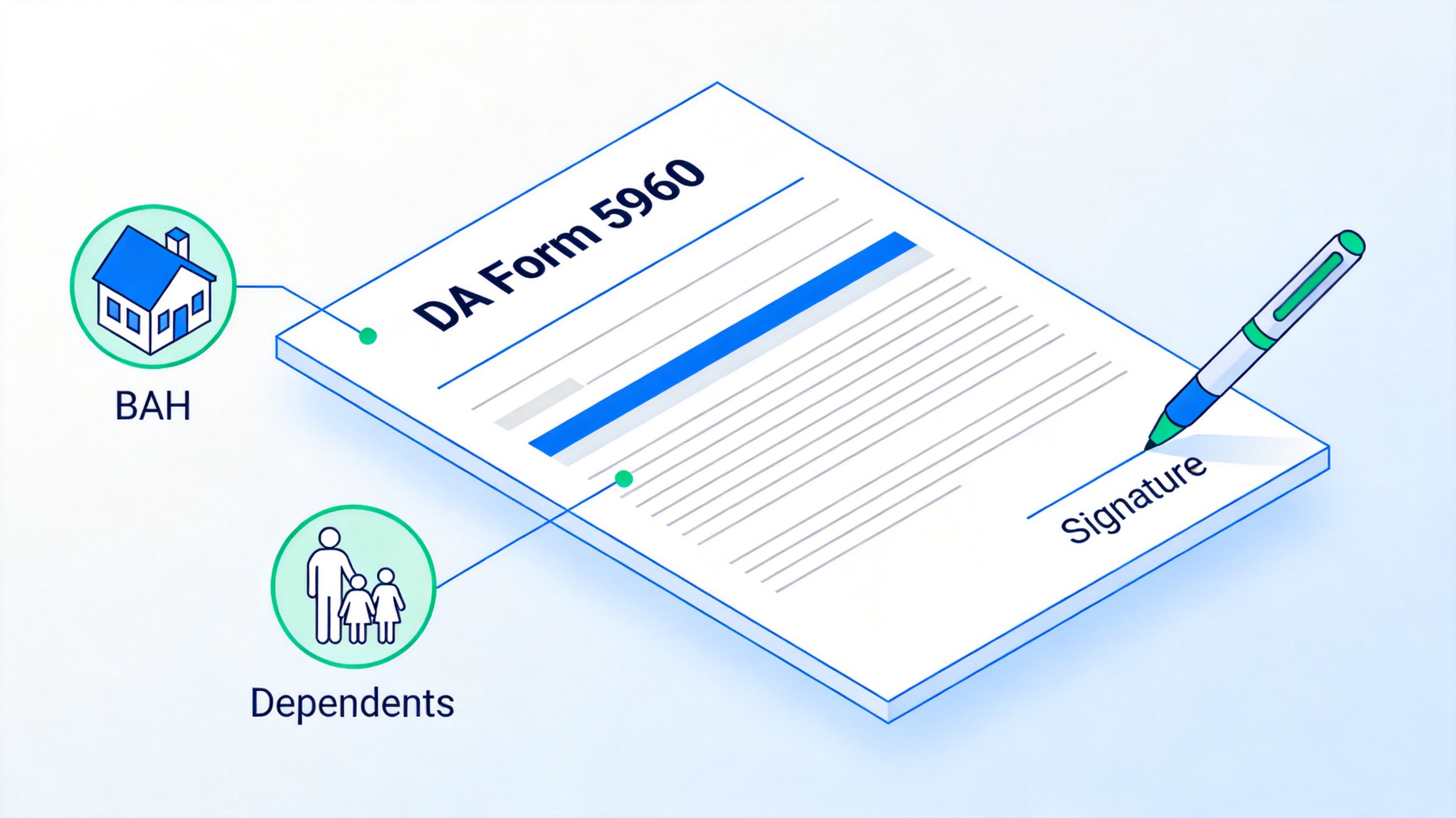
DA Form 5960 BAH authorization purpose


When You Need to Submit a New DA Form 5960
You are responsible for reporting any change that affects your BAH entitlement — the Army does not update it automatically. Submit a fresh DA Form 5960 whenever one of these happens:
Marriage, divorce, or legal separation changes your BAH category and rate.
A child is born or adopted, or a custody arrangement changes.
A dependent moves in or out, or you move between government quarters and private housing.
Annual recertification or in-processing requires a signed, current declaration.
Failing to report a change has real consequences: overpayments are recouped from your pay, and a willful false statement carries penalties of up to $10,000 or five years' imprisonment, or both, as stated in the Privacy Act warning on the form itself.
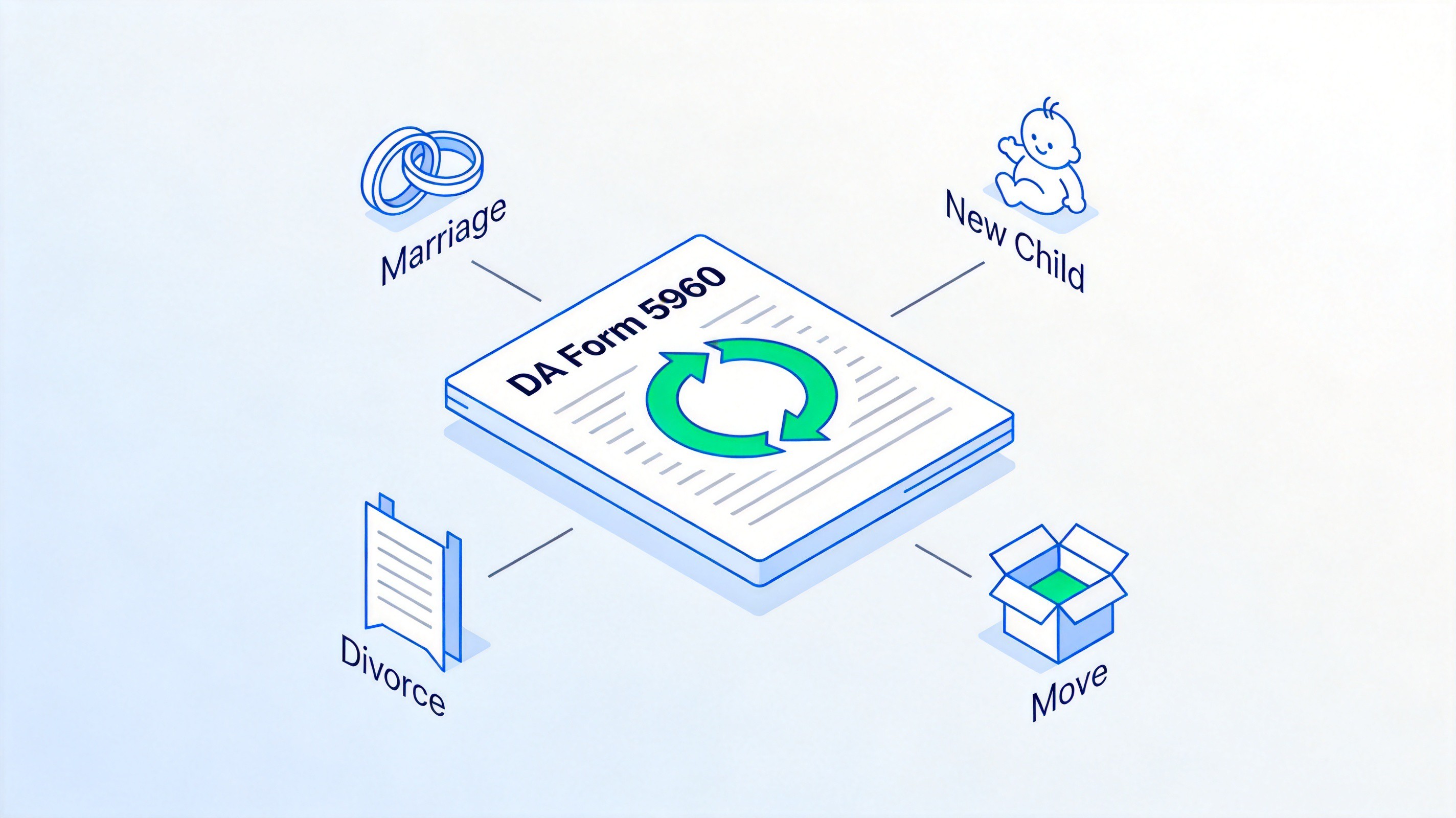
Events requiring a new DA Form 5960
How to Fill Out DA Form 5960, Block by Block
The form is organized into 17 numbered blocks. Work through them in order and pick exactly one option wherever a choice is required:
Complete Blocks 1–5 with personal information. Enter your last, first, and middle name; DoD ID number; grade; member's physical address; and duty location, exactly as they appear in your personnel record.
Choose one action in Block 7. Select Start, Change, Stop, or Recertify — only one box, and it must match the reason you are submitting the form.
Set your BAH type in Block 8 and marital status in Block 9. Pick With Dependents, Without Dependents, or BAH Differential, and answer the marital status questions honestly.
List your spouse in Blocks 10–11. Include the spouse's name and address. If your spouse ever served in the military, complete all four service details (DoD ID, branch, entry date, separation date), because dual-military rules affect how BAH is calculated for both of you.
Declare other dependents in Block 12. List each child and secondary dependent with name, address, relationship, date of birth, and any custody information. Attach an extra page if you run out of space.
Initial each certification in Block 13. Read every statement and initial it individually — this is where you certify the information is true.
Sign and date in Blocks 14–15. The soldier must sign personally; a missing member signature is grounds for rejection.
Obtain the commander's signature in Block 16. The finance office will not process the form without it, so route it through your chain of command before submission.
Once every block is complete and signed, submit the original to your finance or personnel office the same day.
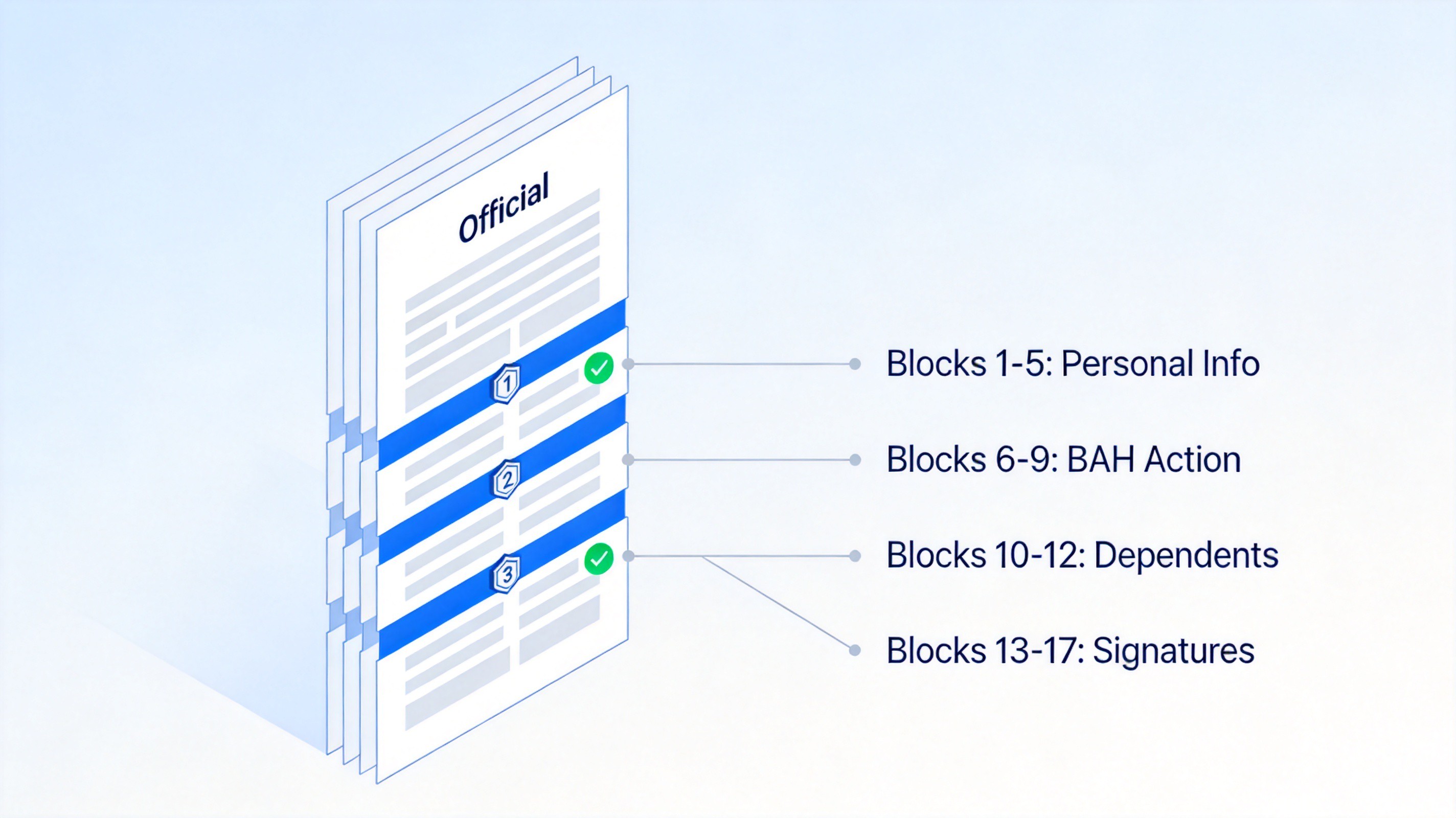
DA Form 5960 block by block overview
Where to Download the Official DA Form 5960 PDF
DA Form 5960 is a public-domain government document, so you should never pay for it or rely on third-party copies that may be outdated. Get the current January 2022 edition directly from the Army Publishing Directorate:
Open the Army Publishing Directorate site. Go to armypubs.army.mil in any browser.
Search for "DA Form 5960". Use the search box or browse the DA administrative forms index.
Check the edition date. Confirm the form is dated January 2022; older editions are obsolete.
Download and save the PDF. Keep the fillable PDF copy on your computer so you can type into it instead of handwriting.
Downloading the official file also guarantees the fields, certifications, and Privacy Act notice match what your finance office expects.
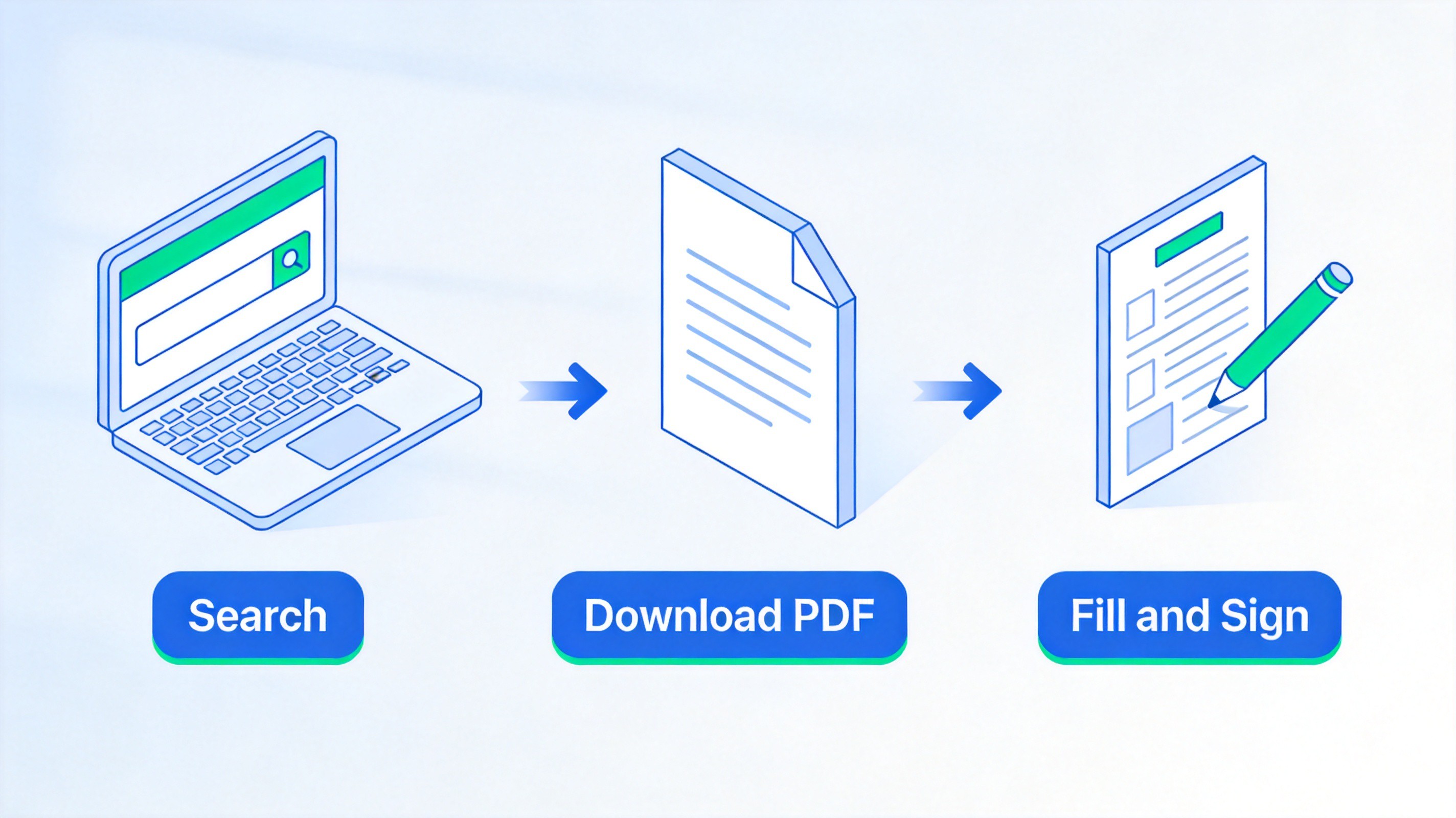
Download official DA Form 5960 PDF
How to Fill DA Form 5960 as a Fillable PDF in WPS
The official DA Form 5960 is a fillable PDF, but browser tabs frequently cannot save typed answers back into the file. Filling it in a desktop PDF editor such as WPS Office avoids that problem — the same reason fillable government forms lose data, as covered in our guide to creating a fillable PDF that saves responses.
Download and install WPS Office. It is free for Windows, Mac, Linux, iOS, and Android.
Open the DA Form 5960 PDF. Right-click the file, choose Open with, and select WPS PDF, or drag the file into the WPS window.
Type into each form field. Click a field and type; press Tab to jump between blocks so names, DoD ID, and addresses land in the right boxes.
Use the Comment or Annotate tools for check boxes and initials if a specific box is not interactive — then verify the marks print correctly.
Add your signature from the Insert or Sign menu, placing an image or drawn signature on the Block 14 line.
Save a copy with File > Save As. Name it clearly (for example, DA5960-2026-JSmith.pdf) and keep an unflattened copy so future edits stay possible.
Before submitting, run a quick fill–save–reopen check: close the file, reopen it, and confirm every answer is still there. If you prefer not to install anything first, our walkthrough of making a PDF form fillable without Acrobat covers the same workflow step by step.
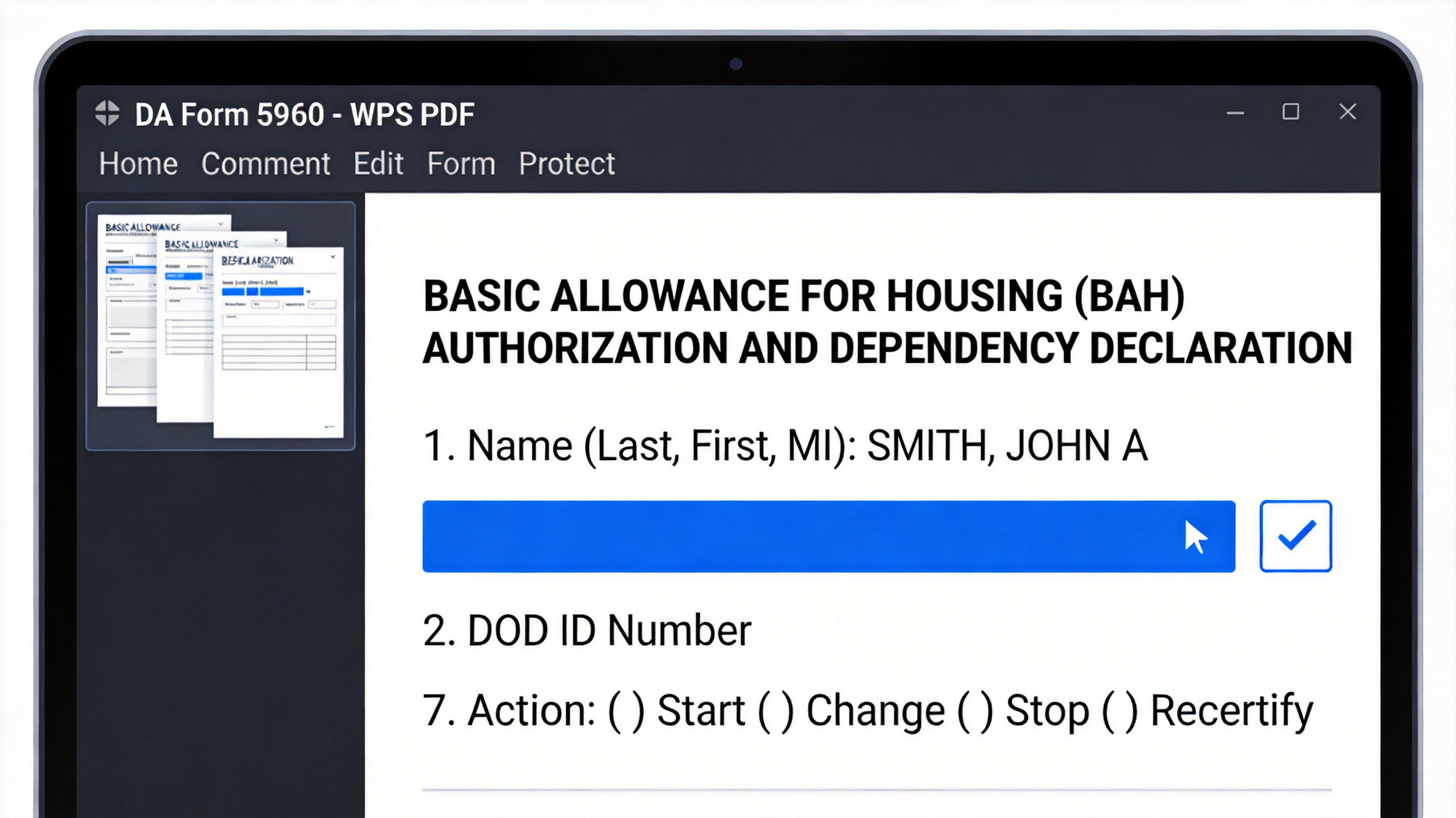
Fill DA Form 5960 in WPS PDF
Common DA Form 5960 Mistakes That Delay Payment
Most BAH processing delays trace back to a handful of avoidable errors. Before the form leaves your hands, check for these:
Missing commander's signature in Block 16. Finance will not process an unsigned form — this is the single most common rejection reason.
Wrong or multiple action boxes marked in Block 7. Choosing Change when you mean Recertify forces the office to return the form.
Outdated dependent information. A spouse or child who is no longer a dependent must be removed; stale entries trigger recoupment later.
Incomplete spouse service details in Block 11. Dual-military soldiers must fill in all four service data items or the BAH rate cannot be computed.
Using an obsolete edition of the form. Submissions on pre-2022 editions are returned; always download the January 2022 version.
Double-checking these five points takes two minutes and saves a resubmission cycle that can stall your allowance for weeks.
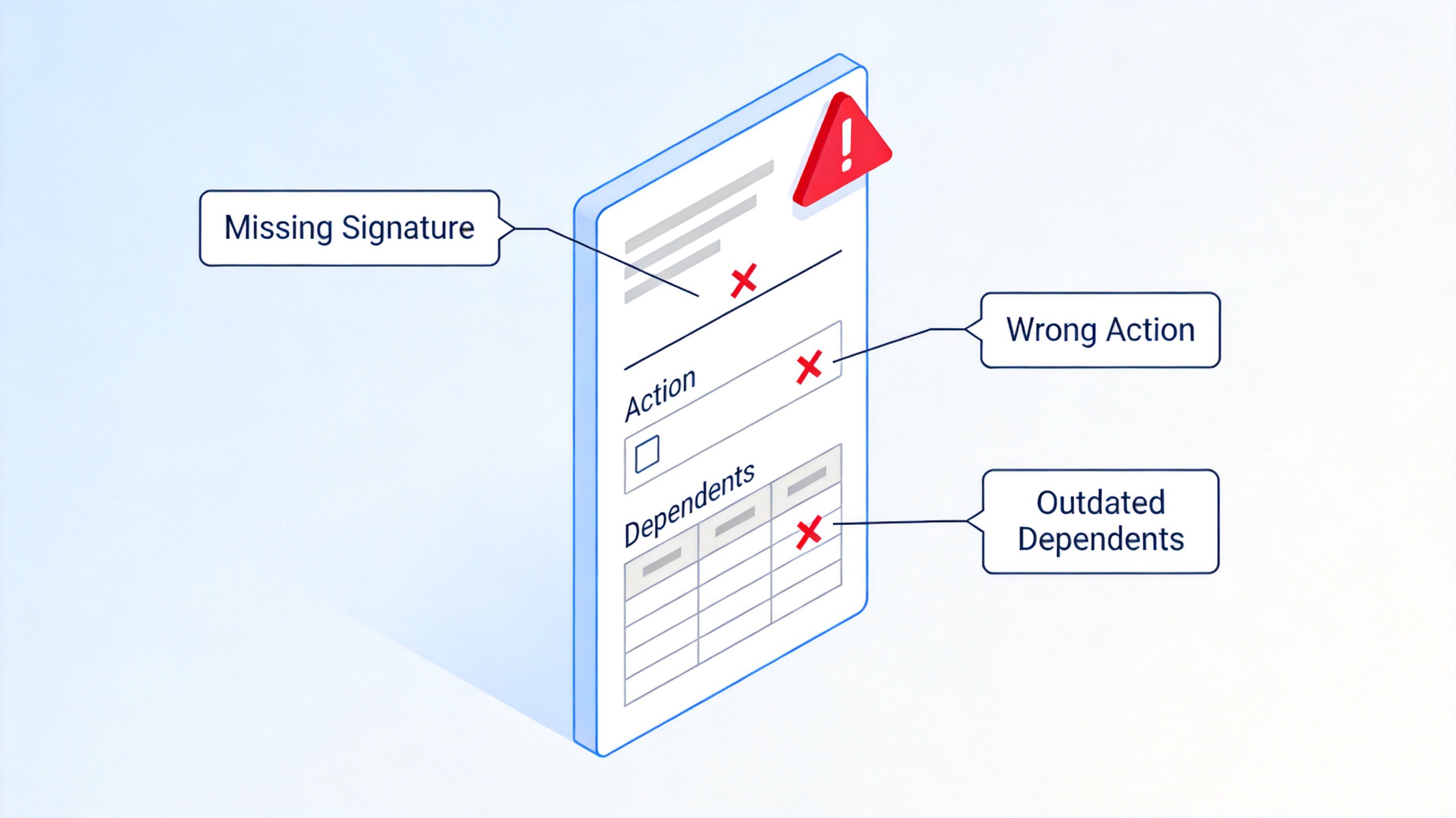
Common DA Form 5960 mistakes
The Best Free Alternative: WPS Office
Adobe Acrobat can fill DA Form 5960, but it locks editing and form features behind a subscription. WPS Office gives you a full PDF toolkit — open, fill, sign, annotate, convert, and print — for free, plus Writer, Spreadsheet, and Presentation apps in one lightweight install. For soldiers working from personal computers, that covers the form today and every other document task tomorrow.
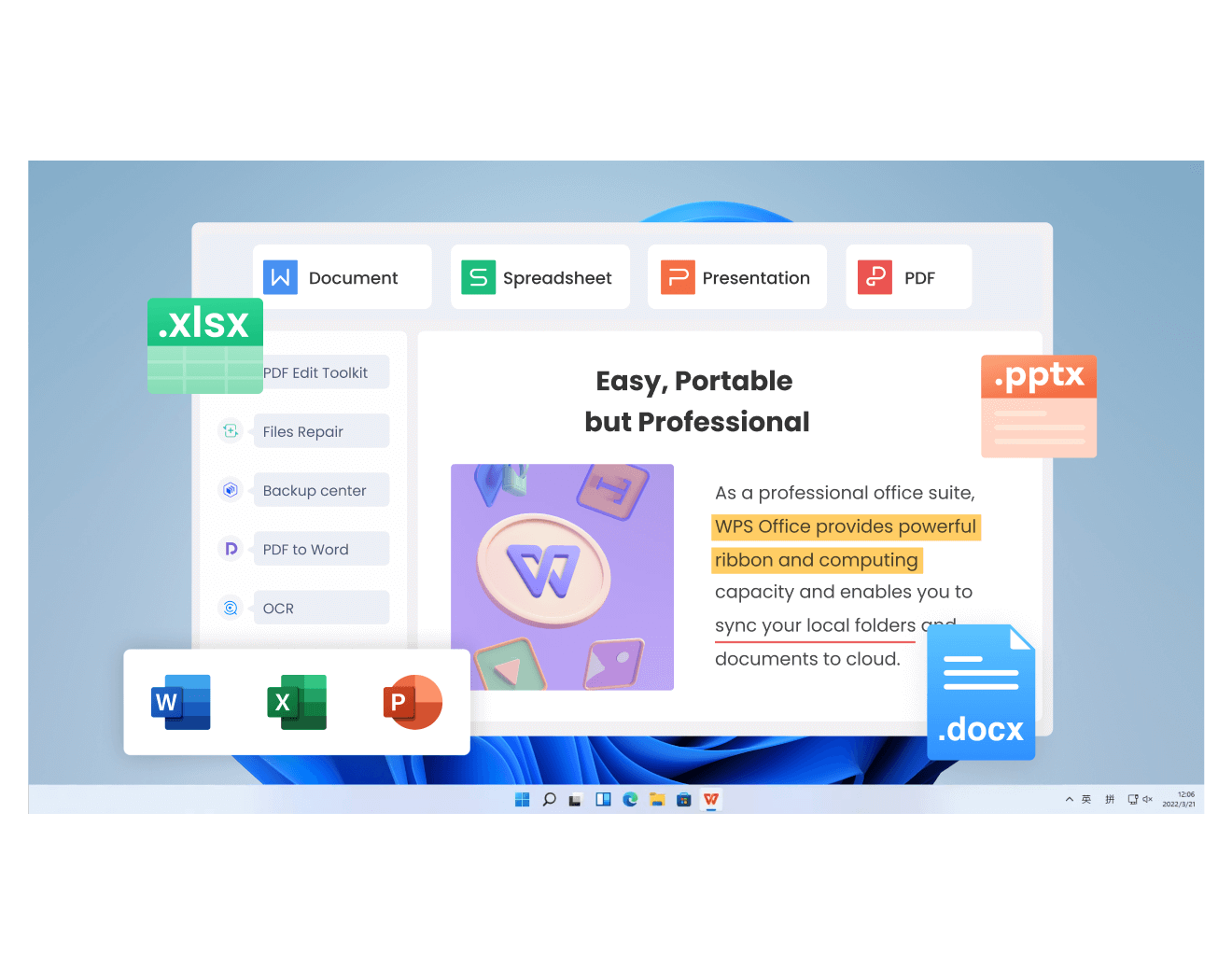
WPS Office free PDF editor
FAQs
What is DA Form 5960 used for?
It authorizes the Army to start, change, stop, or recertify your Basic Allowance for Housing entitlement and declares the dependents you claim for pay purposes. It is required during in-processing and after any dependency change.
Is DA Form 5960 free to download?
Yes. It is a public-domain government form available at no cost from the Army Publishing Directorate. The current edition is dated January 2022, and you never need a paid account to obtain or complete it.
Can I fill out DA Form 5960 online?
You can type into the official fillable PDF in any desktop PDF editor such as WPS PDF, then print or digitally sign it. Avoid completing it inside a browser tab, because many built-in viewers cannot save typed data back into the file.
Who needs to sign DA Form 5960?
Two signatures are required: the soldier signs and dates Blocks 14–15, and the commander or authorizing official signs Block 16. The finance office returns the form unprocessed if either signature is missing.
What happens if I do not report a dependency change?
Overpaid BAH is recouped from your pay, and a willful false statement can lead to fines of up to $10,000, imprisonment for up to five years, or both, under the warning printed on the form.

'%3e%3cpath%20d='M19.9911%204.11386V6.471H18.5894C18.0775%206.471%2017.7322%206.57814%2017.5536%206.79243C17.3751%207.00671%2017.2858%207.32814%2017.2858%207.75671V9.44421H19.9019L19.5536%2012.0871H17.2858V18.8639H14.5536V12.0871H12.2769V9.44421H14.5536V7.49779C14.5536%206.39064%2014.8632%205.53201%2015.4822%204.92189C16.1013%204.31177%2016.9257%204.00671%2017.9554%204.00671C18.8304%204.00671%2019.509%204.04243%2019.9911%204.11386Z'%20fill='%23333333'/%3e%3c/g%3e%3cdefs%3e%3cclipPath%20id='clip0_2938_8199'%3e%3crect%20width='16'%20height='16'%20fill='white'%20transform='translate(8%204.00671)'/%3e%3c/clipPath%3e%3c/defs%3e%3c/svg%3e)
'%3e%3cpath%20d='M17.5237%2010.7813L23.4811%204H22.0699L16.8949%209.88693L12.7648%204H8L14.2469%2012.9029L8%2020.0133H9.4112L14.8725%2013.7952L19.2352%2020.0133H24M9.92053%205.04213H12.0885L22.0688%2019.0224H19.9003'%20fill='%23333333'/%3e%3c/g%3e%3cdefs%3e%3cclipPath%20id='clip0_2938_8200'%3e%3crect%20width='16'%20height='16.0134'%20fill='white'%20transform='translate(8%204)'/%3e%3c/clipPath%3e%3c/defs%3e%3c/svg%3e)


