

'%3e%3cpath%20d='M8%200C12.4183%200%2016%203.58172%2016%208C16%2012.4183%2012.4183%2016%208%2016C3.58172%2016%200%2012.4183%200%208C0%203.58172%203.58172%200%208%200ZM11.6162%204.38379C11.2257%203.99337%2010.5927%203.99338%2010.2021%204.38379L8%206.58594L5.79785%204.38379C5.40732%203.99334%204.77429%203.99329%204.38379%204.38379C3.99331%204.77429%203.99335%205.40733%204.38379%205.79785L6.58594%208L4.38379%2010.2021C3.99348%2010.5927%203.99341%2011.2257%204.38379%2011.6162C4.77426%2012.0066%205.40734%2012.0065%205.79785%2011.6162L8%209.41406L10.2021%2011.6162C10.5927%2012.0066%2011.2257%2012.0067%2011.6162%2011.6162C12.0067%2011.2257%2012.0066%2010.5927%2011.6162%2010.2021L9.41406%208L11.6162%205.79785C12.0066%205.40735%2012.0066%204.77429%2011.6162%204.38379Z'%20fill='%23080E17'%20fill-opacity='0.46'/%3e%3c/g%3e%3cdefs%3e%3cclipPath%20id='clip0_3761_713'%3e%3crect%20width='16'%20height='16'%20fill='white'/%3e%3c/clipPath%3e%3c/defs%3e%3c/svg%3e)




'%3e%3cpath%20fill-rule='evenodd'%20clip-rule='evenodd'%20d='M21.4999%2010.9993C21.4999%205.20009%2016.7986%200.498901%2010.9993%200.498901C5.19994%200.498901%200.498657%205.20009%200.498657%2010.9993C0.498657%2016.2404%204.33858%2020.5844%209.35855%2021.3722V14.0346H6.69238V10.9993H9.35855V8.68594C9.35855%206.05427%2010.9262%204.60062%2013.3248%204.60062C14.4736%204.60062%2015.6753%204.80571%2015.6753%204.80571V7.38979H14.3512C13.0468%207.38979%2012.64%208.19921%2012.64%209.0296V10.9993H15.5523L15.0867%2014.0346H12.64V21.3722C17.66%2020.5844%2021.4999%2016.2404%2021.4999%2010.9993Z'%20fill='%231568EA'/%3e%3c/g%3e%3c/svg%3e)


'%3e%3cpath%20d='M2.42045%2022.1876H6.31818V12.7217L0.75%208.54553V20.5171C0.75%2021.4414%201.49892%2022.1876%202.42045%2022.1876Z'%20fill='%234285F4'/%3e%3cpath%20d='M19.682%2022.1876H23.5797C24.5041%2022.1876%2025.2502%2021.4387%2025.2502%2020.5171V8.54553L19.682%2012.7217'%20fill='%2334A853'/%3e%3cpath%20d='M19.682%205.48293V12.7216L25.2502%208.54543V6.31816C25.2502%204.25236%2022.8921%203.07469%2021.2411%204.31361'%20fill='%23FBBC04'/%3e%3cpath%20d='M6.31824%2012.7217V5.48303L13.0001%2010.4944L19.6819%205.48303V12.7217L13.0001%2017.733'%20fill='%23EA4335'/%3e%3cpath%20d='M0.75%206.31816V8.54543L6.31818%2012.7216V5.48293L4.75909%204.31361C3.10534%203.07469%200.75%204.25236%200.75%206.31816Z'%20fill='%23C5221F'/%3e%3c/g%3e%3cdefs%3e%3cclipPath%20id='clip0_2954_7305'%3e%3crect%20width='24.5'%20height='18.375'%20fill='white'%20transform='translate(0.75%203.8125)'/%3e%3c/clipPath%3e%3c/defs%3e%3c/svg%3e)


A lender, a partner, or your own month-end close asks for an income statement, and the sheet is a flat list of expenses. The income statement format is what makes that period readable.
Single-step shows one result: money in minus money out. Multi-step also shows gross profit and operating income. You need those lines when you sell products and want to see whether the problem is margin or overhead. The rows and formulas below are a management layout, not a tax filing or an SEC report.
Income Statement Format: Single-Step and Multi-Step Layouts
Pick the Income Statement Format You Actually Need
Put the period in the header before you type a number. An income statement covers a span of time, such as "For the year ended December 31, 2025" or "For the month ended September 30, 2026." A date with no range reads like a balance sheet.
Use a single-step income statement format when the business sells services and you only need net income. Add every revenue line, add every expense line, and subtract once.
Use a multi-step income statement format when you buy goods to resell or make products. Net sales minus cost of goods sold is gross profit. If that line is missing, you cannot tell a weak margin from high rent.
Gross profit answers whether the goods themselves made money.
Operating income answers whether the day-to-day business made money after wages, rent, and similar costs.
Net income is what remains after interest and income tax.
Returns and allowances reduce sales. They are not an operating expense. Interest income and interest expense sit after operating income, not inside cost of goods sold.
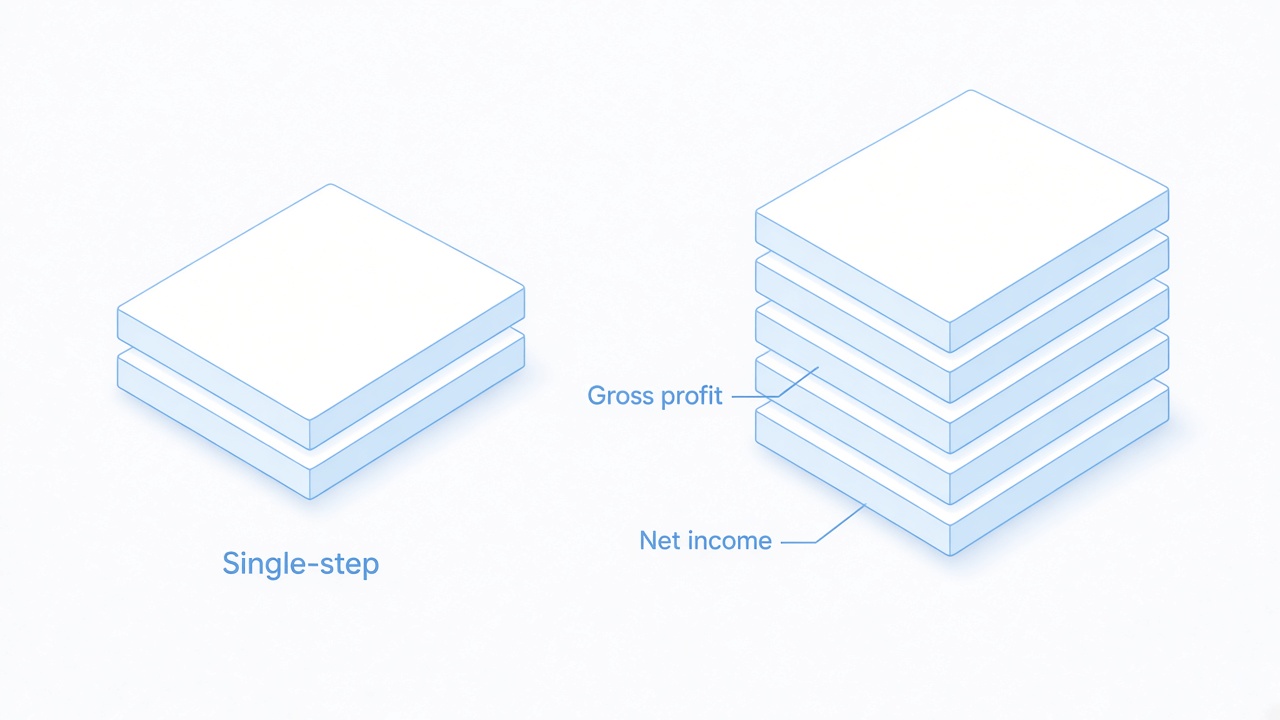
Single-step stack beside gross profit


Build a Multi-Step Income Statement Format
Type labels in column A and amounts in column B. Totals are formulas, so a changed sales figure updates the rest of the sheet. The sample below is for reference only. Enter the same formulas in WPS Spreadsheet or Excel.
Header: company name, the words Income Statement, and the period.
Net sales in B1. If you track returns, use a cell for sales and a cell for returns, then set net sales to sales minus returns.
Cost of goods sold in B2. For a shop, that is beginning inventory plus purchases minus ending inventory. For a service firm with no inventory, skip this format and use the single-step layout.
Gross profit in B3: =B1-B2.
Operating expenses in B4. Wages, rent, utilities, and office costs go here. A simple retail sheet can put depreciation here too. A factory may need part of depreciation inside cost of goods sold instead.
Operating income in B9: =B7-B8. On the sample, gross profit 3,500 minus operating expenses 900 is 2,600.
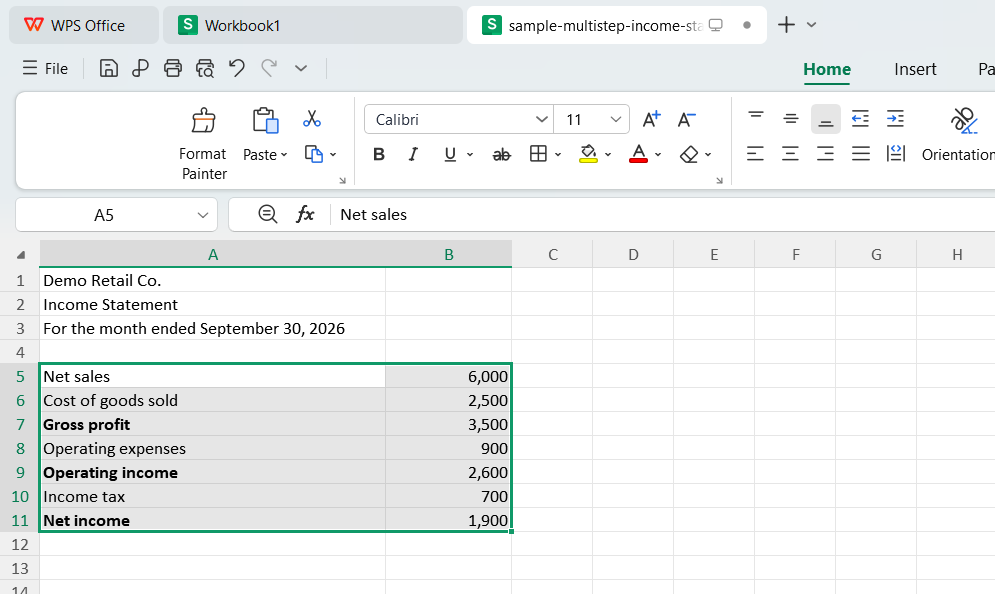
Sample multi-step income statement sheet
Add a row for other income and other expenses, such as interest, when the amount is not zero. The sample omits that row. Income before tax is operating income plus other income minus other expenses.
Income tax in the next amount cell. Net income is income before tax minus tax. On the sample, operating income 2,600 minus tax 700 is 1,900, so B11 is =B9-B10.
Do not subtract tax from the operating-expense total. That hides operating income and makes the period look less profitable than the core business was.
Build a Single-Step Income Statement Format
A single-step income statement format is enough for a freelancer, a consultant, or any period where gross profit would not change a decision.
List revenues and gains: fees, service income, and similar inflows. Put the total in one cell with =SUM over those rows.
List expenses and losses under that total: software, contractors, rent, and income tax if you want one bottom line only.
Net income is total revenues minus total expenses. One subtraction, no gross profit line.
The tradeoff is real. A single-step sheet will not show whether you made money on the work itself or only after a one-time gain. If a product line appears later, switch that period to the multi-step rows instead of forcing cost of goods sold into a miscellaneous expense.
If you want a ready visual starting point for a profit and loss sheet, the profit and loss statement templates are a separate download. Still replace the sample months with your period and your figures.
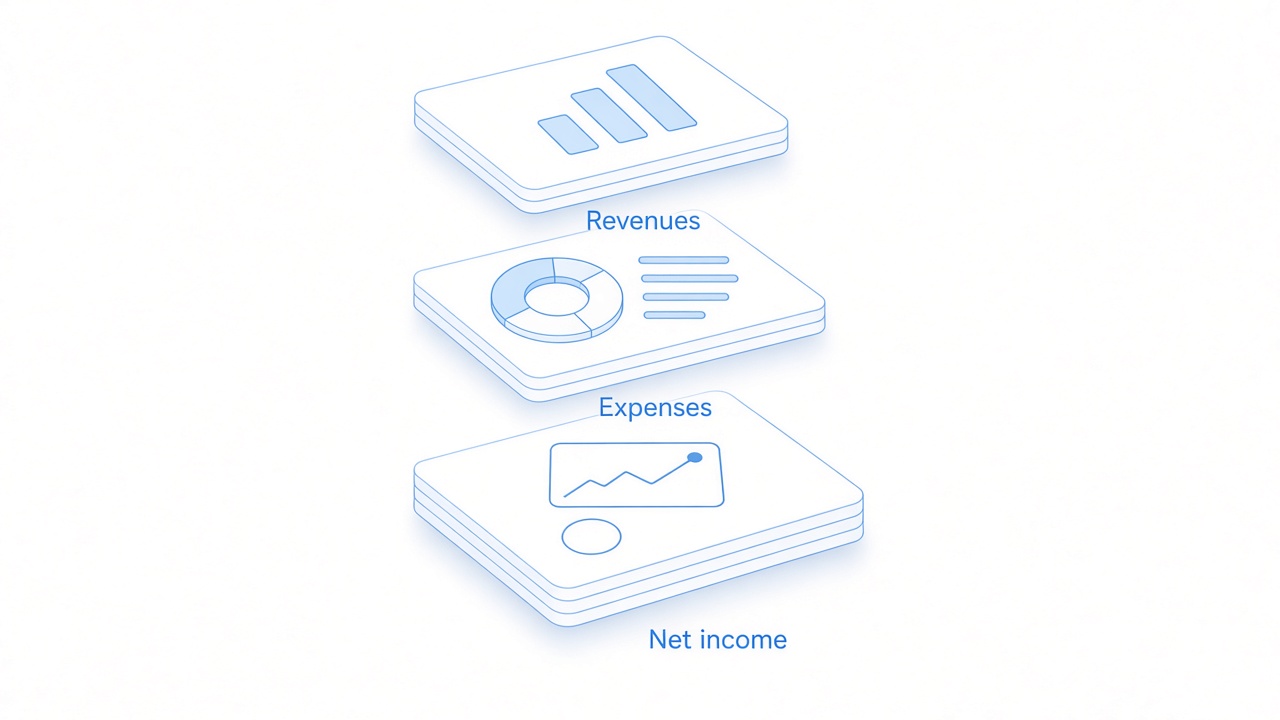
Revenues expenses and net income
Review the Income Statement Format Before You Share It
Run this check on the finished sheet. It catches the mistakes that make a tidy layout misleading.
Period. The header names a month, a quarter, or a year. It is not a single "as of" date.
Subtotals. On a multi-step sheet, gross profit equals net sales minus cost of goods sold, and operating income equals gross profit minus operating expenses. Change one input and confirm the formulas move.
Net income. Tax is subtracted after income before tax. A negative result is a net loss. Label it that way instead of hiding the minus sign.
Round to the currency you actually keep in the books. A projection with sparklines is not a statement of what happened until you replace the sample numbers. Keep a copy of the workbook, and export PDF only after the totals match your source records.
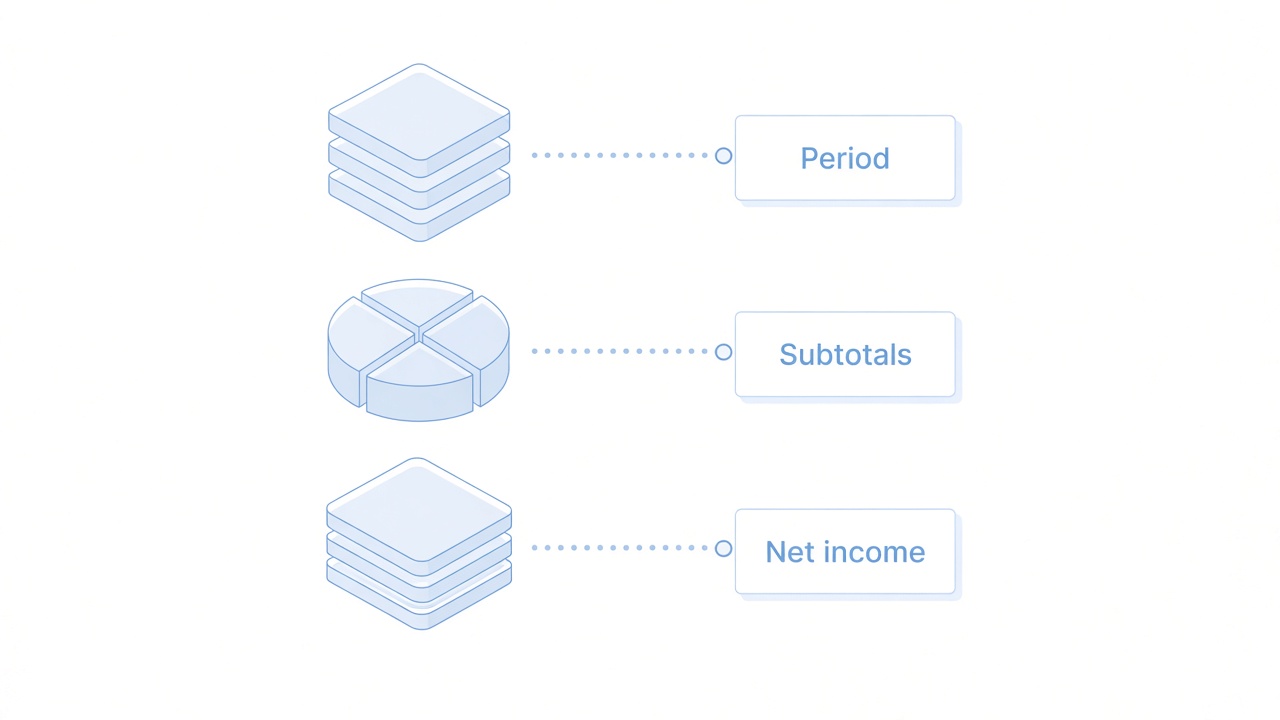
Period subtotals and net income
The Best Free Office Alternative: WPS Office
You can build this income statement format in WPS Spreadsheet with the same cell formulas you would type in Excel. The sheet, the number formats, and a later PDF export stay in one suite.
| WPS Spreadsheet | Excel | |
|---|---|---|
| Quick access | SUM, number formats, and the formula bar are on the sheet as soon as the file opens. | The same formulas, often behind a Microsoft 365 sign-in on a new PC. |
| Statement layout | You type the income statement rows once and lock every total with a formula. | Templates exist, but a blank workbook still needs this row structure. |
| All-in-one | Writer and PDF sit in the same install if you later export or explain the statement. | Excel handles the grid. A separate PDF step is common when you send a fixed copy. |
| File you can share | Save as .xlsx so an accountant can open it in Excel. | Native .xlsx. Binary and macro files are a different job. |
| Cost to start | Free to start on desktop for this formula sheet. | Current desktop Excel is part of a Microsoft 365 subscription. |
The income statement format is just rows and formulas, so you are not locked to one brand of spreadsheet.
Save .xlsx and the totals travel with the file.
You can start on the free desktop app, then export a PDF when the check above passes.
Open WPS Spreadsheet, enter the labels, and fill only the input cells. Leave gross profit, operating income, and net income as formulas.
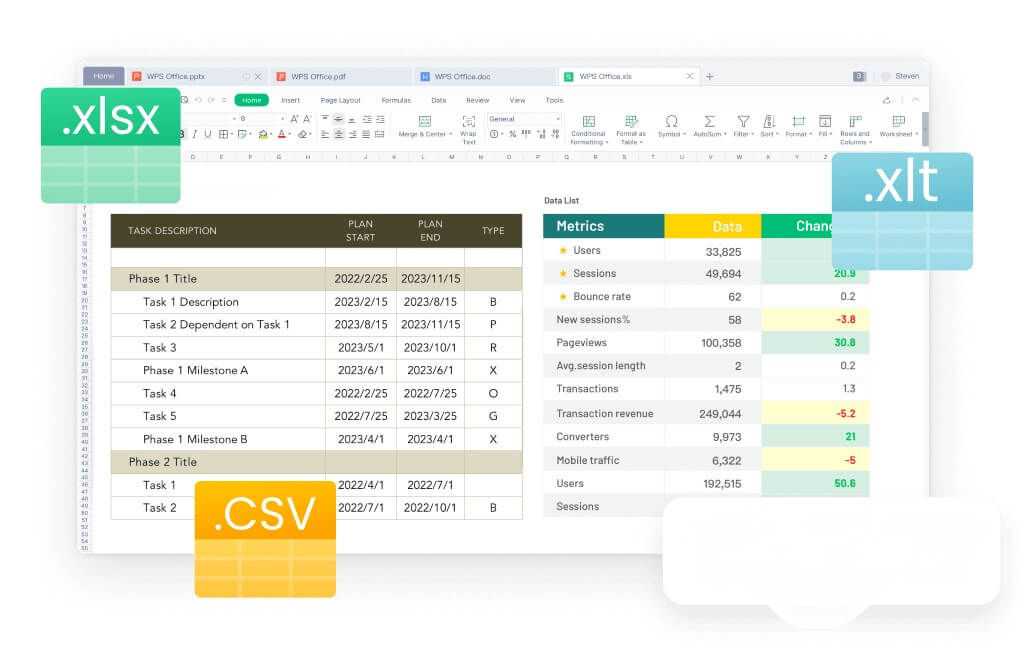
WPS Spreadsheet workbook and file formats
FAQs
Which income statement format should a small shop use?
Use multi-step if you buy goods to resell and need gross profit. Use single-step if you sell services and only need net income for the period.
Where does cost of goods sold go?
On a multi-step sheet it sits under net sales, before gross profit. If you drop it into operating expenses, the margin disappears.
Do I subtract tax from total expenses?
No. Subtract income tax after income before tax. Mixing tax into operating expenses hides how the core business performed.
Is an income statement the same as a profit and loss statement?
For most small businesses, yes. The rows do the same job. A monthly projection template is not a finished statement until the period and the figures are yours.
Can I build this income statement format without Excel?
Yes. WPS Spreadsheet uses SUM and cell formulas and can save .xlsx. Type inputs by hand and let the total cells calculate.


'%3e%3cpath%20d='M19.9911%204.11386V6.471H18.5894C18.0775%206.471%2017.7322%206.57814%2017.5536%206.79243C17.3751%207.00671%2017.2858%207.32814%2017.2858%207.75671V9.44421H19.9019L19.5536%2012.0871H17.2858V18.8639H14.5536V12.0871H12.2769V9.44421H14.5536V7.49779C14.5536%206.39064%2014.8632%205.53201%2015.4822%204.92189C16.1013%204.31177%2016.9257%204.00671%2017.9554%204.00671C18.8304%204.00671%2019.509%204.04243%2019.9911%204.11386Z'%20fill='%23333333'/%3e%3c/g%3e%3cdefs%3e%3cclipPath%20id='clip0_2938_8199'%3e%3crect%20width='16'%20height='16'%20fill='white'%20transform='translate(8%204.00671)'/%3e%3c/clipPath%3e%3c/defs%3e%3c/svg%3e)
'%3e%3cpath%20d='M17.5237%2010.7813L23.4811%204H22.0699L16.8949%209.88693L12.7648%204H8L14.2469%2012.9029L8%2020.0133H9.4112L14.8725%2013.7952L19.2352%2020.0133H24M9.92053%205.04213H12.0885L22.0688%2019.0224H19.9003'%20fill='%23333333'/%3e%3c/g%3e%3cdefs%3e%3cclipPath%20id='clip0_2938_8200'%3e%3crect%20width='16'%20height='16.0134'%20fill='white'%20transform='translate(8%204)'/%3e%3c/clipPath%3e%3c/defs%3e%3c/svg%3e)


