

'%3e%3cpath%20d='M8%200C12.4183%200%2016%203.58172%2016%208C16%2012.4183%2012.4183%2016%208%2016C3.58172%2016%200%2012.4183%200%208C0%203.58172%203.58172%200%208%200ZM11.6162%204.38379C11.2257%203.99337%2010.5927%203.99338%2010.2021%204.38379L8%206.58594L5.79785%204.38379C5.40732%203.99334%204.77429%203.99329%204.38379%204.38379C3.99331%204.77429%203.99335%205.40733%204.38379%205.79785L6.58594%208L4.38379%2010.2021C3.99348%2010.5927%203.99341%2011.2257%204.38379%2011.6162C4.77426%2012.0066%205.40734%2012.0065%205.79785%2011.6162L8%209.41406L10.2021%2011.6162C10.5927%2012.0066%2011.2257%2012.0067%2011.6162%2011.6162C12.0067%2011.2257%2012.0066%2010.5927%2011.6162%2010.2021L9.41406%208L11.6162%205.79785C12.0066%205.40735%2012.0066%204.77429%2011.6162%204.38379Z'%20fill='%23080E17'%20fill-opacity='0.46'/%3e%3c/g%3e%3cdefs%3e%3cclipPath%20id='clip0_3761_713'%3e%3crect%20width='16'%20height='16'%20fill='white'/%3e%3c/clipPath%3e%3c/defs%3e%3c/svg%3e)




'%3e%3cpath%20fill-rule='evenodd'%20clip-rule='evenodd'%20d='M21.4999%2010.9993C21.4999%205.20009%2016.7986%200.498901%2010.9993%200.498901C5.19994%200.498901%200.498657%205.20009%200.498657%2010.9993C0.498657%2016.2404%204.33858%2020.5844%209.35855%2021.3722V14.0346H6.69238V10.9993H9.35855V8.68594C9.35855%206.05427%2010.9262%204.60062%2013.3248%204.60062C14.4736%204.60062%2015.6753%204.80571%2015.6753%204.80571V7.38979H14.3512C13.0468%207.38979%2012.64%208.19921%2012.64%209.0296V10.9993H15.5523L15.0867%2014.0346H12.64V21.3722C17.66%2020.5844%2021.4999%2016.2404%2021.4999%2010.9993Z'%20fill='%231568EA'/%3e%3c/g%3e%3c/svg%3e)


'%3e%3cpath%20d='M2.42045%2022.1876H6.31818V12.7217L0.75%208.54553V20.5171C0.75%2021.4414%201.49892%2022.1876%202.42045%2022.1876Z'%20fill='%234285F4'/%3e%3cpath%20d='M19.682%2022.1876H23.5797C24.5041%2022.1876%2025.2502%2021.4387%2025.2502%2020.5171V8.54553L19.682%2012.7217'%20fill='%2334A853'/%3e%3cpath%20d='M19.682%205.48293V12.7216L25.2502%208.54543V6.31816C25.2502%204.25236%2022.8921%203.07469%2021.2411%204.31361'%20fill='%23FBBC04'/%3e%3cpath%20d='M6.31824%2012.7217V5.48303L13.0001%2010.4944L19.6819%205.48303V12.7217L13.0001%2017.733'%20fill='%23EA4335'/%3e%3cpath%20d='M0.75%206.31816V8.54543L6.31818%2012.7216V5.48293L4.75909%204.31361C3.10534%203.07469%200.75%204.25236%200.75%206.31816Z'%20fill='%23C5221F'/%3e%3c/g%3e%3cdefs%3e%3cclipPath%20id='clip0_2954_7305'%3e%3crect%20width='24.5'%20height='18.375'%20fill='white'%20transform='translate(0.75%203.8125)'/%3e%3c/clipPath%3e%3c/defs%3e%3c/svg%3e)


You can build a Trump approval rating graph in Excel in about ten minutes: pull daily polling numbers from a public aggregator, put dates in one column and approval/disapproval percentages in two more, insert a line chart, and set the moving-average smoothing that pollsters use. Here is the exact workflow, with free data sources and the formatting that makes the chart readable.
The tricky part is not the chart — it is the data. Approval ratings arrive as dozens of separate polls with different sample sizes, so you will learn how to combine them into one trustworthy series before Excel draws anything.
How to Make a Trump Approval Rating Graph in Excel (Step-by-Step)
Where to Get Reliable Approval Rating Data
Use an aggregator rather than a single poll. Aggregators like FiveThirtyEight-style trackers and RealClearPolitics publish daily averages of presidential approval with poll-level detail you can download as CSV. Download the file, and keep two series: approve and disapprove, each dated daily.
Store the CSV in a spreadsheet first — WPS Spreadsheet opens CSV files directly and handles large polling tables without the licensing cost of Excel.
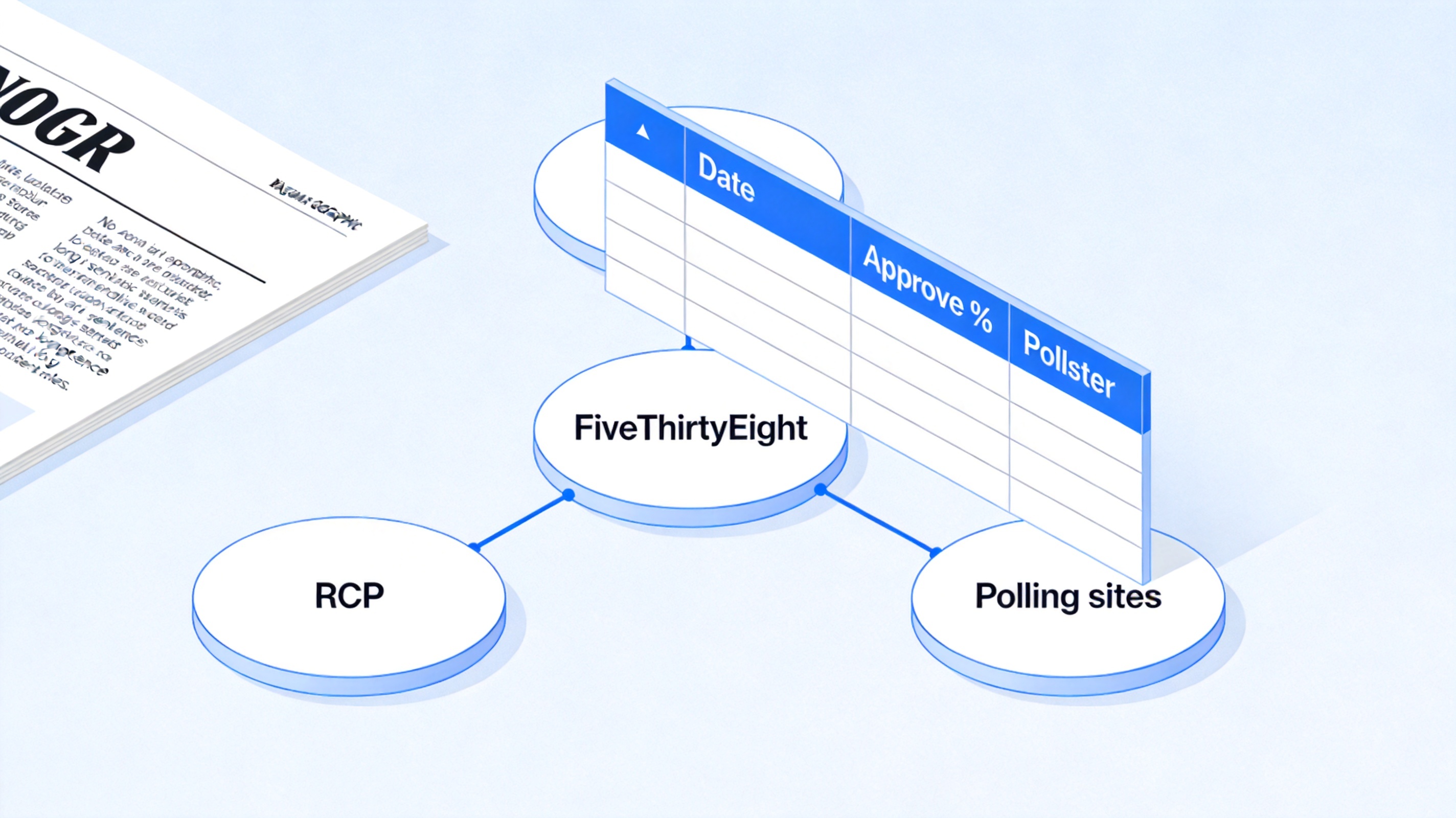
Approval rating data sources for Excel
Cleaning Polling Data Before Charting
- Remove duplicate dates — sort by date, then use Data > Remove Duplicates on the date column.
- Convert text percentages to numbers — some feeds store "47%" as text. Select the column, use Find & Replace to delete the % sign, then format as Percentage.
- Fill gaps between polls — polls do not publish daily. Either plot only actual polling days, or use a moving average column (see below) to smooth gaps into a continuous line.
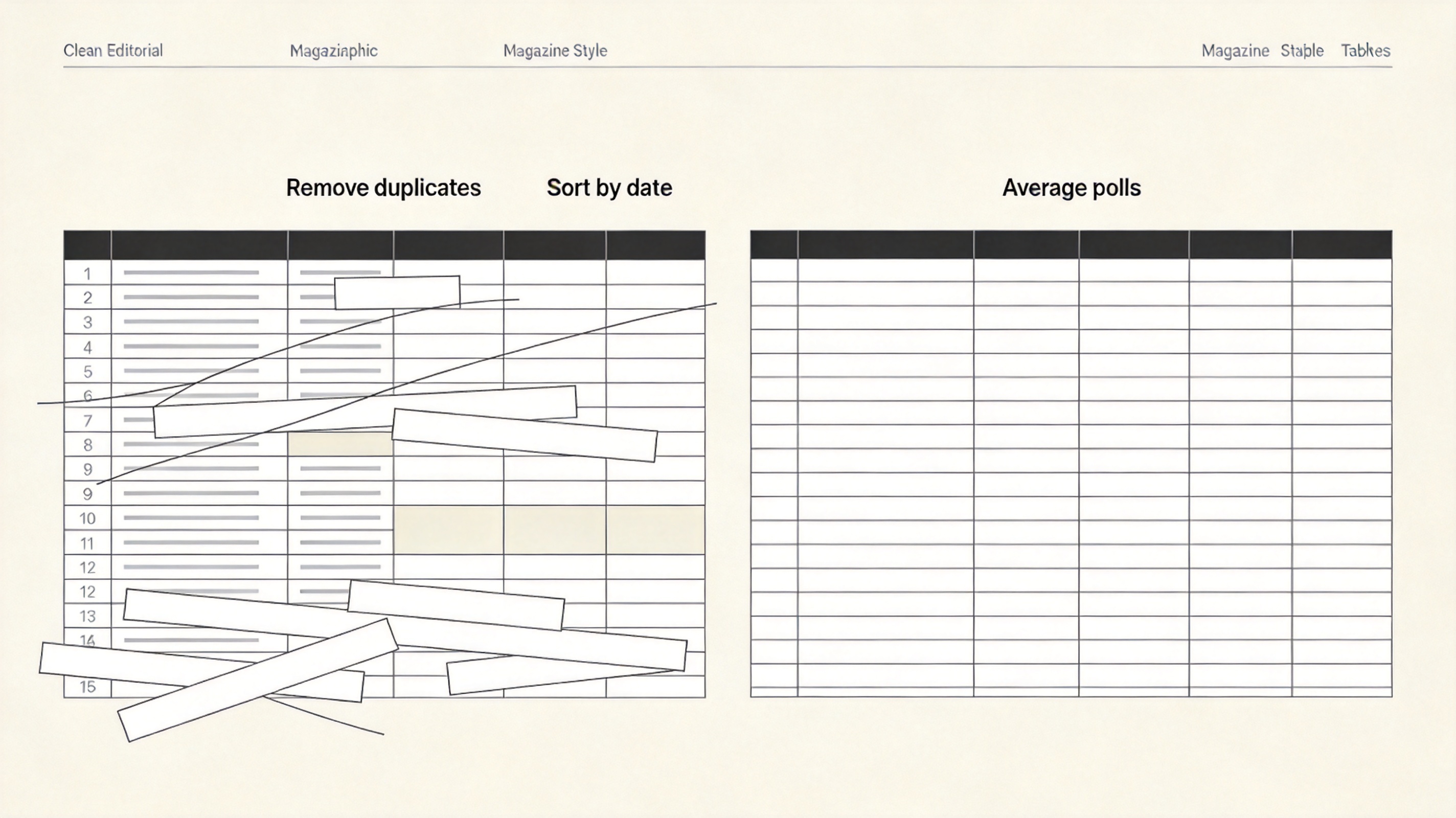
Clean polling data before charting
Building the Trump Approval Rating Graph Step by Step
- Select your three columns — date, approve, disapprove.
- Insert the line chart — Insert > Chart > Line. Excel automatically puts dates on the X axis.
- Add a 7-day moving average — in a new column enter =AVERAGE(B2:B8) and fill down; this is the smoothing pollsters use to cancel single-poll noise. Plot the moving average, and hide the spiky raw series if the chart looks busy.
- Fix the axis — right-click the Y axis, set minimum to 30 and maximum to 70 for typical approval ranges; this makes the approve/disapprove gap visible instead of flattening it.
- Color it like the networks do — set the approval line to blue and disapproval to red for instant readability.
Polish the result with the techniques in formatting chart elements — titles, borders, and number formats — and relabel the axes with the tips in changing axis labels in a chart.
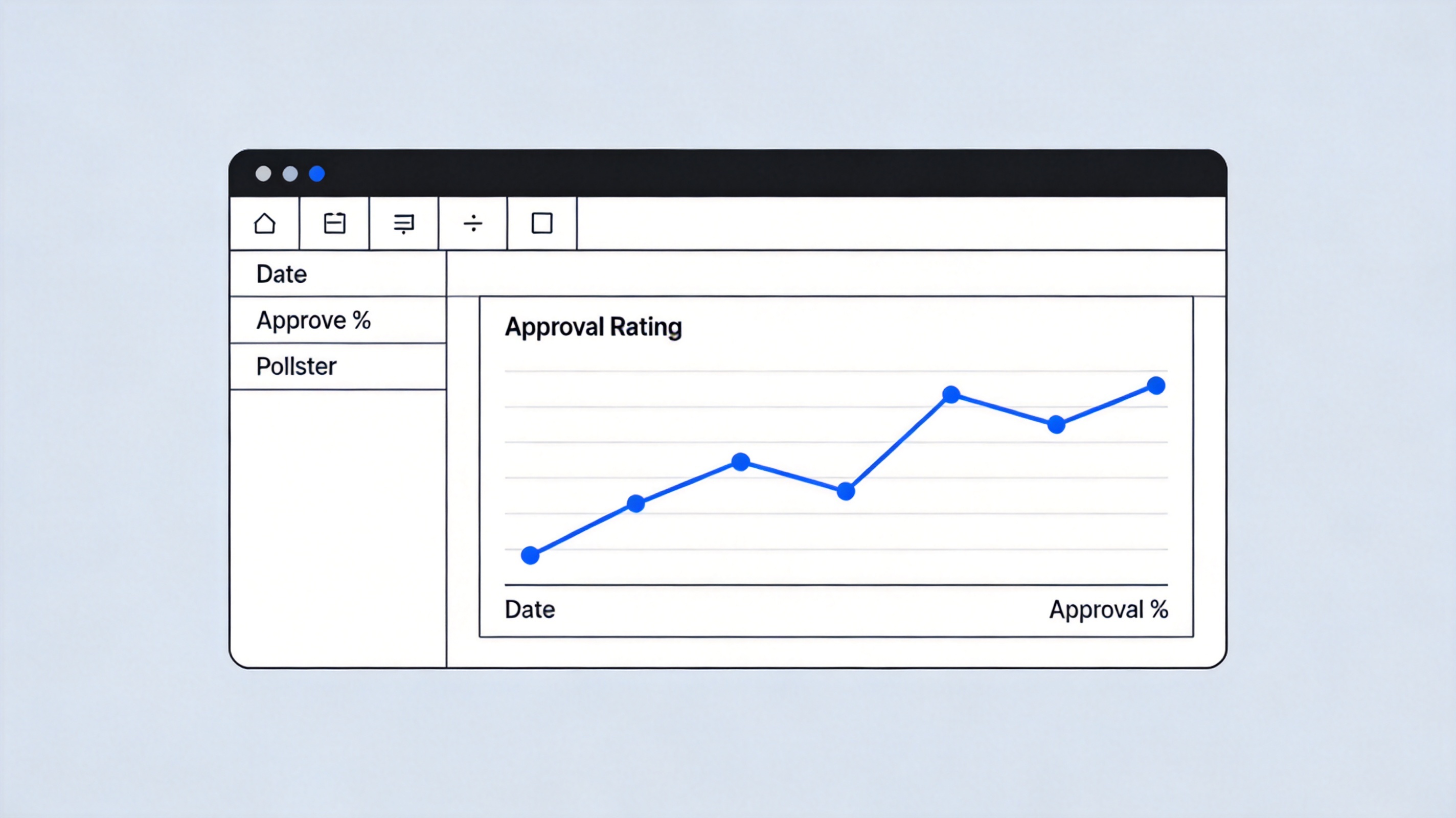
Build approval rating line chart in Excel
Keeping the Graph Updated Automatically
Put the raw CSV in one sheet and the chart in another, referencing the data sheet. When new daily numbers arrive, paste them under the old ones and extend the moving-average formula — the chart updates itself. If you publish the chart regularly, save the file as a template so only the paste step remains manual.
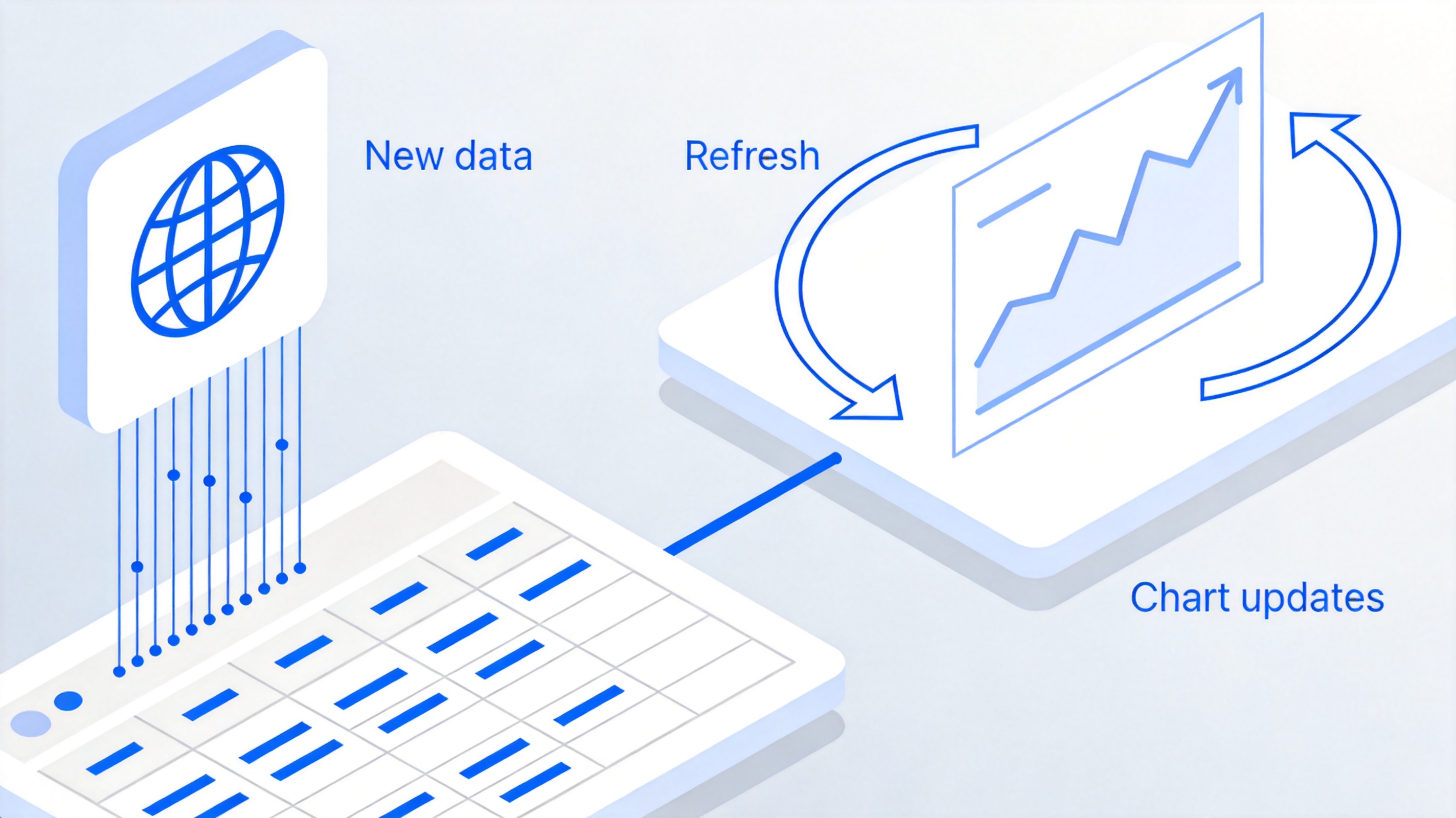
Keep the chart updated automatically
The Best Free Excel Alternative: WPS Office
Everything above — CSV import, moving averages, dual-line charts, and templates — works in WPS Spreadsheet for free. The interface matches Excel, files save in .xlsx without conversion, and you avoid paying a subscription for a chart you update once a day. WPS Office also bundles Writer and Presentation, so you can drop the finished chart into a report or slide deck in the same window. Download WPS Office to build your first chart today.

WPS Spreadsheet main interface
FAQs
Where can I download daily approval rating data?
Aggregators such as RealClearPolitics and FiveThirtyEight-style trackers publish daily averages with downloadable CSV files. Always take the aggregated series rather than one poll.
Why does my approval graph look jagged?
You are plotting raw polls, which arrive irregularly with different sample sizes. Add a 7-day moving average column and plot that instead.
How do I add a second line for disapproval?
Keep disapproval in its own column next to approval, and include it in the chart source range. Format it red to contrast with the blue approval line.
Can I chart multiple presidents on one graph?
Yes. Normalize each series by days-in-term so the X axes align, then add each president's approval column as a separate series.
Does WPS Spreadsheet open Excel chart files?
Yes. WPS Spreadsheet reads .xlsx and .xls files with charts intact, and saves back to the same formats without a subscription.



'%3e%3cpath%20d='M19.9911%204.11386V6.471H18.5894C18.0775%206.471%2017.7322%206.57814%2017.5536%206.79243C17.3751%207.00671%2017.2858%207.32814%2017.2858%207.75671V9.44421H19.9019L19.5536%2012.0871H17.2858V18.8639H14.5536V12.0871H12.2769V9.44421H14.5536V7.49779C14.5536%206.39064%2014.8632%205.53201%2015.4822%204.92189C16.1013%204.31177%2016.9257%204.00671%2017.9554%204.00671C18.8304%204.00671%2019.509%204.04243%2019.9911%204.11386Z'%20fill='%23333333'/%3e%3c/g%3e%3cdefs%3e%3cclipPath%20id='clip0_2938_8199'%3e%3crect%20width='16'%20height='16'%20fill='white'%20transform='translate(8%204.00671)'/%3e%3c/clipPath%3e%3c/defs%3e%3c/svg%3e)
'%3e%3cpath%20d='M17.5237%2010.7813L23.4811%204H22.0699L16.8949%209.88693L12.7648%204H8L14.2469%2012.9029L8%2020.0133H9.4112L14.8725%2013.7952L19.2352%2020.0133H24M9.92053%205.04213H12.0885L22.0688%2019.0224H19.9003'%20fill='%23333333'/%3e%3c/g%3e%3cdefs%3e%3cclipPath%20id='clip0_2938_8200'%3e%3crect%20width='16'%20height='16.0134'%20fill='white'%20transform='translate(8%204)'/%3e%3c/clipPath%3e%3c/defs%3e%3c/svg%3e)


