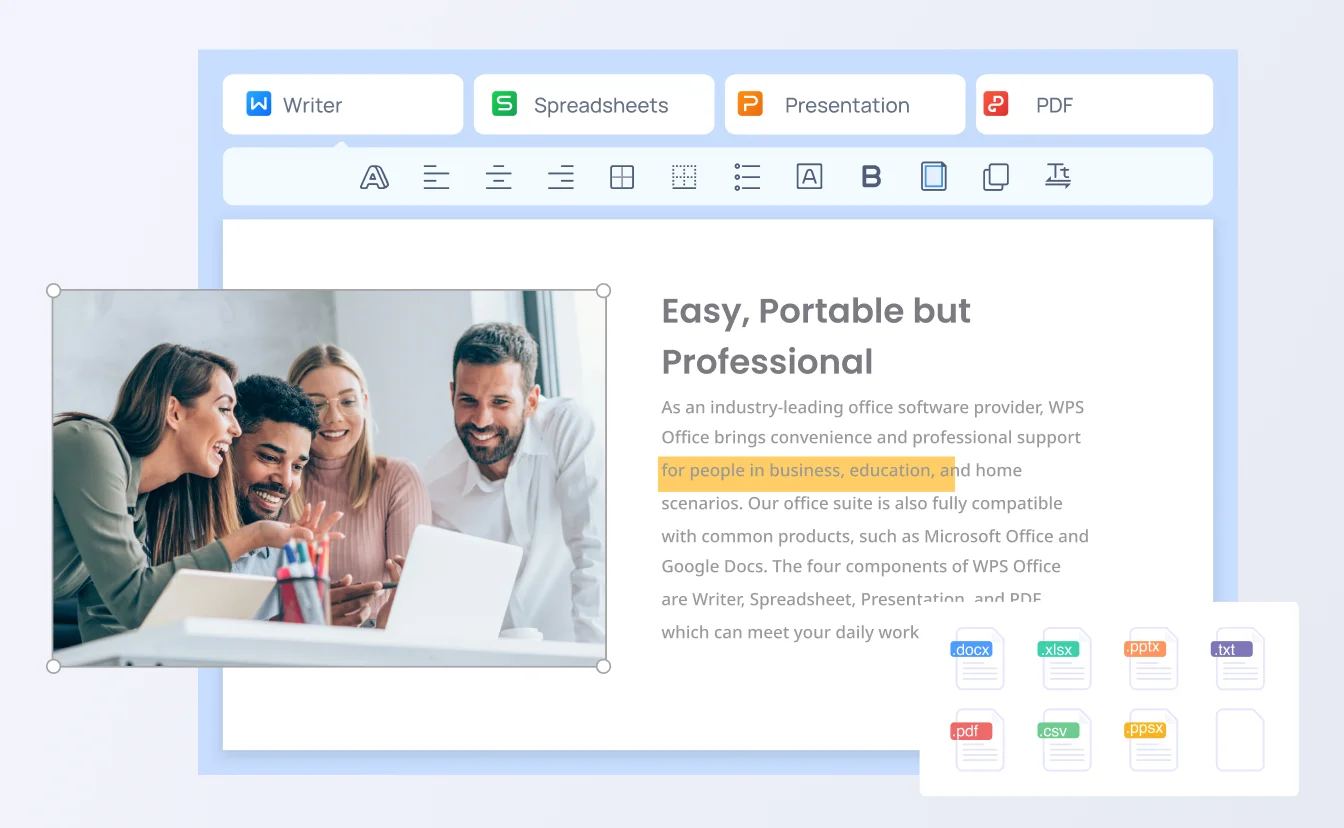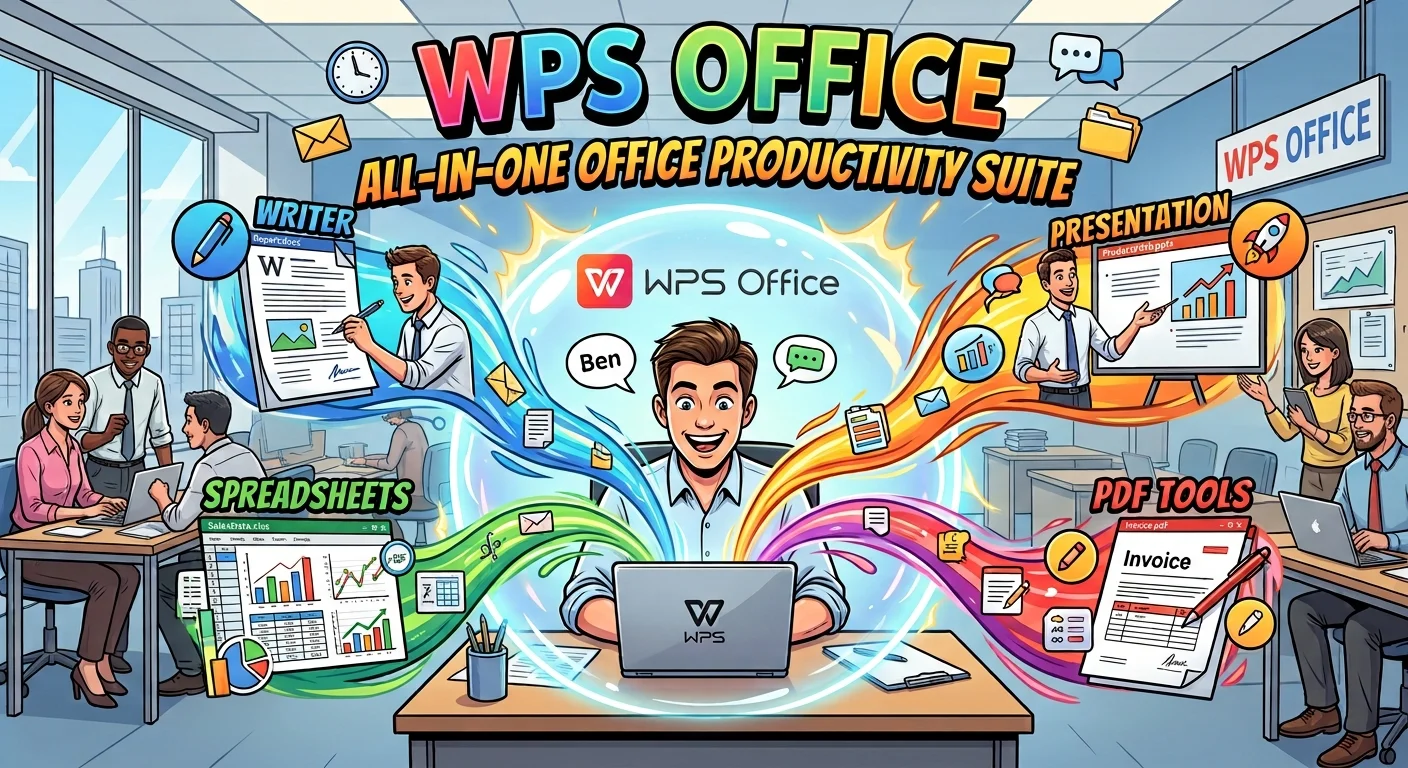
Writer · Spreadsheet · Presentation · PDF

All-in-One Office Productivity Suite

Stop paying for four apps. The WPS Office productivity suite puts Writer, Spreadsheet, Presentation, and PDF in one free download—compatible with Microsoft Office, ready offline, and built for everyday work.

0 Monthly Active Users Windows, Mac, Linux, Android, iOS No credit card

Best productivity suite

Best productivity suite

Before vs After

Simplify Your Workday with WPS Office Productivity Suite

Scattered Word, Excel, PowerPoint, and PDF apps slow work down. A single productivity suite keeps files, formats, and devices in one place.

Subscription Fatigue

Problem

Microsoft 365 and add-on PDF editors stack monthly fees for everyday documents most people already know how to write.

WPS Solution

Free core suite — download without a credit card for daily Word, Excel, PPT, and PDF work.

Free to start

Online-Only Dead Ends

Problem

A cloud-only suite stalls on flights, classrooms, and locked-down machines that still need full desktop editing.

WPS Solution

Desktop + mobile + offline — edit locally, then sync when you choose.

Works offline

One download · four office apps

Replace Scattered Tools with WPS Office Productivity Suite

Writer, Spreadsheet, Presentation, and PDF ship together. Open Microsoft files, export to PDF, and keep working on Windows, Mac, or phone.

Free core apps Microsoft compatible Built-in PDF
Download the Productivity Suite

Lightweight installer · Windows, Mac, Linux, Android, iOS

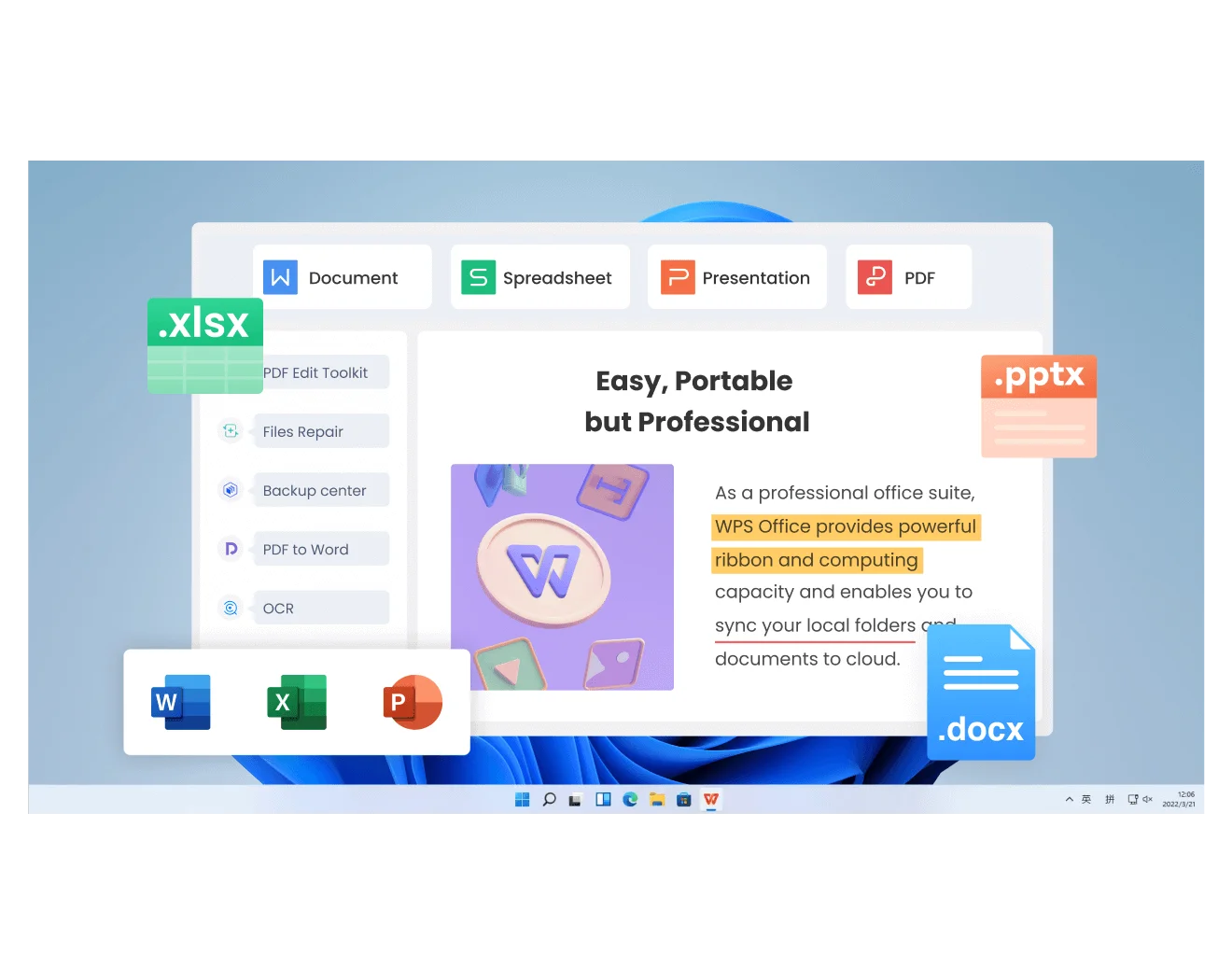
WPS Office suite desktop window

WPS Office suite desktop window

Why Choose WPS Office Productivity Suite

One workspace for Writer, Spreadsheet, Presentation, PDF, and WPS AI—without juggling apps, versions, or devices.

Four Essential Tools, One Seamless Suite

  • Stop switching between Word, Excel, PowerPoint, and a separate PDF app just to finish one project.
  • Skip stacked subscriptions—Writer, Spreadsheet, Presentation, and a PDF editor ship in one installer.
  • Work from a single home screen so files, formats, and tools stay in one unified workspace.
All-in-oneWriter to PDFOne installer
Writer · Spreadsheet · Presentation · PDF
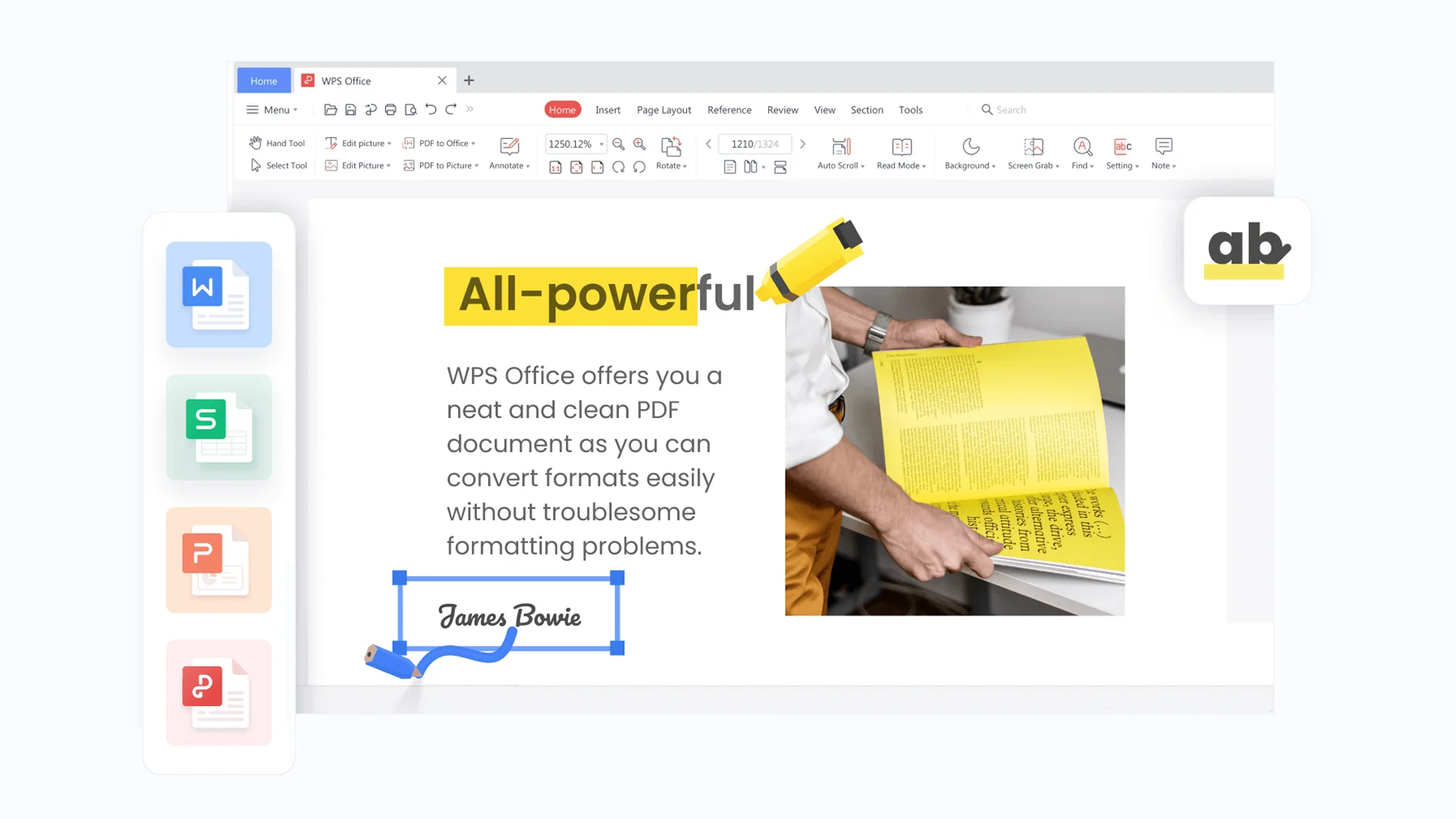
WPS four office apps together

WPS four office apps together

WPS AI · Draft · Summarize · Charts
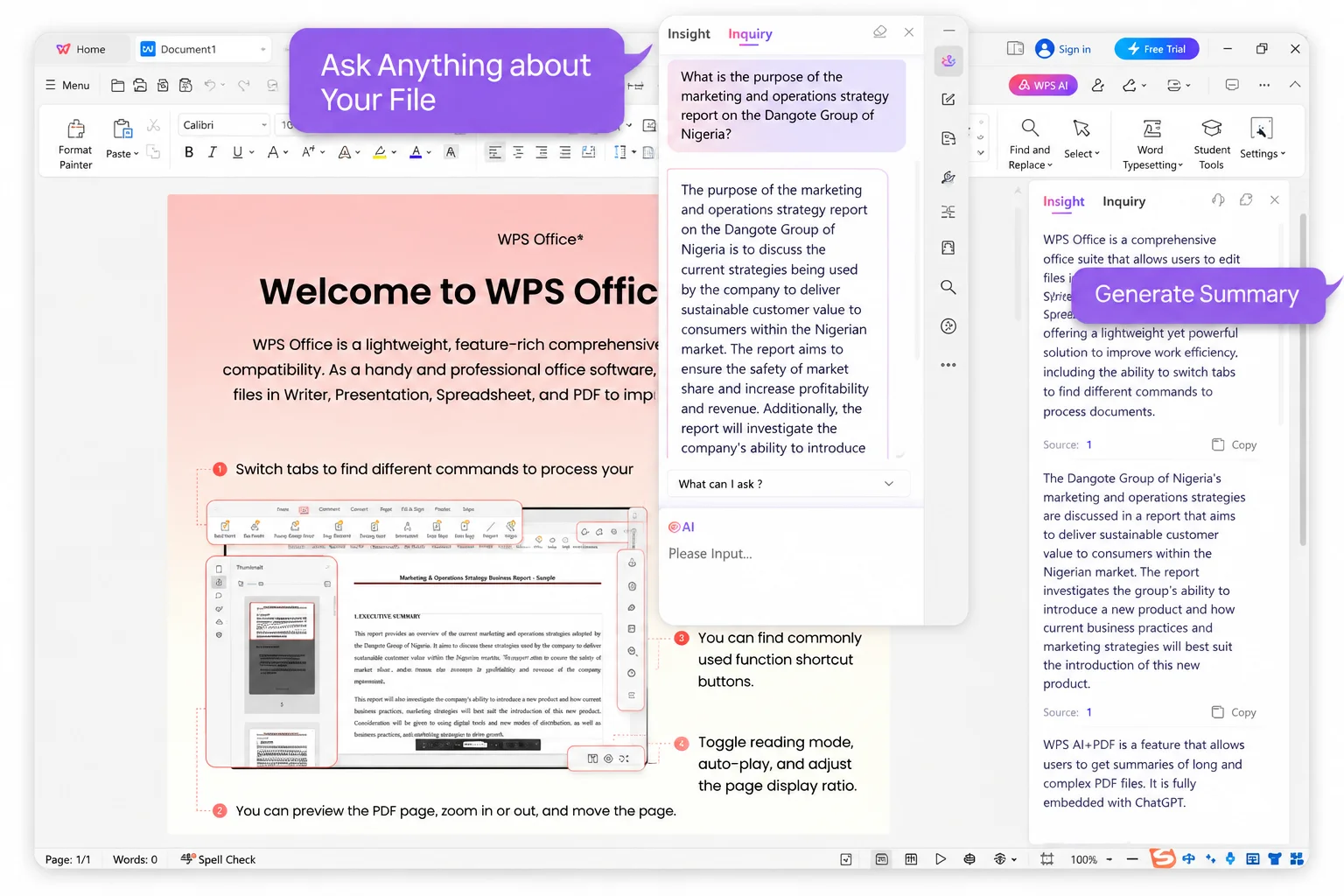
WPS AI writing assistant panel

WPS AI writing assistant panel

AI-Powered Productivity at Your Fingertips

  • Draft documents and summaries in seconds instead of rewriting the same paragraphs by hand.
  • Generate charts and polish slides with built-in WPS AI—no extra chatbot tab required.
  • Automate routine formatting so you spend time on the work, not the busywork.
WPS AISmart assistantInstant drafts

Real-Time Collaboration, Zero Friction

  • Co-edit the same file in real time instead of mailing another final_v7 attachment.
  • Leave context-rich comments so feedback sits on the paragraph, not in a separate chat.
  • Track updates so the team stays aligned without version chaos.
Real-timeCommentsVersion history
Co-edit · Comments · Share
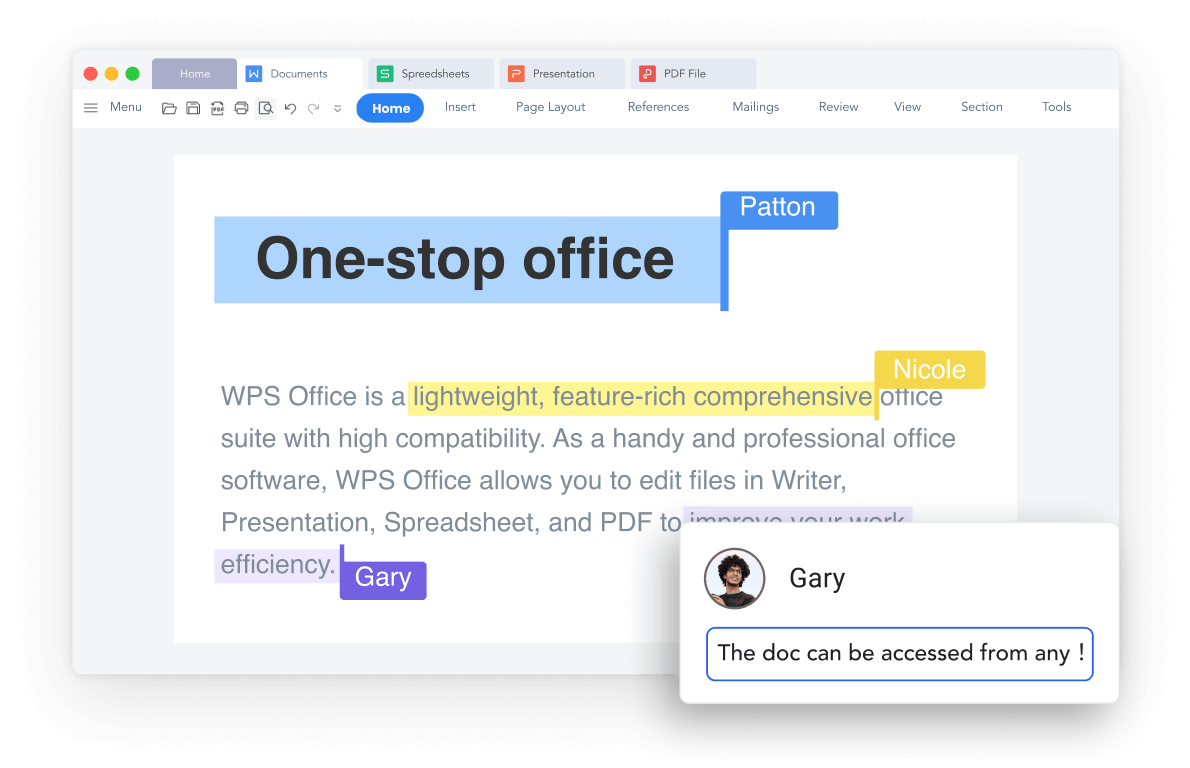
WPS live document collaboration view

WPS live document collaboration view

Windows · Mac · iOS · Android · Linux
WPS Office on every device

WPS Office on every device

Work Anywhere, Across Every Device

  • Sync across Windows, Mac, iOS, Android, and Linux so the same file opens on the next device.
  • Keep full desktop editing offline—no login wall when the network drops.
  • Layouts stay intact when you switch from phone to tablet to laptop.
Cross-platformOffline5 OS

REAL USERS · WPS OFFICE

A Productivity Suite Students and Teams Actually Keep Installed

One download covers docs, sheets, slides, and PDFs—without a second PDF editor or a locked Microsoft 365 seat for everyday files.

0

Global MAU

4-in-1

Apps in one suite

5

Desktop & mobile OS

Free Download WPS Office

Windows · Mac · Linux · Android · iOS

"I replaced Word, Excel, PowerPoint, and a PDF reader with one WPS install. Files still open fine for my Microsoft-using teammates."

JK

Jordan K.

Freelance consultant

Reviews reflect common feedback from Google Play, App Store & WPS Community.

3 Steps

How to Use WPS Office Productivity Suite in 3 Steps

1

Download and open WPS Office

Install the productivity suite on Windows, Mac, Linux, Android, or iOS. One installer includes Writer, Spreadsheet, Presentation, and PDF—no extra PDF app.

2

Open a document, spreadsheet, deck, or PDF

Create a new file or open existing DOCX, XLSX, PPTX, or PDF. Layouts stay intact so you can keep collaborating with Microsoft Office users.

3

Edit, convert, and sync across devices

Finish the file in the matching app, export to PDF from Tools when you need a locked copy, and optionally sync with your WPS account on phone and desktop.

FAQ

Frequently Asked Questions

FREE DOWNLOAD · ALL PLATFORMS

Unlock Everyday Work with the WPS Office Productivity Suite

Download WPS Office free and handle Word, Excel, PowerPoint, and PDF in one productivity suite—then keep files moving across desktop and mobile.

  • Writer, Spreadsheet, Presentation, and PDF in one installer
  • Compatible with Microsoft Office formats
  • Trusted by 600M+ monthly active users
Free Download WPS Office

One installer · Writer + Spreadsheet + Presentation + PDF

WPS Office on desktop mobile

WPS Office on desktop mobile