BMP to PDF Converter

Turn BMP scans and bitmap images into an ordered PDF document. WPS’s online BMP to PDF converter lets you combine images, adjust page layout, and compare the result before downloading a merged file or separate PDFs.

or drag and drop files here

BMP, up to 100 MB

Image order
0 filesMerged into 1 PDF
PDF settings
PDF conversion settings
Choose how each BMP fits on the PDF page.
Applied to all pages in the merged PDF.
px
Use 0 for edge-to-edge placement.
0%
Preparing conversion
Converting BMP to PDF
Preparing conversion…
PDF ready
First page preview
download.pdf
0 BMP pages merged into PDF
Original BMP total
0 B
Output PDF size
0 B
Free to Use
No Sign-Up
No Ads
Any Browser
Free to Use
No Sign-Up
No Ads
Any Browser

How to Convert BMP to PDF in 3 Steps

  1. Step 1: Upload BMP images

    Select your .bmp files and check the image list. Include only the scans or pictures needed for the document.

  2. Step 2: Choose order and layout

    Drag images into sequence and remove extras. Set paper size, orientation, margins, and the available compression option.

  3. Step 3: Export and review the result

    Convert BMP to PDF, then check the preview and file-size comparison. Download one combined document or separate PDFs.

Merge BMP Images into One PDF Document

Merge BMP Images into One PDF Document

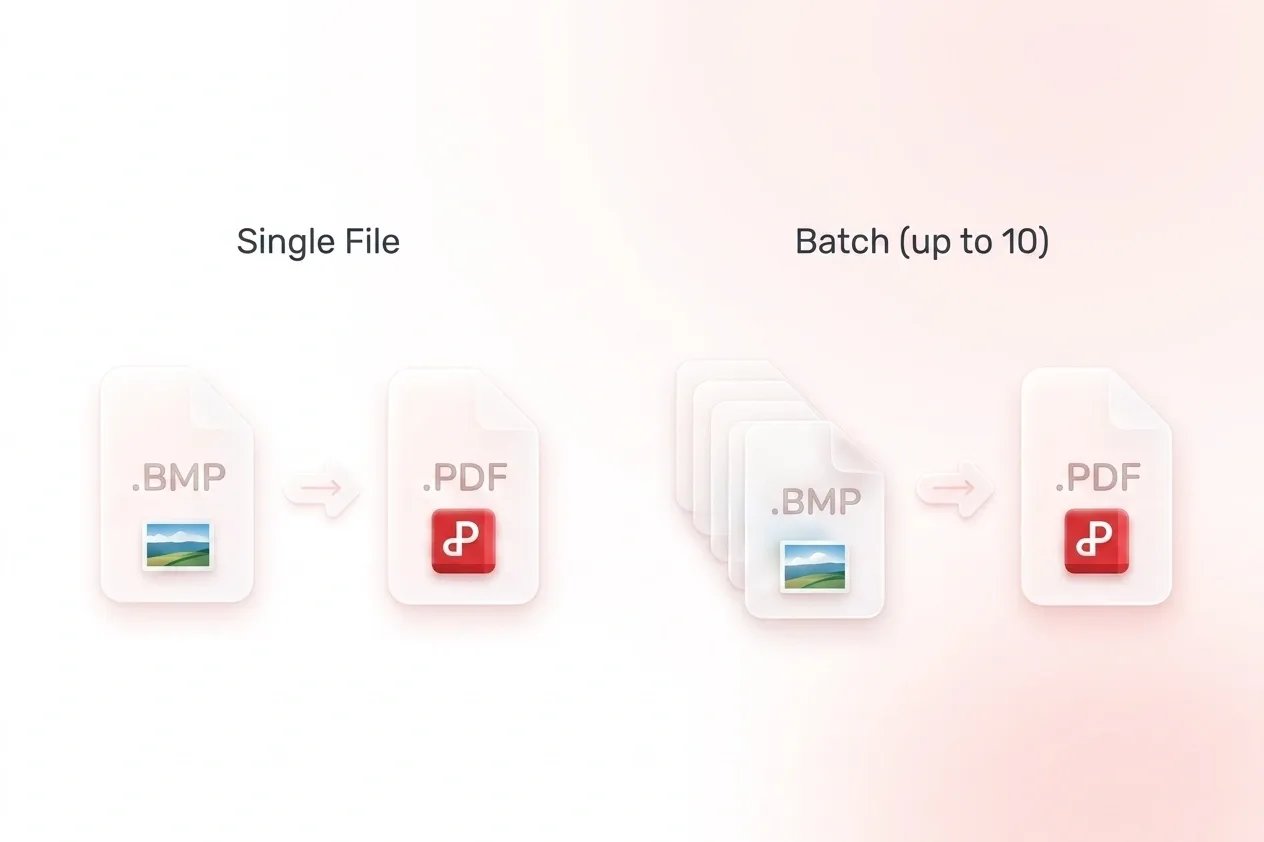
Separate BMP files can make a simple report harder to share. WPS’s BMP to PDF converter combines images into a multi-page document, so related material stays together. Use separate output when the recipient needs one document per image.
Try It Now
Arrange Bitmap Scans in Reading Order

Arrange Bitmap Scans in Reading Order

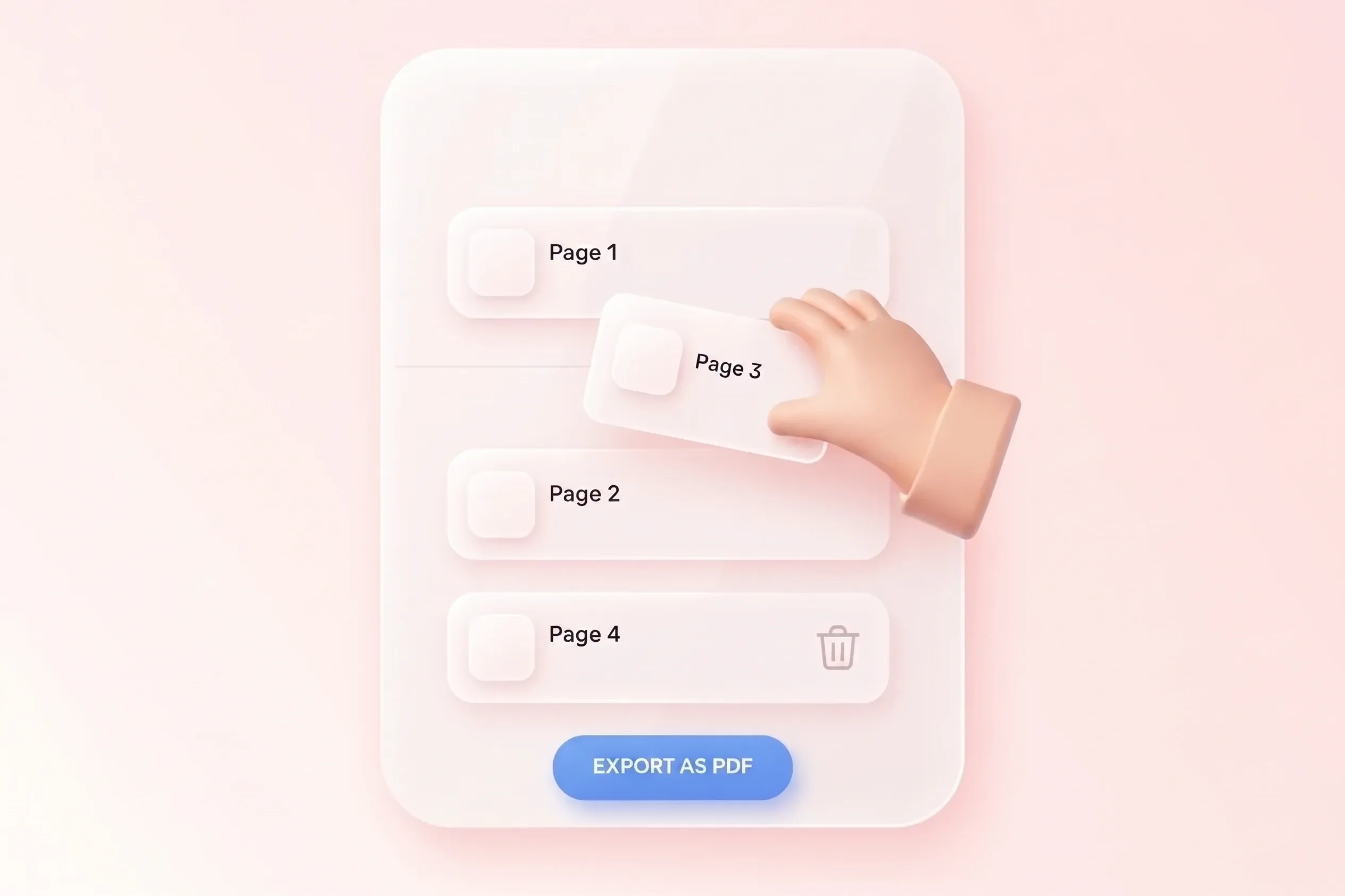
A scanned set can be confusing when its pages are out of sequence. Drag sorting lets you merge BMP to PDF in the intended order, so forms, diagrams, and notes read coherently. Remove duplicate scans before export.

Try It Now
Set Page Layout for Bitmap to PDF Conversion

Set Page Layout for Bitmap to PDF Conversion

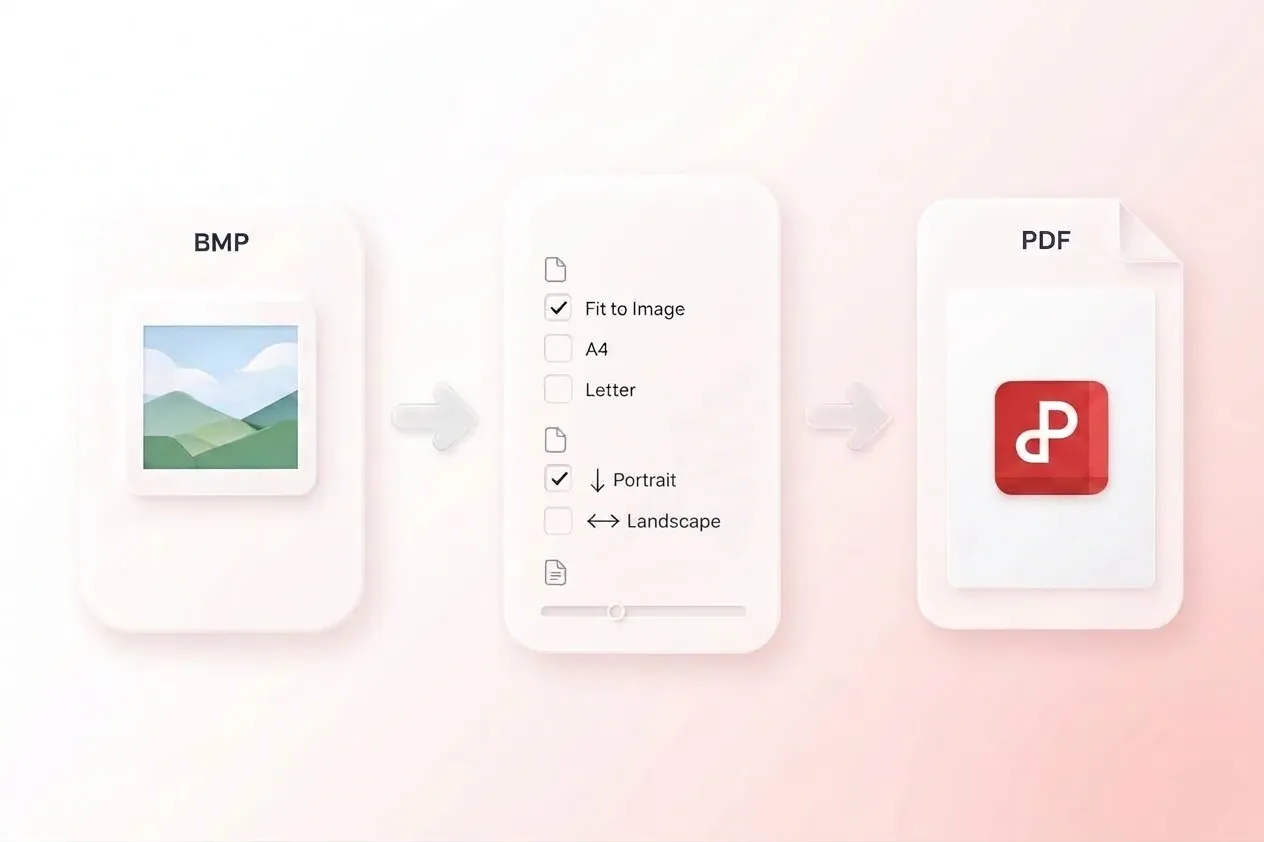
Large or unusually shaped bitmaps do not always suit a default page. Fit-to-image, A4, and Letter with orientation and margins let you choose the layout, so the document has an intentional reading format. Review text size after fitting an image to the page.

Try It Now
Compare BMP and PDF File Size and Detail

Compare BMP and PDF File Size and Detail

Bitmap sources can be large, but format conversion does not guarantee a smaller file. Compression options and an input/output size comparison let you inspect the trade-off, so you can review readability and size together. Keep the original when fine detail matters.

Try It Now

Why Users Choose Our BMP to PDF Converter

Simple image merging, flexible page order, and practical layout controls for document workflows.

Legacy bitmap handoff

Use bitmap to PDF conversion for older image exports. Review colors, fine lines, and the page layout before sharing the document.

Legacy bitmap handoff

Office workflows

Scanned worksheet

Convert a BMP file to PDF for a worksheet submission. Check that the writing is upright and readable at the intended page size.

Scanned worksheet

Learning and teaching

Ordered image packet

Collect related BMP scans in one PDF and arrange them in sequence. Compare the final page count with the source image list.

Ordered image packet

Project coordination

BMP to PDF FAQ

01

How do I convert BMP to PDF?

Upload BMP images, arrange their order, and choose layout and compression settings. Convert them, inspect the result, and download the PDF output.

02

Can I put several BMP images in one PDF?

Yes. Add the images together and choose merged output. Use drag sorting to set the reading order before creating the document.

03

Can I create a PDF for each image instead?

Yes. Separate PDF output is available when each image needs its own document rather than a merged file.

04

Which page sizes are available?

The tool offers fit-to-image, A4, and Letter with orientation and margin settings. Review how the image fits on the selected page.

05

Will the PDF always be smaller than the BMP?

No. Size depends on the source image and conversion choices. Use the file-size comparison and inspect the image before choosing the result for a handoff.

06

Does this make scanned text editable?

No OCR capability is claimed for this workflow. Converting a bitmap scan into a PDF does not by itself recognize the pictured text or create editable document fields.