PDF to EPUB

Convert PDF documents into EPUB ebooks optimized for e-readers, with progress tracking and a downloadable .epub file for convenient reading on mobile devices, tablets, and ebook readers.

0%

Processing...

FILE

or drag and drop here · Max 100 MB

Optional Settings

Free and Unlimited
No Signup Required
Save Time
No Ads
Free to Use
No Sign-Up
No Ads
Any Browser

How to Convert PDF to EPUB Online

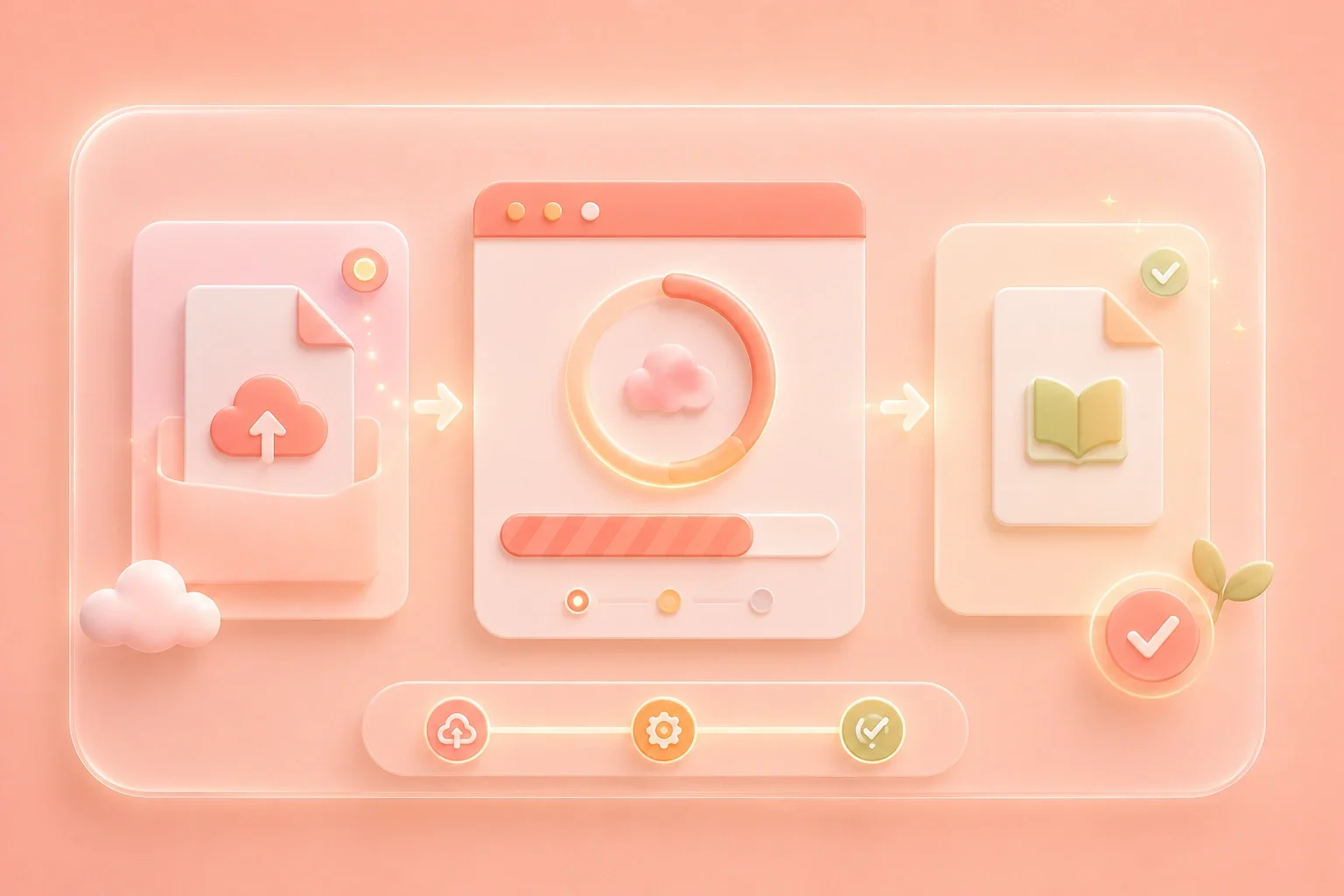
  1. Step 1: Upload the PDF

    Choose the PDF you want to turn into an ebook. The converter accepts the source PDF directly, so there is no intermediate format to prepare.

  2. Step 2: Convert with Visible Progress

    Start the PDF to EPUB conversion and follow the percentage and status updates on the page while the file is processed.

  3. Step 3: Download the EPUB

    Download the converted EPUB, open it in a compatible reader, and check the text order, headings, images, and tables before adding it to your library.

Convert PDF to EPUB Online Without Format Detours

Convert PDF to EPUB Online Without Format Detours

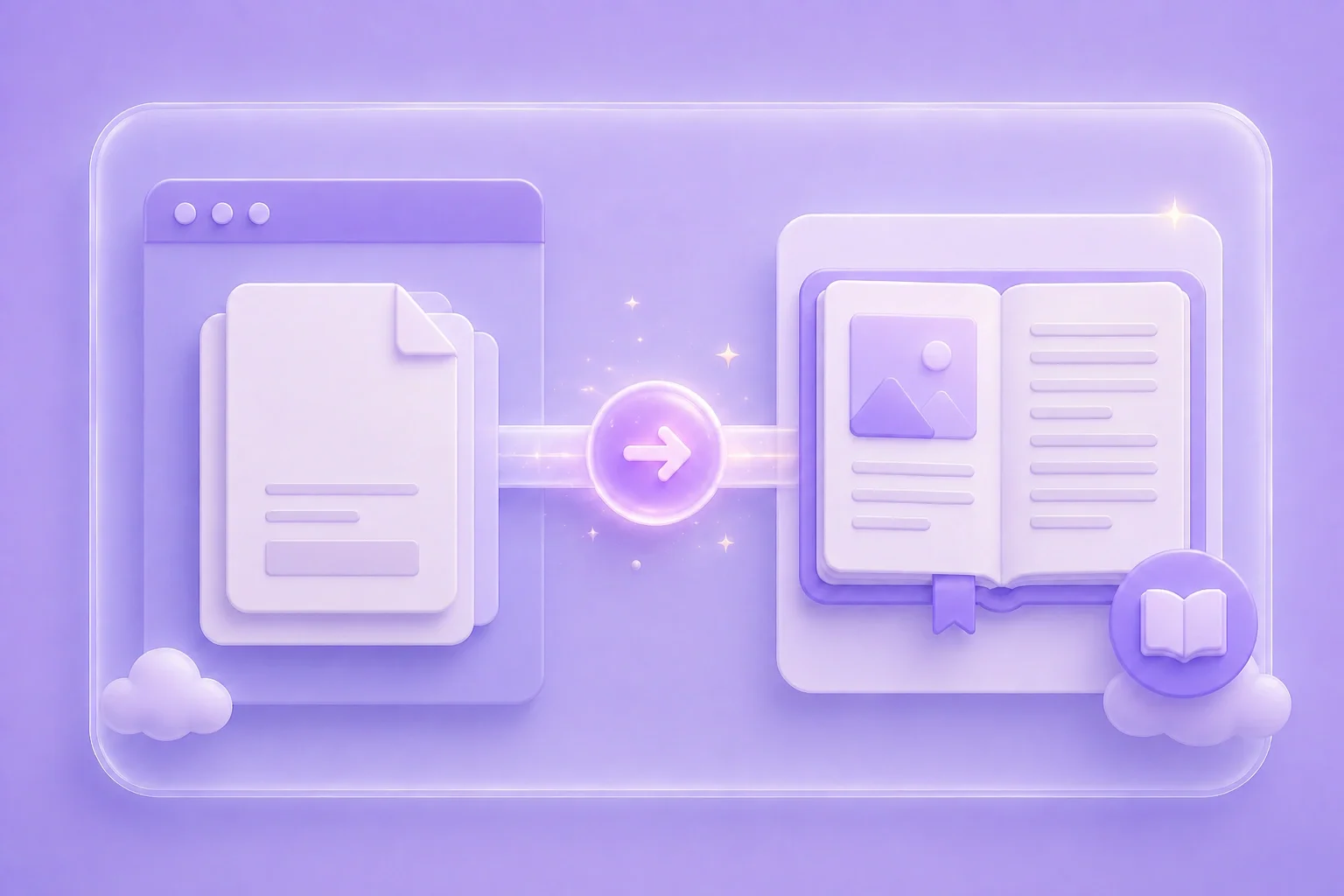
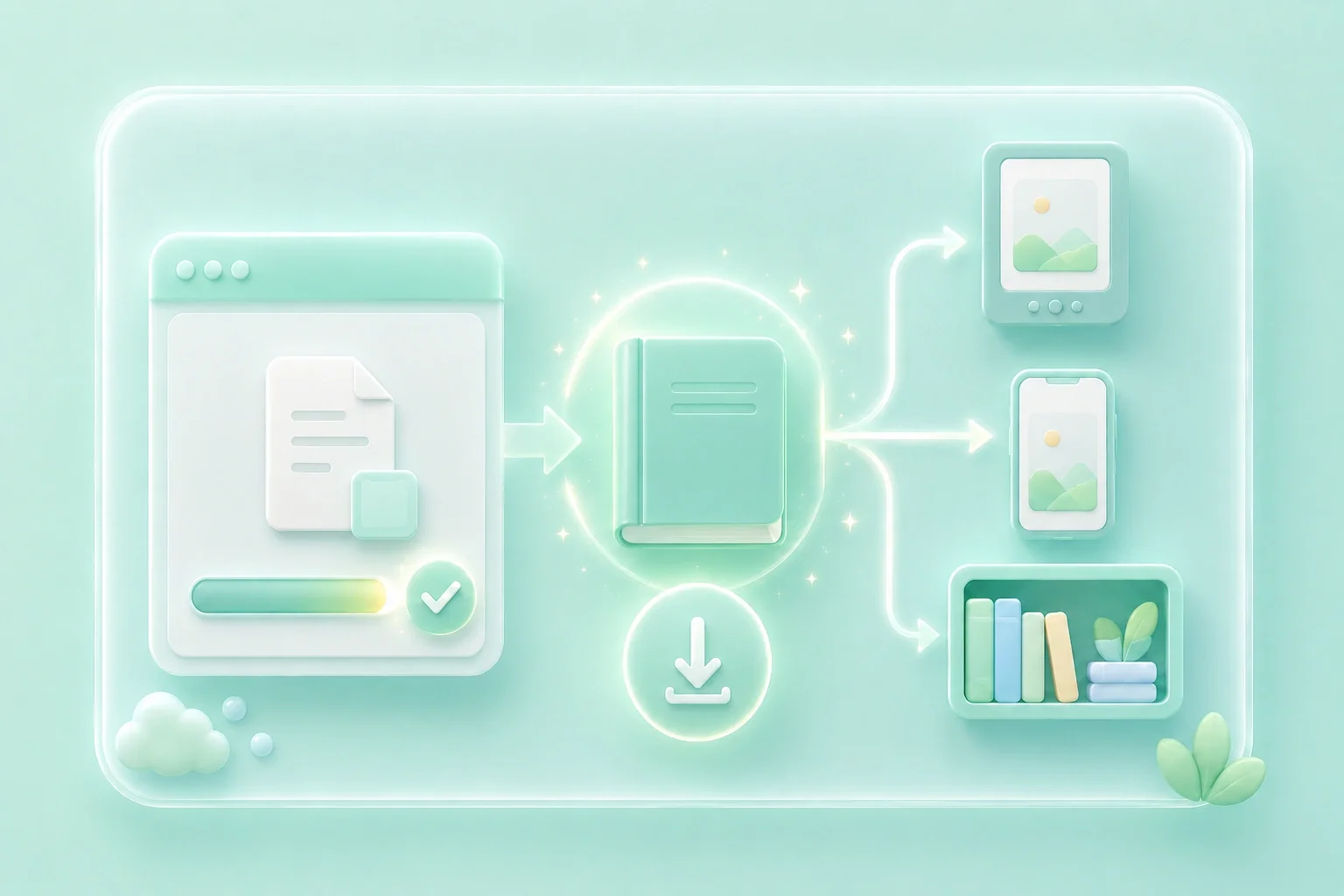
A simple format change should not become a chain of exports, temporary files, and software switches. This online PDF to EPUB converter takes the source PDF directly and moves it through one clear browser workflow: upload, convert, and download. You reach the EPUB output without first rebuilding the document in another format.
Get Started
Visible Conversion Progress Keeps You in Control

Visible Conversion Progress Keeps You in Control

Waiting is frustrating when a converter gives no sign that the job is moving forward. Here, percentage progress and status messages remain visible as the PDF is uploaded and processed. You can follow the conversion from input to output instead of wondering whether the page registered your request.

Get Started
A Downloadable EPUB Ready for Your Next Step

A Downloadable EPUB Ready for Your Next Step

A conversion is only useful when the result can move into the rest of your reading workflow. Once processing is complete, the PDF to EPUB converter presents the finished file for direct download. Open it in a compatible EPUB reader, transfer it to your preferred device, or place it alongside the other titles in your ebook library.

Get Started
Move Beyond Fixed PDF Pages for Long-Form Reading

Move Beyond Fixed PDF Pages for Long-Form Reading

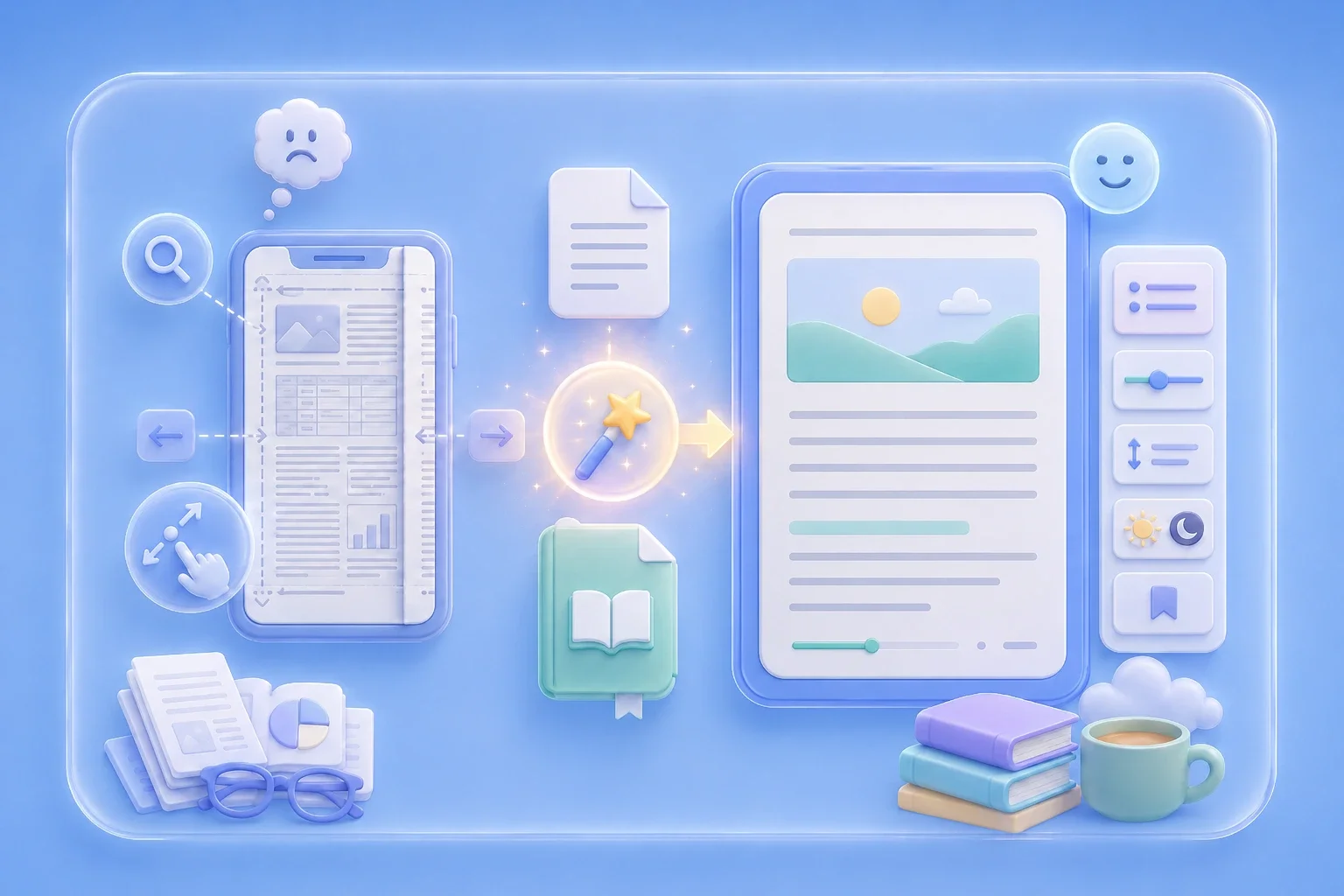
A fixed PDF can force repeated zooming and horizontal scrolling on smaller screens. By converting PDF to EPUB, this tool gives text-focused books, reports, manuals, course readings, and manuscripts a path into compatible ebook reader apps that support reflow and reader-controlled text settings. The result is a file format better suited to sustained mobile reading.

Get Started

PDF to EPUB User Stories

See how different readers use a PDF to ebook workflow to move long documents beyond the desktop.

Emily Carter

Emily uploads weekly PDF reading packs, follows the conversion progress, and downloads each EPUB for her tablet. Keeping the material in one reading library makes long study sessions easier to manage away from her laptop.

Emily Carter

Graduate Student

Daniel Brooks

Daniel uses the online converter to move a text-heavy technical manual from PDF to EPUB without preparing an intermediate file. The downloaded ebook is easier to carry into field work and consult in a compatible tablet reader.

Daniel Brooks

Technical Consultant

Olivia Bennett

Olivia converts public-domain books and personal manuscripts, then downloads the EPUB files into the same library as her other ebooks. That single collection gives her a cleaner way to organize upcoming reading and review projects.

Olivia Bennett

Book Blogger

PDF to EPUB Converter FAQ

01

What does a PDF to EPUB converter do?

A PDF to EPUB converter changes a fixed-page PDF into an EPUB file intended for ebook reading. This tool lets you upload the PDF online, follow the processing status, and download the converted EPUB.

02

How can I convert PDF to EPUB online?

Upload your source file, start the conversion, follow the visible progress, and download the resulting EPUB. The complete PDF to EPUB online workflow happens on the same page.

03

Will the EPUB keep the original PDF layout?

Not exactly. PDF uses fixed pages, while EPUB is commonly reflowable, so line breaks and page structure can change. Text-focused PDFs are generally stronger candidates than forms, magazines, multi-column pages, or documents that depend on precise positioning.

04

Can a scanned PDF be converted to EPUB?

A scanned PDF usually contains page images rather than selectable text. Use OCR first to create searchable text, then review the recognized content and reading order before converting it to EPUB.

05

Which documents work best for PDF to ebook conversion?

Text-focused books, reports, manuals, articles, manuscripts, and study materials are usually the most practical candidates. Review the finished file carefully when the PDF contains complex columns, tables, footnotes, or image-led layouts.

06

How do I open the converted EPUB file?

Open it with an app or device that supports EPUB files. Depending on your reader, you may be able to import the file directly, transfer it by cable, or add it through the reader's library or cloud service.