TIFF to PDF Converter

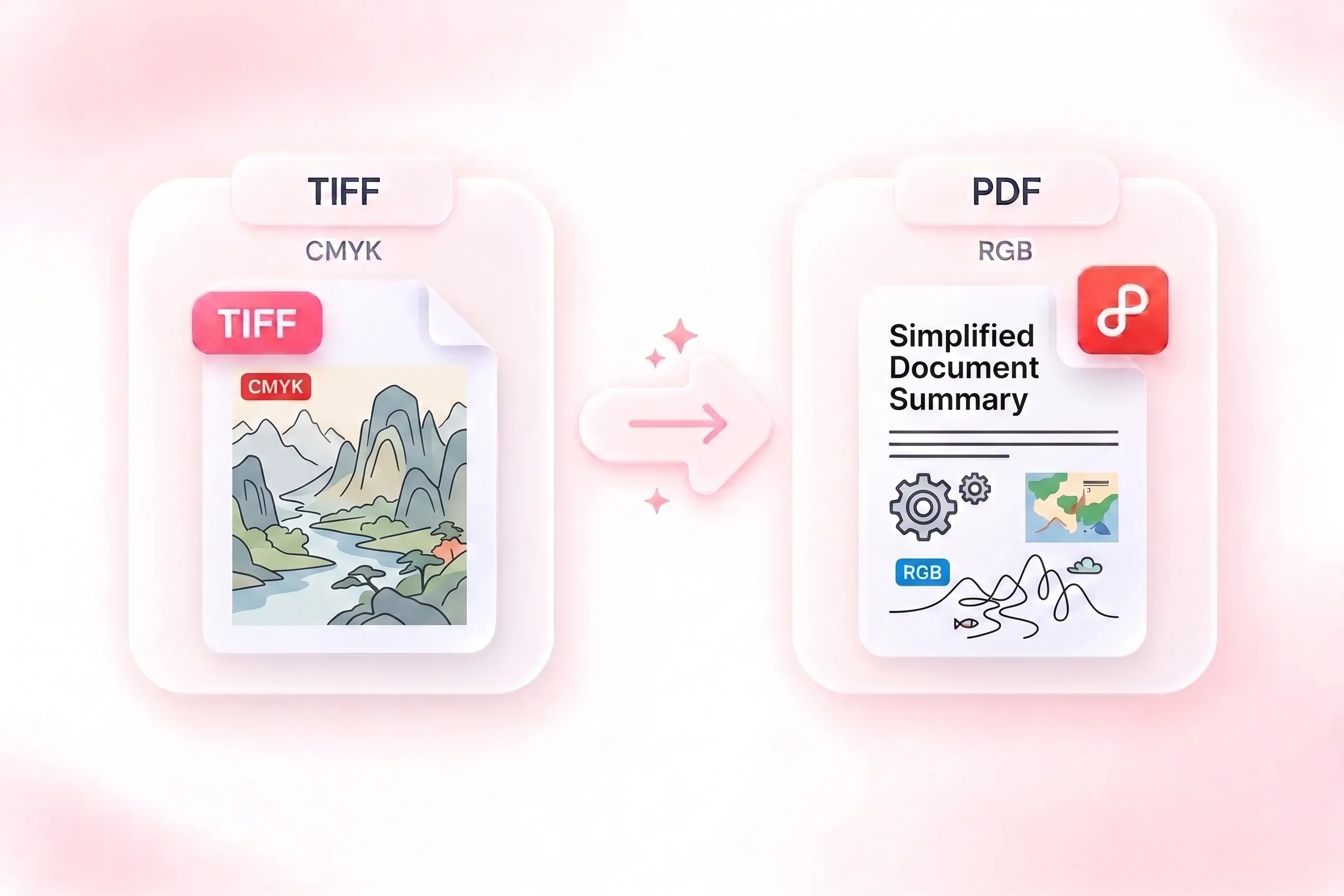
Turn TIFF scans into a PDF document for reading, sharing, or storage. WPS’s online TIFF to PDF converter supports TIF and multi-page TIFF input, with page-order and proportion checks before you save the result.

or drag and drop files here

TIF or TIFF, up to 100 MB

Pages: 1Compression: Unknown
Page count
1
Compression
Unknown
Color space
Unknown
Bit depth
Unknown
Keep the original aspect ratio on each PDF page.
Best for scanned documents and multi-page TIFF files.
0%
Preparing conversion…
Converting TIFF to PDF
Preparing conversion…
One TIFF file up to 100MB. Multi-page TIFF files are exported as one PDF.

PDF preview

Preview shows the generated PDF output for quick verification.
Free to Use
No Sign-Up
No Ads
Any Browser
Free to Use
No Sign-Up
No Ads
Any Browser

How to Convert TIFF to PDF in 3 Steps

  1. Step 1: Upload a TIFF or TIF scan

    Select your .tiff or .tif file and review the detected page information. Confirm that the file contains the pages you expect.

  2. Step 2: Review the document settings

    Check the page sequence and choose the available page-size and orientation settings. Review how the scan proportions fit the output.

  3. Step 3: Convert and inspect each page

    Convert TIFF to PDF, then inspect the preview and page count. Check small text and any unusual scan colors before downloading.

Convert Multipage TIFF to PDF in Source Order

Convert Multipage TIFF to PDF in Source Order

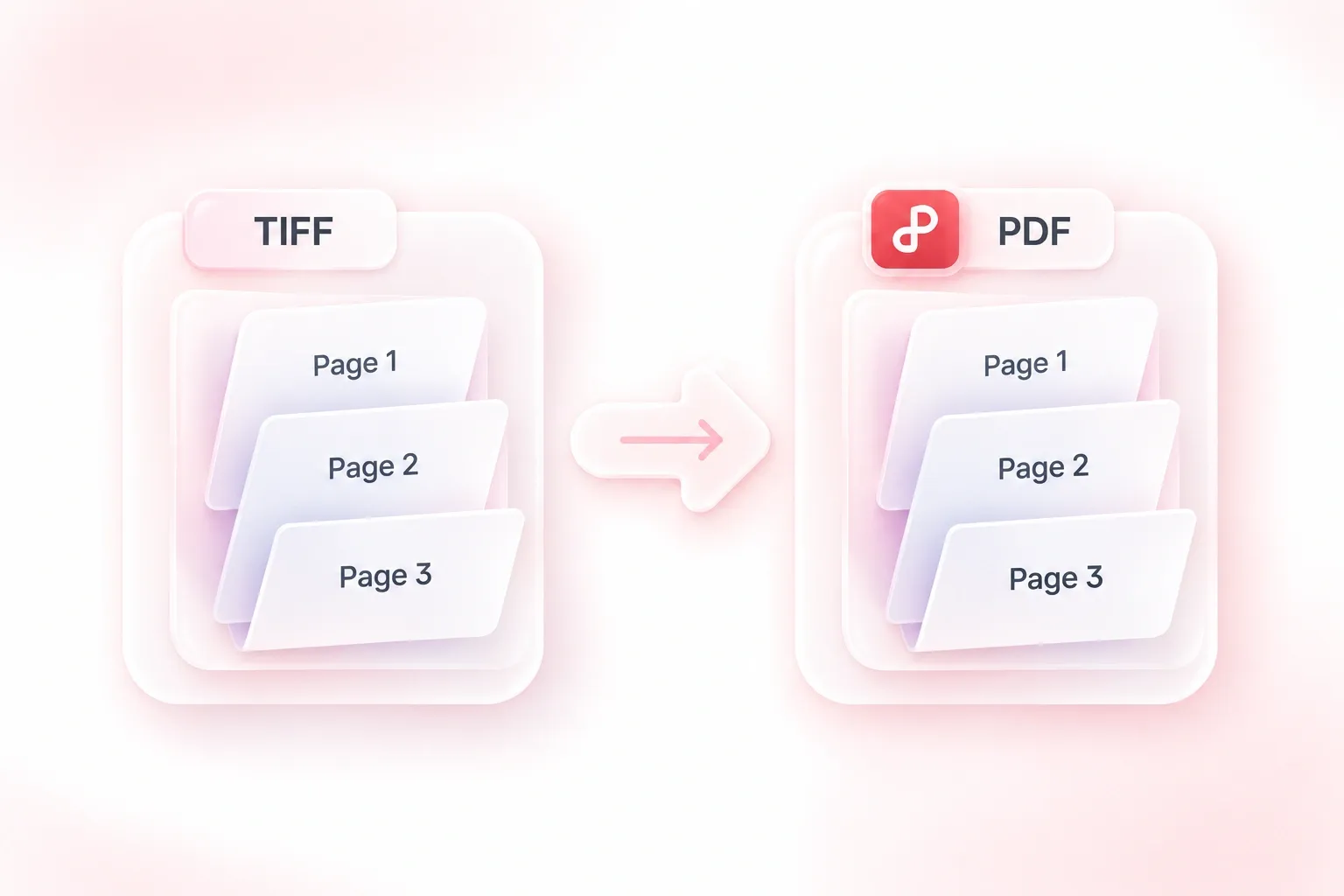
Splitting a scanned document into loose images makes its sequence harder to manage. WPS’s TIFF to PDF converter turns the pages of a multi-page TIFF into one PDF in source order, so the scan remains a single reading unit. Confirm the resulting page count.
Try It Now
Keep TIFF Scan Proportions on PDF Pages

Keep TIFF Scan Proportions on PDF Pages

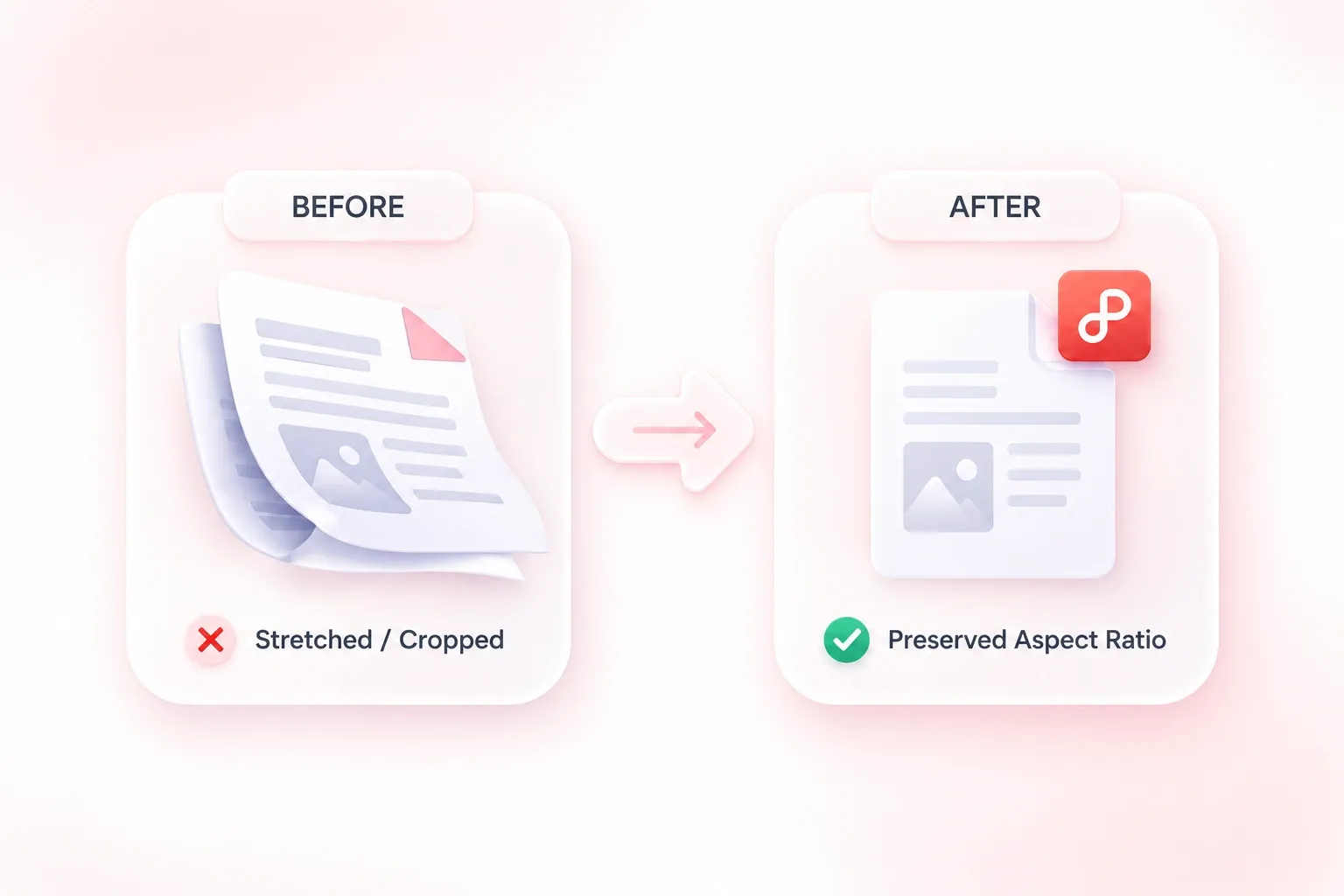
A stretched scan can distort both diagrams and text. Aspect-ratio preservation keeps each page proportional during conversion, so the document retains the shape of the source image. Review margins and page placement separately from image proportions.

Try It Now
Convert TIF to PDF without Renaming Files

Convert TIF to PDF without Renaming Files

Scanning software may save the same kind of image with a .tif or .tiff extension. Support for both inputs lets you start the TIF to PDF workflow without renaming the file. A supported extension does not mean every internal TIFF encoding has identical compatibility.

Try It Now
Compare PDF Readability and File Size

Compare PDF Readability and File Size

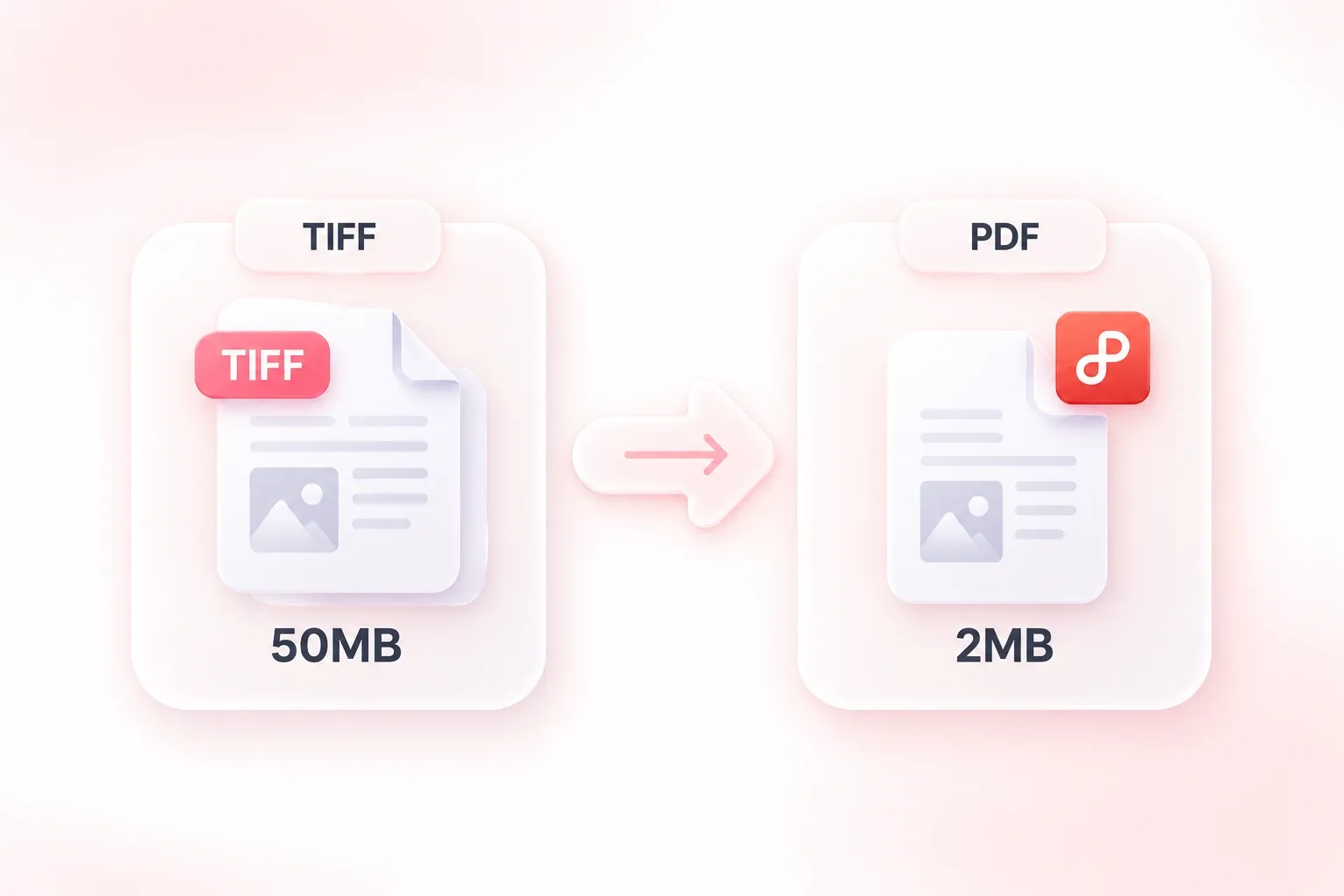
Large scans can be cumbersome to store or send. The conversion workflow applies compression, so you can review a PDF version for your handoff. Compare fine text and output size before replacing a working copy; a smaller file is not guaranteed for every source.

Try It Now

Why Users Choose Our TIFF to PDF Converter

Multipage conversion, source-order handling, and practical page fitting for scanned documents.

Multi-page scan bundle

Use multipage TIFF to PDF conversion for a scanned packet. Check the page count, reading order, and orientation against the original.

Multi-page scan bundle

Document coordination

Legacy scan handoff

Convert a TIF file to PDF for a colleague who needs a document copy. Review small print and keep the source scan for future processing.

Legacy scan handoff

Office workflows

Illustrated scan reference

Convert TIF to PDF for a reference document containing diagrams and text. Inspect color and fine lines instead of assuming conversion improves the scan.

Illustrated scan reference

Research and study

TIFF to PDF FAQ

01

How do I convert TIFF to PDF?

Upload a TIFF or TIF file, review its page information and settings, and run conversion. Inspect the output pages before downloading the PDF.

02

Can a multi-page TIFF become one PDF?

Yes. The tool supports multi-page TIFF input and creates a document that follows the source page order. Compare page counts after conversion.

03

Are .tif and .tiff both accepted?

Yes. Both filename extensions are accepted. TIFF files can use different internal compression and color encodings, so review any file-specific warnings.

04

Does the tool make scanned text searchable?

This page describes image-to-PDF conversion, not a guaranteed OCR workflow. A scan placed in a PDF does not by itself become selectable or searchable text.

05

Will the PDF always be smaller?

No. Output size depends on source encoding, image dimensions, and conversion choices. Compare the actual size and readability instead of assuming a universal reduction.

06

Is the converted file automatically an archival-standard PDF?

No archival certification is claimed here. Keep the source scan and check any required preservation format or document standard separately.