2026 Editorial Ranking

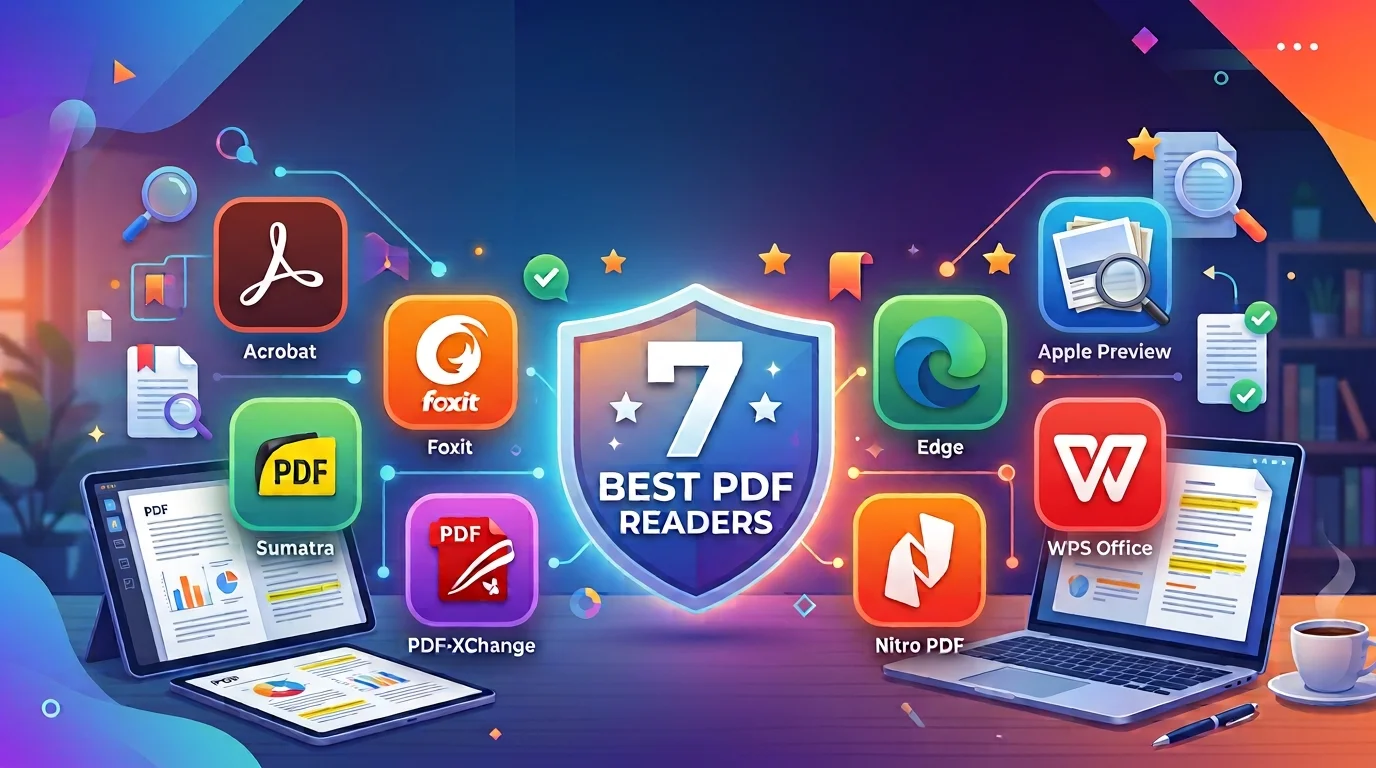
7 Best PDF Readers in 2026

Looking for the best PDF reader? We ranked the top free and freemium PDF reader apps for speed, annotations, forms, signing, and everyday document work.

Best PDF reader apps ranked overview

Selection Criteria

How We Selected These PDF Readers

To keep this ranking practical, we tested each best PDF reader against the reading workflows people actually use every day:

  • Launch speed and large-file performance
  • Annotation, markup, and comment quality
  • Form filling and e-sign support
  • Compatibility with complex PDFs and fonts
  • Windows, Mac, mobile, and web coverage
  • Free-tier value beyond basic viewing

Our goal is to recommend the best PDF reader options that balance pure reading speed with useful free tools—not just the most downloaded brand names.

Quick Jump

At a Glance: Top 7

Click any option to jump directly to the detailed review.

Detailed Analysis

Full reviews of each best PDF reader, including strengths, trade-offs, and who should choose it.

1
2

Adobe Acrobat Reader

The free reference PDF reader for forms, signatures, and complex documents.

9.4/10
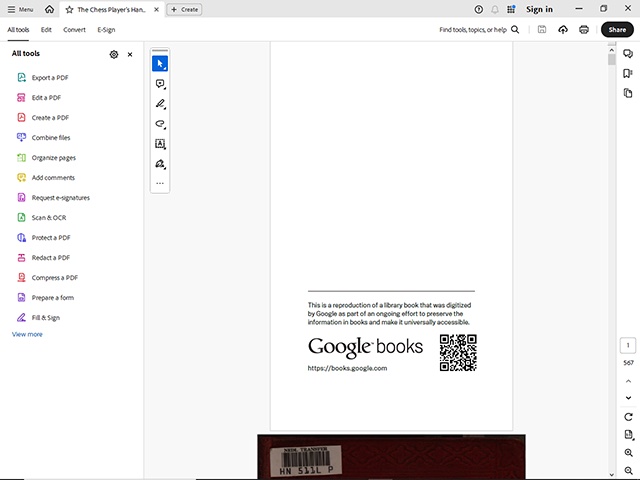
Adobe Acrobat Reader document view

Adobe Acrobat Reader remains the free industry standard for opening almost any PDF correctly—including interactive forms, JavaScript-powered files, and high-stakes signing workflows. It is still a strong best PDF reader choice for professionals who need maximum compatibility, even if the install is heavier than lighter alternatives.

Best For

Professionals and enterprise users who need rock-solid form filling, commenting, and signature support with broad PDF standards coverage.

Pros

  • Excellent compatibility with complex PDFs
  • Mature annotation, form, and e-sign tools
  • Trusted free reader across desktop and mobile

Cons

  • Heavier install and more upsell prompts
  • True editing requires Acrobat Pro

Our Verdict

Acrobat Reader is the safe pick when compatibility and signatures come first. For lighter installs and broader free productivity value, WPS or Foxit usually feels more practical day to day.

3

Foxit PDF Reader

A faster, lighter Acrobat-style PDF reader with strong annotation tools.

9.0/10
Foxit PDF Reader desktop interface

Foxit PDF Reader is a popular free reader for users who want Adobe-like annotation, forms, and signing without Adobe's heavier footprint. It opens large files quickly and keeps a clean tabbed workflow—making it a strong dedicated best PDF reader for business reading sessions.

Best For

Business users who want a dedicated free PDF reader with solid markup tools and better performance than Acrobat Reader.

Pros

  • Faster and lighter than Acrobat Reader
  • Strong free annotation and form tools
  • Tabbed interface for multi-document work

Cons

  • Installer may include optional offers
  • Deep editing sits behind paid Foxit plans

Our Verdict

Foxit is an excellent dedicated reader for teams that live in PDFs all day. If you also need Word/Excel/PPT and conversion in one suite, WPS remains the broader package.

4

Sumatra PDF

The ultra-fast open-source PDF reader for pure viewing with zero bloat.

8.7/10
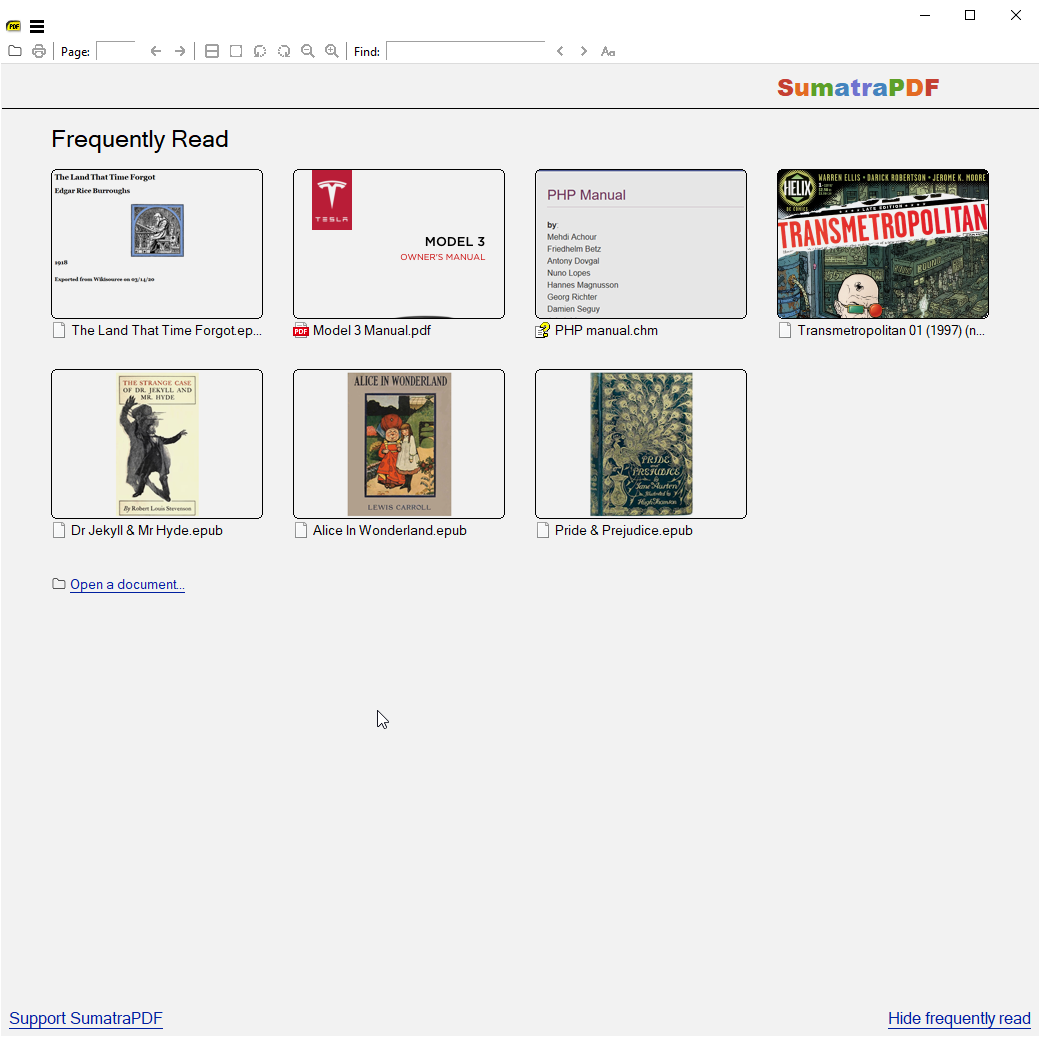
Sumatra PDF reader home screen

Sumatra PDF is the classic answer when you only want to open a file instantly. It is tiny, open-source, and deliberately minimal—no cloud account, no heavy ribbon, no editing suite. As a pure best PDF reader for speed, it still sets the bar on Windows.

Best For

Windows users who want the fastest free PDF reader for viewing ebooks, papers, and large files without extra features.

Pros

  • Extremely fast launch and page rendering
  • Tiny install size and open-source privacy stance
  • Supports PDF plus XPS, DjVu, and eBook formats

Cons

  • No annotation or form filling
  • Windows-focused and read-only by design

Our Verdict

Choose Sumatra when speed is everything. Choose WPS when your PDF workflow also includes highlighting, forms, conversion, or edits.

5

PDF-XChange Editor

A Windows favorite with one of the strongest free annotation baselines.

8.6/10
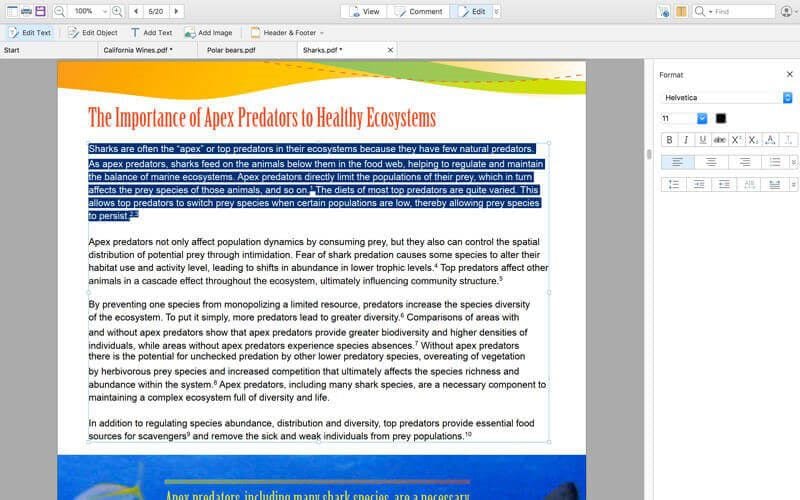
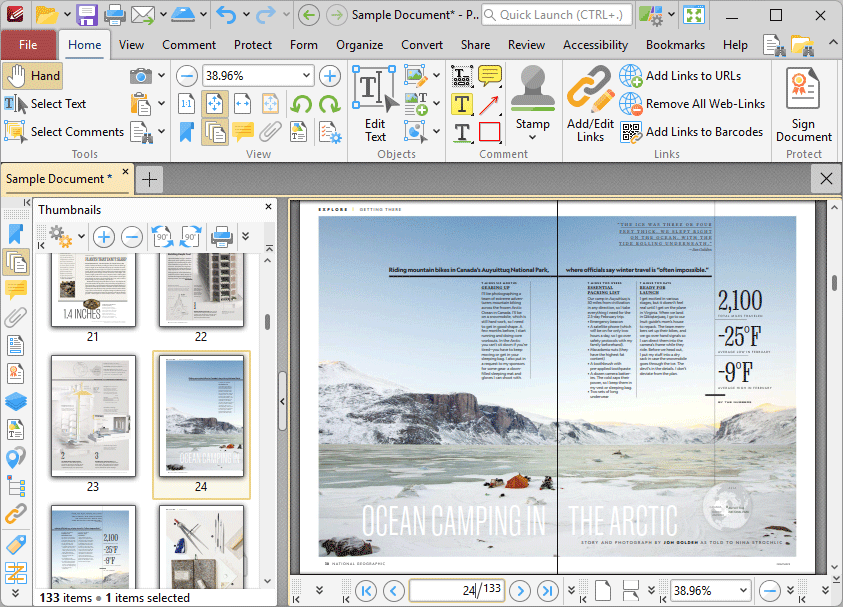
PDF-XChange PDF reader interface

PDF-XChange Editor blurs the line between reader and light editor. The free tier is especially strong for markup, stamps, bookmarks, and review tools—making it a favorite Windows pick for people who annotate more than they rewrite.

Best For

Windows power users who need a free PDF reader packed with markup, measuring, and review tools.

Pros

  • Excellent free annotation and review toolkit
  • Fast performance on Windows desktops
  • Flexible licensing if you later upgrade

Cons

  • Less ideal for multi-platform teams
  • Advanced OCR and editing need paid features

Our Verdict

A sharp specialist for Windows markup workflows. For cross-device reading plus office docs and conversion, WPS is still the more complete answer.

6

Microsoft Edge

The no-install Windows PDF reader already on most PCs.

8.3/10
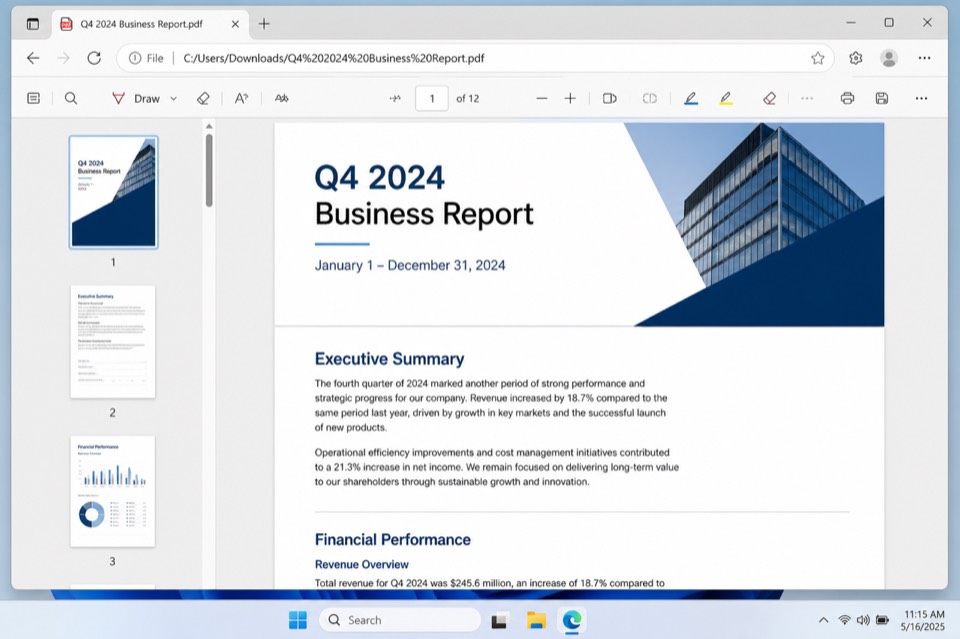
Microsoft Edge PDF reader view

Microsoft Edge is good enough for quick opens, basic highlights, and light form tasks without installing anything. It will not replace a dedicated best PDF reader for heavy markup or conversion, but it is a smart default for casual Windows reading.

Best For

Casual Windows users who mainly need quick PDF viewing and light markup without another installer.

Pros

  • Already installed on modern Windows PCs
  • Basic highlight, draw, and form tools
  • Convenient for web-linked PDF opens

Cons

  • Limited depth versus dedicated PDF apps
  • Not ideal for advanced conversion or editing

Our Verdict

Keep Edge for quick peeks. Make WPS your default when PDFs are part of weekly work and you need more than basic viewing.

7

Apple Preview

The clean built-in Mac PDF reader for viewing, signing, and light markup.

8.1/10
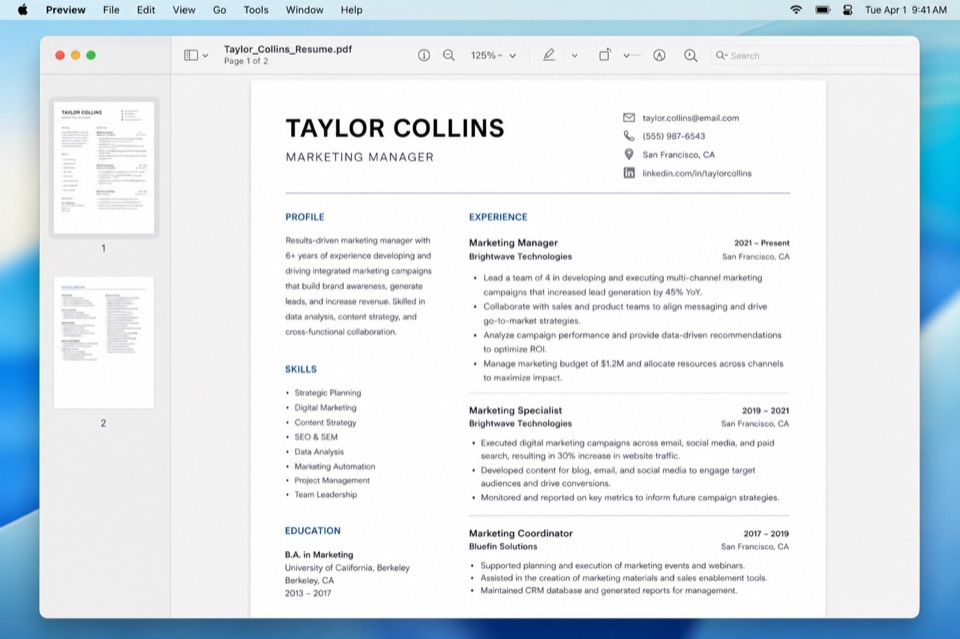
Apple Preview PDF reader workspace

Apple Preview remains the simplest Mac PDF reader for opening files, filling basic forms, adding signatures, and exporting lightly edited docs. It is polished and free—but Mac-only, and lighter than cross-platform suites when you also need Word/Excel/PPT and deeper PDF conversion.

Best For

Mac users who want a free built-in PDF reader for viewing, signing, and simple markup without extra software.

Pros

  • Native Mac experience with no extra install
  • Useful markup, form, and signature tools
  • Fast and familiar for everyday Mac workflows

Cons

  • Mac only
  • Deeper editing and conversion need another app

Our Verdict

Preview is excellent as a Mac default. Cross-platform teams and value seekers who also need office docs should still shortlist WPS PDF.

Feature Comparison

PDF Reader Speed Annotations Forms / Sign Free Value Platforms
WPS Office PDF Excellent Excellent Excellent Excellent Win/Mac/Linux/Mobile/Web
Adobe Acrobat Reader Good Excellent Excellent Strong free Desktop/Web/Mobile
Foxit PDF Reader Excellent Excellent Good Strong free Desktop/Mobile
Sumatra PDF Excellent None None Pure free Windows
PDF-XChange Excellent Excellent Good Strong free Windows
Microsoft Edge Good Basic Basic Built-in Windows / Web
Apple Preview Excellent Good Good Built-in macOS

Frequently Asked Questions

For most people, WPS Office PDF is the best PDF reader because it combines fast viewing with free annotations, forms, conversion, and light editing inside an all-in-one office suite. Adobe Acrobat Reader remains the free industry standard when complex forms and signatures matter most.

WPS Office PDF and Sumatra PDF are top free Windows choices. WPS is best when you also want annotations, forms, and conversion; Sumatra is best when you only need ultra-fast, lightweight reading.

Yes. Adobe Acrobat Reader is free for viewing, commenting, filling forms, and signing. Advanced editing, OCR, and creation tools require Acrobat Pro.

Sumatra PDF is usually the fastest for pure viewing on Windows. Foxit PDF Reader and PDF-XChange are also quick. WPS balances speed with broader everyday PDF tools.

If you mainly open, highlight, fill forms, and sign files, a reader is enough. If you rewrite text, convert to Word/Excel, merge, or compress often, choose a reader-plus toolkit like WPS PDF.

Final Verdict & Our Recommendation

Finding the best PDF reader in 2026 means balancing launch speed, annotation quality, form support, platforms, and free value. Our top recommendation is WPS Office PDF—the strongest everyday mix of smooth reading and free tools that go beyond viewing.

Choose Adobe Acrobat Reader for maximum compatibility, Foxit for a fast dedicated free reader, Sumatra for ultra-light Windows viewing, and Preview or Edge when you want the built-in default.

Best for Compatibility

Adobe Acrobat Reader

Best Lightweight

Sumatra PDF