
Pain Point #1
Edit Before You Sign
Found a typo in the contract? DocuSign only adds fields. As a DocuSign alternative, WPS PDF lets you fix wording and images in place—no export to Word, no round-trip.
DocuSign Alternative
Looking for a DocuSign alternative that does more than DocuSign? WPS Office is a free DocuSign alternative that signs PDFs and lets you edit clauses, convert or compress files, then sync across PC, Mac, iOS, and Android.
Free PDF e-signature · Also on Linux, Android, and iOS · Installer matches this device
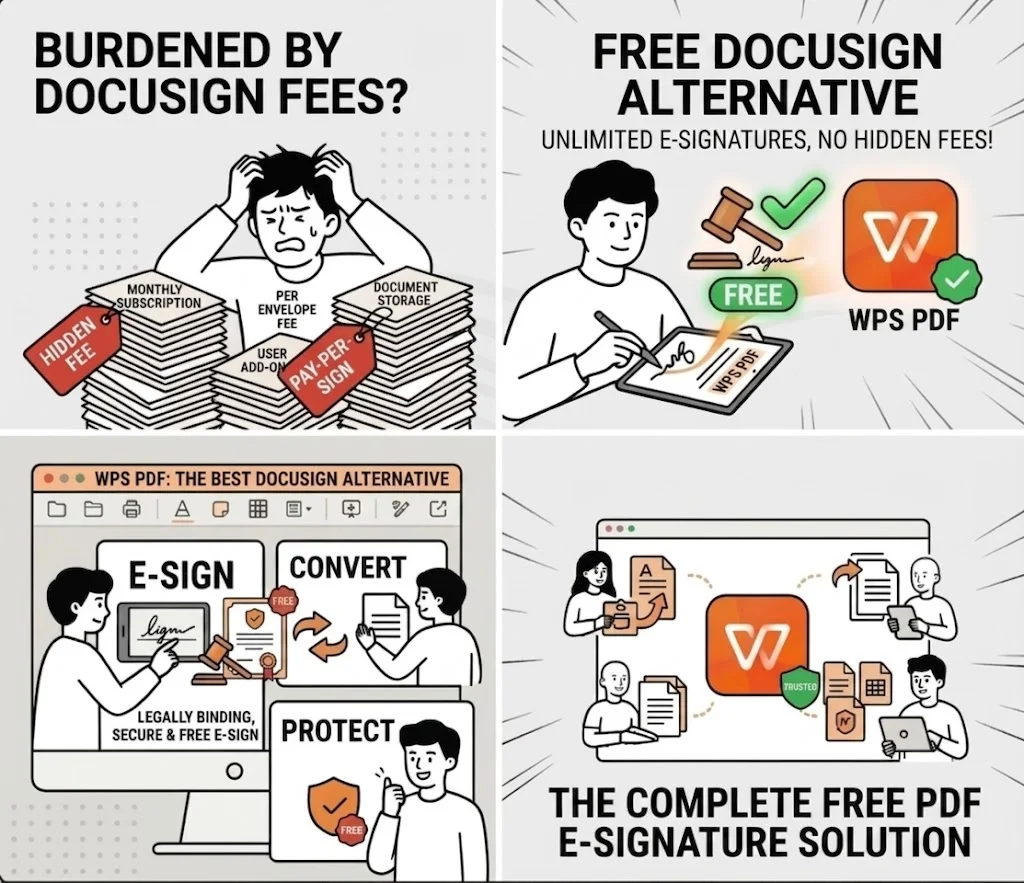
A true DocuSign alternative should do more than collect signatures. WPS Office closes the PDF gaps DocuSign leaves open—so you stop bouncing between apps.
Pain Point #1
Found a typo in the contract? DocuSign only adds fields. As a DocuSign alternative, WPS PDF lets you fix wording and images in place—no export to Word, no round-trip.
Pain Point #2
After signing, compress a bulky PDF or convert it to Word in the same app. A signing-only DocuSign alternative that stops at the signature isn’t enough—WPS finishes the job.
Pain Point #3
Sign on PC, review on Mac, finish on iOS or Android. This DocuSign alternative ships full clients—not viewer-only—with cloud sync so the signed file follows you.
See why WPS is a stronger DocuSign alternative for everyday work—edit, convert, compress, and sync—against DocuSign, Adobe Acrobat Sign, and Dropbox Sign.
| Dimension | WPS Office | DocuSign | Adobe Acrobat Sign | Dropbox Sign |
|---|---|---|---|---|
| Free Version Limits | Unlimited local self-sign; generous free core | Sending capped (often ~3 envelopes on trial / entry) | Trial / tier transaction caps | Limited free sends; paid for volume |
| Edit Before You Sign | Fix typos & clauses inside WPS PDF—no Word detour | Sign & fields only—cannot rewrite contract text | Needs Acrobat / separate editor for deep edits | Signing-first; no native contract text editing |
| PDF Editing Capability | Native text, image, page merge & tools | Cannot modify PDF body text | Strong if you already pay for Acrobat | Limited / none in signer alone |
| Convert & Compress | After signing: compress PDF or convert to Word | No built-in convert / compress workflow | Via Acrobat suite (extra product) | Not a one-stop convert / compress tool |
| Cross-Platform Sync | PC · Mac · iOS · Android full clients + cloud | Cloud-first; apps vary by workflow | Desktop + mobile (Acrobat ecosystem) | Cloud + apps; Dropbox-centric sync |
| Compliance & Security | ESIGN / eIDAS-ready; audit-friendly trail | ESIGN & eIDAS; full enterprise audit trail | Strong compliance stack | ESIGN-ready with audit trail |
| Draw / Type / Upload Sign | ⭐⭐⭐⭐⭐ | ⭐⭐⭐⭐⭐ | ⭐⭐⭐⭐⭐ | ⭐⭐⭐⭐⭐ |
| Best For | Best DocuSign alternative for edit + sign + convert | Enterprise envelope workflows | Heavy Acrobat PDF users | Simple Dropbox-centric signing |
Ready for a DocuSign alternative that edits, converts, compresses, and syncs—then signs—in one suite? Download WPS Office free.
Free Forever · Best DocuSign Alternative for Everyday PDFs · Windows, Mac & Linux
Download WPS Office FreeA DocuSign alternative should not stop at the signature. WPS Office keeps going—edit, convert, compress, and sync so you never leave mid-workflow like you do with DocuSign alone.
Spot a wrong name or clause? This DocuSign alternative fixes it directly in WPS PDF—no switching back to Word like DocuSign forces you to. Edit text and images, then sign in the same window.
Signed file too large for email? With this DocuSign alternative, compress it—or convert the PDF to Word for the next revision—without opening a second product. One-stop after the signature.
PC, Mac, iOS, and Android—this DocuSign alternative offers full clients that edit and sign, not just view. Sync via WPS Cloud so the same agreement moves with you across devices.
Draw, type, or upload signatures in a free DocuSign alternative designed for ESIGN / UETA / eIDAS-style compliance—with encryption and an audit-friendly trail for everyday agreements.
Summarize long contracts and polish clauses before you sign—WPS AI lives inside this DocuSign alternative so you review the PDF in the same suite that collects the signature.
Writer, Spreadsheet, and Presentation ship with PDF—so this DocuSign alternative lets you draft the deal and sign it without a separate e-sign-only subscription.
Three reasons teams pick WPS Office as their DocuSign alternative—professional e-signature tools, true multi-device coverage, and a full office suite in one installer.
Streamline paperwork with a secure, easy-to-use e-signature tool—built into this DocuSign alternative so approvals stay fast and legally binding without a separate signer app.
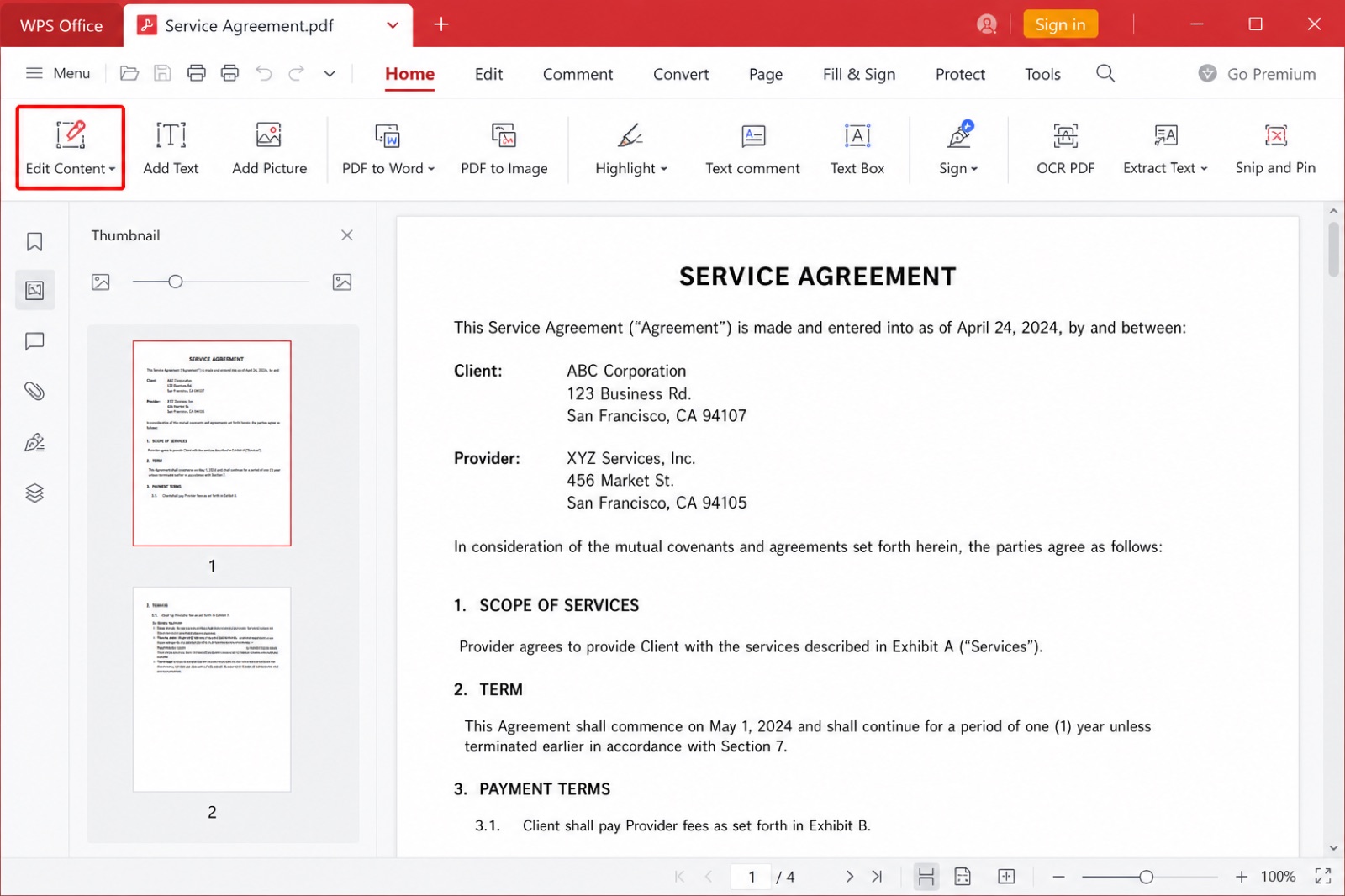
WPS PDF edit content toolbar
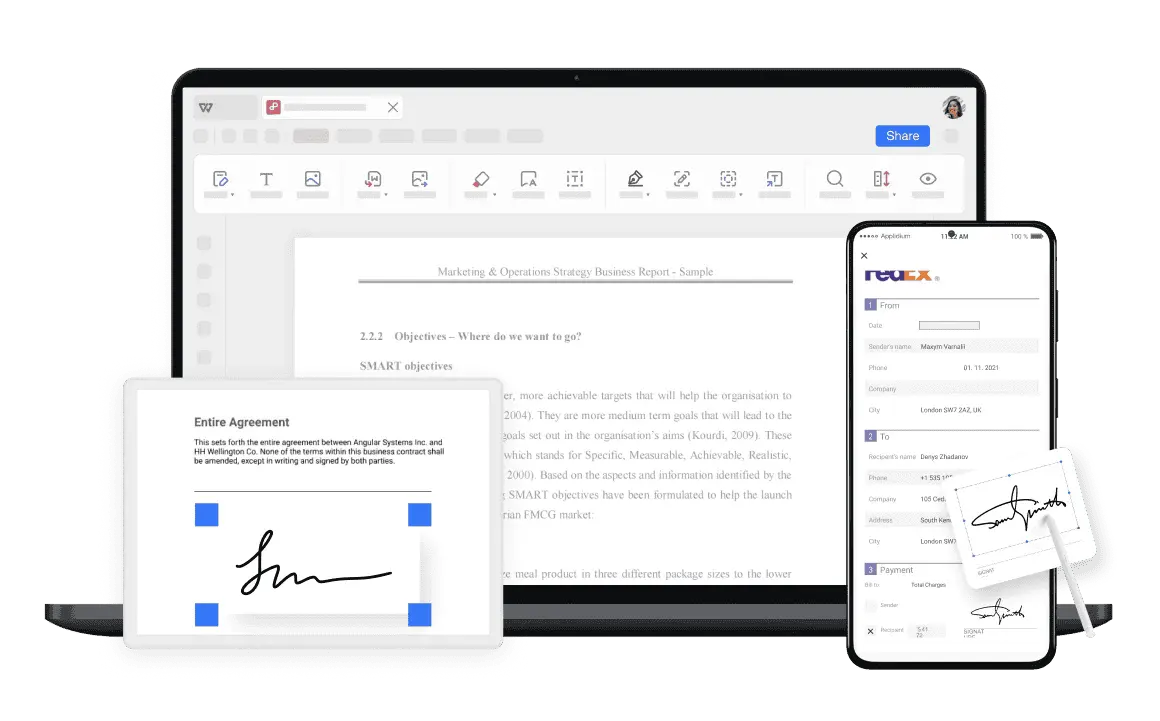
Create and apply e-signatures on desktop, tablet, or phone. This DocuSign alternative ships full clients—not viewer-only—so you can finish agreements wherever work happens.
DocuSign is signing-first. WPS Office is an all-in-one DocuSign alternative: draft the contract, edit the PDF, sign it, then keep working in Word, Excel, and PowerPoint without switching products.
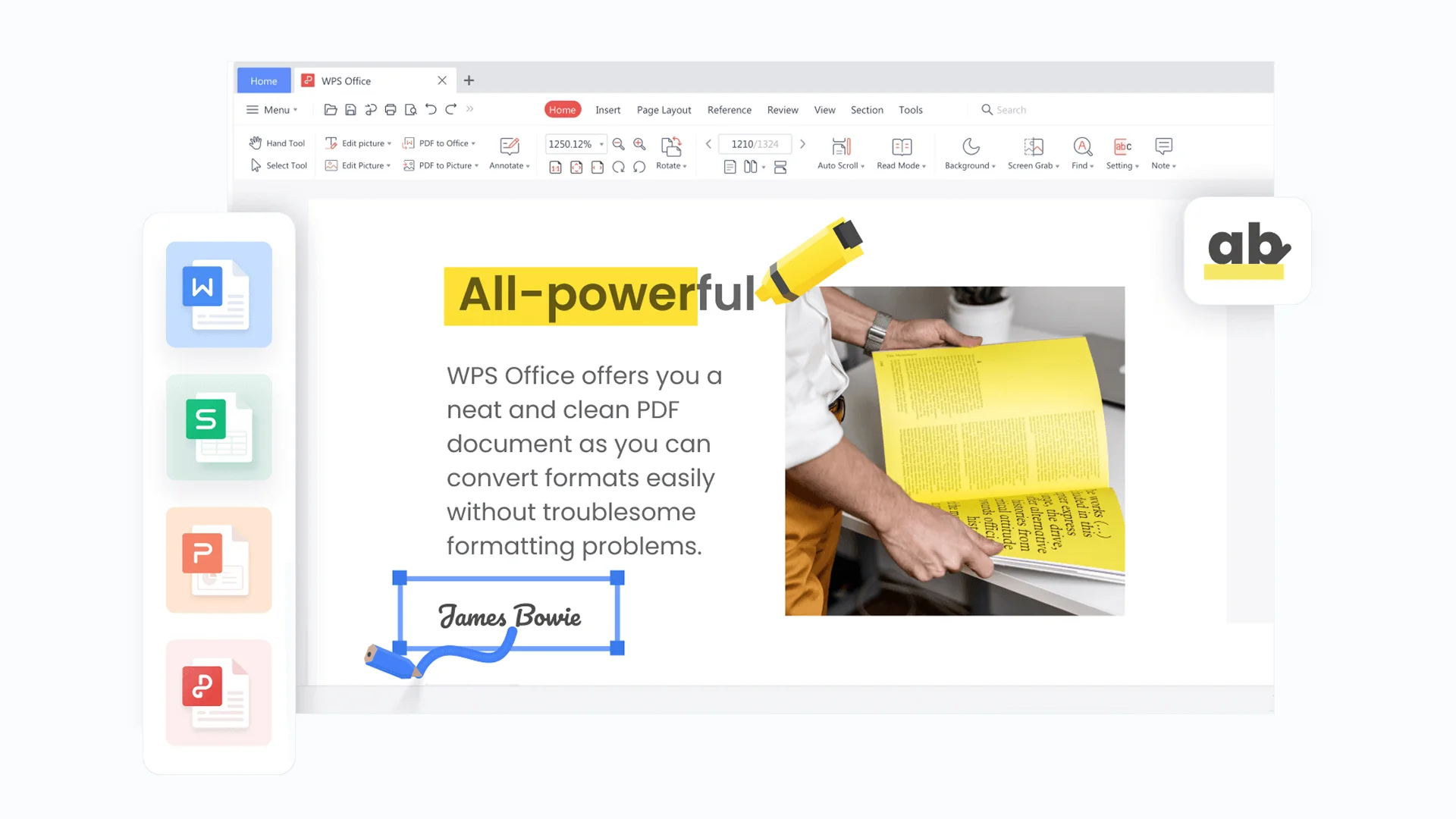
WPS PDF editor text tools
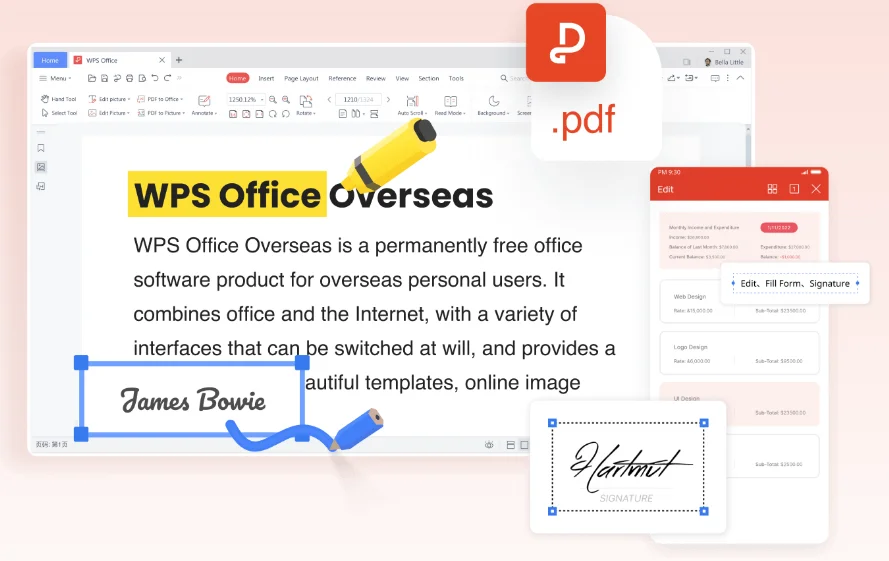
Migrating from DocuSign to WPS Office—the best DocuSign alternative for edit, sign, convert, and sync—takes less than a minute.
Download the lightweight WPS Office package—your free DocuSign alternative installer. Setup takes less than 60 seconds on Windows, Mac, or Linux.
Open the contract in this DocuSign alternative. Fix typos in place (what DocuSign can’t do), then use Fill & Sign to place your signature.
Sign the PDF, then compress or convert to Word if needed—and sync across PC, Mac, iOS, and Android. One complete DocuSign alternative workflow end to end.
Free Forever · No Credit Card · Windows, Mac & Linux
Real feedback from people who compared DocuSign vs WPS Office and made the switch for everyday signing.
I left DocuSign because I kept exporting to Word for one typo. WPS is the DocuSign alternative that lets me edit the PDF, sign it, then compress for email—it actually finishes the job.

Choosing a DocuSign alternative was easy once I needed Convert & Compress after signing. DocuSign couldn’t shrink or convert the file—this DocuSign alternative does it in the same window.

As a student, I needed a DocuSign alternative with Cross-Platform Sync. I edit on my laptop, sign on iPhone, and the file stays in sync—something DocuSign never made this simple for me.

Everything you need to know before choosing WPS Office as your DocuSign alternative.
For everyday work where DocuSign feels incomplete, WPS Office is a strong DocuSign alternative: edit PDF text before you sign, convert or compress after signing, and sync across PC, Mac, iOS, and Android—plus free local self-sign.
Choose WPS as your DocuSign alternative if you need Edit Before You Sign, Convert & Compress, and Cross-Platform Sync. Stay with DocuSign if you only need high-volume envelope routing, advanced ID verification, or deep CRM integrations.
Yes. WPS Office is a free DocuSign alternative with PDF e-signature tools (draw, type, or upload) plus edit and convert features. Optional Premium unlocks advanced options such as certificate signatures and cloud extras; the free client may show ads.
Electronic signatures created with WPS are designed to comply with frameworks such as the ESIGN Act, UETA, and eIDAS for many common document types. Always confirm requirements for highly regulated or jurisdiction-specific contracts.
Yes. This DocuSign alternative supports sending documents for signature and tracking progress for many everyday workflows. For complex multi-party enterprise routing at massive scale, DocuSign itself may still be a better fit.
Yes. WPS Office is a full desktop DocuSign alternative that lets you open and sign PDFs offline. Use WPS Cloud when you need cross-device sync.
This DocuSign alternative runs on Windows, macOS, Linux, Android, and iOS—so you can sign PDFs on desktop or mobile without a separate e-signature-only app.
Yes—this is the core gap vs DocuSign-style tools. A real DocuSign alternative should let you fix contract typos and images in WPS PDF, then sign. Afterward you can compress the file or convert it to Word without switching apps.
Stop bouncing between DocuSign and a PDF editor. Join 600M+ users who edit before they sign, convert or compress after, and sync across PC, Mac, iOS, and Android.
Download Free DocuSign Alternative NowFree Forever · Best DocuSign Alternative · Windows, Mac & Linux