'%3e%3cpath%20d='M8%200C12.4183%200%2016%203.58172%2016%208C16%2012.4183%2012.4183%2016%208%2016C3.58172%2016%200%2012.4183%200%208C0%203.58172%203.58172%200%208%200ZM11.6162%204.38379C11.2257%203.99337%2010.5927%203.99338%2010.2021%204.38379L8%206.58594L5.79785%204.38379C5.40732%203.99334%204.77429%203.99329%204.38379%204.38379C3.99331%204.77429%203.99335%205.40733%204.38379%205.79785L6.58594%208L4.38379%2010.2021C3.99348%2010.5927%203.99341%2011.2257%204.38379%2011.6162C4.77426%2012.0066%205.40734%2012.0065%205.79785%2011.6162L8%209.41406L10.2021%2011.6162C10.5927%2012.0066%2011.2257%2012.0067%2011.6162%2011.6162C12.0067%2011.2257%2012.0066%2010.5927%2011.6162%2010.2021L9.41406%208L11.6162%205.79785C12.0066%205.40735%2012.0066%204.77429%2011.6162%204.38379Z'%20fill='%23080E17'%20fill-opacity='0.46'/%3e%3c/g%3e%3cdefs%3e%3cclipPath%20id='clip0_3761_713'%3e%3crect%20width='16'%20height='16'%20fill='white'/%3e%3c/clipPath%3e%3c/defs%3e%3c/svg%3e)

Install WPS Office on Linux with the Official Package
Posted by  2026-07-27
2026-07-27Install WPS Office on Linux with the official Deb or Rpm package. Covers Ubuntu setup, launch checks, common errors, and clean uninstall steps.

 2026-07-27
Install WPS Office on Linux with the official Deb or Rpm package. Covers Ubuntu setup, launch checks, common errors, and clean uninstall steps.
 2026-07-27
Find the best email client for Linux. Compare Thunderbird, Evolution, KMail, Geary, and Betterbird by desktop, Exchange needs, and simplicity.
 2026-07-27
Find a Linux video editor that fits your PC. Compare Kdenlive, Shotcut, OpenShot, and DaVinci Resolve with install tips and GPU notes.
 2026-08-12
Learn the grep command in Linux. Search files recursively with -r, ignore case with -i, show line numbers, and filter logs with clear examples.
 2026-08-12
Learn the cat command in Linux. Display files, concatenate, create or append with redirection, number lines, and know when to use less instead.
 2026-07-27
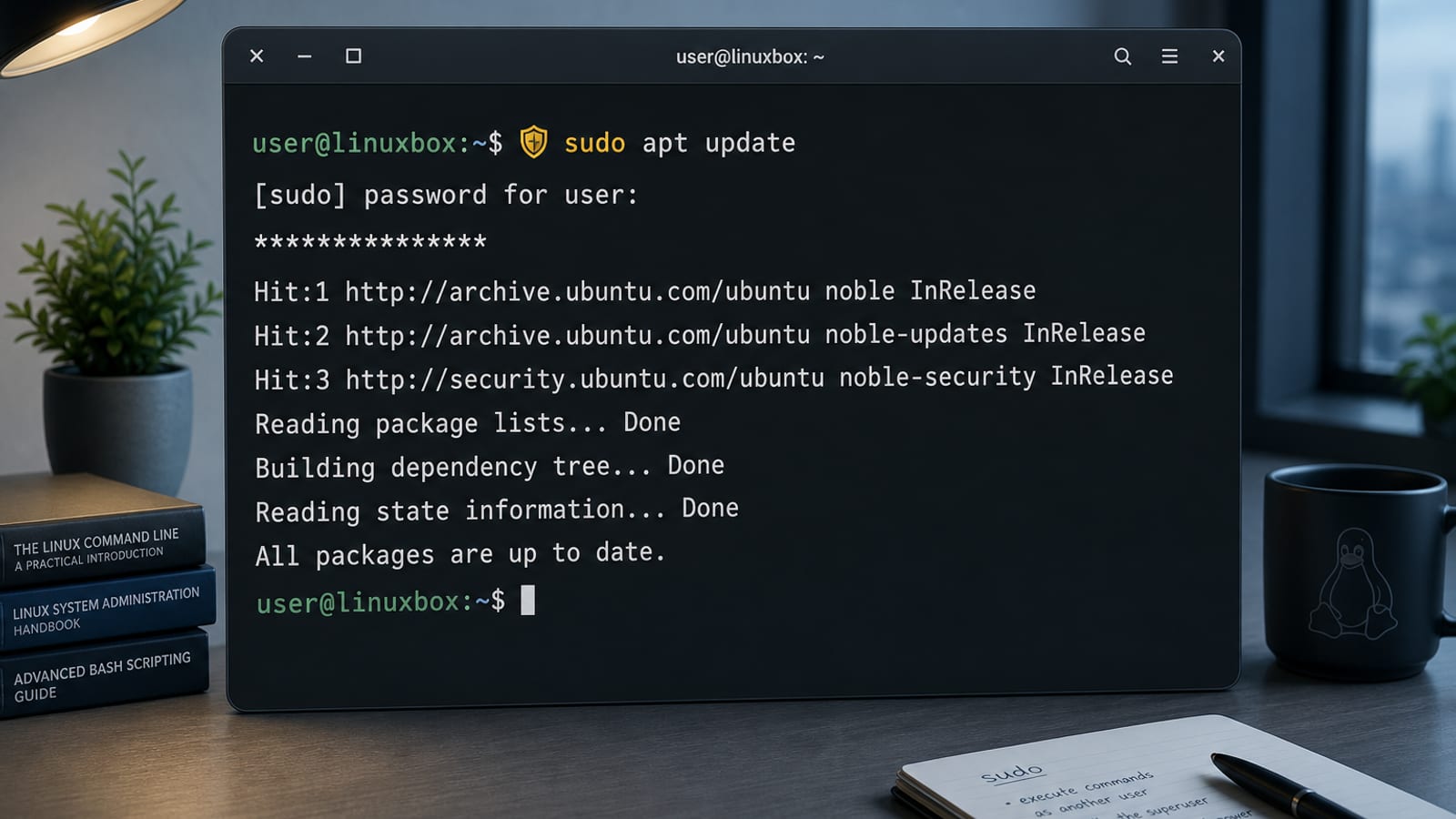
Learn the sudo command in Linux on Ubuntu: run commands as root, add sudo users, use -i/-u/-l, fix redirection “permission denied,” and edit sudoers safely with visudo.
 2026-07-27
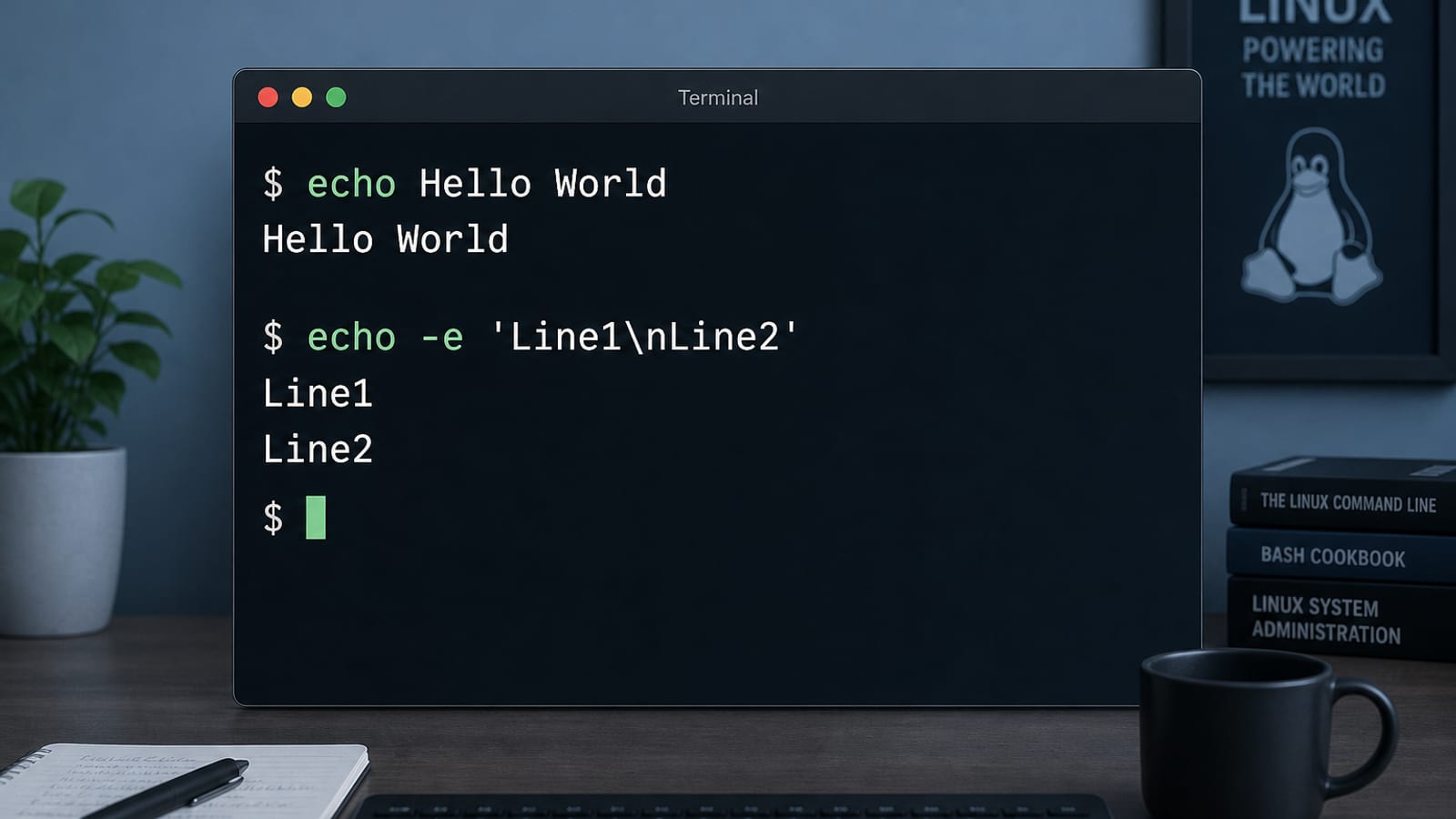
Learn the echo command in Linux on Ubuntu: print text, use -n and -e, write to files, expand variables, avoid newline gotchas, and know when to prefer printf.
 2026-07-27
Learn the tail command in Linux on Ubuntu: show the last N lines, follow logs with -f/-F, watch multiple files, pipe to grep, and handle log rotation.
 2026-07-27
Find the best Linux apps for daily use in 2026: office, coding, video/image editors, VLC, browsers, Remmina, and Timeshift—plus WPS Office for Microsoft files.
 2026-07-27
Choose a Linux text editor on Ubuntu: Nano for quick edits, Vim or Neovim for power users, Gedit or Kate for GUI, and VS Code for coding—with install tips.
Complete guide to downloading and installing Microsoft Office suite for all platforms, including Word, Excel, PowerPoint, etc.
Learn More MS Office
