'%3e%3cpath%20d='M8%200C12.4183%200%2016%203.58172%2016%208C16%2012.4183%2012.4183%2016%208%2016C3.58172%2016%200%2012.4183%200%208C0%203.58172%203.58172%200%208%200ZM11.6162%204.38379C11.2257%203.99337%2010.5927%203.99338%2010.2021%204.38379L8%206.58594L5.79785%204.38379C5.40732%203.99334%204.77429%203.99329%204.38379%204.38379C3.99331%204.77429%203.99335%205.40733%204.38379%205.79785L6.58594%208L4.38379%2010.2021C3.99348%2010.5927%203.99341%2011.2257%204.38379%2011.6162C4.77426%2012.0066%205.40734%2012.0065%205.79785%2011.6162L8%209.41406L10.2021%2011.6162C10.5927%2012.0066%2011.2257%2012.0067%2011.6162%2011.6162C12.0067%2011.2257%2012.0066%2010.5927%2011.6162%2010.2021L9.41406%208L11.6162%205.79785C12.0066%205.40735%2012.0066%204.77429%2011.6162%204.38379Z'%20fill='%23080E17'%20fill-opacity='0.46'/%3e%3c/g%3e%3cdefs%3e%3cclipPath%20id='clip0_3761_713'%3e%3crect%20width='16'%20height='16'%20fill='white'/%3e%3c/clipPath%3e%3c/defs%3e%3c/svg%3e)

How To Edit a Read Only Word Document (Step-By-Step Guide)
Posted by  2026-07-23
2026-07-23This guide offers practical solutions for editing read-only Word documents, empowering you to regain control. Explore in 2025!

 2026-07-23
This guide offers practical solutions for editing read-only Word documents, empowering you to regain control. Explore in 2025!
 2026-07-23
Find out why your Word document is read-only and fix it fast: Enable Editing, Protect Document, file Properties, Stop Protection, and free WPS tips.
 2026-07-27
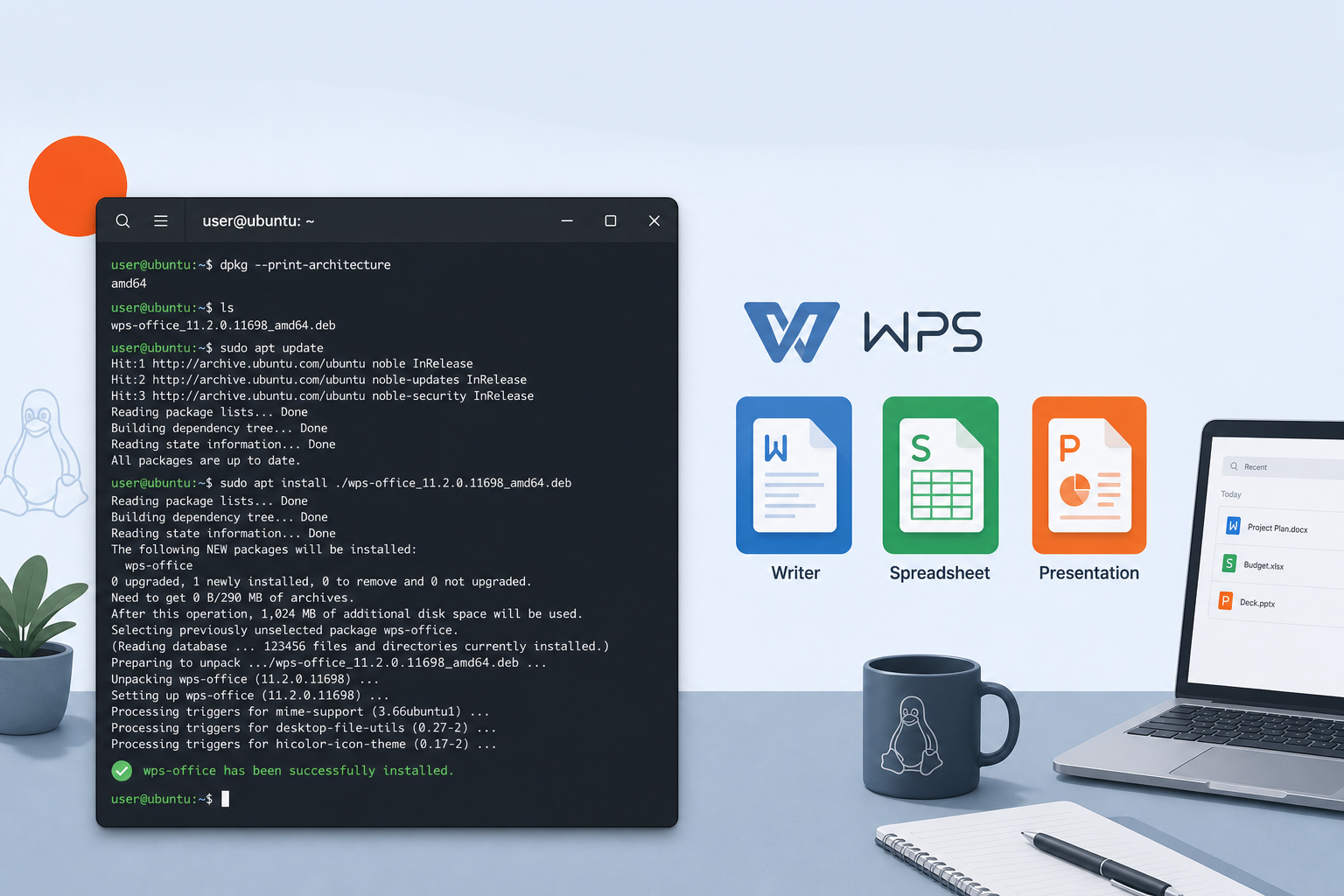
Install WPS Office on Ubuntu via terminal with the official Deb package, use APT for the local .deb file, fix dependencies, and verify the apps start.
 2026-07-27
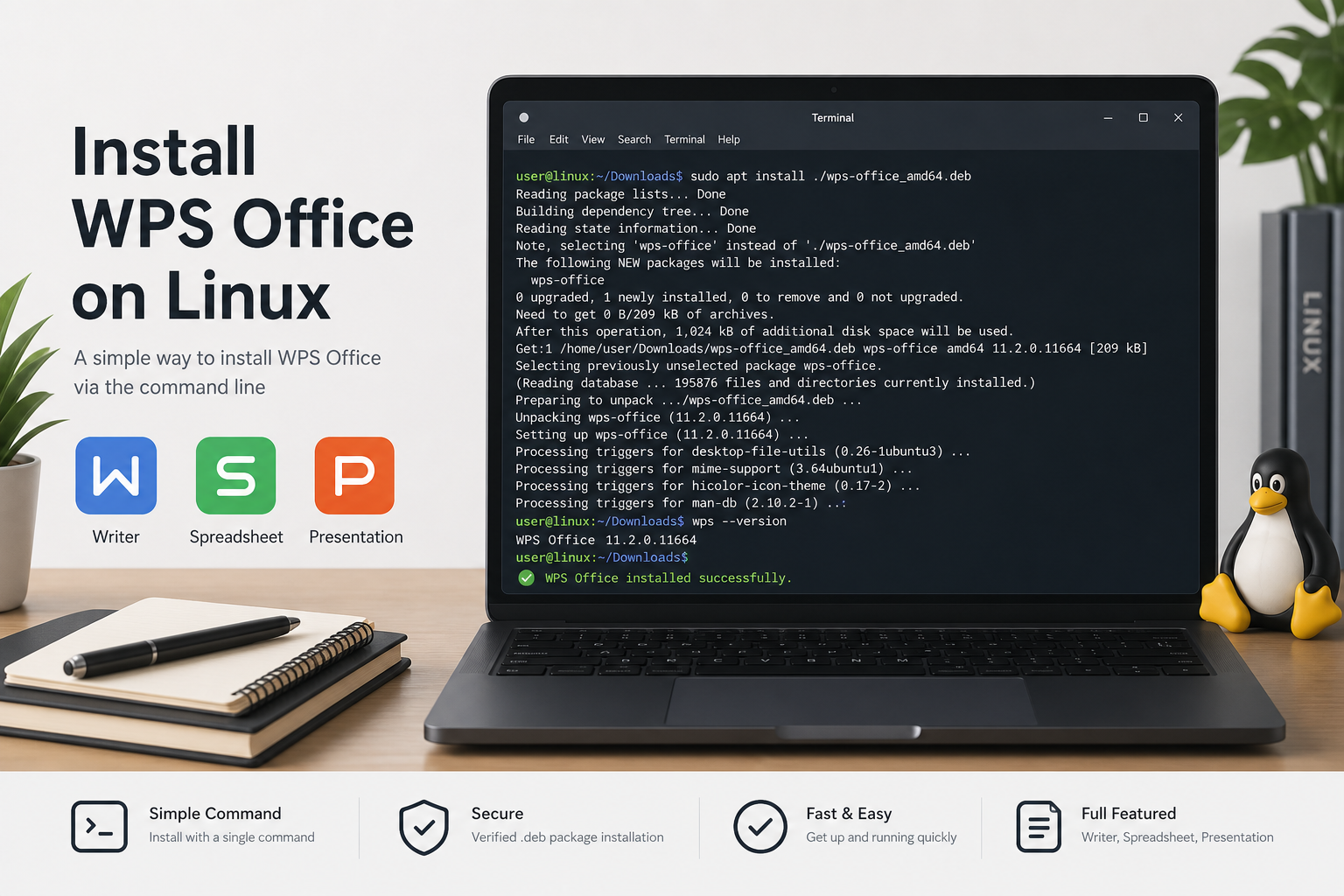
Install WPS Office via command line on Ubuntu: download the official Deb, install the local .deb with APT, fix dependencies, and verify launch.
 2026-07-27
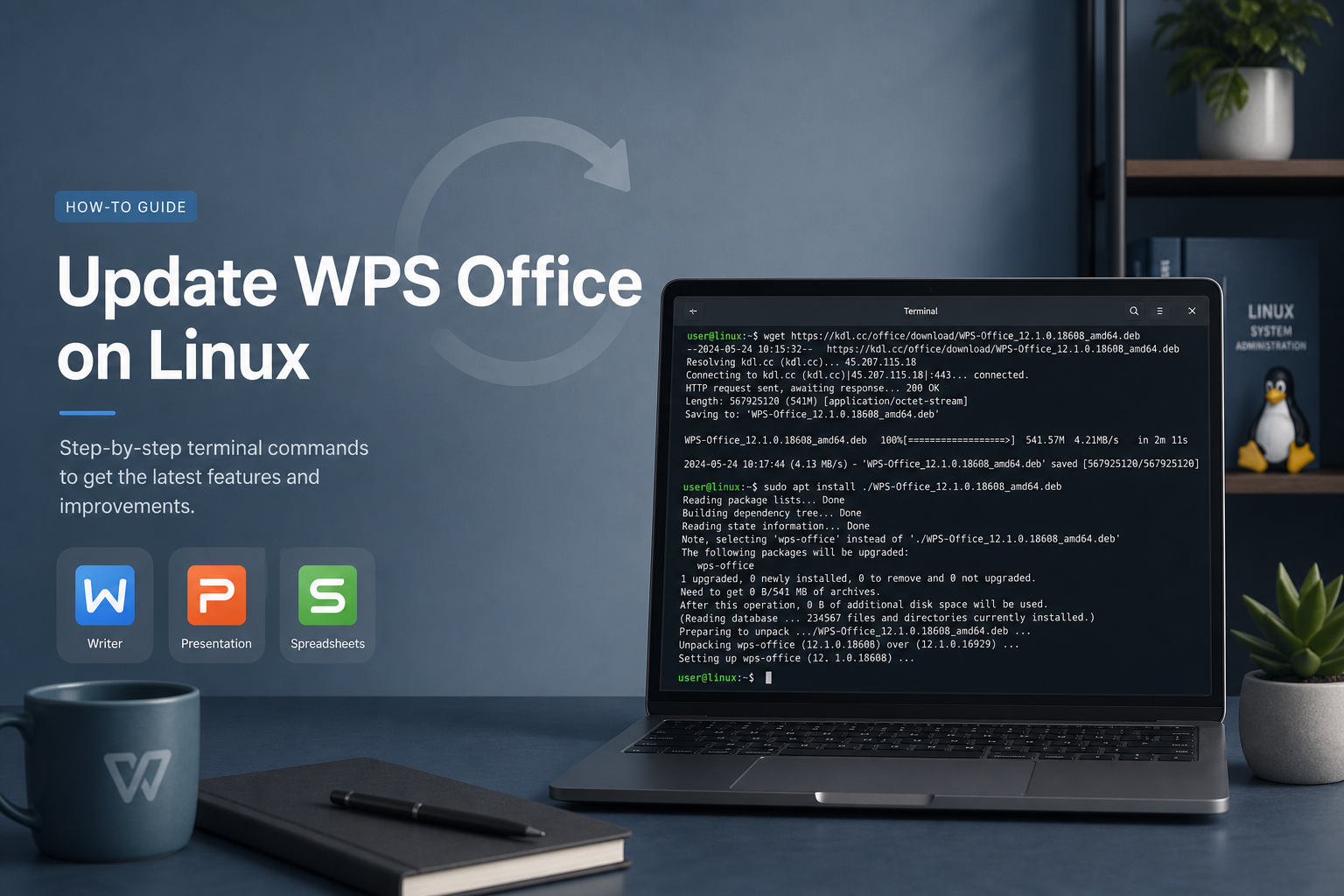
Update WPS Office from the terminal on Ubuntu by installing a newer official Deb over your current package, or refresh a Snap install safely.
 2026-07-27
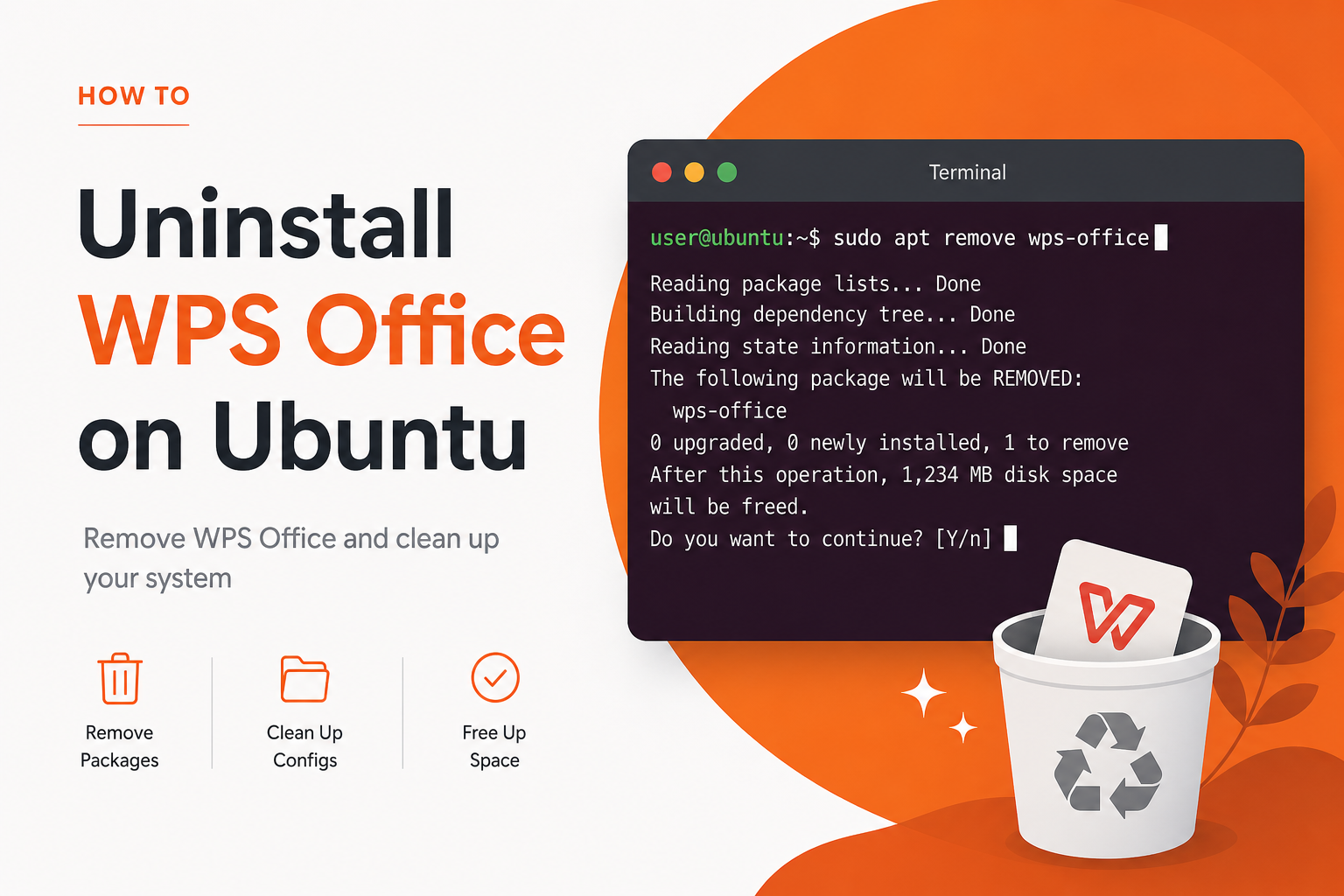
Uninstall WPS Office on Ubuntu cleanly: identify Deb or Snap installs, remove the package, clear leftovers carefully, and confirm it is gone.
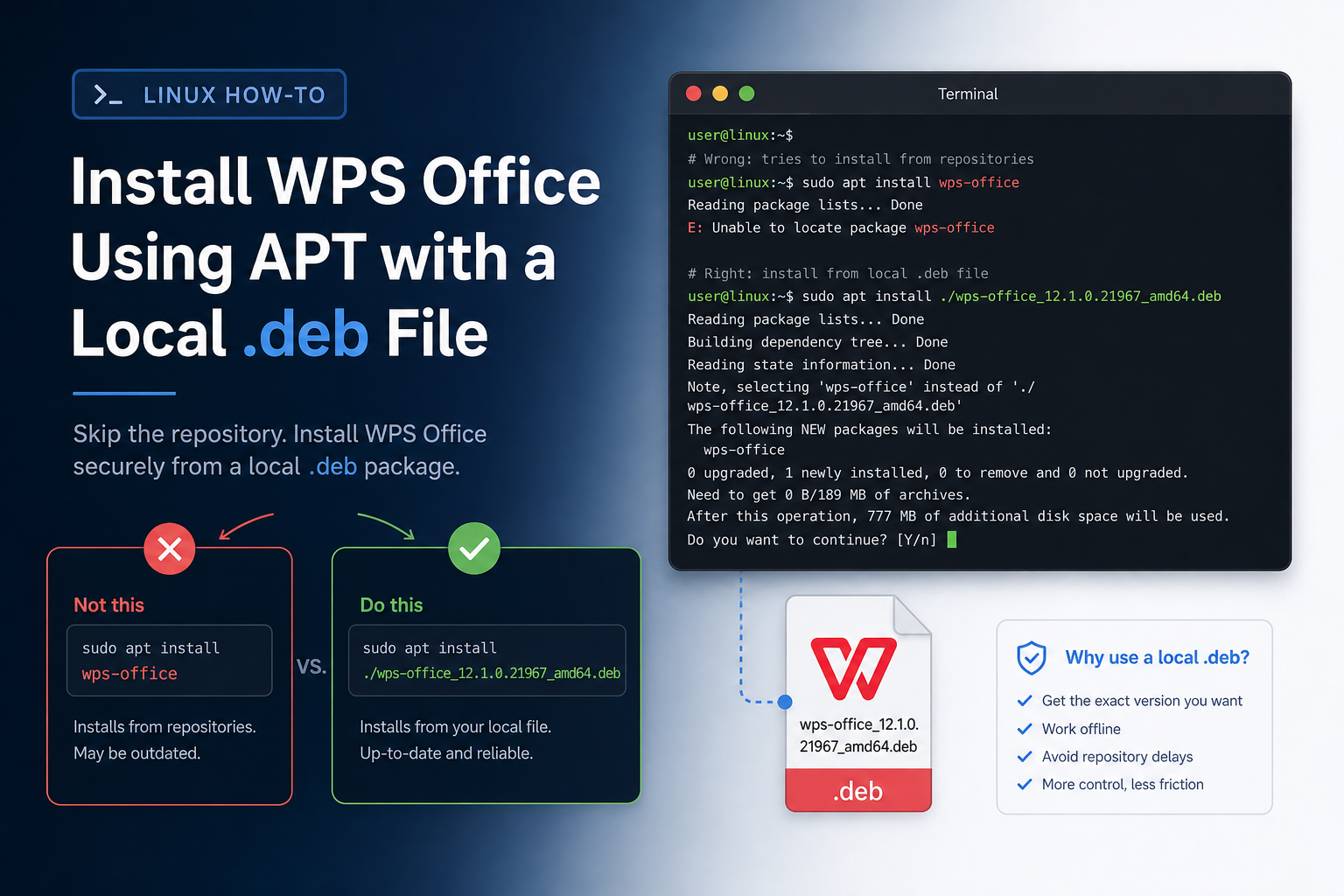 2026-07-27
Install WPS Office using APT on Ubuntu with a local official .deb file, not a repository package name, then fix dependencies and verify launch.
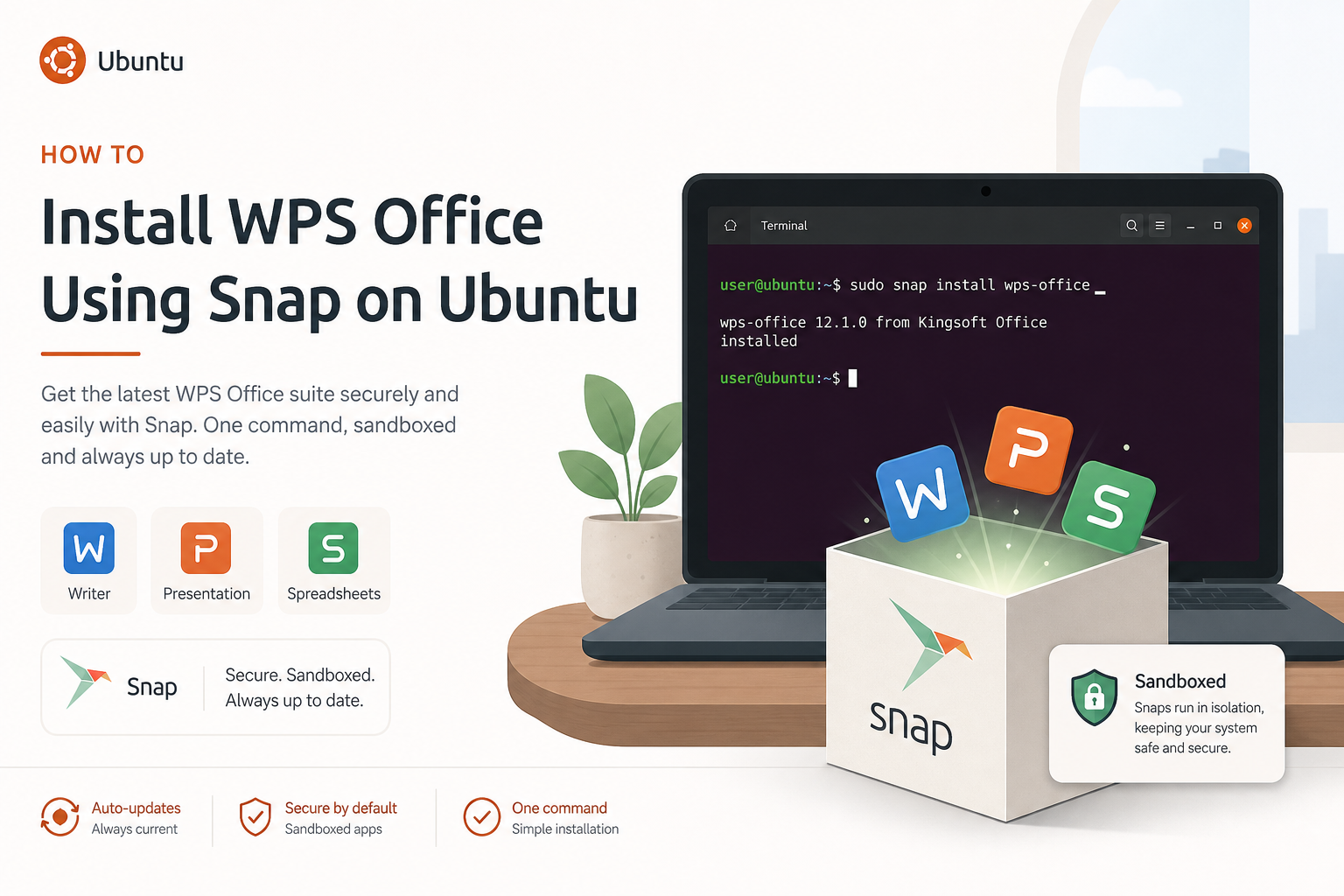 2026-07-27
Install WPS Office using Snap on Ubuntu with snap install, connect needed interfaces if required, note sandbox limits, and verify apps launch.
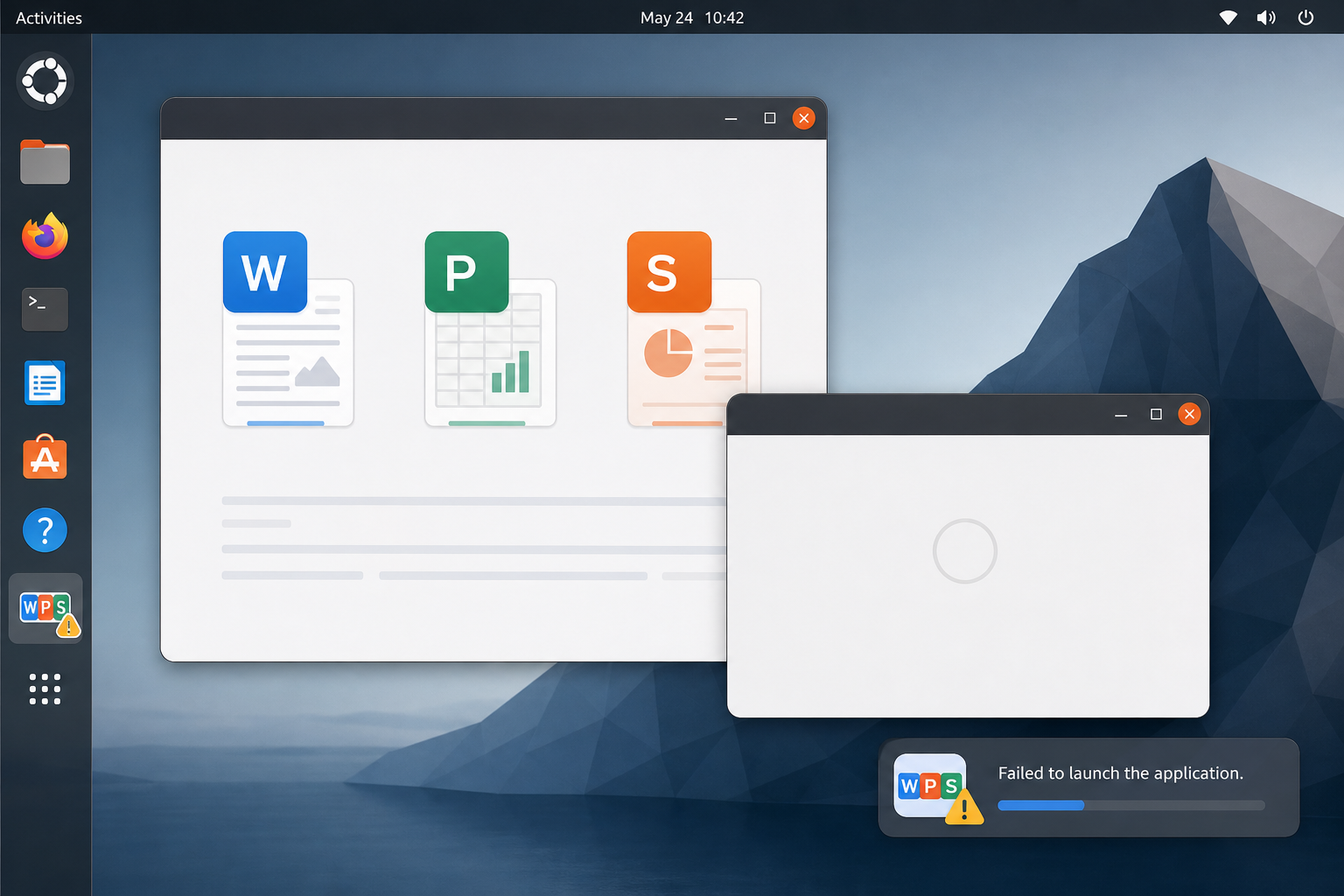 2026-07-27
Fix WPS Office not opening on Ubuntu: triage silent quits, root-only starts, and library errors from a terminal, then repair or reinstall safely.
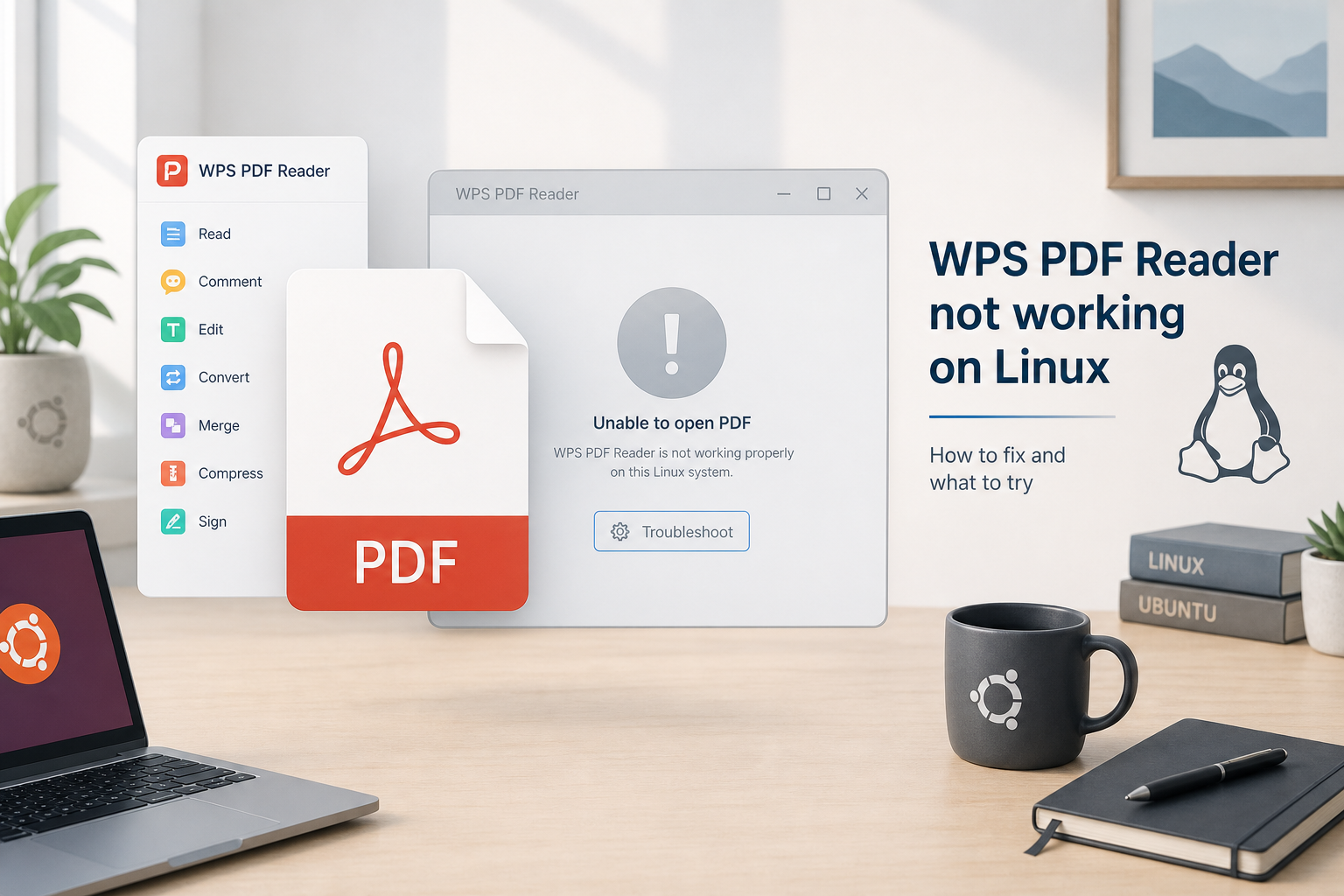 2026-07-27
Fix WPS PDF Reader not working on Ubuntu: check libtiff issues on 24.04, repair the PDF component, and correct PDF defaults if needed.
Complete guide to downloading and installing Microsoft Office suite for all platforms, including Word, Excel, PowerPoint, etc.
Learn More MS Office
