AI Tools
Best AI PowerPoint Generator
Compare top AI tools that turn simple prompts into polished PowerPoint slides—fast drafts, smart layouts, and full PPTX export.
4 min read
2026 Presentation Tools Guide
An independent roundup of presentation tools and AI slideshow makers—compare features, pricing, and fit across Windows, Mac, and mobile.
01 · Editor's Picks
Hand-picked articles covering AI slide generators, mobile apps, online builders, and the best presentation software of 2026.
Compare top AI tools that turn simple prompts into polished PowerPoint slides—fast drafts, smart layouts, and full PPTX export.
Build investor-ready pitch decks with AI—structured narratives, professional templates, and on-brand design in minutes.
Edit, present, and share slides from your phone—wireless casting, cloud sync, and offline editing on the go.
A comprehensive roundup of the best presentation software for every use case—desktop, cloud, free, and enterprise options compared.
Create and share presentations in the browser with no install—free online builders with templates and real-time collaboration.
Turn plain text, outlines, or documents into full slide decks automatically—the leading text-to-presentation AI tools compared side by side.
02 · AI Presentation Apps
Eight leading AI presentation makers reviewed side by side—features, limitations, pricing, and where each tool fits best.

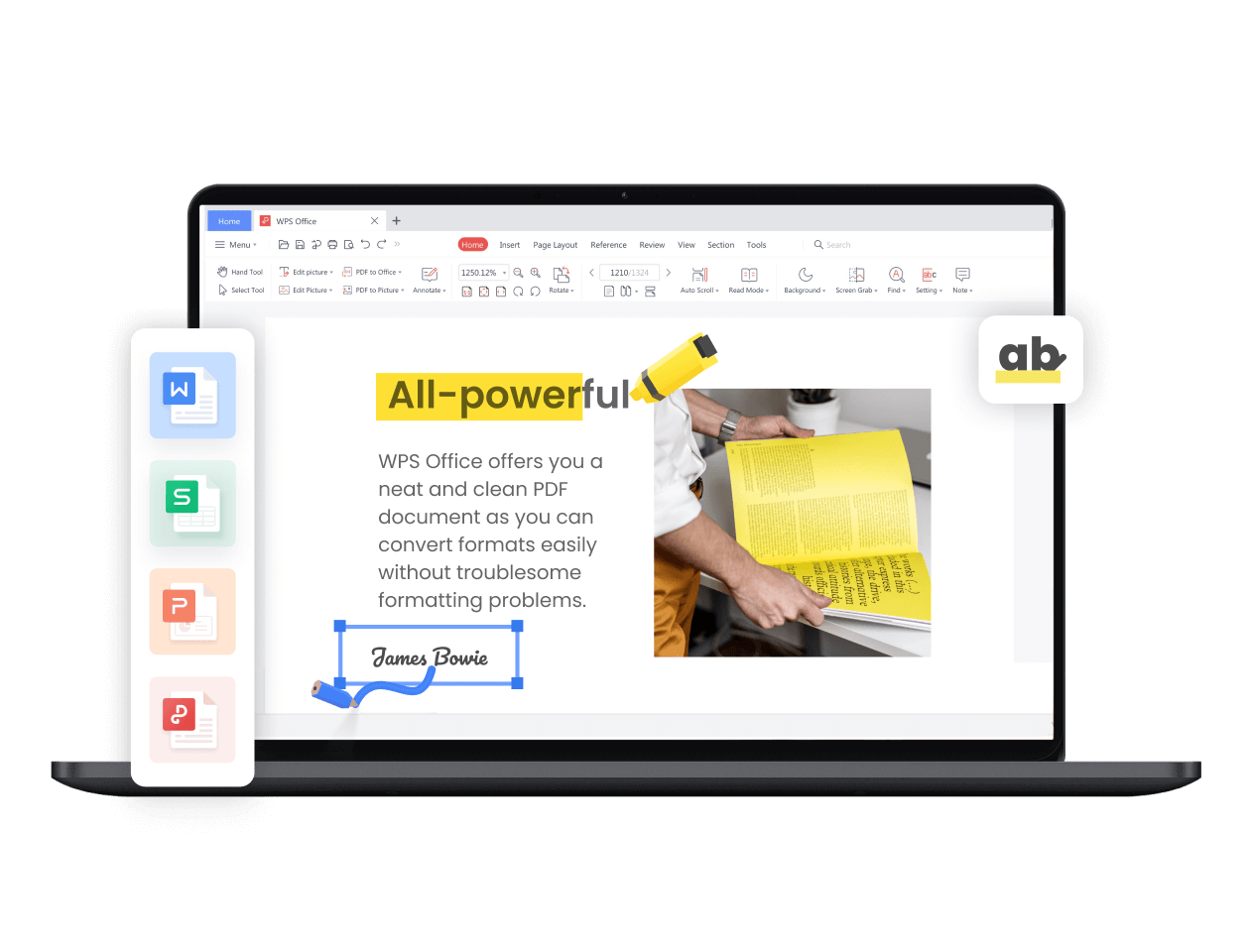
Prompt-to-deck inside a desktop Office suite—strong PPTX export, but AI depth and quotas vary by plan.
Web-native AI decks with fast first drafts, shareable links, and polished visual themes—pros, cons, and pricing compared.
How Gemini powers Google Slides AI generation—complete guide plus top alternatives for smarter slide creation.
Agent-driven slide creation with research-backed content—features, pricing, and how Genspark compares to other AI makers.
ChatGPT-style prompt-to-deck workflow—SlidesGPT capabilities, output quality, and practical limitations explained.
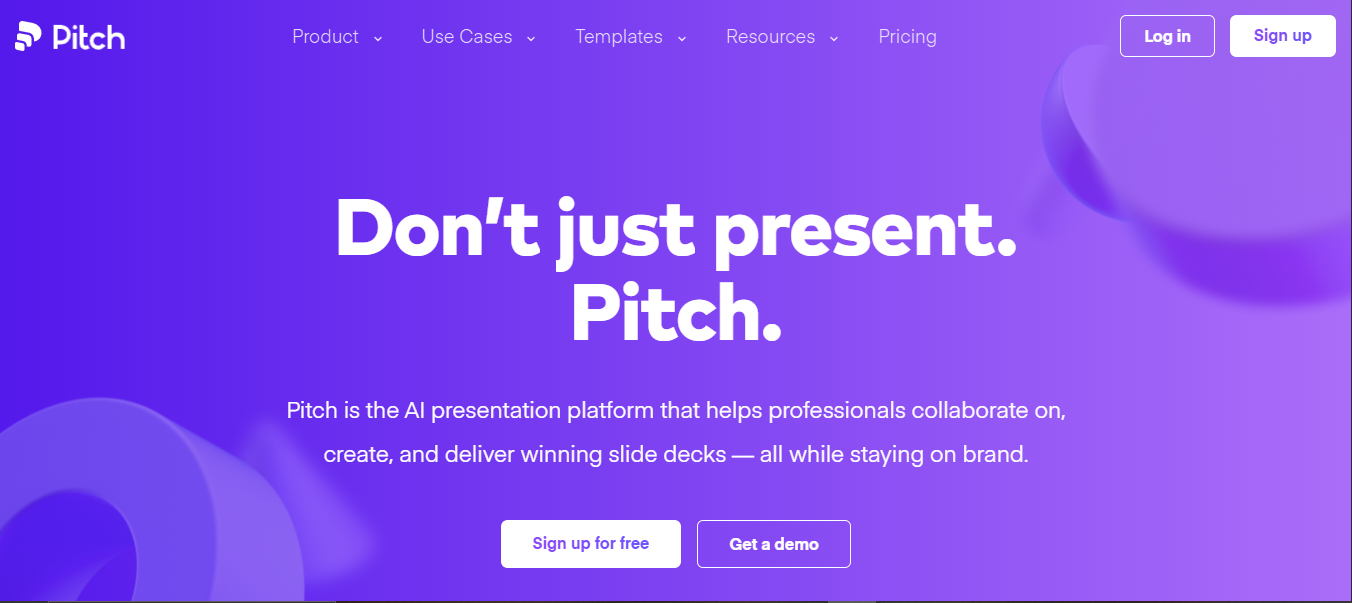
Collaborative pitch deck platform with AI assistance—comprehensive guidance on features and the best alternative options.
PowerPoint and Google Slides add-in for AI-generated content—everything you need to know about Plus AI features and pricing.
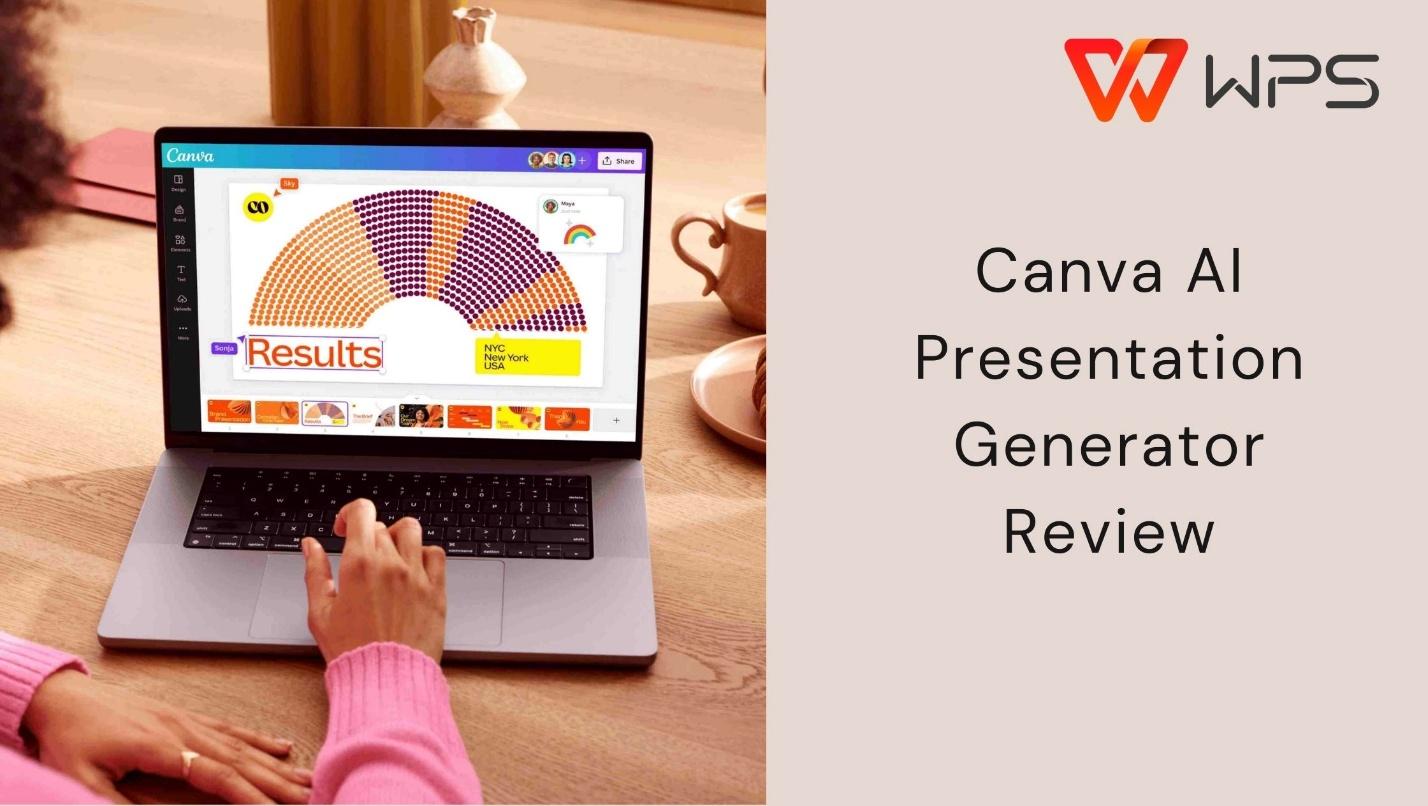
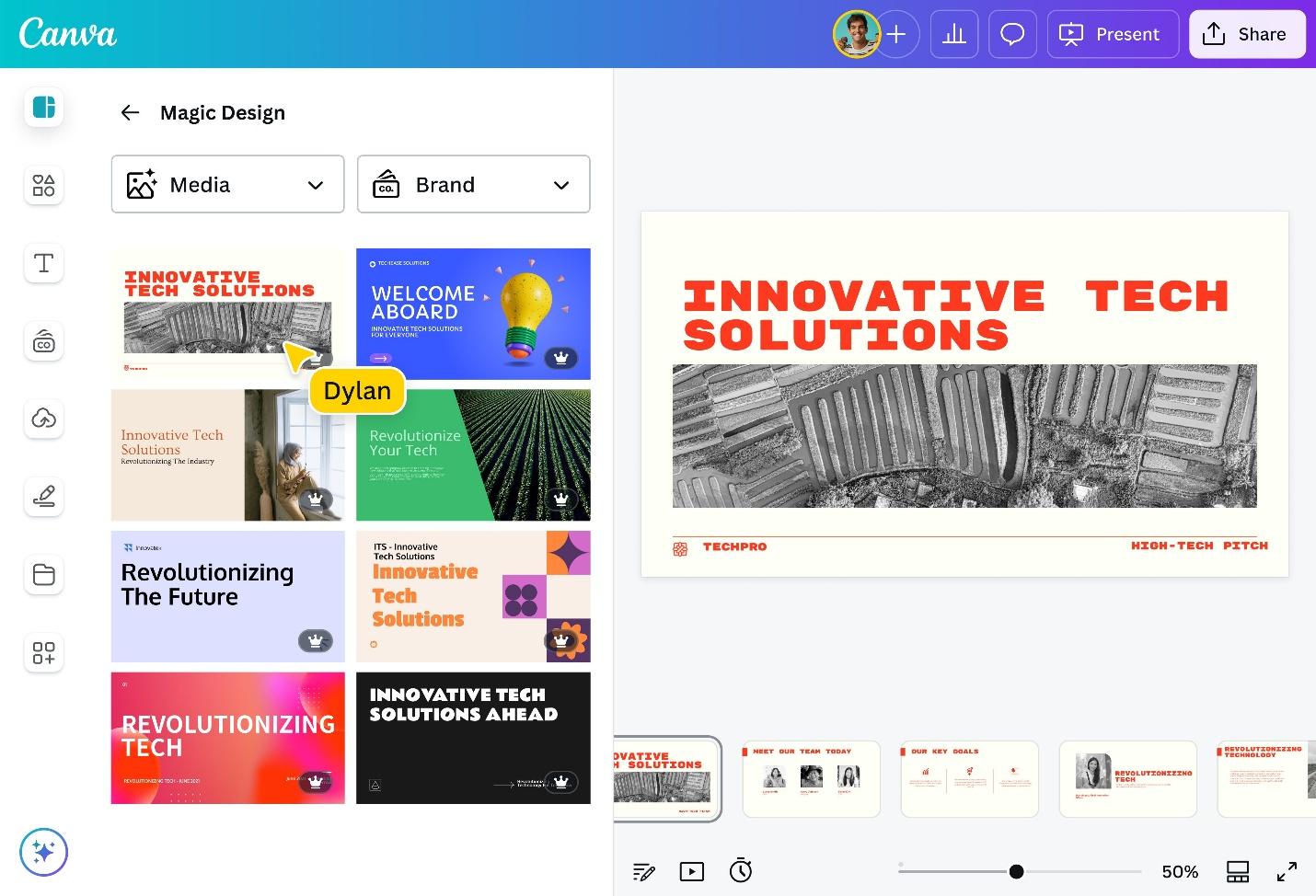
Visual-first AI presentation generator with brand kits and templates—features, pros, cons, and best alternatives reviewed.
03 · Best Tools for You
Four common PPT use cases—each scenario lists tools that genuinely excel there, not a one-size-fits-all pick.
Corporate & Enterprise
Microsoft PowerPoint · Google Slides
Quarterly reviews, client proposals, and internal updates need deep chart control, company templates, and reliable handoffs. PowerPoint remains the enterprise default; Google Slides suits teams already on Workspace.
 PowerPoint · Google Slides
04 · Tool Comparison
Editorial scores across six dimensions—no single tool wins every category; use the chart to match strengths to your workflow.
Editorial scores · 0–100 · Best choice depends on your use case · 2026
Microsoft PowerPoint
Strongest for complex layouts, enterprise workflows, and .pptx fidelity—paid subscription required.
Avg. 81.8 · Best for: corporate decks
Gamma
Fastest AI-first drafts and shareable web decks—weaker PPTX round-tripping.
Avg. 83.8 · Best for: speed & pitch drafts
Google Slides
Top browser collaboration and free access—limited offline and advanced formatting.
Avg. 82.7 · Best for: team editing
Canva
Richest visual templates and brand kits—not ideal for data-heavy reports.
Avg. 81.2 · Best for: marketing visuals
WPS Presentation
Solid free desktop option with good PPTX support; AI features vary by plan.
Avg. 84.7 · Best for: free desktop editing
05 · Structured FAQ
Browse guides by topic, compare AI apps, or pick a scenario above—then choose the presentation software that fits your workflow, budget, and platform.