'%3e%3cpath%20d='M8%200C12.4183%200%2016%203.58172%2016%208C16%2012.4183%2012.4183%2016%208%2016C3.58172%2016%200%2012.4183%200%208C0%203.58172%203.58172%200%208%200ZM11.6162%204.38379C11.2257%203.99337%2010.5927%203.99338%2010.2021%204.38379L8%206.58594L5.79785%204.38379C5.40732%203.99334%204.77429%203.99329%204.38379%204.38379C3.99331%204.77429%203.99335%205.40733%204.38379%205.79785L6.58594%208L4.38379%2010.2021C3.99348%2010.5927%203.99341%2011.2257%204.38379%2011.6162C4.77426%2012.0066%205.40734%2012.0065%205.79785%2011.6162L8%209.41406L10.2021%2011.6162C10.5927%2012.0066%2011.2257%2012.0067%2011.6162%2011.6162C12.0067%2011.2257%2012.0066%2010.5927%2011.6162%2010.2021L9.41406%208L11.6162%205.79785C12.0066%205.40735%2012.0066%204.77429%2011.6162%204.38379Z'%20fill='%23080E17'%20fill-opacity='0.46'/%3e%3c/g%3e%3cdefs%3e%3cclipPath%20id='clip0_3761_713'%3e%3crect%20width='16'%20height='16'%20fill='white'/%3e%3c/clipPath%3e%3c/defs%3e%3c/svg%3e)
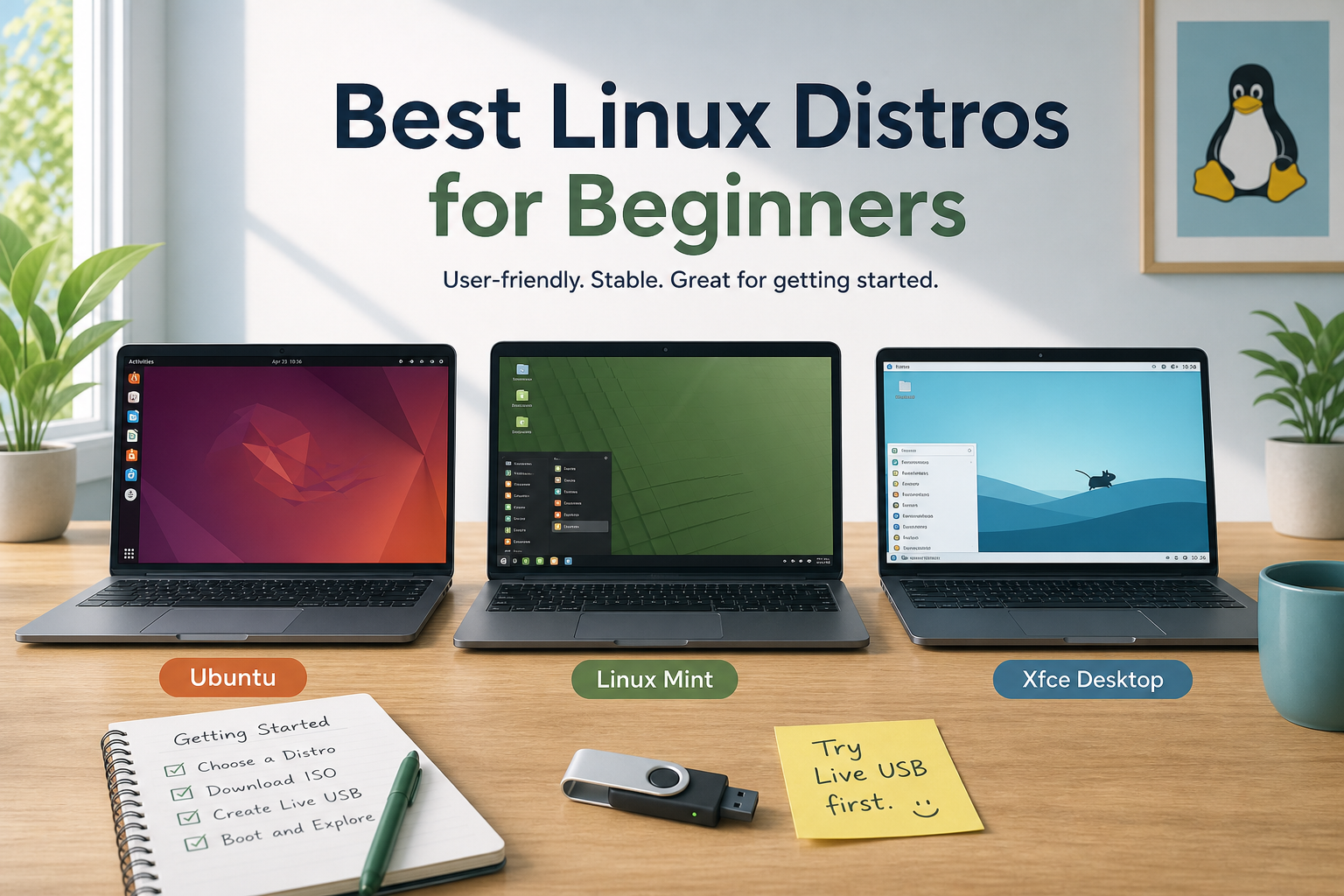
Best Linux Distros for Beginners (Practical First Choices)
Posted by  2026-07-27
2026-07-27Compare the best Linux distros for beginners, when to choose Ubuntu or Linux Mint, how to try before you install, and what to avoid as a first OS.

 2026-07-27
Compare the best Linux distros for beginners, when to choose Ubuntu or Linux Mint, how to try before you install, and what to avoid as a first OS.
 2026-07-27
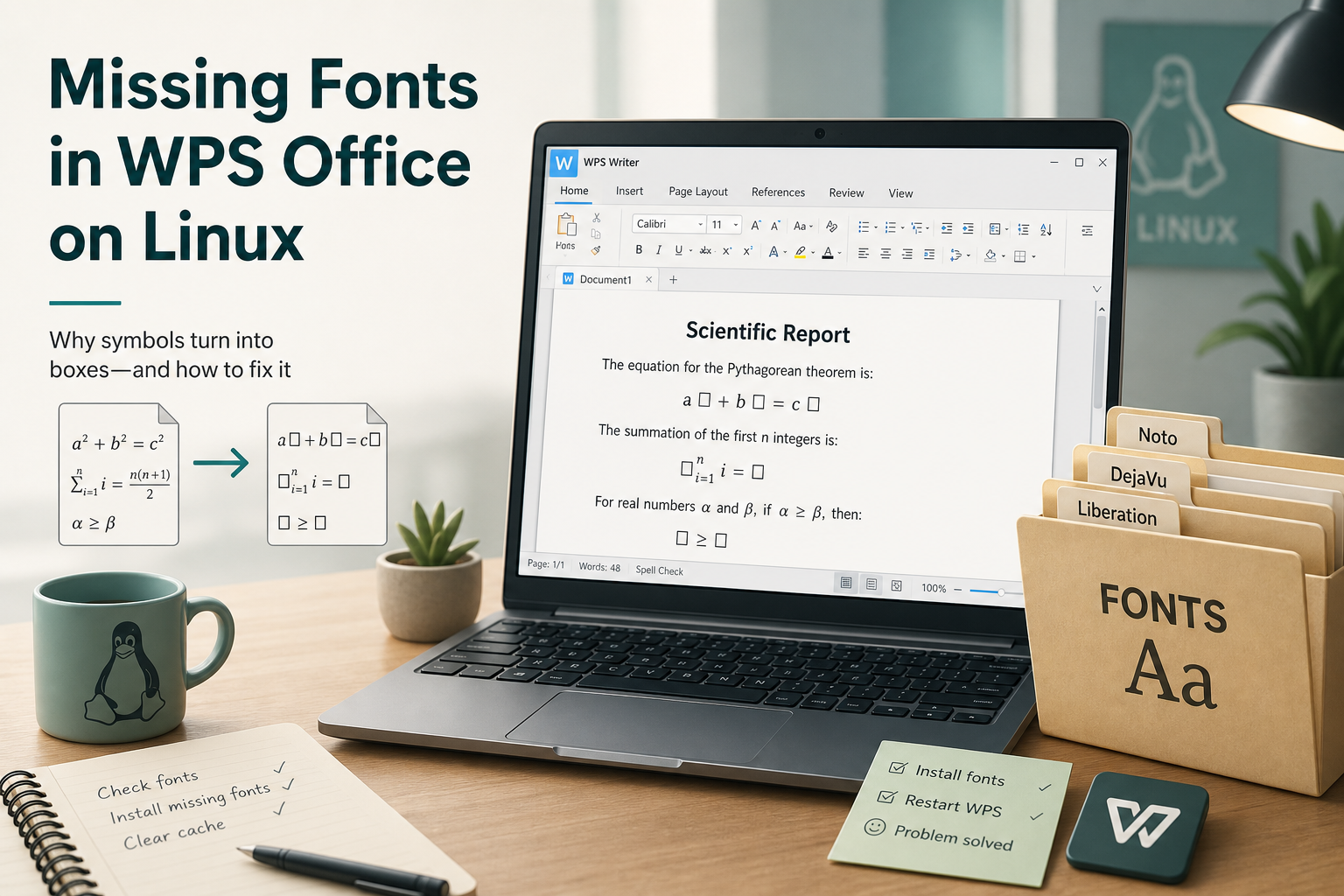
Fix missing fonts in WPS on Ubuntu: read the formula-symbol dialog, install only named fonts, rebuild the font cache, and recheck equations.
 2026-07-27
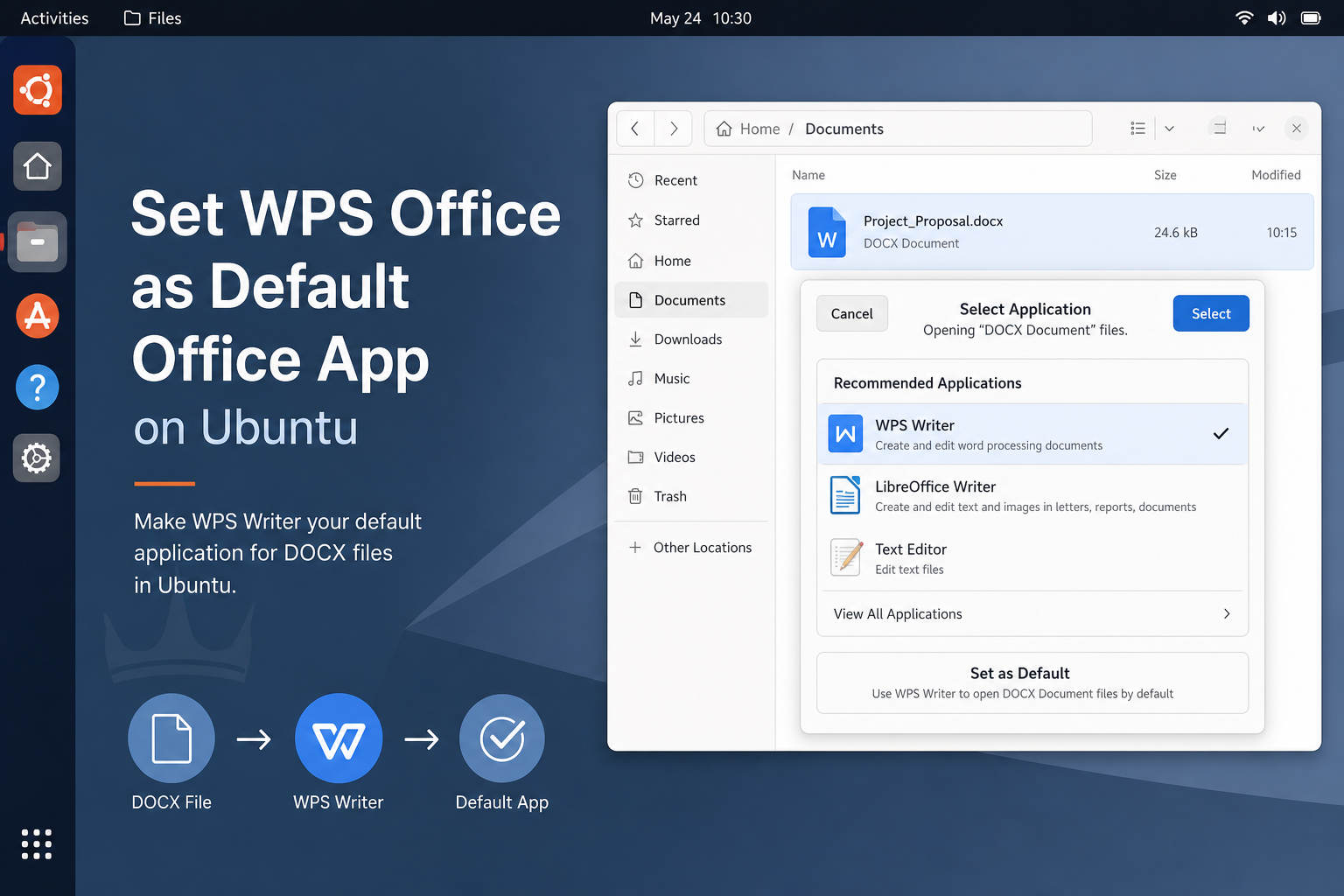
Make WPS Office default in Ubuntu for DOCX, XLSX, and PPTX using Open With or xdg-mime, and fix mimeapps conflicts with Wine or LibreOffice.
 2026-07-27
Choose a lightweight Linux distro like Lubuntu, Xubuntu, or Mint Xfce for low-RAM PCs, install an LTS ISO, and verify real-world responsiveness.
 2026-07-27
Pick the best Linux distro for gaming by GPU and setup tolerance: Ubuntu/Pop for mixed use, or gaming-focused Fedora spins, then enable Proton.
 2026-07-27
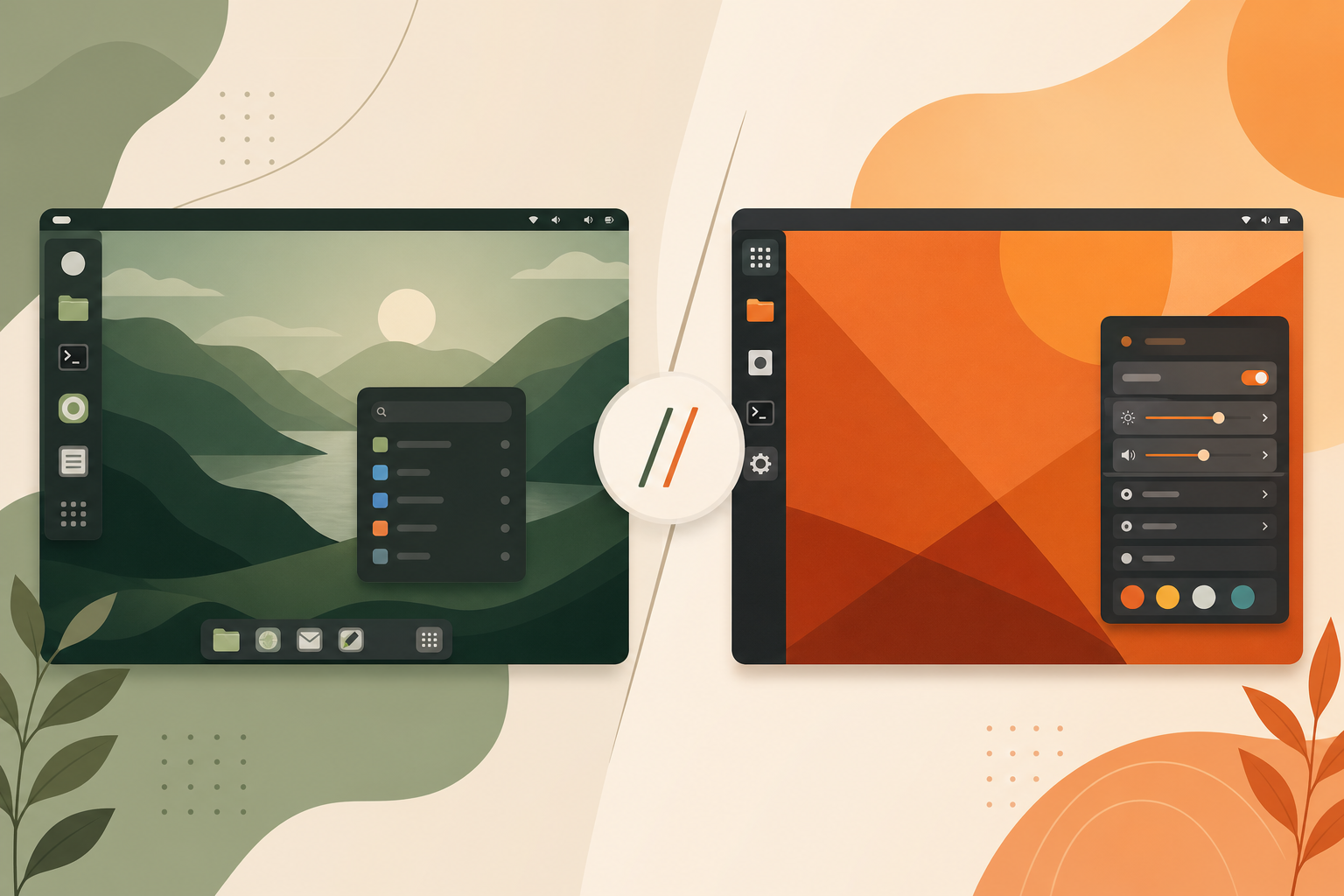
Compare Linux Mint vs Ubuntu on desktop layout, Snap vs Flatpak defaults, updates, and who should install each for daily use.
 2026-07-27
Choose the best Linux distro for developers: Ubuntu LTS for docs, Fedora for newer toolchains, or Arch for rolling control—then set up git and SDKs.
 2026-07-27
Choose the best Linux distro for an old laptop with Lubuntu, Xubuntu, or Mint Xfce, test Wi-Fi live, add an SSD, and verify everyday responsiveness.
 2026-07-27
No single most secure Linux distro fits all—match Qubes, Tails, or a hardened desktop to your threat model with encryption and updates.
 2026-07-27
Pick the best Linux server distro by ecosystem: Ubuntu LTS, Debian stable, or Rocky/Alma—then harden SSH and automate updates.
Complete guide to downloading and installing Microsoft Office suite for all platforms, including Word, Excel, PowerPoint, etc.
Learn More MS Office
