
Print Multiple PDFs at Once
A Smarter Way to Batch Print PDF
- Instantly print hundreds of PDF files without opening them one by one.
- Add entire folders to the print queue with a single click.
- Save valuable time and increase your productivity significantly.
- Free to use within the all-in-one WPS Office suite.
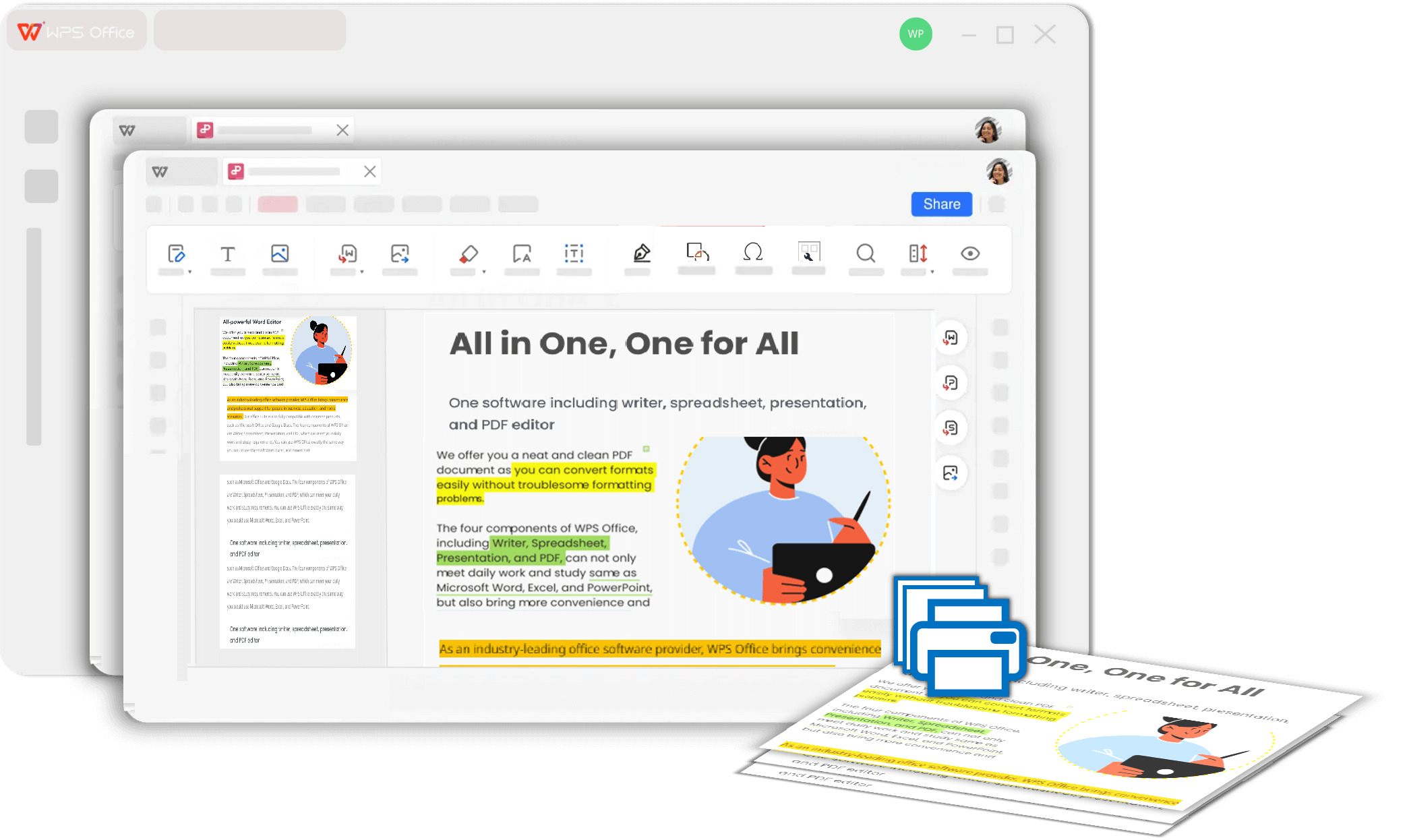
Your Perfect Solution to Print Multiple PDF Files
Discover the powerful features that make printing multiple documents faster and easier than ever.
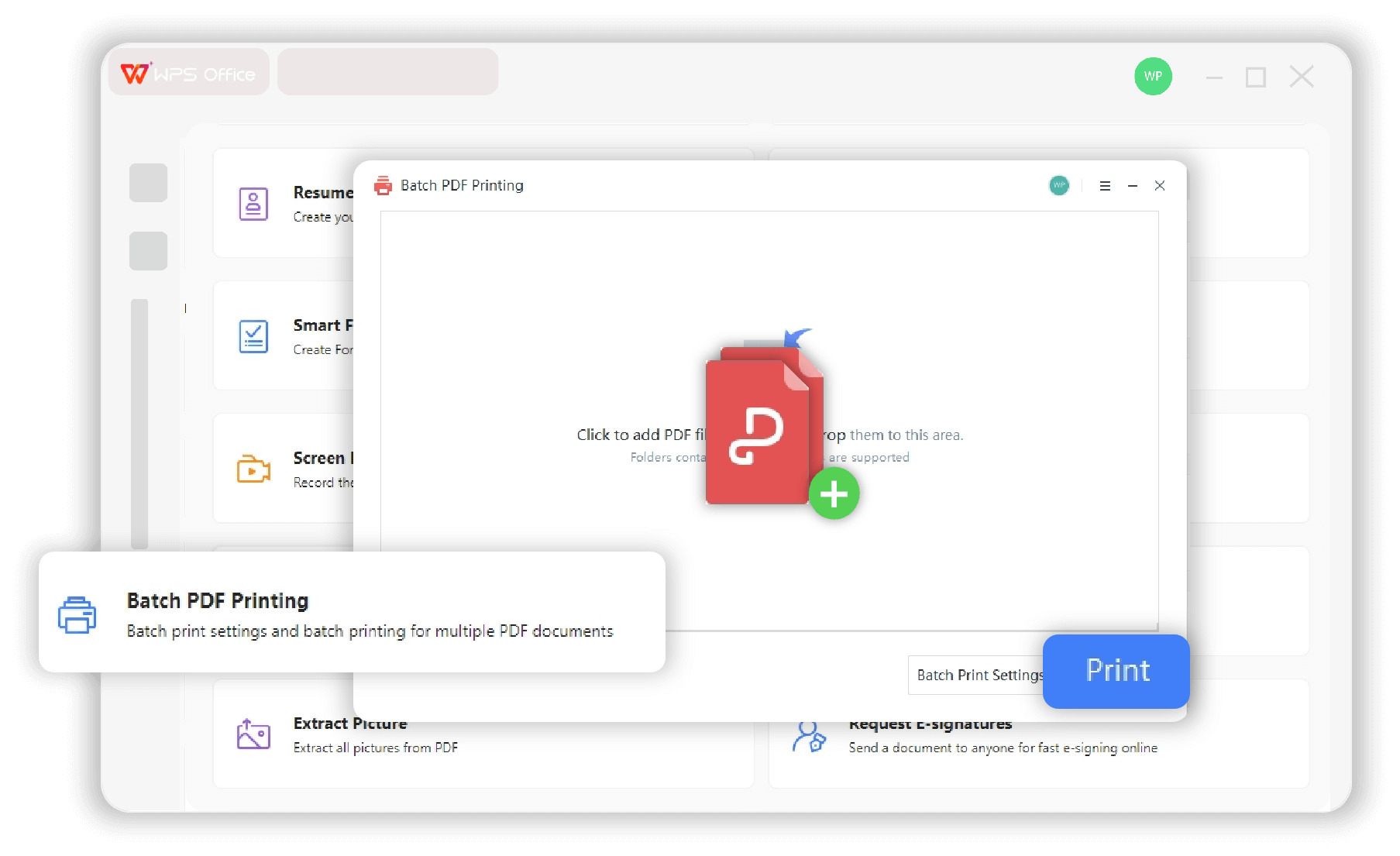
Batch Print PDFs Effortlessly
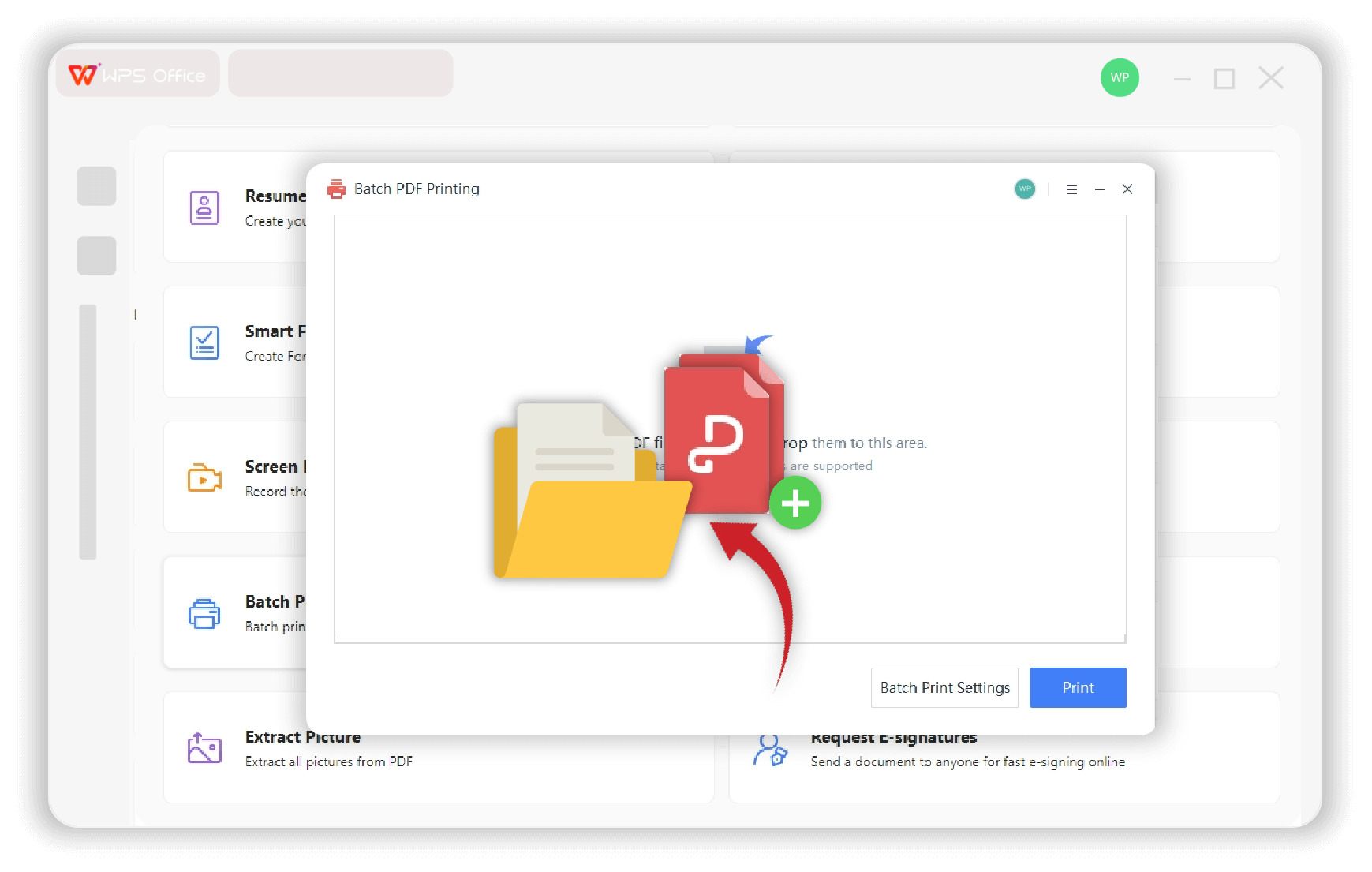
- Add multiple PDFs from different locations with ease.
- Drag and drop files for quick selection.
- Import entire folders in just one click.
- Review and manage file lists before printing.
Custom Settings for Bulk Print PDF
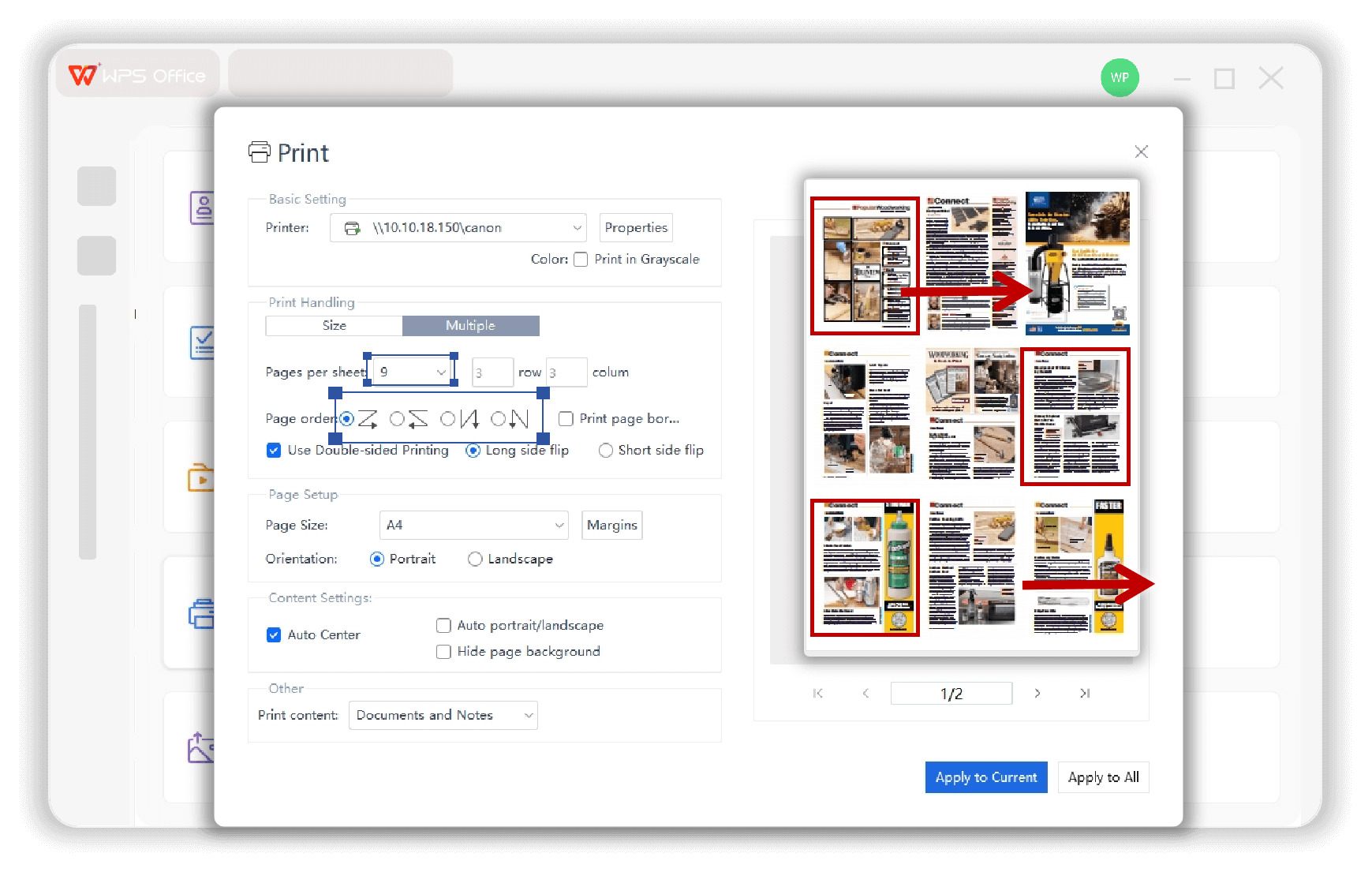
- Choose your preferred system printer seamlessly.
- Set copies, collation, and quality universally.
- Save and reuse print templates for repeated tasks.
- Customize settings individually per PDF file.
Smart Control for Mass PDF Print
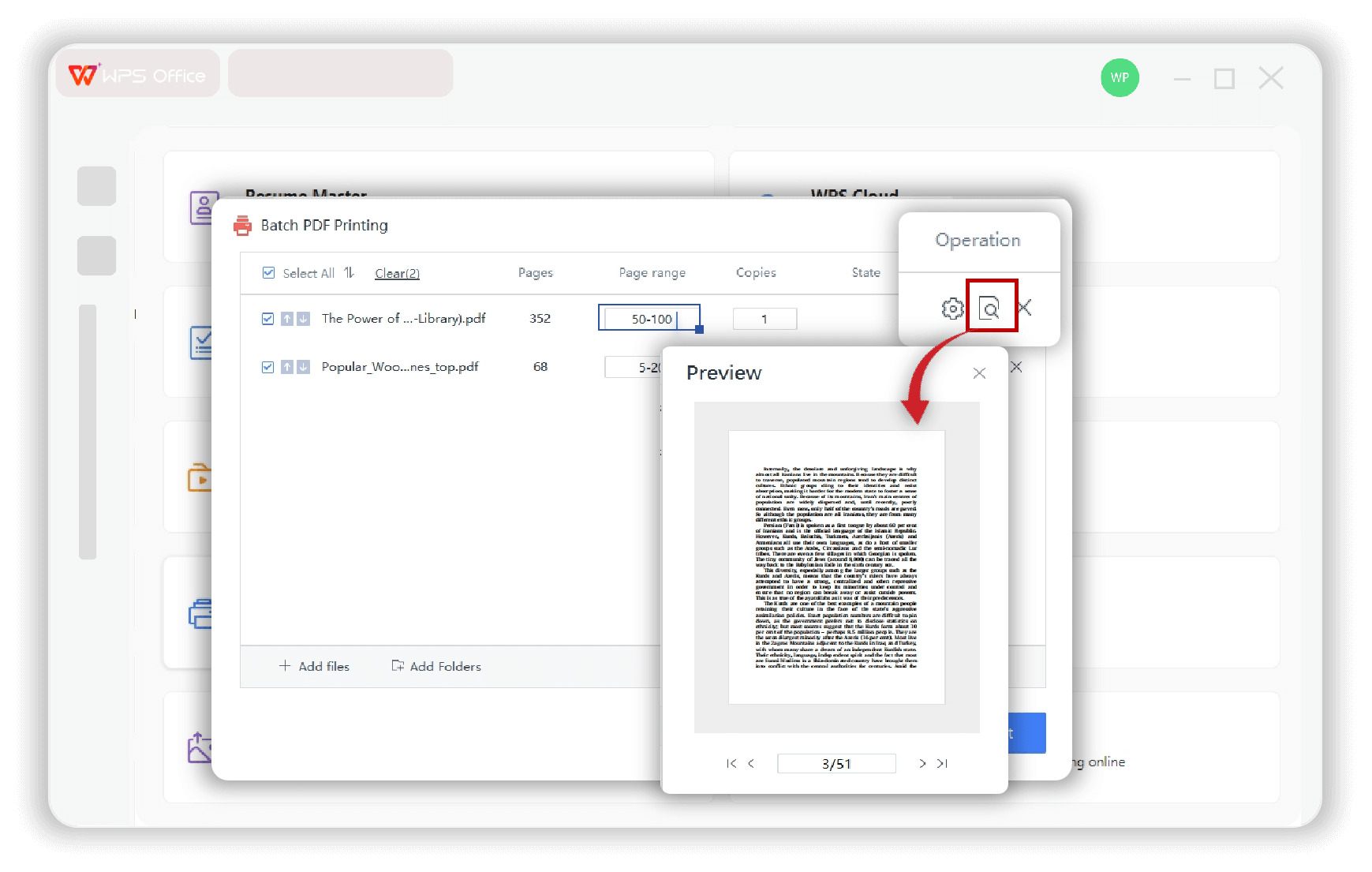
- Preview all documents or each file individually.
- Adjust scaling, margins, orientation in real time.
- Print multiple pages per sheet while keeping clarity.
- Reorder pages or adjust placement freely.
Hear From Our Batch PDF Printer Users
See how professionals across industries use bulk printing to enhance their efficiency.

Sarah J.
Accountant
"Printing hundreds of invoices at month-end used to take hours. With WPS batch print, I can queue up the whole folder and have it done in minutes. A true lifesaver."

Mark T.
Teacher
"I frequently need to print worksheets and reading materials for my classes. Being able to print multiple PDFs at once means more time preparing lessons and less time at the printer."

David K.
Legal Assistant
"Handling case files involves a lot of documents. The batch print feature is essential for preparing physical copies for court or client meetings. It's reliable and incredibly fast."
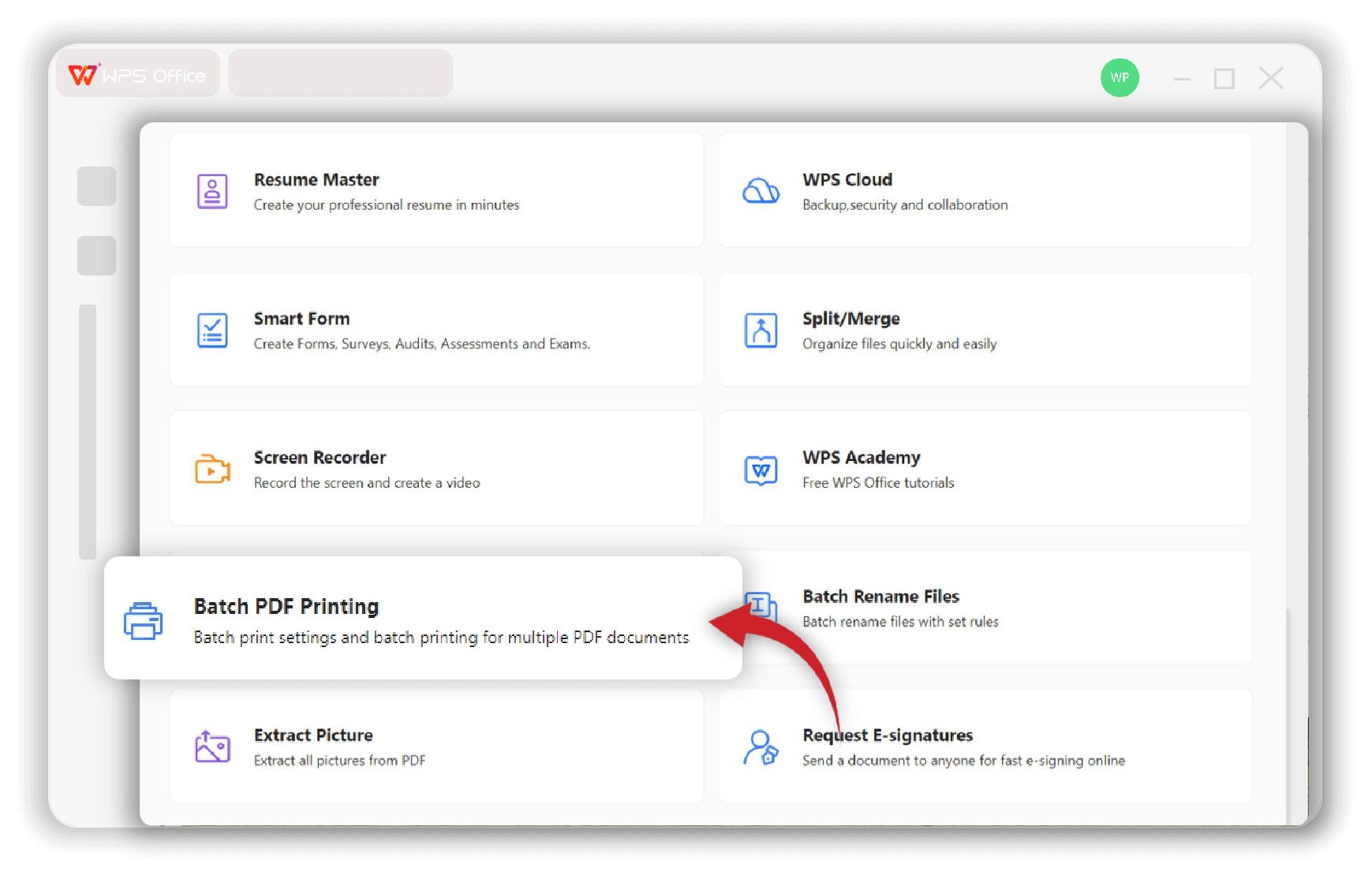
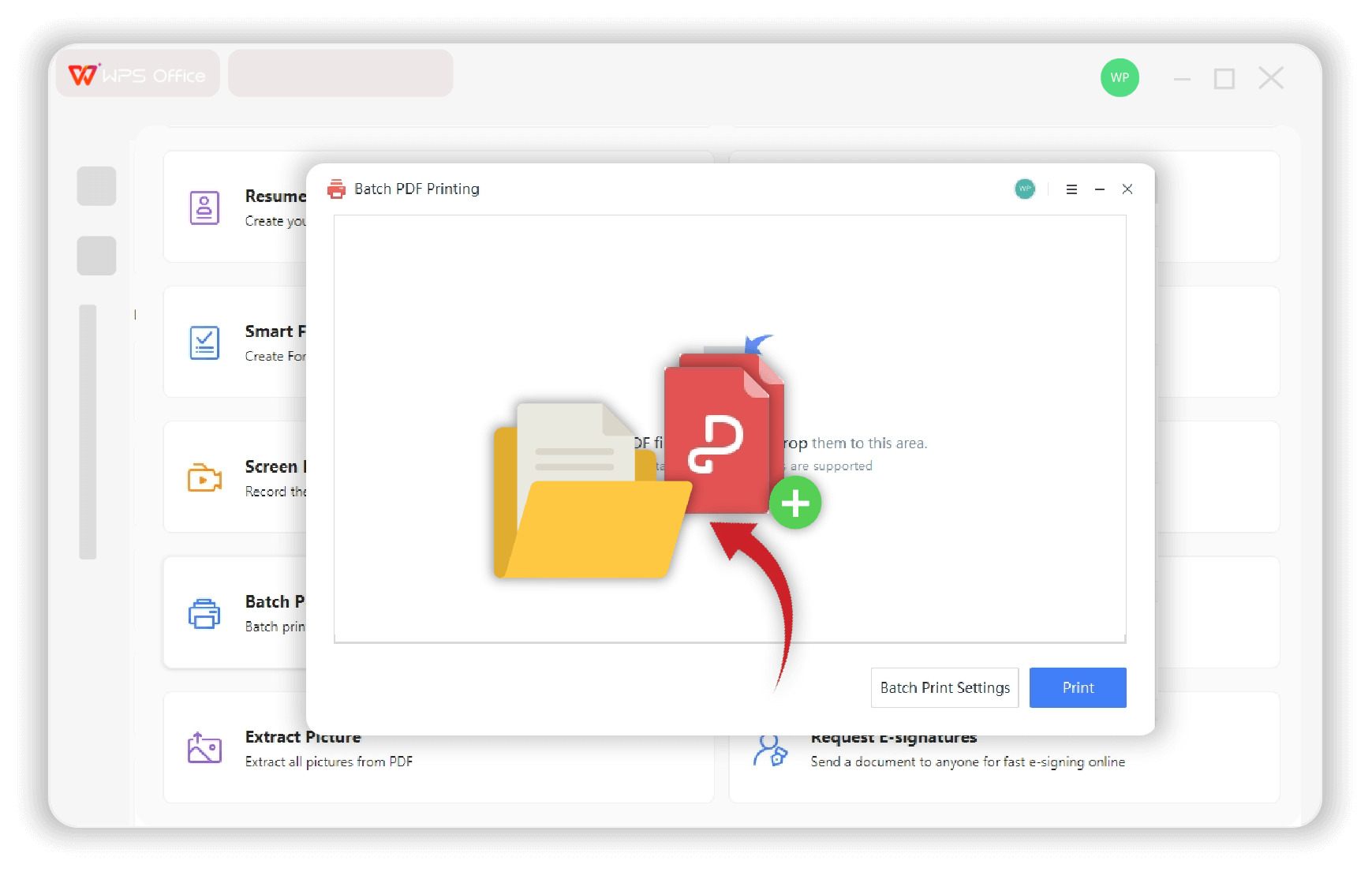
How to Print Multiple PDFs at Once
Start batch printing your documents in just a few clicks with WPS Office.
Prepare for Batch Printing PDF with More Tools
Discover a full suite of PDF tools to polish, combine, and organize your documents, ensuring a flawless result before you send the print job.
Add Page Numbers
Automatically insert page numbers into your PDF for better organization.
Learn moreFrequently Asked Questions
Find answers to common questions about printing multiple PDFs.
Stop Wasting Time: Print Multiple PDFs in One Click!
Download WPS Office today and unlock the free batch printing tool to revolutionize your document workflow.