Step 1
Open
Click the Downloads icon in your browser’s upper-right corner, or press Ctrl + J to open the downloaded file.
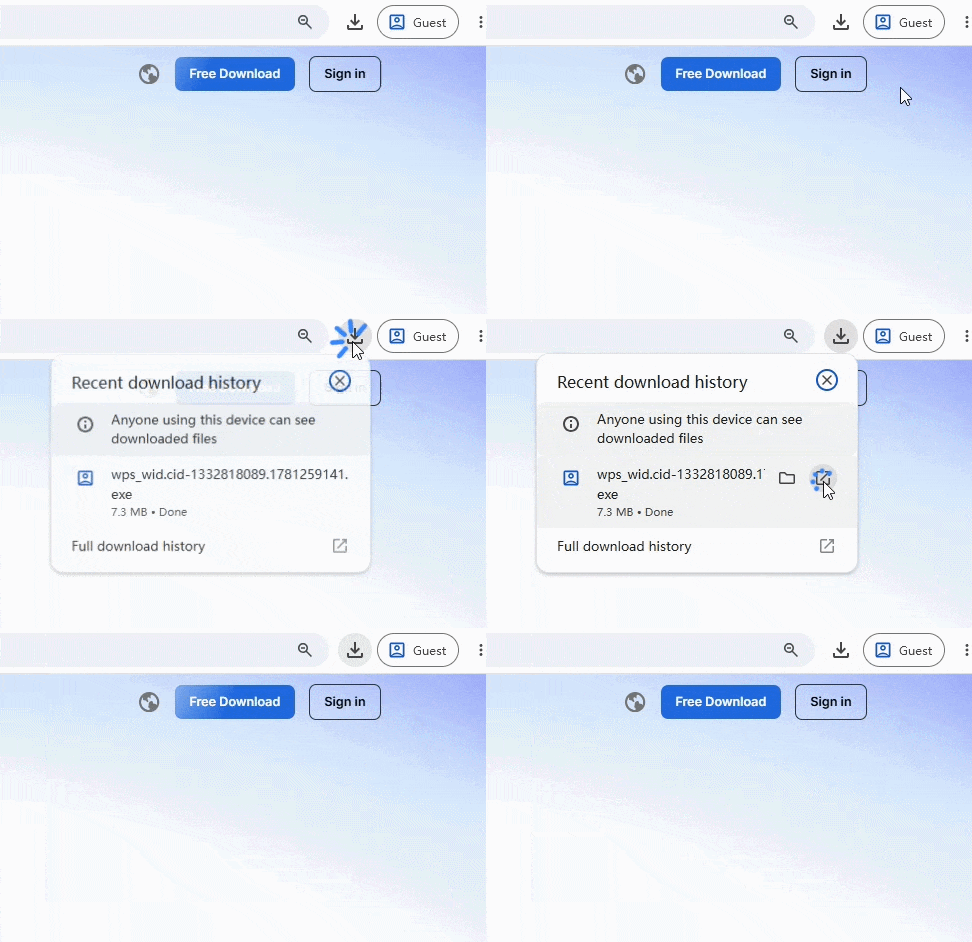
Set up WPS Office in just a few clicks. Your download will start automatically - if it doesn't, .
Click the Downloads icon in your browser’s upper-right corner, or press Ctrl + J to open the downloaded file.
Follow the setup prompts on your screen and wait while WPS Office completes the installation.
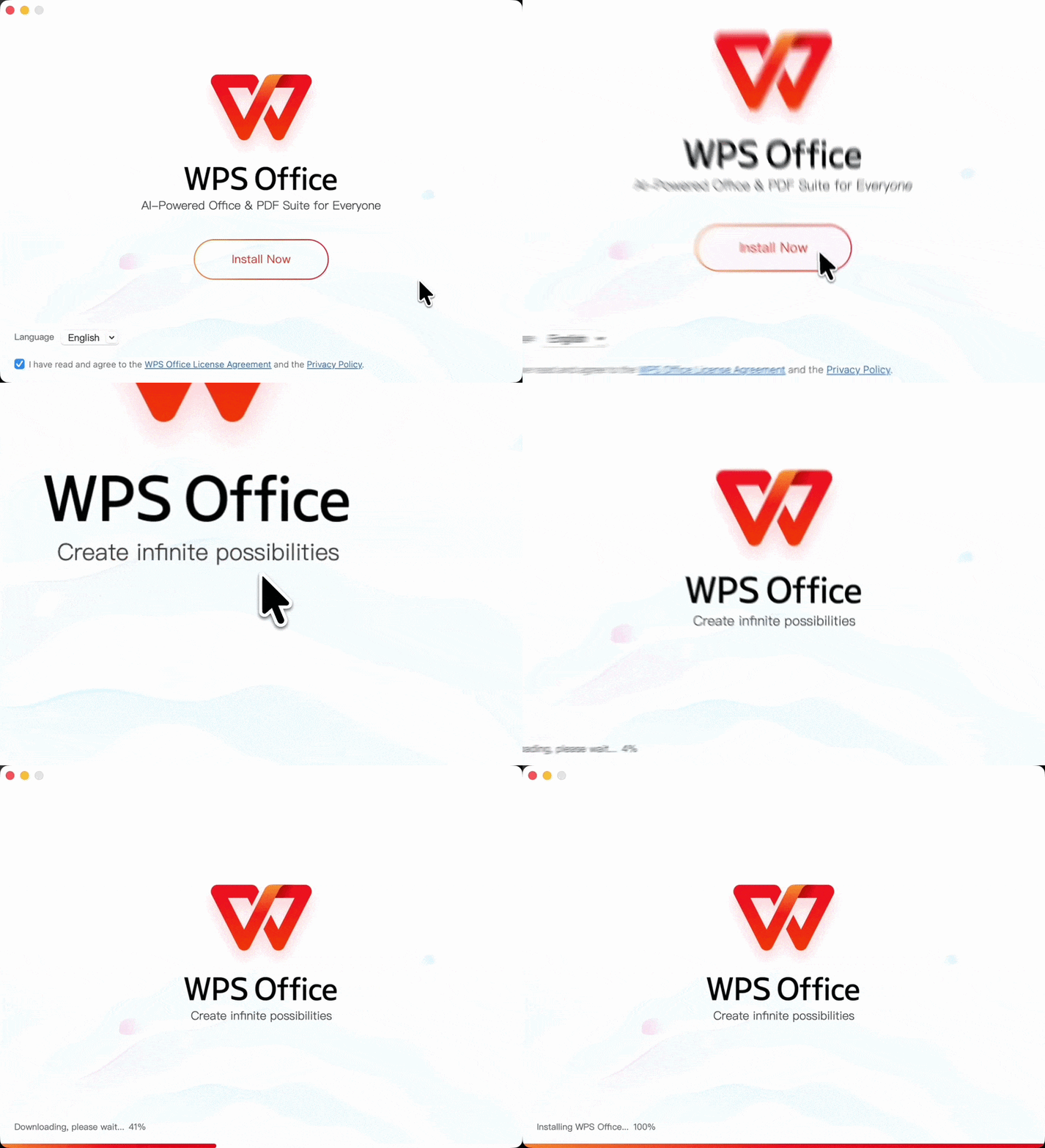
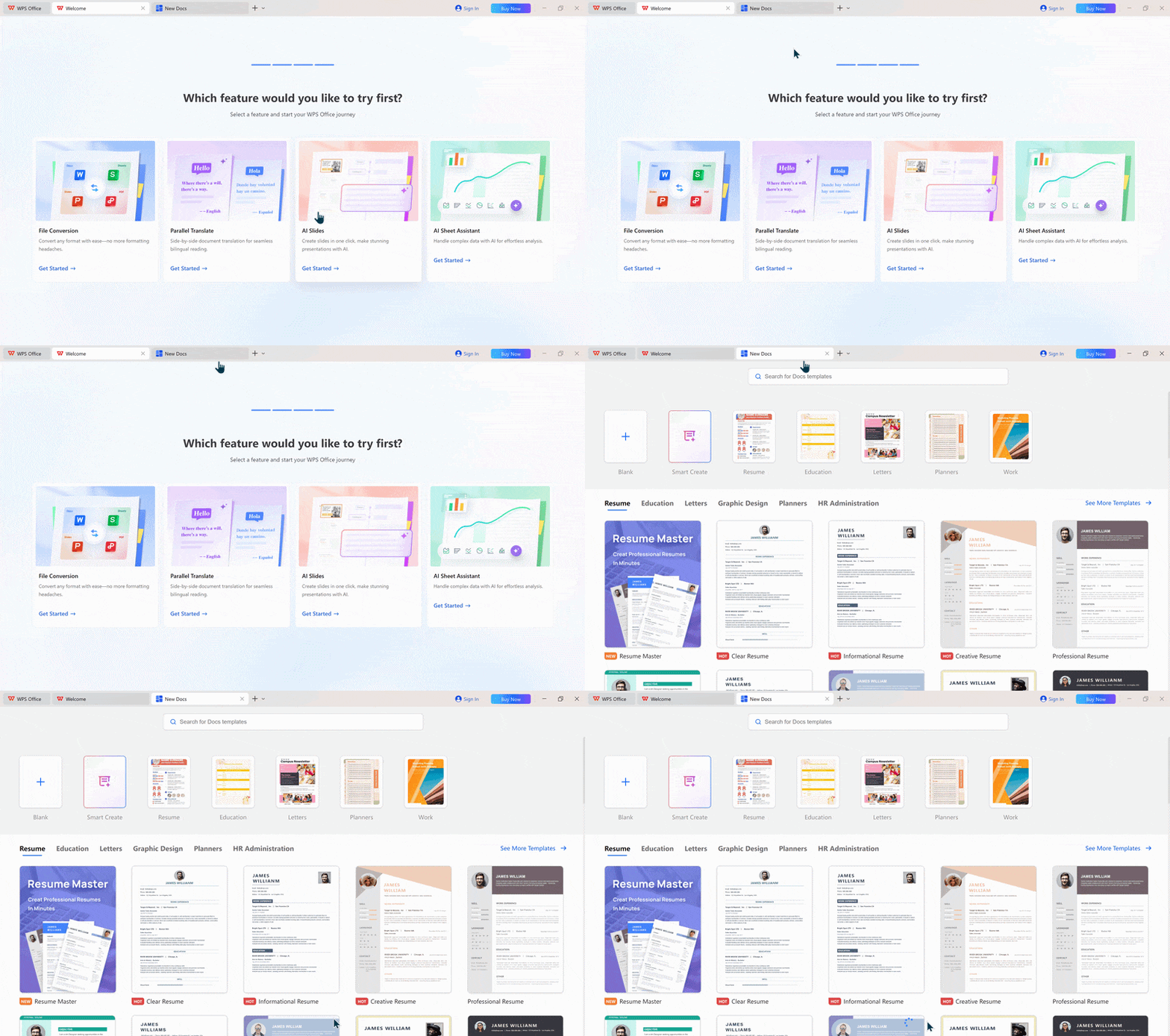
WPS Office will open automatically when setup is complete. Start creating and editing right away.
Trusted by millions & industry experts
 2015 Best App · Google Play
 Officially Recommended · App Store
 2022 Users' Pick · Uptodown
 G2 Crowd Leader · Summer 2021
 Golden Bridge Awards® 2016
 CNet Editors' Rating 2015
 Software Informer Editor's pick 2016
 The Techies 2017 · Best Mobile Tech2015 Best App · Google PlayOfficially Recommended · App Store2022 Users' Pick · UptodownG2 Crowd Leader · Summer 2021Golden Bridge Awards® 2016CNet Editors' Rating 2015Software Informer Editor's pick 2016The Techies 2017 · Best Mobile Tech
“Fantastic "Office Suite". I mostly use the spreadsheets and honestly think it is better than the MS product. The word and presentation apps work absolutely professionally as well. All are fully compatible. Risk free. Go for it!”
Follow quick guides to learn the basics, explore AI features, and solve common setup or product questions.


