

A .NET MAUI app has to convert a Word file on a phone that ships no Word, no Adobe and no print driver, which rules out most of the Word to PDF library .NET MAUI projects on NuGet. The ones that remain differ in fonts, trimming behaviour and licensing, not in the API they expose.
Picking a document engine for cross-platform .NET is different from picking one for a web API. The same code has to run on an Android phone with a trimmed assembly set, in an iOS app that cannot load a native Office runtime, and on a Windows desktop where the same DLL is expected to render a 60-page report exactly like Word does. This guide compares the libraries that document real .NET MAUI support and shows what each one costs you in package size, fonts and licensing.
Quick Answer: Syncfusion DocIO is the safest default: it is the only mainstream commercial engine whose documentation lists .NET MAUI alongside WPF, Blazor and ASP.NET Core, it embeds fonts so output matches on Android and iOS, and its Community License is free for small teams. Pick Telerik WordsProcessing for a dependency-free .NET Standard library, Aspose.Words for the widest format coverage, and move conversion to a server or a REST API when documents are heavy or must be PDF/A compliant.
Which Word to PDF libraries work with .NET MAUI?
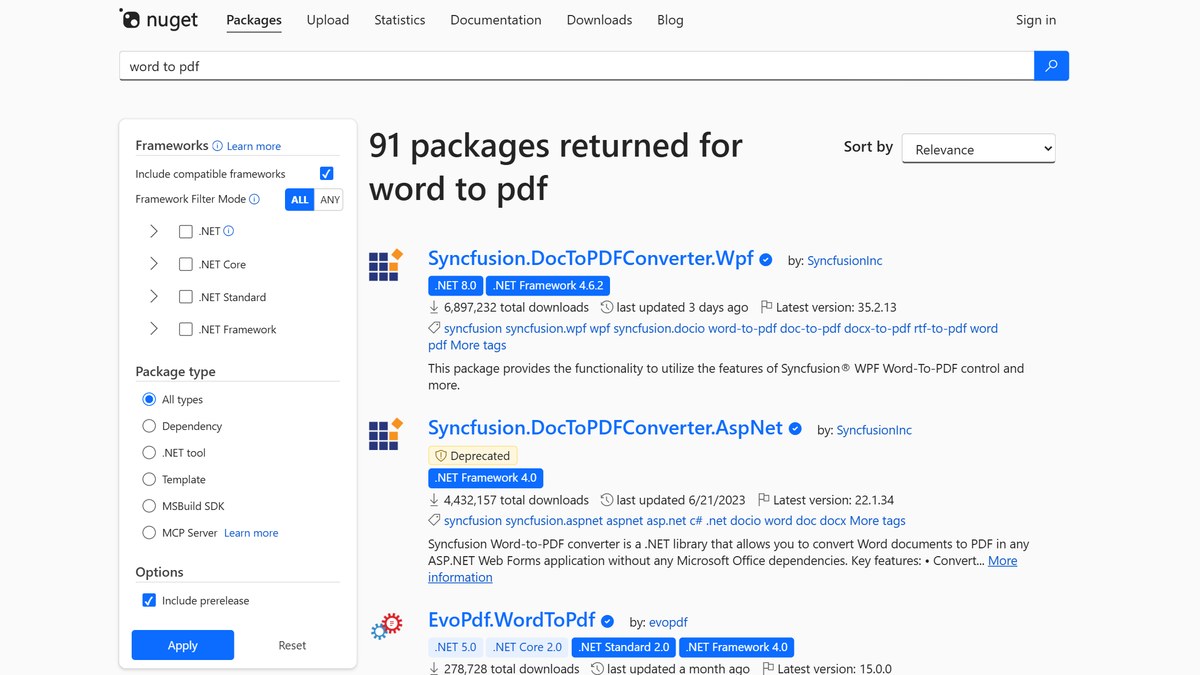
A NuGet search for word to pdf returns 91 packages, but most of them are Windows-only converters, WPF wrappers or abandoned wrappers around Microsoft Office. Only a short list ships a managed engine that resolves on Android, iOS, macOS and Windows from one codebase and documents the .NET MAUI target. These are the realistic candidates.
| Library | MAUI support | How it produces the PDF | Where it fits |
|---|---|---|---|
| Syncfusion DocIO (.NET Word Library) | Documented; MAUI listed with WPF, Blazor, ASP.NET Core | Managed layout engine, no Word or Adobe installed | Fonts, forms, PDF/A, long documents, vendor support |
| Telerik UI for .NET MAUI WordProcessing | Documented in the .NET MAUI product line | .NET Standard engine with PDF export | Teams already on Telerik, or needing full document-object control |
| DevExpress Office File API | Documented for .NET MAUI projects | Rich text and PDF file API without UI controls | Enterprise apps already on DevExpress Universal |
| Aspose.Words for .NET | MAUI sample project published in the official repo | Self-contained engine, 30+ input and output formats | Broadest format coverage, on-device and on-server |
| Spire.Doc for .NET | .NET Standard 2.0 build, no Office dependency | Managed engine; free edition is capped | Prototypes and budget tests |
| Open XML SDK plus a PDF writer | Runs anywhere, but is not a converter | You write the pagination and rendering yourself | Reading or editing DOCX, not producing PDF |
The common thread: none of these libraries drives Microsoft Word, LibreOffice or Adobe Acrobat behind the scenes. They render DOCX in managed code, which is the only model that works when your app has no Office installation and cannot spawn desktop processes on a phone.
What a MAUI-ready Word to PDF library has to handle
Three constraints decide whether a converter that works in a console app still works in a MAUI app. Test them before you commit to an engine, because each one surfaces late — usually in a release build on a physical device.
Android and iOS ship no Word or Adobe runtime
There is no Office automation on mobile. A library that relies on Word interop, System.Drawing, or a Windows print driver will compile and then fail at runtime on Android and iOS. Confirm that the vendor lists Android, iOS and Mac Catalyst, not just Windows and Linux.
Trimming and AOT break reflection-heavy engines
MAUI release builds trim unused assemblies and, on iOS, compile ahead of time. Engines that discover types through reflection need [Preserve] hints or a trimming descriptor; otherwise document loading throws the moment a table style or an embedded chart is parsed. Keep a trimming configuration and one device test in your CI pipeline.
Fonts, tables, headers and pagination decide fidelity
A phone has a fraction of the fonts a desktop has, so a DOCX that opens perfectly on Windows can reflow on Android. Look for font embedding, font substitution rules, fallback fonts and custom font registration — Syncfusion exposes all four, which is why its PDFs look identical across platforms. Complex tables, section breaks, headers and footers, and multi-page pagination are the second failure point.
When to keep conversion off the device
On-device conversion is the right call for invoices, receipts and short contracts generated inside the app. It is the wrong call for 100-page reports, PDF/A archiving, OCR pipelines, or anything that must be byte-identical every time. In those cases post the DOCX to a server endpoint and return the PDF: memory limits disappear, the font set is stable, and you can swap the engine without shipping a new app build.
Syncfusion DocIO: the most complete .NET MAUI path
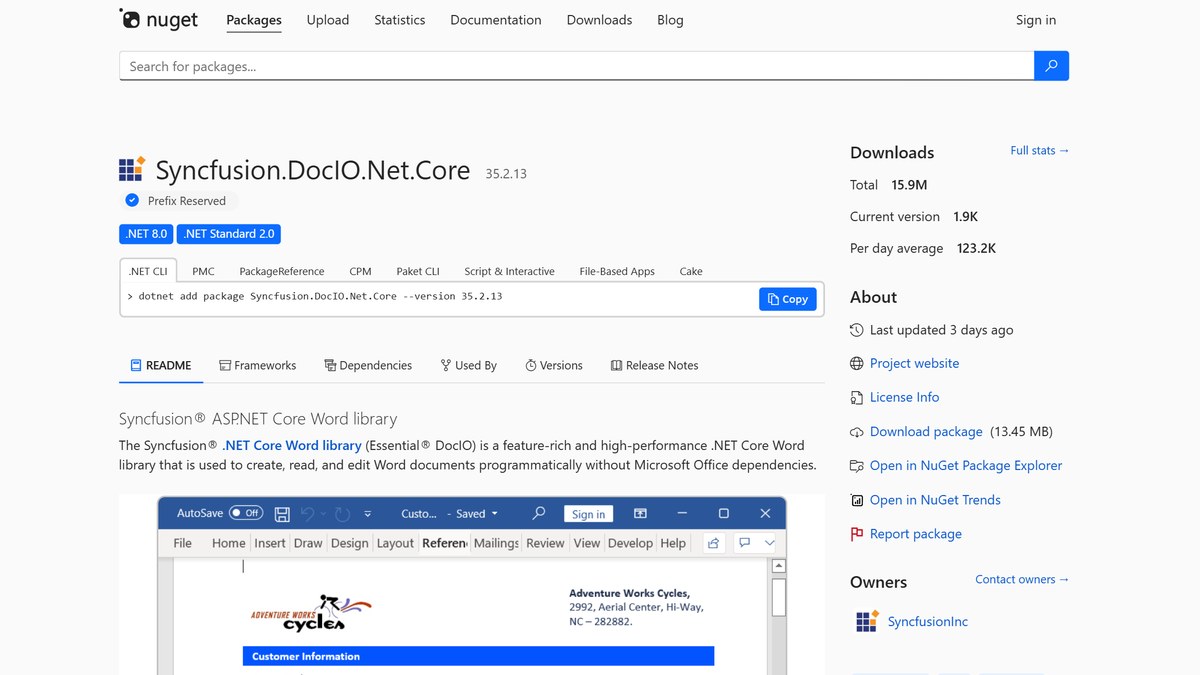
Syncfusion's .NET Word Library — DocIO — converts a Word document to PDF in a few lines of code, and the documentation names .NET MAUI next to Windows Forms, WPF, ASP.NET Core, Blazor, Xamarin and WinUI. Nothing else has to be installed on the machine.
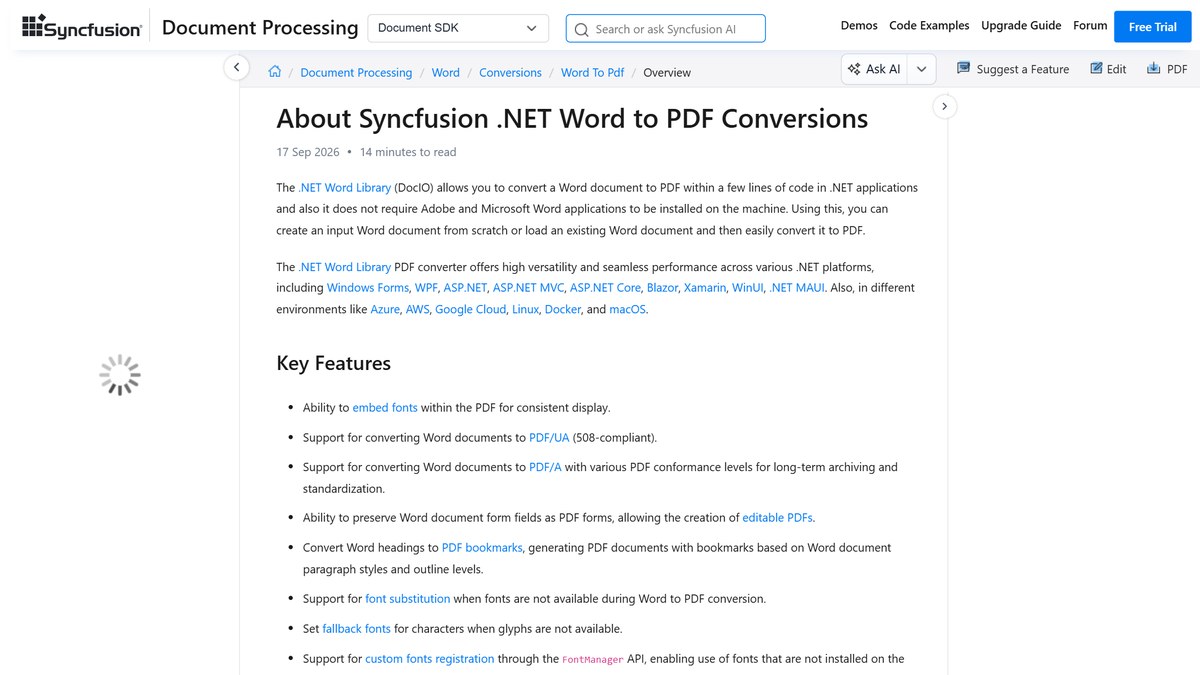
Fonts first. Embed fonts in the PDF, set substitution and fallback fonts, and register custom fonts through the FontManager API so glyphs survive on a device that never had the typeface.
Compliance targets. Export to PDF/A for archiving, PDF/UA for accessibility, and keep Word form fields as fillable PDF forms.
Navigation preserved. Word headings become PDF bookmarks, which keeps long documents usable on a phone reader.
Same engine on server and device. Conversion also runs on Linux, Docker, Azure, AWS and macOS, so the app and the backend can share one code path.
Two practical notes. Syncfusion's Community License covers small teams within its revenue and developer thresholds; larger organisations need a commercial seat. And from the 2027 Volume 1 release, .NET 8 and .NET 9 support is retired across the MAUI and document libraries, so plan the MAUI project on .NET 10 if you are starting now.
Telerik WordsProcessing, Aspose.Words and DevExpress Office File API
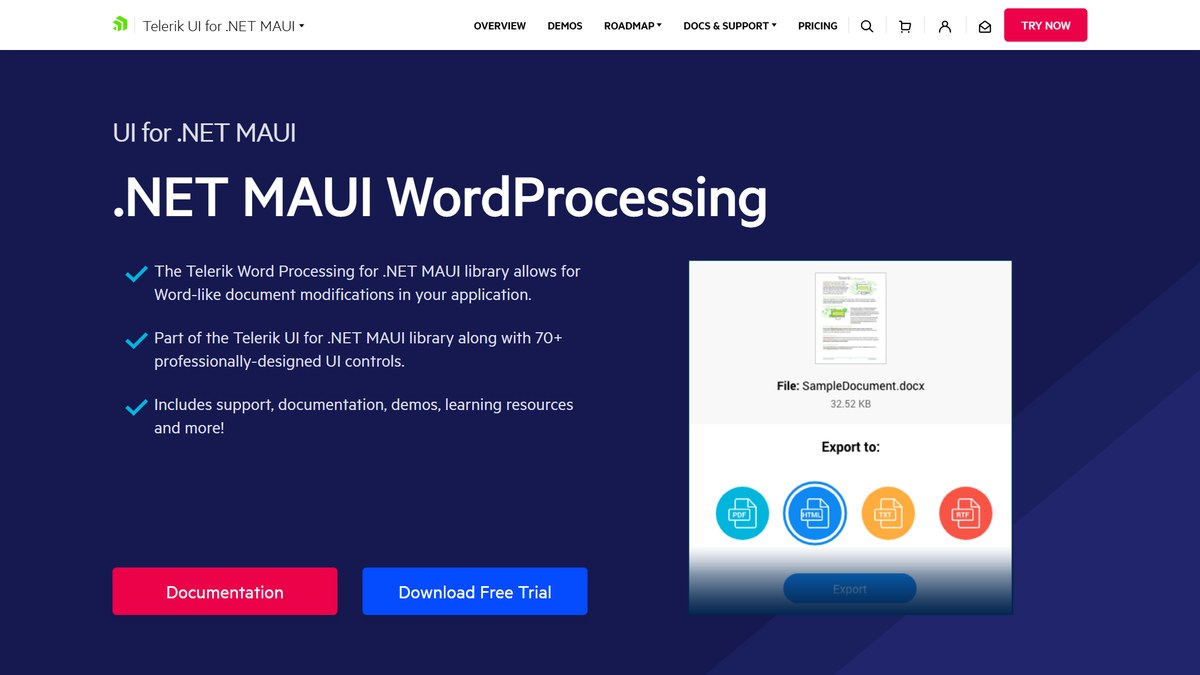
The rest of the shortlist is not weaker — it is differently shaped. Telerik gives you a .NET Standard document object model with no third-party dependencies: DOCX, RTF, HTML and plain text in, PDF out, inside the same suite as 70+ MAUI controls. If your app already edits documents in a rich text control, that shared object model saves a conversion layer.
Aspose.Words for .NET
Aspose.Words is the heaviest engine of the group and covers DOCX, PDF, ODT, HTML, Markdown and EPUB in both directions without Microsoft Word. Its GitHub examples repository carries a MAUI project that the vendor keeps updating, which is the clearest signal that the engine is tested on mobile targets. Licensing is commercial, with a metered option for pay-per-use services.
DevExpress Office File API
DevExpress documents the Office File API for .NET MAUI projects: it creates, converts and manipulates rich text and PDF files without UI controls, and requires a license tier that includes Office File API. It is the natural choice when a MAUI app already sits next to a DevExpress reporting stack.
Spire.Doc for .NET
Spire.Doc is the budget entry: a .NET Standard 2.0 assembly that converts Word to PDF without Office installed and runs on Windows, Linux and macOS. The free edition imposes output limits, so treat it as a prototyping tool unless you buy a license.
If your comparison is really about embedding an editor rather than converting files, the component route is worth a look too: a Word processing component for JavaScript apps or a Word processor component for Vue and Angular apps covers editing plus export in one package, at the cost of a web view inside the MAUI shell.
Licensing, dependencies and NuGet targets compared
Every engine in this list is dependency-free at runtime, so the real differences are the licence model and the assembly targets. Check both before you write the prototype: a package that only ships a Windows build will not restore in a multi-target MAUI project.
| Library | Licence | Runtime dependency | Assembly targets |
|---|---|---|---|
| Syncfusion DocIO | Community License free within revenue/developer limits, otherwise commercial | None | .NET 8 and .NET Standard 2.0 |
| Telerik WordsProcessing | Commercial subscription, free trial available | None | .NET Standard |
| DevExpress Office File API | Commercial; licensed with Office File API tier | None | .NET, MAUI documented |
| Aspose.Words | Commercial, metered option available | None | .NET Standard 2.0 |
| Spire.Doc | Commercial; free edition capped | None | .NET Standard 2.0 |
Budget for more than the licence line. A managed rendering engine adds tens of megabytes to the app bundle, which matters on iOS because the binary is compressed and downloaded by the user; and the engine's fonts, hyphenation data and PDF writer all need trimming exceptions. Keep conversion in a separate service if you cannot afford the bundle size, and keep only an uploader on the device.
How to export a Word document to PDF in WPS Office
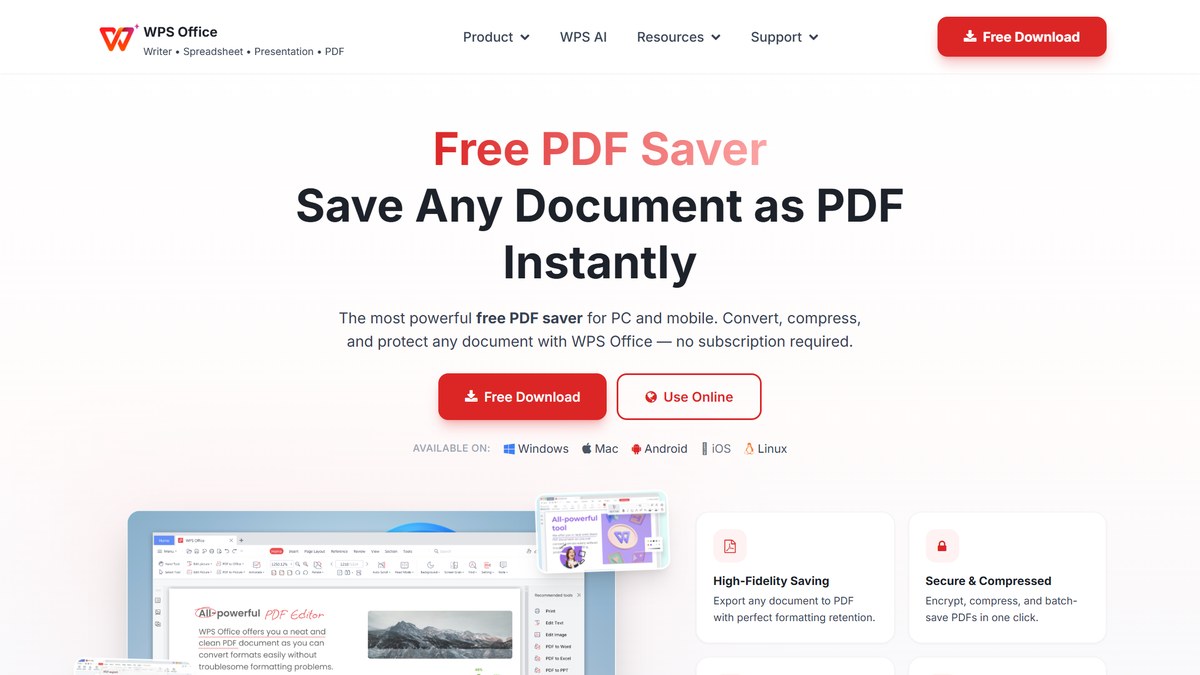
Not every job needs a NuGet package. If you are producing the document yourself, or a colleague needs one file converted today, a desktop suite is faster than a code review. WPS Office exports Word files to PDF on Windows, macOS, Android, iOS and Linux, and the basic export is free.
Open the file. Launch WPS Office and open the .docx in Writer.
Pick the export command. Use File > Export to PDF, or the Output to PDF button on the ribbon.
Set the options. Choose the page range, image quality and output folder; batch export, scan-style PDF and watermark are member features.
Export and check. Start the output, then open the PDF and verify pagination, fonts and links before you send it.
For automation, the same conversion is available as a REST call through the WPS WebOffice conversion API: the MAUI app uploads the DOCX, the service returns a PDF, and no document engine ships in the app bundle. After conversion, the WPS PDF tools handle merging, compression and signing, and you can save any document as PDF from Writer, Spreadsheet or Presentation. To check two versions of the same contract, compare PDF files side by side instead of eyeballing pages.
FAQs
Can a .NET MAUI app convert Word to PDF without Microsoft Word installed?
Yes. Syncfusion DocIO, Telerik WordsProcessing, Aspose.Words and DevExpress Office File API all render DOCX in managed code, so no Office, Adobe or desktop process is required.
Does Syncfusion DocIO work on Android and iOS?
Yes, .NET MAUI is a documented platform for the library. Test large documents on a physical device, because memory limits are far tighter than on desktop.
Is there a free Word to PDF library for .NET MAUI?
Syncfusion's Community License is free within its revenue and developer limits. The open-source Open XML SDK reads and writes DOCX but does not render PDF, so it cannot replace a converter.
Why is my converted PDF missing fonts on Android?
The device does not have the typeface. Enable font embedding or register the font with the engine's custom font API before conversion.
Should I convert on the device or on a server?
Convert short, app-generated documents on the device. Move long, complex or PDF/A documents to a server or REST conversion API.
Summary
Pick one engine, convert a real 40-page document on a mid-range Android phone, and compare the output with the original before you commit to a licence.
Prefer to check the result by hand first? Download WPS Office free and export the same file from WPS Writer — it is the fastest way to see what faithful pagination should look like.