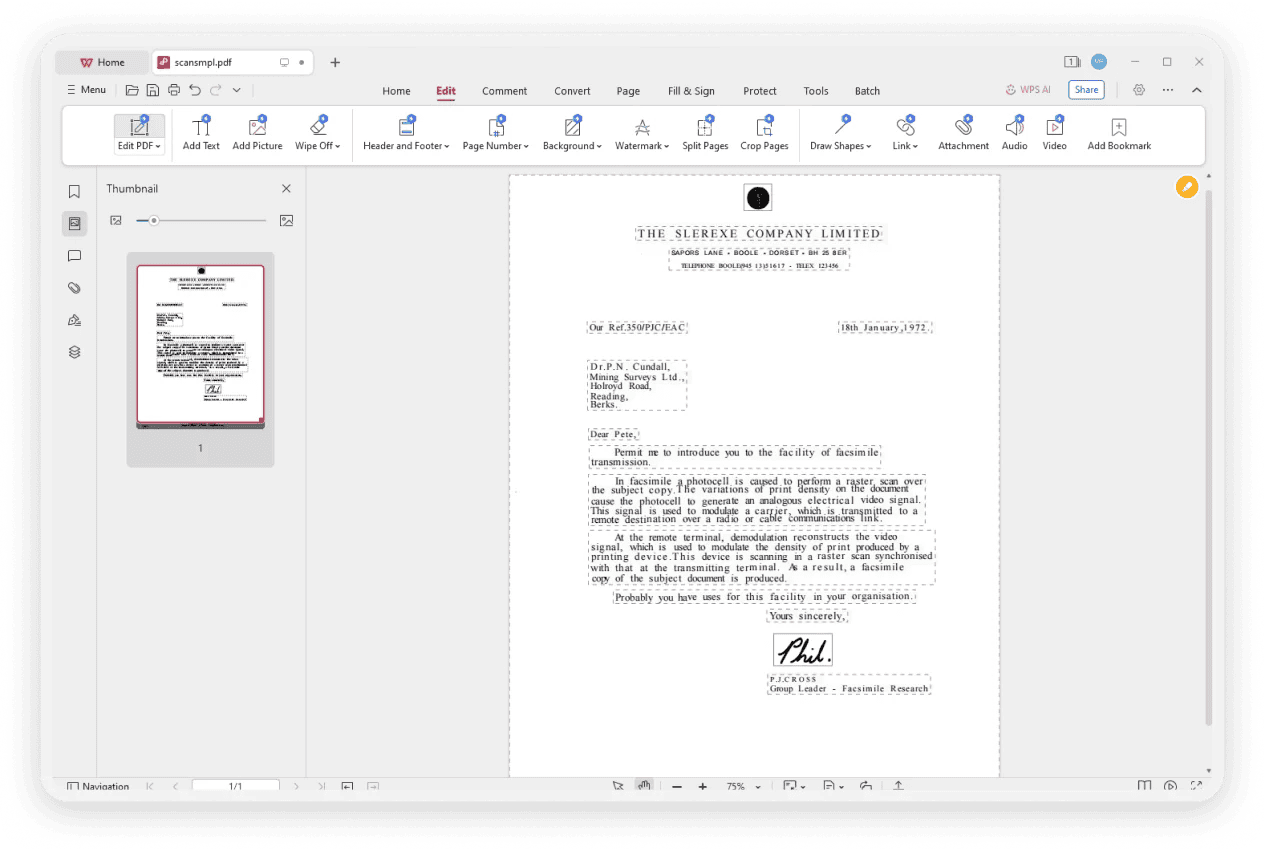
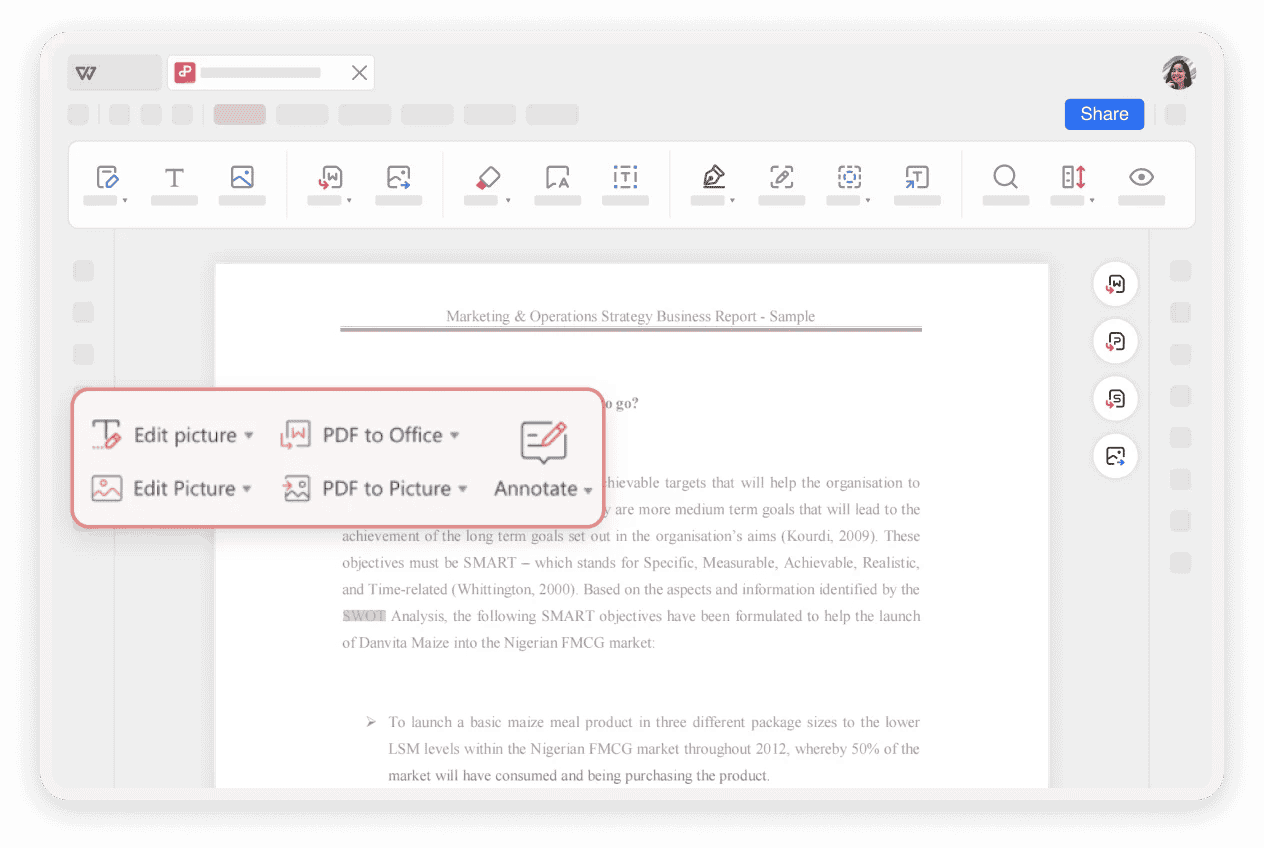
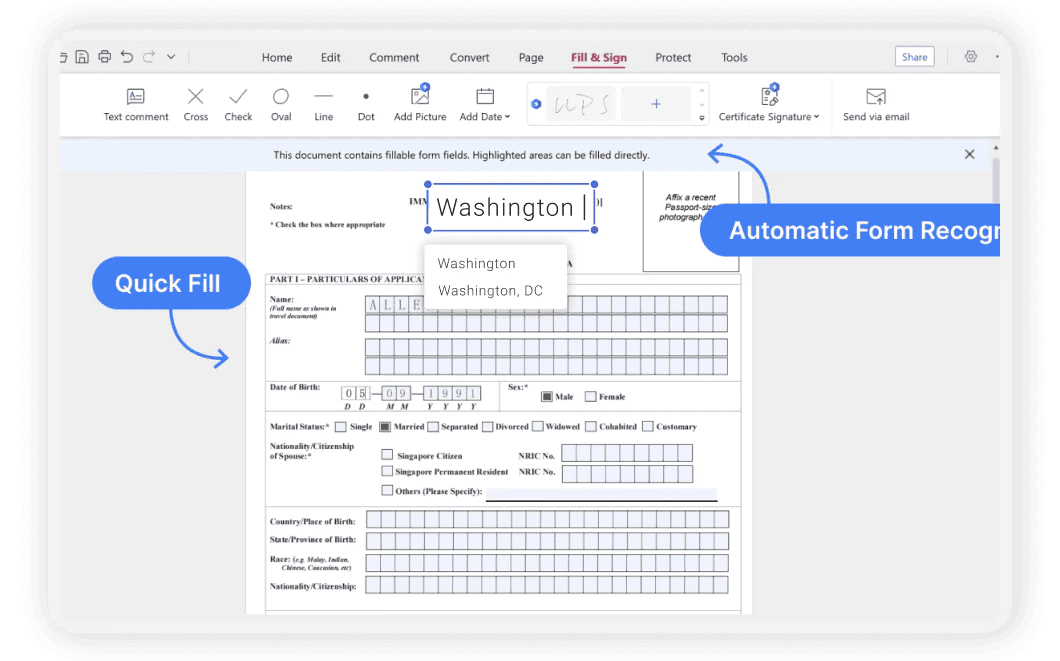
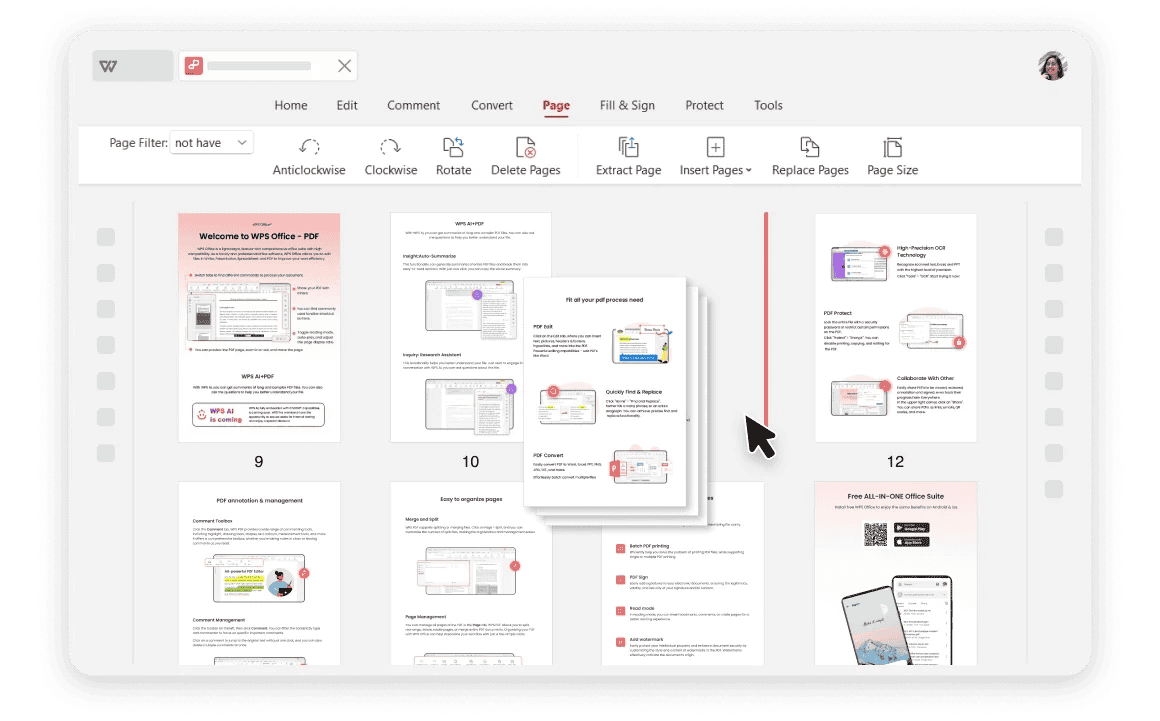
Edit PDF Text & Layout
Hard to edit PDF text without breaking fonts, spacing, or page layout.
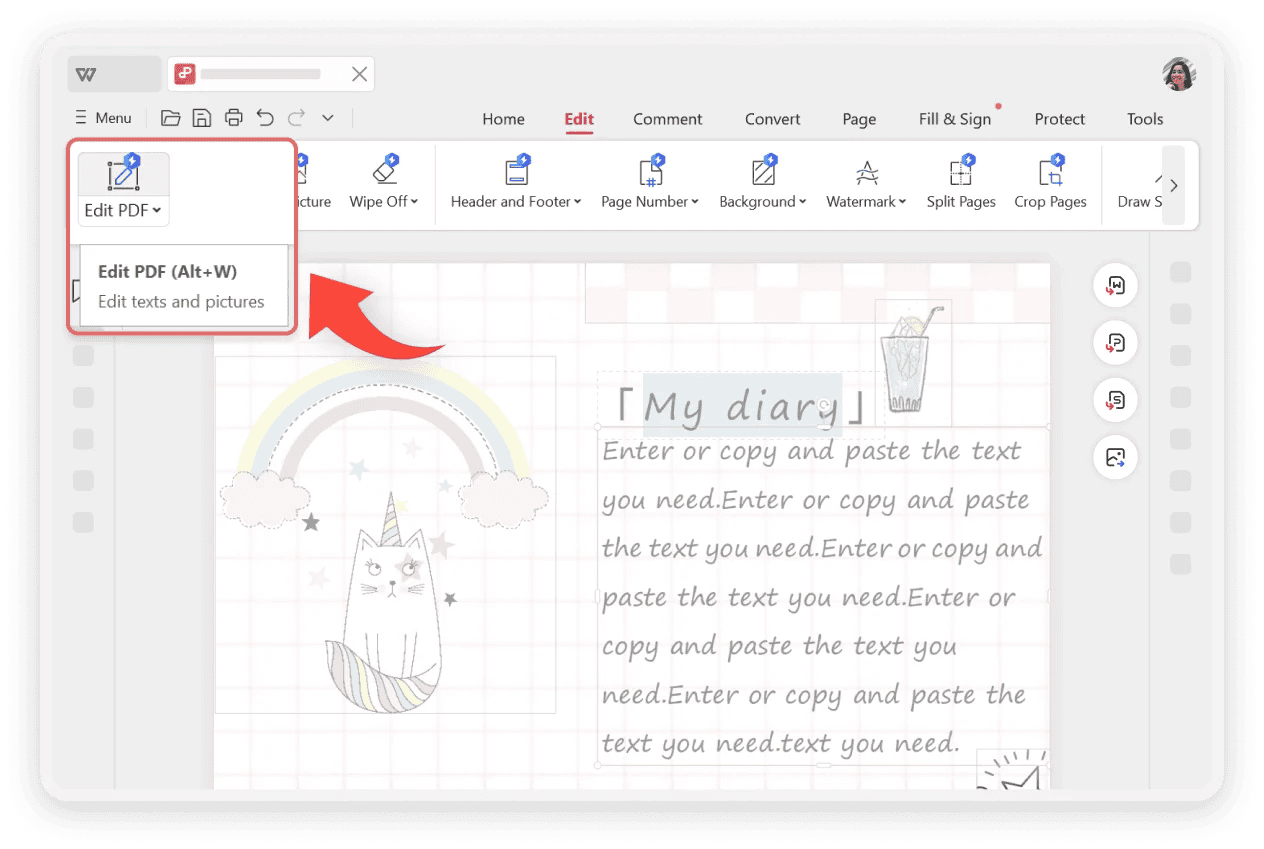
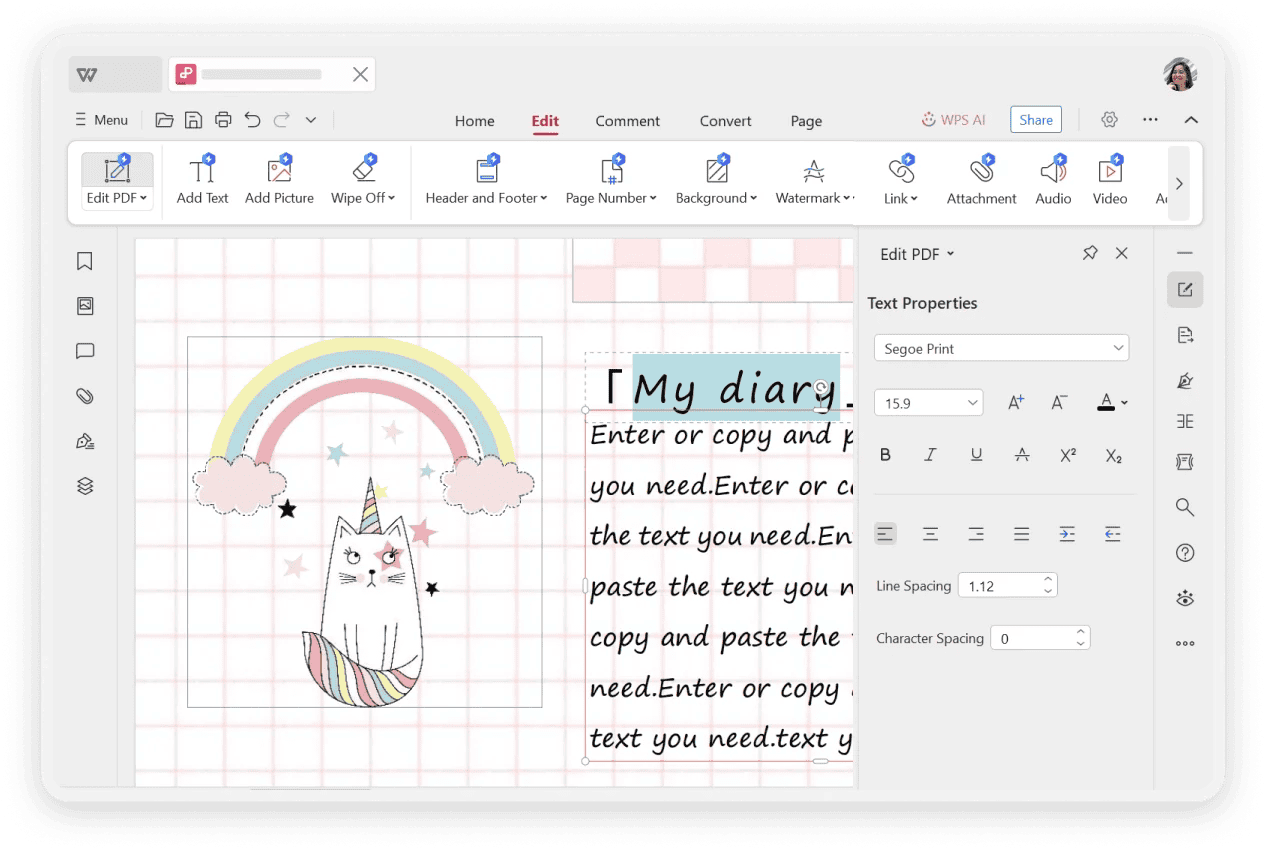
Edit PDF Text Easily — AI matches fonts and formatting so you can edit PDF files while keeping the original layout.

With AI-driven tools, editing PDFs is no longer complicated. Explore our PDF text editor‘s features below to add, edit, and organize your files with unmatched ease.
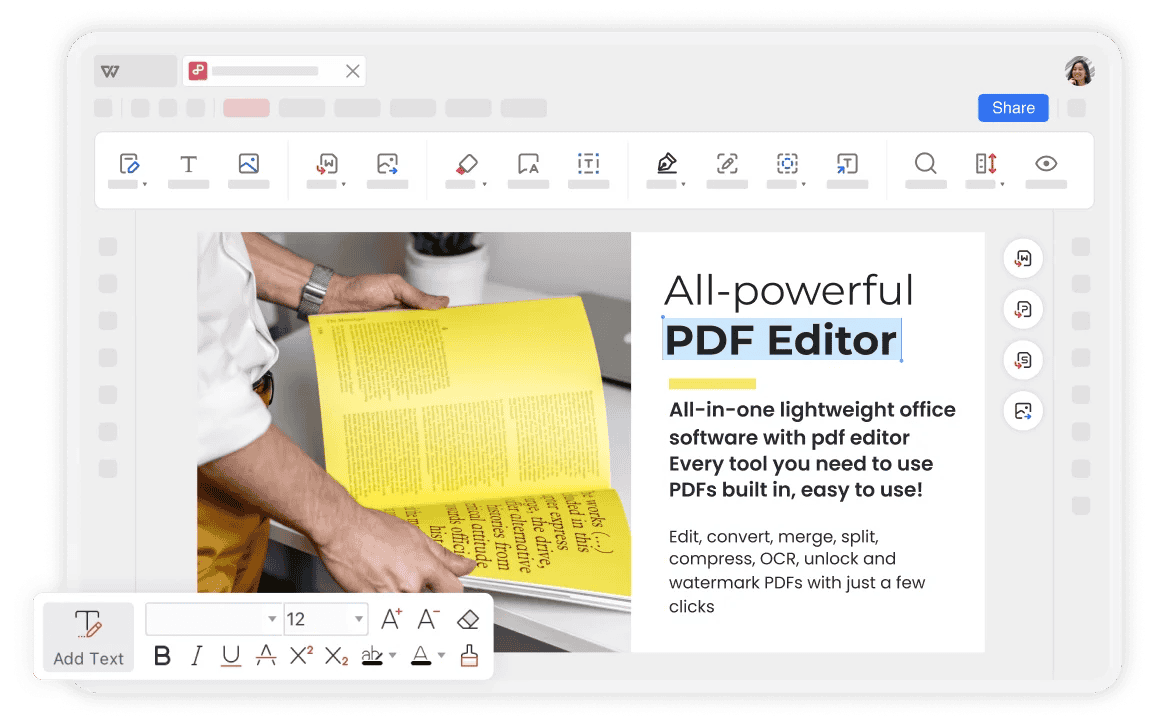
See how WPS AI PDF Editor helps you edit PDF text, images, forms, and scanned files faster than traditional PDF tools.
Hard to edit PDF text without breaking fonts, spacing, or page layout.
Edit PDF Text Easily — AI matches fonts and formatting so you can edit PDF files while keeping the original layout.

You have to read page by page or use basic Find to dig through long PDF documents.
AI PDF Chat & Summary — Summarize PDFs in seconds and ask questions to find key info before you edit PDF content.
Copy text out to translate PDF content elsewhere, then paste it back and fix formatting by hand.
Translate PDF Instantly — Translate entire PDF documents in 100+ languages and still edit PDF text with the layout preserved.
Basic OCR may extract text, but it is still hard to edit scanned PDF forms and tables.
OCR to Edit PDF — Turn scanned PDF into editable PDF, fill forms, and edit PDF text like a normal document.
Editing long contracts or reports by hand can take hours with a basic PDF reader.
Free PDF Editor with AI — Edit PDF files, fill and sign forms, and finish multi-page changes in minutes—not hours.
See how our easy PDF editor is simplifying document workflows for users everywhere.
Legal Assistant
"I have to edit PDF contracts daily. The WPS AI PDF Editor is a lifesaver. Changing text and dates is so simple, and the font matching is perfect. It's the best free PDF editor I've used."
Marketing Manager
"Updating our marketing brochures in PDF format used to be a nightmare. Now I can just open the file, replace images, and edit the text directly. The AI makes it incredibly fast."
University Student
"The OCR feature is amazing for my research papers. I can turn scanned articles into editable PDFs and then highlight and annotate them. It has completely changed my study workflow."
A free PDF editor with AI tools to edit PDF text, fill forms, and work across Word, Excel, PowerPoint, and every device.
Download WPS free PDF editor and edit PDF files with many core tools at no cost. Need more power? Unlock AI features and advanced PDF tools with affordable premium plans that cost less than most paid PDF software.
WPS is more than a PDF text editor. Edit PDF documents, then convert to Word, Excel, or PowerPoint—or open Writer, Spreadsheet, and Presentation in the same free office suite without switching apps.
Edit PDF online or offline on Windows, Mac, iOS, and Android. Your files, edits, and notes sync across devices so you can edit PDF documents anywhere and continue on another screen.
Get your PDF documents edited and ready in minutes with our intuitive process.
Explore a complete suite of powerful PDF tools integrated into WPS Office.
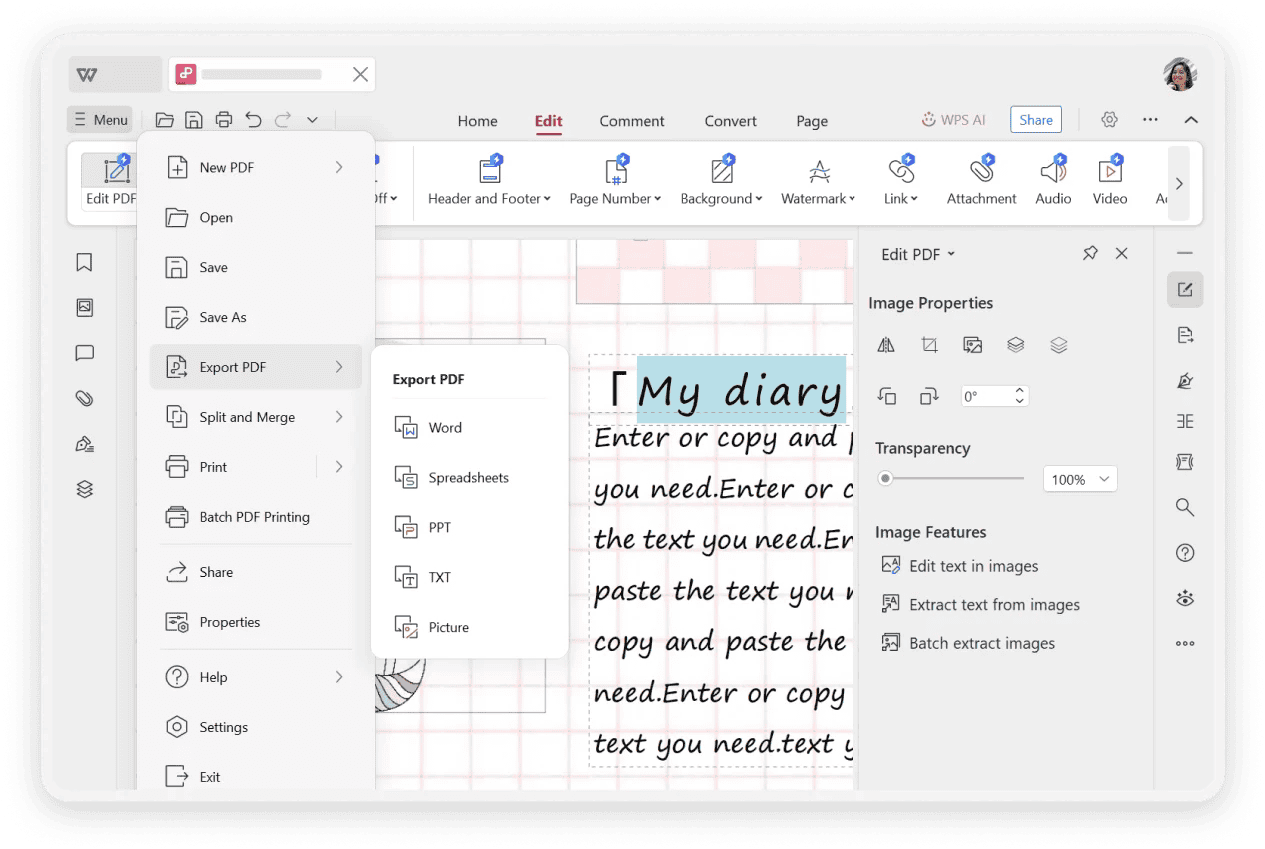
Convert PDFs to Word, Excel, PPT, and image formats, or convert other files to PDF.
Learn moreReduce PDF file size for easy sharing and storage without sacrificing quality.
Learn moreCombine multiple PDF documents into one or split a single PDF into several files.
Learn moreDownload WPS PDF file editor now to unlock the power of AI-driven PDF editing. It's fast, free, and fully integrated for maximum productivity.
Edit, convert, merge, and sign PDFs in one app.
Your files are processed locally and never uploaded.
Save time and eliminate frustration with smart AI.