



'%3e%3cpath%20fill-rule='evenodd'%20clip-rule='evenodd'%20d='M21.4999%2010.9993C21.4999%205.20009%2016.7986%200.498901%2010.9993%200.498901C5.19994%200.498901%200.498657%205.20009%200.498657%2010.9993C0.498657%2016.2404%204.33858%2020.5844%209.35855%2021.3722V14.0346H6.69238V10.9993H9.35855V8.68594C9.35855%206.05427%2010.9262%204.60062%2013.3248%204.60062C14.4736%204.60062%2015.6753%204.80571%2015.6753%204.80571V7.38979H14.3512C13.0468%207.38979%2012.64%208.19921%2012.64%209.0296V10.9993H15.5523L15.0867%2014.0346H12.64V21.3722C17.66%2020.5844%2021.4999%2016.2404%2021.4999%2010.9993Z'%20fill='%231568EA'/%3e%3c/g%3e%3c/svg%3e)


'%3e%3cpath%20d='M2.42045%2022.1876H6.31818V12.7217L0.75%208.54553V20.5171C0.75%2021.4414%201.49892%2022.1876%202.42045%2022.1876Z'%20fill='%234285F4'/%3e%3cpath%20d='M19.682%2022.1876H23.5797C24.5041%2022.1876%2025.2502%2021.4387%2025.2502%2020.5171V8.54553L19.682%2012.7217'%20fill='%2334A853'/%3e%3cpath%20d='M19.682%205.48293V12.7216L25.2502%208.54543V6.31816C25.2502%204.25236%2022.8921%203.07469%2021.2411%204.31361'%20fill='%23FBBC04'/%3e%3cpath%20d='M6.31824%2012.7217V5.48303L13.0001%2010.4944L19.6819%205.48303V12.7217L13.0001%2017.733'%20fill='%23EA4335'/%3e%3cpath%20d='M0.75%206.31816V8.54543L6.31818%2012.7216V5.48293L4.75909%204.31361C3.10534%203.07469%200.75%204.25236%200.75%206.31816Z'%20fill='%23C5221F'/%3e%3c/g%3e%3cdefs%3e%3cclipPath%20id='clip0_2954_7305'%3e%3crect%20width='24.5'%20height='18.375'%20fill='white'%20transform='translate(0.75%203.8125)'/%3e%3c/clipPath%3e%3c/defs%3e%3c/svg%3e)


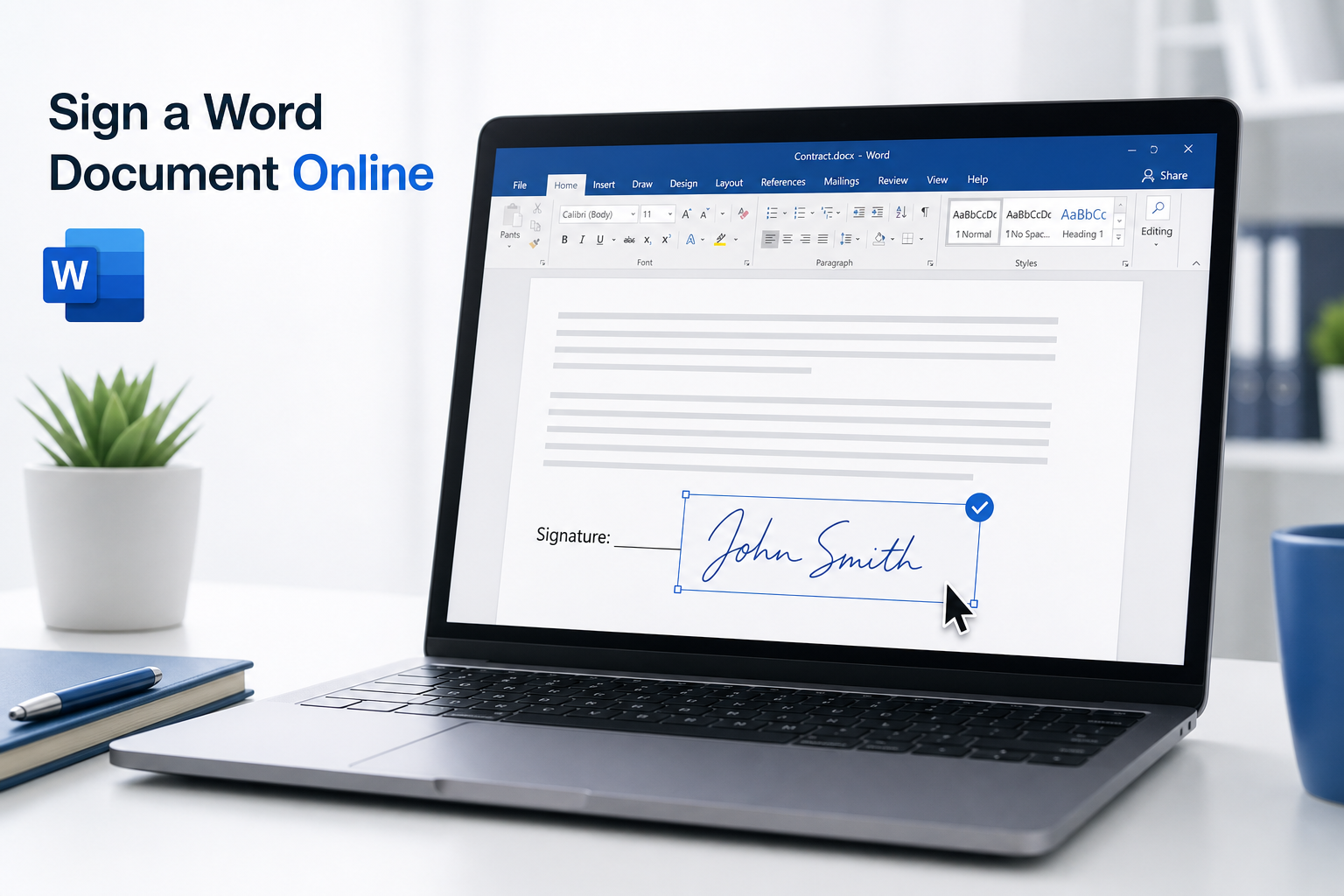
Online electronic signing eliminates printing, scanning, and mailing paper documents. You can sign Word files, contracts, and forms from anywhere—fast, clean, and ready for modern digital workflows.
This guide covers the simplest and most reliable ways to sign a Word document online while keeping your formatting intact.
Why Sign Word Documents Online?
Save time — Skip printing, scanning, and mailing
Work remotely — Approve documents without meeting in person
Keep layout intact — Avoid formatting issues from print-and-scan workflows
Look professional — Add a clean electronic signature for official use
Before You Sign
Finish all text edits before adding your signature. Once signed, changes may require re-signing. DOCX files work best across most online tools.
Method 1: Sign with Free Online E-Sign Tools
Best for quick personal or casual business signing. No install required—works in any browser.
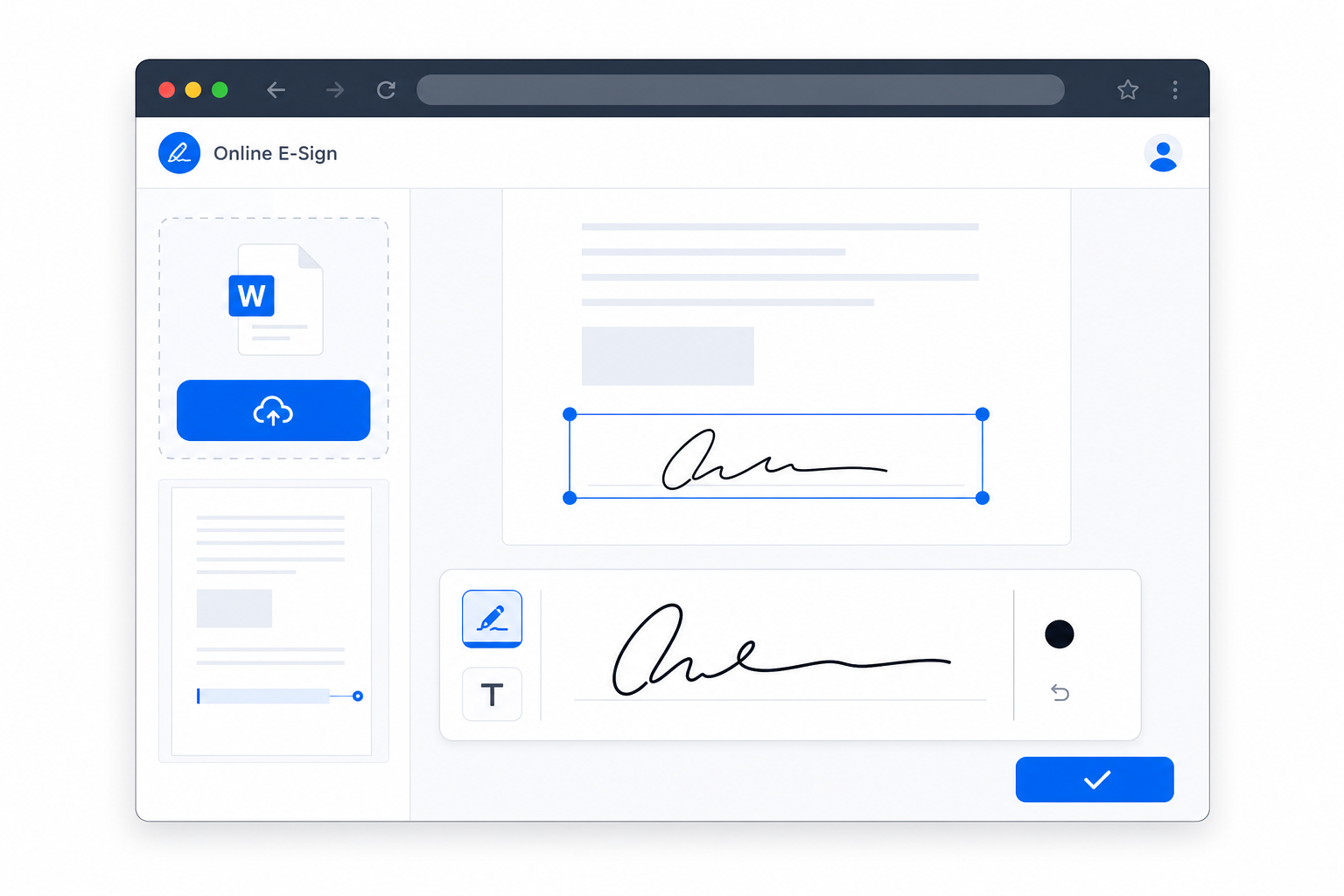
Open a trusted online e-signature platform.
Upload your Word DOCX file.
Select the Sign tool and create your signature (draw, type, or upload).
Drag the signature into place, resize if needed, then download the signed file.
Method 2: Sign in Microsoft Word Online
Best for an official Microsoft workflow with strong layout compatibility.
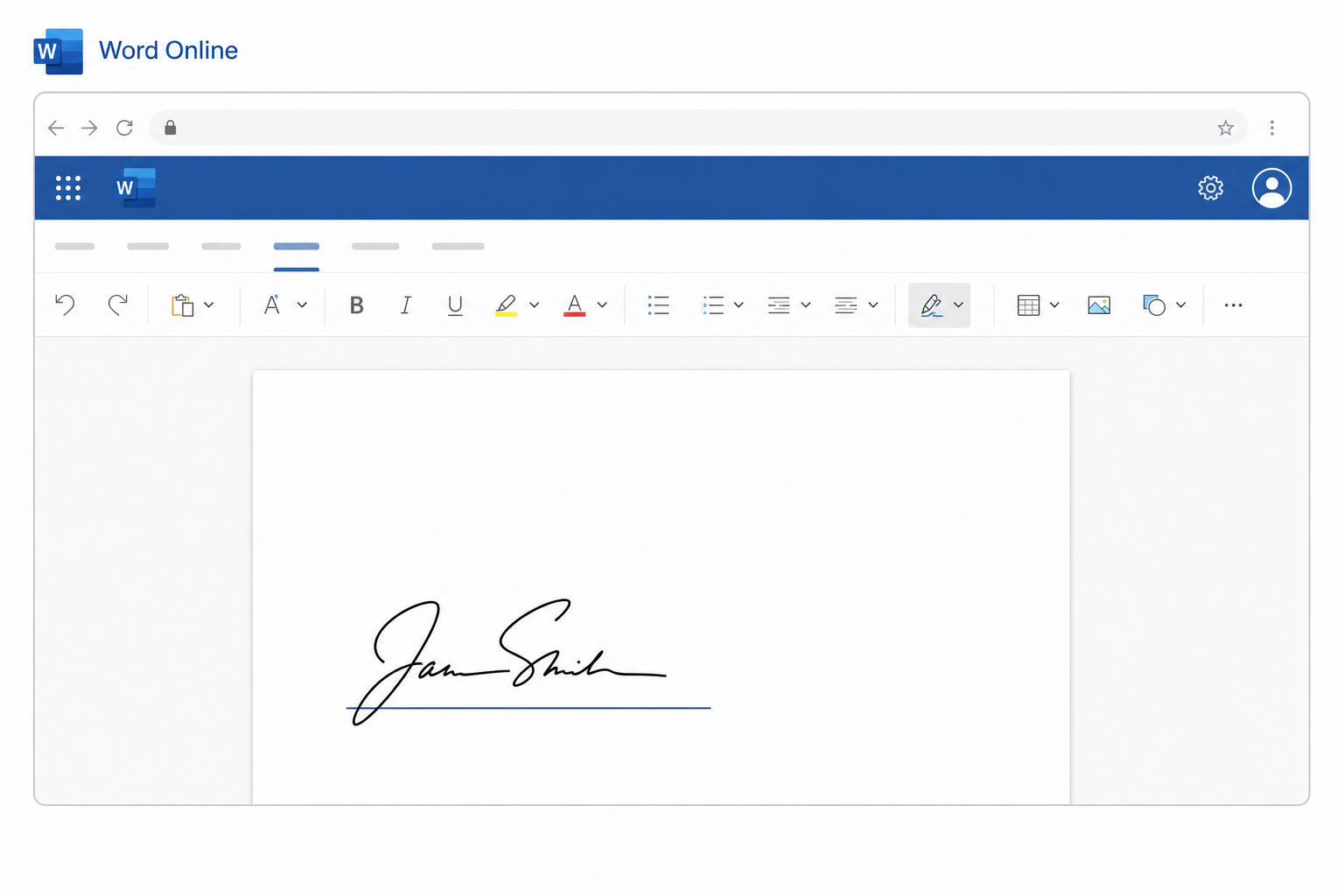
Upload your file to OneDrive and open it in Word for the web.
Go to Insert > Draw or insert a signature image.
Position and resize the signature, then save or download the file.
Method 3: Sign with Professional E-Sign Platforms
Best for contracts and documents that need an audit trail.
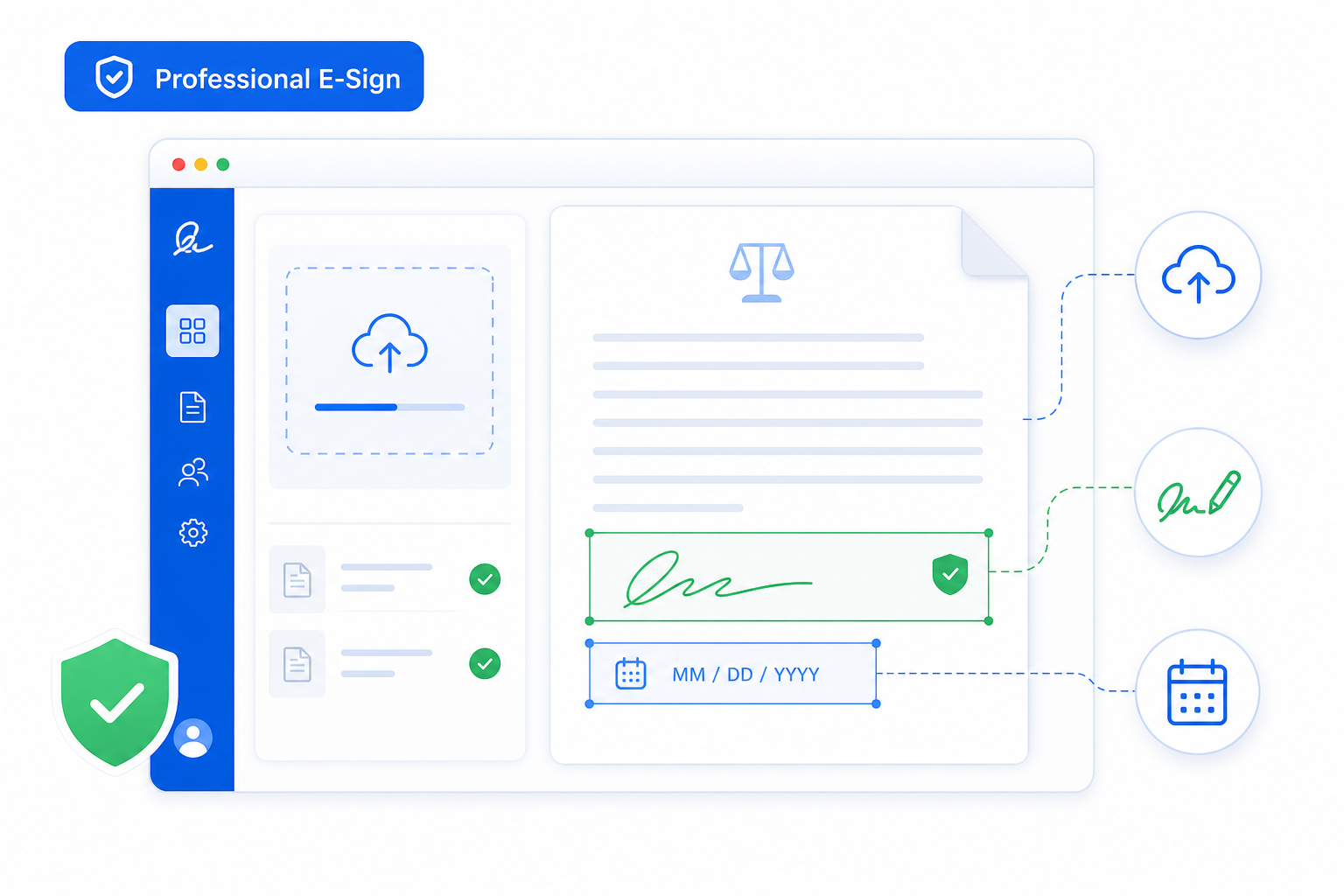
Log in to a professional e-signature platform.
Upload your Word document and add signature, date, and initial fields.
Complete your signature and send the file to other signers if needed.
Useful Tips
Finalize all edits before signing to avoid re-signing later.
Avoid unnecessary file conversions that can break layout or remove signatures.
Use professional platforms for contracts and legally important documents.
Preview every page before downloading the final version.
FAQ
Are online Word signatures valid for official use?
Yes. Electronic signatures from trusted platforms are widely accepted for business and everyday official documents. Confirm local rules for high-stakes legal agreements.
Does online signing ruin Word formatting?
No. Reliable tools and Word Online typically preserve fonts, spacing, and layout.
Can I sign on a phone or tablet?
Yes. Most e-sign websites and Word for the web work in mobile browsers.


Conclusion
Sign Word documents online with free e-sign tools for quick tasks, Word Online for stable formatting, or professional platforms for legal and business files. Online signing replaces slow paper workflows and delivers clean, shareable signed documents.

'%3e%3cpath%20d='M19.9911%204.11386V6.471H18.5894C18.0775%206.471%2017.7322%206.57814%2017.5536%206.79243C17.3751%207.00671%2017.2858%207.32814%2017.2858%207.75671V9.44421H19.9019L19.5536%2012.0871H17.2858V18.8639H14.5536V12.0871H12.2769V9.44421H14.5536V7.49779C14.5536%206.39064%2014.8632%205.53201%2015.4822%204.92189C16.1013%204.31177%2016.9257%204.00671%2017.9554%204.00671C18.8304%204.00671%2019.509%204.04243%2019.9911%204.11386Z'%20fill='%23333333'/%3e%3c/g%3e%3cdefs%3e%3cclipPath%20id='clip0_2938_8199'%3e%3crect%20width='16'%20height='16'%20fill='white'%20transform='translate(8%204.00671)'/%3e%3c/clipPath%3e%3c/defs%3e%3c/svg%3e)
'%3e%3cpath%20d='M17.5237%2010.7813L23.4811%204H22.0699L16.8949%209.88693L12.7648%204H8L14.2469%2012.9029L8%2020.0133H9.4112L14.8725%2013.7952L19.2352%2020.0133H24M9.92053%205.04213H12.0885L22.0688%2019.0224H19.9003'%20fill='%23333333'/%3e%3c/g%3e%3cdefs%3e%3cclipPath%20id='clip0_2938_8200'%3e%3crect%20width='16'%20height='16.0134'%20fill='white'%20transform='translate(8%204)'/%3e%3c/clipPath%3e%3c/defs%3e%3c/svg%3e)


