Excel to JSON Converter
Use WPS’s online Excel to JSON converter to prepare spreadsheet data for a development or import workflow. Choose sheets and headers, review how values are interpreted, and compare the table with the JSON before exporting.
or drag and drop files here
XLSX, XLSM, or XLS, up to 10 MB
No file selected
Conversion settings
Choose the sheet scope, header row, and output structure before converting.
Table preview
JSON output
{
  }
How to Convert Excel to JSON in 3 Steps
Step 1: Upload the workbook
Step 2: Set the data mapping
Step 3: Compare and export
Convert Excel to JSON from Selected Sheets
A workbook can contain data, notes, and several unrelated tables. Sheet selection in WPS lets you choose one sheet or group sheets in the output, so your Excel to JSON conversion can match the scope of the handoff.
Try It Now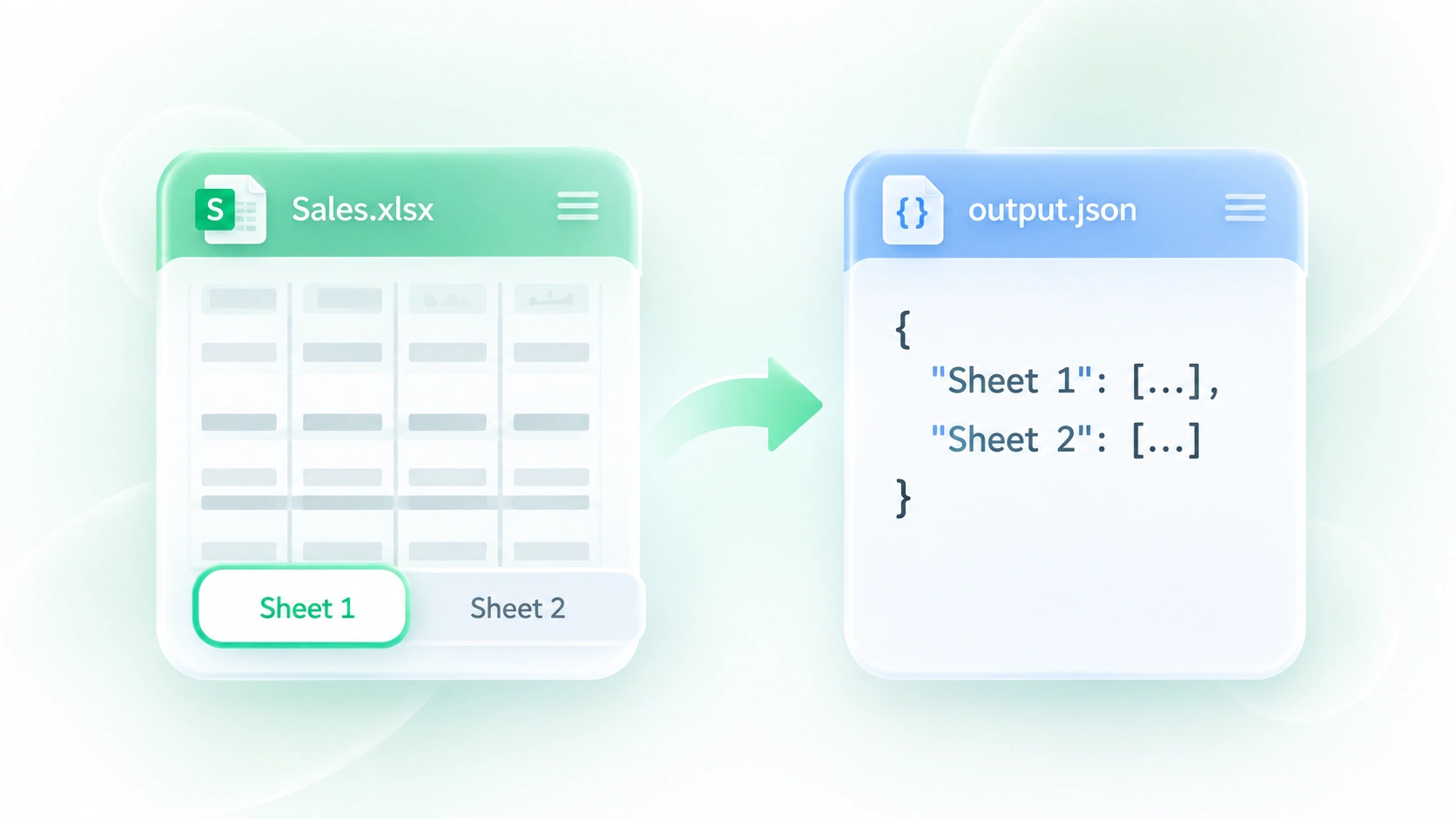
Map Spreadsheet Headers to JSON Fields
A title row or merged cell can make a table ambiguous to parse. Header-row control and merged-cell filling let you choose how the structure is interpreted, so field labels and repeated values are easier to inspect in the output.
Try It Now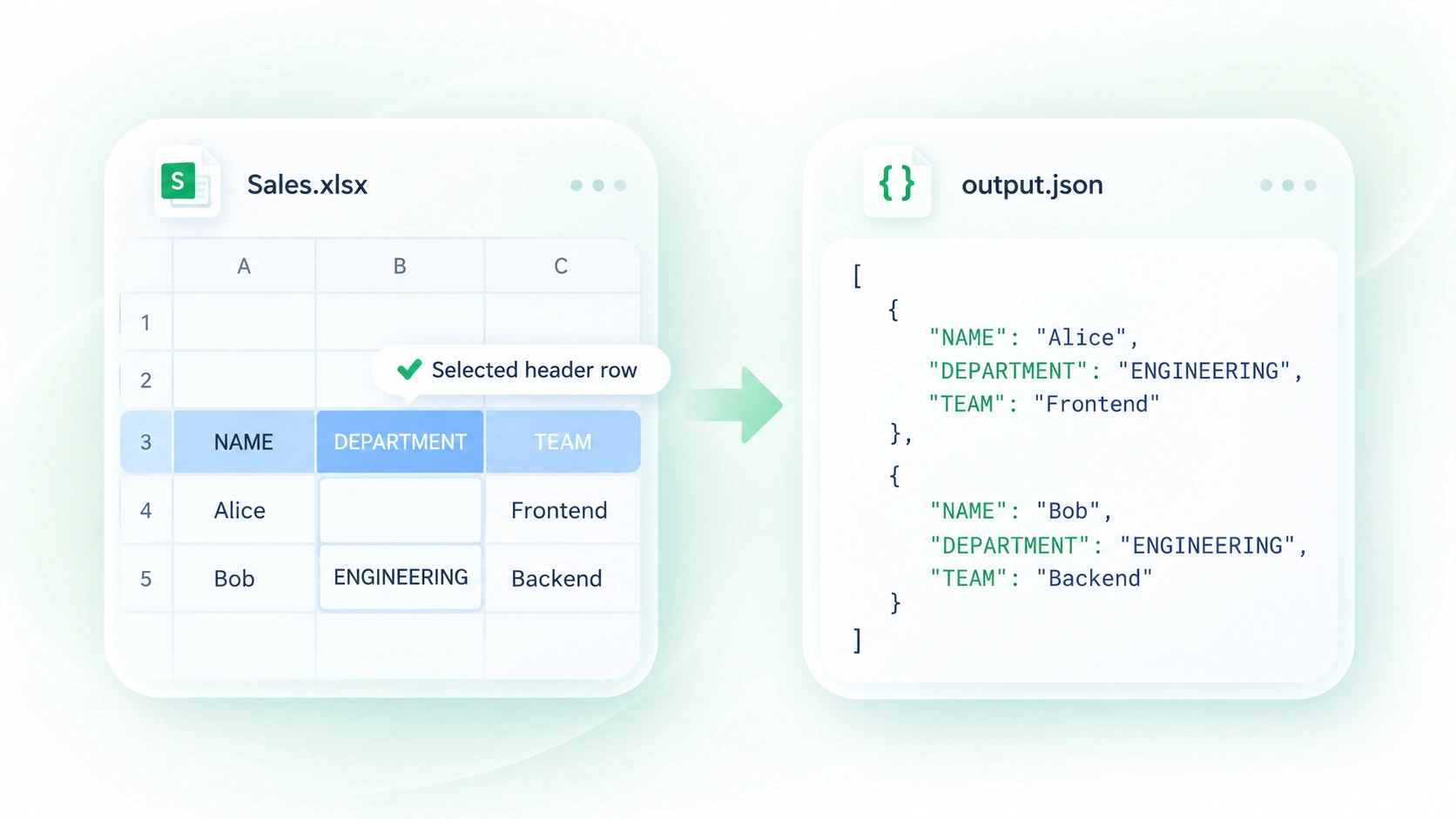
Review Excel Dates and JSON Value Types
Spreadsheet date values and mixed types can be confusing in a downstream system. Date normalization and type handling turn supported values into JSON representations, so you can review the mapping before an API or import consumes the data.
Try It Now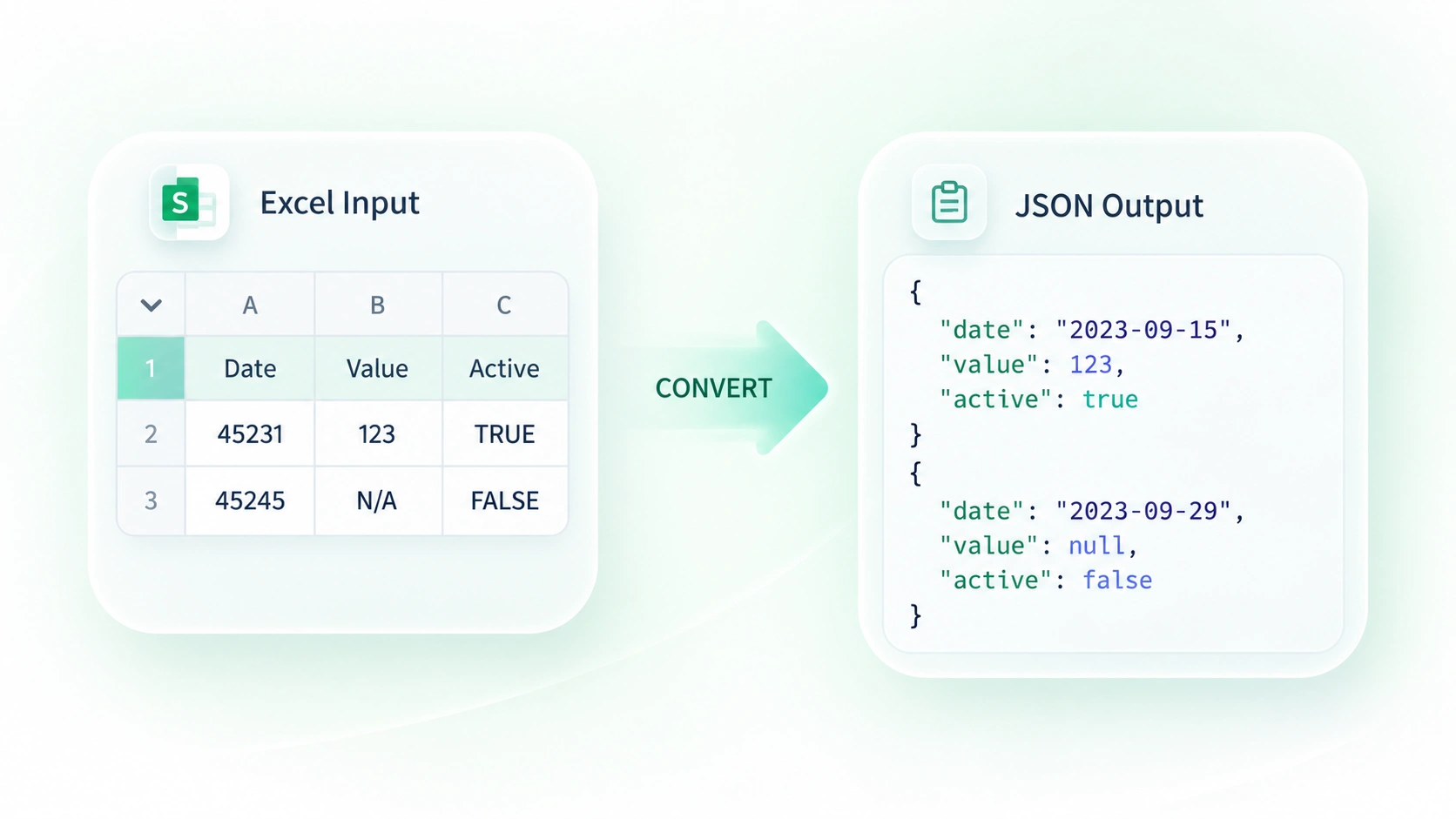
Compare the Excel Table with JSON Output
A syntactically valid export can still have the wrong columns or values. The table and JSON previews let you compare both representations, so you can catch mapping issues before copying or downloading the result.
Try It Now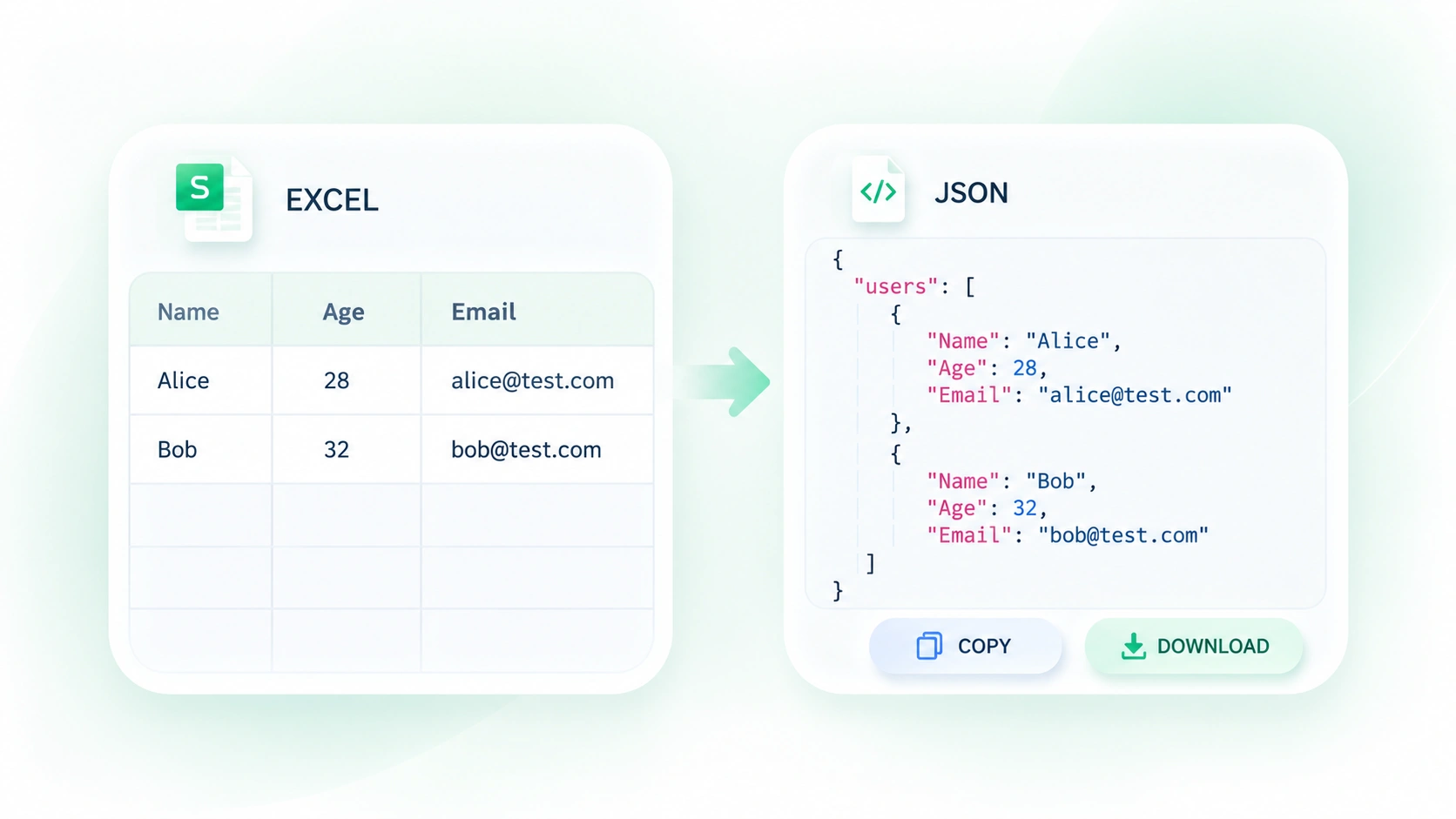
Why Users Choose Our Excel to JSON Converter
Sheet selection, header mapping, and side-by-side previews for a straightforward spreadsheet workflow.
Use XLSX to JSON for sample data maintained in a spreadsheet. Check field types and required keys before using the export as a test payload.
Convert Excel to JSON online for a tabular handoff. Review selected sheets, row counts, and identifier strings before sending the file to another system.
Use XLS to JSON for an older workbook accepted by the uploader. Inspect dates and merged-cell handling instead of assuming the source layout is a ready-made database schema.
Explore More Tools with WPS
View All Tools →
Excel to JSON
FAQ
Answers about input files, conversion settings, and the results to review.
