
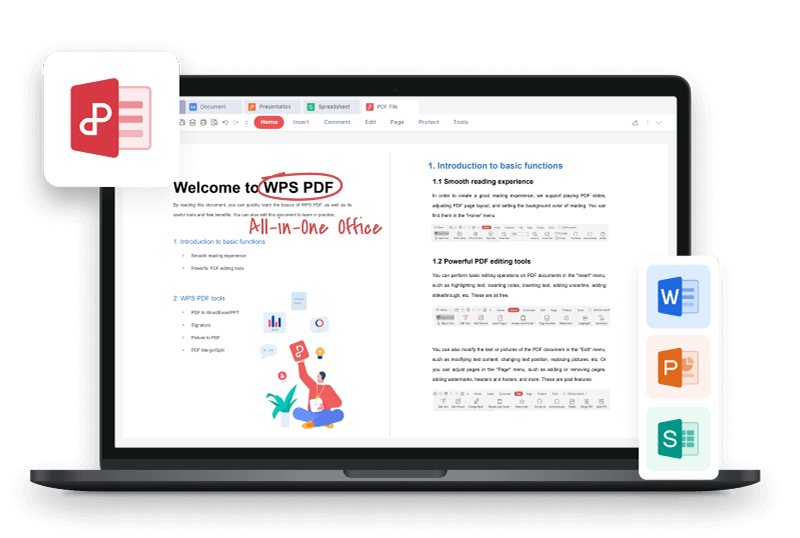


Mac users searching for CutePDF find the same wall every time: the famous free PDF printer is Windows-only. Here is the direct answer: press Cmd+P in any Mac app, click the PDF button in the bottom-left corner of the print dialog, and choose Save as PDF, and for editing, merging or signing afterwards, WPS Office for Mac is free. Below are the exact steps, what CutePDF actually is, and the safest alternatives to install.
CutePDF for Mac free alternatives
The Fastest Way: Mac's Built-in Save as PDF (No Install)
macOS has a PDF printer built into every app that can print, which covers the core CutePDF job without downloading anything.
Open the document in any app: Word, Pages, Safari, a browser, or a photo viewer.
Press Cmd+P or choose File > Print to open the print dialog.
Click the PDF button in the bottom-left corner and choose Save as PDF.
Name the file, pick a folder, and save. The PDF lands exactly where you chose it.
The same PDF menu also exports to iBooks or attaches the file to a Mail draft, and it works for every printable app, so you never need a separate PDF printer on Mac.
What CutePDF Actually Is (and Why It Never Came to Mac)
CutePDF Writer is a free virtual printer for Windows that creates PDFs from any printable program. You install it once, then "print" any document to the CutePDF Writer printer and save the result as a PDF.
Windows only. The official site lists Windows 7 through 11 and Windows Server as the supported platforms; there is no macOS build of the Writer.
It needs Ghostscript. The Writer relies on a free PostScript-to-PDF converter, so a working install actually means two downloads.
It creates PDFs, it does not edit them. The free Writer only prints to PDF. Editing, merging and signing live in the paid CutePDF Professional and CutePDF Editor.
That is the whole picture: on Windows it is a classic free creator, and on Mac it simply does not exist, which is why the real question is what to use instead. You can check the official feature page at cutepdf.com to confirm the current system requirements.
Free Offline Alternative: WPS Office on Mac
WPS Office is the closest one-stop replacement for the CutePDF workflow on Mac: it creates PDFs and also edits them, for free, without a separate converter install.
Download WPS Office for Mac from the official site and install it like any app.
Export to PDF from Writer, Spreadsheets or Presentation with File > Export to PDF, or open any document and use the same Cmd+P print flow.
Edit the PDF directly: open the PDF in WPS Office, change text and images, add notes, fill forms, and sign without converting formats first.
Merge, split and compress: combine several PDFs, pull out single pages, or shrink a heavy file for email, all in the same app.
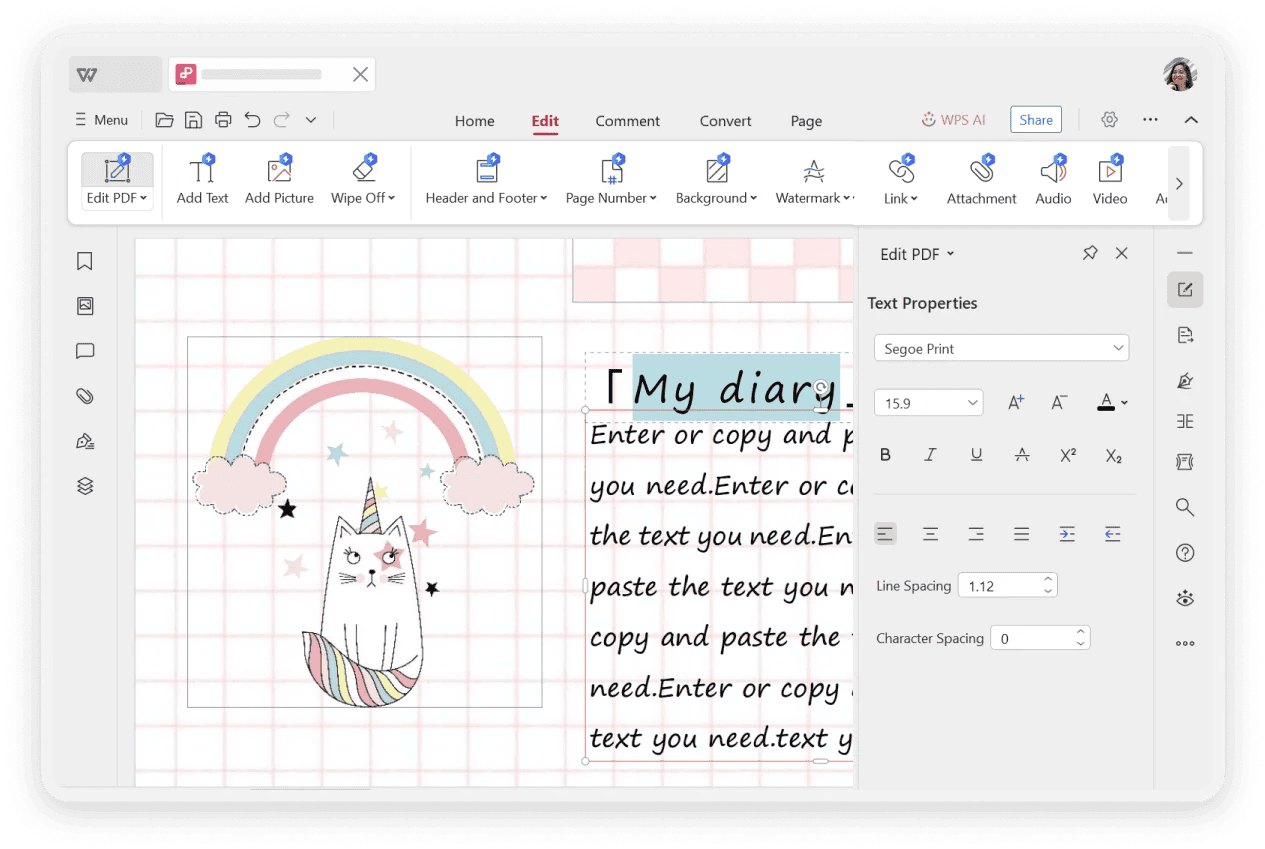
WPS PDF text editing panel
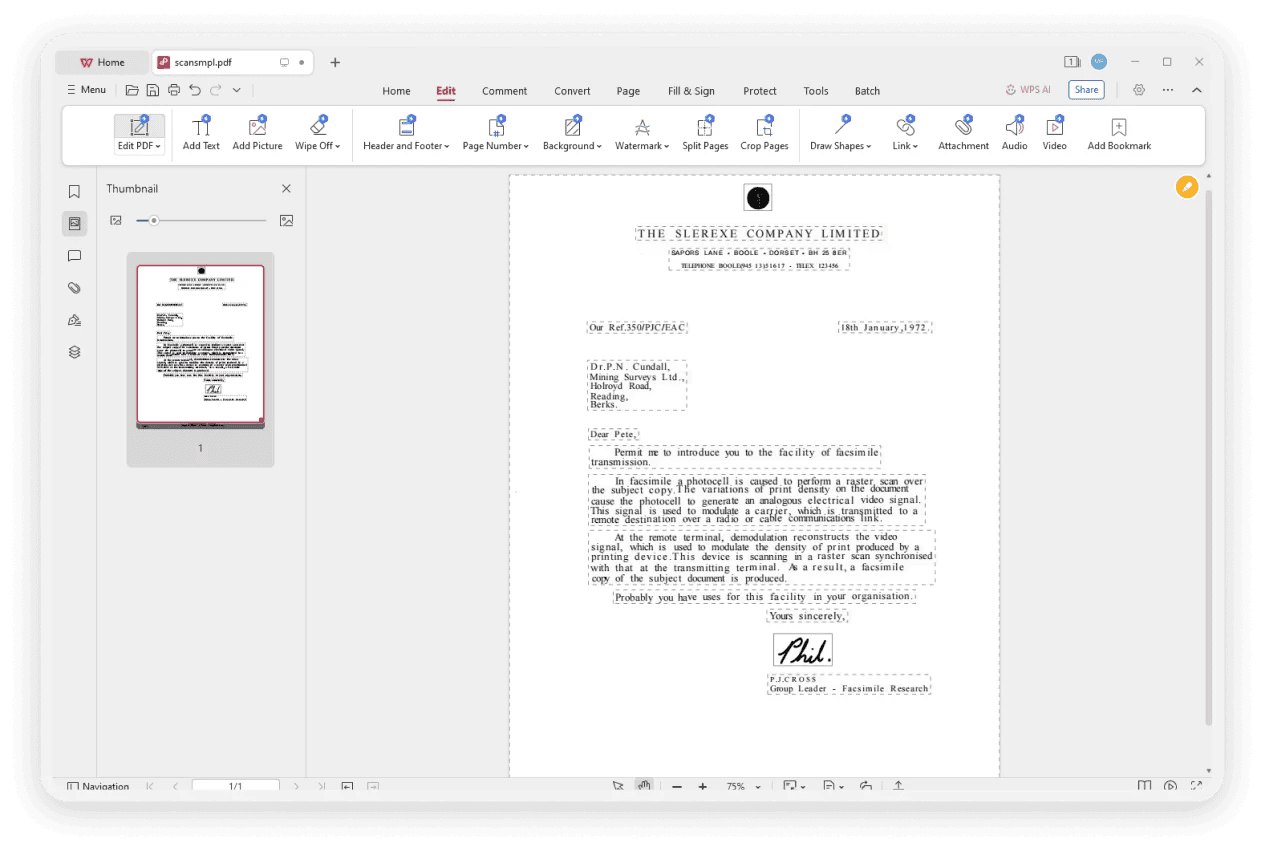
PDF opened in WPS Office
More Free CutePDF Alternatives for Mac Worth a Look
Depending on the job, these built-in and free tools also fill the gap:
Preview ships with macOS and handles basic PDF jobs: view, highlight, add text boxes and signatures, and reorder pages. It cannot rewrite existing text or compress files.
LibreOffice is a free office suite whose Writer exports PDFs directly, and its Draw opens PDFs for layout tweaks, a solid offline pair for document creation.
Browser-based converters such as PDF24 Tools or Smallpdf print and convert files without installing software. Use them for quick one-off jobs, and avoid uploading confidential files.
WPS Office covers the whole chain in one app: create, export, edit, convert, merge and sign, free on Mac with no watermark and no page limits.
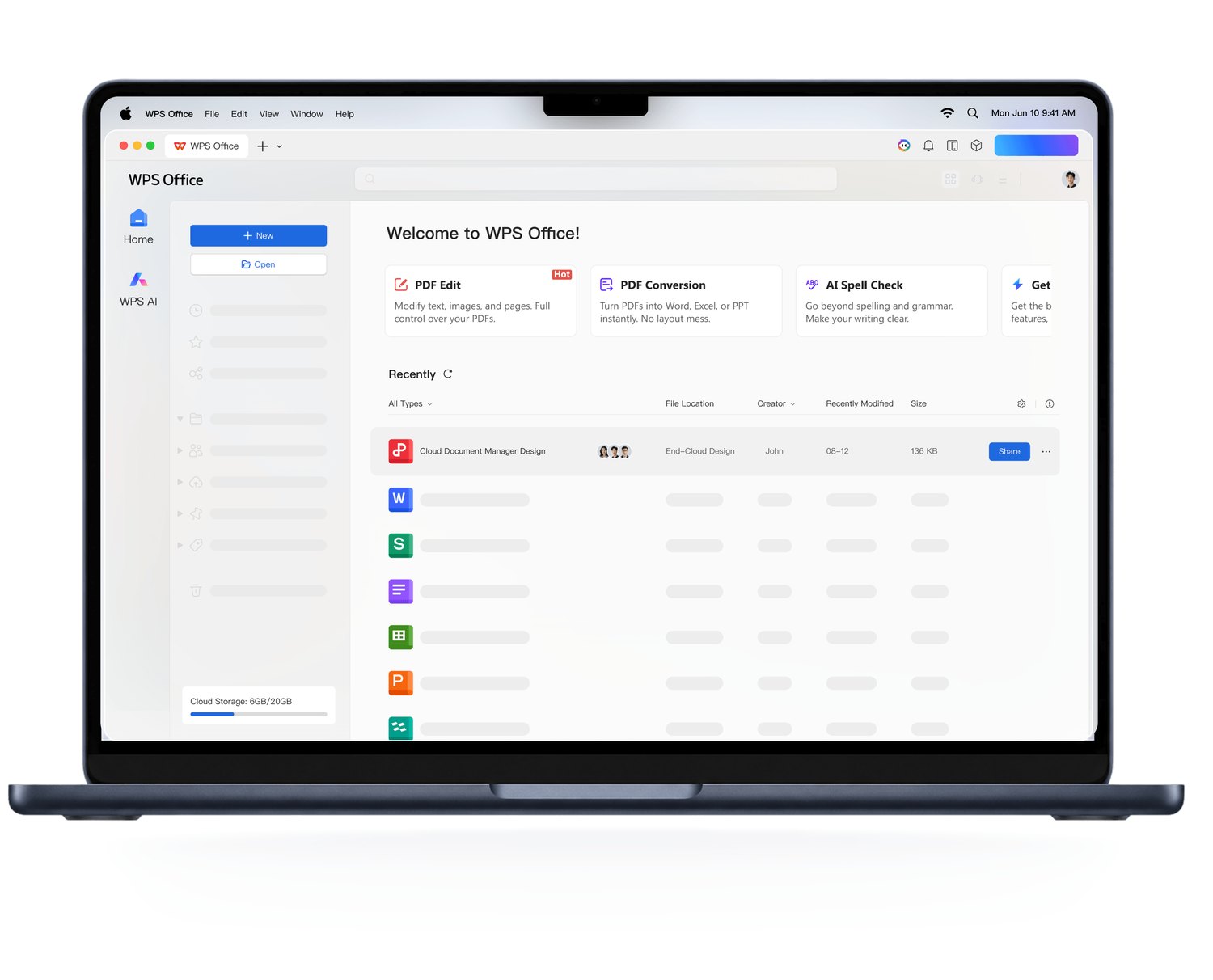
WPS Office interface on Mac
What to Check Before You Download Any PDF Tool
PDF tools get impersonated often, so run three quick checks before installing anything:
Download from the official site only. Get WPS Office from wps.com and CutePDF from cutepdf.com. Skip download portals that bundle installers with toolbars.
Confirm Mac support on the download page. If the page only lists Windows versions, the Mac build does not exist and search results pointing to "CutePDF for Mac" are misleading.
Check what "free" includes. Many PDF editors are free to install but paid to export or watermark every page. WPS Office keeps creating, editing and exporting free, which is what the CutePDF workflow needs.
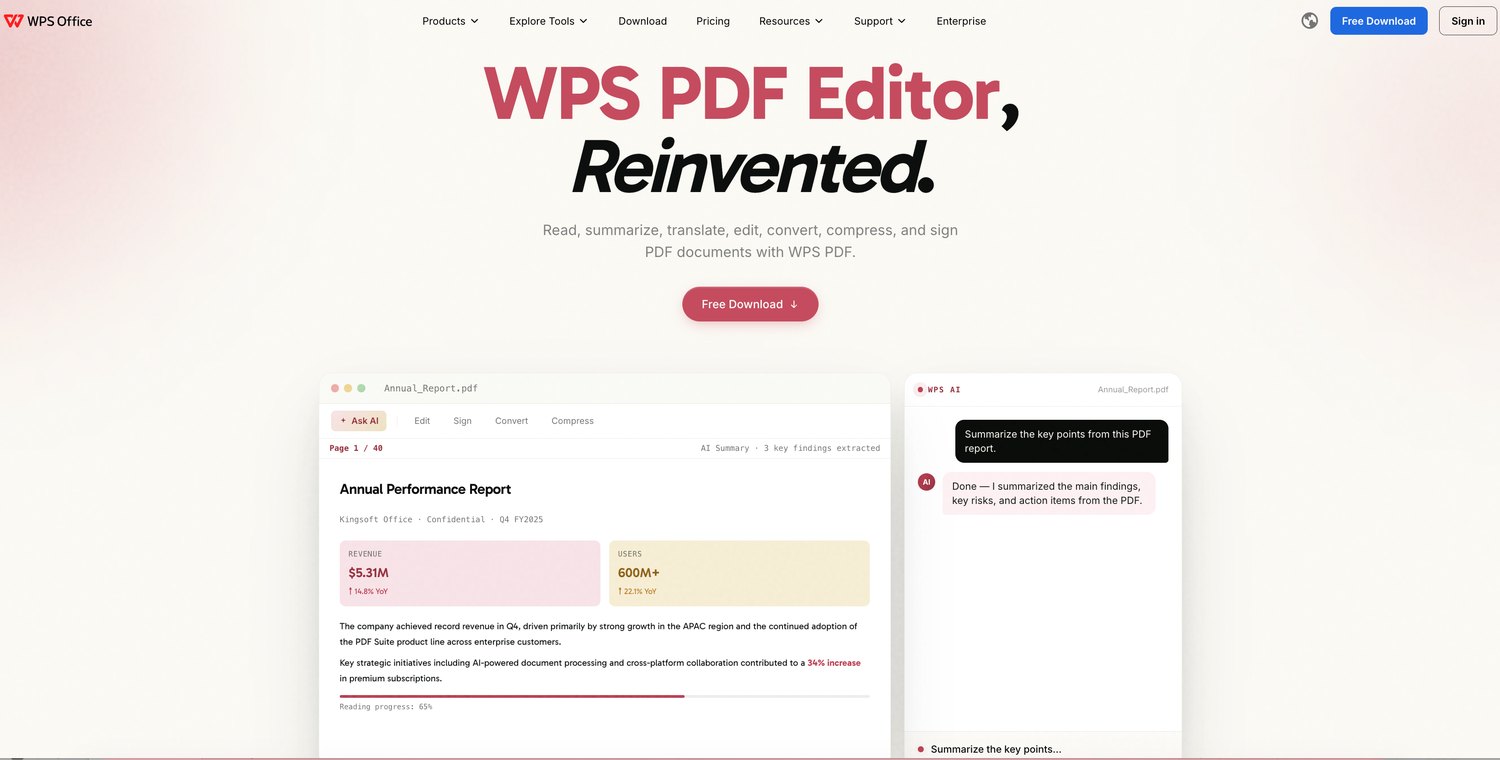
WPS PDF tools website
FAQs
1. Is CutePDF available for Mac?
No. CutePDF Writer is a Windows-only virtual printer. The official site lists Windows 7 through 11 and Windows Server, so any page offering a CutePDF download for Mac should be treated with caution.
2. How do I save a document as a PDF on Mac without extra software?
Open the document, press Cmd+P, click the PDF button in the bottom-left corner of the print dialog, and choose Save as PDF. Every printable Mac app includes this built-in export.
3. What is the best free CutePDF alternative for Mac?
Start with the built-in Save as PDF for creating files, then use WPS Office for everything that follows: editing text, merging and splitting pages, compressing, and signing, all free on Mac.
4. Can I edit a PDF for free on Mac?
Yes. Preview adds highlights, text boxes and signatures, while WPS Office edits the actual text and images inside the PDF, converts it to Word, and compresses it, without a subscription.
5. Does CutePDF Writer work on Windows 11?
Yes. The Writer supports Windows 7 through 11 on 32-bit and 64-bit, and it requires the free Ghostscript converter, so a complete install includes two downloads.



