

FreeOffice and LibreOffice are the two free office suites people actually install when they refuse to pay for Microsoft Office. They look similar in a screenshot and answer different needs in practice: FreeOffice is a free edition of a commercial product with three apps and Microsoft-style ribbons; LibreOffice is a fully open-source project with six apps, no commercial edition behind it, and a different view of file compatibility.
I installed both on the same Windows laptop and a MacBook, opened the same .docx, .xlsx and .pptx files, and used each one for a week of real work. Here is the comparison that matters: interface, Microsoft compatibility, features, performance, licensing and updates.
Quick answer: Pick FreeOffice if you want a familiar Microsoft-style ribbon, a small installer and fast opening of big files on old hardware. Pick LibreOffice if you want a genuinely open-source suite, six apps including a database and a drawing tool, and no commercial upsell anywhere in the product.
- Best for Word/Excel/PowerPoint muscle memory: FreeOffice
- Best for long documents, databases and drawing: LibreOffice
- Best on an old laptop: FreeOffice
- Best for open-source licensing and no upsell: LibreOffice
FreeOffice vs LibreOffice at a glance
| FreeOffice (SoftMaker) | LibreOffice | |
|---|---|---|
| Price | Free for personal and business use | Free, open source (MPL 2.0) |
| Apps included | TextMaker, PlanMaker, Presentations | Writer, Calc, Impress, Draw, Base, Math |
| Interface | Microsoft-style ribbon, near-identical layout | Classic toolbars, optional sidebar |
| Platforms | Windows, macOS, Linux (+ free iOS/Android apps) | Windows, macOS, Linux |
| Microsoft formats | Strong .docx/.xlsx/.pptx round-trip claim, generally loss-free | Good, but complex layouts can shift |
| PDF export | Built in, plus the separate FreePDF editor | Built in, with PDF/A and encryption |
| Footprint | Small installer, low memory use | Larger installer, heavier on old machines |
| Source code | Closed (commercial product with a free edition) | Open source, auditable |
| Updates | Tied to SoftMaker release cycles | Two major releases a year, long support overlap |
The table answers most of the question. The rest is in the details below, because two rows — Microsoft compatibility and licensing — decide the choice for most teams.
Interface: ribbon versus classic menus
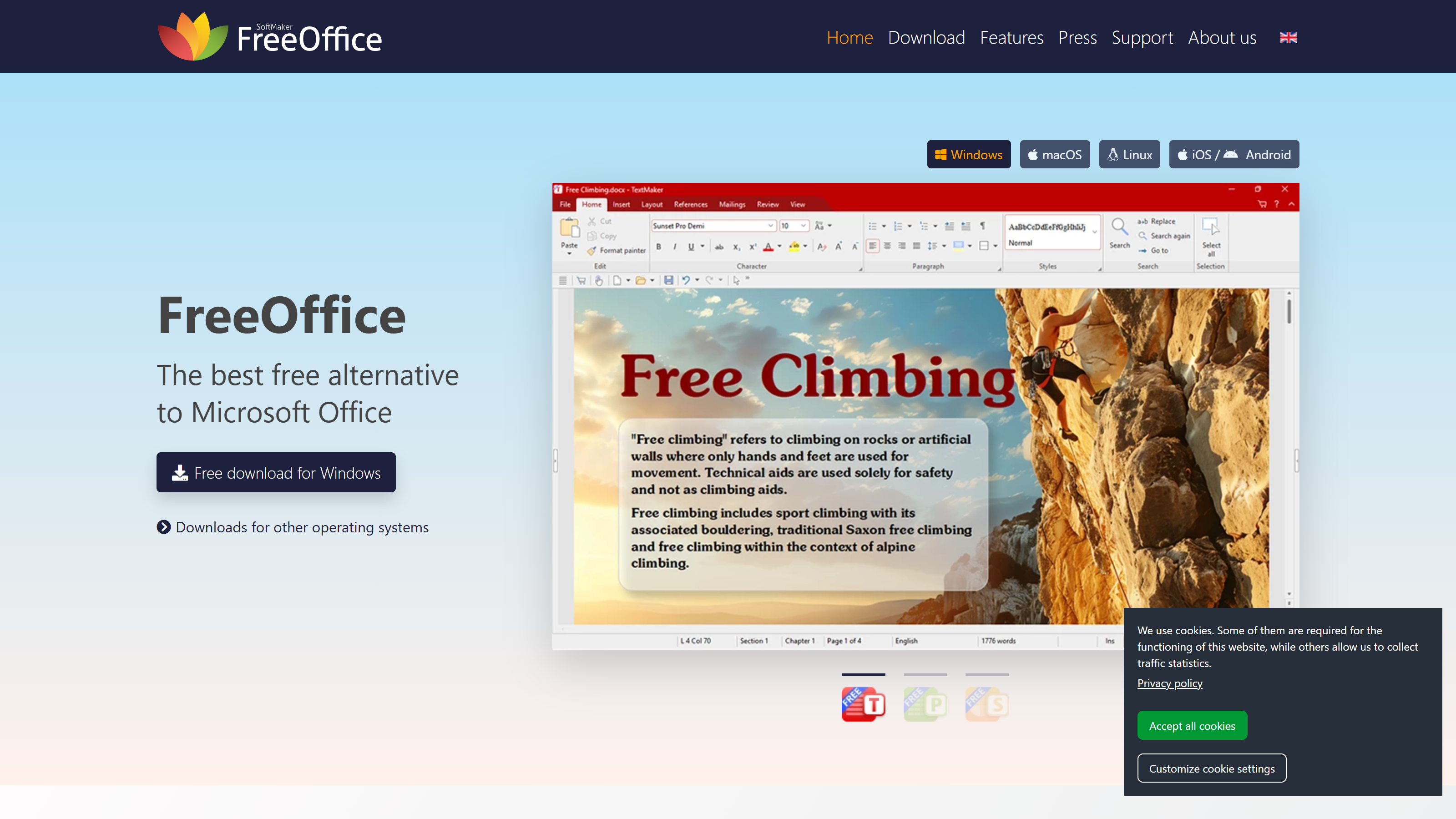
FreeOffice deliberately copies the Microsoft Office ribbon. If you have used Word, Excel and PowerPoint, TextMaker, PlanMaker and Presentations are immediately usable: the Home tab has the same groups in the same order, and keyboard habits such as Ctrl+Shift+V survive. For an office that migrates from Microsoft 365, that is the single biggest reason to choose it.
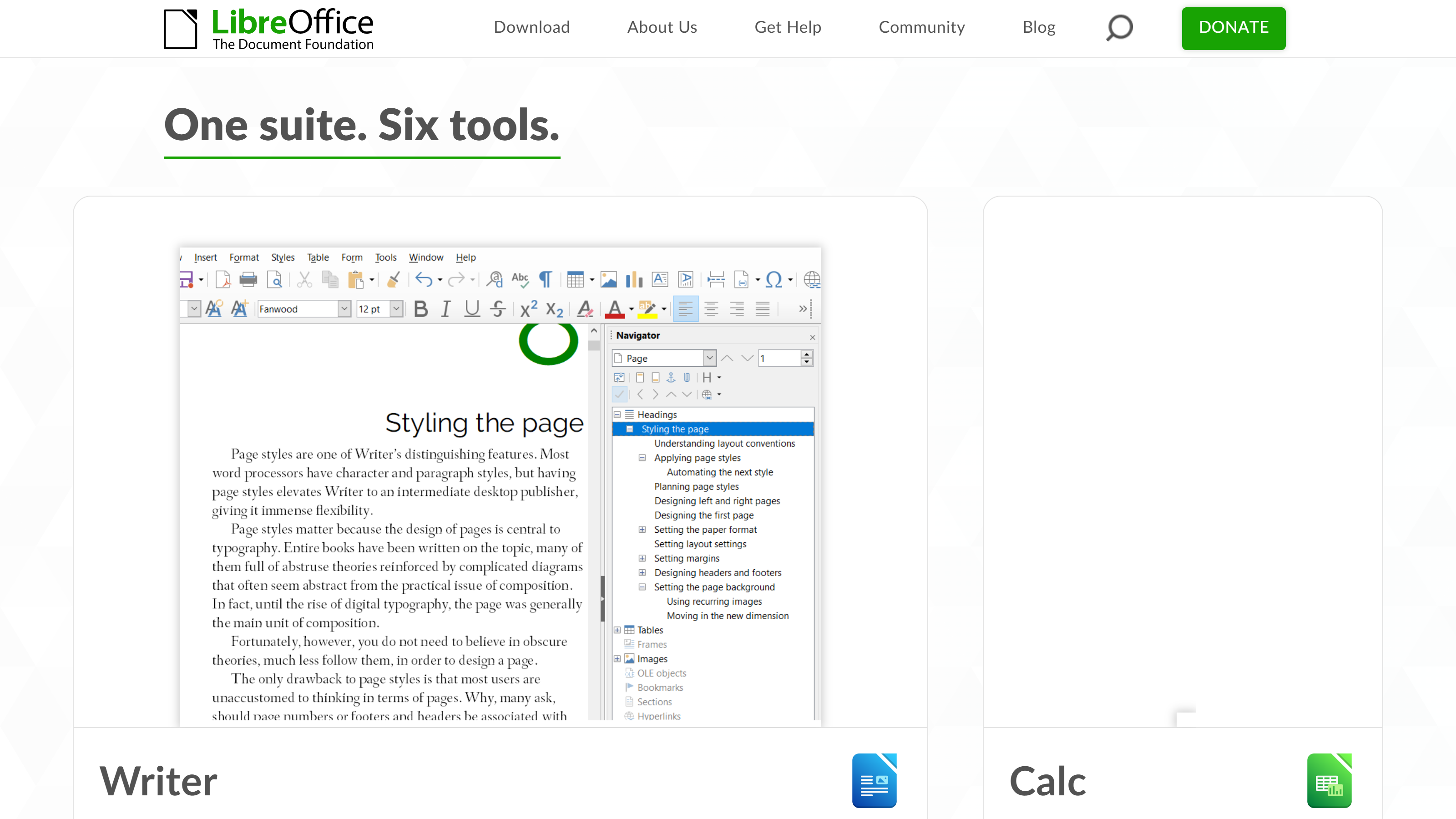
LibreOffice keeps classic menus and toolbars, with an optional tabbed interface you can switch on in the View menu. Out of the box it feels like Office 2003; you can make it look modern, but it is a preference you have to set. Writer's page styles panel is more powerful than anything FreeOffice offers, and that power is visible in the interface.
Microsoft Office compatibility: both open .docx, neither is Word
Both suites open .docx, .xlsx and .pptx and save back to the same formats. The difference appears on complex files: multi-section documents with different headers, pivot tables, conditional formatting rules, SmartArt and charts with custom fonts.
Text documents — both are reliable on ordinary files. LibreOffice Writer handles page styles and master documents better; FreeOffice TextMaker mirrors Word's ribbon and paragraph behaviour more closely.
Spreadsheets — both recalculate common formulas correctly. Rare functions, array formulas and some chart types can render differently; test one real workbook before switching a finance team.
Presentations — animations and transitions are the weak point of every non-Microsoft suite. Both preserve the slide content and lose some motion detail.
SoftMaker markets FreeOffice as "seamlessly compatible" and quotes reviewers saying files open loss-free; LibreOffice's documentation is more cautious about layout differences. Neither claim replaces a test on your own worst file — the one with the corporate template and the custom font.
Features: three apps versus six
FreeOffice covers the daily trio: word processor, spreadsheet and presentations. LibreOffice adds three apps that have no FreeOffice equivalent — Draw for diagrams and PDF touch-ups, Base for databases, and Math for formulas you can embed in Writer documents.
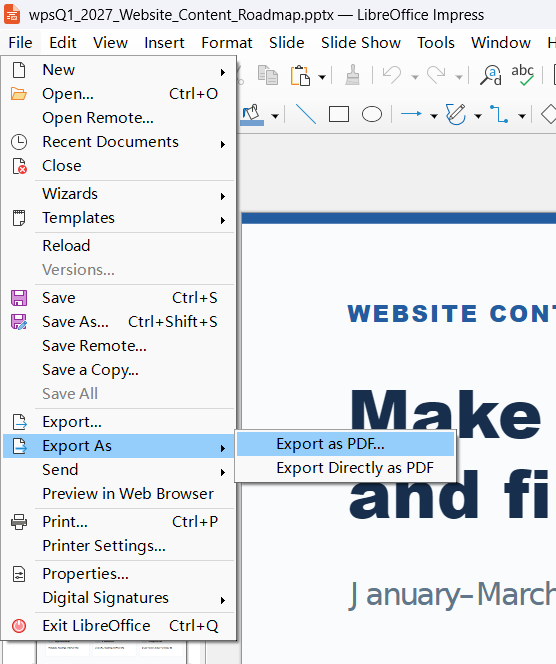
That matters for two kinds of user. If you build diagrams, org charts or a mail-merge database, LibreOffice replaces a paid tool. If you only write documents, build sheets and present, the extra apps are installer weight you will never open. PDF export exists in both: LibreOffice writes PDF, PDF/A and encrypted PDF from one dialog; FreeOffice exports PDF and bundles FreePDF as a separate free editor.
Performance on old hardware
FreeOffice consistently installs smaller and opens large files faster. On an eight-year-old laptop with 4 GB of RAM, a 200-page .docx opened in TextMaker noticeably quicker than in Writer, and the spreadsheet with 40,000 rows scrolled without the stutter LibreOffice Calc showed. LibreOffice's advantage is not speed — it is what you can do once the file is open.
On a current machine the difference is a second or two at launch and not much more. If the hardware is the constraint, FreeOffice is the pragmatic pick; if the documents are, LibreOffice usually wins.
Switching mid-project: what to test first
Nobody chooses a suite from a comparison table — they choose it on the day a deadline is close. The quickest way to avoid a bad surprise is to run four files through both suites before committing:
Your worst .docx — the one with the corporate template, three section breaks and a table of contents.
A .xlsx with a pivot table and at least one chart, because that is where layout differences show up.
A .pptx with transitions, opened in presentation mode, not just slide view.
A two-page document exported to PDF, compared side by side at 100% zoom.
If all four survive, the migration is safe for that team. If the .docx shifts and the rest pass, LibreOffice Writer's page styles usually fix it faster than FreeOffice can; if the .xlsx chart breaks, neither suite will rescue it and the sheet should stay in Excel.
Open source, privacy and licensing
| FreeOffice | LibreOffice | |
|---|---|---|
| Licence | Free to use, closed source | MPL 2.0, source auditable |
| Commercial model | Free edition of a paid suite (SoftMaker Office) | No paid tier; donations and ecosystem support |
| Data collection | Vendor product; telemetry governed by its policy | No vendor telemetry to a company |
| Government / regulated use | Possible, but a closed vendor dependency | Commonly chosen where open formats are required |
For a school, a public body or anyone with an open-format mandate, LibreOffice is the safe answer because the code can be audited and the format commitment is institutional rather than commercial. For a small business that just needs Office-compatible files without a subscription, FreeOffice's licence allows commercial use and that is enough.
Updates and long-term maintenance
LibreOffice ships two major releases a year and keeps the previous branch supported while the new one settles, with documented end-of-life dates — predictable for IT planning. FreeOffice updates arrive with SoftMaker's release cycle, which is slower and tied to the commercial suite's schedule; security fixes come through those releases rather than a separate open process. Neither suite auto-updates aggressively, so both need a manual update discipline.
Which one should you install
| Situation | Choose | Reason |
|---|---|---|
| Switching a team off Microsoft Office | FreeOffice | Ribbon familiarity shortens retraining to minutes |
| Old laptops, 4 GB RAM | FreeOffice | Smaller installer, faster file opening |
| Long reports with page styles and master documents | LibreOffice | Writer's structure tools are deeper |
| Need diagrams, databases or formula editing | LibreOffice | Draw, Base and Math have no FreeOffice equivalent |
| Open-source mandate or audit requirement | LibreOffice | MPL 2.0 and public source |
| Just need .docx/.xlsx support for free, commercially | FreeOffice | Free for business use, familiar interface |
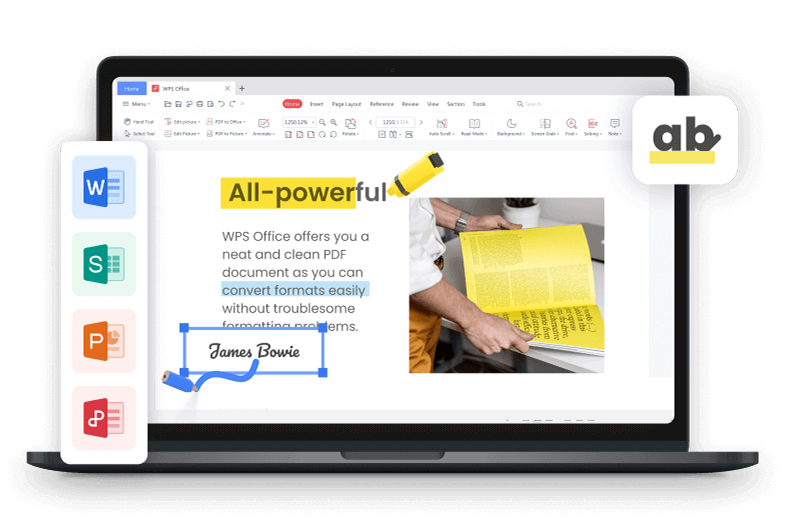
A third option many people skip: if the goal is simply to open and edit Office files without a subscription, an all-in-one suite that also handles PDF — such as WPS Office — covers the same three apps plus a PDF toolkit, which is often the missing piece once documents start arriving as PDFs.
FAQ
Is FreeOffice really free for business use?
Yes. SoftMaker states that FreeOffice is free for personal and business use, on Windows, macOS and Linux, with free iOS and Android apps. It is a free edition of the commercial SoftMaker Office, so some advanced features stay in the paid suite.
Is LibreOffice better than FreeOffice?
It depends on the job. LibreOffice has more apps and is fully open source; FreeOffice has the more familiar Microsoft-style ribbon, a smaller installer and faster opening of large files on old hardware.
Which opens Microsoft Office files more accurately?
Both open .docx, .xlsx and .pptx reliably. On complex files — multi-section documents, pivot tables, unusual chart types — each can shift layout, so test your own template before committing a team.
Does FreeOffice include a database like LibreOffice Base?
No. FreeOffice ships a word processor, a spreadsheet and a presentation app. LibreOffice adds Draw, Base and Math.
Can both export to PDF?
Yes. LibreOffice exports PDF, PDF/A and encrypted PDF from one dialog. FreeOffice exports PDF and offers FreePDF as a separate free PDF editor.
Summary
There is no universal winner: FreeOffice wins on familiarity and speed, LibreOffice on capability and openness.
FreeOffice: Microsoft-style ribbon, three apps, small and fast, free for business — best for teams leaving Microsoft Office.
LibreOffice: six apps, open source, deeper document structure tools — best for long documents and open-source mandates.
Compatibility is close on ordinary files and imperfect on complex ones in both suites.
On old hardware FreeOffice is faster; on demanding documents LibreOffice does more.
Neither replaces a test with your own worst file before a migration.